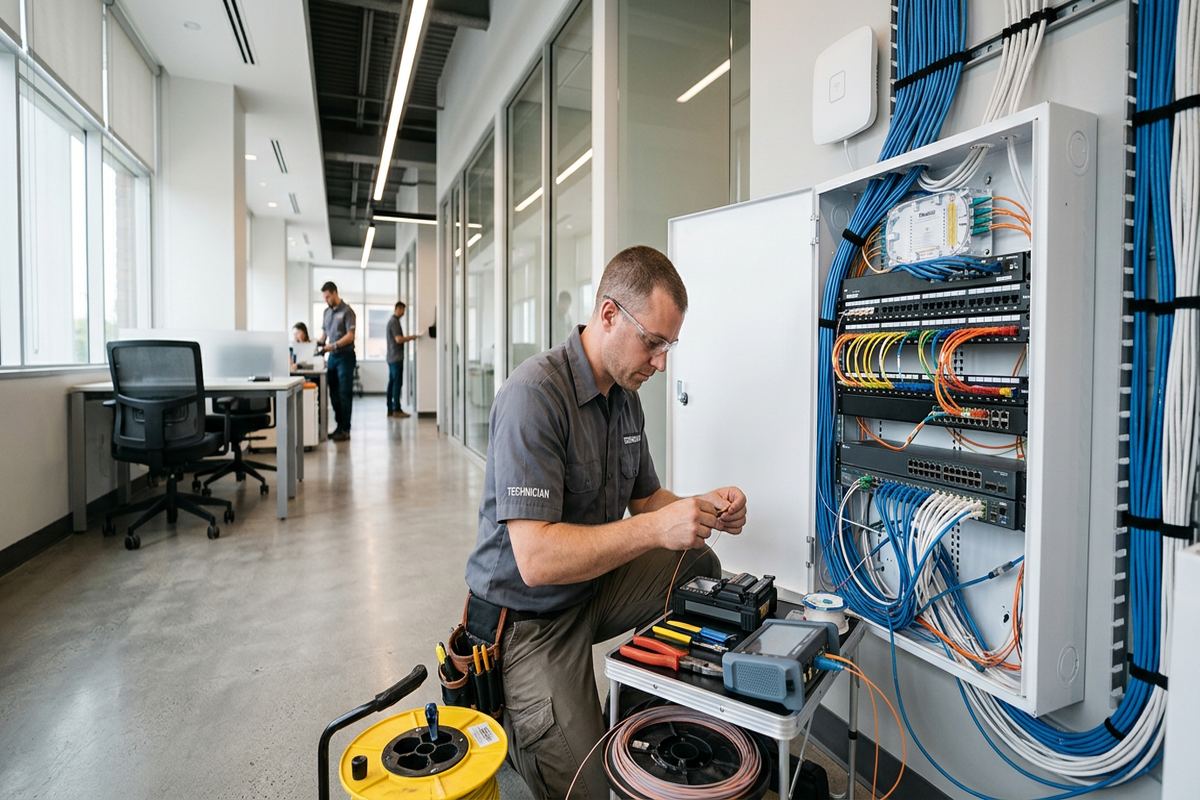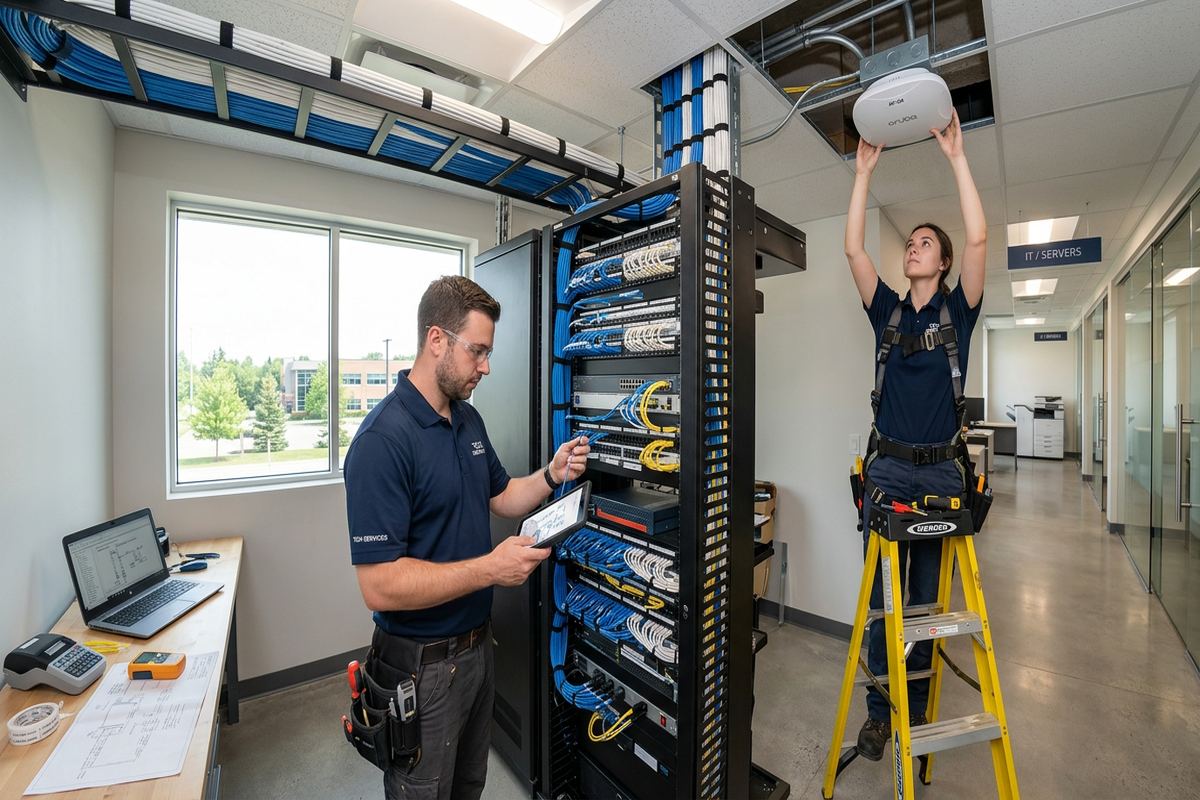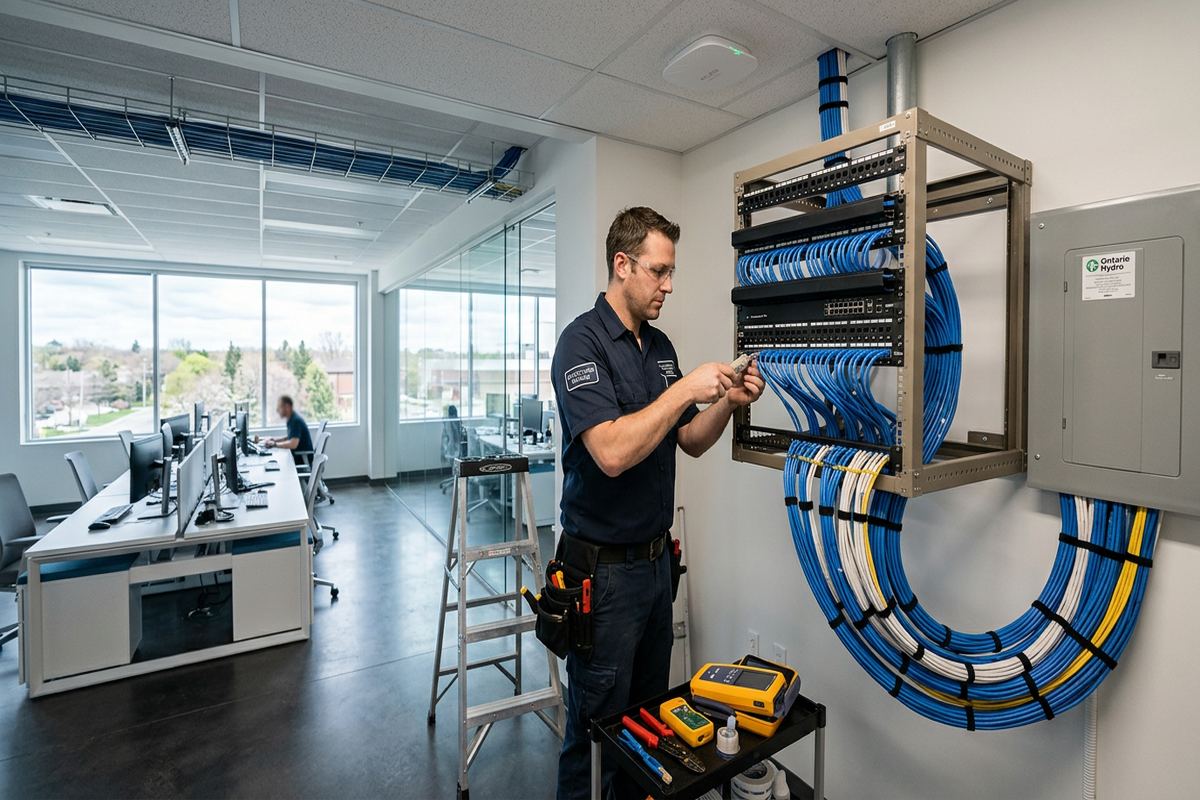
UnifiedLink installs wired and wireless home networks across Fort Erie and nearby communities. We assess the property, plan cable routes and equipment locations, install continuous labelled runs, configure the network on site and provide an as-built record. Designs account for older buildings, renovations, seasonal occupancy, exterior coverage and the area’s demanding lakefront weather.
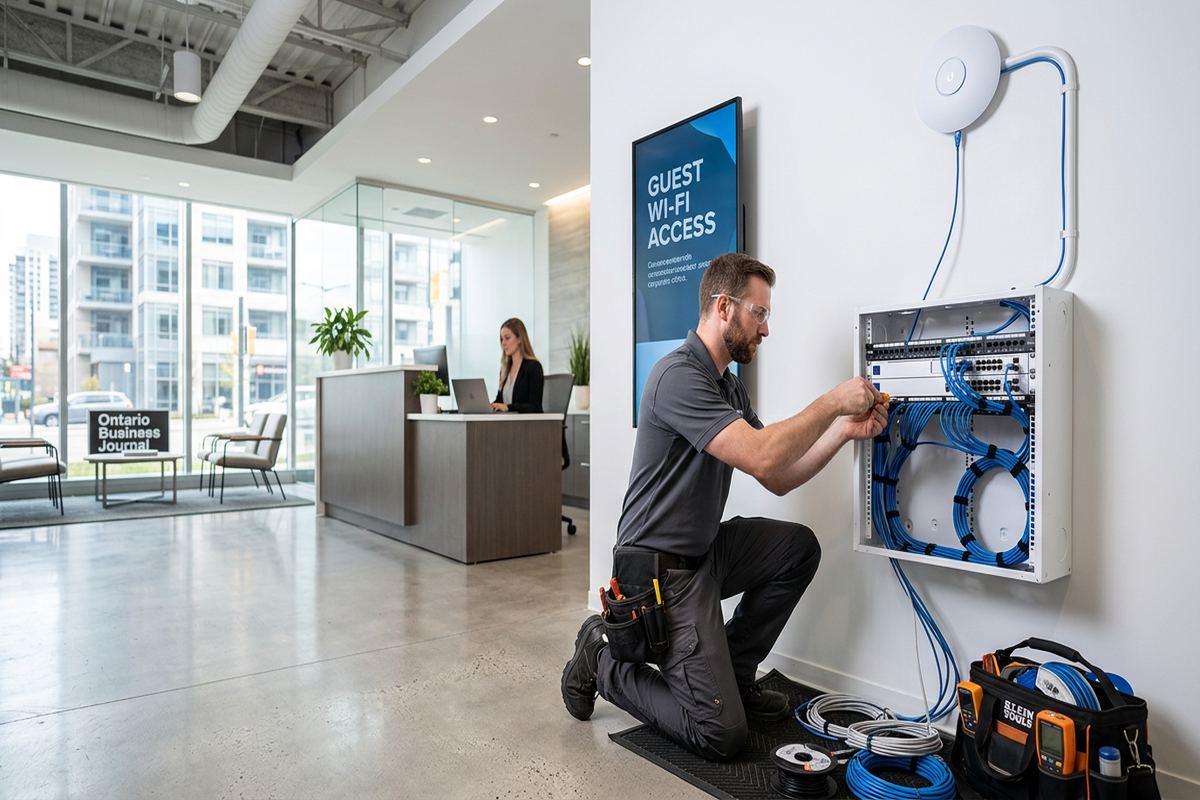
Home Network Planning for Fort Erie Properties
Reliable networking starts with the property rather than a standard equipment package. During a Fort Erie site assessment, we review the internet entry point, electrical availability, wall construction, floor layout, existing cables and the rooms where dependable coverage matters. We also discuss connected televisions, workstations, gaming systems, cameras, doorbells, audio equipment and smart-home devices. This establishes which connections should be wired, where wireless access points belong and whether an exterior area needs coverage. Assessment timing depends on the requested service and travel distance, and pricing follows after the site conditions and requirements are understood.
Fort Erie housing includes older homes, newer subdivisions, cottages, converted spaces and properties expanded through several renovations. Those differences affect how cable can move between a basement, utility room, attic and finished living areas. Frame construction may allow concealed routes through accessible cavities, while masonry, plaster, blocking or finished ceilings can require another approach. We identify practical routes before work begins and avoid promising invisible cabling where the structure does not permit it. If surface pathway is necessary, its location and appearance are included in the written scope so the homeowner can make an informed decision.
The written scope covers equipment, device placement, cable routes, exclusions, equipment ownership and warranty. It can also distinguish current work from future provisions, such as spare cable to an attic, office or planned addition. This is useful in seasonal homes around Crystal Beach and Ridgeway, where owners may want stable remote access without rebuilding the entire network at once. A clear scope also keeps internet-provider responsibilities separate from the internal network. UnifiedLink remains the accountable contractor for the approved low-voltage installation, configuration, testing and handover described in that document.
- Internet entry point and utility-space review
- Wired device and Wi-Fi coverage planning
- Concealed or surface cable-route options
- Equipment ownership and exclusions documented
- Future expansion provisions identified
Wired Network Installation in Fort Erie
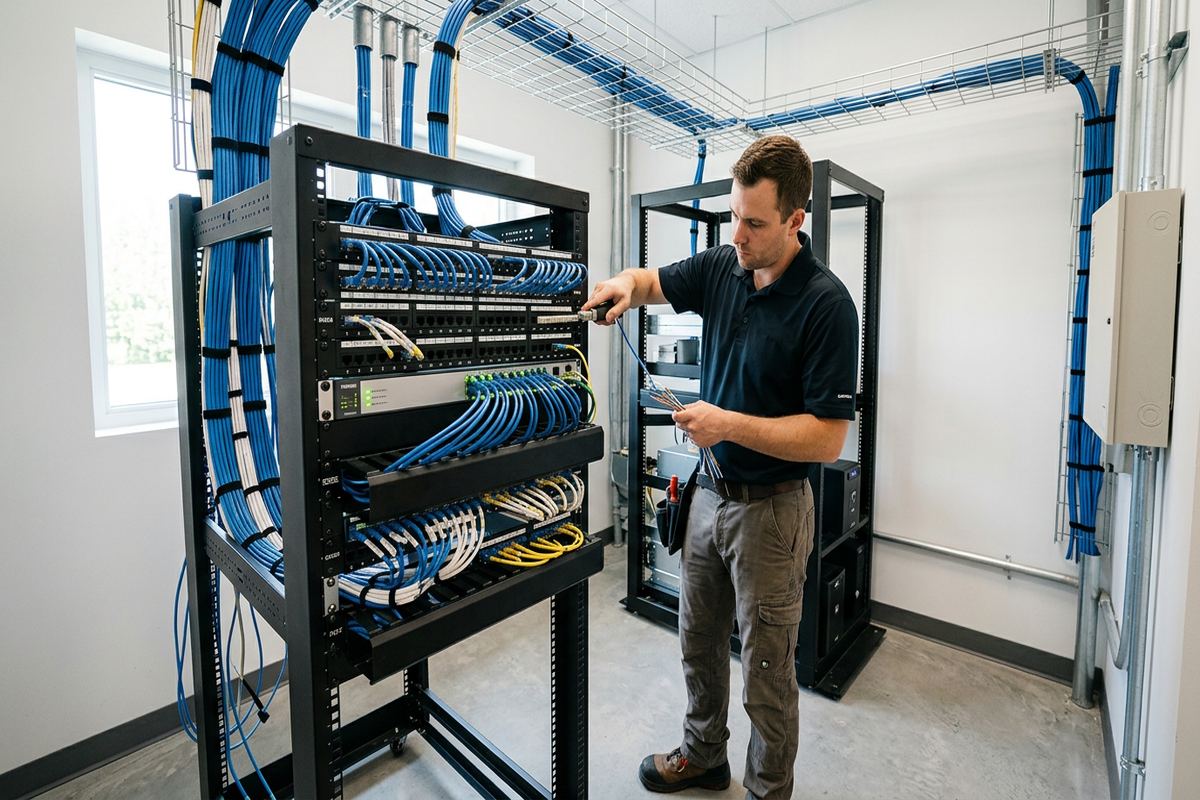
Ethernet gives fixed devices a stable path without competing for wireless airtime. We install continuous labelled cable runs from the network location to planned outlets, access points and compatible equipment. Typical destinations include offices, entertainment areas, desktop computers, televisions, network storage, cameras and detached workspaces where an approved route is available. Each route is selected for serviceability and protection from physical damage, electrical interference and unnecessary exposure. In Fort Erie homes with unfinished basements or accessible utility areas, centralizing these runs can simplify troubleshooting and make later changes easier than relying on unrelated cables left by previous renovations.
Cable type and pathway depend on distance, environment, expected network use and the construction around the route. Indoor cable is kept indoors, while damp, underground or exterior sections require products and methods suited to those conditions. We do not treat an exterior wall, soffit, conduit or outbuilding link as an ordinary indoor run. Where a route passes through masonry or an exterior envelope, penetrations need suitable placement, protection and sealing. Fort Erie’s winters and repeated freeze-thaw cycles make routing and sealing especially important because poorly detailed openings can admit moisture and deteriorate over time.
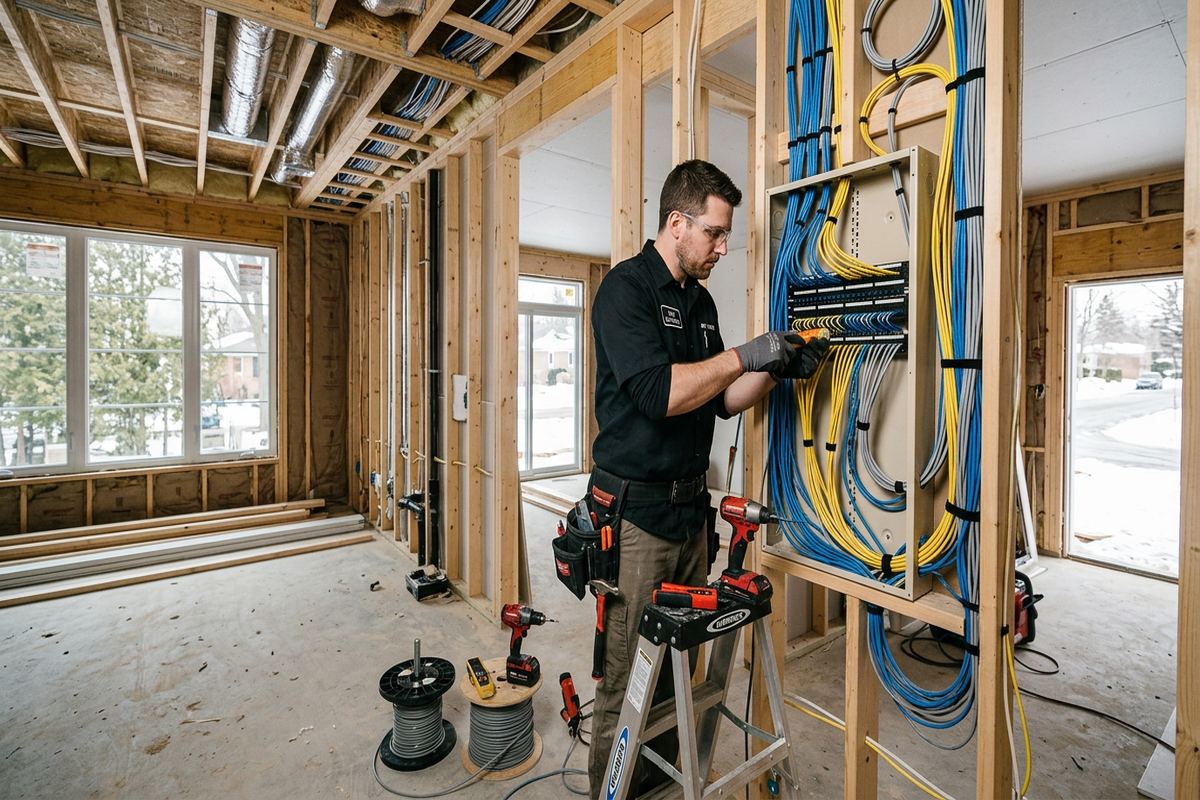
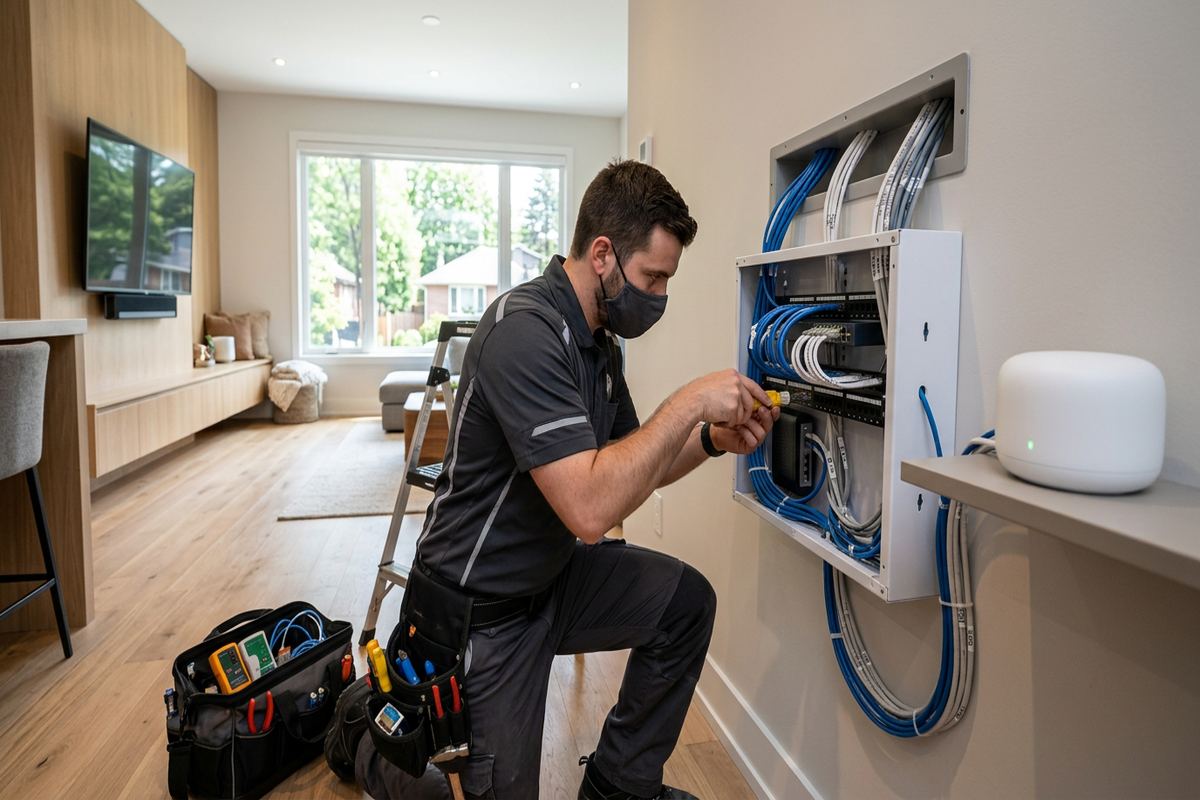
At the central network location, cables are labelled and organized so each room or device can be identified without guesswork. The layout may include a patch panel, network switch, router, power provision and mounting hardware, depending on the approved design. We test installed links and correct installation issues before handover. Existing cable can sometimes be reused, but only after its route, condition and termination are evaluated. Unlabelled telephone wiring, damaged conductors or daisy-chained outlets may not support the intended network, so reuse is never assumed merely because a cable is already behind the wall.
- Continuous, labelled Ethernet cable runs
- Central patching and switch organization
- Appropriate indoor and exterior-rated materials
- Installed-link testing before handover
- Routes planned around electrical interference
Wi-Fi Coverage Designed Around the Building
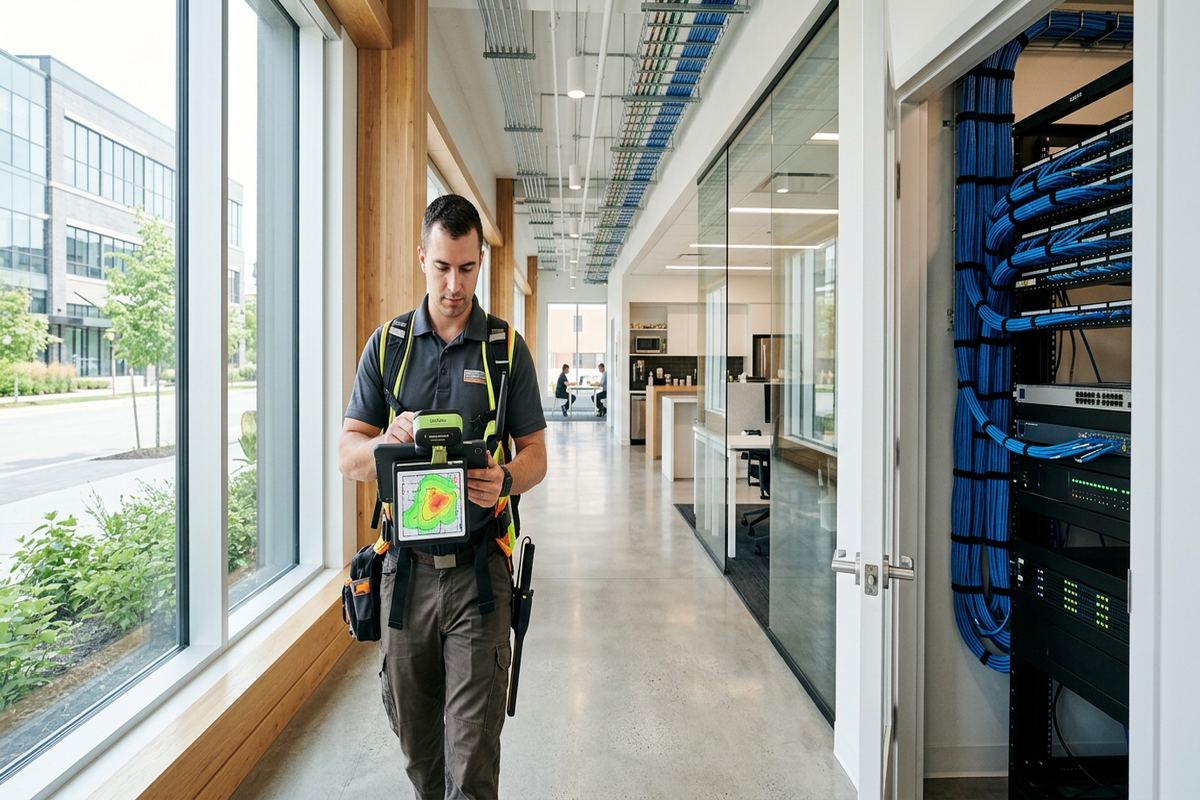
A stronger router does not automatically solve every coverage problem. Wireless performance is influenced by distance, floor levels, masonry, metal ductwork, mirrors, dense finishes and interference from neighbouring networks. We use the site layout and intended device locations to decide whether one wireless access point is reasonable or whether several coordinated points are needed. In older Bridgeburg properties, thick plaster or masonry sections can reduce signal between rooms. Larger homes may instead need access points separated by floor or wing, connected through Ethernet so coverage does not depend on repeating a weak wireless signal.
Access-point placement balances radio coverage with practical cable routing, power and appearance. A ceiling or high wall position may provide a clearer signal than equipment hidden inside a cabinet, behind a television or beside mechanical systems. During installation, UnifiedLink configures the network on site and checks operation in the areas identified in the scope. Coverage goals should name actual locations, such as a home office, bedroom level, patio door or garage, rather than an undefined promise to cover everything. Final performance also depends on the internet service, client devices, building materials and activity on nearby wireless channels.
One network can support several device categories while applying appropriate separation where the selected equipment permits it. Home computers and phones, guest devices, smart-home products and security equipment do not always need identical access. Thoughtful configuration can reduce unnecessary device visibility and make future troubleshooting more orderly. We also avoid creating extra network names without a reason, since confusing roaming behaviour can be as disruptive as weak coverage. The handover identifies the configured wireless networks and gives the customer control through their own credentials, rather than leaving administration tied to an installer-owned account.
- Access points connected by wired backhaul
- Placement based on walls and floor layout
- Separate guest or device networks where appropriate
- On-site setup and coverage checks
- Customer-controlled network credentials
Fort Erie, Ontario
Home network installation in Fort Erie, scoped in writing first
Book a site assessment and get equipment, routes, exclusions, and warranty on paper before anything is installed.
Exterior and Seasonal Home Networks in Fort Erie
Border-adjacent businesses and Fort Erie’s lakefront and seasonal homes make weather-rated exterior gear a standard consideration whenever coverage extends outside. Patios, detached garages, gates, cameras and outdoor work areas may need Wi-Fi or wired connectivity, but indoor equipment should not be placed under an eave and treated as weatherproof. We specify equipment, enclosures, cable and fittings suited to the actual mounting environment. Exposure varies between sheltered walls and open lake-facing locations, so the assessment considers wind-driven rain, snow, sunlight, temperature changes and the route back into the building before equipment placement is approved.
Exterior mounting requires more than attaching a device to siding or brick. The substrate determines the fasteners, while cable entries require suitable drip management, bushings or fittings and sealing compatible with the wall assembly. On masonry, careless drilling can damage the face or create a path for water; on frame walls, penetrations must avoid utilities and protect the weather barrier. Freeze-thaw conditions can enlarge poorly sealed openings and stress exposed cable. We route and support exterior sections deliberately, keeping service loops controlled and connectors protected rather than leaving loose cable where ice, wind or movement can affect it.
Seasonal properties in Crystal Beach and other lakefront areas often need the network to recover cleanly after outages and remain understandable when the owner is away. That can influence router, switch and access-point placement, power arrangements and remote-management choices. Remote access is not a substitute for a properly installed physical network, and it depends on electrical power and the internet provider remaining available. We document the installed arrangement so the owner or an authorized local contact can identify equipment and basic connections. Any remote administration features are configured using customer-authorized accounts and discussed during handover.
- Weather-rated exterior access points and fittings
- Sealed penetrations for masonry or frame walls
- Outdoor cable supported against movement
- Lakefront exposure considered during placement
- Seasonal-property network documentation
Network Upgrades for Older and Renovated Buildings
An upgrade should begin by separating useful infrastructure from obsolete or unsuitable wiring. Many buildings contain coaxial cable, telephone pairs, short Ethernet segments and abandoned provider equipment from different periods. We trace what can be accessed, identify likely destinations and assess whether existing network cable is continuous and correctly terminated. A cable that looks suitable at one outlet may be spliced, damaged or routed through an inaccessible section. In Fort Erie renovations, this review can prevent new equipment from being connected to a weak link that was never intended for modern network traffic.
Finished interiors often require trade-offs between access, appearance and repair work. Where basements, crawlspaces or attics are available, concealed routes may be possible with limited openings. In solid masonry buildings or rooms with inaccessible ceilings, a neat surface pathway may be the more responsible option. UnifiedLink explains these constraints before installation and records exclusions such as painting, drywall repair or hazardous-material work when applicable. For occupied homes, cable locations are coordinated with furniture and normal use. For rental properties or condominiums, the owner, landlord or condominium approval must be obtained before shared areas or building assemblies are altered.
Renovation timing creates an opportunity to install networking before insulation and finishes close the walls. We can plan outlet positions, access-point cables, equipment space and spare routes alongside the approved construction schedule. Low-voltage cable still requires appropriate separation and support; it should not be bundled carelessly with electrical wiring or left for other trades to relocate. In Ridgeway and Stevensville homes adding offices, finished basements or secondary living spaces, early decisions reduce visible pathway later. The written scope clarifies which contractor supplies pathways, power, cabinets and patching so responsibilities are not assumed between trades.
- Existing cable tracing and evaluation
- Options for concealed or surface pathways
- Coordination before walls and ceilings close
- Landlord or condominium approvals confirmed
- Trade responsibilities recorded in writing
Networks for Home Offices and Small Fort Erie Businesses
Home offices need predictable connections for calls, cloud applications, file transfers and printers, especially when several household devices are active. A wired connection to the primary workstation can remove one source of wireless variability, while a properly placed access point serves mobile devices nearby. We review where work actually occurs, whether equipment moves between rooms and which functions depend on the local network. Internet speed remains the provider’s responsibility, but internal cabling and Wi-Fi should not add avoidable constraints. In Fort Erie, this planning also helps seasonal owners and hybrid workers maintain a network that is clear to operate.
Small businesses along commercial strips may require a more structured layout than a residential router can provide. Point-of-sale terminals, office computers, guest Wi-Fi, displays, printers and security devices can have different connectivity and access needs. Border-adjacent operations may also depend on consistent communications during busy periods, making labelled wired connections and orderly equipment placement important. UnifiedLink develops the internal network scope without claiming control over the provider’s external service. If business systems are managed by another vendor, we can coordinate approved connection details and document demarcation points so responsibility for each component remains clear.
Workshops and light industrial units around Douglastown or elsewhere in Fort Erie can introduce metal walls, shelving, machinery and longer distances that affect wireless coverage. An office signal may not pass reliably into a shop, loading area or attached unit. The design may call for a wired access point, protected pathway or fibre link where electrical conditions and distance make copper unsuitable. Equipment also needs mounting locations protected from impact, dust or unauthorized handling. Any connection between buildings is assessed for pathway, environmental exposure and electrical considerations rather than treated as a simple extension cable.
- Wired connections for fixed workstations
- Guest and business traffic separation options
- Coordination with managed system vendors
- Protected equipment locations in work areas
- Outbuilding links assessed individually
Configuration, Security and Network Handover
Installation is complete only when the network is configured for the approved use and transferred to the customer. UnifiedLink performs on-site setup of supplied network components, applies customer-authorized network names and credentials, and checks connected links and access points. Default administration details are changed where the equipment permits, and unnecessary installer access is not retained. The customer receives control through their own credentials. If an internet provider’s gateway must remain in the system, its role and any limitations are explained, including settings that may remain under the provider’s management rather than UnifiedLink’s control.
Good documentation shortens future troubleshooting. The as-built record identifies installed equipment, labelled cable destinations and material changes from the original scope. It can show which port serves an office, television, access point or exterior device, reducing the need to trace cables again. We also explain basic restart order and the boundary between provider equipment and the internal network. Passwords and sensitive details should be stored securely by the customer rather than printed into an openly accessible drawing. For Fort Erie seasonal homes, an understandable record is particularly useful when an owner, property manager or service provider needs to inspect the system.
Network security is an ongoing responsibility rather than a one-time setting. Equipment should receive supported updates, administrator access should be limited, and retired devices should be removed when no longer needed. UnifiedLink can configure available features within the agreed scope, but no local network can eliminate every risk or correct insecure third-party devices. Homeowners and business operators remain responsible for account management, software updates and deciding who receives access. During handover, we identify practical maintenance items and avoid undocumented custom settings that would make the network dependent on a single installer for ordinary administration.
- On-site router and access-point configuration
- Default credentials changed where supported
- Customer retains administrator control
- Labelled as-built network record
- Provider and internal-network boundaries explained
Arranging Home Network Installation in Fort Erie
A useful request includes the property type, general location, current internet equipment and the areas where service is unreliable or new connections are required. Photos of the utility area, router location or unfinished pathways can add context, but they do not replace an on-site review where construction and routing must be verified. Requests sent during business hours are answered the same day, while after-hours requests are answered the next business day. Site assessment timing depends on the service and travel distance. No installation price is set until the requirements and site conditions have been assessed.
During the assessment, we confirm priorities and identify access limitations, exterior exposure, cable-route options and any work that requires another trade or property approval. Homeowners should disclose planned renovations, known concealed utilities, restricted areas and whether the property is a condominium or rental. Business clients should identify operational hours, managed systems and areas where work could interrupt staff or customers. Across Bridgeburg, Ridgeway, Stevensville and other Fort Erie communities, this process allows the scope to reflect the actual building rather than assumptions based only on address, age or floor area.
After the assessment, the written scope lists the proposed equipment, cable routes, device placement, exclusions, equipment ownership and warranty. Once approved, installation is completed to that scope, with changes discussed if hidden conditions affect the planned route. Continuous labelled cable runs, on-site configuration and documented handover provide a network that can be understood and maintained later. UnifiedLink acts as one accountable contractor for the included work, whether the project is a focused office connection, a whole-home wired network, coordinated Wi-Fi coverage or an exterior extension designed for Fort Erie conditions.
- Same-day reply during business hours
- On-site assessment before pricing
- Written equipment and routing scope
- Changes reviewed when hidden conditions appear
- One accountable low-voltage contractor
Fort Erie neighbourhoods we cover
- Bridgeburg
- Crystal Beach
- Ridgeway
- Stevensville
- Douglastown
Home network installation in Fort Erie — common questions
Can you improve Wi-Fi in an older Fort Erie home?
Yes. Older plaster, masonry, additions and altered floor plans can block or redirect wireless signals. We assess the building, current router location and rooms needing dependable service. The solution may involve relocating equipment, adding wired access points or installing Ethernet to fixed devices. Existing wiring is evaluated before reuse, and proposed cable routes are documented before installation.
Do exterior access points need weather-rated equipment?
Yes. For Fort Erie lakefront, seasonal and border-adjacent properties, exterior equipment must suit its actual exposure. A sheltered mounting point does not make indoor equipment appropriate outdoors. We consider temperature changes, wind-driven rain, sunlight, snow, freeze-thaw conditions, cable type, fittings and sealed wall penetrations when planning an exterior access point or network connection.
Can you run Ethernet through finished walls?
Sometimes. Feasibility depends on framing, masonry, insulation, fire blocking, accessible basements or attics, and the acceptable amount of opening or repair work. Fort Erie properties vary widely in age and construction. We inspect possible routes first, explain where concealed installation is practical and offer an orderly surface pathway when finished assemblies cannot be crossed responsibly.
Will I need landlord or condominium approval?
Approval may be required if cabling crosses shared areas, penetrates an exterior wall, uses a common utility room or changes a condominium building assembly. Fort Erie tenants and condominium owners should obtain written authorization before work is scheduled. UnifiedLink can provide the proposed device locations and cable-route information needed for review, but the customer is responsible for securing approval.
Can you connect a detached garage or workshop?
A detached structure can often be connected, but the method depends on distance, available pathway, electrical conditions and exposure. Fort Erie weather makes ordinary indoor cable unsuitable for unprotected exterior use. We assess whether protected copper, fibre or a wireless link is appropriate and document trenching, conduit, power or other work that falls outside the low-voltage scope.
What do I receive after installation?
You receive on-site configuration, control through your own credentials and an as-built record identifying installed equipment and labelled cable destinations. We explain basic operation, provider boundaries and relevant maintenance items. The written scope also records equipment ownership, warranty and exclusions. This gives a Fort Erie homeowner or business operator a practical reference for later troubleshooting, additions or provider changes.
Coverage in Fort Erie is confirmed against the address before we quote. See everything we install in Fort Erie or the province-wide home network installation page.