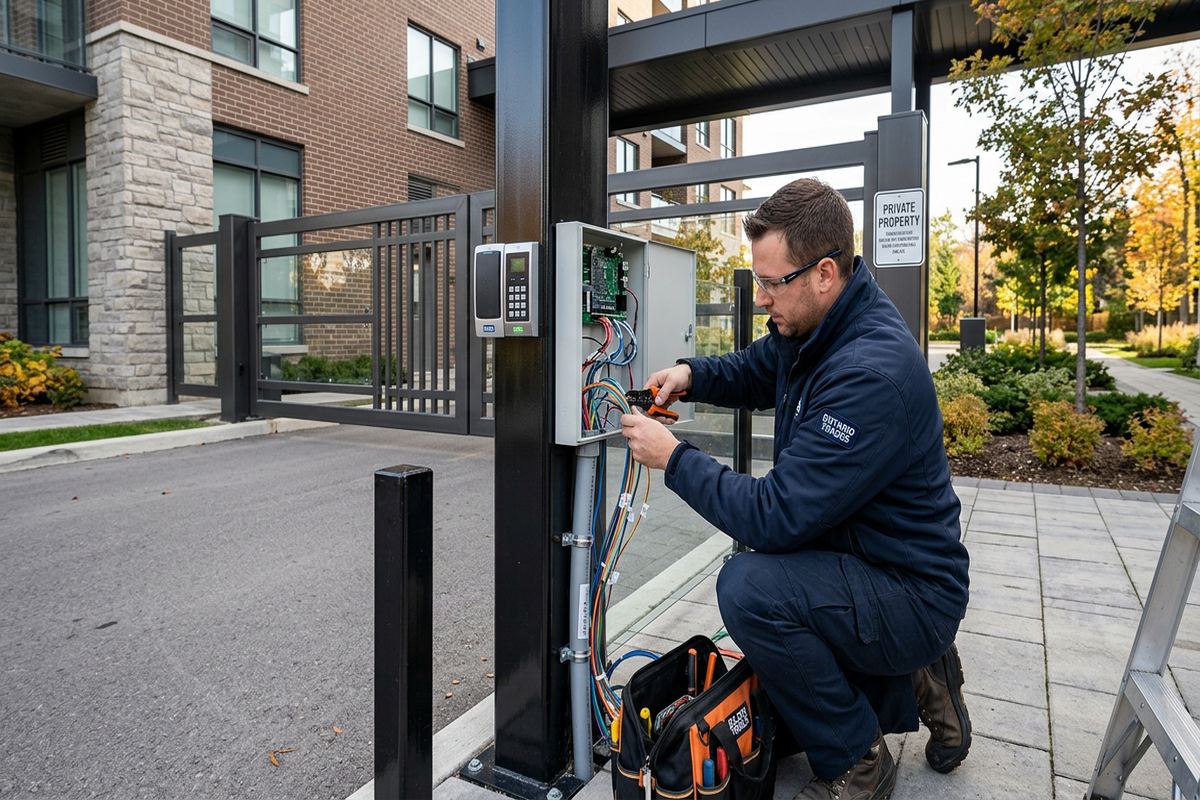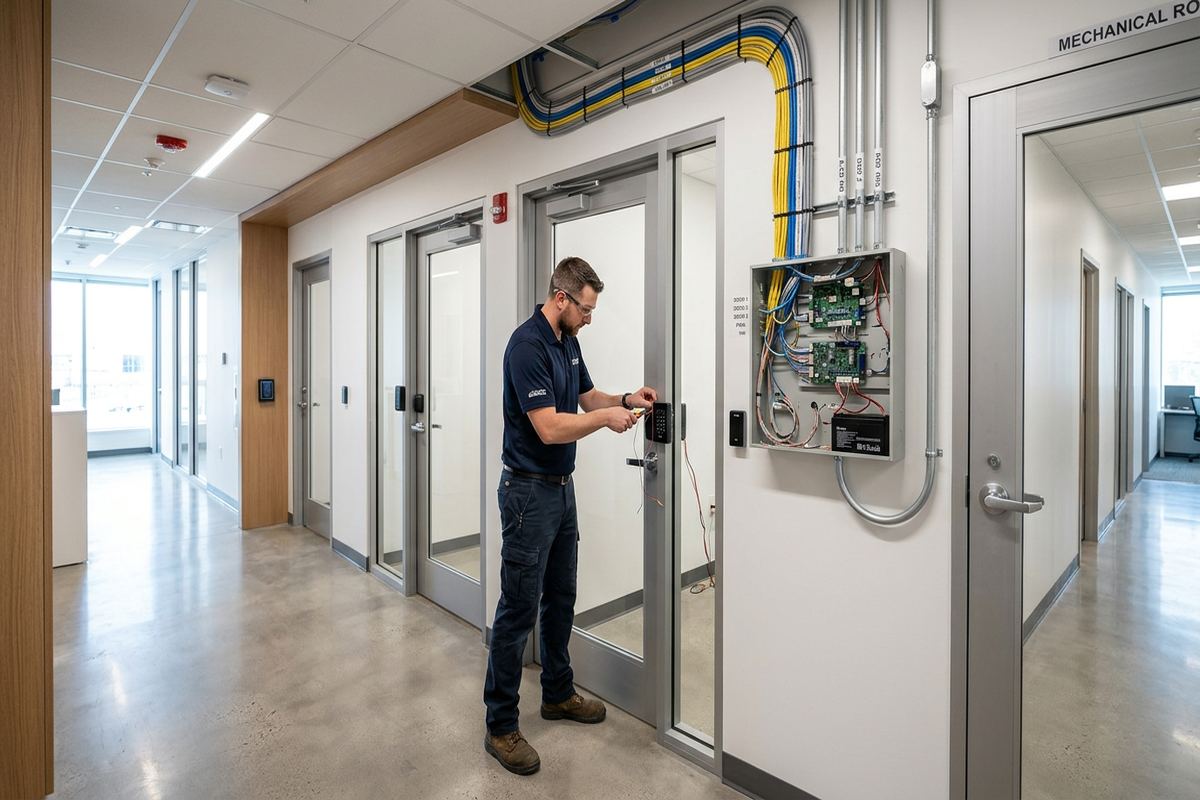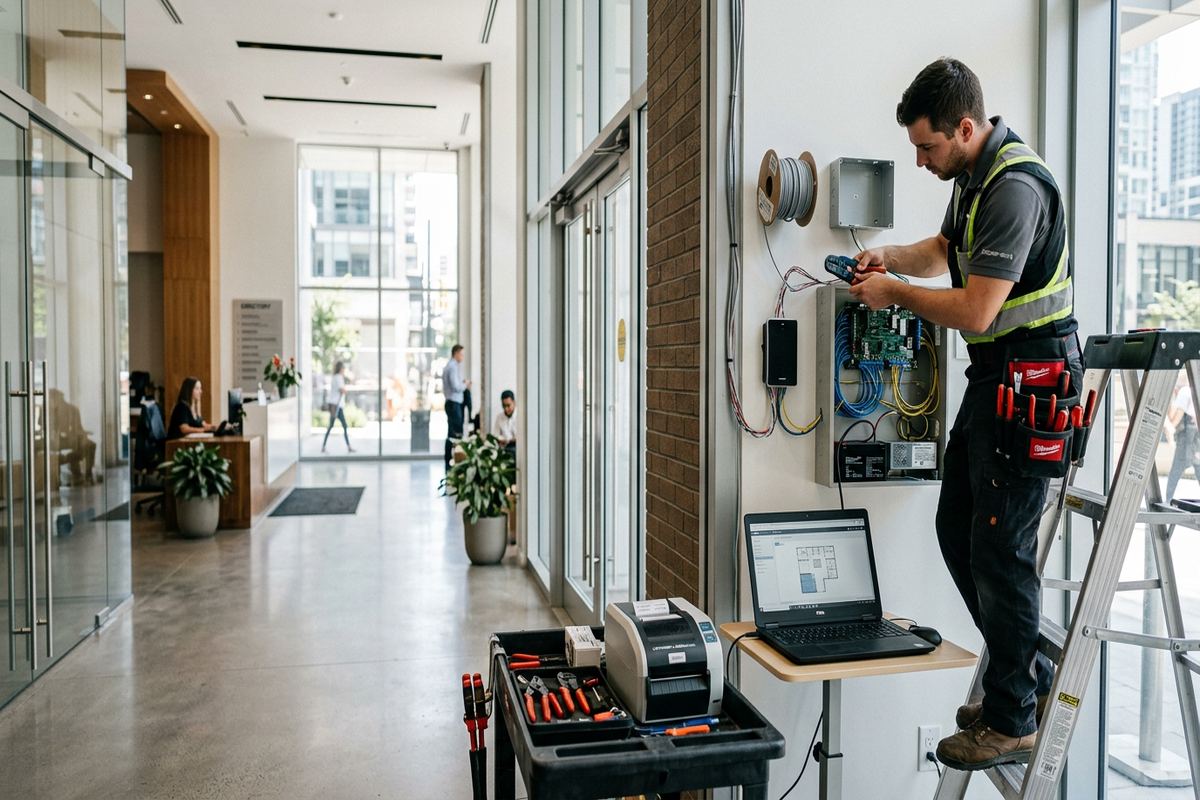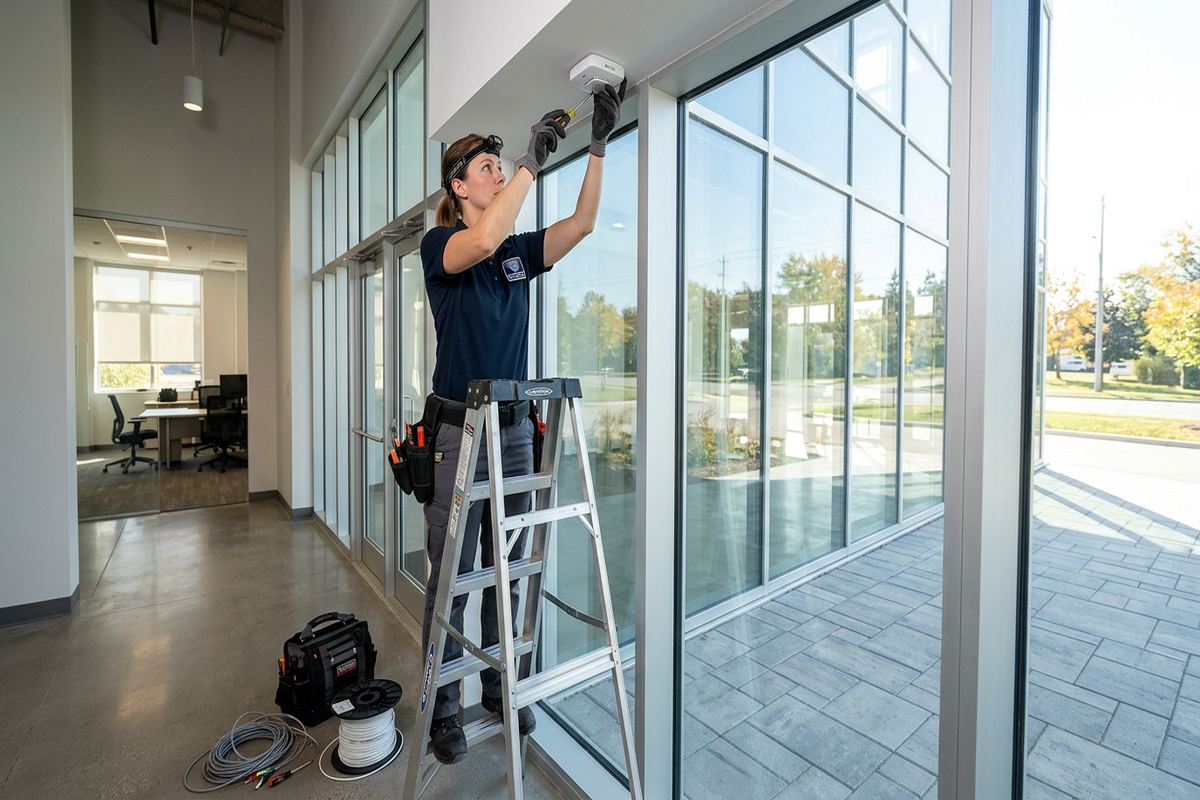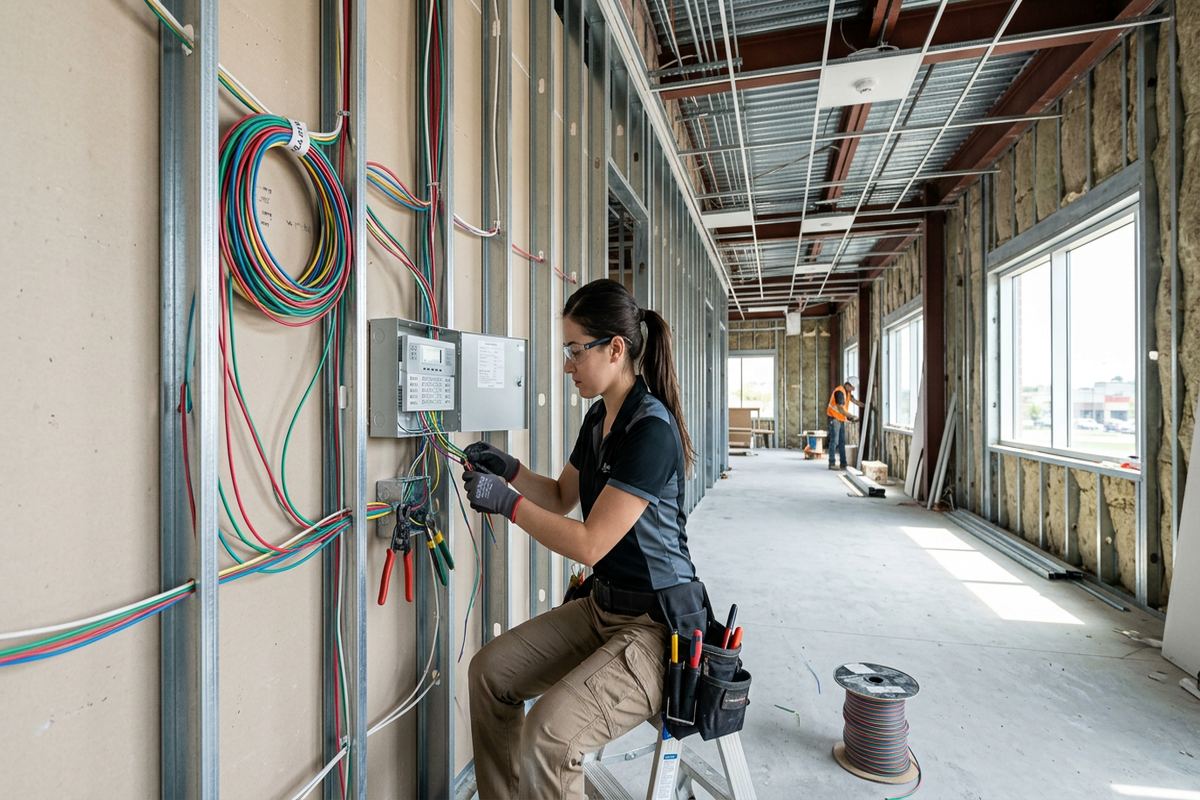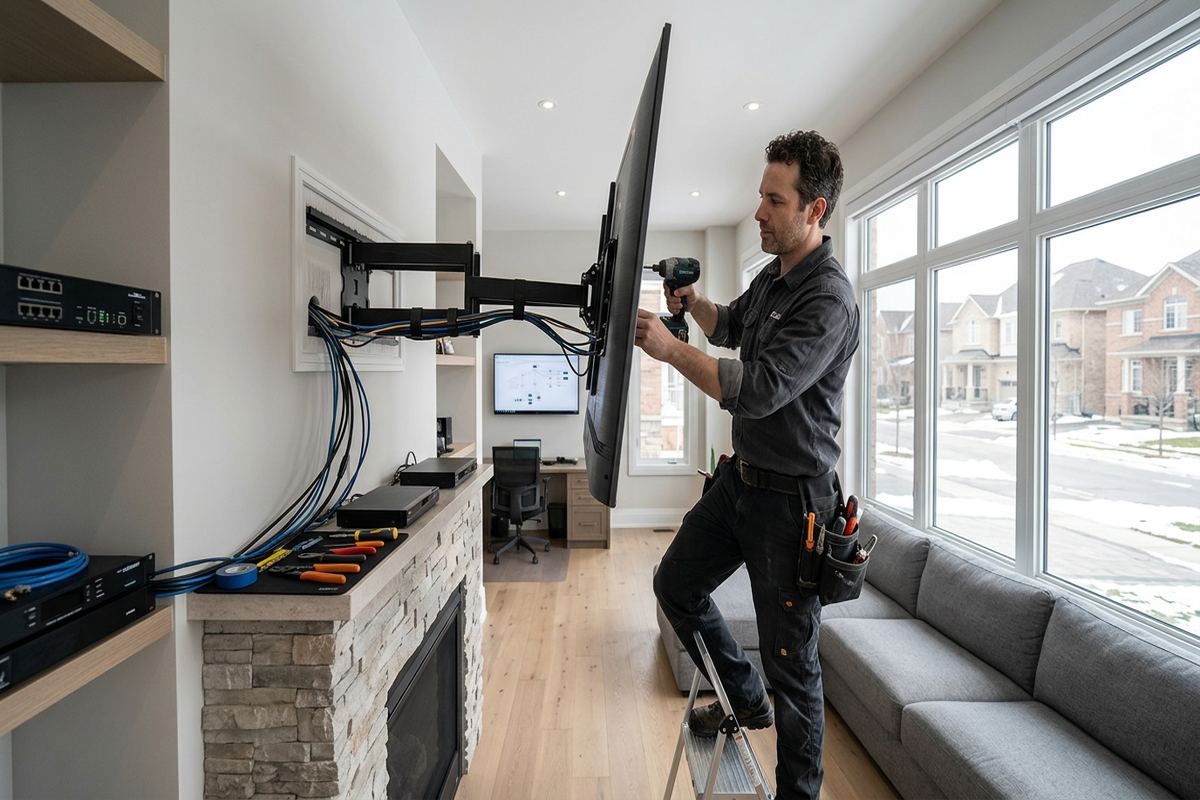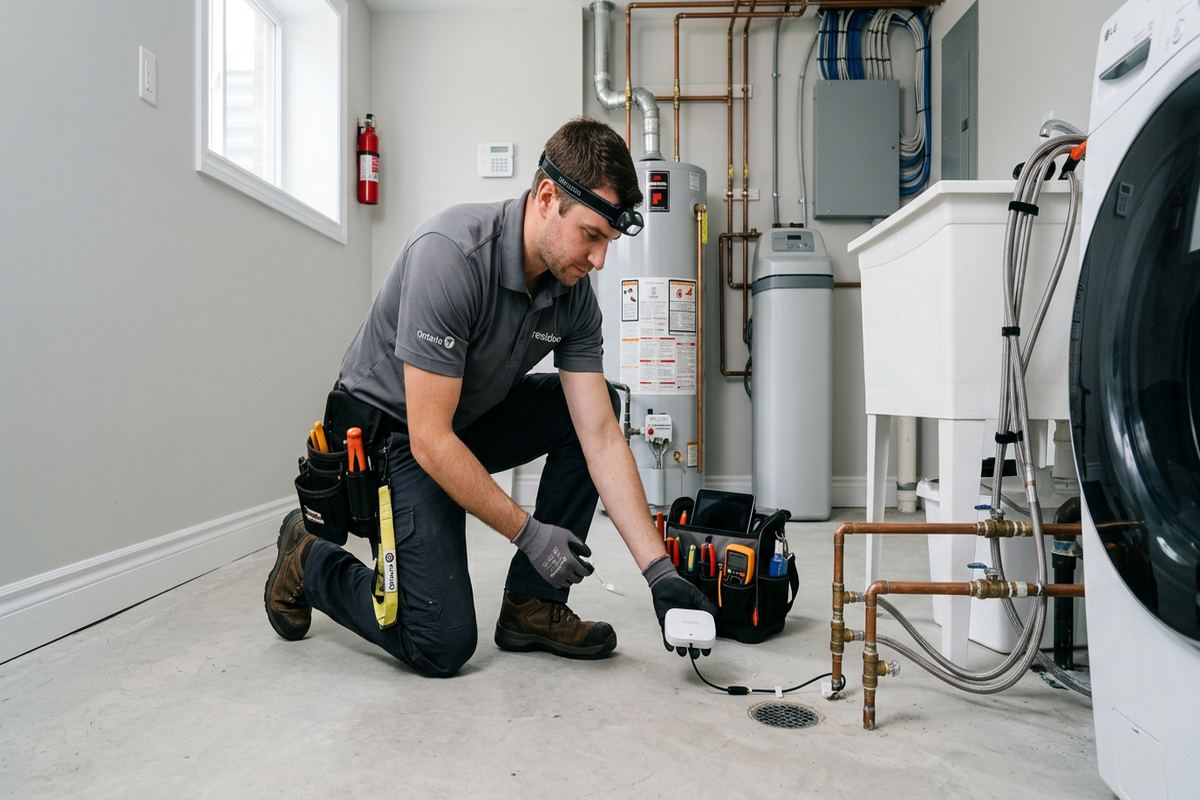
UnifiedLink installs wireless alarm systems for homes, chalets, short-term rentals, resort properties and businesses in Collingwood. We assess the property, plan sensor coverage, configure remote access and document the finished system. Each written scope explains the equipment, placement, exclusions, ownership and warranty before installation proceeds.
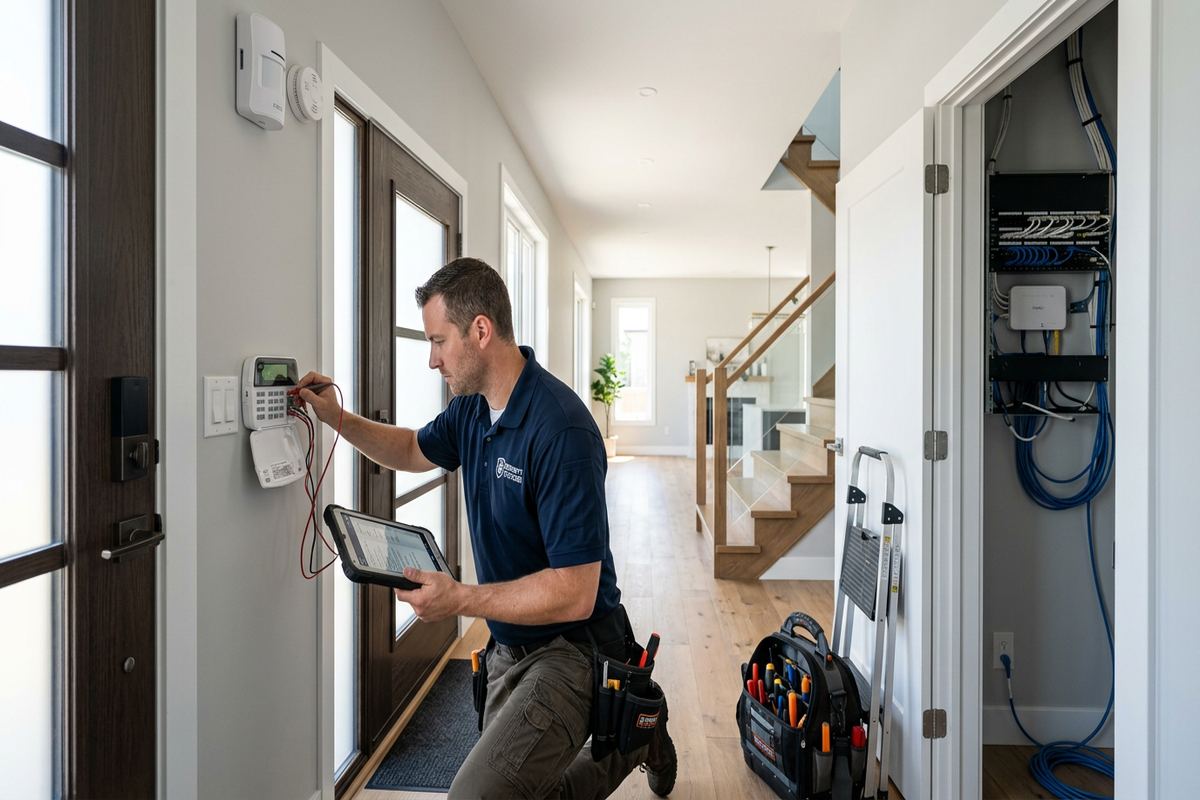
Wireless Alarm Planning for Collingwood Properties
A wireless alarm should be planned around the property rather than assembled from a standard package. In Collingwood, that may mean protecting a primary residence, chalet, seasonal unit, rental property or commercial space with different occupancy patterns. We begin with a site assessment before pricing. The assessment identifies likely entry points, rooms requiring motion detection, environmental concerns, network conditions and practical device locations. It also helps determine where wireless equipment is appropriate and where a wired connection, network improvement or different sensor type may produce a more dependable result.
Building construction affects how alarm devices communicate. Older properties may combine additions, masonry sections, finished basements and frame construction, while newer developments can include foil-backed insulation, mechanical rooms and dense clusters of neighbouring wireless networks. These features can reduce signal strength between sensors, keypads, hubs and internet equipment. A site assessment allows signal paths to be considered before devices are fixed in place. Proposed locations are also checked for access, appearance, normal household movement, heating equipment and other factors that could cause missed events or avoidable alarms.
The written scope sets clear expectations before work starts. It covers the alarm equipment, proposed sensor and keypad placement, cable routes where any continuous labelled runs are required, stated exclusions, equipment ownership and applicable warranty information. For condos, rental units and managed resort properties, the scope can also identify work that may require board, landlord or property-manager approval. One accountable contractor handles the planned low-voltage work, configuration and handover, reducing uncertainty about who is responsible for each part of the installed system.
- Site assessment completed before pricing
- Entry points and interior zones reviewed
- Wireless signal conditions checked on site
- Written scope identifies equipment and exclusions
- Approval requirements noted before installation
Choosing Wireless Alarm Equipment in Collingwood
Wireless equipment is useful where finished walls, decorative interiors or occupied rooms make new cabling disruptive. Door contacts, window contacts, motion detectors, glass-break sensors, keypads and selected environmental devices can communicate with a central alarm hub without a cable to every location. Wireless does not mean installation is automatic or placement is arbitrary. Each device still needs suitable range, a stable mounting surface and a location consistent with its detection method. Battery access, tamper protection, household routines and the expected use of each room should be reviewed during design.
Property use should guide equipment selection. A family home in Georgian Meadows may need straightforward perimeter and interior coverage, while a chalet near the Blue Mountain area may remain empty between visits and require clear remote status. Short-term rentals often need a simple user process that separates guest access from owner or manager administration. Resort properties may also have detached storage, shared entrances or mechanical areas. The selected platform should support the required zones, notifications and users without giving temporary occupants control over system ownership, installer settings or the primary account.
Reliable remote access depends on more than the alarm panel. The internet connection, router location, Wi-Fi coverage and account setup all affect whether an owner can check status or receive app notifications. Chalets and resort properties around Collingwood often need remote visibility, yet weak coverage at the panel or an unstable local network can undermine that function. We review relevant network conditions during planning and identify when Wi-Fi improvement, equipment relocation or another connection method should be considered. Remote features are configured on site using the customer’s own credentials.
- Door, window and motion sensor options
- Separate administrative and temporary user access
- Remote status configured on customer devices
- Network conditions reviewed for connected features
- Battery access considered during placement
Sensor Placement and Wireless Coverage
Correct placement starts with how people actually enter and move through the building. Frequently used exterior doors may need entry delays, while less-used doors can require immediate perimeter reporting. Motion sensors should cover meaningful travel paths without pointing at heat sources, moving curtains or areas regularly occupied by pets. Window protection depends on opening style, accessibility and whether a contact or another detection method is practical. Instead of placing devices only where mounting is easiest, the design should connect each sensor location to a defined risk, operating mode and expected response.
Radio performance is checked in the real building, not assumed from a product range stated under ideal conditions. Masonry walls, metal cladding, concrete floors, mirrors, appliances and utility equipment may weaken or reflect wireless signals. Frame construction is often easier for radio communication, although additions and renovated areas can still create hidden barriers. In larger Collingwood homes, Lighthouse Point units or multi-level resort properties, device-to-hub paths may need careful testing. The goal is consistent communication from every planned location while keeping the hub secure, serviceable and connected.
Device mounting must account for seasonal temperature changes and the surface receiving the fastener or adhesive. Collingwood winters, moisture and freeze-thaw cycles are particularly relevant near exterior doors, unheated vestibules, garages and detached structures. Exterior-rated equipment should be used where exposure demands it, and penetrations must be properly sealed. Mounting into masonry differs from fastening to wood framing, drywall or metal. Sensors also need enough clearance to operate without contact from doors, trim, blinds or stored items as those building components move over time.
- Sensor locations tied to defined alarm zones
- Wireless paths tested through actual construction
- Masonry and frame mounting methods considered
- Exterior penetrations sealed against moisture
- Temperature exposure checked before device selection
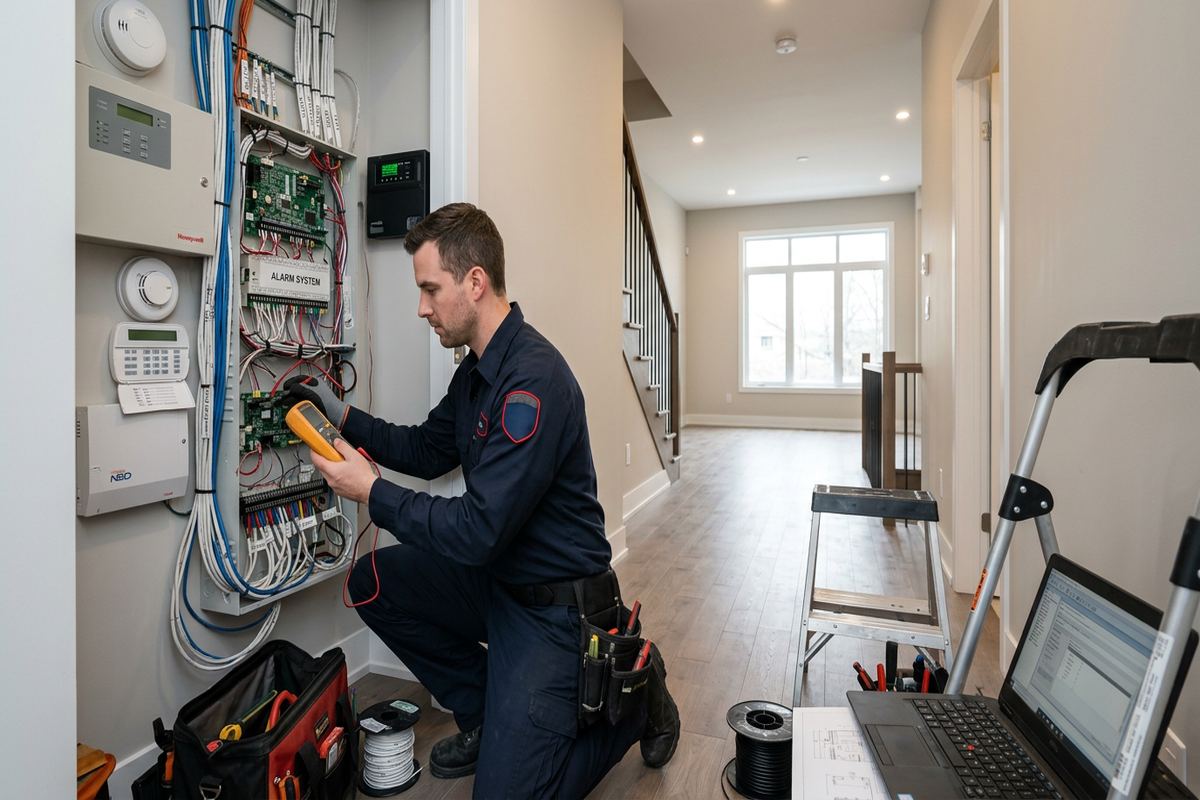
Collingwood, Ontario
Wireless alarm installation in Collingwood, scoped in writing first
Book a site assessment and get equipment, routes, exclusions, and warranty on paper before anything is installed.
Remote Access for Collingwood Chalets and Rentals
Remote access is valuable when a property is vacant, managed by someone off site or occupied by changing guests. Owners can review system status, arm or disarm permitted areas and receive configured notifications through the platform’s supported application. The setup should preserve control of the primary account and avoid sharing the owner’s credentials. Named users, temporary codes or scheduled permissions may be appropriate depending on the system. During handover, the customer receives access through their own credentials rather than an installer-controlled account, along with an explanation of routine operation.
Short-term rental systems need straightforward controls because guests may be unfamiliar with the property. Entry instructions should match the alarm’s delay settings and avoid exposing administrative functions. Cleaners, maintenance personnel and property managers may need separate access so activity is easier to manage without circulating one permanent code. For chalets near the Blue Mountain area, remote status can help owners confirm whether the system was armed after departure. Alarm permissions should still be coordinated with locks, booking practices and emergency procedures rather than treated as a substitute for property management.
Wi-Fi coverage deserves particular attention in resort properties, where the router may sit inside a utility cabinet, behind dense finishes or far from the alarm hub. A connected alarm requires a reliable path to the local network and internet service for remote functions. We test relevant coverage where equipment is proposed and explain dependencies that remain outside the alarm system. If network changes are included, the written scope defines them. Customers should also understand what local alarm functions continue when internet service is interrupted and which notifications depend on connectivity.
- Customer retains the primary alarm account
- Separate codes for guests and service personnel
- Remote arming and status configured on site
- Wi-Fi checked near connected alarm equipment
- Connectivity dependencies explained during handover
Installation in Finished and Older Buildings
Finished interiors often make wireless alarms a practical choice, but careful installation is still required. Devices should align cleanly with doors and windows, avoid fragile trim and remain accessible for battery replacement. Older Downtown Collingwood properties may have uneven frames, layered mouldings, plaster, masonry or previous renovations that complicate mounting. A suitable spacer, bracket or alternate sensor location may be needed to maintain alignment. Before drilling, the installer considers likely concealed services and the material behind the finish rather than relying only on the visible surface.
Some wireless alarm components still require power, internet connections or short low-voltage cable runs. Where cabling is included, UnifiedLink installs continuous labelled runs along the approved routes instead of leaving unidentified segments. Routes are selected with access, protection and future service in mind. Penetrations through exterior surfaces or between different environmental conditions are sealed appropriately. In a renovated house, commercial unit or chalet, the route may need to avoid finished ceilings, fire separations and shared building areas. Any inaccessible or excluded work is recorded in the written scope.
Condo and landlord approvals should be confirmed before equipment is attached to common elements, exterior surfaces or shared infrastructure. Lighthouse Point and other managed properties may have rules governing drilling, visible devices, utility spaces and contractor access. Tenants should obtain the property owner’s permission for permanent mounting or cabling, even when the alarm itself is wireless. We can describe proposed locations and routes for the approval process, but authorization remains the customer’s responsibility. Installation proceeds according to the agreed scope and the access that has been approved.
- Mounting adapted to uneven doors and trim
- Continuous cable runs labelled where required
- Exterior and transitional penetrations sealed
- Common-element restrictions reviewed with customer
- Landlord or condo approval confirmed where needed
Wireless Alarms for Collingwood Businesses
Commercial alarm design begins with operations, access patterns and the physical layout. A storefront in a commercial strip may require protection for public doors, rear receiving access, stock areas and offices. An industrial unit may include overhead doors, high ceilings, metal partitions and warehouse space that affect both detection and wireless communication. Staff arrival times, deliveries and shared entrances influence zone programming. The system should support practical opening and closing routines while limiting administrative privileges to designated personnel, rather than forcing every employee to use the same credentials.
Wireless devices can reduce disruption in leased premises, particularly where walls and ceilings are finished or future layout changes are possible. They do not eliminate the need to coordinate with a landlord, property manager or neighbouring tenant when work affects shared areas. Metal shelving, coolers, machinery and building structure can alter radio paths after a space is occupied. We assess the intended device locations under normal site conditions and document assumptions. If the premises are being renovated, final testing should reflect the completed layout, fixtures and equipment rather than an empty unit.
Alarm events need a defined handling process. Notifications may go to an owner, manager or other authorized contact, but technology alone cannot decide who should respond or what action is appropriate. During configuration, users and available notification settings are reviewed against the customer’s operating plan. Commercial customers should maintain current contact details and remove access promptly when staffing changes. At handover, UnifiedLink provides an as-built record showing installed device locations and relevant system information, helping the business identify zones and manage future service without relying on memory.
- Zones planned around business operations
- Individual credentials for authorized staff
- Wireless coverage checked around metal obstructions
- Leased-space restrictions addressed before work
- As-built device record supplied at handover
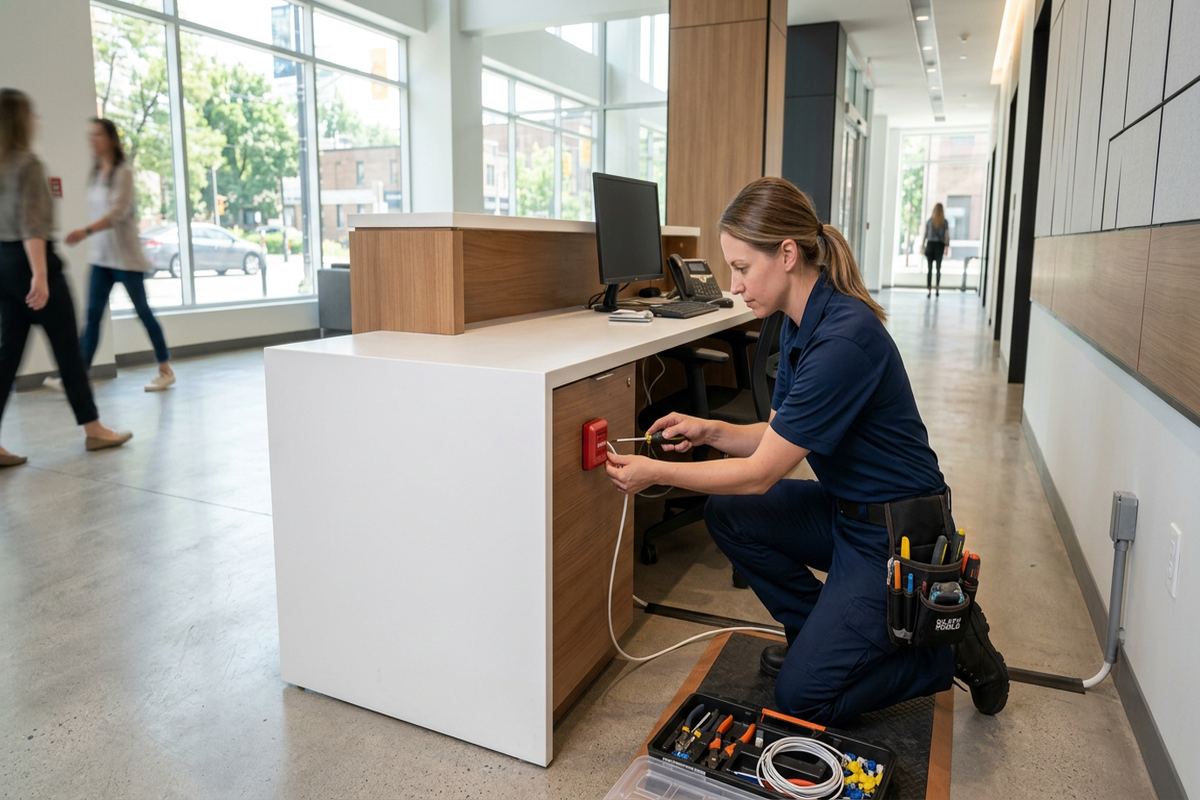
Configuration, Testing and Collingwood Handover
Installation is followed by on-site configuration and functional testing. Sensors are enrolled to defined zones, user permissions are set, and available delays or notification options are configured to match the agreed plan. Each installed device is activated to confirm that the panel identifies the correct zone. Door and window contacts are checked for alignment, motion detection is tested within its intended area, and communication is verified from final mounting locations. Connected features are then reviewed using the customer’s network and supported devices rather than left at factory defaults.
Handover focuses on the tasks an owner, family member, guest manager or employee will perform. The customer is shown how to arm and disarm appropriate areas, interpret common status messages, manage authorized users and recognize battery or communication warnings. Account ownership remains with the customer through their own credentials. UnifiedLink also supplies an as-built record of the installed system. That record provides a practical reference for device locations and zone names, especially in larger Collingwood properties where several doors, levels, suites or outbuildings may otherwise be difficult to distinguish.
Maintenance expectations are discussed before the system is placed into normal use. Wireless sensors rely on batteries, and replacement timing varies with the device, use, environment and reporting behaviour. Owners should act on low-battery or trouble indications rather than waiting for a device to stop communicating. Seasonal properties should be checked before extended vacancy, particularly after network, heating or building changes. If doors settle, trim moves or exterior conditions affect alignment during Collingwood’s freeze-thaw cycles, the relevant sensor may require inspection, adjustment or remounting.
- Every installed zone functionally tested
- Customer credentials used for account handover
- User permissions reviewed on site
- As-built record identifies devices and zones
- Battery and trouble indicators explained
Arranging Wireless Alarm Installation in Collingwood
The process starts with a discussion of the property, its occupants and the reason for installing or replacing an alarm. Useful details include the building type, number of levels, main entrances, internet setup, ownership or tenancy status and any existing equipment. For a chalet, rental or resort property, we also ask who requires remote access and how often users change. This initial information helps define the site assessment, but final equipment selection and placement follow an on-site review rather than assumptions based only on photographs or floor plans.
After the assessment, UnifiedLink prepares a written scope covering equipment, device placement, cable routes, exclusions, equipment ownership and warranty. The scope allows the customer to review what is and is not included before authorizing work. If Wi-Fi limitations, difficult masonry mounting, exterior exposure or approval requirements affect the design, they are identified rather than concealed within a generic package. Site assessment timing depends on the requested service and travel distance. Installation scheduling can be discussed once the scope, site access and any required permissions are settled.
Requests sent during business hours are answered the same day, while after-hours requests are answered the next business day. When contacting UnifiedLink about a Collingwood property, note whether it is in Downtown Collingwood, Creekside, Georgian Meadows, Lighthouse Point, the Blue Mountain area or another nearby location. Also mention occupancy dates, tenant or condo restrictions, active renovations and areas with weak Wi-Fi. Clear information supports a more useful assessment and reduces changes after installation begins, while the final design remains based on conditions confirmed at the site.
- Initial property and occupancy details reviewed
- Site assessment completed before final pricing
- Written scope provided before authorization
- Installation coordinated around approved site access
- One contractor accountable for planned low-voltage work
Collingwood neighbourhoods we cover
- Downtown Collingwood
- Blue Mountain area
- Georgian Meadows
- Creekside
- Lighthouse Point
Wireless alarm installation in Collingwood — common questions
Will a wireless alarm work in an older Collingwood house?
Usually, but construction must be assessed. Plaster, masonry, additions, metal ductwork and dense finishes can affect wireless communication and mounting. UnifiedLink checks proposed sensor locations and signal paths before installation. Older doors or windows may also need spacers, brackets or alternate detection methods to maintain alignment without damaging decorative trim.
Can I monitor my Collingwood chalet remotely?
A compatible alarm can provide remote status, arming controls and configured notifications through its supported application. These functions depend on the selected platform, internet service and reliable coverage near the alarm equipment. We configure access using your own credentials and explain which features depend on connectivity. Wi-Fi limitations identified during the assessment are included in the proposed scope.
How are guest codes handled for a short-term rental?
Where supported, the system can use separate users, temporary codes or scheduled permissions instead of sharing the owner’s primary credentials. The appropriate arrangement depends on the alarm platform and property-management process. For Collingwood short-term rentals, cleaner and maintenance access should also be considered so permissions can be changed without affecting the owner’s administrative account.
Do I need condo or landlord approval?
Approval may be required when devices, power connections, cabling or penetrations affect common elements, exterior surfaces or the owner’s property. Collingwood condo corporations and landlords can have different rules. Customers should confirm authorization before installation. UnifiedLink can document proposed device locations and routes in the scope, but the customer remains responsible for securing permission and access.
What happens if the internet goes down?
The result depends on the selected equipment and connection method. Some local alarm functions may continue while app access or remote notifications are unavailable. During planning, UnifiedLink explains the relevant dependencies and reviews coverage near the proposed hub. Collingwood owners with seasonal or remote properties should also consider how router power, internet outages and building shutdowns affect off-site visibility.
What do I receive after installation?
UnifiedLink completes on-site configuration, tests installed zones and hands the system over using the customer’s own credentials. You receive operating guidance and an as-built record identifying device locations and zone information. The written scope also records equipment, exclusions, ownership and warranty details, providing a reference for future changes, battery service or troubleshooting at the Collingwood property.
Coverage in Collingwood is confirmed against the address before we quote. See everything we install in Collingwood or the province-wide wireless alarm installation page.