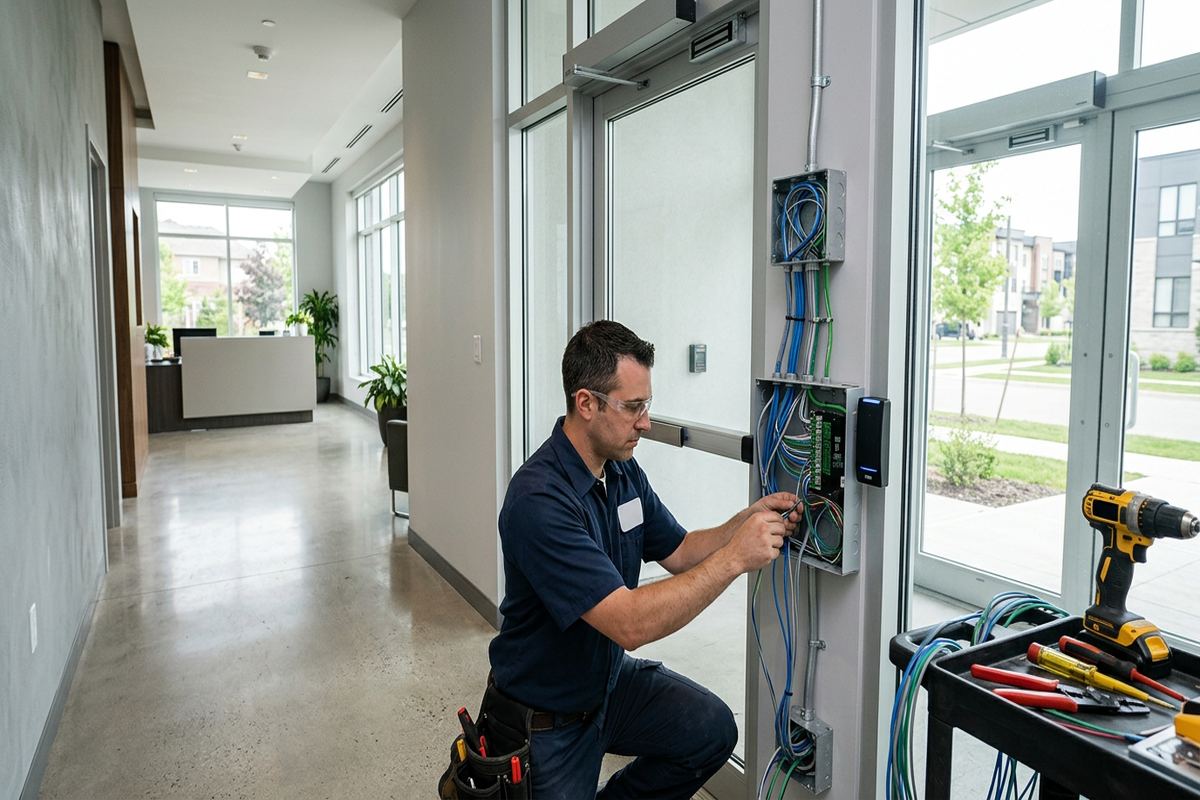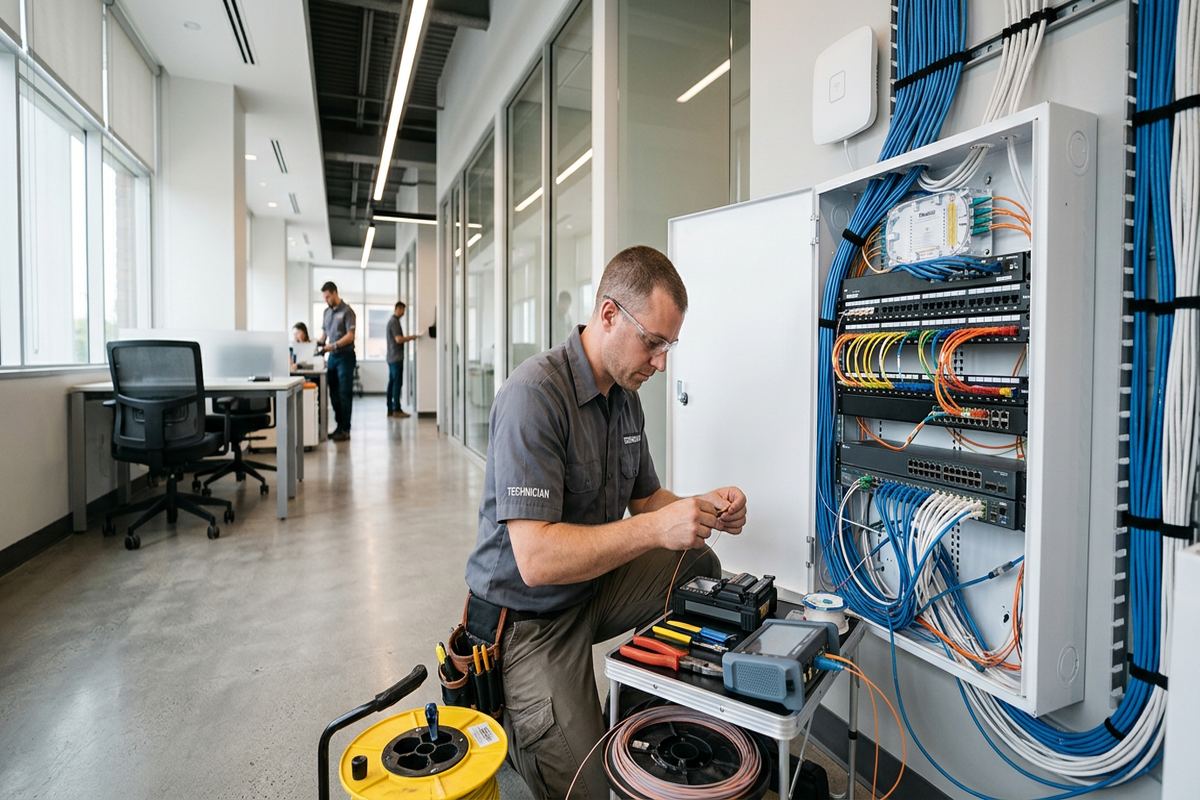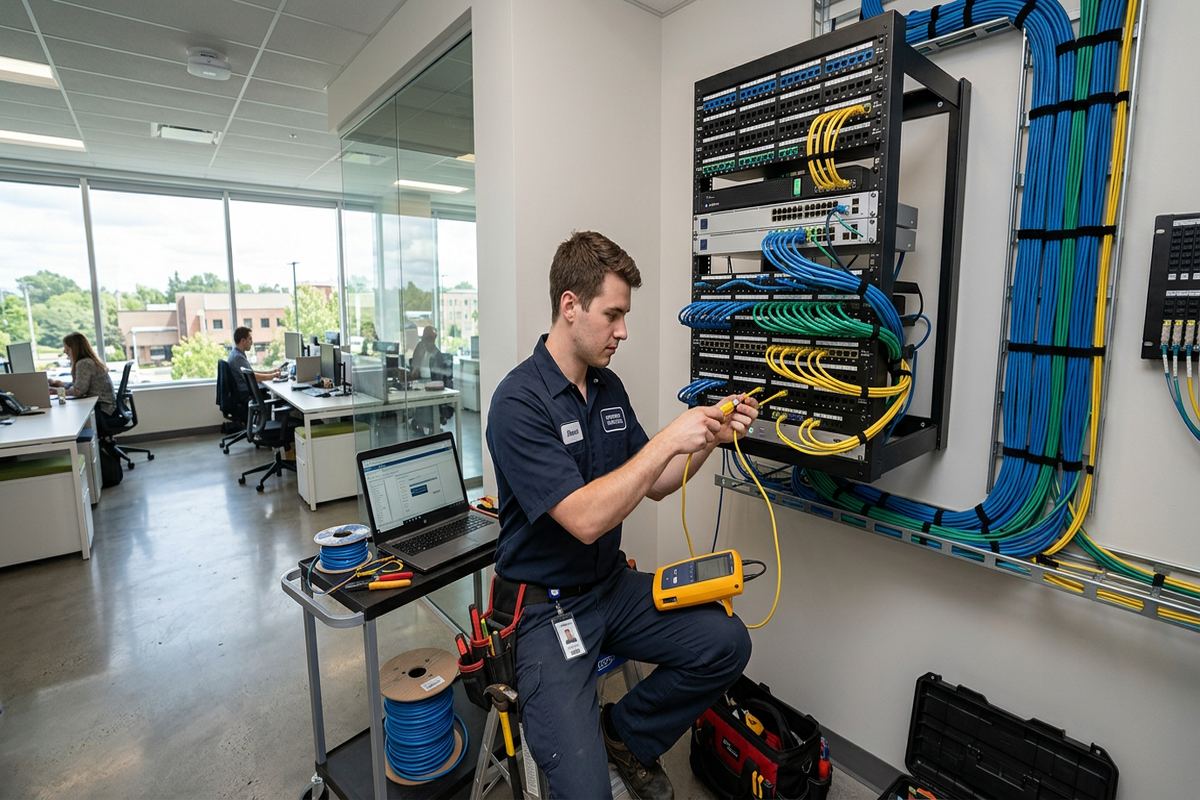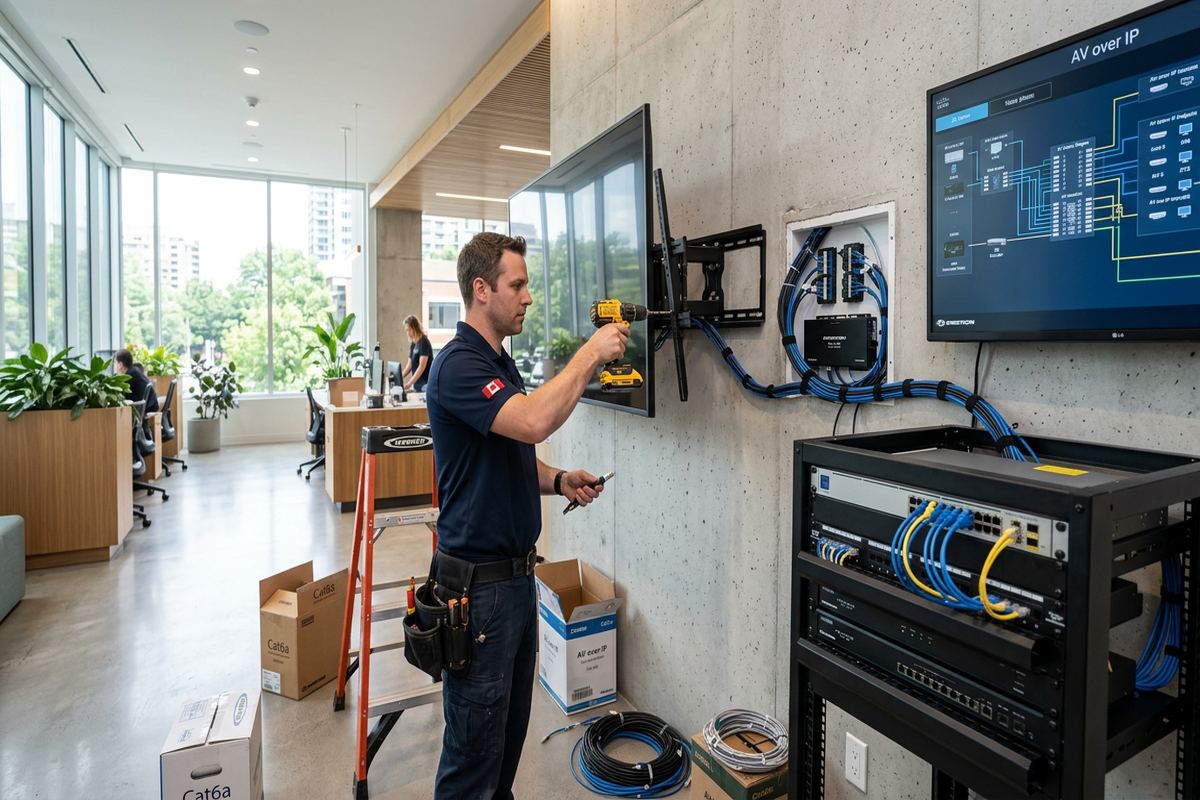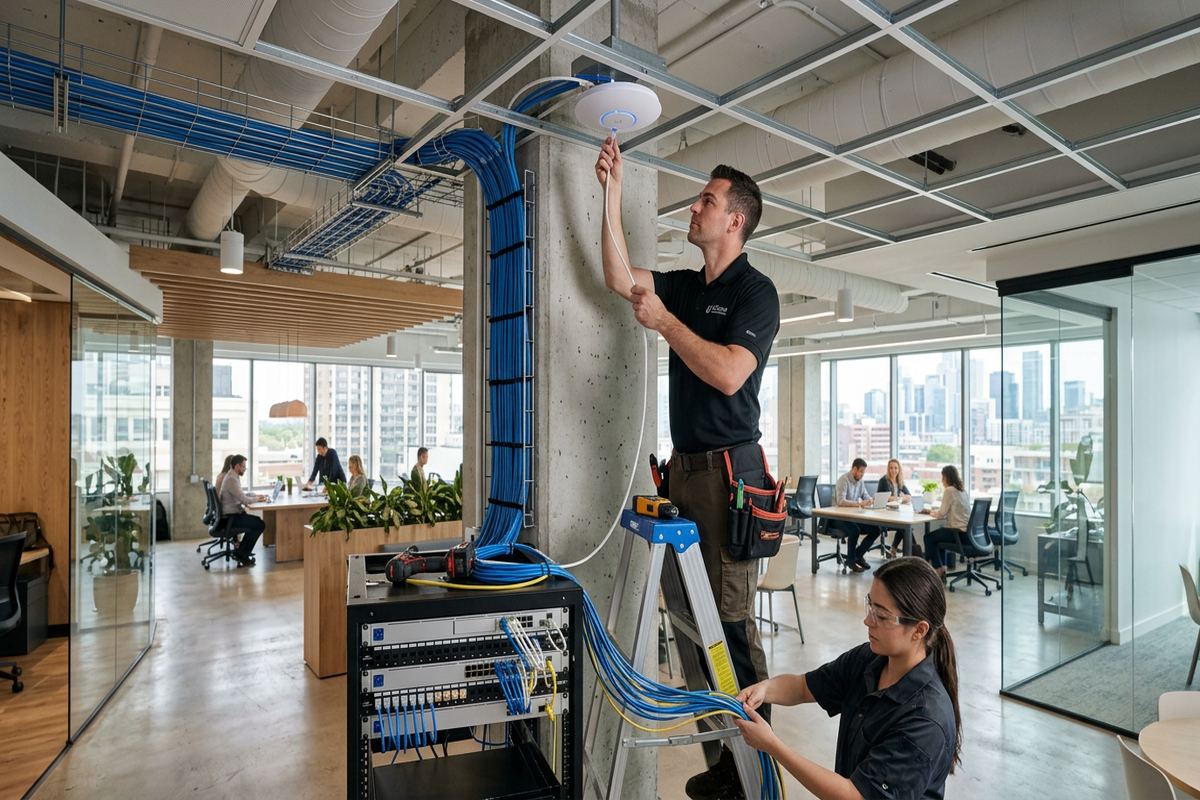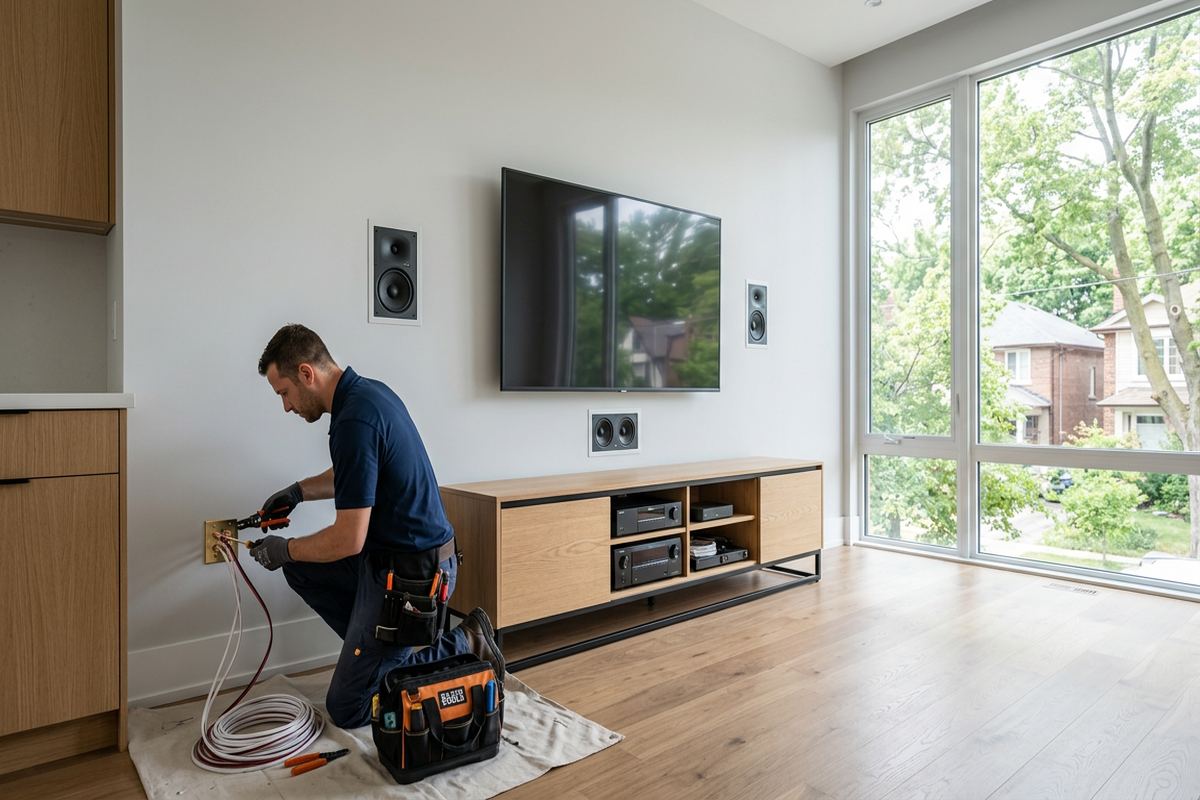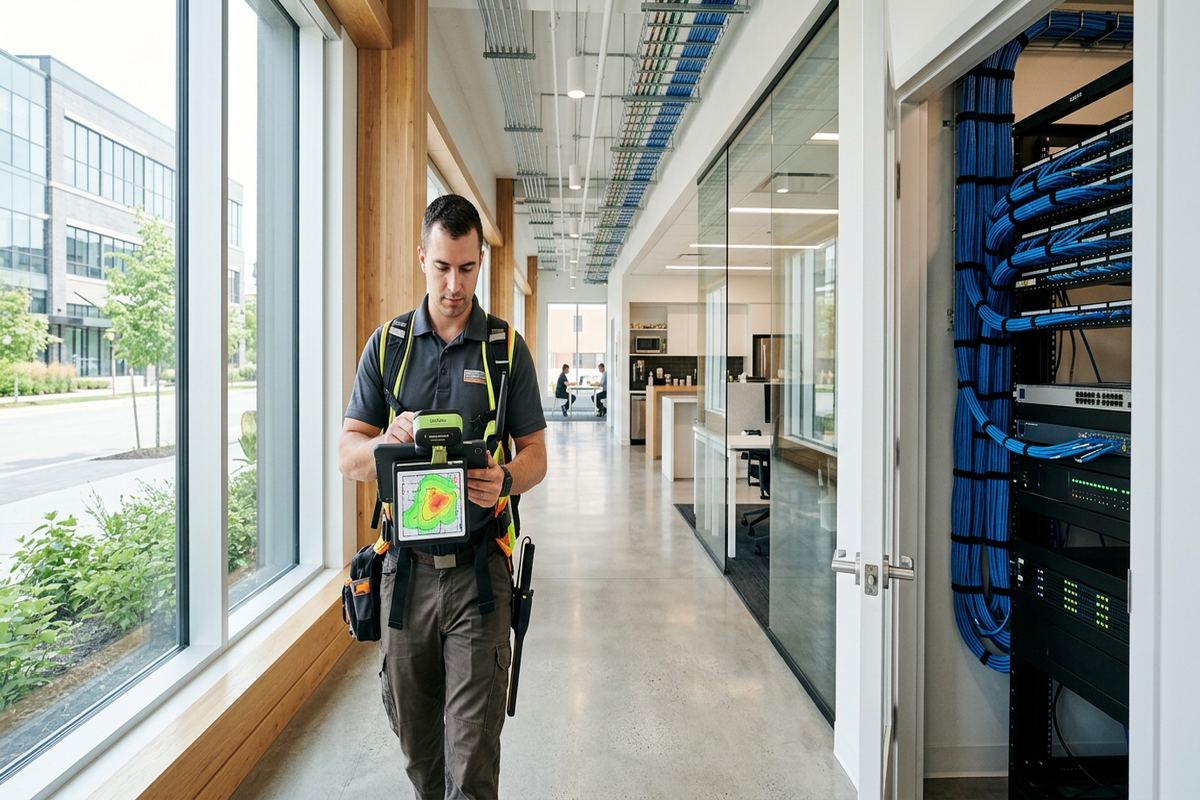
UnifiedLink installs commercial networks in Collingwood offices, shops, industrial units, resort properties and managed rentals. We plan structured cabling, network cabinets, switches and Wi-Fi around the building, connected equipment and operating needs. Each project starts with a site assessment and proceeds under a written scope covering placement, cable routes, ownership, exclusions and warranty.
Commercial Network Planning in Collingwood
A commercial network should be designed around how the Collingwood property operates, not around a generic equipment list. During the site assessment, UnifiedLink reviews internet entry points, work areas, point-of-sale stations, phones, cameras, access control, displays and other connected devices. We also identify walls, ceilings, electrical rooms and practical cable pathways. The resulting plan separates essential infrastructure from optional improvements, giving the owner or manager a clear basis for decisions before installation work begins. Site assessment timing depends on the requested service and travel distance.
Collingwood buildings present different network constraints from one address to another. A Downtown Collingwood storefront may combine older masonry walls, finished ceilings and limited utility space, while a newer commercial unit may have accessible framing and a dedicated communications room. Resort properties and converted buildings can include additions constructed at different times, creating inconsistent pathways and wireless obstacles. We account for these conditions when selecting cable routes, access-point locations and mounting methods rather than relying on assumptions made from drawings or photographs alone.
Before pricing, we prepare a written scope based on the assessed conditions. It covers proposed equipment, cable routes, device placement, exclusions, equipment ownership and warranty. The scope can also identify work that requires landlord, condominium corporation or property-management approval. This is particularly important in leased commercial spaces, Lighthouse Point properties and multi-unit developments where common areas, exterior walls or shared service rooms may be controlled by another party. Clear responsibilities help prevent network work from conflicting with lease terms, renovation plans or building rules.
- On-site review before pricing
- Network and device requirements documented
- Cable pathways checked for practical access
- Approval requirements identified before work
- Written equipment ownership and warranty terms
Structured Cabling for Collingwood Businesses
Structured cabling provides the fixed foundation for computers, wireless access points, phones, printers, payment systems, cameras and building controls. UnifiedLink installs continuous labelled cable runs between approved endpoints and the designated network cabinet or equipment location. Cable type is selected for the application, distance, environment and connected device rather than treated as interchangeable. Runs are supported and routed to reduce strain, avoid unsuitable electrical exposure and remain serviceable. Labels at both ends make future troubleshooting, equipment replacement and tenant changes more manageable for the building owner or technical provider.
Older commercial spaces around Downtown Collingwood may require careful routing through masonry, finished woodwork or shallow ceiling spaces. Frame construction often permits different pathways, but insulation, vapour barriers and renovated wall cavities still need consideration. We discuss visible surface pathways where concealed routing is impractical and identify penetrations before work starts. Openings are kept appropriate to the cable route and sealed for the surrounding material and location. Exterior transitions require particular care because wind, moisture, snow and repeated freeze-thaw cycles can expose weak penetrations over time.
Commercial strips and industrial units commonly need cable runs that cross stock areas, workshops, offices and high ceilings. These environments can introduce longer distances, dust, physical exposure or changing floor layouts. The design may use a central cabinet, intermediate distribution point or protected pathways, depending on measured distances and site access. We coordinate endpoint placement with shelving, machinery, desks and future fit-outs where those details are available. The objective is an orderly installation that supports present requirements without leaving undocumented cables or inaccessible connections behind finished construction.
- Continuous runs between approved endpoints
- Labels applied at both cable ends
- Routes selected for building construction
- Protected pathways where exposure requires them
- Cabinet layouts organized for serviceability
Business Wi-Fi Design in Collingwood
Reliable business Wi-Fi depends on access-point placement, wired backhaul and configuration working together. A single device near the internet modem rarely serves a divided office, chalet, rental property or resort building consistently. UnifiedLink reviews room layout, wall materials, ceiling heights, user areas and expected device locations before proposing coverage. Access points are positioned to reduce unnecessary overlap and avoid obvious obstructions. Where practical, each unit receives a dedicated cable connection to the network rather than relying on wireless repeaters that consume radio capacity and complicate fault isolation.
Chalets, short-term rentals and resort properties near Collingwood often need remote access and dependable coverage across guest areas, management spaces and exterior-adjacent rooms. The network can separate guest use from operational devices such as cameras, locks, thermostats or staff systems when suitable equipment is included. This separation does not replace sound security administration, but it reduces unnecessary interaction between device groups. We also plan equipment locations so owners or managers can restart, inspect or replace components without entering inaccessible ceiling spaces or disturbing occupied guest rooms unnecessarily.
Wireless performance can change across masonry walls, tiled service areas, mechanical rooms and multi-level frame construction. Blue Mountain area properties may also have broad layouts, additions or detached spaces that cannot be assessed reliably from floor area alone. An on-site review helps determine whether additional access points, outdoor-rated equipment or a separate building link should be considered. Any exterior mounting must account for weather exposure, suitable hardware, drip management and sealed cable entry points. Network equipment is configured on site, then checked from the intended operating areas.
- Wired backhaul for access points
- Guest and operational network separation
- Coverage planned around actual wall materials
- Outdoor mounting assessed for weather exposure
- On-site wireless configuration and checks
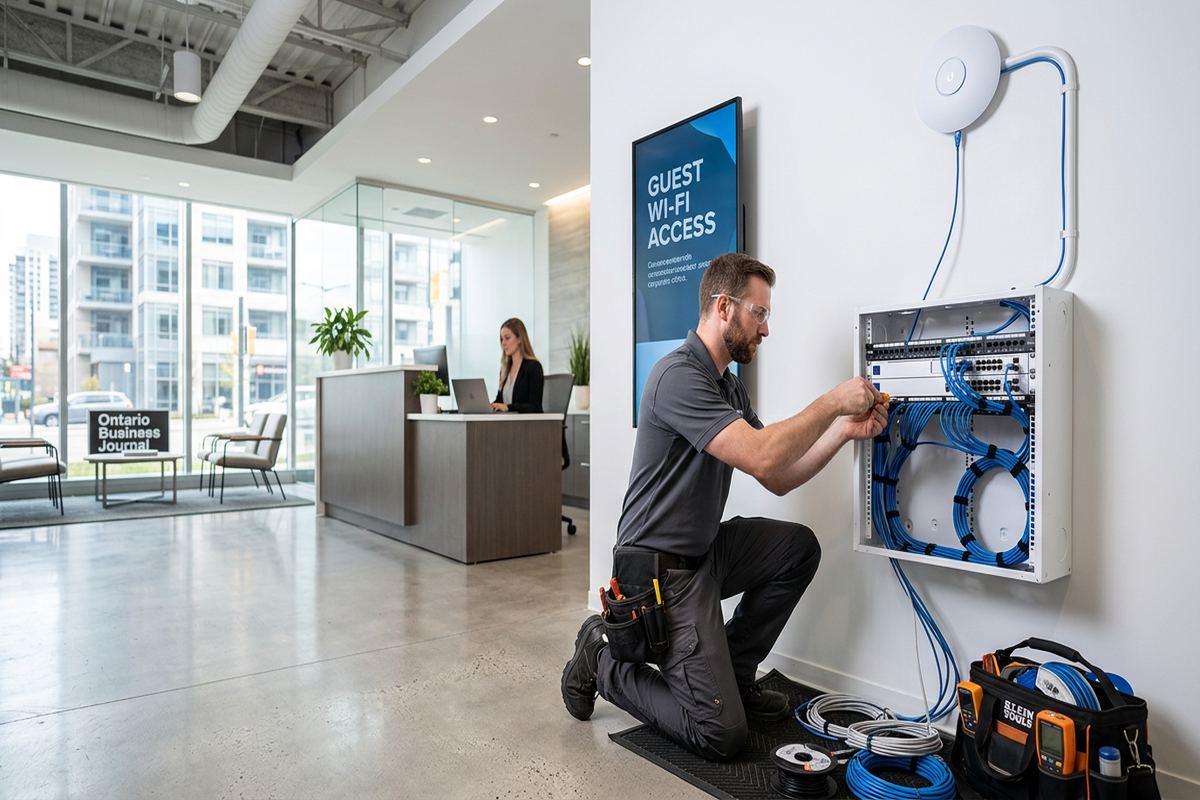
Collingwood, Ontario
Commercial network installation in Collingwood, scoped in writing first
Book a site assessment and get equipment, routes, exclusions, and warranty on paper before anything is installed.
Network Equipment and Cabinet Installation
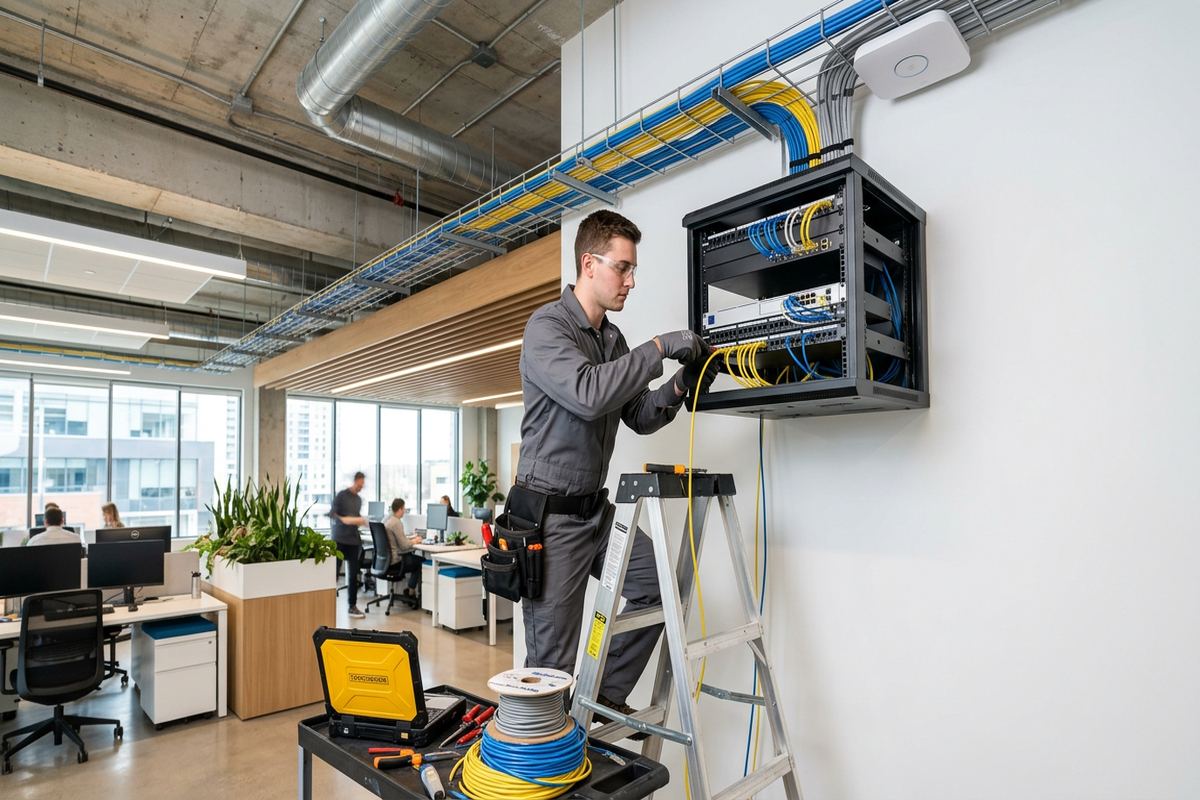
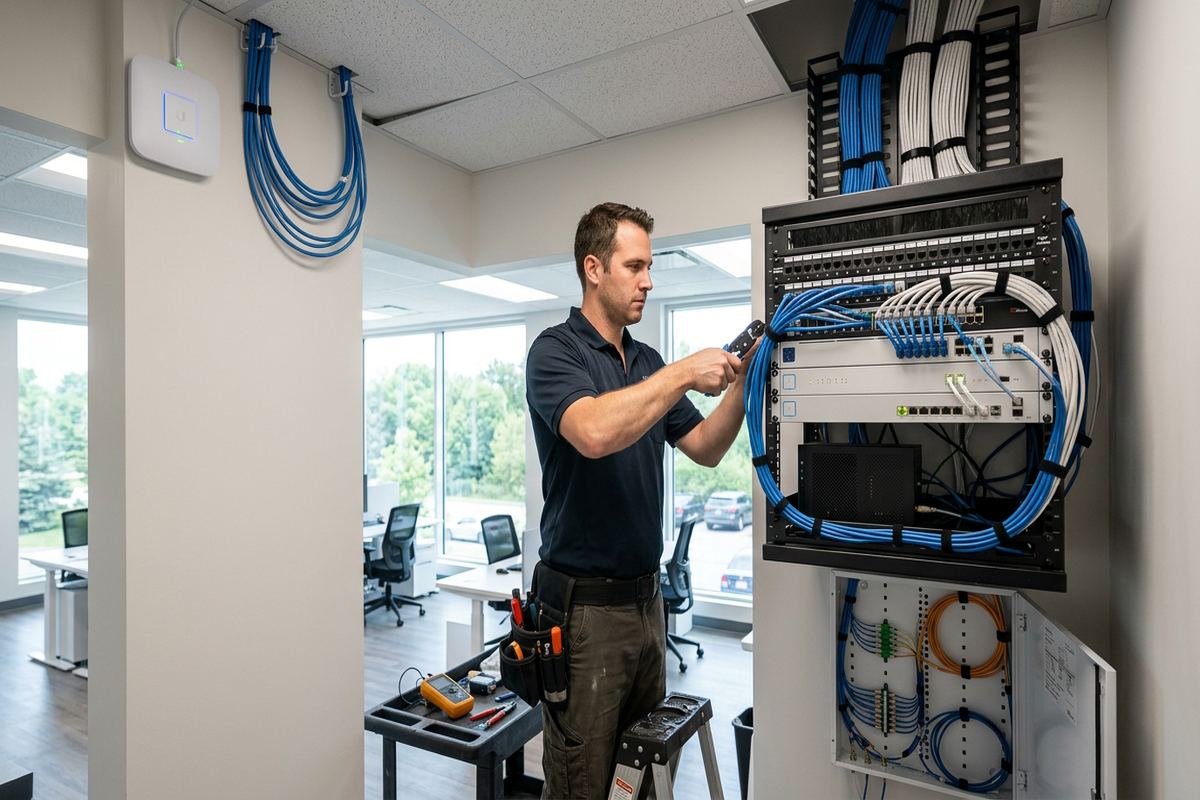
The network cabinet is the working centre of a commercial installation. Its location affects cable distance, ventilation, physical security, electrical access and future maintenance. UnifiedLink reviews whether a wall-mounted cabinet, rack or organized equipment board is appropriate for the site and stated scope. Patch panels, switches, internet-provider equipment and power components are arranged so connections can be identified without tracing loose bundles. We also consider door swing, working clearance and exposure to storage activity, water sources or excessive dust before confirming the mounting position with the customer.
Switch selection begins with endpoint count, required connection speeds, Power over Ethernet demand and reasonable allowance for documented additions. Cameras, wireless access points, phones and access-control devices may draw power through network cabling, but their combined requirements must remain within the switch’s supported power budget. We map intended ports and connected equipment during configuration rather than leaving critical devices on unknown connections. Where customer-supplied hardware is used, compatibility and ownership are recorded in the scope so responsibility for licensing, subscriptions, replacement and manufacturer support remains clear.
For Georgian Meadows offices, Creekside commercial spaces and mixed-use properties elsewhere in Collingwood, equipment placement may require owner, landlord or condominium approval. Shared utility rooms are not automatically suitable simply because internet service enters there. Access restrictions, common-property rules and environmental conditions can affect installation and later service. We identify these issues before mounting equipment. At handover, the customer receives credentials under their own control and an as-built record showing installed cable endpoints and relevant equipment details included in the project.
- Cabinet location assessed before mounting
- Patch panels and switch ports organized
- Power over Ethernet demand reviewed
- Customer-supplied equipment responsibilities recorded
- As-built cabinet and endpoint information provided
Network Installation for Resorts and Rentals
Guest properties require a network that supports convenient access without treating every connected device as part of one unrestricted system. In Collingwood chalets, short-term rentals and resort properties, internet service may support guest Wi-Fi, office functions, streaming displays, cameras, locks and environmental controls. UnifiedLink documents which systems require wired connections, wireless access or remote administration. Appropriate network separation can then be planned within the capabilities of the selected router, firewall, switches and access points. Account ownership remains with the customer, avoiding dependence on installer-controlled credentials after handover.
Remote access is useful only when the underlying connection and equipment remain organized. We can configure supported management features on site, using customer-owned accounts where applicable, and record the installed arrangement. Remote tools do not eliminate every site visit because power failures, physical cable damage, internet-provider outages or failed equipment can still require local action. Owners should also decide who is authorized to view system status or change settings. These decisions are especially important where a property manager, rental operator and building owner have different operational responsibilities.
Seasonal occupancy can create sharp changes in user count and traffic, while vacant periods make basic monitoring and recoverability important. The network design should reflect the property’s normal and demanding operating conditions without promising performance beyond the subscribed internet service. Access-point placement, switch capacity and wired connections are considered separately from the provider’s incoming speed. For Blue Mountain area and Lighthouse Point properties, we also confirm approval requirements before placing equipment in common areas or making exterior penetrations that may affect managed façades, shared corridors or condominium property.
- Guest and management traffic can be separated
- Customer-controlled remote management accounts
- Wired connections for fixed operational devices
- Seasonal usage considered during planning
- Common-area approvals confirmed before installation
Exterior Links and Collingwood Winter Conditions
Connecting detached offices, outbuildings or separate commercial areas requires more than extending an indoor cable outdoors. The route, distance, electrical environment and available pathways determine whether outdoor-rated copper, fibre or a point-to-point wireless link should be considered. UnifiedLink assesses both ends, mounting surfaces, power availability and line of sight where relevant. Fibre can provide electrical isolation between buildings, while wireless links depend on clear alignment and secure mounting. The written scope identifies the proposed method and any trenching, lift access, electrical work or third-party preparation excluded from our work.
Collingwood winters expose exterior hardware to snow, wind, moisture and repeated freeze-thaw movement. Cable entries should shed water, use suitable exterior materials and avoid forming paths that direct moisture into a wall. Masonry anchors and sealing methods differ from those used on frame construction, siding or finished panels. We select mounting locations with these surfaces in mind and avoid describing an exterior installation as weatherproof without considering the complete route. Property owners must approve visible equipment, and condominium or landlord authorization may be required before façade work begins.
Outdoor Wi-Fi may be useful for patios, service yards or guest arrival areas, but indoor access points are not automatically suitable for exterior mounting. Equipment selection must match the exposure and intended operating environment. Coverage also depends on building walls, landscaping, elevation and nearby obstructions, so placement is assessed at the property. Where a cable exits a conditioned space, routing and sealing receive the same attention as device placement. A neat mount cannot compensate for an unsuitable cable, exposed connector or poorly sealed penetration during Collingwood’s seasonal temperature changes.
- Outdoor routes assessed separately from indoor cabling
- Fibre and wireless building links considered
- Mounting matched to masonry or frame surfaces
- Exterior penetrations sealed for local conditions
- Approvals checked before visible façade work
Installation, Configuration and Handover
Once the scope is approved, installation follows the agreed cable routes and device locations. Changes discovered behind finished surfaces or above ceilings are discussed before the affected work proceeds. UnifiedLink keeps network cabling identifiable throughout the installation and terminates runs at their documented endpoints. Equipment included in the scope is mounted and configured on site. We coordinate disruptive tasks with the customer’s operating schedule where practical, but access to work areas, communications rooms and approved mounting locations must be available for the installation to progress safely and consistently.
Configuration may include switch ports, wireless networks, supported network separation and management access specified in the written scope. Settings are based on the selected equipment and customer requirements rather than copied blindly between sites. Internet-provider account changes, subscription services and third-party application setup are identified where they fall outside the project. Testing confirms cable continuity and verifies that installed network devices establish expected connections. Internet speed remains dependent on the provider service, router capabilities, network load and client devices, so it is distinguished from the condition of the installed cabling.
Handover gives the Collingwood customer practical control of the completed system. Credentials are created or transferred under the customer’s own accounts, not retained as installer-only access. The as-built record identifies cable endpoints and installed details relevant to the agreed work. We review basic equipment locations and note any operational dependencies, exclusions or follow-up items. One accountable contractor manages the scoped low-voltage network work, reducing uncertainty about who installed each run or configured included equipment. Customer records should then be stored securely and updated when staff, tenants or managers change.
- Approved routes followed during installation
- Changes discussed before affected work proceeds
- Included equipment configured on site
- Connections tested before handover
- Customer credentials and as-built record supplied
Expanding or Correcting Collingwood Networks
Existing networks can often be improved without replacing every component. The first step is identifying what is installed, who owns it and which faults are caused by cabling, equipment, configuration or the internet service itself. In Collingwood commercial properties, undocumented additions may leave multiple small switches, abandoned cables or wireless devices installed wherever power was available. UnifiedLink traces accessible connections, reviews equipment placement and develops a defined correction scope. Components that remain suitable can be documented, while unsupported or poorly located elements can be addressed according to operational priorities.
Renovations, new tenants and growing device counts are common reasons to extend a network. A Downtown Collingwood shop may add payment stations and cameras, while an industrial unit may need office Wi-Fi, warehouse coverage and additional wired work areas. Extensions are planned against available cabinet space, switch ports, power capacity and cable pathways. Where old cabling cannot be verified or reused responsibly, that limitation is stated rather than hidden. Landlord approval may also be necessary when routes cross common areas, structural surfaces or spaces outside the tenant’s leased premises.
Support begins with records that make the system understandable. Labels, port mapping, customer-owned credentials and an as-built document reduce guesswork when equipment is moved or a provider changes hardware. Requests sent during business hours are answered the same day, while after-hours requests are answered the next business day. This wording applies to the response to the request, not a guaranteed repair or attendance time. Site assessment timing depends on the service and travel distance. For urgent operational planning, customers should describe affected areas, devices and known recent changes when contacting UnifiedLink.
- Existing equipment and ownership reviewed
- Undocumented connections traced where accessible
- Expansion capacity checked before adding devices
- Correction work separated from optional upgrades
- Support starts with clear system records
Collingwood neighbourhoods we cover
- Downtown Collingwood
- Blue Mountain area
- Georgian Meadows
- Creekside
- Lighthouse Point
Commercial network installation in Collingwood — common questions
Do you assess the Collingwood property before quoting?
Yes. UnifiedLink completes a site assessment before pricing because cable pathways, wall construction, ceiling access and equipment locations affect the scope. In Collingwood, the assessment may also identify masonry, additions, exterior routes or shared areas requiring approval. Assessment timing depends on the service and travel distance. You then receive a written scope covering equipment, routes, placement, exclusions, ownership and warranty.
Can you improve Wi-Fi in a chalet or rental?
Yes. Collingwood chalets and short-term rentals often need coverage across several levels, guest rooms and management areas. We assess construction materials, layout, internet entry point and device locations before planning wired access points. Guest traffic can be separated from operational devices where supported by the selected equipment. Remote management can use the customer’s own credentials, although provider outages and physical failures may still require local attention.
Do I need landlord or condo approval?
Approval may be required if network work affects common areas, exterior walls, shared service rooms or surfaces controlled by a landlord or condominium corporation. This is relevant in Lighthouse Point, resort properties and leased Collingwood commercial units. UnifiedLink can identify likely approval points during assessment, but the customer remains responsible for obtaining authorization unless the written scope assigns a specific coordination task to another party.
Can you connect a detached building?
A detached building can sometimes be connected by fibre, suitable outdoor-rated cabling or a point-to-point wireless link. The correct approach depends on distance, pathways, electrical conditions, line of sight and mounting access. Collingwood weather also makes exterior hardware, cable entry and sealing important. We assess the route before proposing a method and document exclusions such as trenching, electrical work, lift access or third-party preparation.
Will I control the network after installation?
Yes. At handover, network credentials are provided under the customer’s own control, and UnifiedLink supplies an as-built record for the agreed installation. The record identifies relevant cable endpoints and installed equipment details. Customers should store this information securely and update access when employees, tenants or property managers change. Any subscriptions, manufacturer accounts or customer-supplied equipment responsibilities are identified in the written scope.
How quickly will UnifiedLink respond?
Requests sent during business hours are answered the same day. After-hours requests are answered the next business day. This is a response commitment, not a guaranteed Collingwood site attendance or repair time. The next step depends on the issue, service type, required equipment and travel distance. Providing affected locations, device types, outage symptoms and recent network changes helps us determine whether assessment or additional information is needed.
Coverage in Collingwood is confirmed against the address before we quote. See everything we install in Collingwood or the province-wide commercial network installation page.