UnifiedLink installs wired and wireless home networks across Cambridge and Waterloo Region. We assess the property, plan cable routes and device locations, install and label continuous cabling, and configure the network on site. Each project accounts for construction type, coverage needs, connected equipment, future expansion and the practical constraints of occupied homes.
Home Network Installation for Cambridge Properties
A reliable network begins with the physical property, not a router model or an advertised wireless speed. During a Cambridge site assessment, we review incoming internet service, room layout, wall construction, utility spaces, electrical panels and practical cable routes. We also identify where people work, stream, play games or use connected equipment. That information determines whether the home needs Ethernet outlets, ceiling or wall-mounted access points, a central network enclosure, outdoor coverage or a combination of these elements. Pricing follows the assessment so that the proposed scope reflects actual conditions rather than assumptions.
Cambridge housing includes stone heritage buildings, riverside neighbourhoods, newer frame construction and converted properties with additions from different periods. Each presents different signal and cabling constraints. Dense stone, brick, plaster, metal ductwork and foil-backed insulation can weaken Wi-Fi or make concealed cable routes difficult. Frame walls are usually easier to work through, but fire blocking, finished basements and inaccessible attic areas still require planning. We select routes that limit unnecessary openings while keeping data cable separated from electrical wiring and away from conditions that could damage performance over time.
The written scope identifies equipment, cable routes, outlet and access-point locations, exclusions, equipment ownership and warranty details. This gives the property owner a practical record of what will be installed before work begins. Where conditions behind finished surfaces cannot be confirmed, those limitations are stated rather than ignored. One accountable contractor handles cabling, termination, network equipment installation, configuration and handover. That approach avoids gaps between a cabling company, an internet provider and separate equipment installers when a connection or coverage issue needs to be traced.
- Property assessment before pricing
- Planned Ethernet and access-point locations
- Written equipment and routing scope
- Clear ownership and warranty details
Planning Wi-Fi Coverage Across Cambridge Homes
Wireless coverage should be designed for usable service where it matters, rather than judged by the signal bars beside the router. We consider floor area, storeys, wall composition, stairwells and high-demand rooms when placing access points. In West Galt or older parts of Galt, thick masonry and plaster can divide a home into several difficult wireless zones. A centrally placed consumer router may not reach bedrooms, additions, garages or outdoor areas consistently. Wired access points create a stronger foundation because each unit has a dedicated cable connection instead of relying on a weak wireless relay.
Device demand also changes the design. Video calls, cloud backups, streaming displays, game systems, cameras, smart-home hubs and network storage can operate at the same time, placing different demands on the connection. We discuss which devices can be wired and which must remain wireless. Desktops, televisions, consoles and fixed equipment often benefit from Ethernet, leaving Wi-Fi capacity available for phones, tablets and portable devices. Network segmentation may also be appropriate when homeowners want guest access or separation between personal devices and connected equipment, provided the selected gateway and access points support those functions.
Coverage planning includes practical mounting and service access. Access points should not be hidden behind televisions, placed inside metal cabinets or installed where future maintenance requires avoidable damage. Ceiling locations can provide useful distribution, but wall mounting may suit a finished property where the ceiling cannot be reached discreetly. Power requirements are considered at the design stage, including Power over Ethernet where appropriate. After installation, we configure the network on site and check operation in the areas identified during the assessment, rather than assuming that a powered access point automatically provides satisfactory coverage.
- Wired access-point backhaul
- Coverage checks in priority rooms
- Guest and device network options
- Practical, serviceable mounting positions
Ethernet Cabling in Cambridge Buildings
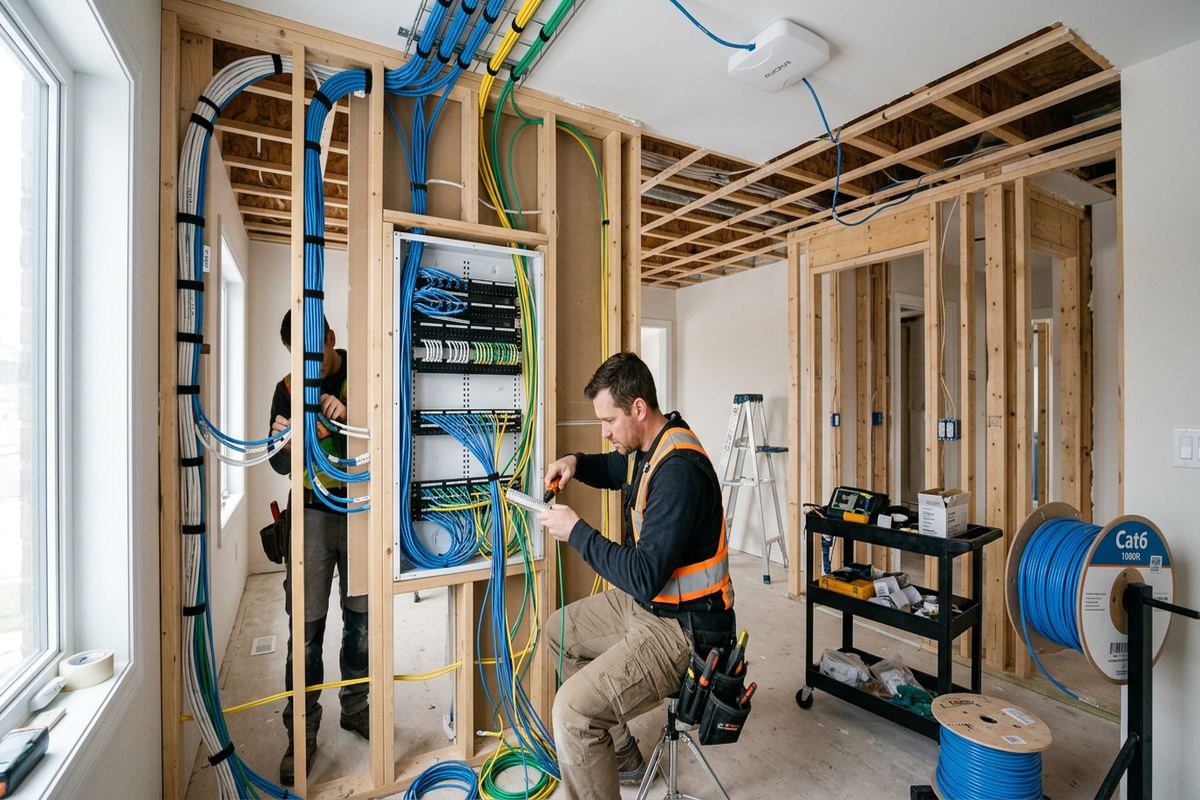
Structured cabling provides stable connections for fixed devices and supports properly placed wireless access points. Every installed run is continuous and labelled, with no concealed couplers used as substitutes for a complete cable. Routes may pass through basements, utility rooms, attics, wall cavities or surface-mounted pathways, depending on access and the agreed finish. In Cambridge stone buildings, drilling and fastening require particular care because irregular masonry, deep walls and previous renovations can complicate a seemingly direct route. The assessment identifies these factors before outlets and network equipment locations are finalized.
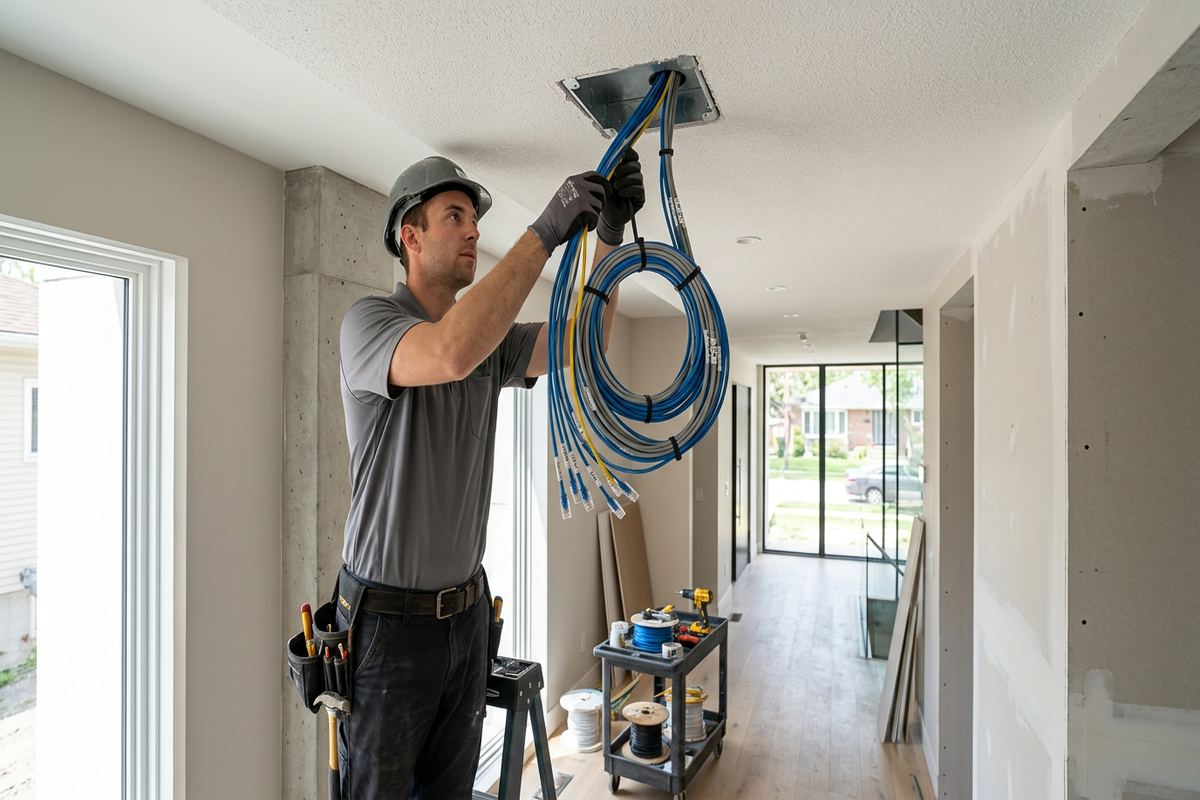
Modern frame homes in Hespeler, Clemens Mill and other developing areas can offer clearer routes, although finished lower levels and insulation may still limit access. Where cable must cross fire separations or enter attached garages, the route and sealing method need to respect the assembly rather than leaving an unsealed opening. Low-voltage cable is kept appropriately separated from power wiring, supported along its route and protected at vulnerable transitions. We terminate and test each run, label both ends and record its destination so that future equipment changes do not begin with guesswork.
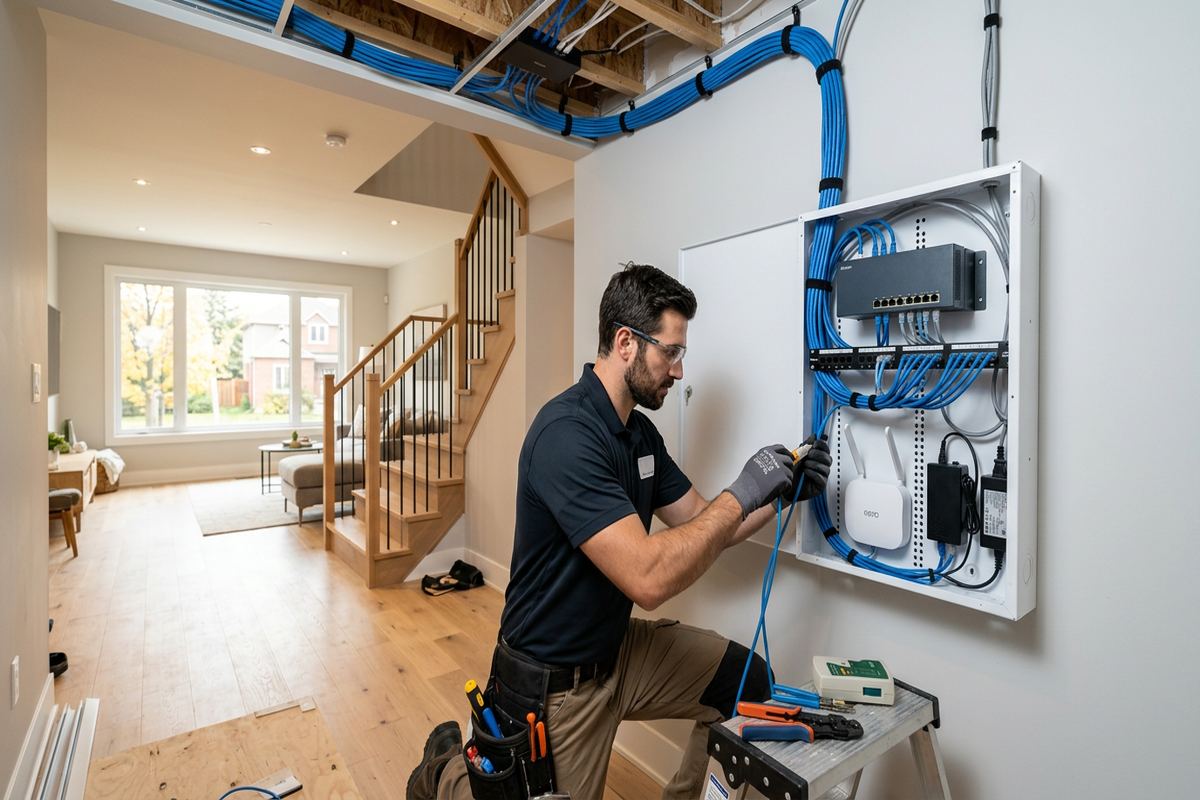
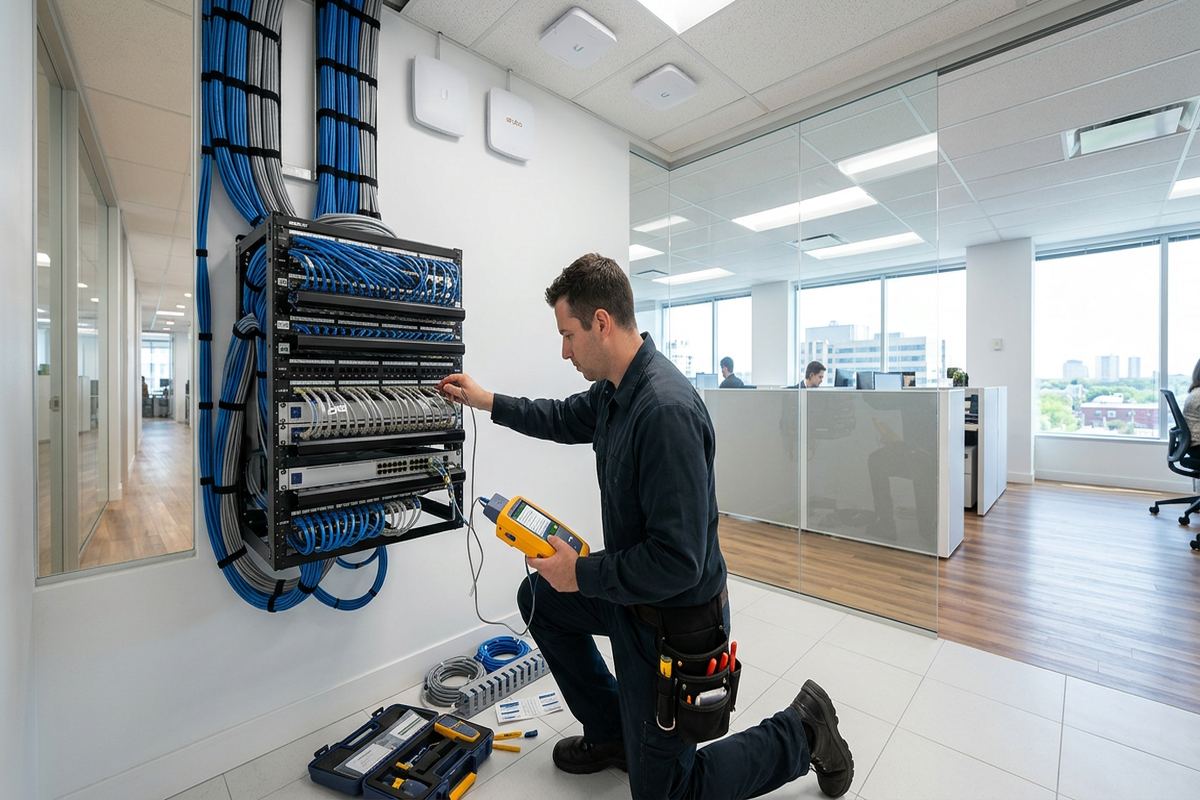
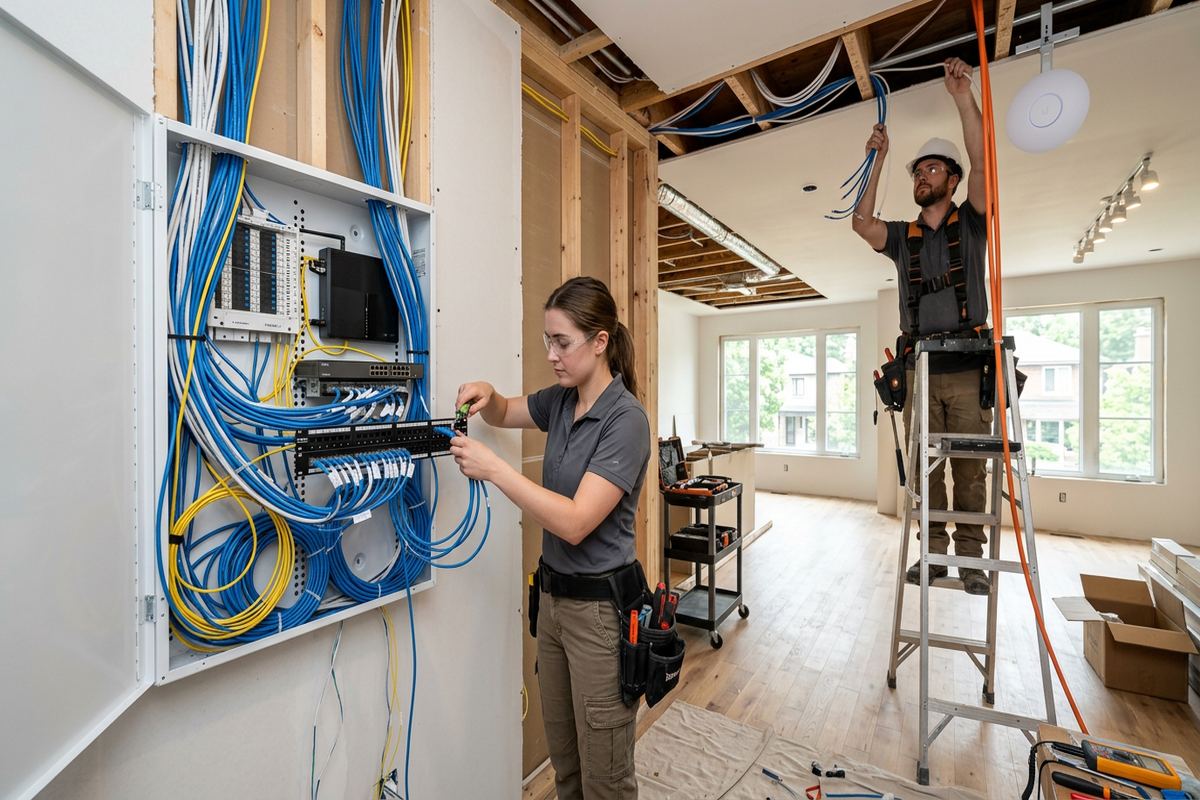
The central network location should accommodate the internet provider’s equipment, router or firewall, Ethernet switch, patching and power without becoming an inaccessible bundle of cords. We review ventilation, mounting space, nearby electrical service and the path used by the provider’s incoming line. A small enclosure or wall-mounted backboard may be suitable, depending on the equipment and property. The objective is an orderly, serviceable installation with room for the agreed system. Oversized racks and unnecessary hardware are not added when a simpler arrangement can meet the household’s current and expected needs.
- Continuous labelled cable runs
- Tested outlets and terminations
- Protected routes through accessible spaces
- Orderly central network location
Cambridge, Ontario
Home network installation in Cambridge, scoped in writing first
Book a site assessment and get equipment, routes, exclusions, and warranty on paper before anything is installed.
Cambridge Exterior and Detached-Building Connections
Garages, workshops, garden offices and exterior seating areas often need network service beyond the main house. The right method depends on distance, available pathways, electrical conditions and whether trenching or overhead routing is acceptable. A buried or exterior cable cannot be treated like an indoor patch cord. Cable type, conduit, entry points, bend protection and surge exposure must be considered. For detached structures, fibre may be preferable in some designs because it avoids a conductive data connection between buildings. The site assessment establishes the practical options before a route is included in the written scope.
Cambridge winters expose exterior work to moisture, snow, ice and repeated freeze-thaw movement. Penetrations should be positioned to shed water, sealed with materials suited to the adjoining surface and detailed to avoid directing moisture into a wall cavity. Fasteners and supports also need to suit masonry, siding or other cladding. Riverside neighbourhoods can introduce damp locations or variable ground conditions, making route selection particularly important. We avoid casual exterior loops and unsupported cable, and we document any owner-provided conduit or underground pathway that must meet stated requirements before installation proceeds.
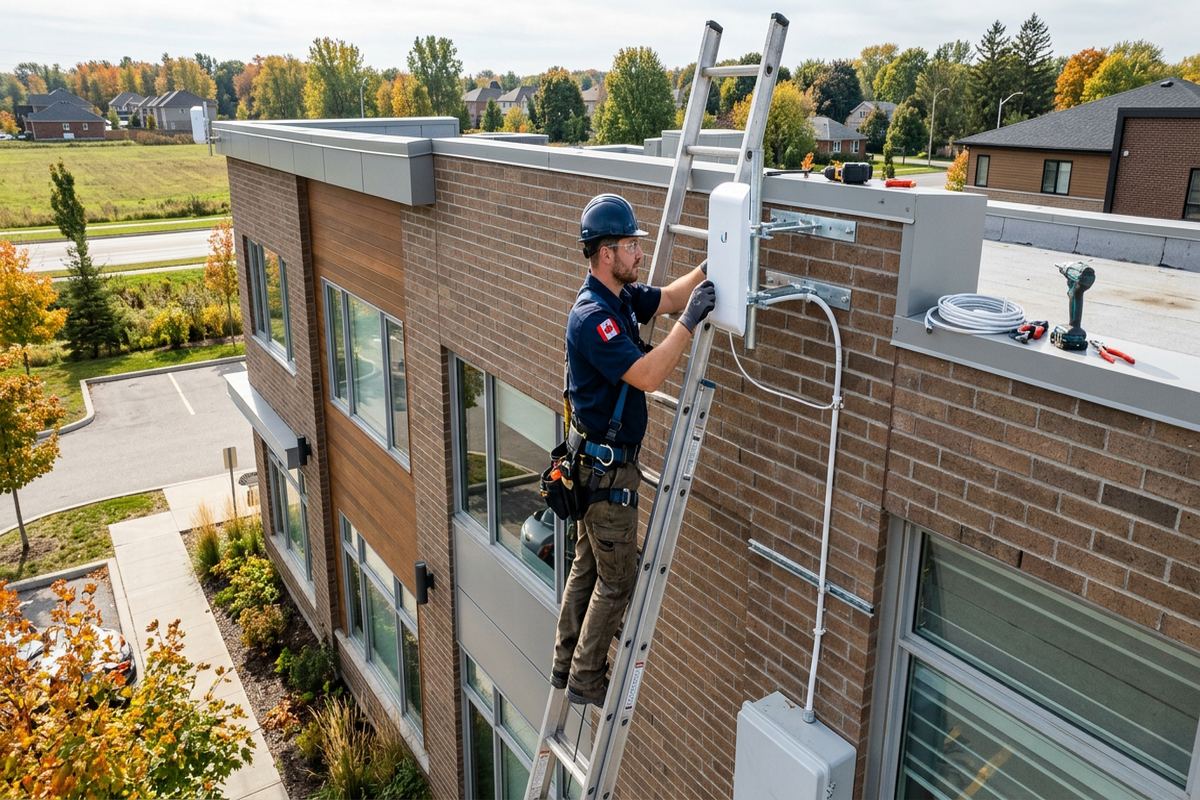
Outdoor Wi-Fi can support patios, cameras, door stations and connected equipment, but indoor access points are rarely positioned to serve every exterior area through brick or stone. A purpose-selected outdoor access point may be required, mounted where it has useful coverage and a protected cable entry. Placement must also allow reasonable service access without creating an avoidable visual obstruction. We review the intended devices and seasonal use before recommending equipment. Wireless bridges can be considered where a physical path is impractical, although clear alignment, mounting stability and local obstructions must be evaluated on the property.
- Weather-suitable exterior cable routes
- Sealed masonry and siding entries
- Detached-building fibre options
- Outdoor access-point placement
Network Upgrades for Galt, Preston and Hespeler
An upgrade does not always require replacing every component. We first determine whether the problem originates with the internet service, existing router, damaged cabling, poor access-point placement or device configuration. In Galt, a router may be isolated by stone walls or located where the provider’s line happens to enter. In Preston, additions and finished basements can create coverage areas that were never considered in the original layout. Hespeler homes may have newer wiring but still rely on one wireless device serving several floors. The corrective scope should address the actual constraint.
Existing Ethernet can sometimes be reused when its route, cable type, terminations and test results are suitable. Unlabelled outlets are traced so their destinations and central termination point are understood. Damaged connectors, improvised splits and short patching errors can then be corrected without unnecessary wall work. Cabling that does not support the intended system, has hidden joints or follows an unsuitable route may need replacement. We explain what can remain, what should change and which uncertainties cannot be resolved until accessible covers or equipment are removed with the owner’s permission.
Renovations provide an opportunity to install cabling before walls and ceilings close. Coordination matters because outlet boxes, cabinetry, insulation and electrical work can block intended routes if network requirements are left until the end. We can identify cable paths, access-point positions, office outlets and the central equipment area from the drawings and site conditions. For occupied homes, work can be divided into practical areas to limit disruption. Any painting, extensive drywall repair or other finishing outside the low-voltage scope is listed as an exclusion instead of being implied in the installation price.
- Existing network diagnosis
- Reuse of suitable tested cabling
- Renovation-stage route planning
- Documented finishing exclusions
Secure Configuration and Network Handover
Hardware installation is only part of a functional home network. The router, switch and access points must be configured to work together with appropriate network names, wireless security, addressing and administrative access. We use the customer’s own credentials at handover rather than retaining control through an installer-owned account. Where supported by the chosen system, firmware updates, guest access, separate device networks and basic remote-management preferences can be configured according to the agreed scope. Provider-owned gateways may have limitations, so bridge, routing or passthrough options are reviewed before changes are made.
On-site configuration includes connecting the planned equipment and confirming that wired links negotiate correctly. We check access-point adoption, roaming settings where applicable, internet access and operation from representative locations. Testing reflects the installed network, but internet speed still depends on the subscribed service, provider equipment, remote servers and the capabilities of each client device. We do not describe a network as defective solely because an older phone measures differently from a wired computer. Instead, results are interpreted in context, and any provider-side concern is separated from the local network installation.
Handover provides an as-built record showing installed cable destinations and relevant device locations. Labels at the central point correspond with outlets or connected equipment, reducing confusion when a switch, router or access point is replaced later. The owner receives the credentials needed to administer the system, along with practical information about restarting equipment and identifying the provider connection. Equipment ownership and warranty responsibilities follow the written scope. This documentation is useful in any Cambridge property, particularly when a home is renovated, sold, leased or managed by someone other than the original project contact.
- Customer-owned administrator credentials
- On-site network configuration
- Context-based connection testing
- As-built cabling record
Approvals for Cambridge Condos and Rentals
Condominium and rental properties can require authorization before cable passes through common elements, exterior walls or shared service spaces. Owners should confirm applicable rules with the condominium corporation, property manager or landlord before work is scheduled. We can provide the proposed routes, mounting locations and equipment details needed for that review, but we do not assume approval on the customer’s behalf. In multi-unit Cambridge buildings, provider rooms and risers may also be controlled spaces. Access arrangements and permitted working hours should be established early so the installation is not delayed after technicians arrive.
Inside a condo unit, concrete walls, metal framing and stacked mechanical services can affect both routing and Wi-Fi coverage. Surface raceway may be more practical than concealed cable where ceilings and walls cannot be opened. Equipment placement should avoid common electrical and plumbing pathways while preserving access for future service. If a balcony or exterior device is requested, the building envelope and appearance rules must be considered. Penetrating an exterior wall without approval is not treated as a routine shortcut. The written scope records the approved method and any work that another authorized building contractor must complete.
Landlords and tenants should also agree on permanent changes, equipment ownership and access to network credentials. A tenant-provided router can be configured without transferring ownership, while cabling fixed to the property may remain with the building. Those distinctions are documented before installation. For duplexes or homes with accessory units, separate internet accounts, shared connections and network privacy require careful discussion. We do not combine occupants onto one unmanaged network without a defined design. Each party should understand who administers the system, which spaces technicians may enter and what happens to installed equipment when occupancy changes.
- Condo route documentation
- Landlord approval considerations
- Non-invasive raceway options
- Clear equipment ownership
Home Networks for Cambridge Work and Mixed Use
Many Cambridge properties support more than household browsing. A home office may depend on video meetings, secure remote access, large file transfers and reliable connections to printers or storage. Wired service at the desk can reduce dependence on variable wireless conditions, while a nearby access point supports portable devices. We ask which activities are important and where they occur before assigning outlets. Backup internet options, battery backup and specialized security controls can be discussed, but they are scoped separately because resilience requirements differ between occasional remote work and operations that cannot tolerate an interruption.
Mixed residential and commercial settings need additional planning. Commercial strips may place an apartment above or behind a business, while industrial parks contain offices, workshops and units with metal partitions that obstruct wireless signals. A home network scope does not automatically cover a business environment, point-of-sale system or tenant network. If the Cambridge property combines uses, we identify boundaries, connected equipment and who should have administrative access. Separate networks may be appropriate to prevent household guests or personal devices from reaching business systems. Any required coordination with an IT provider is included in the project plan.
To start, UnifiedLink gathers the property address, building type, current provider, known issues and desired device locations. Requests sent during business hours are answered the same day; after-hours requests are answered the next business day. Site assessment timing depends on the service and travel distance. Following the assessment, the written scope sets out equipment, routes, placement, exclusions, ownership and warranty details. Installation then proceeds to that agreed scope, followed by on-site configuration, labelling and documented handover. This process gives Cambridge owners a clear basis for decisions without relying on generic equipment lists or unexplained allowances.
- Dedicated home-office connections
- Residential and business separation
- Coordination with existing IT providers
- Assessment followed by written scope
Cambridge neighbourhoods we cover
- Galt
- Preston
- Hespeler
- Blair
- West Galt
- Clemens Mill
Home network installation in Cambridge — common questions
Can you improve Wi-Fi in an older Cambridge home?
Yes. Older homes in Cambridge may have stone, brick, plaster or additions that weaken wireless signals. We assess the construction and current equipment, then determine whether repositioning, wired access points or additional Ethernet runs are appropriate. The plan also considers finished areas and practical cable access, so the recommendation is based on the property rather than a generic whole-home Wi-Fi package.
Do you install Ethernet without opening every wall?
Often, but the available route depends on the building. Basements, attics, utility spaces, closets and existing pathways can reduce wall openings. In finished Cambridge homes, surface raceway may be a practical alternative. Stone walls, fire blocking and inaccessible ceilings can limit concealed routes. The site assessment identifies likely access points, and the written scope states expected openings and finishing exclusions before work begins.
Can you connect a detached garage or garden office?
Yes. We review distance, available conduit, trenching, electrical conditions and the required devices. Depending on the Cambridge property, the design may use suitable exterior cable, fibre or a wireless bridge. Entry points are planned and sealed for local moisture and freeze-thaw conditions. Fibre may be preferred between separate buildings in some situations because it does not create a conductive data connection.
Will you use my existing router and cabling?
Existing equipment and cabling can be reused when compatible with the required network and in suitable condition. We inspect accessible components, trace unlabelled outlets and test relevant cable runs. Provider-owned gateways sometimes restrict configuration options, while older routers may not support the proposed access points or security features. The Cambridge assessment explains what can remain and what should be replaced before pricing is prepared.
Do I need condo or landlord approval?
Approval may be required for permanent cabling, common spaces, exterior walls, balconies or shared service rooms. Cambridge condo owners should check corporation and property-management rules, while tenants should obtain landlord authorization for permanent changes. We can document proposed routes, mounting positions and equipment for review. Work does not proceed through controlled building areas until access and the necessary approval have been arranged.
What do I receive when installation is complete?
You receive a configured network using your own administrative credentials, labelled cable runs and an as-built record of installed destinations and device locations. We also identify the provider connection and explain basic equipment restart procedures. The written scope states equipment ownership, exclusions and warranty details. This makes future support or equipment replacement easier for Cambridge homeowners, landlords and property managers.
Coverage in Cambridge is confirmed against the address before we quote. See everything we install in Cambridge or the province-wide home network installation page.