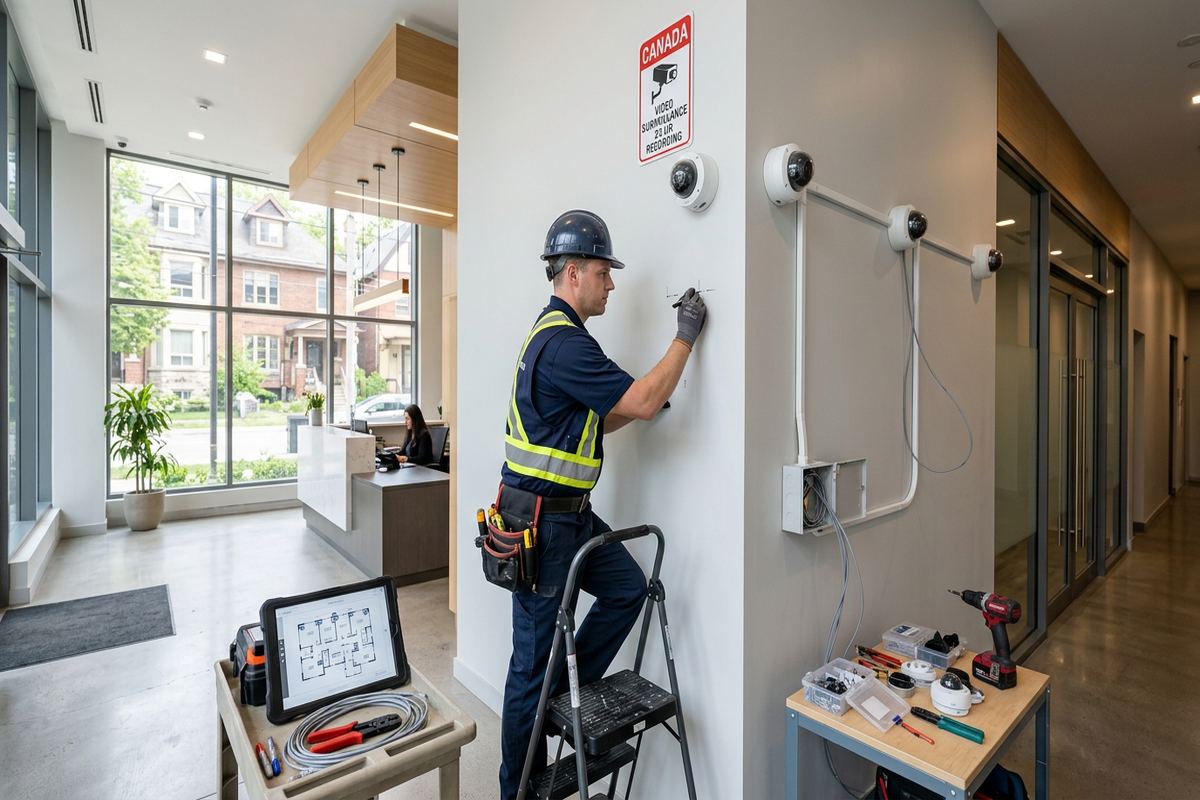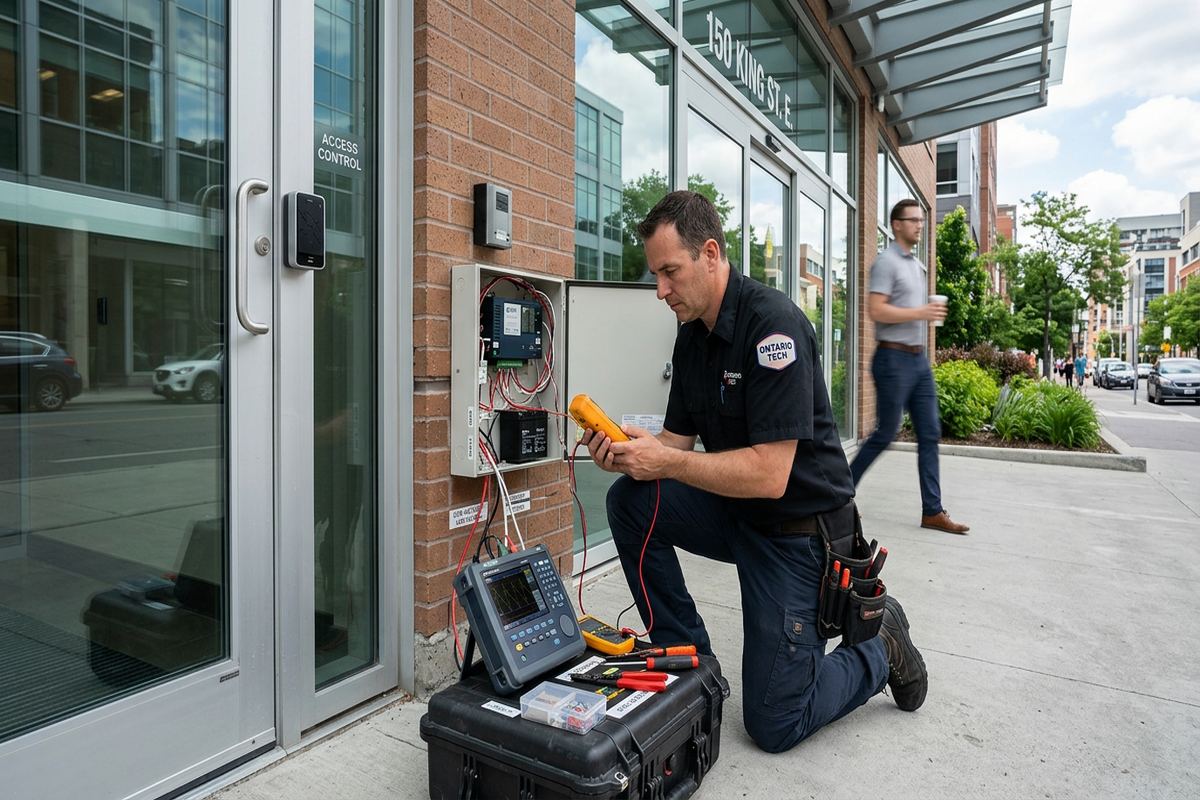
UnifiedLink installs office access control systems across Caledon and Peel Region. We plan controlled doors, credentials, readers, locks, request-to-exit devices and management software around the building and its daily operations. Each project starts with a site assessment and finishes with on-site configuration, customer-owned credentials, labelled cabling and an as-built record.
Planning Office Access Control in Caledon
An effective office access system begins with how people actually move through the property. During a Caledon site assessment, we review public entrances, staff doors, reception areas, private offices, storage rooms, server rooms and exterior gates. We identify which openings require control, who needs access and what should happen during normal hours, after hours or an emergency. The assessment also considers the existing alarm, cameras, network, power sources, door hardware and fire-safety requirements, rather than treating the card reader as an isolated device.
Local properties vary considerably, from offices in Bolton commercial strips to converted houses, mixed-use buildings and workplaces attached to industrial units. Existing construction affects cable routes and hardware choices. A framed partition may permit concealed cabling, while masonry walls can require surface raceway, careful drilling or another route from above. Older doors may have settling, alignment or worn hardware that must be addressed before electrification. The written scope records the proposed equipment, cable routes, device placement, exclusions, equipment ownership and warranty so the installation has defined boundaries.
Access decisions should reflect business roles instead of simply replacing every key with one credential. Reception staff, managers, cleaners, contractors and occasional visitors may need different schedules or door permissions. A practical design also defines how credentials are issued, changed and revoked when employment or tenancy changes. Where several organizations share a Caledon building, the system may require separation between common entrances and private suites. Landlord or condominium approvals should be confirmed before drilling, modifying doors, using common pathways or placing equipment in shared electrical and communications rooms.
- Door, gate and workflow review
- Existing hardware and cable-route assessment
- Role and schedule planning
- Landlord or condominium approval checks
- Written scope before pricing
Caledon Door, Reader and Lock Selection
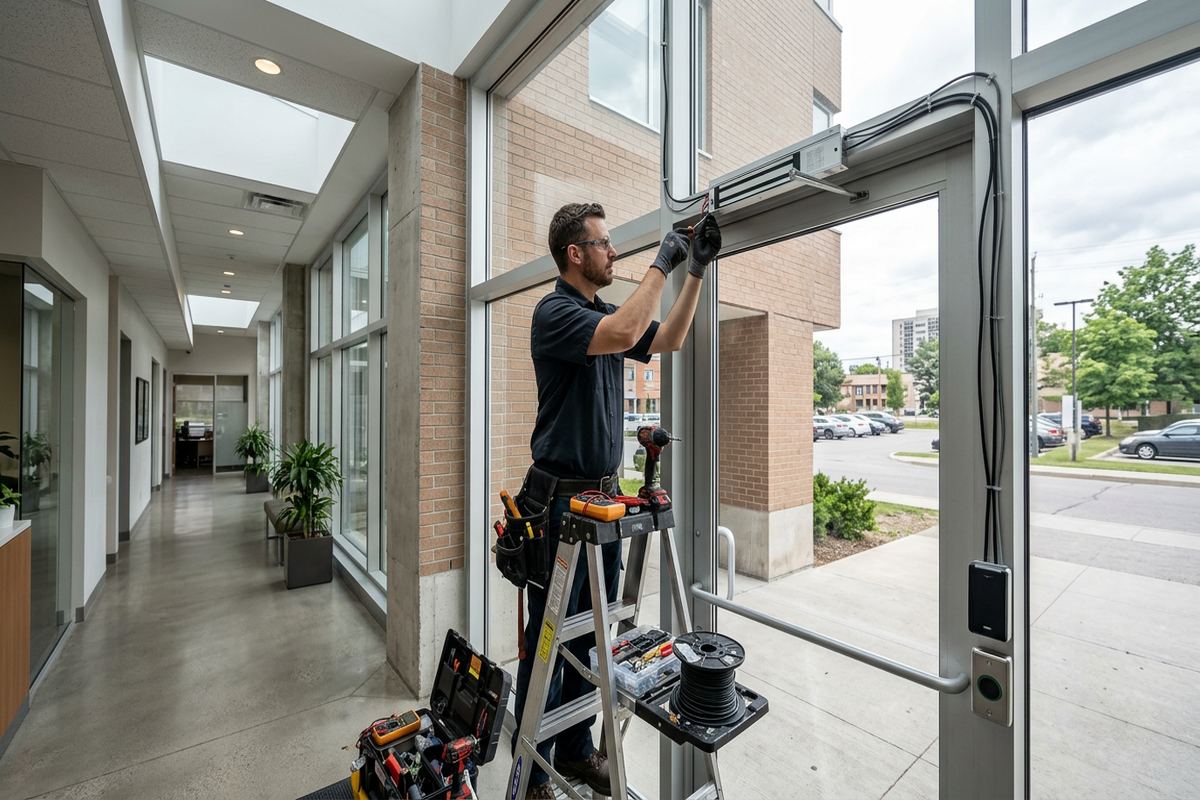
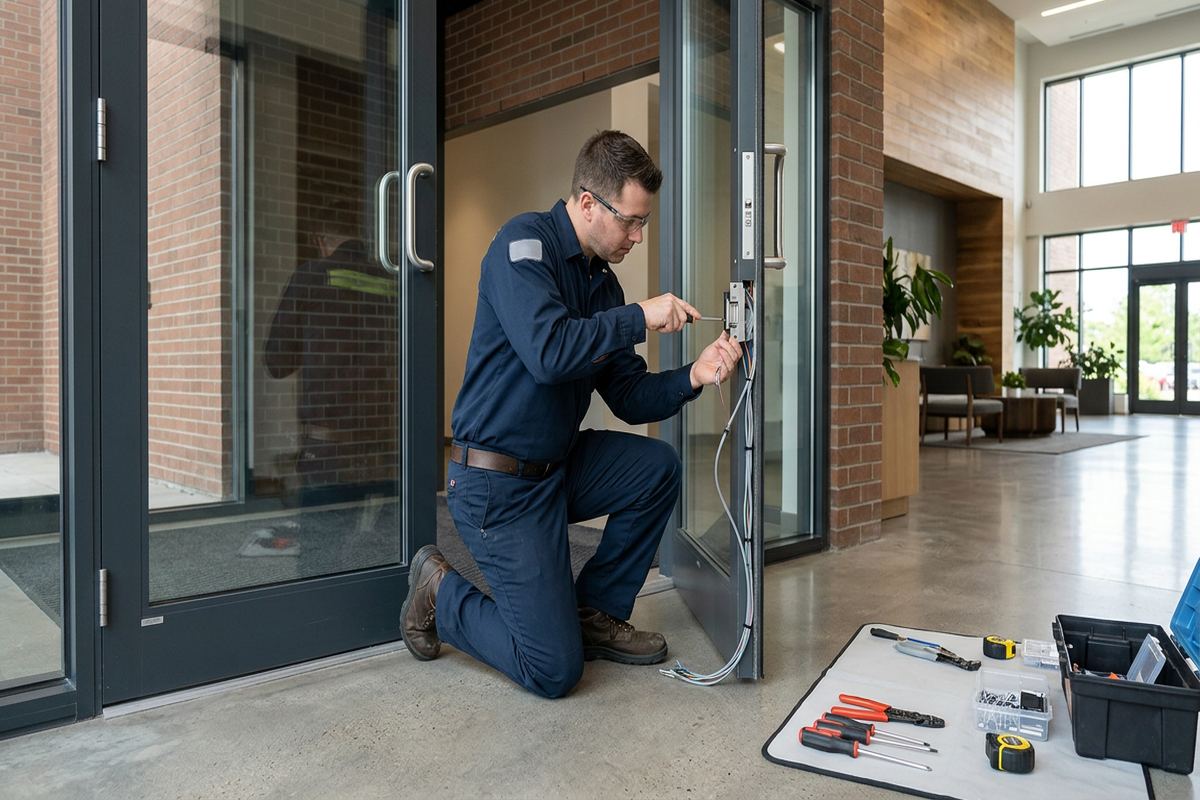
Door condition determines more than reader placement. We inspect the frame, latch, hinges, closer, panic hardware and available space before selecting an electric strike, electrified lock, magnetic lock or another compatible release method. The opening must close and latch consistently for access control to provide meaningful security. On glass, aluminium, wood, steel and hollow-metal assemblies, mounting methods differ. Fire-rated doors and required exit paths also need appropriate hardware and coordination, since convenience cannot override life-safety operation or the building’s applicable approval requirements.
Credential readers can support cards, fobs or mobile credentials, depending on the selected platform and the customer’s operating preferences. The correct choice considers staff turnover, shared credentials, administrative workload and whether employees need access at more than one building. Readers should be reachable, visible and protected from likely impacts without creating awkward traffic at the doorway. Inside, request-to-exit devices and door-position contacts provide information the controller needs to release and monitor the opening. Audible alerts or software events can then identify a door held open or forced open.
Exterior entrances in Caledon face snow, wind-driven moisture and repeated freeze-thaw cycles. Reader housings, junction points, fasteners and cable entries must suit outdoor exposure, while penetrations need proper sealing against water and air movement. Hardware must also tolerate door movement caused by changing temperatures. In exposed locations near Palgrave or on rural acreages, a small mounting detail can determine whether water follows a cable into the wall. We plan drip paths, weather-resistant fittings and serviceable enclosures rather than relying on interior components beneath a shallow overhang.
- Electric lock compatibility review
- Card, fob or mobile credential options
- Door-position and request-to-exit devices
- Weather-suitable exterior components
- Sealed exterior cable penetrations
Gate Access for Caledon Offices
Long driveways, detached offices and outbuildings make gate access a frequent consideration around Caledon. A controlled gate needs more than a reader at the road. Planning may involve the gate operator, safety devices, vehicle loops, intercoms, credential readers, exit methods and a communications path back to the office. We confirm system responsibilities and interfaces before work begins, especially when another contractor supplies the gate or operator. The objective is coordinated entry without bypassing the gate manufacturer’s safety controls or leaving unclear responsibility between separate trades.
Distance strongly affects a gate installation. Copper data cabling has practical limits, while voltage drop can affect locks, readers and intercom devices over long runs. Depending on the site, an appropriate design may use fibre, local power, surge protection, network links or purpose-built access-control interfaces. Underground pathways should be identified before trenching, and cable types must be suitable for the environment. Where a driveway crosses landscaped ground or paved areas, the written scope states pathway assumptions and exclusions so restoration, conduit and third-party excavation responsibilities are understood.
Gate credentials should follow the same administrative rules as office doors whenever practical. Staff, service contractors, deliveries and property managers may need different access periods, and a lost credential should be removable without changing every user’s access. In Inglewood or Caledon East, a property may combine a workplace, storage building and yard behind one entrance. The design can separate gate permission from office or outbuilding permission, reducing unnecessary access. Outdoor camera coverage can also be coordinated to show vehicles and gate activity without presenting camera recording as a substitute for controlled entry.
- Gate operator interface planning
- Long-distance communications assessment
- Vehicle and pedestrian entry options
- Separate gate and building permissions
- Camera coordination for gate activity
Caledon, Ontario
Office access control installation in Caledon, scoped in writing first
Book a site assessment and get equipment, routes, exclusions, and warranty on paper before anything is installed.
Cabling and Controllers in Caledon Buildings
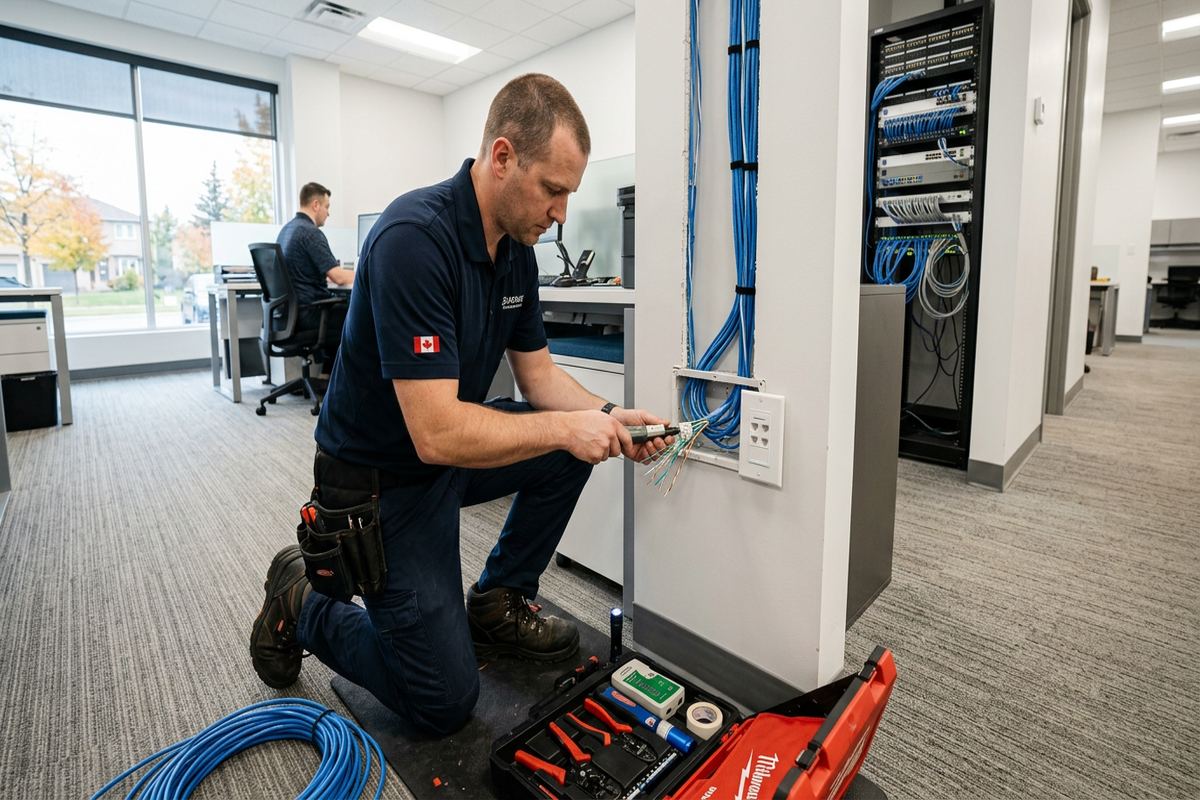
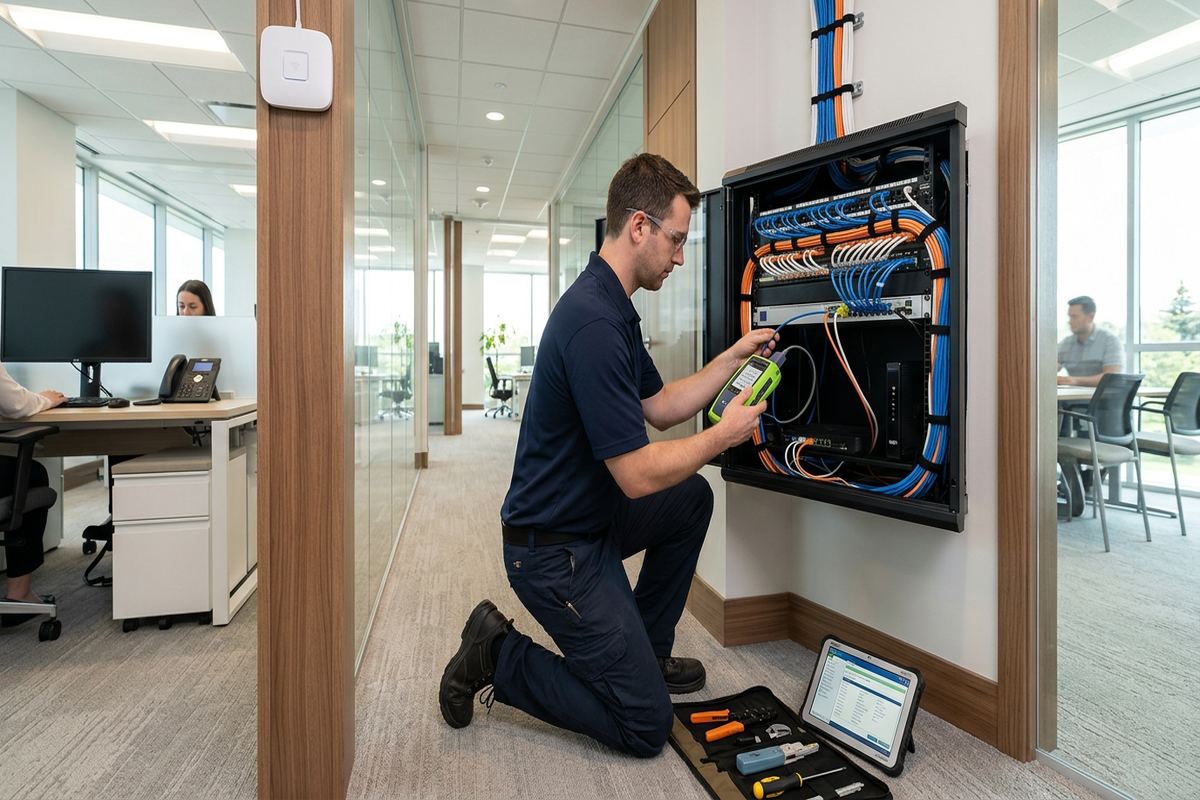
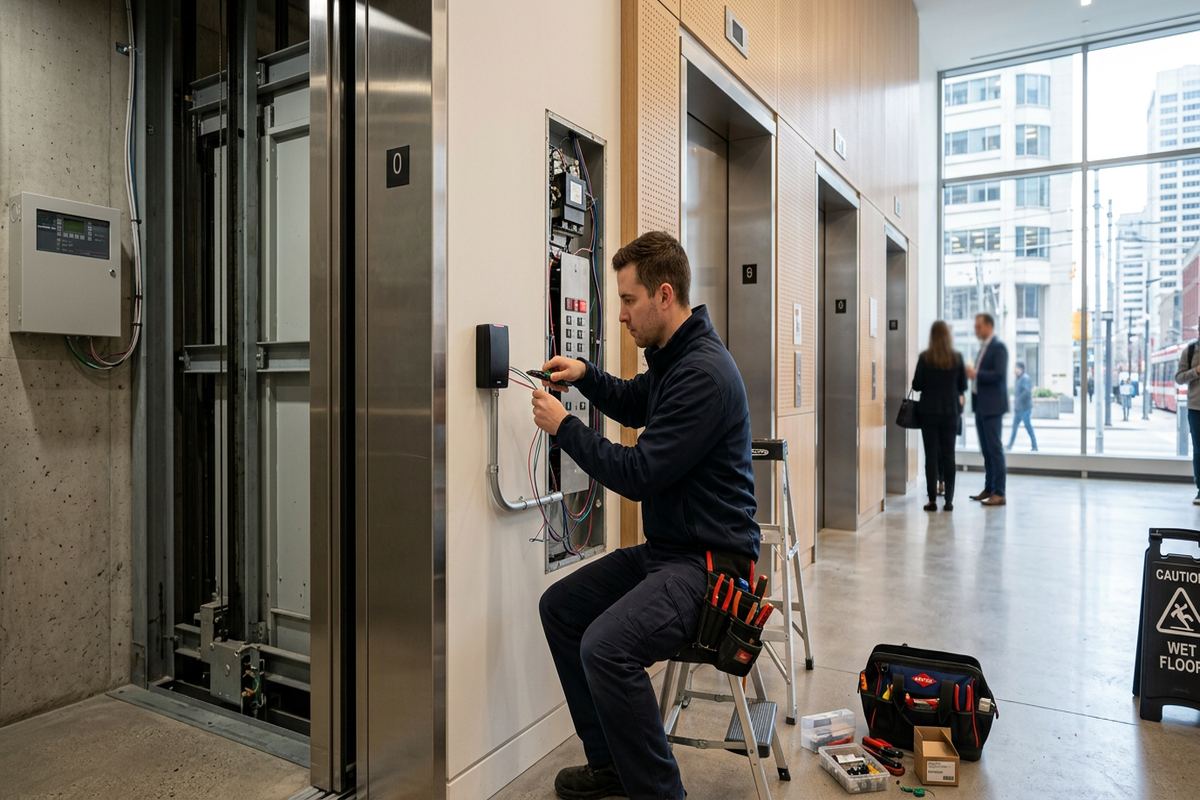
Reliable access control depends on infrastructure hidden above ceilings and behind walls. UnifiedLink installs continuous labelled cable runs between field devices and the designated controller or communications location. We avoid undocumented splices and identify cables so later testing does not require guesswork. Routes are planned around electrical interference, inaccessible cavities, damp areas and likely future renovations. In occupied Caledon offices, installation sequencing also matters: ceiling access, drilling and door downtime can be arranged by area to limit disruption while maintaining safe passage for staff and visitors.
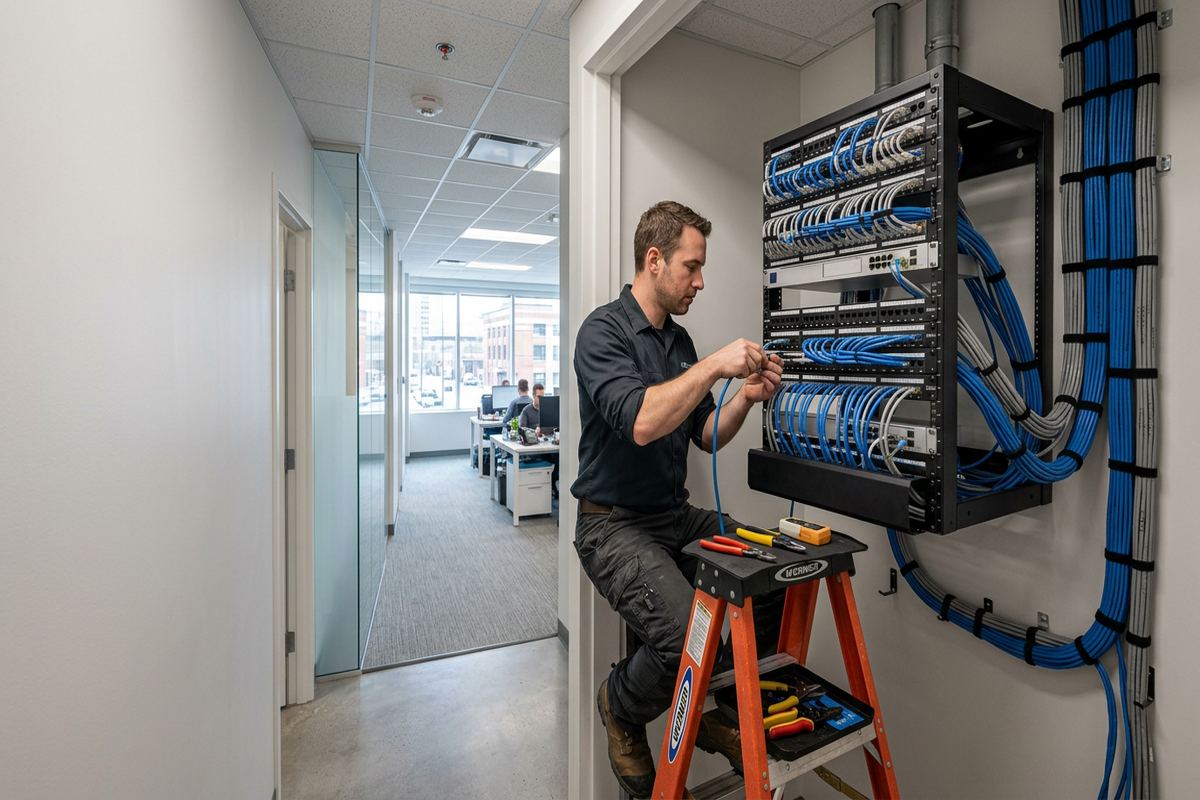
Controller placement affects service access, cable length and physical security. A panel should not be exposed in a public corridor or placed where routine storage blocks it. We consider available wall space, environmental conditions, network connectivity, power and battery arrangements when choosing a location. Industrial units around Bolton or Mayfield West may have high ceilings, open structure and long runs, while an older converted office may offer limited pathways. Each setting requires a route that is supportable, code-conscious and practical to inspect, rather than simply the shortest visible line.
Masonry and frame construction require different installation methods. Cable can often be concealed in accessible framed walls, although insulation and fire blocking may restrict the route. Solid masonry may call for surface-mounted raceway, core drilling or travel through an adjacent ceiling space. Exterior penetrations are sloped or sealed as appropriate to limit moisture entry, particularly through winter freeze-thaw conditions. Where a landlord controls the exterior envelope or common ceiling, approval should be documented before work. The final route is recorded in the as-built information provided during handover.
- Continuous labelled cable runs
- Secure, serviceable controller locations
- Routes suited to masonry or framing
- Sealed building-envelope penetrations
- As-built cable and device record
Credentials, Schedules and Office Policies
Technology works properly only when access rules are clear. Before configuration, the customer identifies user groups, controlled areas, working hours, holiday schedules and the people authorized to administer changes. A small office may need only staff and manager groups, while a shared or multi-department workplace can require more separation. We translate those decisions into the selected platform during on-site configuration. Administrative access is handed over using the customer’s own credentials, avoiding dependence on an installer-held account for everyday additions, deletions or schedule changes.
A credential should identify one person whenever operationally reasonable. Shared fobs make activity records less useful and create uncertainty when access must be removed. Temporary credentials can be assigned to cleaners, contractors or short-term staff with limited doors and schedules. For visitors, reception procedures may remain more appropriate than issuing unrestricted access. Caledon businesses with yards or outbuildings can use separate permission groups for the gate, office, stock area and detached structures, allowing a worker to reach the required location without automatically receiving access to every controlled opening.
System event records can help an authorized administrator review credential use, forced-door events and doors held open, but they require sensible retention and privacy practices. Access control does not prove who passed through a door when people follow one another, and it should not be described as a complete attendance system unless specifically designed for that function. We explain the available events and administrative controls at handover. The customer remains responsible for internal access policies, privacy decisions, credential issuance and periodic review of users who no longer need entry.
- Role-based door permissions
- Working-hour and holiday schedules
- Temporary contractor credentials
- Customer-controlled administrator accounts
- User and event review procedures
Installation and Handover Across Caledon
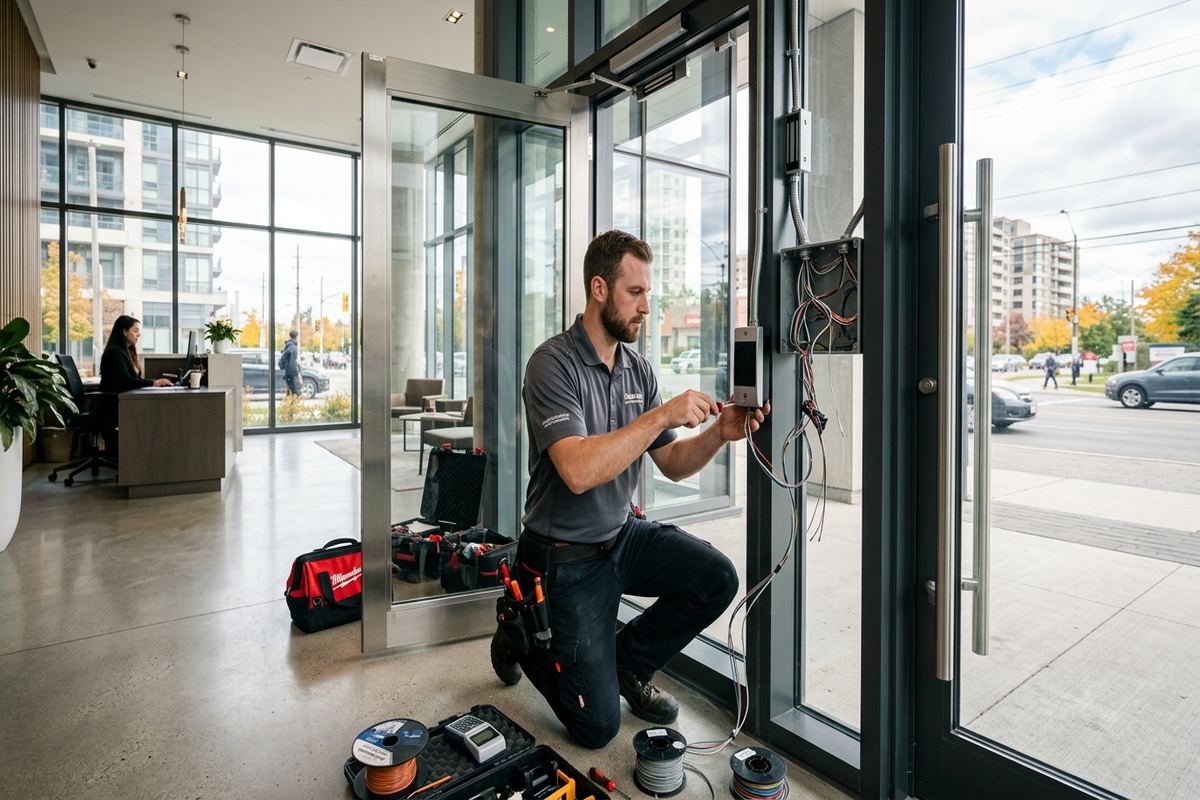
Once the scope is accepted and prerequisites are ready, installation proceeds from pathways and cabling through hardware, devices and controller termination. Door work is coordinated so an opening is not left unsecured or unusable without an agreed plan. Readers, contacts and request-to-exit devices are mounted in practical positions, and each cable is labelled at its termination points. Where existing door hardware is unsuitable, that condition is addressed within the agreed responsibility or identified for the appropriate door-hardware trade before final access-control testing continues.
Configuration takes place on site using the agreed door names, schedules, user groups and operating rules. Every controlled opening is tested for credential acceptance, denied access, exit operation, door status and expected behaviour during relevant power or network conditions. Gate interfaces are tested with the operator and safety functions kept within their intended design. For offices in Alton, Bolton or elsewhere in Caledon, clear device names are particularly useful when several buildings or entrances look similar in software. Labels should match the terminology staff use on the property.
Handover includes the customer’s own administrative credentials and an as-built record of the installed system. We review routine tasks such as adding a user, revoking a lost credential, changing a schedule and checking door events. Equipment ownership and warranty terms follow the written scope, reducing uncertainty about subscriptions, customer-supplied devices or platform accounts. UnifiedLink remains one accountable contractor for the low-voltage access-control scope, including planned cabling, device installation and configuration, rather than leaving the customer to reconcile separate explanations for each part of the system.
- Sequenced door and cable installation
- Functional testing at every opening
- On-site platform configuration
- Customer-owned administrative credentials
- Documented system handover
Integrating Security Systems in Caledon
Access control can share useful context with cameras, alarms and intercoms, but each system should retain a clear purpose. A camera may provide recorded views of someone presenting a credential, while an intercom lets reception speak with a visitor before releasing an entrance. Alarm integration may support defined arming workflows or report selected conditions. We confirm platform compatibility and the desired outcome before proposing an interface. Integration should reduce administrative steps or improve event review, not add fragile dependencies that make a working door rely on an unrelated application.
Rural acreages and outbuildings can create coverage gaps between the gate and main office. When camera coverage is part of the broader project, views should account for driveway direction, vehicle position, lighting, weather and the distance from the mounting point to the identification area. Exterior equipment and junctions need weather-suitable mounting and sealing. Network bandwidth, local recording and links between buildings also require review. Caledon’s property layouts often favour coordinated planning of gate access, cameras and communications pathways, even when those systems are installed in separate project phases.
Existing systems are assessed before any promise of integration. Brand names alone do not establish compatibility because model, licence, firmware, wiring and account access can all affect available functions. A customer may choose to retain a suitable camera or alarm platform while replacing only the access components, or plan a staged migration. The scope identifies which interfaces are included, what information the customer must provide and which legacy equipment remains unsupported. This prevents a basic door installation from acquiring undefined responsibility for every security device already present in the building.
- Camera and door-event coordination
- Visitor intercom release options
- Defined alarm integration points
- Outbuilding network-path review
- Compatibility confirmed before installation
Maintaining Office Access Control in Caledon
Access systems should be reviewed as staffing, tenancy and building use change. Administrators can periodically remove inactive users, check temporary credentials, confirm holiday schedules and inspect door events for recurring held-open conditions. Physical doors also need attention: a loose closer, shifting frame or damaged latch can cause faults even when the electronics work correctly. Seasonal movement is relevant in Caledon, where winter temperatures and freeze-thaw cycles can change alignment at exterior entrances. Early correction protects both daily reliability and the mechanical hardware around the opening.
Outdoor readers, gate devices and enclosures benefit from visual inspection after severe weather, landscaping work or snow clearing. Damaged seals, shifted posts, blocked sensors and exposed conduit should be addressed before moisture or movement affects internal components. Rural driveways may also place devices near road salt, standing water, dust or equipment traffic. Staff should report intermittent closing, repeated denied entries and unusual gate movement rather than repeatedly forcing the opening. Access logs can support troubleshooting, but an on-site check is often necessary to distinguish credential, network, power and door-hardware issues.
Changes should be documented instead of added as unlabelled field modifications. When a Caledon office expands into another suite, adds an outbuilding or changes its reception layout, we can assess controller capacity, cable routes, power and licensing before extending the system. Requests sent during business hours are answered the same day, while after-hours requests are answered the next business day. Site assessment timing depends on the service and travel distance. This process allows the next phase to receive a written scope rather than relying on assumptions from the original installation.
- Seasonal door-alignment checks
- Inactive credential removal
- Outdoor enclosure and seal inspection
- Documented additions and system changes
- Assessment before expansion pricing
Caledon neighbourhoods we cover
- Bolton
- Caledon East
- Inglewood
- Alton
- Mayfield West
- Palgrave
Office access control installation in Caledon — common questions
Can access control be added to an older Caledon office?
Usually, but the door, frame, hardware and available cable routes must be assessed first. Older Caledon buildings may combine masonry walls, framed additions and doors that no longer align consistently. We review those conditions before pricing and identify whether concealed cabling, surface raceway, door repair or coordination with another trade is required.
Can one system control our office and driveway gate?
Yes, when the gate operator and access platform provide compatible interfaces. Caledon properties with long driveways often require additional planning for communications distance, local power, surge protection, safe vehicle operation and visitor entry. Gate safety devices remain part of the operator’s proper function. The written scope defines UnifiedLink’s interface and any work assigned to gate or excavation contractors.
Do we need landlord or condo approval?
Approval may be required when work affects a leased door, common corridor, shared communications room, exterior wall or building envelope. A Caledon tenant should confirm permissions before drilling or changing landlord-owned hardware. We can document the proposed device locations and cable routes for review, but the property owner or condominium corporation determines its approval process.
What happens when an employee loses a fob?
An authorized administrator can revoke that individual credential without replacing every other user’s fob. A new credential can then be assigned with the appropriate Caledon office doors and schedules. Using individually assigned credentials is preferable to sharing because it makes removal and event review clearer. We demonstrate routine credential administration during the system handover.
Will the system work during an outage?
Outage behaviour depends on the controller, lock type, power arrangement, network design and required life-safety operation. During the Caledon site assessment, we review the intended response and available battery arrangements. Mechanical key override or another approved method may also be required. The design must preserve safe exit, and no general answer applies to every door or gate.
How do we get a quote in Caledon?
UnifiedLink completes a site assessment before pricing. We review the doors, gate interfaces, existing hardware, cable routes, network location and operating requirements. The resulting written scope covers equipment, device placement, cable routes, exclusions, equipment ownership and warranty. Requests sent during business hours are answered the same day; after-hours requests are answered the next business day. Assessment timing depends on service and travel distance.
Coverage in Caledon is confirmed against the address before we quote. See everything we install in Caledon or the province-wide office access control installation page.