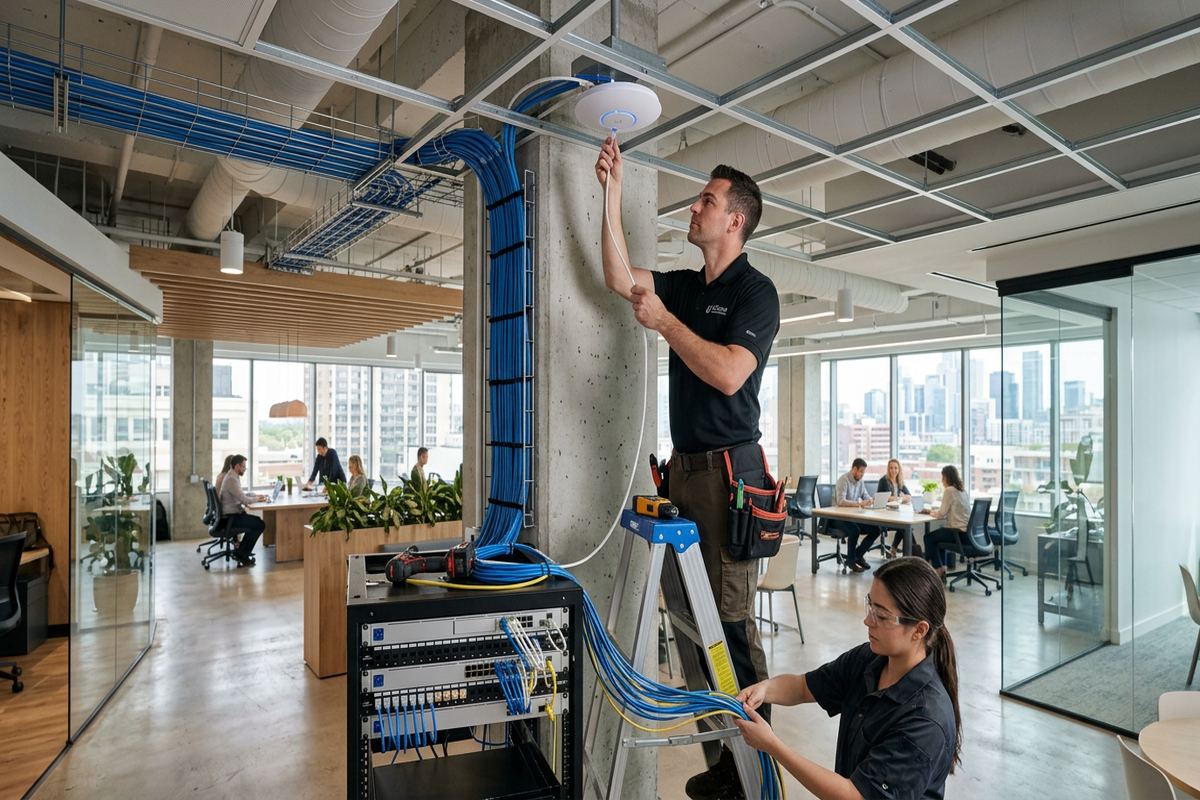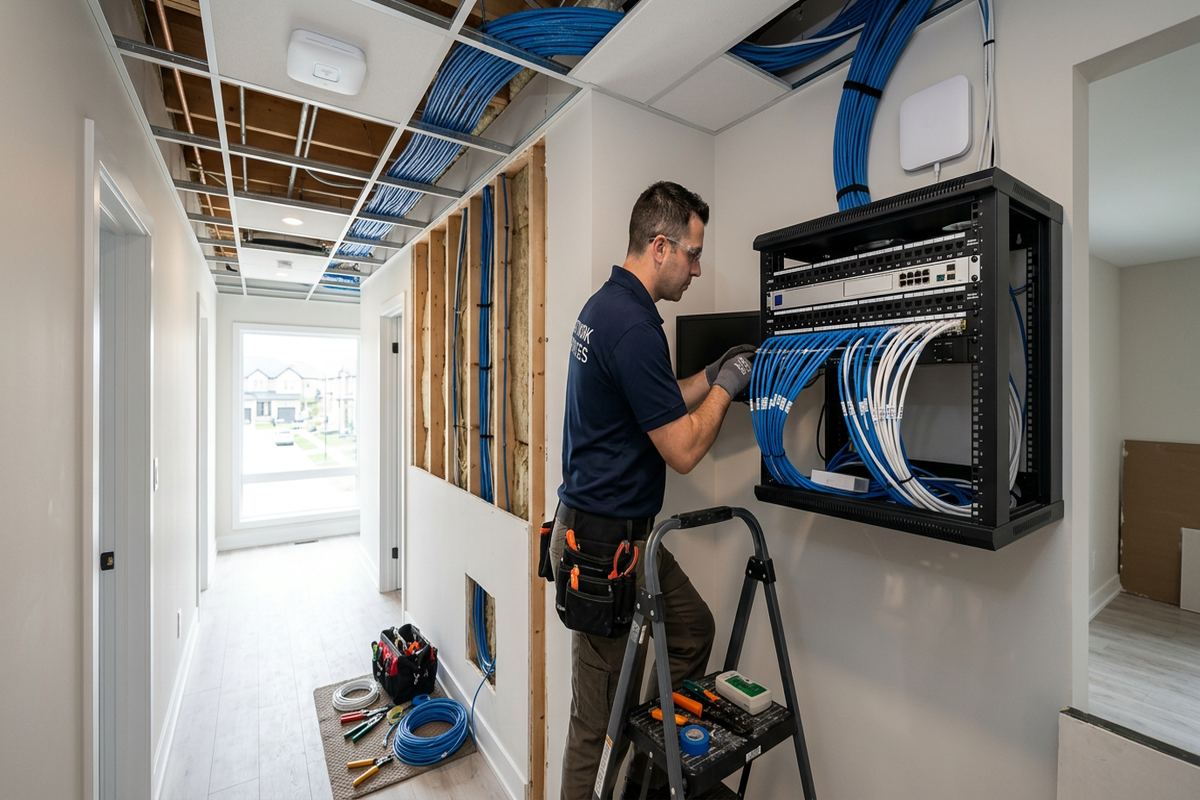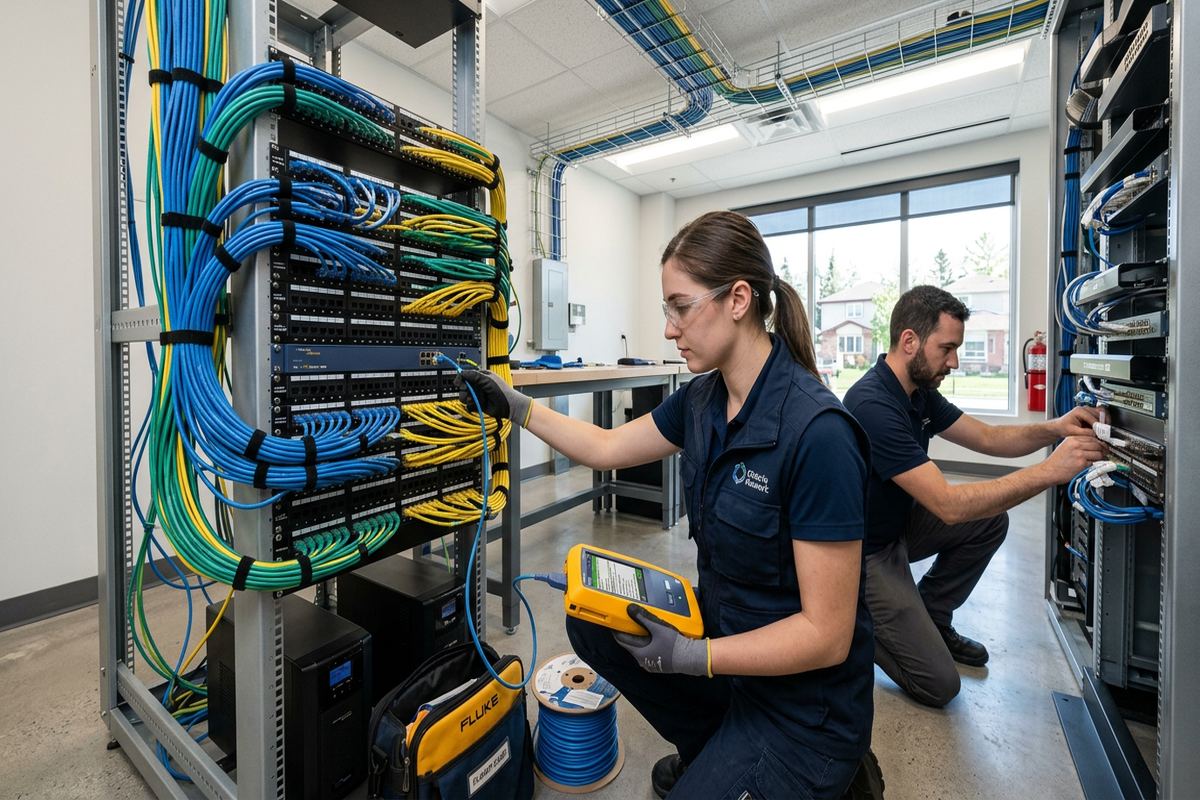
UnifiedLink installs home networks in Brockville, including structured cabling, Wi-Fi access points, network racks, switches and connected-device infrastructure. We assess the property before pricing, plan practical cable routes and configure the system on site. The finished network is documented, labelled and handed over using credentials controlled by the customer.
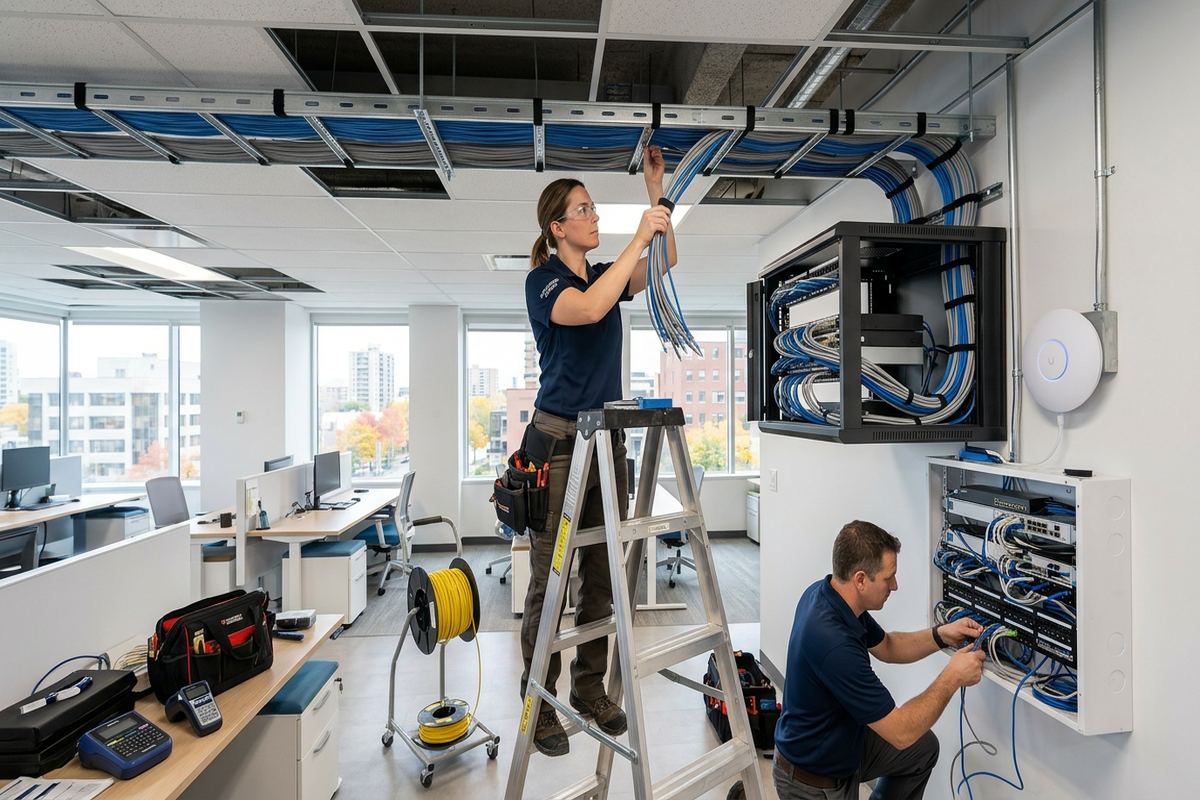
Home Network Planning for Brockville Properties
A reliable network begins with a physical assessment rather than assumptions about square footage or an internet provider’s advertised speed. In Brockville, construction varies considerably between stone heritage homes, newer frame houses, condominiums and riverfront properties. Wall materials, floor assemblies, service-entry locations and available pathways all affect cable routing and wireless coverage. UnifiedLink reviews where the internet connection enters, where equipment can be housed, which rooms need wired service and where access points can be installed without creating unnecessary visual impact or difficult future maintenance.
During the assessment, we identify current requirements and likely additions. A household may need stable connections for workstations, televisions, security cameras, gaming systems, audio equipment, smart-home controllers and outdoor areas. Small offices or mixed-use properties may also require separated networks for staff, visitors and building systems. Planning these uses together avoids placing all devices on one consumer router or adding disconnected extenders later. The resulting design considers available internet service, internal traffic, device density, coverage areas, power availability and practical options for future cable expansion.
Pricing follows the site assessment because every property presents different routing and installation conditions. The written scope covers proposed equipment, cable routes, device placement, exclusions, equipment ownership and warranty information. It also distinguishes network work from services supplied by the internet provider. That distinction matters when diagnosing performance: the incoming connection, local cabling, wireless coverage and individual devices can each create different limitations. A defined scope gives Brockville property owners a clear record of what will be installed, how components will connect and which responsibilities remain with other providers.
- Internet entry point and equipment-location review
- Room-by-room wired connection planning
- Access-point placement based on construction materials
- Written scope before installation begins
Wired Home Networks in Brockville
Ethernet cabling provides a consistent foundation for equipment that does not need to move. Workstations, televisions, media players, gaming systems, printers, network storage and security equipment generally perform more predictably on wired connections than on crowded Wi-Fi. In Brockville homes, cable pathways may run through basements, utility spaces, attics, closets or carefully selected wall cavities. Routes are chosen only after considering structure, insulation, electrical wiring and finished surfaces. The objective is not simply to conceal cable, but to create serviceable runs that can be identified, tested and maintained.
Stone and masonry construction require different methods from frame construction. Drilling locations must avoid damaging visible stonework, creating water paths or producing poorly supported penetrations. Where concealed routing is impractical, a neat surface pathway may be less disruptive than extensive opening and repair of plaster or masonry. Frame homes often offer more wall-cavity access, although fire blocking, renovations and insulation can still limit routes. UnifiedLink discusses these conditions before work proceeds, including any areas where finish repair, specialized access or approval by another trade could be required.
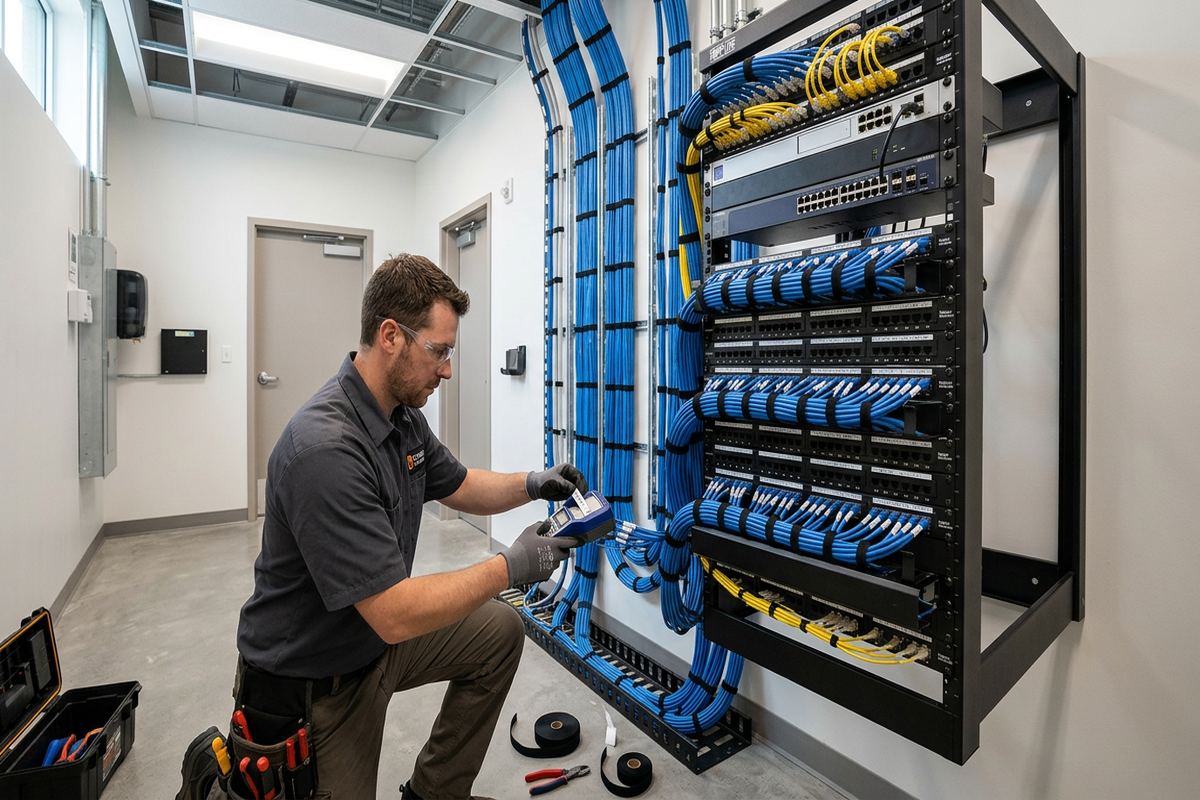
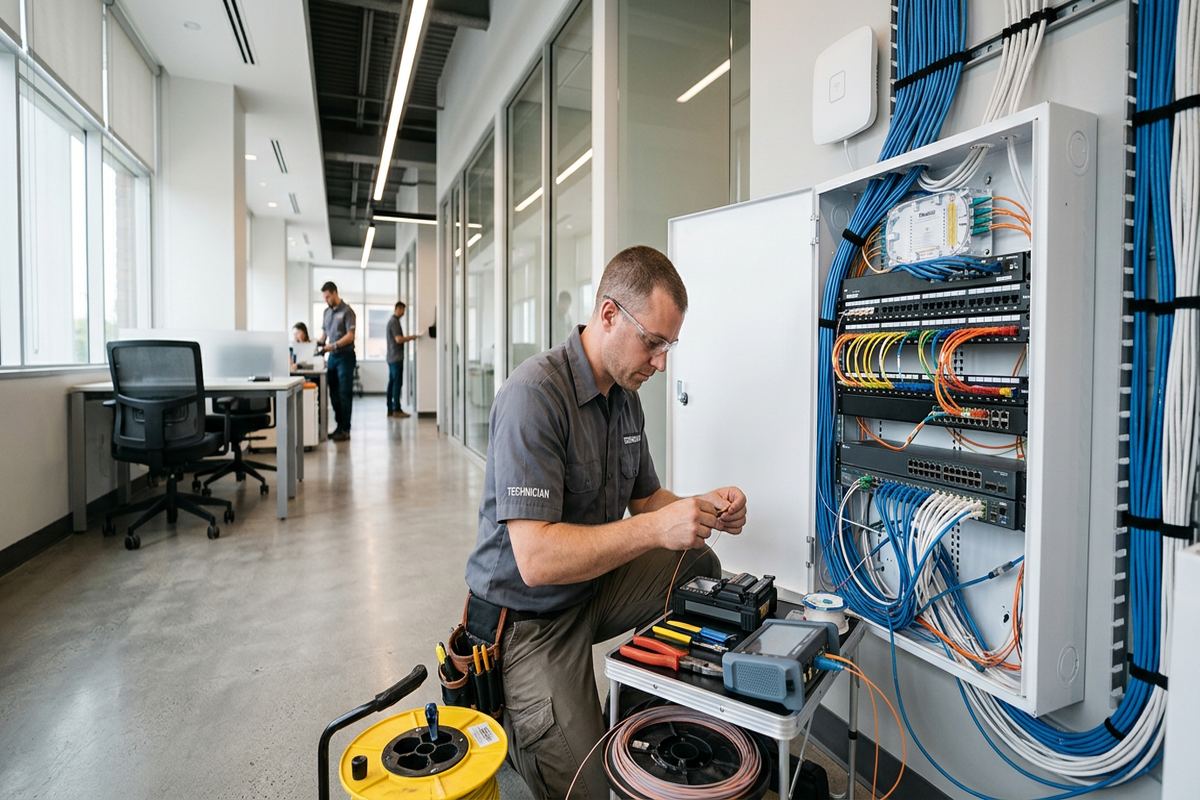
Each permanent link is installed as a continuous labelled cable run between its endpoints. Connections terminate at suitable wall plates, patch panels or equipment locations, depending on the design. Labelling at both ends makes later troubleshooting and changes easier, especially when several rooms or building systems share one central location. Completed runs are checked for correct termination and continuity, then recorded in the as-built documentation. This approach avoids unidentified cables, hidden intermediate joints and improvised connections that complicate upgrades. It also gives the customer an understandable map of the installed network.
- Continuous labelled Ethernet cable runs
- Wall plates and central patch-panel options
- Routes selected for future service access
- Testing and as-built cable records
Wi-Fi Coverage Across Brockville Homes
Wireless coverage depends on more than router power. Access-point location, channel use, building materials, neighbouring networks and device capabilities all influence the result. Dense stone walls in Downtown Brockville can weaken signals between rooms, while larger homes in North Brockville may need more than one properly connected access point to cover separate floors. Metal ductwork, mirrors, appliances and foil-backed insulation can also create irregular dead zones. A network assessment considers these obstacles and places equipment where it can serve occupied areas instead of hiding the only wireless source in a basement corner.
Properly designed access points use wired backhaul wherever a suitable route is available. This gives each access point a direct network connection instead of asking it to receive and retransmit traffic wirelessly. The design can maintain one familiar network name while allowing compatible devices to move between coverage areas. Configuration also addresses channel selection, security settings, updates and separation for guest or connected-device traffic when appropriate. Mesh equipment may still be useful where cabling cannot be installed, but its placement and wireless path must be planned rather than treated as an automatic cure.
Coverage goals should be defined before equipment is selected. Some Brockville households require reliable service only in primary living and working spaces, while others need connectivity in detached work areas, patios or river-facing rooms. Exterior coverage introduces additional concerns, including weather exposure, mounting surfaces and safe cable entry. UnifiedLink documents the intended service areas and configures the installed equipment on site. Final checks focus on practical operation in those areas, recognizing that performance also depends on the internet plan, remote service, user device and changing radio conditions.
- Access points connected by wired backhaul where practical
- Coverage planned around stone and masonry walls
- Guest and connected-device network separation options
- On-site wireless configuration and functional checks
Brockville, Ontario
Home network installation in Brockville, scoped in writing first
Book a site assessment and get equipment, routes, exclusions, and warranty on paper before anything is installed.
Discreet Installation for Heritage and Riverfront Properties
Brockville’s stone heritage homes call for restrained installation methods. Visible equipment, cable clips and exterior penetrations can affect the character of detailed masonry, trim and interior finishes. Before drilling, we review alternative pathways through utility areas, existing openings, closets or less prominent surfaces. When a visible route cannot reasonably be avoided, cable colour, pathway type and device position are considered as part of the scope. Low-impact work does not mean hiding equipment where it cannot function; it means balancing network performance, service access and the appearance of the property.
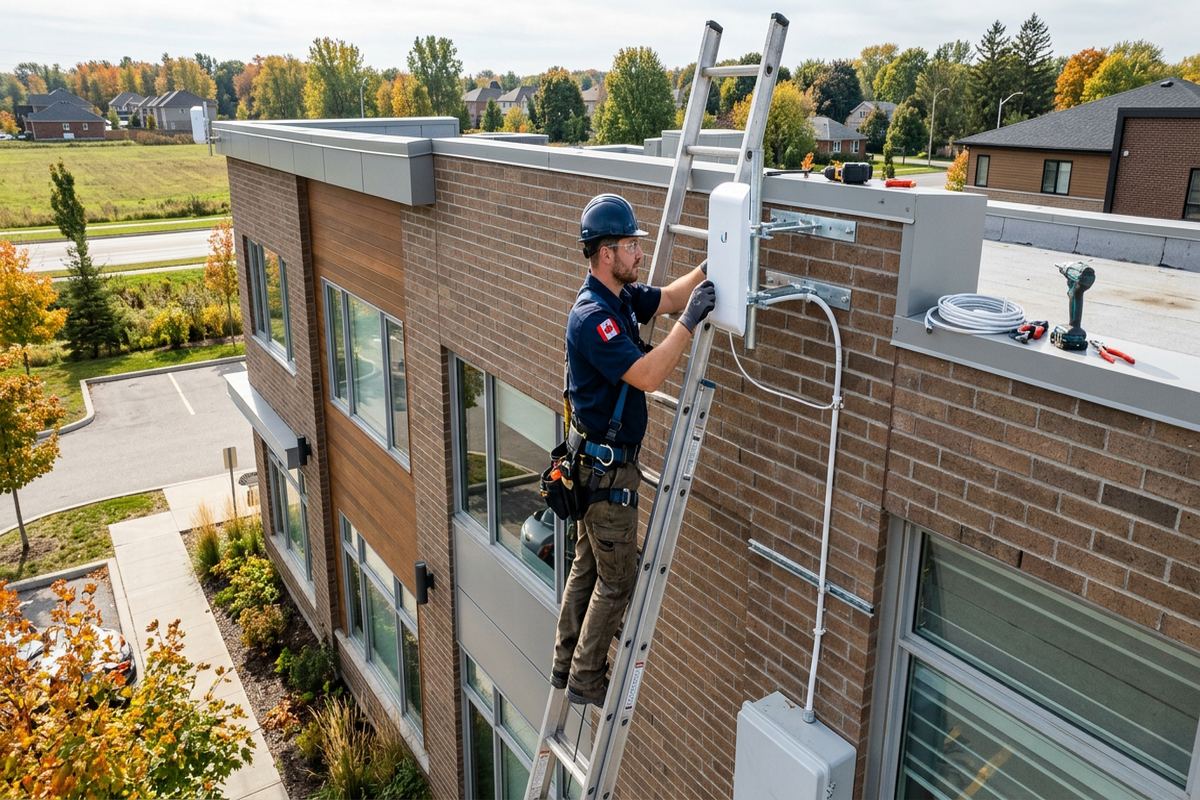
Riverfront properties bring additional exposure to wind-driven rain, snow, ice and seasonal moisture. Exterior-rated equipment and cable are selected where the network extends outside, and mounting locations are chosen to reduce direct exposure when possible. Penetrations require appropriate sleeves, support, drip management and sealing compatible with the surface. Brockville’s winter freeze-thaw cycles make incomplete sealing especially problematic because trapped water can expand and damage masonry or loosen fittings. Exterior cable must also be secured without creating low points that direct water toward the building entry.
Any exterior installation must account for the difference between masonry veneer, solid stone, poured concrete and wood-frame assemblies. Fasteners and sealing methods are selected for the actual substrate rather than applied as a universal detail. Routes are kept away from drainage paths, unsafe roof access and locations likely to be struck during property maintenance. If heritage restrictions, condominium rules or landlord conditions apply, the property owner remains responsible for obtaining required approval before installation. We can provide the proposed device locations and route information needed to support that review.
- Low-visibility routes through suitable existing spaces
- Mounting methods matched to the actual substrate
- Weather-conscious exterior cable entry and sealing
- Proposed layouts available for approval requests
Network Equipment and Configuration in Brockville
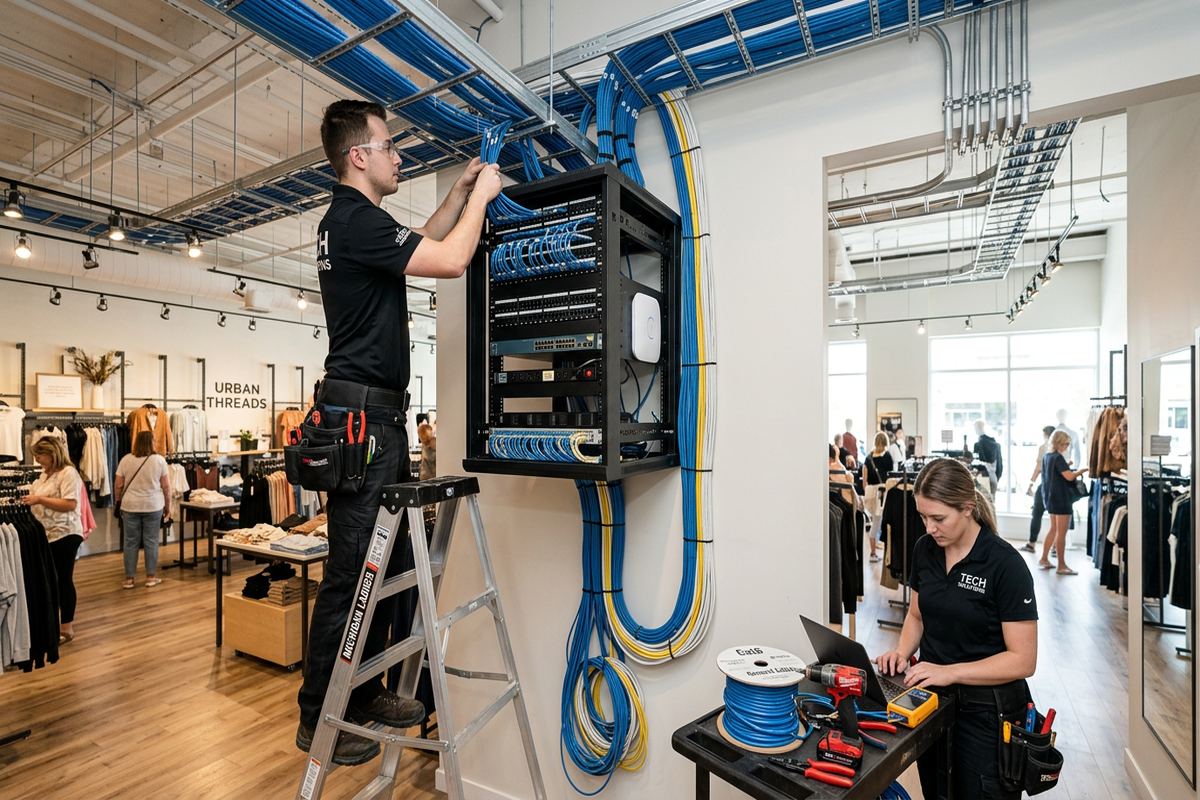
The central network location should be dry, ventilated, powered and accessible for service. Depending on the property, equipment may be arranged on a structured media panel, wall-mounted backboard, shelf or compact rack. The layout can include the internet provider’s modem or terminal, router, network switch, patch panel, access-point connections and power protection selected for the installation. Equipment should not be crowded into a sealed cabinet or placed where routine household storage disconnects cables. A tidy central point makes faults easier to isolate and supports later additions without rebuilding the network.
Router and switch selection depends on the number of wired devices, expected traffic, access-point requirements and any powered network equipment. Power over Ethernet can supply compatible access points, cameras or other devices through their network cables, reducing the need for separate adapters at each location. Capacity should be planned deliberately, but unnecessary enterprise features add complexity without solving a defined problem. UnifiedLink specifies equipment within the written scope and identifies who owns each component, including any hardware supplied by the customer or retained under an internet provider’s service arrangement.
Configuration is completed on site using customer-controlled credentials. This can include secure wireless settings, administration access, software updates, network names, guest access and logical separation where supported by the selected equipment. Passwords are not left at factory defaults, and the customer receives the information needed to manage the system after handover. We also record the main equipment, port assignments and installed cable endpoints in the as-built record. If provider-controlled hardware limits a requested configuration, that limitation is explained rather than bypassed through undocumented or unstable workarounds.
- Organized modem, router and switch locations
- Power over Ethernet planning where suitable
- Secure configuration using customer-owned credentials
- Recorded ports, equipment and network endpoints
Home Network Upgrades and Troubleshooting
Not every network problem requires complete replacement. Intermittent service may come from damaged connectors, poor cable terminations, overloaded wireless channels, outdated equipment, double routing or access points installed in ineffective locations. Troubleshooting starts by separating internet-provider issues from internal network issues. Existing cables and equipment are reviewed where accessible, and symptoms are connected to specific rooms, devices or times of use. This process helps avoid replacing a router when the actual fault is a damaged cable, an unsuitable extender or a weak incoming connection outside the local network.
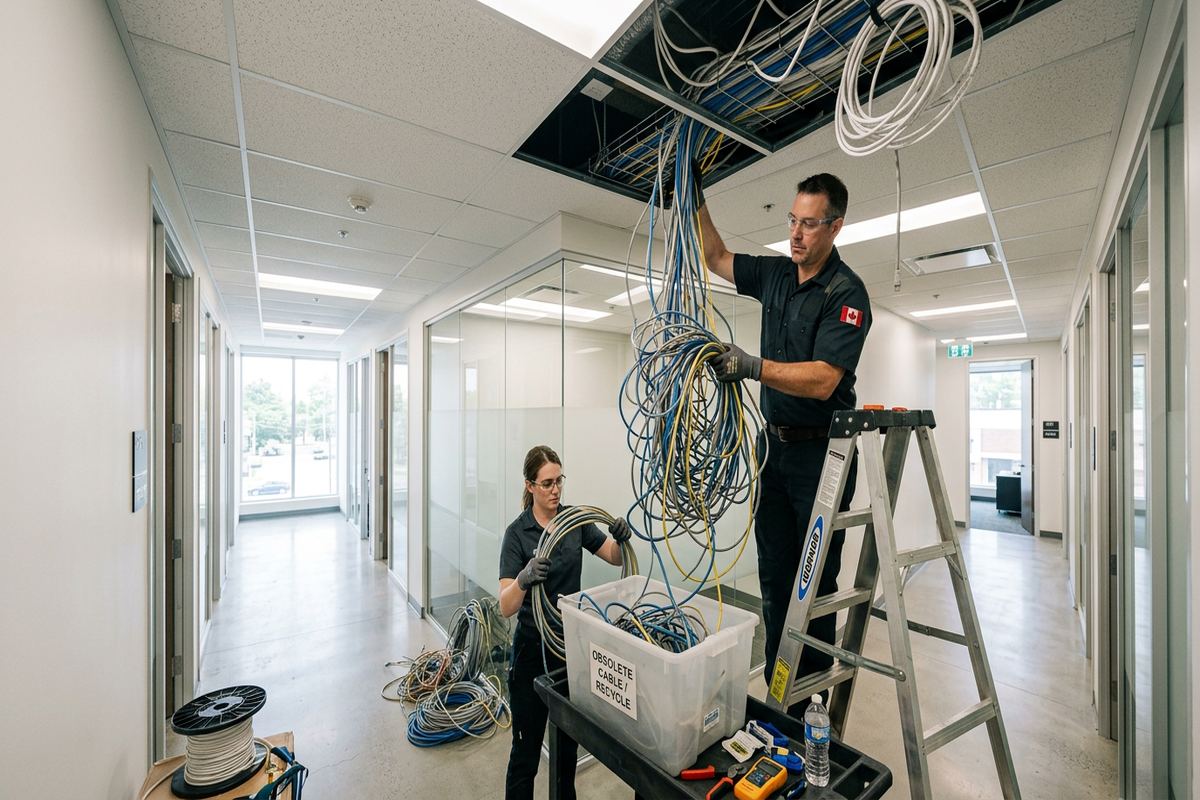
Older Brockville properties often contain cabling added during several unrelated renovations. Unlabelled wires may end above ceilings, behind furniture or in obsolete telephone locations, while consumer switches and extenders accumulate around the house. Existing cable can sometimes be reused if its route, condition and termination are suitable for the intended service. It should not be assumed usable solely because the connectors fit. Where replacement is required, the scope identifies which runs will be removed, abandoned or retained, preventing inactive cable from being mistaken for part of the new installation.
An upgrade can be staged when the property does not need every improvement at once. Priority may go to a home office, central equipment area and wired access points, followed later by entertainment rooms, exterior coverage or additional connected systems. The initial design should reserve reasonable switch capacity and pathway options without promising unlimited expansion. In communities such as Rivers Edge, Butler’s Creek and Centennial, this approach can support changing household layouts while keeping the core network understandable. Each completed stage is labelled and added to the as-built record.
- Isolation of provider and internal network faults
- Inspection of reusable existing Ethernet cabling
- Replacement of ineffective extenders where appropriate
- Staged upgrades with updated documentation
Approvals, Shared Buildings and Workspaces
Condominiums, rental homes and shared buildings require approval before cabling or equipment is attached to common elements. Hallways, exterior walls, risers, telecommunications rooms and some balconies may be controlled by a condominium corporation or landlord even when they are adjacent to the unit. Brockville owners and tenants should confirm these boundaries before scheduling intrusive work. UnifiedLink can describe proposed penetrations, device positions and cable pathways in the written scope, but approval must come from the responsible property authority. Existing building fire-stopping and access rules must also be respected.
Home networks increasingly support business activity, but a residential layout may not suit several workstations, shared storage, voice services or guest access. Small commercial strips and converted mixed-use properties can have longer cable distances, shared utility areas and restrictions on routing through another tenancy. Industrial units may introduce metal construction, high ceilings, electrical noise and equipment zones that alter wireless design. These conditions require a site-specific scope rather than a residential package. The network should also maintain a clear boundary between business systems, personal devices, visitors and any building controls.
When several parties are involved, one documented point of responsibility helps prevent gaps between cabling, equipment installation and configuration. UnifiedLink can provide the structured cabling, mount network equipment, configure the installed system and complete the handover under one agreed scope. Work performed by the internet provider, electrician, landlord or building manager remains identified as an external dependency. This arrangement gives the Brockville customer one accountable contractor for the included low-voltage work while preserving clear limits around electrical service, construction repairs, provider infrastructure and third-party approvals.
- Route details for condo or landlord review
- Network separation for business and guest devices
- Planning for commercial and industrial construction
- One accountable contractor for the agreed scope
Brockville Installation, Testing and Handover
Installation is scheduled after the assessment and written scope are accepted. Before cabling begins, device positions and routes are confirmed against current site conditions. Furniture, stored materials or recent renovations can affect access, so changes are discussed rather than made without explanation. Cable is supported using methods appropriate to the space and kept separate from electrical wiring as required. Penetrations are limited to those included in the scope, and exterior openings receive suitable sealing. Work areas are left orderly, with installed outlets and network equipment identified for straightforward use.
Testing verifies that installed cable links are correctly terminated and that configured equipment communicates as intended. Wireless checks are completed in the agreed coverage areas, while wired outlets are matched to their patch-panel or switch positions. These checks cannot guarantee the performance of an internet provider, remote website or every customer device, but they establish whether the installed local components are functioning. Any known limitations are recorded at handover. If a planned result is affected by a concealed obstruction or property condition, the available options are reviewed before additional work is undertaken.
Handover gives the customer control of the completed network. Administrative and wireless credentials belong to the customer rather than remaining under an installer-only account. The as-built record identifies cable endpoints, main equipment and relevant configuration details, making future service or expansion more efficient. Basic operation is reviewed on site, including where equipment is located and how connected outlets are identified. Requests sent during business hours are answered the same day, while after-hours requests are answered the next business day. Site assessment timing depends on the service required and travel distance.
- Routes reconfirmed before cable installation
- Installed links and network functions checked
- Customer-controlled credentials provided at handover
- As-built record supplied for future reference
Brockville neighbourhoods we cover
- Downtown Brockville
- North Brockville
- Rivers Edge
- Butler's Creek
- Centennial
Home network installation in Brockville — common questions
Can you improve Wi-Fi in an older Brockville stone home?
Yes. Stone walls can sharply reduce wireless signals, so the solution may involve multiple access points connected by Ethernet rather than one stronger router. We assess wall construction, available cable pathways and the rooms requiring service. Device locations are chosen to balance coverage with discreet mounting, particularly in Downtown Brockville heritage properties where visible cabling or unnecessary drilling should be minimized.
Do I need Ethernet if I already have mesh Wi-Fi?
Not always, but Ethernet can improve consistency by providing wired backhaul between compatible mesh units or access points. It is also useful for workstations, televisions, gaming systems, network storage and security equipment. During a Brockville site assessment, we examine whether practical cable routes exist and whether weak performance comes from wireless placement, building materials, internet service or another network issue.
Can you run network cable to an exterior building?
A connection to a garage, workshop or other exterior building may be possible, but the route and electrical conditions must be assessed first. Options can include suitable exterior or underground pathways, fibre links or a planned wireless bridge. Brockville winters, moisture and freeze-thaw conditions affect mounting, cable selection and sealing. Electrical bonding and separation concerns may make fibre preferable between certain buildings.
Who approves cabling in a Brockville condo or rental?
The condominium corporation, property manager or landlord may need to approve work affecting common walls, risers, hallways, exterior surfaces or shared telecommunications spaces. The owner or tenant is responsible for obtaining that approval. UnifiedLink can provide a written proposed scope showing device positions, cable routes and penetrations so the responsible party can review the installation before intrusive work is scheduled.
Will you use networking equipment I already own?
Existing equipment can be considered if it is compatible, supportable and suitable for the required coverage, connections and security settings. We identify customer-supplied equipment in the written scope and explain any limitations discovered during assessment or configuration. In Brockville homes with several generations of routers, switches and extenders, simplifying the equipment layout may be more reliable than connecting every existing component.
What do I receive after installation?
You receive a configured network using credentials you control, along with an as-built record identifying installed cable endpoints and main equipment. Labelled connections make later troubleshooting and expansion easier. The handover also reviews basic operation and any known limitations involving internet-provider hardware, customer devices or uncompleted third-party work. Equipment ownership and warranty details are stated in the written scope prepared for the Brockville installation.
Coverage in Brockville is confirmed against the address before we quote. See everything we install in Brockville or the province-wide home network installation page.