UnifiedLink installs wired and wireless home networks across Brantford and Brant County. We assess the building, plan cable pathways and access-point locations, then configure the network on site. Each project is scoped for the property, whether it is an older brick house, a converted industrial unit or a newer home in a west-end subdivision.
Home Network Planning for Brantford Properties
A reliable home network starts with the building rather than a generic equipment list. During a site assessment, UnifiedLink reviews the incoming internet service, modem or optical network terminal, electrical outlets, wall construction, floor layout and places where people actually use connected devices. We also identify fixed equipment that benefits from Ethernet, including televisions, desktop computers, game consoles, cameras and home-office stations. This process separates an internet-provider issue from an internal coverage, capacity or cabling problem before equipment placement and cable routes are proposed for the Brantford property.
Building style changes the practical installation plan. Older brick homes may have plaster, masonry party walls, finished basements and limited vertical cavities. Converted industrial buildings can include concrete, steel and unusually long interior spaces that interfere with wireless signals. Newer West Brant subdivisions often provide frame construction and more accessible attic or basement routes, but utility rooms may place the internet handoff at one edge of the house. The assessment is used to choose pathways that limit unnecessary openings while placing network equipment where it can perform and remain accessible for future service.
After the assessment, the written scope identifies equipment, cable routes, device placement, exclusions, equipment ownership and warranty terms. That detail matters when several approaches are possible, such as running cable through an unfinished basement, using an attic pathway or installing a discreet surface raceway. Pricing follows the site assessment because distance, access, finishes and construction methods affect the work. One accountable contractor handles the planned cabling, device installation, configuration, testing and handover, reducing gaps between separate cabling, networking and internet-provider responsibilities.
- Review of modem, router and internet handoff location
- Coverage planning for occupied rooms and outdoor areas
- Assessment of masonry, frame, attic and basement pathways
- Written equipment, routing and placement scope
- Clear exclusions, ownership and warranty information
Wired Ethernet Installation in Brantford
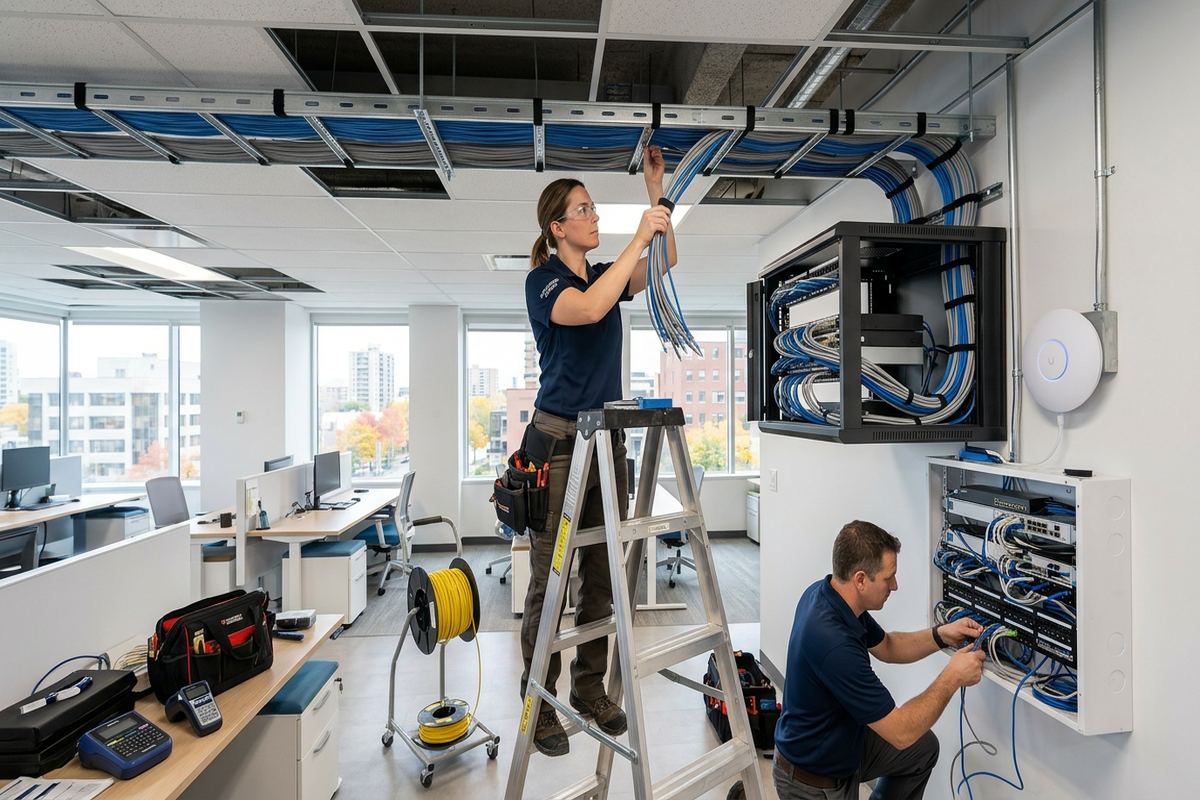
Ethernet provides a stable connection for devices that do not need to move. UnifiedLink plans continuous cable runs from a central network location to wall outlets, ceiling access points or fixed equipment. Each run is labelled at both ends so it can be identified without tracing cables later. Routes are selected around electrical wiring, heating equipment, plumbing and finished surfaces. Where concealed routing is practical, cable can pass through wall cavities, basements or attics; where it is not, an agreed surface-mounted pathway may be cleaner than opening extensive sections of an older Brantford wall.
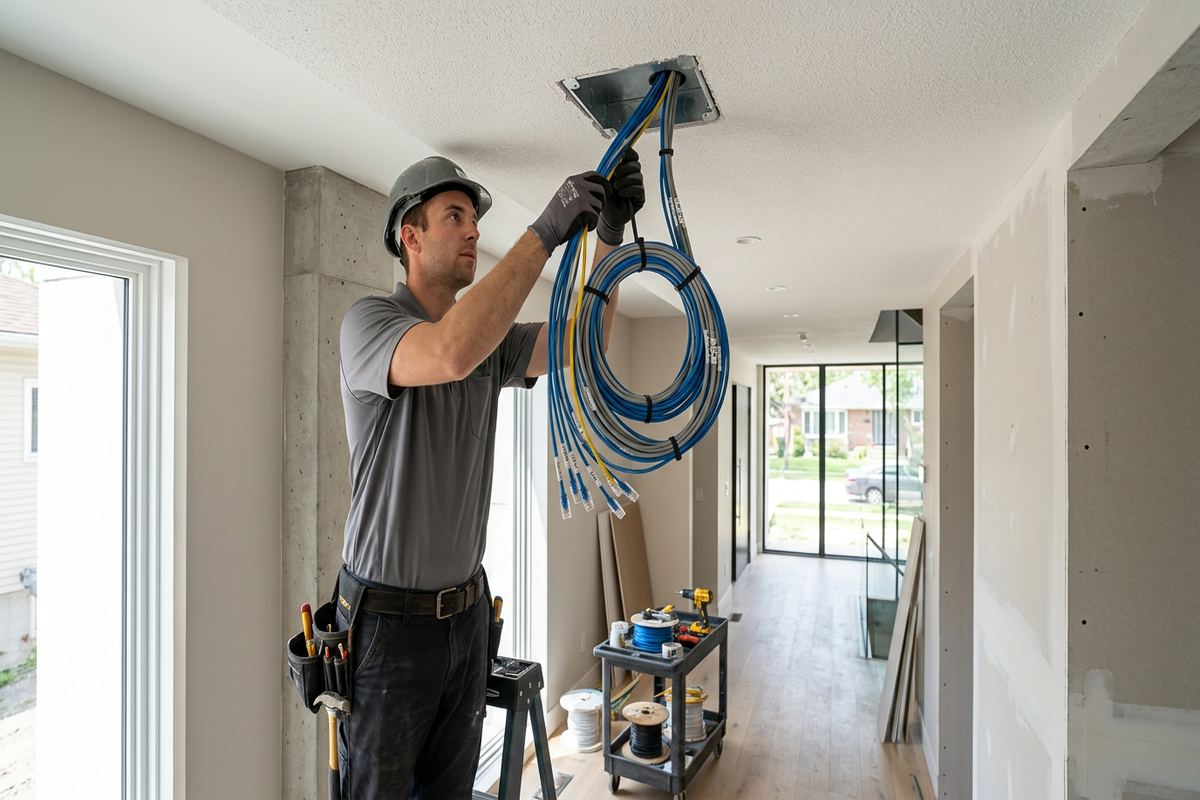
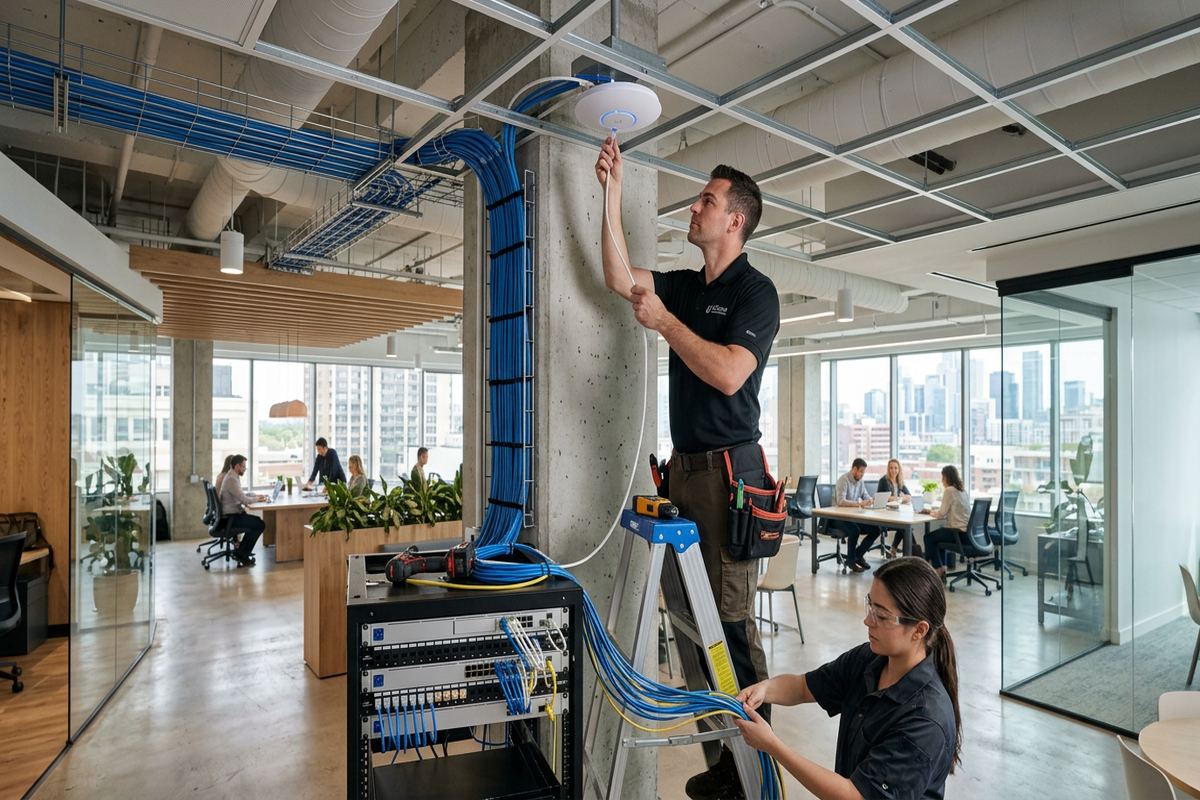
Cable type and termination are matched to the intended use, route and connected hardware. A home office may need several wired positions, while a media area can use Ethernet for a television, streaming device or console. Ceiling cable allows a wireless access point to be placed for coverage rather than beside the modem. Runs serving cameras, access points or other compatible devices may also carry power using suitable Power over Ethernet equipment. The scope identifies outlet positions and central hardware so the homeowner knows what is included before installation begins.
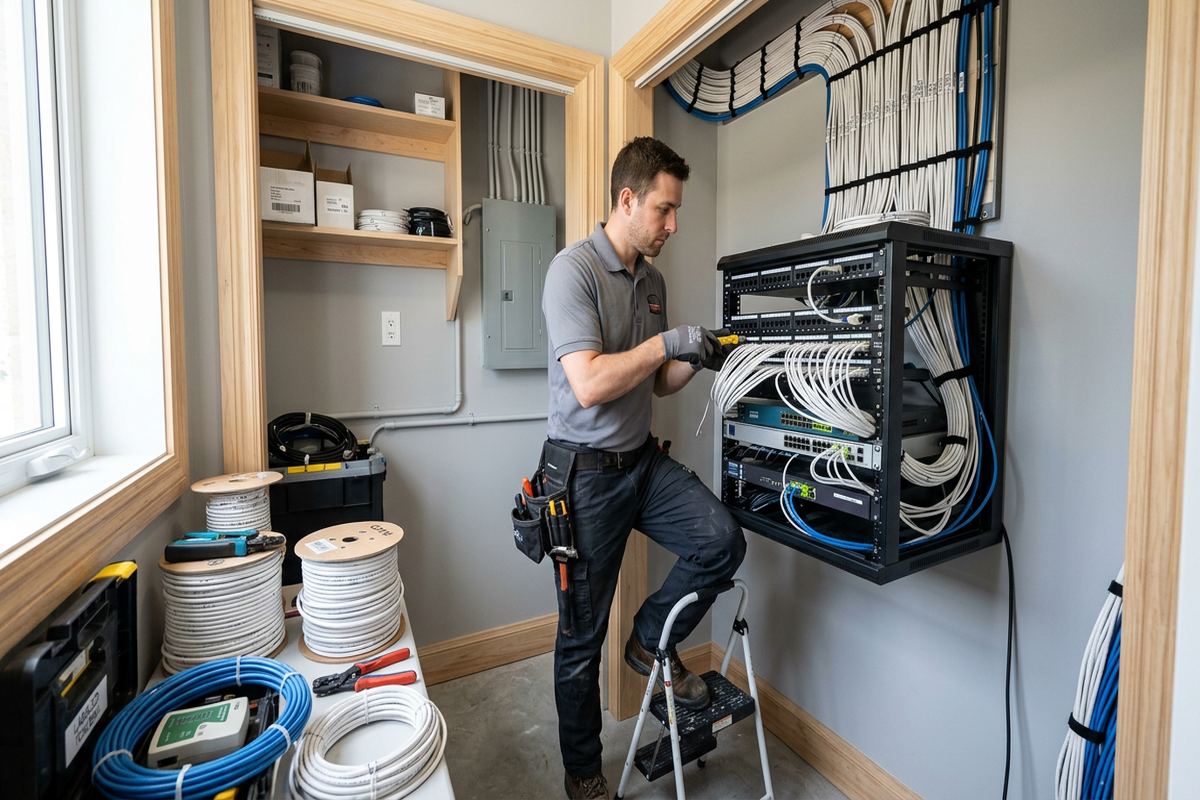
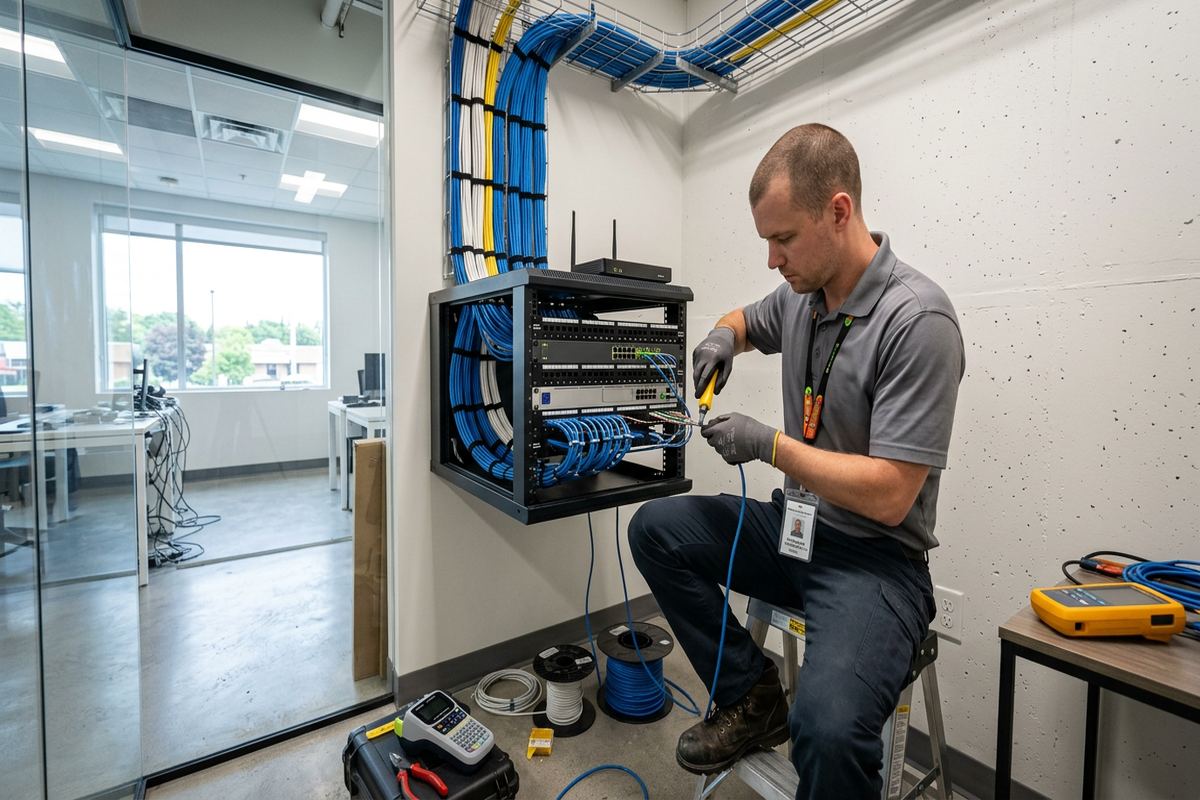
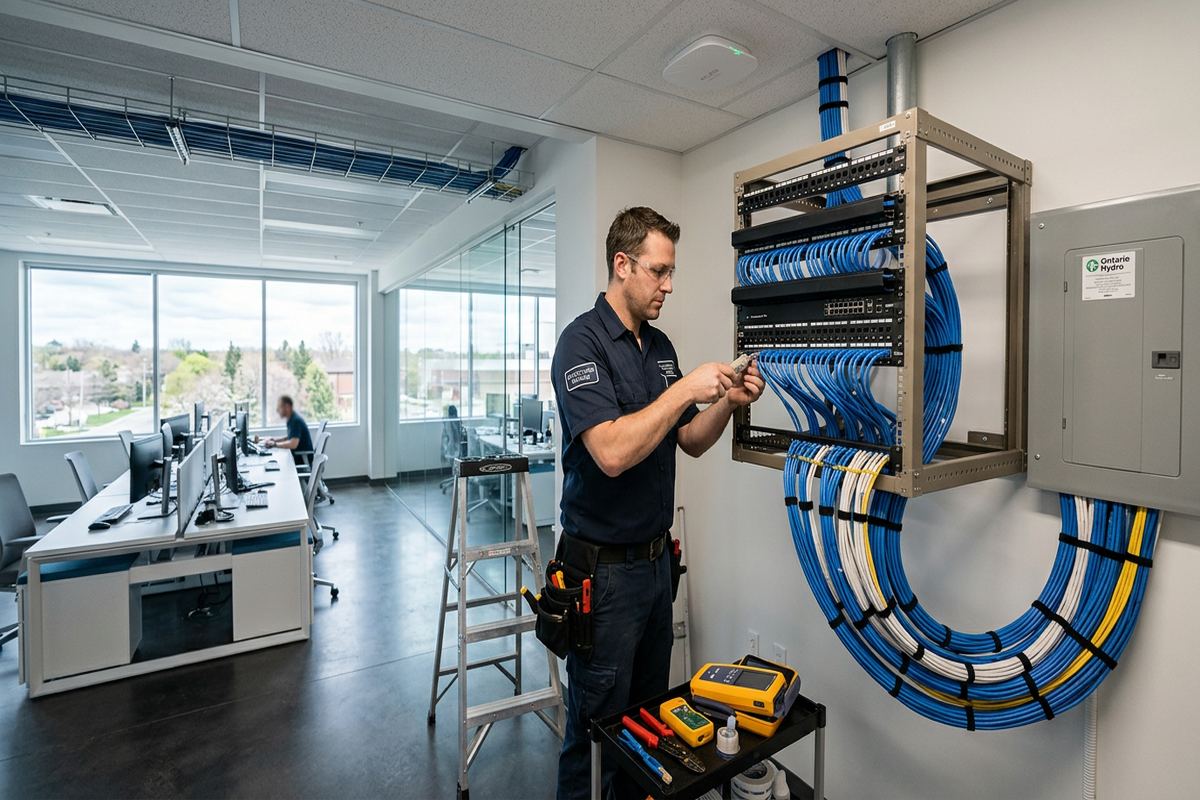
Testing is completed after cables are terminated and labelled. The work is not treated as finished simply because a link light appears; outlets must correspond with the planned positions and connect back to the correct patching location. UnifiedLink organizes the central area so future troubleshooting does not require guessing which cable serves each room. At handover, the customer receives an as-built record showing the installed runs and device locations. This documentation is useful when adding another access point, rearranging an office or explaining the network to a future service provider.
- Continuous cable runs without hidden intermediate joins
- Labelled outlets and central terminations
- Connections for offices, televisions and game consoles
- Cabling for ceiling-mounted wireless access points
- Testing and as-built cable records
Wi-Fi Coverage Across Brantford Homes
Wi-Fi coverage depends on more than the speed shown on an internet package. Floors, masonry, mirrors, metal ductwork, appliances and neighbouring wireless networks can all affect signal strength and usable capacity. A router placed in a basement utility room may not serve upper bedrooms or a rear yard effectively, even when the incoming service is functioning correctly. UnifiedLink uses the site layout and construction details to select practical access-point positions. Wired connections between access points are preferred where feasible because they avoid using wireless capacity to relay traffic between network devices.
Different Brantford neighbourhoods present different coverage patterns. A compact older home in Terrace Hill may have dense plaster and brick that weaken signals between rooms. A larger property in Lynden Hills may need coverage spread across multiple floors and exterior living areas. In Echo Place, an addition or detached workspace can create a second coverage zone that the original router was never positioned to serve. The design responds to these physical conditions rather than adding repeaters without confirming whether they have a strong connection to the main network.
Configuration brings the installed hardware into one managed network. UnifiedLink can set wireless network names, encryption, secure administrator access, guest access and appropriate separation for compatible smart-home or work devices. Channel and power settings are adjusted on site rather than left solely at broad factory defaults. The network is then checked from relevant rooms and device locations. Handover uses the customer’s own credentials, so network ownership does not depend on an installer-controlled account. Passwords and administrator details should be stored securely by the property owner.
- Access points positioned for the actual floor plan
- Wired backhaul where a cable route is practical
- Guest and compatible device network separation
- On-site channel and security configuration
- Customer-owned administrator credentials
Brantford, Ontario
Home network installation in Brantford, scoped in writing first
Book a site assessment and get equipment, routes, exclusions, and warranty on paper before anything is installed.
Older Brick and Converted Buildings
Older brick homes in Downtown Brantford and Henderson Survey require careful pathway planning. Solid masonry cannot be treated like hollow frame construction, and plaster finishes may conceal wood lath, wire mesh or previous renovations. Drilling locations must account for visible finishes, utilities and the route needed on the opposite side of the wall. Basements can provide useful horizontal access, but stone or masonry foundations and finished ceilings may limit options. The proposed route is discussed before work begins, including any visible raceway, exterior section or localized opening needed to reach the destination.
Converted industrial buildings introduce another set of constraints. Concrete walls, steel framing, high ceilings and long floor plates can block or reflect wireless signals. Network equipment may also share space with exposed mechanical or electrical systems that influence safe cable routing. A loft-style unit may appear open while still needing more than one access point because of masonry cores, service rooms or metal partitions. UnifiedLink evaluates accessible pathways and mounting surfaces before specifying equipment, with particular attention to how cables will be supported, protected and kept serviceable after furniture or interior finishes change.
Approvals can determine which pathways are available. Condominium corporations may restrict drilling through exterior walls, common elements or concrete slabs, while landlords may require written permission before cabling or equipment is attached. Owners and tenants should confirm these conditions before installation. UnifiedLink can define the proposed device locations and routes clearly so they can be submitted for approval, but authorization remains the customer’s responsibility. If a preferred concealed route is not permitted, the scope can consider an interior raceway or another reversible method that respects the building’s rules and finishes.
- Pathway review for brick, plaster and concrete
- Mounting methods suited to the available substrate
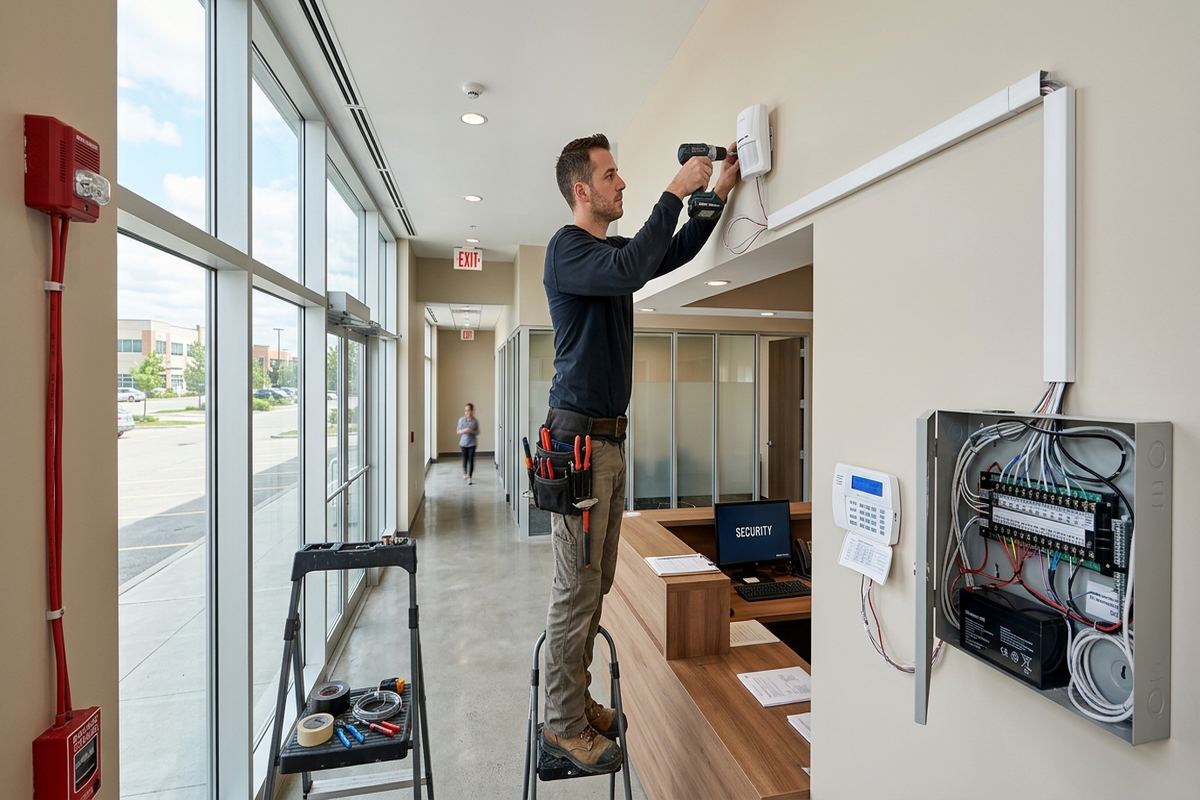
- Surface raceway options where concealment is impractical
- Defined routes for condo or landlord approval
- Protection around exposed industrial building services
Network Equipment and Secure Configuration
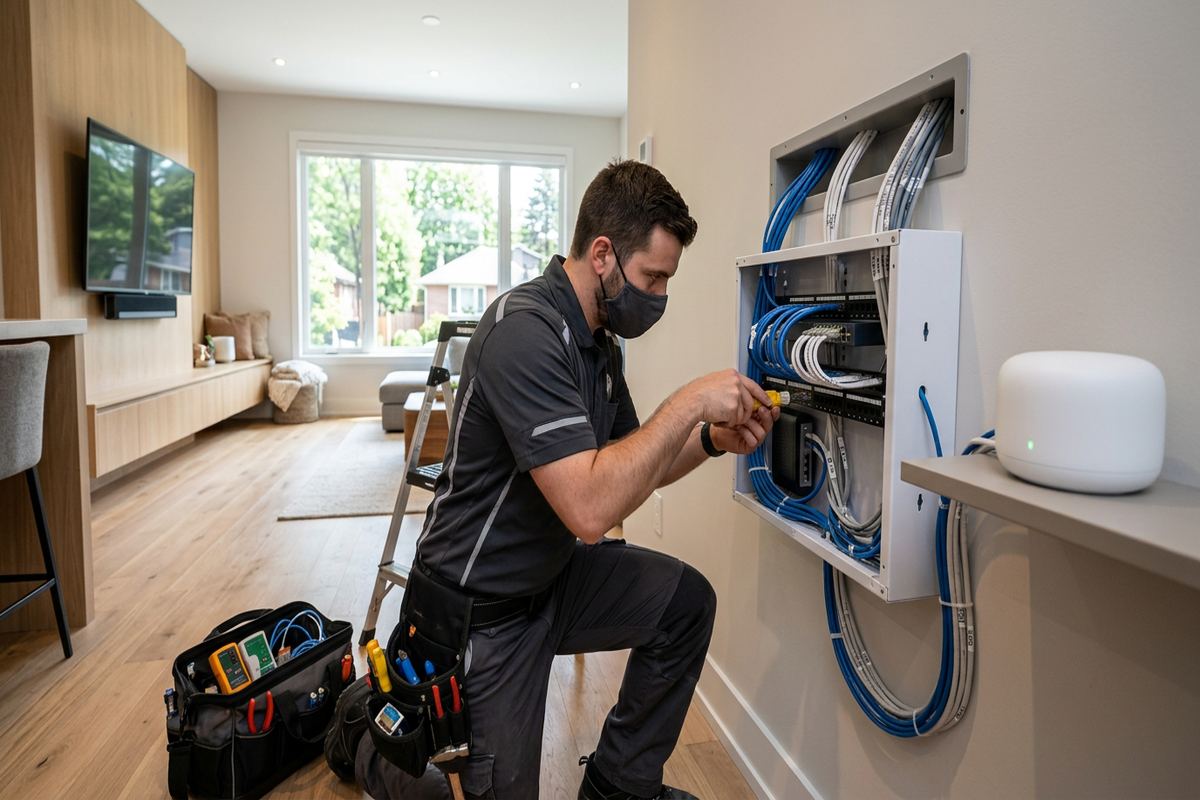
Network equipment should match the connection, coverage plan and number of wired endpoints. Depending on the project, the layout may include a router or firewall, Ethernet switch, patch panel, wireless access points and an enclosure or wall-mounted backboard. UnifiedLink confirms whether internet-provider equipment will remain in routing mode, operate only as a modem, or require coordination with the provider. Equipment is placed with attention to ventilation, electrical access and future serviceability. It should not be buried behind storage, mounted beside avoidable interference sources or left with unsupported cables hanging from ports.
Secure configuration begins by replacing default administrator details and ensuring the customer controls the account used to manage the system. Wireless encryption, network names, guest access and device separation are configured according to the agreed design and equipment capabilities. Smart televisions, speakers, thermostats and other connected products can create different access requirements from work computers or storage devices. Segmentation may reduce unnecessary communication between groups, but it must be planned so required casting, printing or control functions still work. The customer is shown the relevant controls rather than receiving an unexplained configuration.
On-site setup also includes confirming that wired devices connect through the intended outlets and that access points are adopted into the correct management system. Firmware settings and available updates are reviewed at installation, subject to manufacturer support and the equipment included in scope. UnifiedLink records the key network arrangement without placing customer passwords in an exposed document. At handover, ownership and administrative access are transferred using the customer’s credentials. This makes later changes possible without relying on a personal account held by an installer, previous tenant or unrelated equipment supplier.
- Router, switch and access-point configuration
- Replacement of default administrator credentials
- Guest network and compatible device separation
- Organized patching at the central network point
- Customer-controlled management account at handover
Exterior Links and Brantford Weather
Outdoor network work in Brantford must account for winter temperatures, moisture and repeated freeze-thaw cycles. Cable jackets, enclosures and connectors exposed outside need to be suitable for the location. Penetrations through brick, siding or foundation walls must be positioned and sealed to reduce water entry. A cable should not direct rain toward an opening, and exposed sections need appropriate support rather than relying on sealant alone. The installation plan also considers snow accumulation, roof runoff and areas where ladders, tools or seasonal maintenance could damage a low-mounted cable or device.
Detached garages, workshops and backyard offices can require a dedicated link rather than an indoor access point aimed through several exterior walls. The appropriate method depends on distance, power availability, pathway access and whether trenching or overhead work is permitted. A buried pathway may involve conduit and property-specific excavation considerations; a wireless bridge needs a suitable mounting location and a usable path between devices. UnifiedLink assesses the proposed connection before choosing hardware. Any civil work, electrical work or permissions outside the network scope are identified as exclusions in the written proposal.
Exterior access points can improve service on a patio or around a larger lot, but indoor equipment should not be installed outdoors. Device ratings, mounting orientation and cable entry methods matter in local weather. Brick and frame walls also require different fasteners and sealing details, while vinyl siding should not be crushed by unsuitable mounting pressure. Where a route crosses a shared wall, condominium exterior or rental property, approval may be required. The final device location balances wireless coverage with protection, cable access and a mounting surface that can support the equipment through seasonal conditions.
- Outdoor-rated cable and equipment where required
- Sealed penetrations through masonry or siding
- Routes planned around snow, runoff and maintenance
- Links for garages, workshops and backyard offices
- Mounting methods matched to exterior materials
Home Offices, Media and Connected Systems
Home offices benefit from a wired connection and a planned wireless fallback. Video calls, remote desktops, cloud files and internet-based phones can expose problems that casual browsing does not. UnifiedLink can provide one or more labelled Ethernet outlets at the desk, subject to the agreed route, while placing Wi-Fi to cover laptops and mobile devices. In a Brantford house where the internet handoff is in the basement, this avoids depending on a weak signal through ductwork and floors. Network performance still depends on the subscribed internet service and the remote platforms being used.
Media rooms and connected-home equipment create concentrated demand in specific locations. Televisions, receivers, streaming players, consoles and control hubs can often be wired to reduce unnecessary Wi-Fi use. Access points should remain separate from crowded cabinets where metal, electronics and heat can impair operation. Cameras, doorbells and audio systems may also depend on the network, but their bandwidth, power and placement requirements should be reviewed as part of the overall design. A structured plan prevents each new device from being added through another unmanaged switch, temporary cable or isolated wireless extender.
Small professional spaces attached to homes, commercial strips and industrial units may need clearer separation between business and personal traffic. In Downtown Brantford or a converted workspace, the same incoming connection might support staff devices, customer Wi-Fi, displays and operational equipment. UnifiedLink can plan distinct network groups where the selected hardware supports them, while documenting which devices connect to each area. This does not replace an organization’s cybersecurity policies or managed information technology services, but it provides an orderly physical network and a defined configuration that another technology provider can understand and maintain.
- Wired outlets for desks and workstations
- Connections for televisions, consoles and media equipment
- Network planning for cameras and control hubs
- Separation options for personal and business devices
- Documented layout for future technology providers
Brantford Installation, Testing and Handover
Installation begins from the accepted written scope, not an informal assumption about device locations. Before drilling or pulling cable, the planned routes are confirmed against accessible site conditions. If a concealed obstruction changes the route, the alternative is discussed rather than improvised across a finished surface. Cables are supported, terminated and labelled, while network hardware is mounted where ventilation and service access have been considered. Keeping cabling and configuration under one accountable contractor helps ensure that an access point, outlet or switch port corresponds with the design prepared for the Brantford property.
Testing covers both the physical installation and the configured network. Cable runs are checked after termination, connected devices are verified at their intended outlets, and wireless service is reviewed in the rooms identified during planning. Internet speed at any location can be affected by the subscribed plan, provider network, test device and remote server, so testing distinguishes local connectivity from claims about provider performance. Where practical, access-point roaming and guest access are also checked. Any limitations caused by excluded areas, customer equipment or inaccessible pathways are documented rather than hidden behind a general coverage statement.
The handover explains the installed layout, basic controls and responsibility for retained equipment. The customer receives their own administrative access and an as-built record of cable runs and device locations. Requests submitted during business hours are answered the same day; after-hours requests are answered the next business day. Timing for a site assessment depends on the service and travel distance within Brantford or Brant County. Future additions can then be discussed using the existing records, whether the next step is another outlet, an exterior access point or a connection to a renovated room.
- Route confirmation before drilling and cable pulling
- Physical cable and connected-device testing
- Wireless checks in planned coverage areas
- Customer credentials and basic operating guidance
- As-built record for later changes
Brantford neighbourhoods we cover
- Downtown Brantford
- West Brant
- Echo Place
- Henderson Survey
- Terrace Hill
- Lynden Hills
Home network installation in Brantford — common questions
Do I need Ethernet if I already have Wi-Fi?
Not every device needs Ethernet, but fixed equipment often benefits from it. In a Brantford home, wired connections can serve offices, televisions, consoles and wireless access points while leaving Wi-Fi capacity for phones and tablets. The site assessment identifies where cabling is practical and useful rather than recommending an outlet in every room without considering how the space is used.
Can you improve Wi-Fi in an older brick house?
Yes, subject to the available pathways and building layout. Older Brantford brick homes may include plaster, masonry and metal ductwork that weaken signals. The usual approach is to assess coverage, place access points on different floors or zones, and use wired backhaul where a suitable route exists. Proposed drilling, raceway and visible cable sections are included in the scope before installation.
Can network cable be installed without opening walls?
Often, but it depends on construction and access. Basements, attics, closets and existing pathways may allow concealed cable routes in Brantford frame homes. Solid masonry, finished ceilings or converted industrial construction can limit those options. Where concealment is impractical, a carefully planned surface raceway may be considered. The site assessment determines the route, and any expected openings or visible sections are documented in writing.
Do I need condo or landlord approval?
You may need approval if the work affects common elements, exterior walls, concrete, shared pathways or finishes controlled by a landlord. Brantford condominium rules and lease conditions vary, so the owner or tenant must confirm authorization. UnifiedLink can provide a clear description of proposed cable routes and device locations for review, but installation does not override property-management, condominium or landlord requirements.
Can you connect a detached garage or backyard office?
A detached structure can be connected using an appropriate cabled pathway or a point-to-point wireless link, depending on distance, sightlines, power and permitted routes. Brantford winters and freeze-thaw conditions affect exterior cabling, sealing and mounting choices. A site assessment is required before selecting the method. Trenching, electrical work, permits or approvals not included in the network scope are identified as exclusions.
What will I receive when installation is complete?
You receive the installed and configured equipment described in the written scope, along with your own administrative credentials and an as-built record showing cable runs and device locations. UnifiedLink also explains the basic network arrangement and relevant controls. Equipment ownership, warranty information and exclusions are documented before work begins, so the Brantford property owner can understand what remains on site and who controls each account.
Coverage in Brantford is confirmed against the address before we quote. See everything we install in Brantford or the province-wide home network installation page.