UnifiedLink installs wired and wireless home networks in Bowmanville, including new pre-wires, finished-home retrofits, Wi-Fi access points, data outlets and network cabinets. We assess the property before pricing, plan practical cable routes and configure the system on site. Each project finishes with labelled cabling, customer-owned credentials and clear documentation.
Home Network Installation for Bowmanville Properties
Reliable home networking starts with the building, not a box selected from a store shelf. In Bowmanville, the mix of older properties near the historic main street and rapid subdivision growth on the west side creates different installation requirements. A finished brick house may need concealed retrofit routes, while a new frame-built home can often be wired before insulation and drywall. UnifiedLink reviews room use, construction, existing service entry, electrical locations and planned equipment before proposing cable paths, Wi-Fi access points, data outlets or a central network cabinet for the property.
Internet speed and local network quality are related, but they are not the same thing. A fast service plan cannot correct weak Wi-Fi coverage, congested wireless channels, damaged cable or poorly positioned equipment. We design the internal network around how the household actually works, including remote offices, televisions, gaming systems, cameras, smart-home controllers and outdoor devices. Where dependable performance matters, fixed equipment is connected by cable. Wireless coverage is then planned for phones, tablets and portable devices rather than being expected to carry every connection through several floors and walls.
Every Bowmanville project begins with a site assessment before pricing. The assessment identifies likely cable routes, construction constraints, access requirements and the number of network locations needed. We then provide a written scope covering equipment, cable routes, device placement, exclusions, equipment ownership and warranty. This process makes it clear whether patching, painting, electrical work, internet-provider work or third-party approvals fall outside the installation. It also gives homeowners a practical opportunity to adjust outlet locations or equipment choices before drilling, cable pulling and configuration begin.
- Finished-home network retrofits
- New-build and renovation pre-wiring
- Wi-Fi access point installation
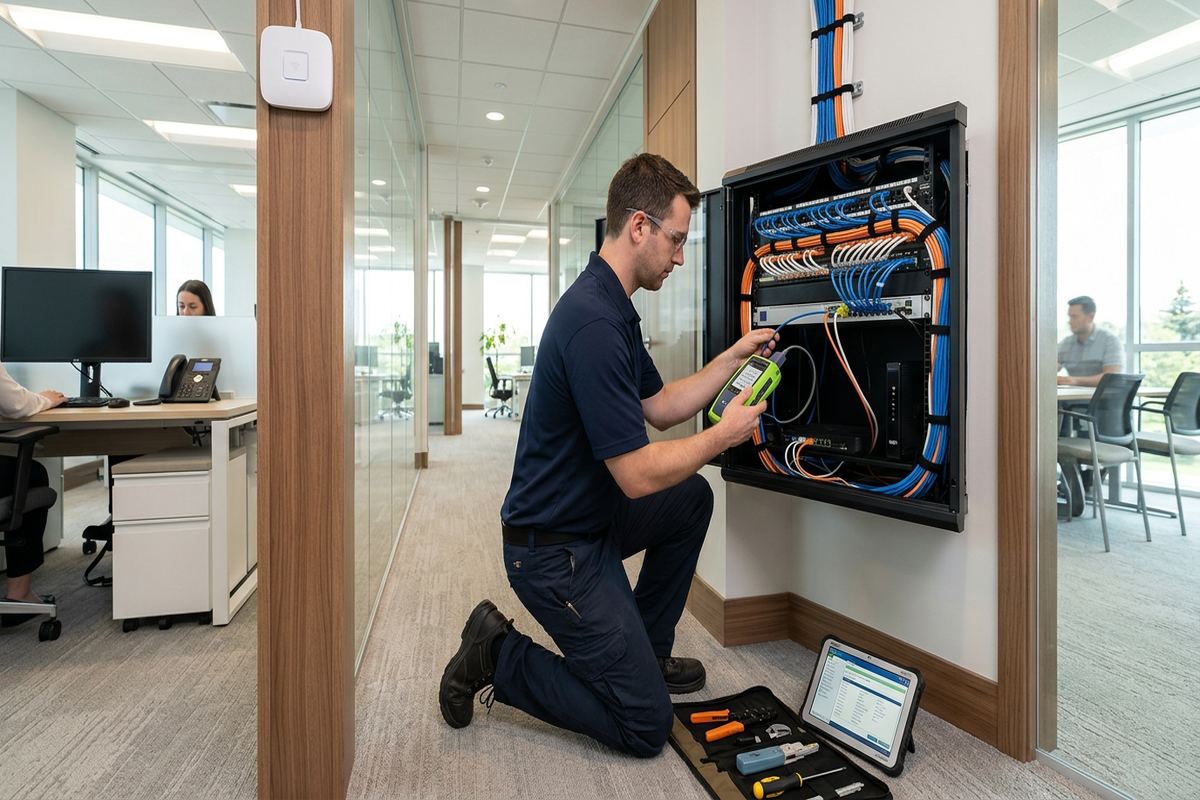
- Central network cabinet setup
- Data outlets for fixed devices
Wired Data and Wi-Fi Planning in Bowmanville
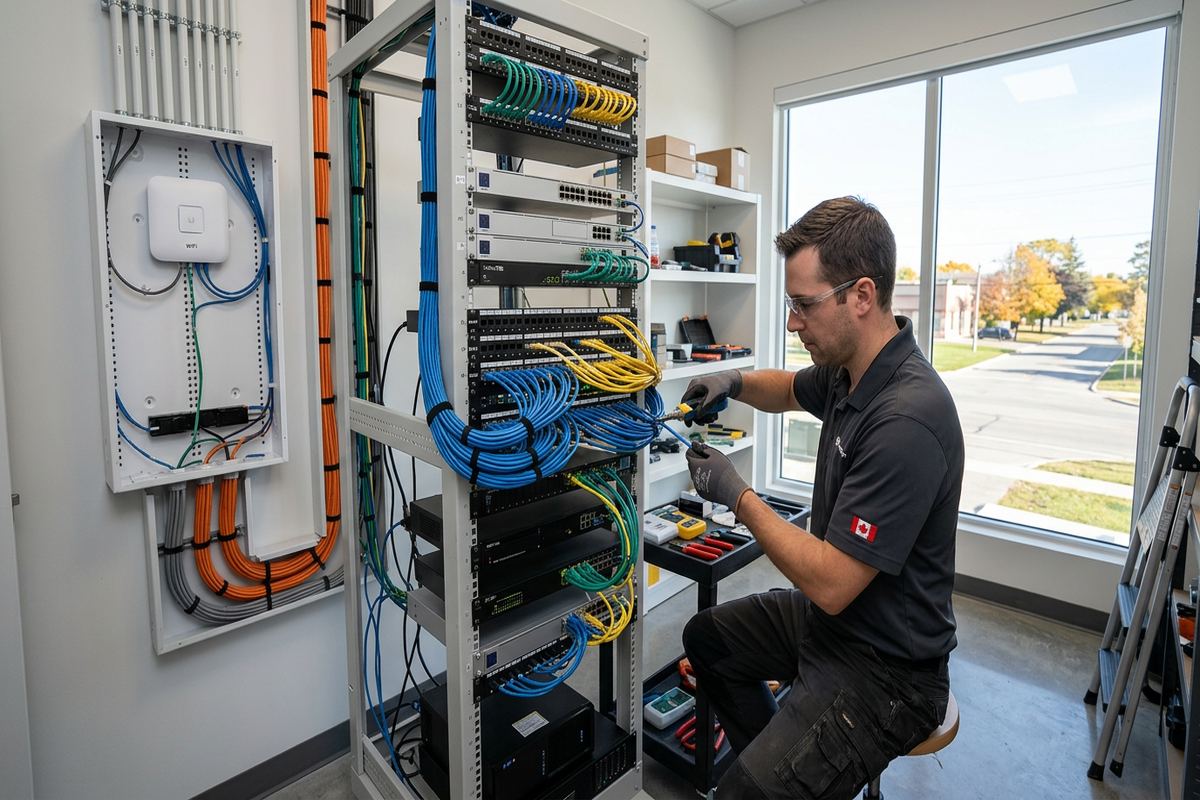
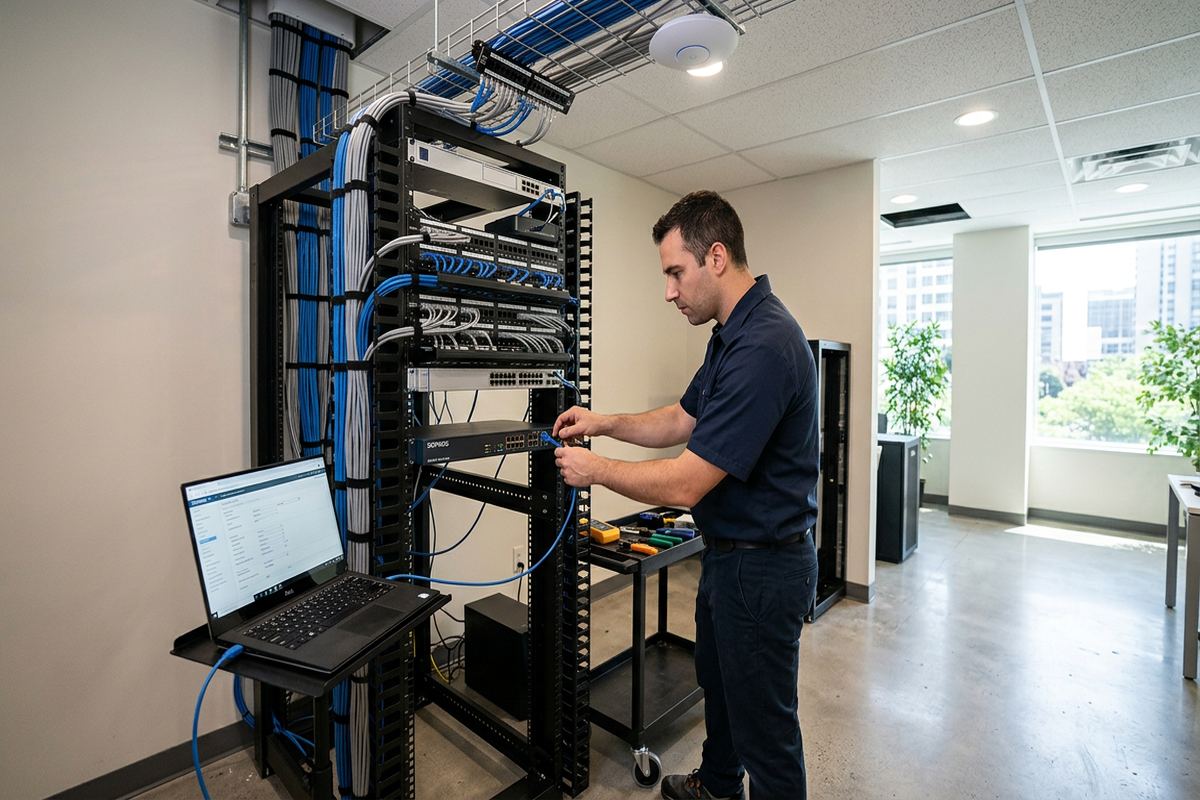
A balanced network uses wired and wireless connections where each performs well. Cat6 cabling is commonly suitable for desktop computers, televisions, game consoles, access points, security equipment and other fixed devices. Dedicated runs reduce wireless traffic and provide a stable path back to the router or network switch. UnifiedLink installs continuous labelled cable runs rather than joining short sections inside inaccessible walls. Terminations are placed in proper outlets, patch panels or equipment locations, allowing future troubleshooting without tracing unidentified cables through ceilings, basements or utility spaces.
Wi-Fi access points work best when they are distributed through the home and connected to the network by cable. Placing one powerful router in a basement utility room often leaves upper floors, rear rooms or garages with weak service. Homes in Northglen or Waverley may have open layouts, but floor assemblies, ductwork, fireplaces and foil-backed materials can still affect coverage. During planning, we consider room arrangement, construction and normal device locations. Access points are positioned for useful coverage rather than hidden wherever installation is easiest, then configured together on site.
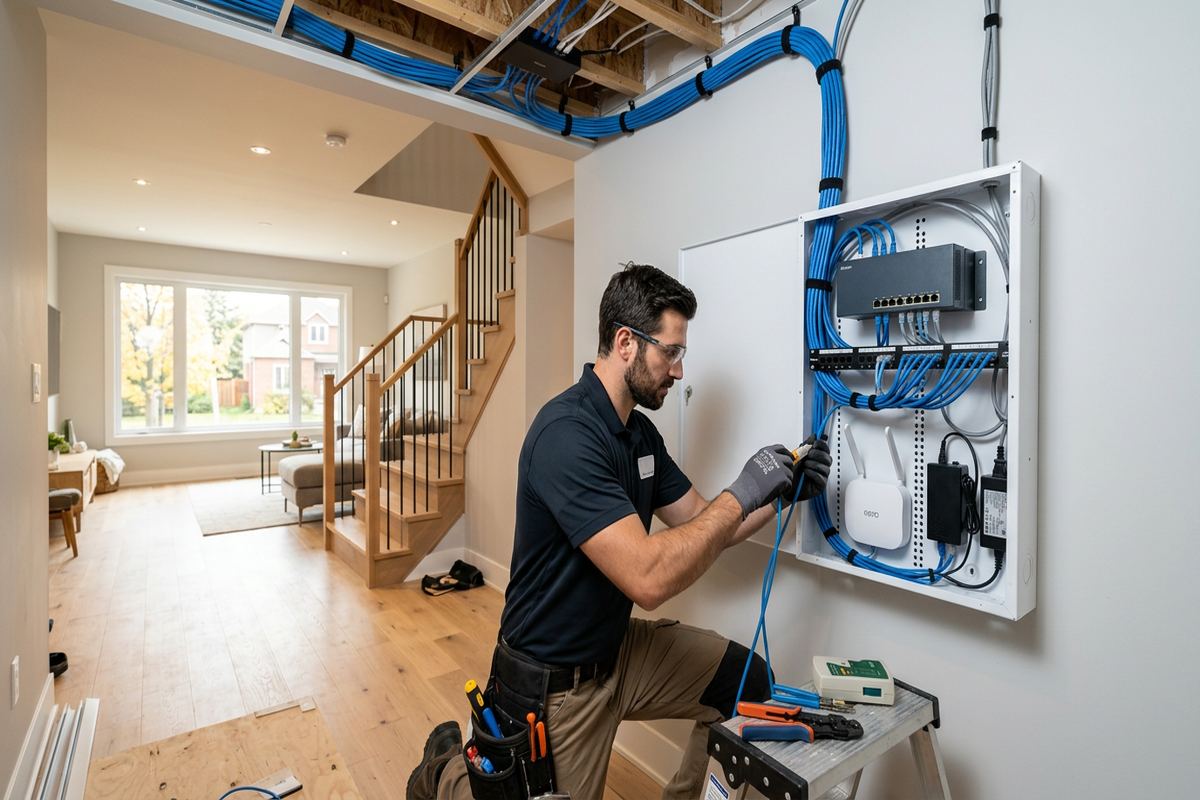
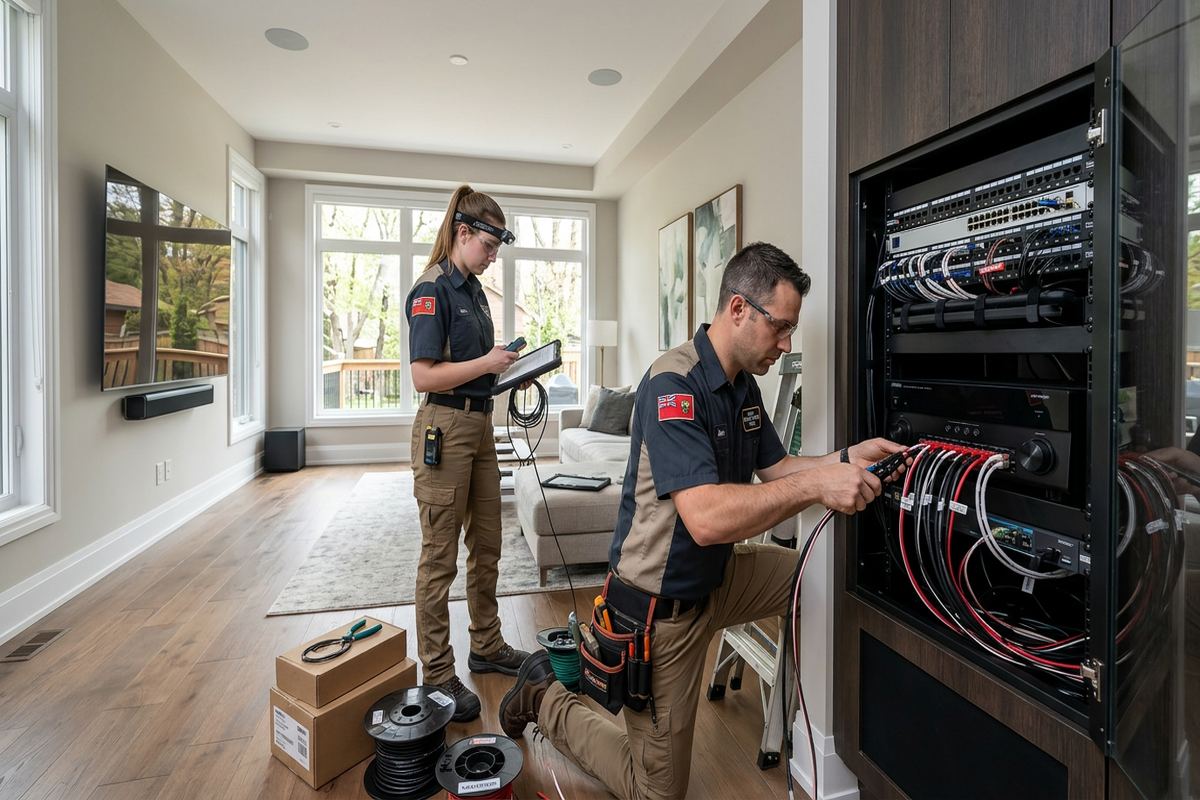
Network equipment also needs an appropriate home. A structured enclosure, wall-mounted cabinet or organized backboard can hold the modem, router, switch, patch panel and power equipment without loose cables collecting on a shelf. The location should provide ventilation, service access, suitable power and practical routes to the rest of the property. It should not be exposed to water, extreme temperatures or routine physical damage. In Bowmanville houses with unfinished basements, future renovations are considered so the network centre does not become inaccessible behind a finished wall or built-in cabinet.
- Cat6 cabling for fixed equipment
- Cable-backed wireless access points
- Patch panels and network switches
- Organized modem and router locations
- Coverage planning across multiple floors
Retrofit Cabling for Older Homes
Older homes around Downtown Bowmanville can require more investigative work than newer subdivision properties. Wall cavities may contain blocking, plaster, masonry, previous renovations or irregular framing that limits direct cable routes. Rather than assuming every outlet can be reached invisibly, we assess basements, attics, closets and service spaces first. Existing openings may be usable, but abandoned telephone, coaxial or alarm cable is not automatically suitable for modern Ethernet. The goal is a route that protects the cable, limits visible work and remains serviceable without causing unnecessary disturbance to original finishes.
Masonry and frame construction call for different fastening and penetration methods. In a frame wall, cable can often pass through drilled framing members within permitted locations. Solid brick, block or stone may require a surface pathway, an interior chase or a carefully placed penetration. Exterior routes are used only when they make practical sense and can be protected from weather and damage. Penetrations are sealed with materials suited to the surrounding surface, helping prevent water entry during Bowmanville winters and repeated freeze-thaw cycles that can open poorly finished gaps.
Retrofit expectations should be agreed before work begins. Some cable routes can be concealed completely, while others may require paintable surface raceway, small access openings or a visible transition near the network cabinet. UnifiedLink identifies these conditions in the written scope rather than promising an invisible route before the structure is examined. Where wall repair is necessary, the scope states whether patching and painting are excluded or arranged separately. This is especially important in finished basements, renovated main floors and heritage-style interiors where access can be limited and finishes are difficult to match.
- Basement and attic route assessment
- Options for plaster and masonry walls
- Paintable surface raceway where needed
- Weather-sealed exterior penetrations
- Clear identification of repair exclusions
Bowmanville, Ontario
Home network installation in Bowmanville, scoped in writing first
Book a site assessment and get equipment, routes, exclusions, and warranty on paper before anything is installed.
Bowmanville New-Build and Renovation Pre-Wiring
Pre-wiring during construction gives homeowners more flexibility than adding cables after every surface is finished. In growing west Bowmanville subdivisions, the useful window is usually after framing and major mechanical work but before insulation and drywall. At that stage, cable routes can be separated from electrical wiring, outlet boxes can be placed accurately and extra runs can be added for future equipment. Coordination matters because framing changes, cabinet layouts and bulkheads may affect the original plan. We confirm the current drawings and site conditions before installing each route.
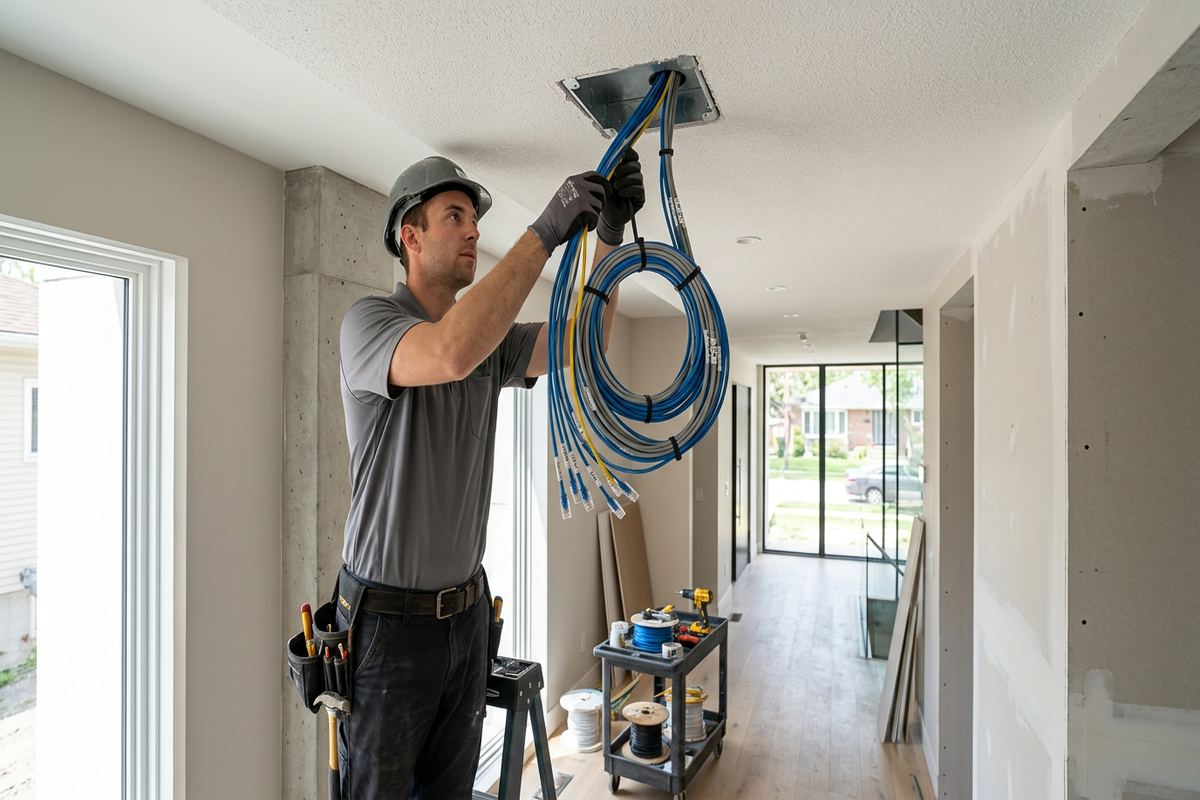
A practical pre-wire covers more than the room currently used as an office. It may include television locations, ceiling access points, work areas, basement rooms, security devices, doorbell equipment and possible exterior access points. Spare cabling to strategic locations can support later changes without opening completed walls, although every spare should still have an identified destination. We label both ends and bring runs back to a central patching location. Cable is supported properly and kept away from hazards, sharp bends and locations where later trades are likely to damage it.
Renovations create a similar opportunity, but sequencing must be controlled. If walls are open in only part of a Liberty or Port Darlington home, routes may combine new concealed cabling with carefully planned retrofit sections. We coordinate our low-voltage work with the homeowner, general contractor or relevant trades so cables are installed before access disappears. The written scope records outlet positions, equipment locations and exclusions. After installation, the as-built record helps distinguish the final route from early drawings that may no longer reflect framing changes or decisions made during construction.
- Pre-drywall Cat6 installation
- Ceiling access point cabling
- Future-use and spare network runs
- Coordination with renovation schedules
- As-built cable route records
Outdoor, Garage and Detached-Building Connections
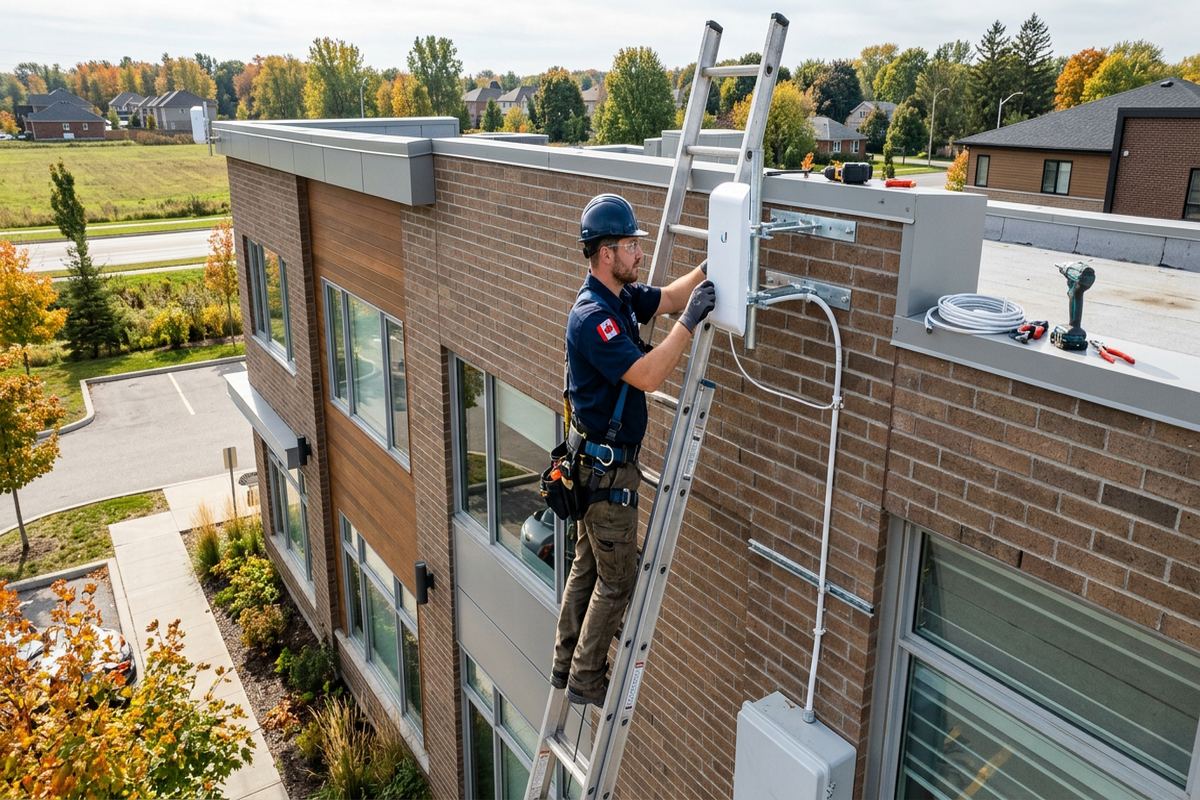
Extending a network beyond the main living area requires more than aiming an indoor router through an exterior wall. Garages, patios, workshops and detached structures may need a weather-rated access point, protected cable route or fibre connection. The correct method depends on distance, available pathways, grounding considerations and whether buildings have separate electrical services. Standard indoor cable should not be left exposed outside or installed where moisture can travel along it. We assess the route and specify materials suited to the environment rather than treating every extension as an indoor run.
Bowmanville weather affects exterior networking hardware and every opening made through the building envelope. Mounting locations should limit direct exposure where possible while still providing the required coverage. Fasteners and seals must suit brick, siding, concrete or wood, and cable entry points should shed water instead of directing it indoors. Winter cold and freeze-thaw movement can expose weak seals, loose clips and unsupported cable. We use protected routing and appropriate exterior sealing, then document where the cable enters and how the outside device connects to the indoor network.
Detached-building links require careful selection between copper, fibre and wireless bridging. A buried or overhead pathway cannot be assumed to be available, and an existing conduit may be blocked, undersized or shared with unsuitable services. Fibre can provide electrical isolation between buildings, while a point-to-point wireless link may avoid trenching when there is a clear path. Each option has equipment, mounting and access implications. The site assessment identifies feasible routes and constraints so the written scope reflects the property rather than relying on a generic garage-network package.
- Weather-rated outdoor access points
- Garage and workshop connectivity
- Fibre links between buildings
- Point-to-point wireless bridges
- Sealed exterior cable entries
Network Setup, Security and Handover in Bowmanville
Installation is not complete when the cables are terminated. UnifiedLink configures the supplied network equipment on site, including the router, managed switch and wireless access points where they are within scope. Wireless names, passwords, administrative access and basic network settings are established with the customer rather than left on undocumented defaults. Devices can be separated where the selected equipment supports it, helping keep guest access or compatible smart devices apart from primary computers. Configuration details depend on the equipment, internet service and operational requirements identified during the assessment.
Customers receive their own administrator credentials at handover. Accounts are not retained as installer-owned access, and equipment ownership is stated in the written scope. We explain the basic layout, identify the modem, router, switch and access points, and show how labelled outlets correspond with the patching location. An as-built record captures installed device locations and cable information. This documentation is useful when changing an internet provider, adding equipment, renovating a room or asking another technician to investigate a future issue without starting from an unlabelled cabinet.
Network security also depends on decisions made after installation. Strong unique passwords, current firmware and controlled account access are more useful than hiding equipment or relying on factory credentials. Internet-connected cameras, doorbells, televisions and automation products should be reviewed before they are added, particularly when they depend on outside cloud services. We can configure supported network features within the agreed scope, but device subscriptions, manufacturer accounts and third-party services remain under the customer’s control. The handover distinguishes installed settings from services that the homeowner must maintain over time.
- On-site router and access point setup
- Customer-owned administrative credentials
- Guest or device network configuration
- Labelled outlet and patch-panel schedule
- As-built network documentation
Networks for Condos, Rentals and Small Businesses
Condominium and rental installations require permission checks before cable is drilled or routed through shared building areas. A condo board may control exterior walls, corridors, risers, balconies and common telecommunications spaces. Landlords may restrict penetrations, surface raceway or equipment mounted to the property. UnifiedLink can identify the proposed work and provide a written scope for review, but the customer is responsible for obtaining required approvals unless another arrangement is documented. Work proceeds only within the approved areas, helping avoid a technically sound installation that conflicts with property rules.
Small commercial spaces along Bowmanville’s commercial strips often need the same core network elements as a house, but usage is different. Point-of-sale terminals, office computers, phones, displays, printers and guest Wi-Fi may share the connection. Separating roles, wiring fixed equipment and locating access points around the actual floor plan can improve manageability. We also consider where the provider enters the unit and whether the telecommunications room is controlled by the landlord. Any work in shared spaces requires authorization and coordination before an installation date is confirmed.
Industrial units and mixed-use properties may include high ceilings, metal partitions, concrete block, loading areas or attached office space. These materials can reduce wireless coverage and complicate cable support. Equipment mounted in a warehouse should be accessible for service but protected from impact, dust and inappropriate temperatures. The site assessment determines whether lifts, special access arrangements or landlord coordination are needed. For a home-based business in Bowmanville, we can similarly plan dedicated wired workstations or separate wireless access while keeping the installation proportional to the property and its actual operational needs.
- Condo and landlord approval planning
- Wired point-of-sale connections
- Staff and guest Wi-Fi separation
- Commercial unit cable routing
- Warehouse access point planning
Planning Your Bowmanville Network Project
Before requesting an assessment, it helps to list current connection problems and planned changes. Note rooms with weak Wi-Fi, devices that disconnect, existing data outlets and locations where wired service would be useful. Renovation drawings, furniture plans and internet-provider details can also inform the design. If the project involves a new build, provide the construction schedule and the date before insulation or drywall. For an occupied home, identify finished areas where access openings or surface raceway would be unacceptable so route options can be considered from the beginning.
During the Bowmanville site assessment, we examine the service entry, router location, floor layout, accessible cavities and likely cable pathways. We also discuss equipment ownership, future expansion and whether the network must connect security cameras, access control, audio, displays or other low-voltage systems. A single coordinated pathway plan can avoid duplicated drilling and crowded equipment areas. UnifiedLink can act as one accountable contractor for included low-voltage work, while the written scope separates our responsibilities from electrical, internet-provider, building repair and third-party account requirements.
Requests sent during business hours are answered the same day, and after-hours requests are answered the next business day. Site assessment timing depends on the service and travel distance. After the assessment, the proposed scope records equipment, cable routes, device placement, exclusions, ownership and warranty before pricing is finalized. Once approved, installation is scheduled around access and construction conditions. The completed Bowmanville network is configured on site and handed over with customer credentials, labelled continuous cable runs and an as-built record for future changes or troubleshooting.
- Site assessment before pricing
- Written equipment and routing scope
- Coordination with related low-voltage systems
- One accountable installation contractor
- Documented final handover
Bowmanville neighbourhoods we cover
- Downtown Bowmanville
- Waverley
- Northglen
- Liberty
- Port Darlington
Home network installation in Bowmanville — common questions
Can you improve Wi-Fi without replacing my internet plan?
Yes. Many Bowmanville coverage problems come from router placement, building materials or too many devices relying on one wireless point rather than the internet plan itself. We assess the internal network, available cable routes and device locations. The solution may involve wired access points, relocating equipment or connecting fixed devices by cable. Provider service issues are identified separately from work inside the property.
Can Cat6 cable be installed in a finished Bowmanville home?
Usually, but the route depends on framing, masonry, finished ceilings and access through basements or attics. Some homes allow concealed runs, while others require paintable surface raceway, a short exterior section or limited access openings. We review these conditions during the assessment and document the proposed route and repair exclusions before pricing, rather than assuming every cable can be hidden completely.
When should network pre-wiring happen during construction?
For a Bowmanville new build or major renovation, low-voltage cabling is generally installed after framing and major mechanical routes are established but before insulation and drywall close the walls. The exact timing must be coordinated with the construction schedule. We confirm outlet locations, ceiling access points, cabinet placement and future runs against current site conditions because drawings and framing details can change during construction.
Can you connect a detached garage or workshop?
Yes, subject to a site assessment. A Bowmanville detached building may be connected using fibre, an appropriate cable pathway or a point-to-point wireless bridge. Distance, conduit availability, electrical services, line of sight and weather exposure affect the method. We do not place ordinary indoor cable outdoors. Exterior mounts, cable entries and seals are selected for the surface and local freeze-thaw conditions.
Do I need condo or landlord approval?
Possibly. Bowmanville condo corporations and landlords may restrict drilling, exterior mounting, common-area access, riser use or visible raceway. The customer should obtain written approval before work begins where required. UnifiedLink can provide a clear proposed scope showing device positions and cable routes for review. We do not assume that access to a unit includes permission to work on shared walls or telecommunications spaces.
What do I receive when installation is complete?
At handover, you receive access using your own administrator credentials, labelled cable runs and an as-built record of the installed network. We identify the router, switch, patching location, access points and data outlets, then explain the basic configuration. The written scope also states equipment ownership and warranty. Third-party subscriptions, internet-provider accounts and manufacturer cloud services remain under the customer’s control.
Coverage in Bowmanville is confirmed against the address before we quote. See everything we install in Bowmanville or the province-wide home network installation page.