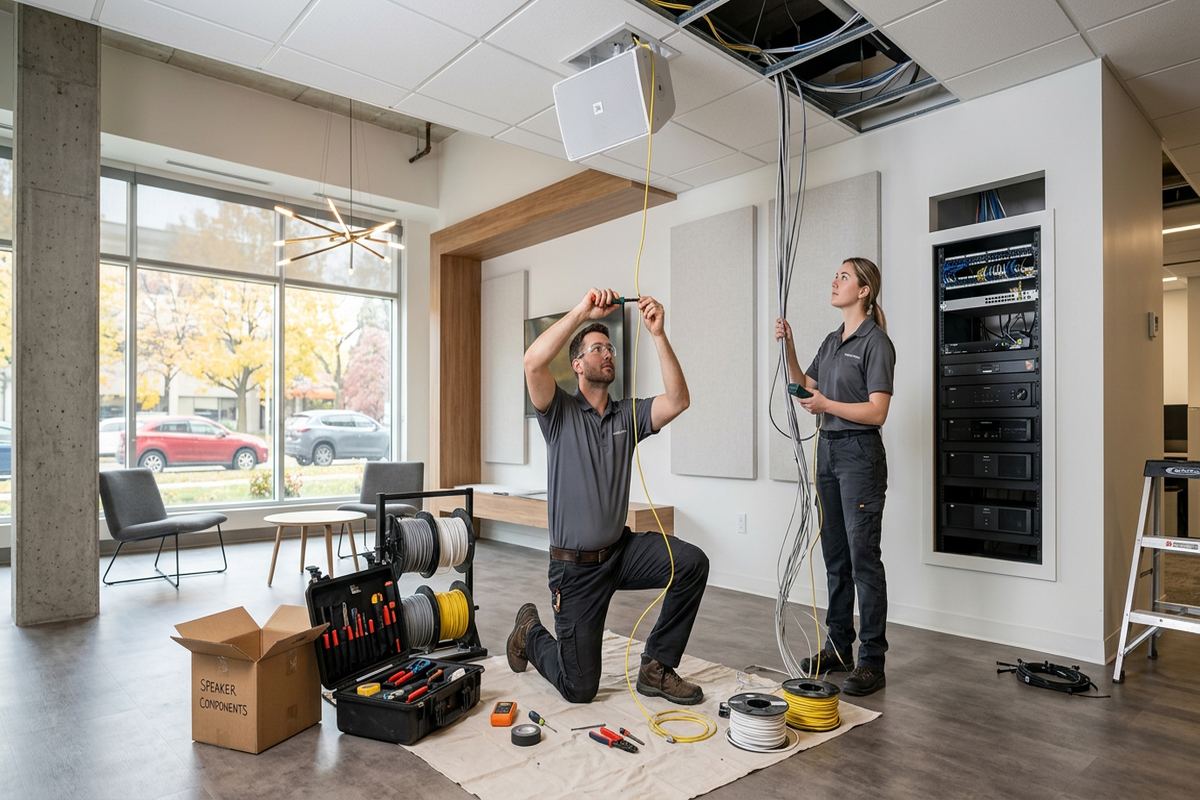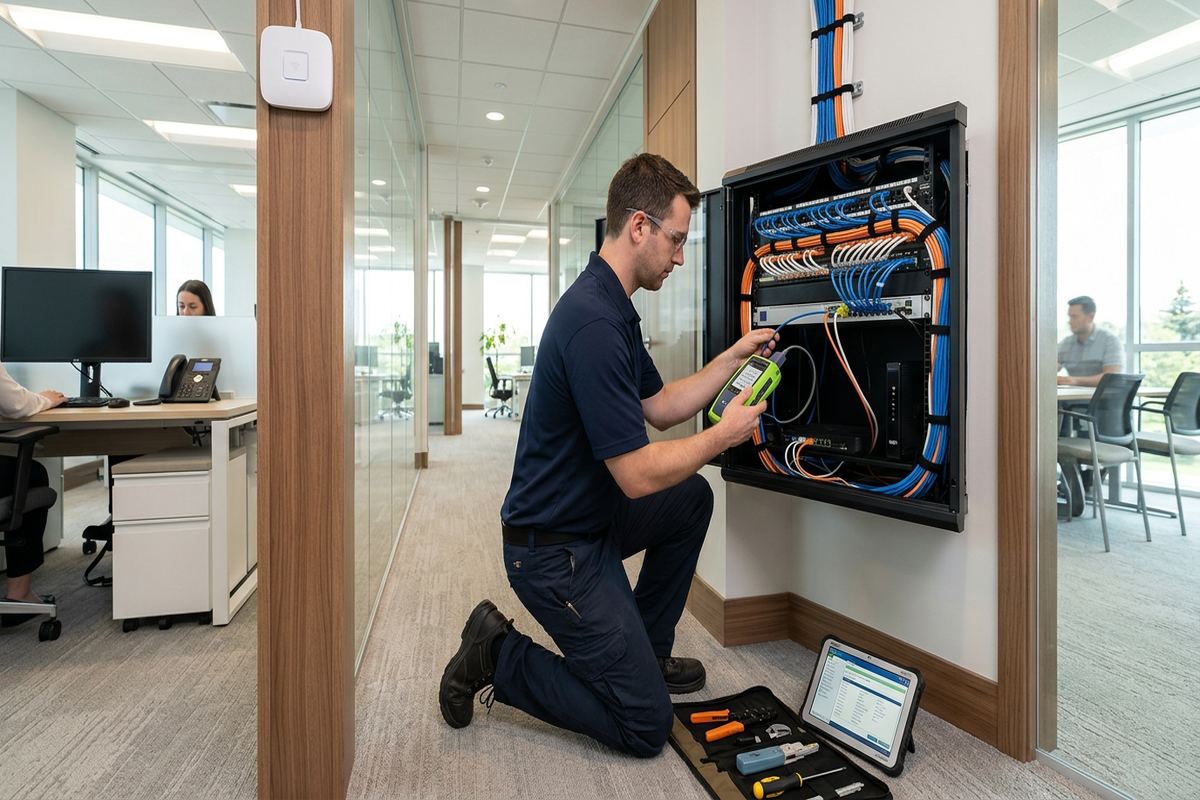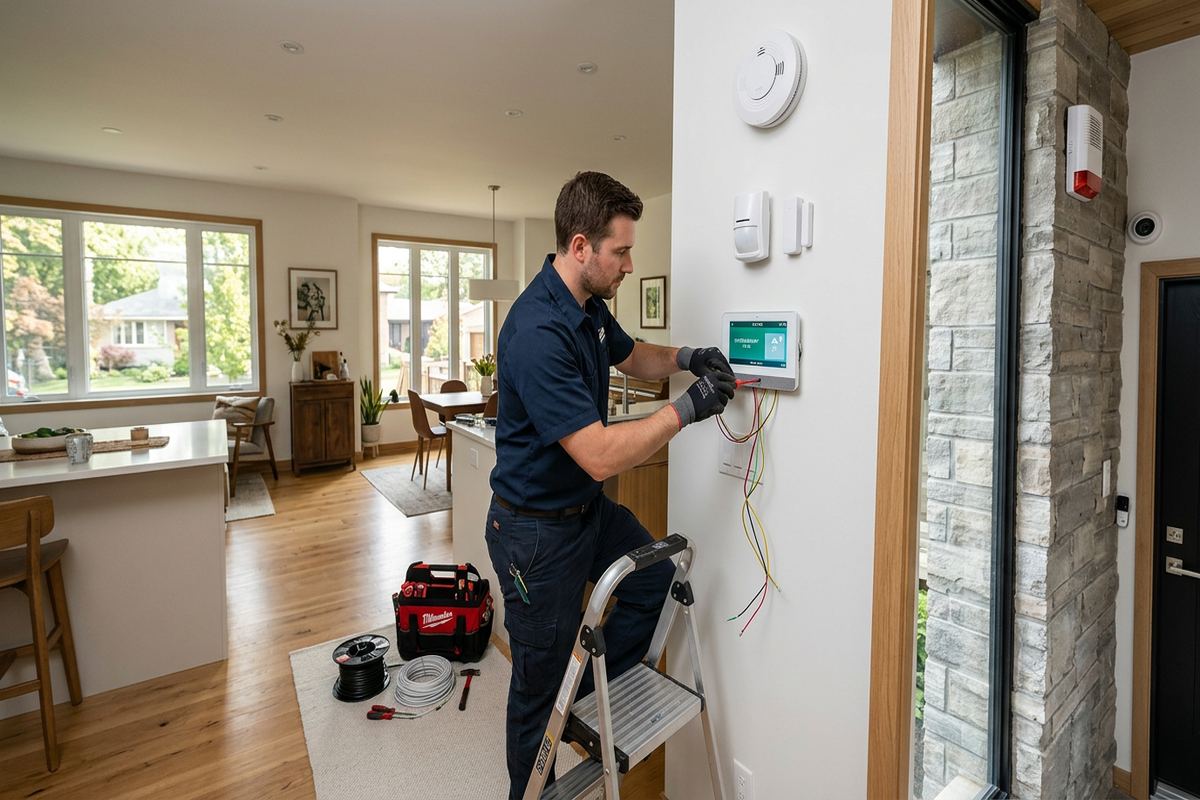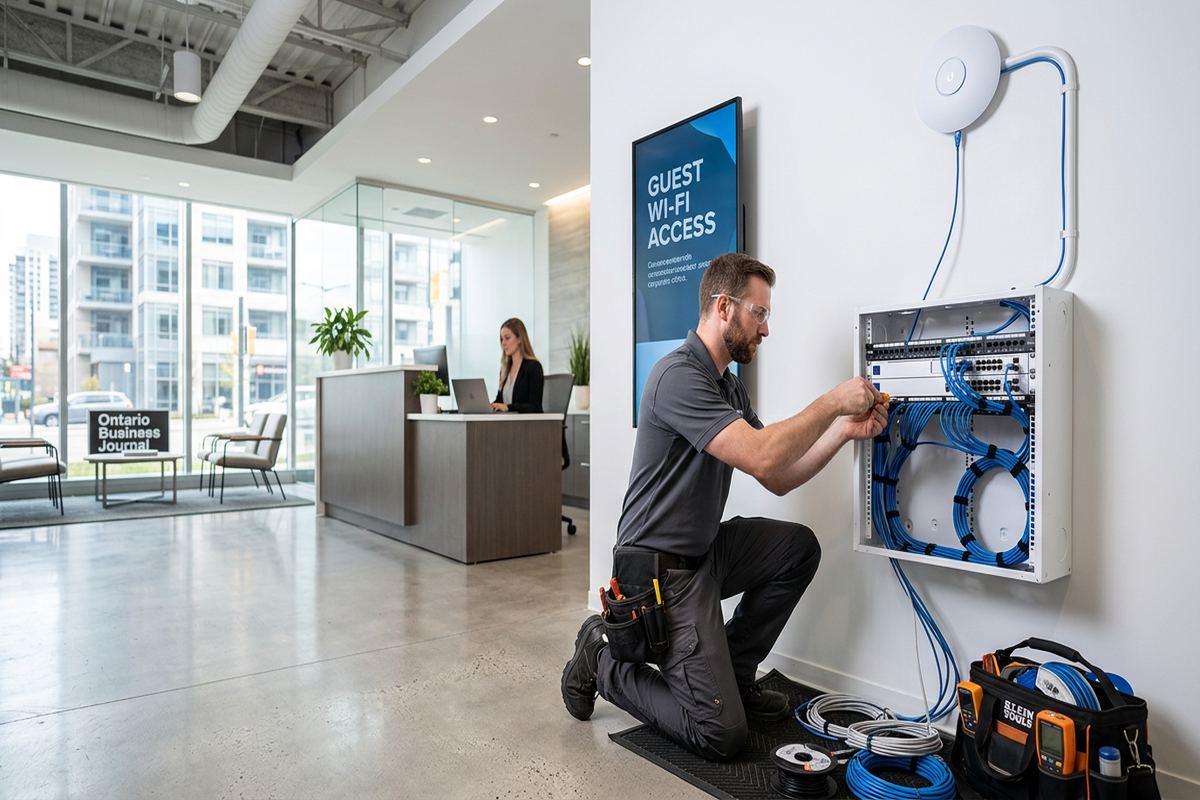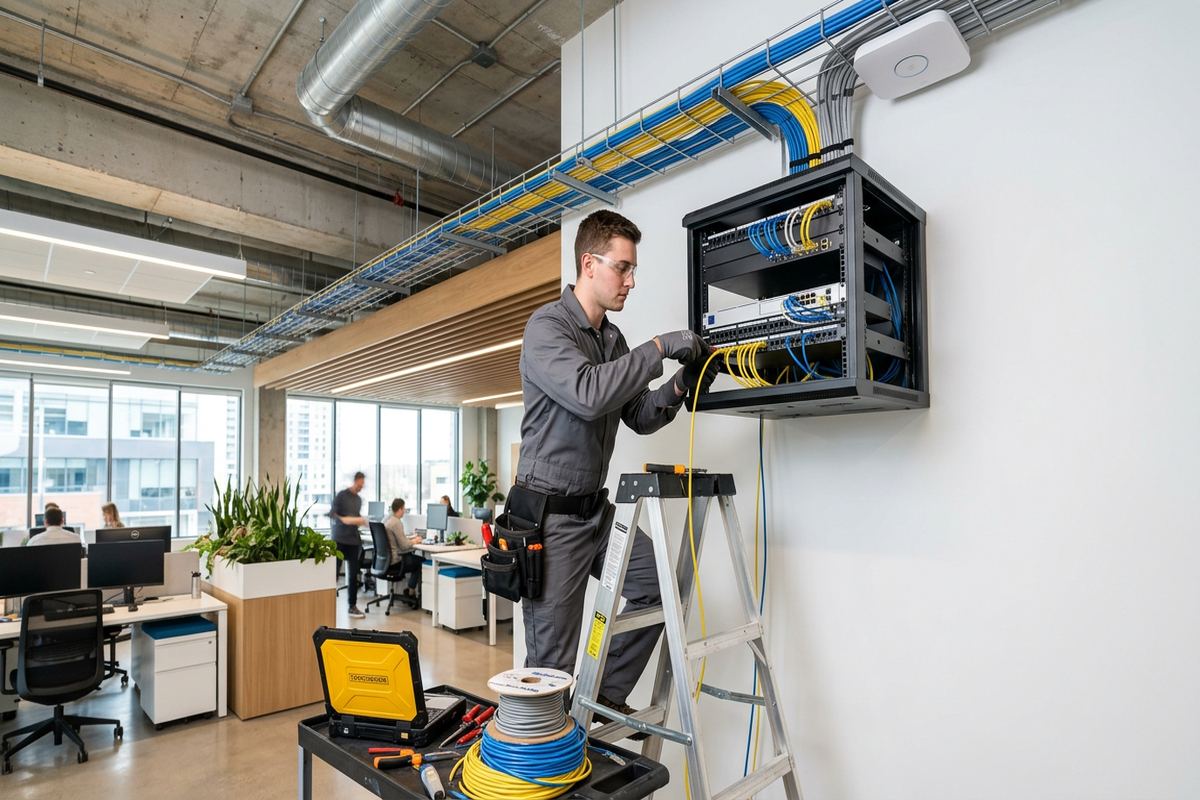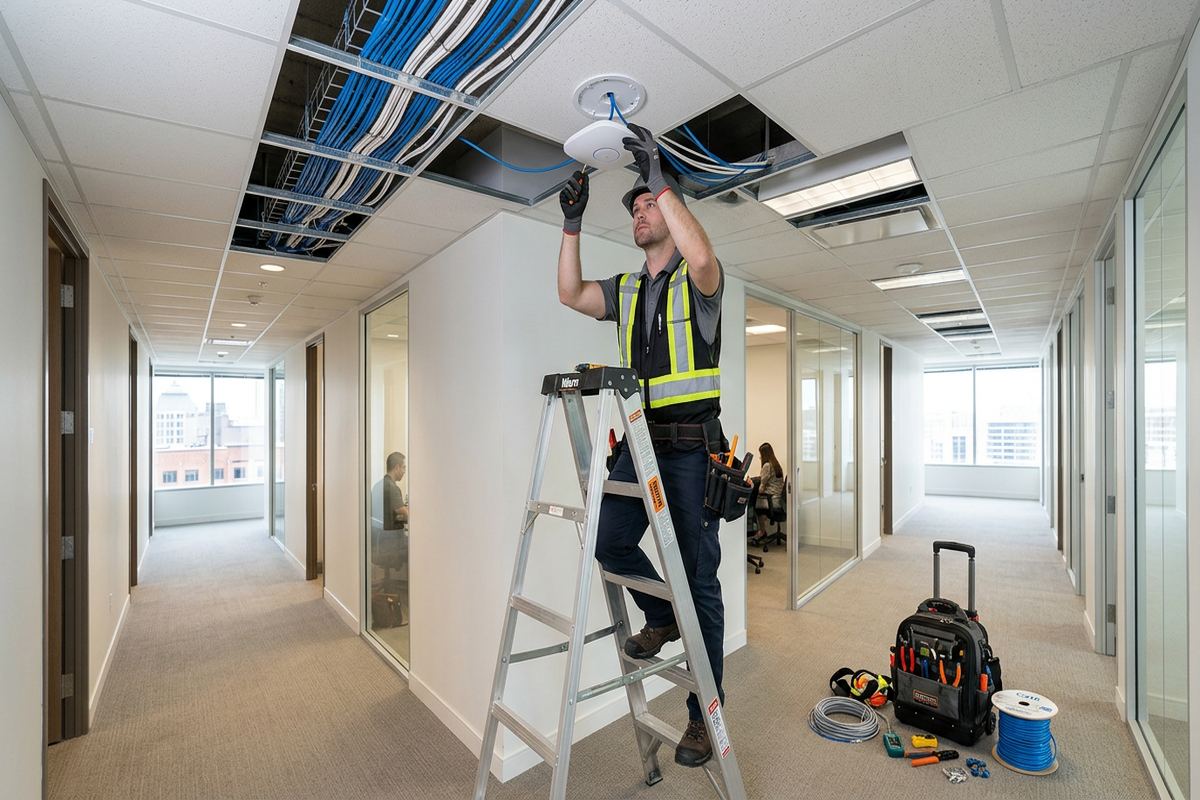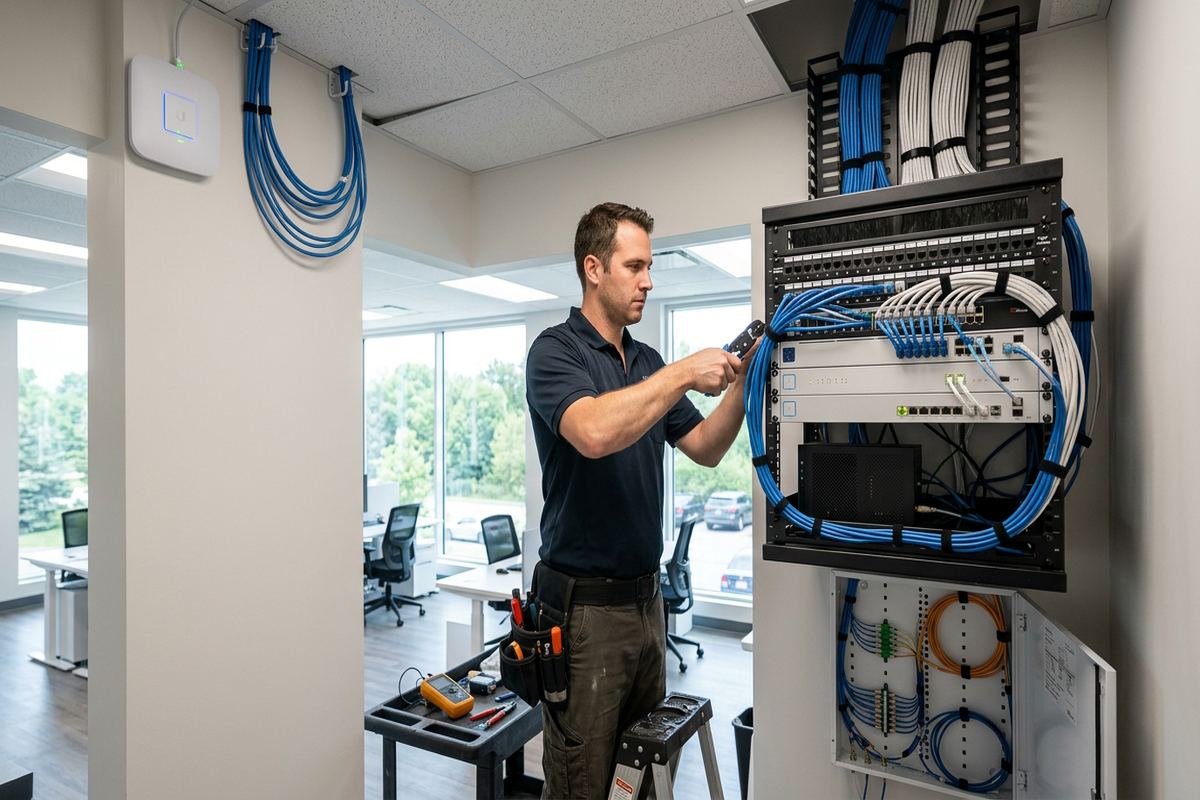
UnifiedLink installs commercial networks for offices, shops, industrial units and mixed-use properties across Bolton. Work can include structured cabling, network racks, switches, wireless access points and connections for cameras, phones and access control. We assess the site before pricing, document the proposed scope and configure the installed system on site.
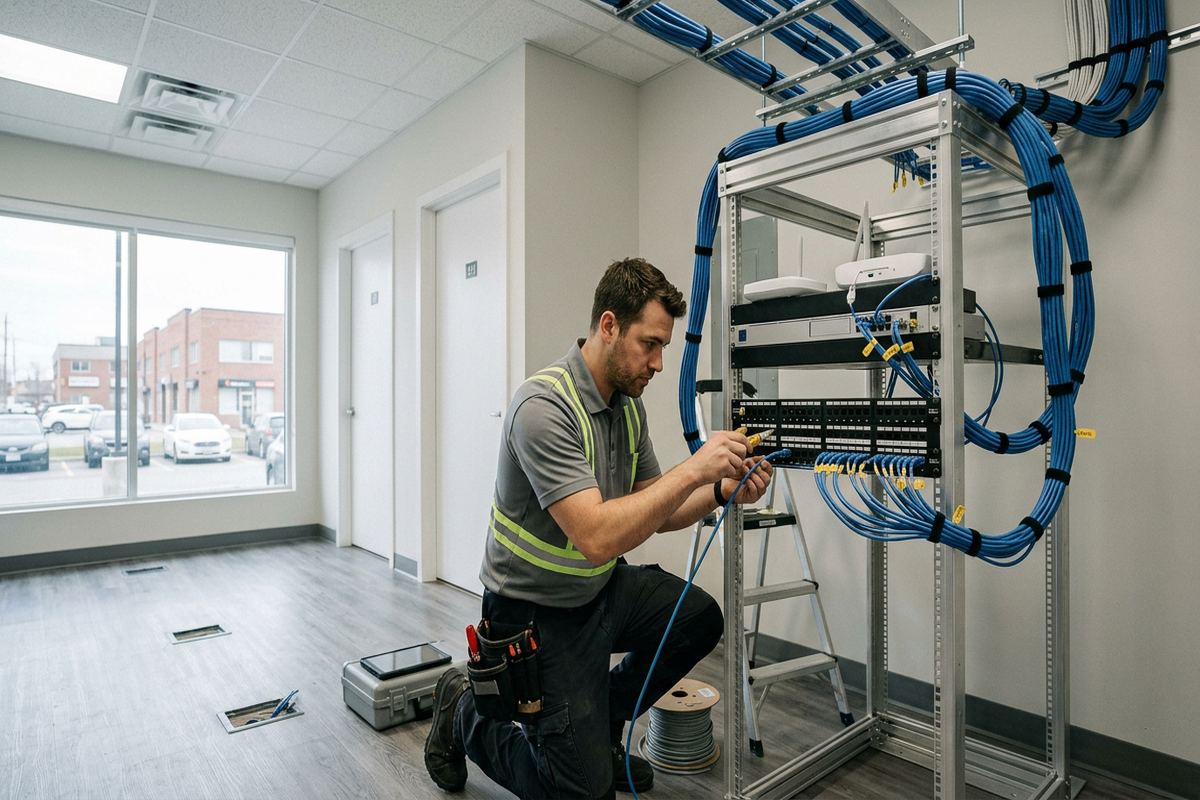
Commercial Network Installation for Bolton Properties
A commercial network should match the building, daily workload and equipment that depends on it. In Bolton, that can mean a compact office in Old Bolton, a multi-unit commercial property, or a warehouse in Bolton Industrial Park. UnifiedLink plans and installs the physical network connecting workstations, wireless access points, printers, phones, cameras, access control panels and other IP devices. The work starts with a site assessment, allowing cable pathways, construction materials, equipment locations, electrical access and future expansion requirements to be reviewed before a written scope and pricing are prepared.
Local buildings do not all support the same installation method. Older properties near central Bolton may have masonry walls, finished ceilings, additions or limited service spaces, while newer frame construction can offer more direct pathways. Industrial units often have higher ceilings, exposed structure, long distances and equipment spread between offices, shipping areas and production spaces. We select routes and mounting methods according to those conditions rather than applying a standard layout. The objective is a serviceable network with protected cabling, practical device positions and enough capacity for the systems the business actually uses.
The completed infrastructure is intended to be understandable after installation, not only while our technician is on site. Cable runs are continuous and labelled, terminations are organized, and installed equipment is configured on site where configuration is included in the scope. Handover uses the customer’s own administrative credentials and includes an as-built record showing relevant device and cable information. This approach helps an owner, manager or future service provider identify connections without tracing an undocumented system. UnifiedLink remains one accountable contractor for the network installation and related low-voltage work included in the agreed project.
- Copper and fibre backbone planning
- Network rack and cabinet installation
- Switch and access point connections
- Connections for phones, cameras and controls
- Clear labels at both cable ends
Planning a Bolton Business Network
Before cable is ordered or devices are mounted, we review what the network must support. A Bolton office may need dependable wired connections, staff and guest Wi-Fi, cloud phone service and secure printer access. A commercial strip unit may also rely on payment terminals, digital displays, cameras and an alarm communicator. Industrial operations can add scanners, controllers, warehouse workstations and outdoor links. Identifying these uses helps separate critical traffic, estimate port requirements and choose practical equipment locations. It also prevents important devices from being added later through unmanaged switches or temporary cables that are difficult to maintain.
The site assessment considers floor plans, wall and ceiling construction, available pathways, rack space, power, internet service entry and distances between network points. We also discuss expected changes, such as additional staff, renovated rooms, new cameras or expansion into an adjoining unit. Where a landlord, condominium corporation or property manager controls common areas, exterior walls or risers, required approvals must be obtained before affected work proceeds. The resulting written scope covers equipment, cable routes, device placement, exclusions, equipment ownership and warranty, so the customer can review what is included before authorizing the Bolton installation.
Network design should distinguish between internet service and the internal network. The internet service provider delivers a connection to the premises, but reliable operation inside the building also depends on cabling, switches, access points, addressing and configuration. UnifiedLink can coordinate installation around the provider’s demarcation point without representing the provider or promising its performance. If an existing modem, firewall or router must remain, we document that dependency. If replacement equipment is proposed, the scope identifies it clearly. This keeps responsibility understandable and avoids assuming that a faster internet package alone will correct weak Wi-Fi or damaged cabling.
- Current and future port counts
- Internet demarcation point review
- Power and rack location assessment
- Tenant and landlord approval checks
- Written equipment and pathway scope
Structured Cabling in Bolton Offices and Units
Structured cabling provides the fixed pathways behind a commercial network. Each horizontal run should travel continuously from the network cabinet or rack to its outlet or device location, without hidden couplers or improvised joins. UnifiedLink labels both ends and organizes terminations so connections can be tested, moved and maintained. Cable type is selected for the application, pathway and expected performance rather than by appearance alone. In Bolton offices, runs commonly serve desks, phones, printers and access points. In industrial units, they may extend to shipping stations, cameras, access control equipment and dedicated network enclosures serving distant areas.
Pathway selection has a direct effect on durability and future access. Open industrial ceilings may permit supported cable routes above work areas, while finished offices can require pathways through ceiling spaces, wall cavities or surface raceway. Masonry buildings in Old Bolton may call for different drilling, fastening and concealment methods than frame construction on Bolton North Hill or Bolton South Hill. Fire separations, electrical interference, bend limits and support spacing are considered during routing. Penetrations are kept controlled and sealed where required, and cable is not left resting on ceiling tiles or loosely draped over unrelated building services.
Testing confirms that an installed cable meets the expected wiring arrangement and is free from common faults such as opens, shorts, crossed pairs or incorrect termination. The exact test method and documentation depend on the project scope and cabling category. Results do not compensate for poor pathway work, so physical support, separation and termination remain important. Existing cables can also be assessed when practical, although concealed damage or undocumented splices may limit what can be confirmed. When replacement is recommended, the reason is identified. Customers receive an as-built record that connects outlet labels with the relevant patch-panel or cabinet positions.
- Continuous labelled cable runs
- Patch panels and data outlets
- Supported routes above ceilings
- Controlled wall and floor penetrations
- Cable testing and as-built records
Bolton, Ontario
Commercial network installation in Bolton, scoped in writing first
Book a site assessment and get equipment, routes, exclusions, and warranty on paper before anything is installed.
Business Wi-Fi Design for Bolton Buildings
Commercial Wi-Fi depends on access point placement, building materials, interference and user demand. Adding a single powerful device does not reliably solve coverage across divided offices, warehouses or multi-level properties. Masonry, concrete, metal shelving, insulated walls and mechanical equipment can weaken or reshape radio signals. During a Bolton assessment, we review where people and wireless devices operate, not simply where a cable is easiest to install. Access points can then be positioned with wired backhaul and suitable mounting, reducing reliance on repeaters that consume wireless capacity and can make troubleshooting more complicated.
Bolton Industrial Park units often combine finished front offices with deep warehouse or production areas. The two spaces can require different wireless planning because ceiling heights, racking, machinery and occupancy patterns vary. Coverage near loading areas may also change when overhead doors open or trailers block a path. We identify required service areas and practical access point locations, then account for mounting height and cable distance. Outdoor or semi-exposed coverage is treated separately from indoor coverage. Equipment selection and placement must suit temperature, moisture and enclosure conditions instead of extending an indoor device beyond its intended environment.
Configuration can separate business systems according to operational and security requirements. Staff, guest, camera, phone or building-control traffic may use different networks where the selected equipment supports that design. Guest access should not expose internal devices, while operational equipment may need stable addressing or controlled internet access. UnifiedLink performs included configuration on site and provides the customer with its own administrative credentials at handover. Passwords and network names are agreed rather than retained as installer-only information. Any ongoing cloud licence, subscription or manufacturer account requirement is identified in the written scope, including who owns and administers the account.
- Wired access point backhaul
- Staff and guest network separation
- Warehouse and office coverage planning
- Customer-owned administrator credentials
- On-site wireless configuration
Network Racks, Switching and Equipment
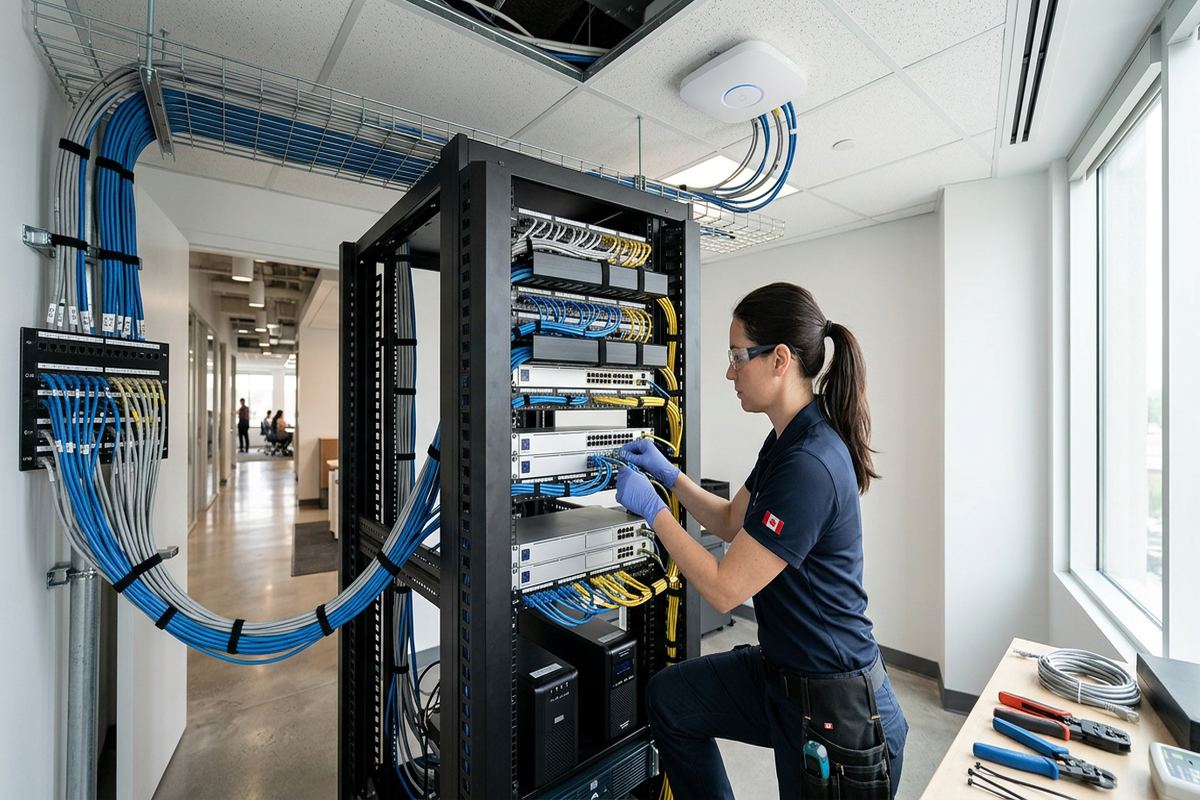
A network rack or cabinet provides a defined location for patch panels, switches, routers, firewalls and related hardware. Its size and position should account for current equipment, cable entry, ventilation, electrical service, physical access and reasonable growth. Placing equipment on a shelf in an occupied office may expose connections to accidental disconnection and make cable organization difficult. In a Bolton commercial property, we assess whether a wall cabinet, floor rack or smaller enclosure suits the available room. The scope also distinguishes customer-supplied devices from equipment supplied as part of the installation.
Switch selection is based on port count, connection speed, power requirements and management features. Devices such as wireless access points, cameras and some phones may receive power through the network cable, but the switch must provide the correct standard and an adequate power budget. Uplink capacity also matters when several switches or distant cabinets are connected. We calculate these requirements from the known device list and allow agreed expansion rather than assuming every port is equivalent. Where an existing switch is retained, its capabilities and limitations are considered before new powered devices or higher-speed connections are assigned to it.
Equipment organization is completed with serviceability in mind. Patch leads are sized and routed to reduce tangles, ports correspond with documented labels, and important power connections are identified. If backup power is included, the expected equipment load and operating purpose must be defined; a battery unit does not make the internet provider’s external network available during every outage. Industrial dust, heat and restricted utility rooms can also affect placement. For Bolton units with harsh interior conditions, the assessment may recommend relocating equipment or using an appropriate enclosure, rather than mounting standard network hardware wherever space happens to be available.
- Wall cabinets and floor racks
- Managed and unmanaged switch options
- Power-over-Ethernet budget review
- Organized patch-panel connections
- Ventilation and equipment access checks
Exterior and Industrial Networking in Bolton
Exterior network work requires particular attention to weather, water paths and temperature exposure. Bolton winters bring freezing conditions and freeze-thaw cycles that can stress poorly sealed penetrations and mounting points. Exterior cable and hardware must be suitable for the location, and wall entries should be planned to reduce water movement toward the building. We use appropriate exterior sealing methods and provide drip management where the route requires it. Fasteners and mounting surfaces are selected according to masonry, siding, concrete or structural framing. Interior cable is not treated as an acceptable substitute merely because part of a route is sheltered.
Industrial properties may require network connections between offices, warehouse zones, gates, detached structures or exterior equipment. Long distances can exceed the practical limits of a copper run, and electrical conditions can make fibre a better backbone between areas. Fibre also avoids conducting electrical surges between connected buildings, although associated equipment and power still require suitable protection. The site assessment establishes distance, pathway availability and service needs before a medium is selected. Wireless building links can be considered where trenching or an existing conduit is impractical, but they need a clear, stable path and secure mounting rather than an assumed line of sight.
Work around loading areas and active commercial operations must consider physical impact and access. Cables near doors, forklifts, storage racks or service yards need protected routes that do not interfere with normal use. Mounting an access point or camera high on an exterior wall may also require safe equipment access and permission from the property owner. For leased Bolton Industrial Park units, tenants should confirm landlord requirements before drilling exterior walls, using roof areas or entering shared electrical rooms. UnifiedLink records approval dependencies as part of the scope and schedules authorized work around the operating constraints identified during assessment.
- Weather-suitable exterior components
- Sealed masonry and siding penetrations
- Fibre links for distant areas
- Protected industrial cable routes
- Landlord approval dependencies documented
Upgrades, Troubleshooting and Network Changes
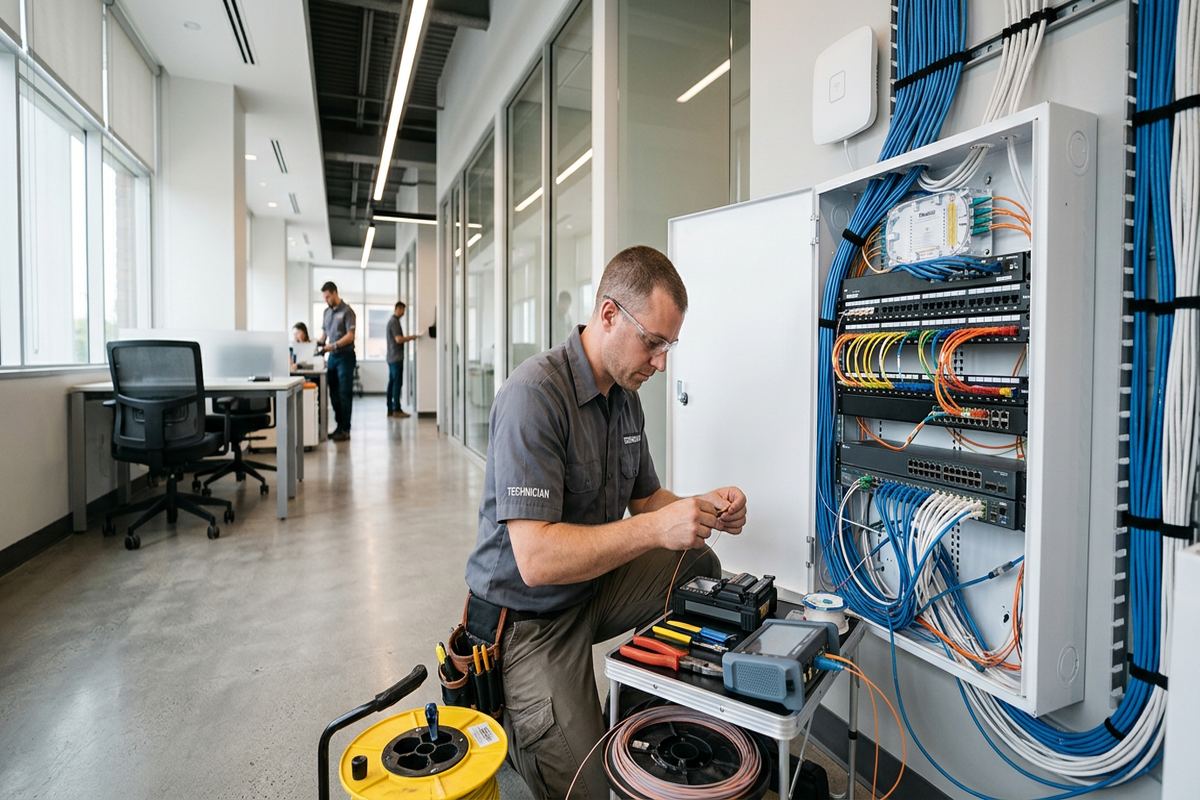
Not every commercial project begins with a blank space. Bolton businesses often need to expand or stabilize networks assembled through previous renovations, tenant changes or equipment additions. The first task is to identify what exists: active and abandoned cables, switch connections, access point locations, internet equipment and undocumented devices. Labels may be missing or may no longer match the outlets. We trace and test practical portions of the system, then explain which components can remain and which limit the requested result. Concealed pathways cannot always be verified without access, so assumptions and exclusions are included in the written scope.
Common symptoms can have several causes. Slow applications may result from the internet service, a damaged cable, an overloaded wireless channel, an older switch, poor device placement or the application provider itself. Intermittent connections may involve loose terminations, power loss or network loops. Troubleshooting therefore starts by defining when and where the problem occurs instead of immediately replacing hardware. UnifiedLink can test the installed side within the agreed scope and separate observed network issues from external service dependencies. Findings are documented so the customer can decide whether repair, reconfiguration, replacement or further investigation is the appropriate next step.
Renovations are an appropriate time to correct pathways and add capacity before ceilings and walls close. A business moving within Bolton can also arrange cabling, rack preparation and wireless installation before staff and equipment arrive, subject to site access and approvals. For occupied spaces, work can be divided into stages to reduce disruption, although the schedule depends on building access and the extent of installation. Old cables that are no longer required can be addressed where accessible and included in scope. Changes are then reflected in updated labels and as-built records instead of being added as another undocumented layer.
- Existing cable tracing and testing
- Wi-Fi problem investigation
- Switch and rack cleanup
- Renovation cabling coordination
- Updated labels after network changes
Commercial Network Project Handover in Bolton
A defined process keeps technical work and customer responsibilities clear. After receiving a request, UnifiedLink discusses the building, business use, current issues and desired completion conditions. Requests sent during business hours are answered the same day; after-hours requests are answered the next business day. Site assessment timing depends on the service and travel distance. At the Bolton property, we inspect accessible areas, confirm likely cable routes, review device positions and note approval or access constraints. Pricing follows the assessment rather than being based only on an outlet count that ignores construction and pathway conditions.
The written scope is the working reference for the project. It identifies equipment, cable routes, device placement, exclusions, equipment ownership and warranty. It can also record customer-supplied internet service, required electrical work, landlord authorization, ceiling access or other dependencies. If site conditions discovered during installation require a meaningful route or equipment change, that change should be reviewed rather than silently substituted. One accountable contractor coordinates the low-voltage work included in the scope, which is useful when a Bolton project combines network cabling, Wi-Fi, cameras, access control, phones, audio or commercial displays using shared pathways and network infrastructure.
Handover occurs after the included installation, termination, testing and on-site configuration work is complete. The customer receives its own credentials for administered equipment and an as-built record reflecting the completed network. We review relevant connection points, basic equipment locations and known dependencies so the person responsible for the site can understand what was installed. Manufacturer accounts or cloud services are placed under customer control where applicable. This avoids creating an unnecessary dependency on installer-owned logins. Future additions can then refer to documented ports, pathways and device locations, making changes easier to plan across Bolton North Hill, South Hill, Old Bolton or the industrial park.
- Site assessment before pricing
- Detailed written project scope
- One accountable low-voltage contractor
- Customer-controlled system credentials
- Documented network handover
Bolton neighbourhoods we cover
- Bolton North Hill
- Bolton South Hill
- Old Bolton
- Bolton Industrial Park
Commercial network installation in Bolton — common questions
Do you assess my Bolton property before quoting?
Yes. UnifiedLink completes a site assessment before pricing because pathway length, wall construction, ceiling access, device locations and existing equipment affect the work. Assessment timing depends on the service and travel distance. After reviewing the Bolton property, we provide a written scope covering equipment, routes, placement, exclusions, equipment ownership and warranty.
Can you install networking in an occupied business?
Yes, provided safe access and workable routes are available. For occupied Bolton offices, shops and industrial units, installation can be planned in stages or around identified operating constraints. The assessment determines where drilling, ceiling access or temporary area restrictions may be needed. Scheduling and any customer preparations are documented before work begins.
Will Wi-Fi cover my entire warehouse?
Coverage depends on the warehouse size, height, racking, machinery, wall materials and required service areas. Bolton Industrial Park units often need multiple wired access points rather than one router near the office. We assess the space and propose practical locations, but changing stock, trailers and machinery can affect radio conditions after installation.
Do I need landlord or condo approval?
Approval may be required if work affects exterior walls, roofs, common areas, risers or building-owned pathways. This is relevant for leased Bolton commercial units, mixed-use properties and condominium settings. The property owner, tenant or condominium corporation determines its requirements. UnifiedLink can document approval dependencies and proposed routes, but the customer must secure authorization before affected work proceeds.
Can you reuse my existing network cables?
Existing cabling can sometimes remain if it is accessible, appropriately installed, correctly terminated and suitable for the required connection. We can trace and test practical portions during a Bolton upgrade. Hidden splices, damage, missing labels or unsuitable cable may justify replacement. The written scope identifies what is being retained and any limits that could not be verified.
What do I receive after installation?
You receive the completed work defined in the scope, including continuous labelled runs, terminations, testing and on-site configuration where specified. UnifiedLink provides your organization’s own administrative credentials and an as-built record of relevant network connections. Equipment ownership, warranty and excluded services are documented so the Bolton site is not dependent on undocumented installer accounts.
Coverage in Bolton is confirmed against the address before we quote. See everything we install in Bolton or the province-wide commercial network installation page.