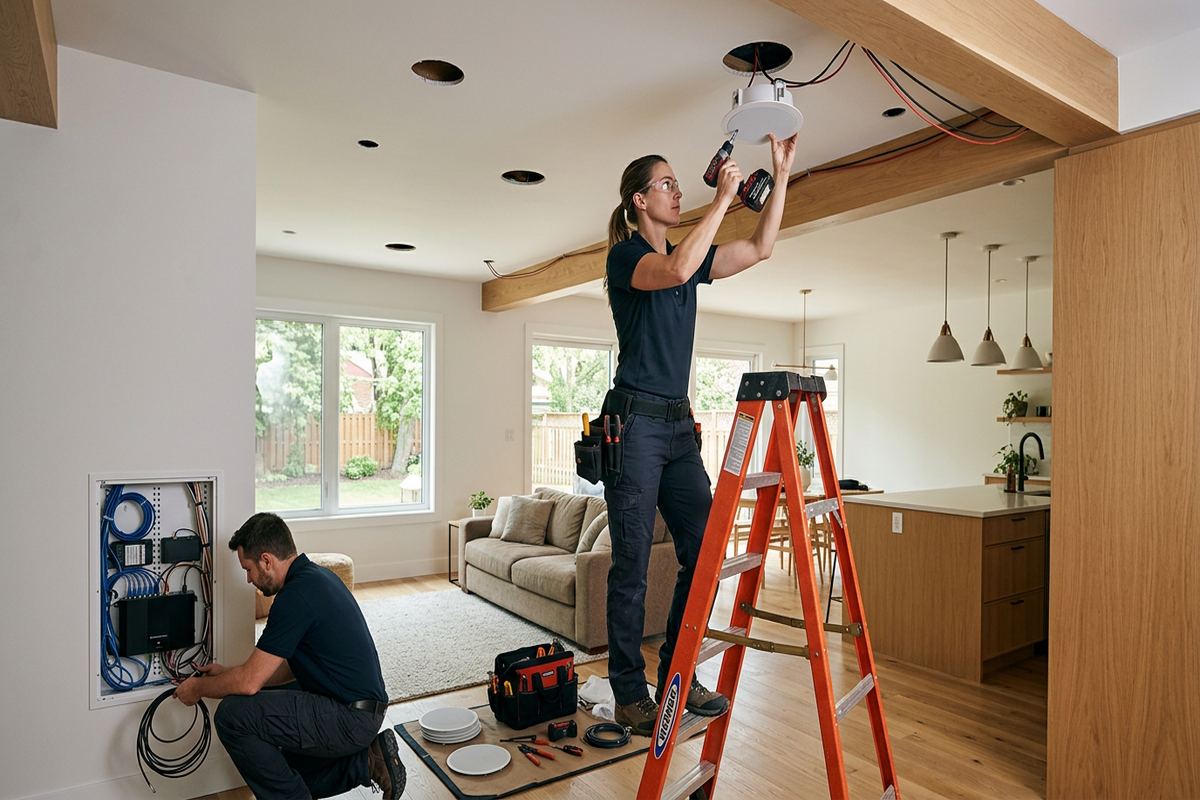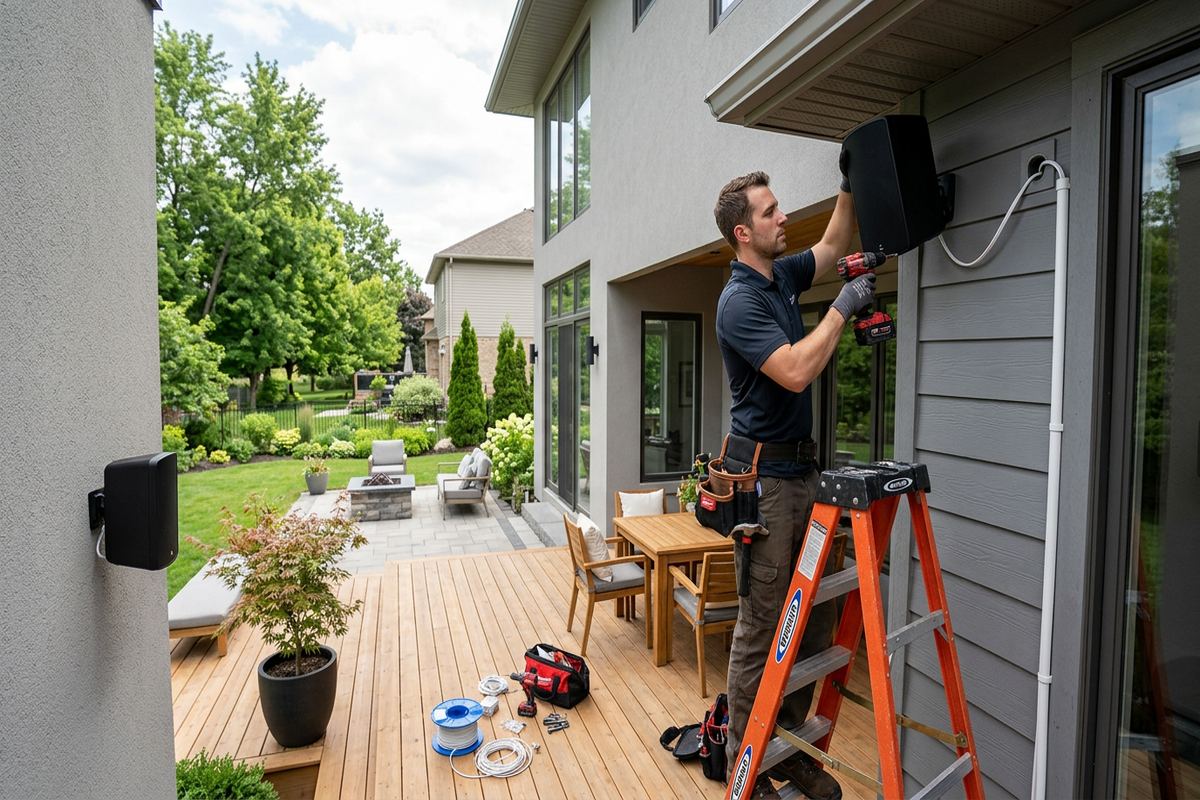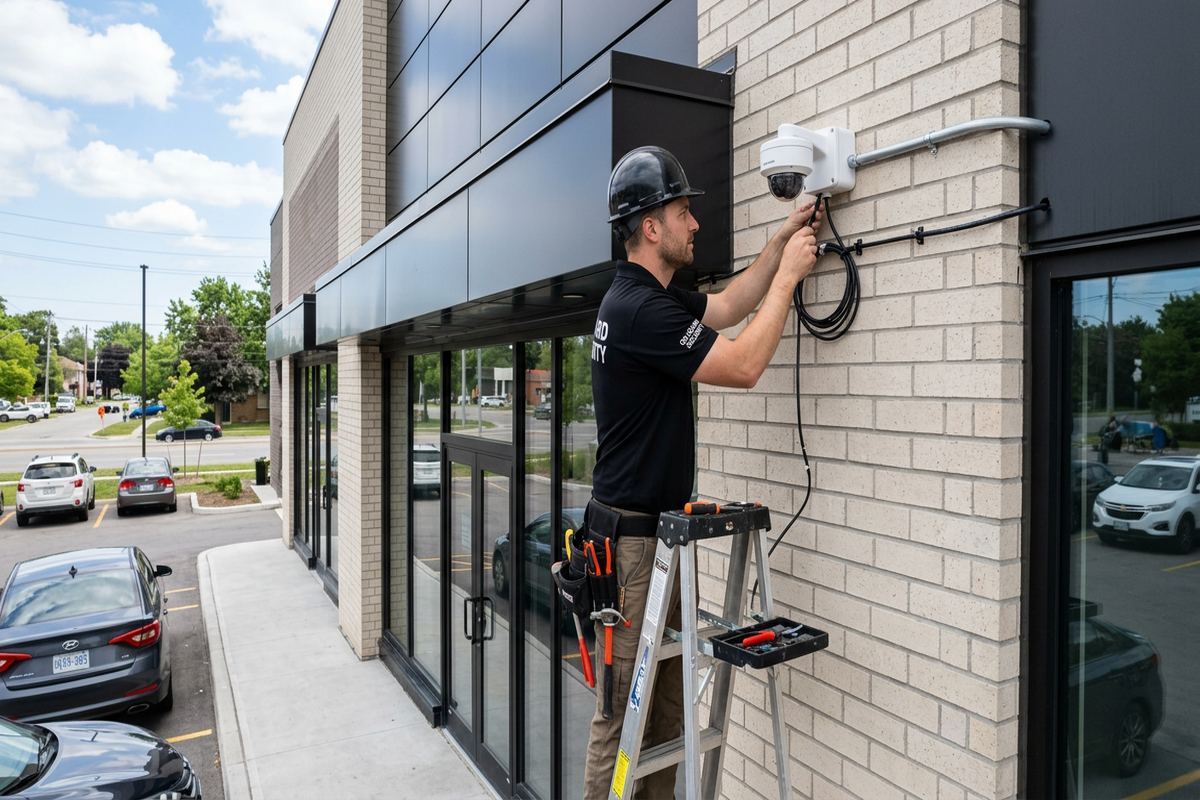
UnifiedLink installs wired and wireless security camera systems for homes and small businesses across Belleville and the Bay of Quinte. Each installation starts with a site assessment covering sightlines, lighting, cable routes, network capacity, exterior surfaces, and recording needs. The result is a practical system configured on site and handed over using credentials you control.
Home Security Camera Planning in Belleville
A useful camera system starts with the areas you actually need to observe, not a predetermined camera count. During a Belleville site assessment, we review entrances, driveways, side passages, garages, yards, basement access points, and detached structures. We check where faces and vehicles will appear, how far they are from each proposed camera, and whether landscaping or architectural features interrupt the view. This process identifies the appropriate mounting height, lens angle, image detail, and overlap between cameras before holes are drilled or cable routes are committed.
Belleville properties vary enough that one standard layout rarely works. Older downtown buildings may have thick masonry walls, finished additions, narrow lots, and limited concealed pathways. Waterfront homes can present open approaches, reflected light, exposed soffits, and mounting locations affected by wind-driven weather. Frame houses in East Hill or West Park Village may offer accessible basements and attics, but insulation, renovations, and finished ceilings still influence routing. We plan around the building rather than forcing an installation method that creates unnecessary surface cable or difficult future maintenance.
The site assessment also establishes what the cameras should record and how footage will be used. Some owners need clear activity records at doors, while others require wider awareness around a property. We discuss continuous recording, event-based recording, retention preferences, remote viewing, alerts, night performance, and privacy boundaries. Before pricing, UnifiedLink provides a written scope covering equipment, cable routes, device placement, exclusions, equipment ownership, and warranty. That document gives the owner a clear basis for approving the work and comparing the proposed system with actual security needs.
- Entrance, driveway, yard, and garage coverage
- Daylight and night-image review
- Cable pathway and network assessment
- Privacy and neighbouring-property considerations
- Written scope before installation pricing
Camera Placement for Belleville Homes
Effective placement balances identification, general awareness, weather protection, and a clean appearance. A camera installed too high may show the top of a person’s head without capturing useful facial detail. One mounted too low can be easy to reach or obstruct. For Belleville homes, we normally separate identification views at primary approaches from wider views covering driveways, yards, or outbuildings. Corners are not automatically ideal: rooflines, downspouts, lighting fixtures, trees, parked vehicles, and seasonal decorations can all reduce coverage or trigger unnecessary motion events.
Lighting conditions change substantially between bright afternoons, dark winter mornings, and nights with snow on the ground. Cameras facing strong sunrise or sunset glare can lose important detail unless their direction and image settings are considered carefully. Exterior lights can help, but a fixture positioned beside or directly above a lens may cause insects, flare, or overexposed faces. We review available light at each approach and place cameras so infrared reflection from soffits, brick, siding, or nearby walls does not wash out the image after dark.
Placement must also respect areas outside the owner’s property. Cameras should focus on entrances, private yards, parking spaces, and other areas with a legitimate security purpose rather than looking deeply into neighbouring windows or enclosed yards. Doorbell and front-entry views may naturally include part of a public street or walkway, but the field of view can often be tightened. For condominiums, rental homes, and shared properties in Belleville, owners may need approval before drilling, attaching equipment to common elements, or routing cable through shared spaces. We identify those dependencies before work begins.
- Dedicated views for faces and vehicles
- Reduced glare and infrared reflection
- Coverage without avoidable blind spots
- Practical mounting heights for maintenance
- Fields of view aligned with privacy needs
Exterior Mounting for Bay of Quinte Conditions
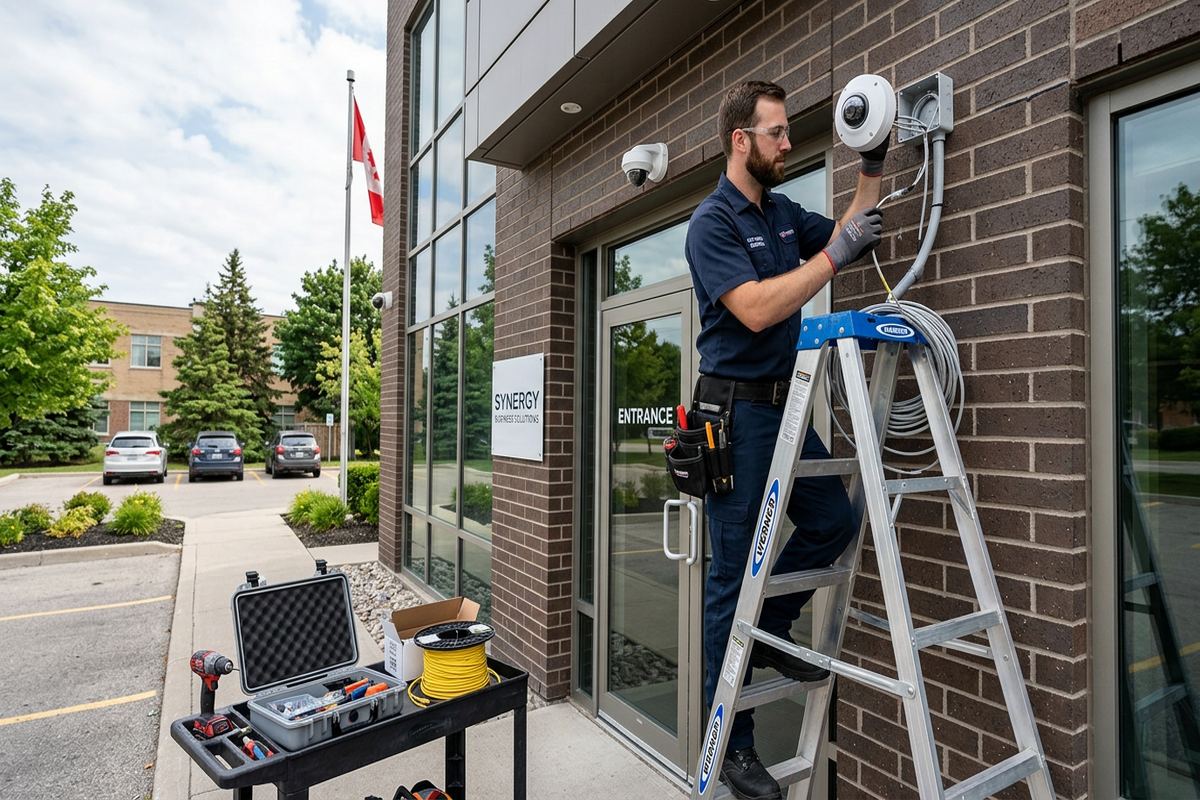
Exterior equipment in the Bay of Quinte must be mounted with winter exposure in mind. Repeated freeze-thaw cycles can exploit small gaps around fasteners, cable entries, and junction boxes. Water that enters an opening may damage finishes, reach concealed building materials, or affect terminations. We select mounting points that provide stable support and allow penetrations to be sealed correctly. Drip loops, suitable exterior fittings, protected connections, and properly oriented junction boxes help manage moisture. Connections are not left loosely tucked behind siding or exposed where snow and runoff can collect.
Masonry and frame construction require different fastening and cable-entry methods. Older brick in Downtown Belleville may have variable mortar joints, multiple wall layers, or interior finishes that make direct routing unsuitable. Mounting decisions should avoid unnecessary damage to brick faces and account for the condition of the substrate. On frame homes, vinyl or aluminium siding cannot simply be compressed until a camera appears secure. A stable backing point, mounting block, or appropriate junction box supports the device while maintaining the building envelope and allowing future service without enlarging damaged holes.
Waterfront homes and exposed properties near the Bay of Quinte can experience wind-driven rain, blowing snow, and rapid weather changes. A location under an eave may offer protection, yet the eave itself can obstruct the image or reflect infrared light. Detached garages and sheds introduce additional questions about underground pathways, wireless reliability, power, and bonding between buildings. We evaluate these conditions rather than assuming a wireless connection will remain dependable year-round. Exterior cable is selected and supported for its environment, while vulnerable routes are protected from abrasion, movement, animals, and routine property maintenance.
- Sealed cable and fastener penetrations
- Stable masonry or frame attachment
- Weather-protected exterior connections
- Drip loops and suitable junction boxes
- Routes protected from snow and maintenance
Belleville, Ontario
Home security camera installation in Belleville, scoped in writing first
Book a site assessment and get equipment, routes, exclusions, and warranty on paper before anything is installed.
Wired Camera Systems in Belleville
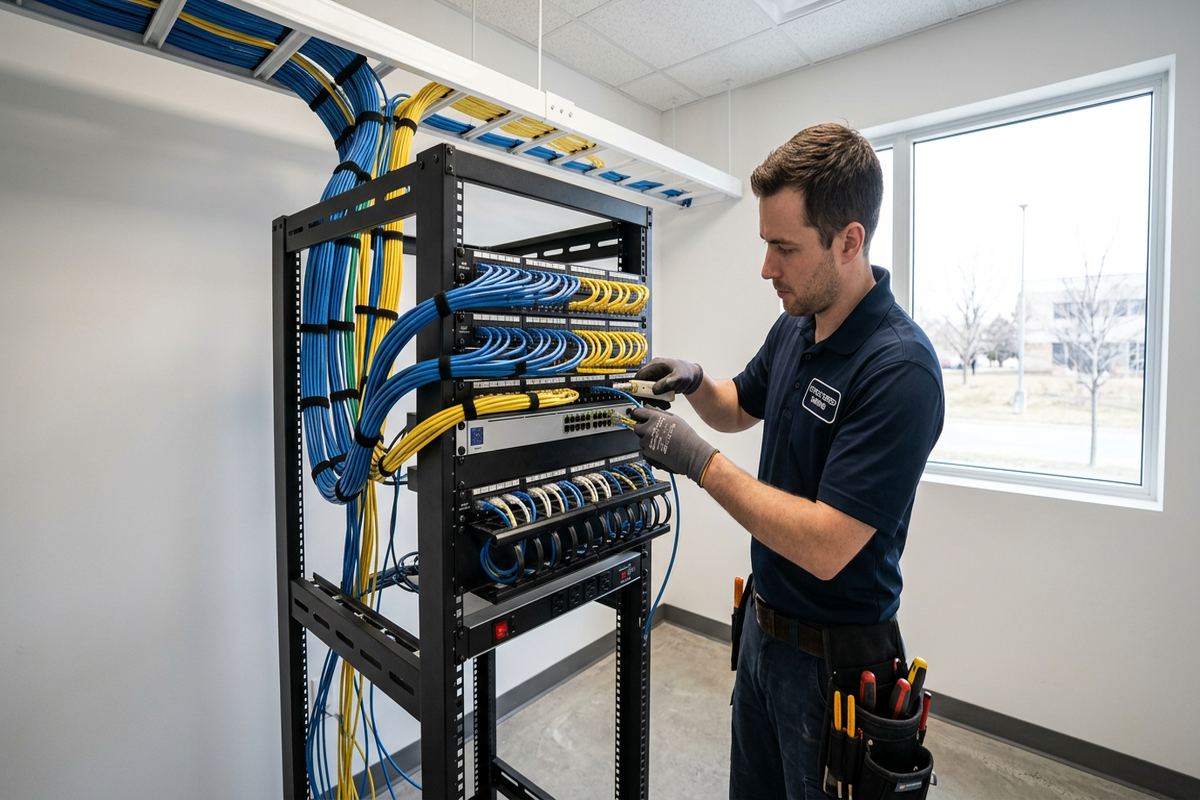
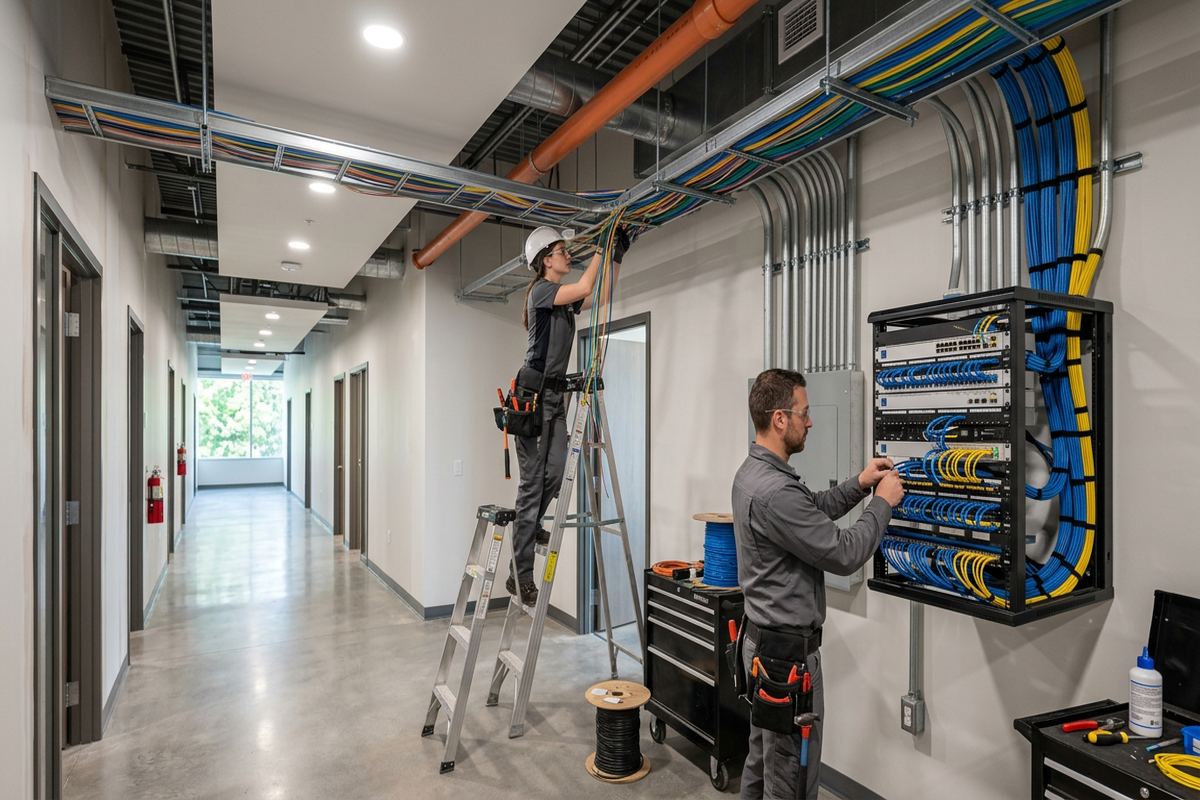
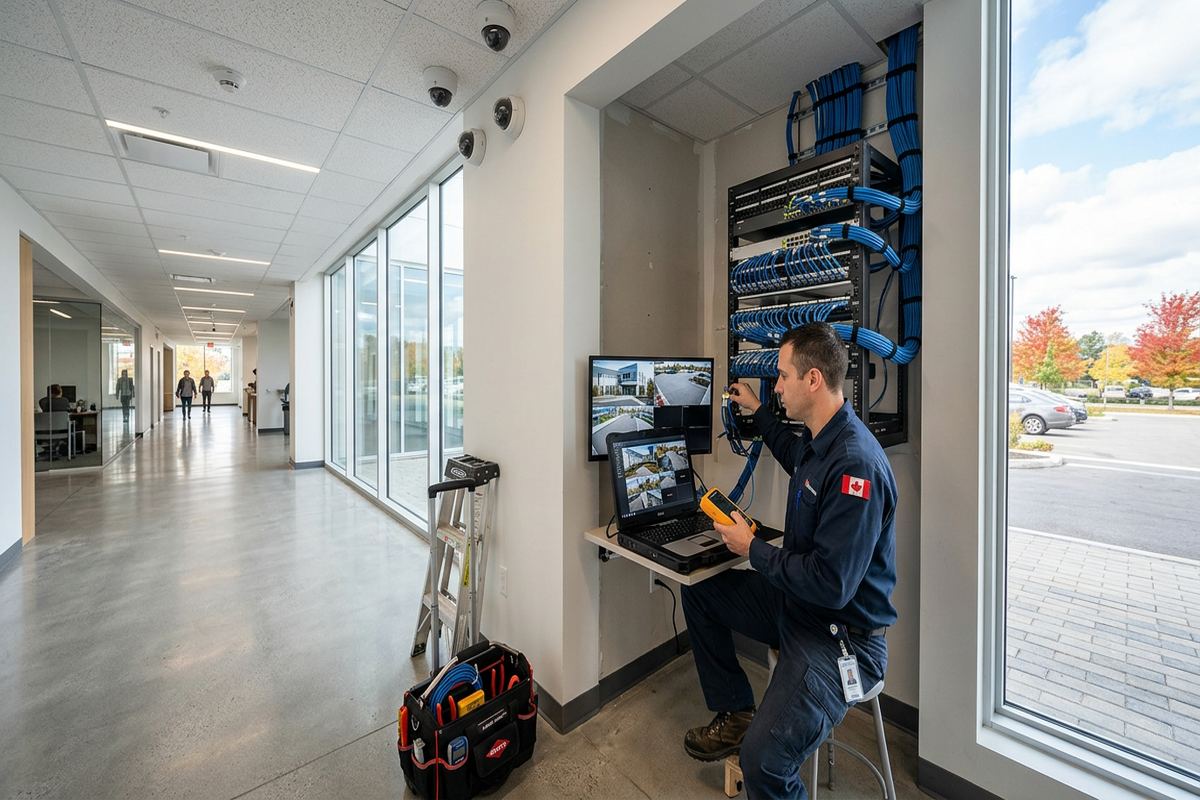
Wired Power over Ethernet cameras are often the practical choice when consistent recording and predictable network performance matter. One network cable carries data and power between each camera and a compatible switch or recorder, reducing the need for a receptacle beside every device. UnifiedLink installs continuous labelled cable runs rather than joining short pieces inside walls or inaccessible cavities. Each route is planned around structural conditions, finished areas, electrical interference, bend limits, and future access. Cables terminate cleanly at the camera location and at an organized central recording or network point.
A wired installation still depends on careful network design. Camera traffic, remote viewing, recorder connections, and other household devices all share infrastructure unless the system is separated appropriately. We review the available router, switch capacity, internet connection, equipment location, and backup-power goals. Cameras can often continue recording locally during an internet outage when the recorder, network, and power arrangement support that function, although remote access will normally depend on internet availability. The scope identifies any owner-supplied network components and clarifies which equipment is part of the camera installation.
Some Belleville homes do not offer a simple concealed route from the attic or basement to every exterior location. Finished lower levels, flat roofs, masonry additions, and insulated garages can block otherwise direct paths. In those cases, we explain alternatives such as discreet exterior-rated cable, conduit, accessible utility spaces, or a revised camera location. Surface routing is planned deliberately and secured evenly rather than improvised across siding or trim. Where cable must cross between structures, the route and method require specific assessment; ordinary indoor cable is not appropriate for unsupported outdoor spans or direct burial.
- Continuous cable from device to termination
- Labels at both cable ends
- PoE power and data where suitable
- Organized recorder and switch location
- Cable testing before system handover
Wireless Cameras and Network Coverage
Wireless cameras can be useful where cabling is impractical, but wireless does not mean infrastructure-free. Most cameras still require local power, suitable Wi-Fi coverage, account configuration, and a reliable path back to the router or cloud service. Exterior walls, foil-backed insulation, masonry, metal siding, and distance can weaken performance. An indoor phone speed test beside a window does not necessarily represent the signal available at an exterior camera. We assess the intended mounting location and discuss whether wired cameras, additional network equipment, or another design offers more dependable operation.
Battery cameras reduce cabling but introduce charging schedules, sleep behaviour, event delays, and performance changes during cold weather. They may suit a location where occasional event clips are acceptable and running wire would be disproportionately disruptive. They are less suitable when the owner expects uninterrupted continuous recording or immediate capture of every approach. Belleville winters also make frequent access to a high exterior device inconvenient and potentially unsafe. The written scope distinguishes battery, plug-in, and wired devices so the owner understands power requirements, recording behaviour, and ongoing maintenance before selecting equipment.
Good Wi-Fi coverage is about more than adding a range extender. Access-point placement, radio bands, channel conditions, wall construction, outdoor exposure, and network security all affect the result. For larger homes in Thurlow or properties with detached buildings, a dedicated link or properly designed outdoor network may be more appropriate than repeating a weak indoor signal. We configure camera connectivity on site, apply available firmware updates where appropriate, and test live view and recording from normal user locations. Account credentials belong to the customer and are not retained as shared installer credentials.
- Signal review at proposed camera locations
- Power requirements documented in advance
- Battery limitations explained before selection
- Secure connection to the owner’s network
- On-site live-view and recording tests
Recording, Alerts, and Secure Belleville Access
Recording choices determine how useful a system is after an incident. A local network video recorder can support continuous or scheduled recording, while some cameras rely on memory cards, vendor cloud services, or event clips. Available retention depends on camera count, image settings, storage capacity, recording schedule, and scene activity. Instead of promising a fixed number of days without calculations, we define the desired use and select an appropriate arrangement. Owners should also know what happens when storage fills, how footage is exported, and whether recordings remain available if internet service is interrupted.
Motion alerts need adjustment after cameras are aimed in their final positions. Trees, shadows, headlights, insects, snow, road traffic, and moving water can create excessive notifications when detection zones are too broad. In Belleville, a waterfront view may require different settings from a sheltered East Hill entrance or a driveway beside a busy commercial strip. We configure available person, vehicle, line-crossing, or area-based detection features according to the equipment selected. No analytic feature is infallible, so recorded coverage and sensible physical placement remain more important than relying solely on notification labels.
Remote access is configured using the customer’s own email address, account, and credentials. Default passwords are changed, unnecessary sharing is avoided, and multi-factor authentication is enabled when the selected platform supports it. We demonstrate live viewing, playback, export, alert controls, and user management during handover. Business owners can assign appropriate access without distributing one shared administrator password to every user. If a subscription is required for particular cloud features, that dependency is identified in the scope; the owner decides whether the service and its ongoing terms fit the intended use.
- Local, card, or cloud recording options
- Recording settings matched to storage goals
- Motion zones adjusted on site
- Customer-owned administrator credentials
- Playback and footage-export demonstration
Installation for Homes, Shops, and Industrial Units
Although the service centres on homes, many Belleville properties combine residential and business needs. A dwelling above a storefront, a home workshop, or a mixed-use building may require separate views, user permissions, and recording policies. Commercial strips also create denser pedestrian and vehicle activity, bright signs, delivery zones, and neighbouring entrances. Camera placement must capture the owner’s operational areas without treating a wide public view as a substitute for useful detail. Landlords and tenants should establish who may approve installation, access footage, maintain equipment, and remove devices at the end of occupancy.
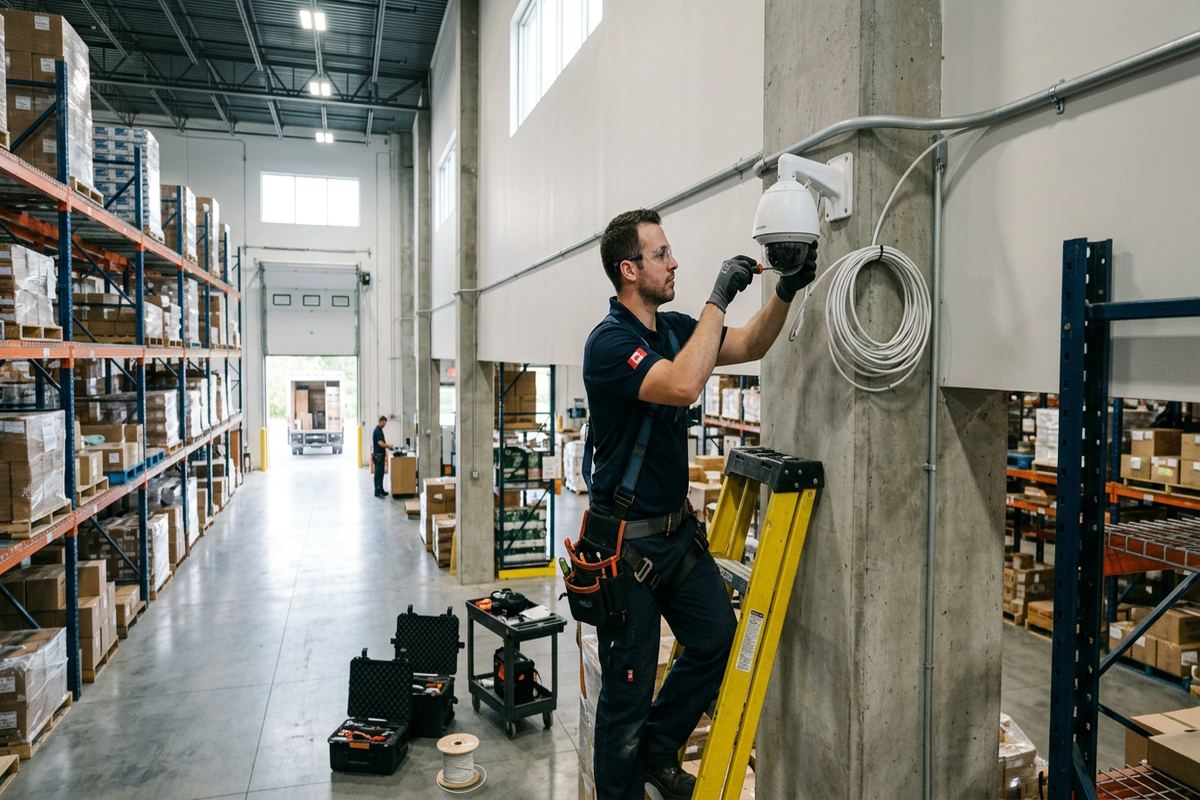
Food-processing plants and industrial units need a different plan from waterfront homes or older downtown buildings. Loading areas, staff entrances, fenced yards, production boundaries, washdown practices, lighting, equipment movement, and workplace policies can change the suitable device and installation method. Camera work may also need coordination with site contacts, safety procedures, shutdown windows, or existing network standards. UnifiedLink documents exclusions and responsibilities rather than assuming residential methods apply. Where specialized environmental, hazardous-location, or compliance requirements fall outside the proposed scope, they must be identified and addressed before installation proceeds.
Small businesses and multi-unit properties may need clearer separation between security coverage and employee, tenant, or customer privacy. A camera aimed at a cash area, stock entrance, parking area, or exterior door serves a different purpose from broad monitoring of work or living spaces. Audio recording can introduce additional privacy and policy concerns and should not be enabled by default without informed consideration. In Bayside, Point Anne, or central Belleville, property ownership and site conditions still determine approvals, cable routes, and mounting rights. Written authorization helps prevent avoidable disputes after equipment is attached.
- Plans for mixed-use and rental properties
- Loading, parking, and delivery-area coverage
- Separate user permissions where required
- Coordination with landlord or condo approvals
- Documented commercial and industrial exclusions
Belleville Camera Installation and Handover
Once the scope is approved, installation follows the documented device locations and cable routes, subject to any concealed conditions found during the work. Cameras are mounted securely, exterior penetrations are sealed, and accessible cable runs are supported and labelled. We aim devices using the actual scene rather than relying only on an approximate drawing. Daytime framing is checked during installation, while night settings may require review after dark or later adjustment based on recorded footage. Any material change to placement or routing is discussed before the planned approach is altered.
On-site configuration includes connecting cameras to the selected recorder or platform, setting time and date information, establishing recording schedules, and applying practical image and notification settings. We verify that each named camera corresponds with its physical location and that recorded playback can be found without guessing. The system is handed over with the customer’s own credentials, not an installer-owned account. UnifiedLink also provides an as-built record showing the installed devices and cable information available from the completed work, giving the owner a useful reference for maintenance, renovations, or future additions.
Belleville customers have one accountable contractor for the assessed camera installation, cabling, configuration, and handover described in the scope. Requests sent during business hours are answered the same day, while after-hours requests are answered the next business day. Site assessment timing depends on the service and travel distance. During the assessment, owners can raise concerns about planned renovations, new siding, roofing, internet changes, gates, landscaping, or additions. Addressing those plans early can prevent a camera from being blocked, disconnected, or placed where later building work requires unnecessary removal and reinstallation.
- Secure mounting and sealed penetrations
- Final camera naming and image adjustment
- Customer-controlled accounts and passwords
- As-built installation record
- One contractor for scoped system delivery
Belleville neighbourhoods we cover
- Downtown Belleville
- East Hill
- West Park Village
- Thurlow
- Bayside
- Point Anne
Home security camera installation in Belleville — common questions
How many cameras does my Belleville home need?
The number depends on the entrances, lot shape, detached buildings, desired image detail, and recording purpose. A small home may need several focused views rather than one very wide image. During a Belleville site assessment, we review approaches, likely blind spots, lighting, and cable paths before recommending device locations. Pricing follows a written scope, not an assumed camera package.
Can you install cameras on older brick homes?
Yes, subject to the condition and construction of the building. Older Belleville masonry can include soft mortar, multiple wall layers, finished interiors, and limited concealed routes. We assess fastening points and cable entries before drilling. The plan may use mortar joints, appropriate anchors, junction boxes, conduit, or an alternate mounting position, depending on the substrate and the required field of view.
Will exterior cameras work through a Belleville winter?
Exterior-rated equipment can operate in winter when it is selected, mounted, connected, and maintained for the location. Belleville freeze-thaw conditions make sealing, stable attachment, protected terminations, and cable support especially important. Snow, ice, condensation, and infrared reflection can still affect images. Battery life may also decrease in cold conditions, which is one reason wired power is often considered for difficult-to-reach locations.
Do I need permission from my condo or landlord?
Possibly. Condo rules may restrict attachments to common elements, exterior walls, doors, hallways, or shared electrical and network spaces. Tenants generally need the property owner’s approval before drilling or routing permanent cable. In Belleville multi-unit properties, written authorization should identify permitted locations and responsibility for removal or repair. UnifiedLink can document the proposed placement and route for the approval process.
Can I view my Belleville cameras while away?
Remote viewing is available when the selected camera or recorder supports it and the property has a working internet connection. We configure access on site using your own account and credentials, then demonstrate live view, playback, alerts, and user permissions. Local recording may continue during an internet outage if the recorder, cameras, network, and power remain operating, but off-site access generally will not.
What do I receive after installation?
You receive a configured system based on the approved written scope, along with a handover using credentials you control. We review camera names, live views, playback, footage export, alert settings, and basic user management. UnifiedLink also provides an as-built record of the completed Belleville installation. Equipment ownership, warranty, exclusions, device placement, and cable routes are documented in the scope before work proceeds.
Coverage in Belleville is confirmed against the address before we quote. See everything we install in Belleville or the province-wide home security camera installation page.