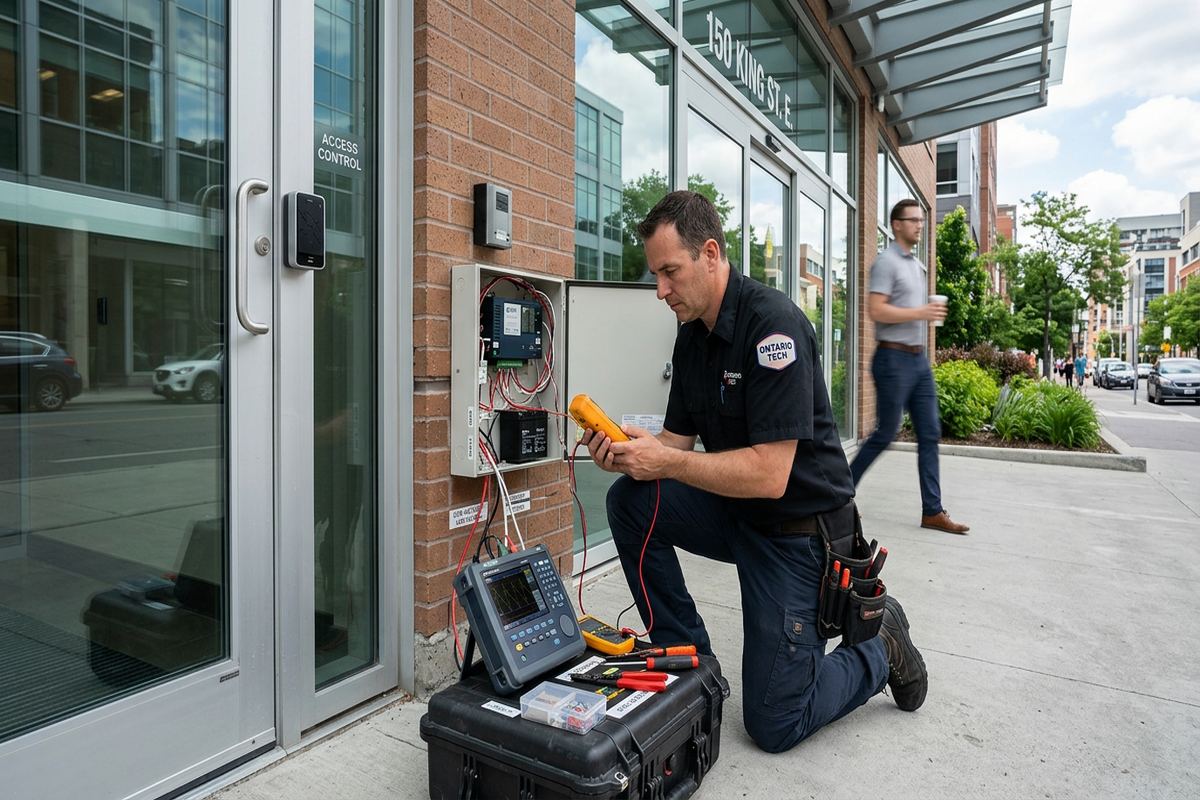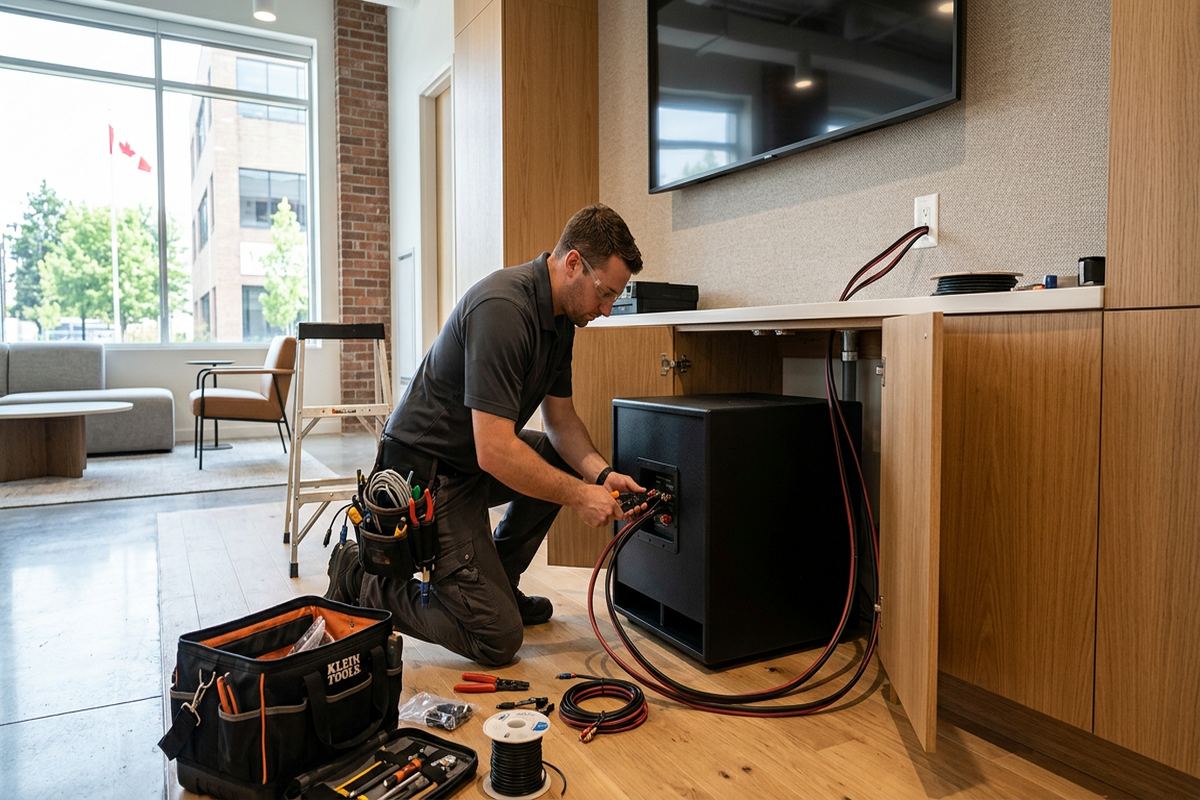
UnifiedLink installs home networks across Belleville and the Bay of Quinte. We plan Wi-Fi coverage, Ethernet cabling, equipment locations, exterior links, and secure configuration around the building rather than relying on a standard package. Each project starts with an assessment and finishes with tested connections, customer-owned credentials, clear labels, and an as-built record.
Home Network Planning for Belleville Properties
A reliable network begins with the building, not a router model. During a Belleville site assessment, we review room use, construction materials, incoming internet service, equipment locations, and the devices that need dependable connections. Older downtown buildings may have thick masonry, additions, finished ceilings, or limited pathways between floors. Waterfront homes can involve detached structures and exposed exterior routes. The resulting plan identifies where wired connections, access points, switches, and enclosures should go, while accounting for practical installation access and future maintenance needs throughout the property.
Belleville homes rarely benefit from placing one wireless router wherever the internet provider enters. The best equipment location for the provider may be a poor position for whole-home coverage, especially in a long frame house, masonry building, or renovated multi-level property. We separate the functions where appropriate: the modem or provider gateway remains at the service point, while Ethernet feeds properly positioned wireless access points. This approach improves coverage without depending on repeaters that consume wireless capacity and may still leave rooms, patios, garages, or workspaces with inconsistent service.
The assessment also defines what must be wired and what can remain wireless. Desktop computers, televisions, gaming systems, cameras, network storage, and home-office docks usually gain stability from Ethernet. Phones, tablets, and mobile devices need planned Wi-Fi coverage and sensible roaming between access points. We document proposed cable routes, device placement, exclusions, equipment ownership, and warranty terms before pricing. That written scope gives Belleville property owners a clear basis for reviewing the work, comparing options, and obtaining condo, landlord, or building approvals when those permissions are required.
- Building and coverage assessment
- Internet service entry review
- Wired and wireless device plan
- Proposed cable routes and equipment locations
- Written scope before pricing
Wi-Fi Coverage Across Belleville Homes
Wireless coverage depends on signal paths, interference, construction, and device demand. In East Hill or Downtown Belleville, older walls, plaster, masonry, metal ductwork, and multiple renovations can weaken signals in ways that floor area alone does not reveal. We plan access-point locations around occupied spaces and test performance after installation. The objective is not merely seeing a Wi-Fi icon; it is maintaining a usable connection where people work, stream, call, and control connected equipment. Placement is adjusted to avoid unnecessary obstructions and reduce reliance on maximum transmit power.
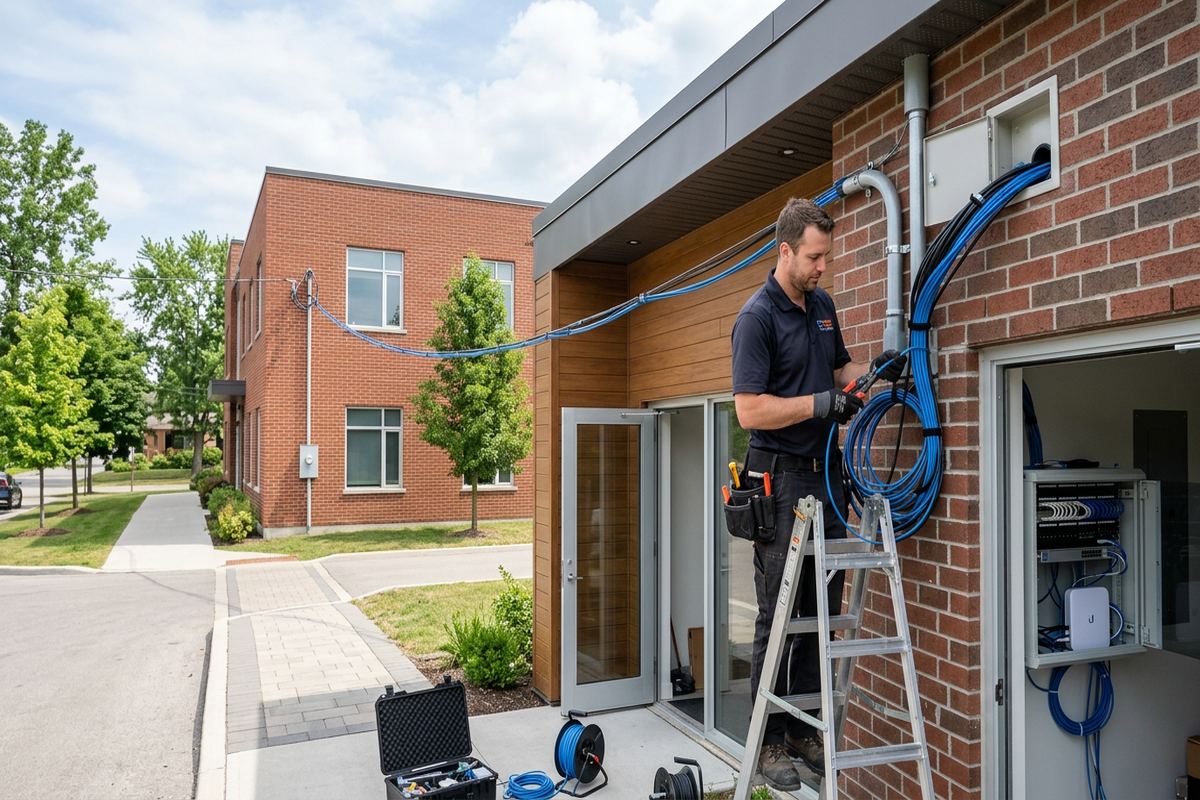
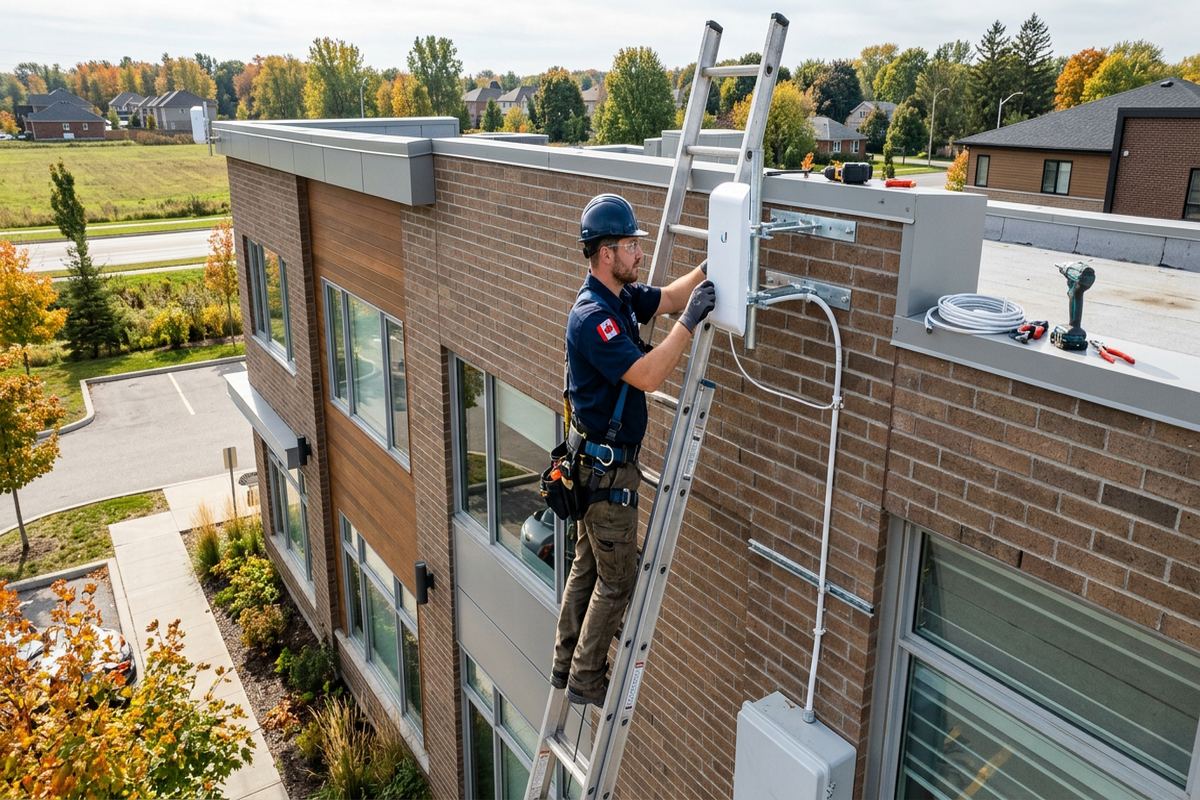
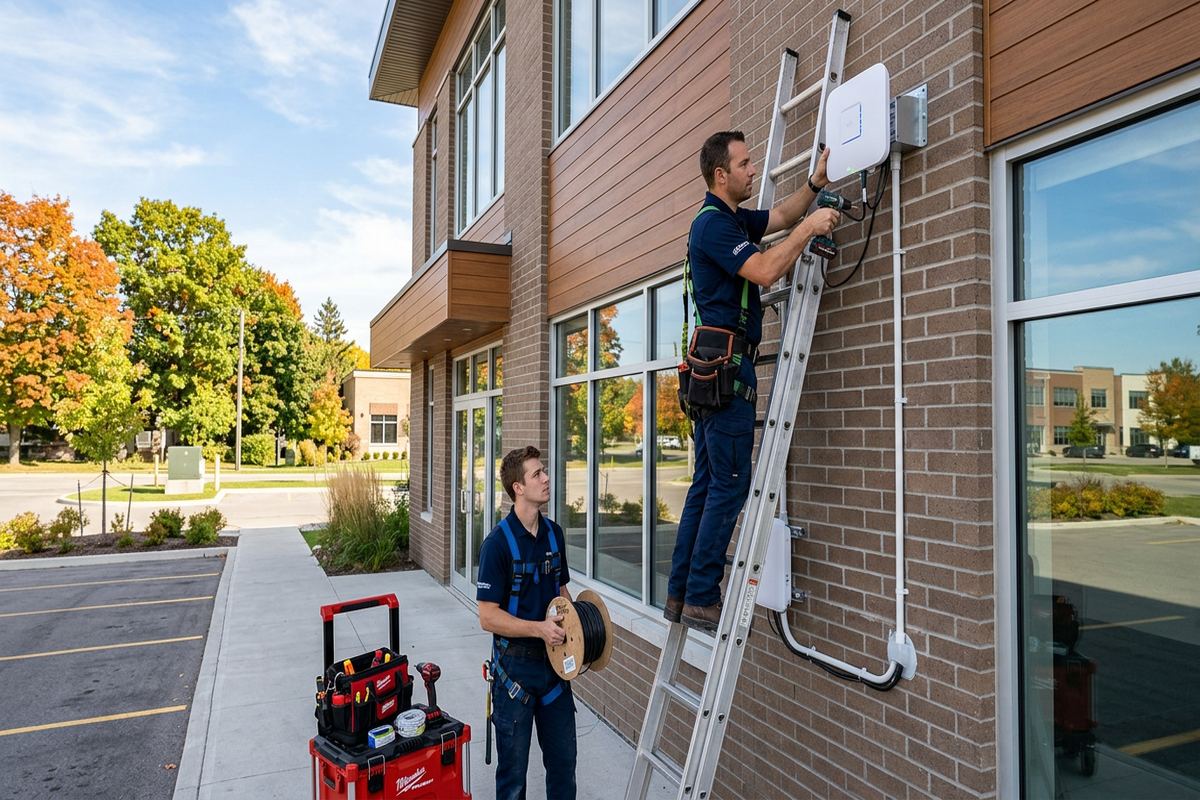
Larger properties in Thurlow, Bayside, or waterfront areas may need coverage beyond the main residence. A garage, workshop, dock-side area, garden office, or secondary building should not automatically be served by an indoor access point through several exterior walls. Depending on distance and available pathways, the design may use buried or protected data cabling, fibre, or a dedicated wireless bridge. Exterior devices require suitable mounting, drip management, weather-rated materials, and sealed penetrations. Routes must also account for snow, ice, winter access, and ground movement caused by freeze-thaw cycles.
Access points are configured as one coordinated network where the equipment supports it, but configuration alone cannot force every client device to roam perfectly. We set channel use, network names, security, and power levels for the property, then verify connectivity in agreed test locations. Separate guest or smart-device networks can limit unnecessary access to personal computers and storage. For homes with many connected devices, this segmentation also makes troubleshooting clearer. The customer receives administrative credentials directly, avoiding an arrangement where basic changes depend indefinitely on an installer-controlled account.
- Access points placed around actual room use
- Coverage testing in agreed locations
- Guest and smart-device network options
- Outdoor and outbuilding connection planning
- Customer-controlled administrator access
Ethernet Cabling in Belleville
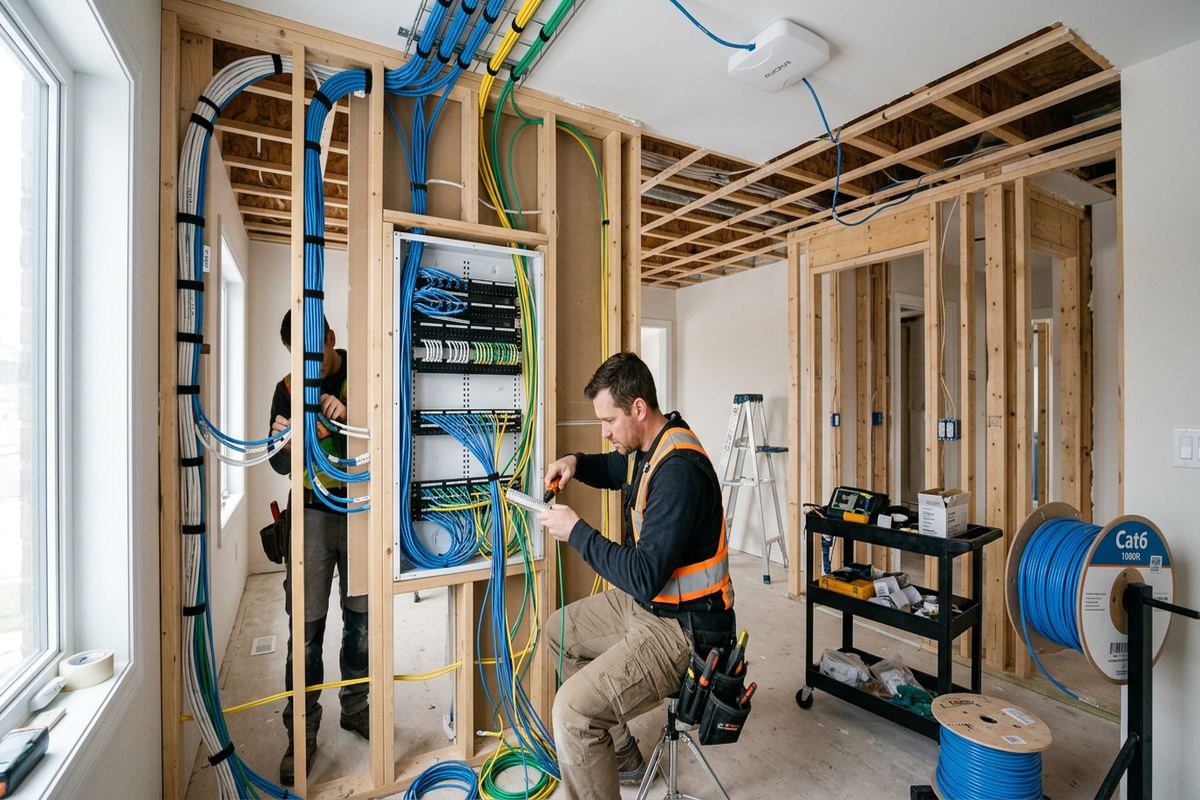
Ethernet provides a stable foundation for home offices, televisions, access points, cameras, and other fixed devices. UnifiedLink installs continuous labelled runs rather than joining short cable sections inside concealed spaces. Each route is selected around the structure, finish condition, and accessibility of the Belleville property. Frame construction may permit wall fishing through stud and joist spaces, while masonry buildings often require surface pathways, carefully selected penetrations, or alternate riser routes. We discuss visible and concealed options before work begins so the expected finish is documented within the project scope.
Cable type and pathway should match the application. Indoor horizontal runs, outdoor links, damp areas, and routes near electrical equipment do not have identical requirements. We avoid treating exterior-grade cable as a substitute for proper physical protection or careful entry sealing. Where a cable passes through an outside wall, the penetration must be positioned and sealed to limit water entry, drafts, and freeze-thaw damage. Exterior cable is supported with appropriate hardware, protected from sharp edges, and routed to reduce exposure to ice, snow clearing, impact, and unnecessary ultraviolet light.
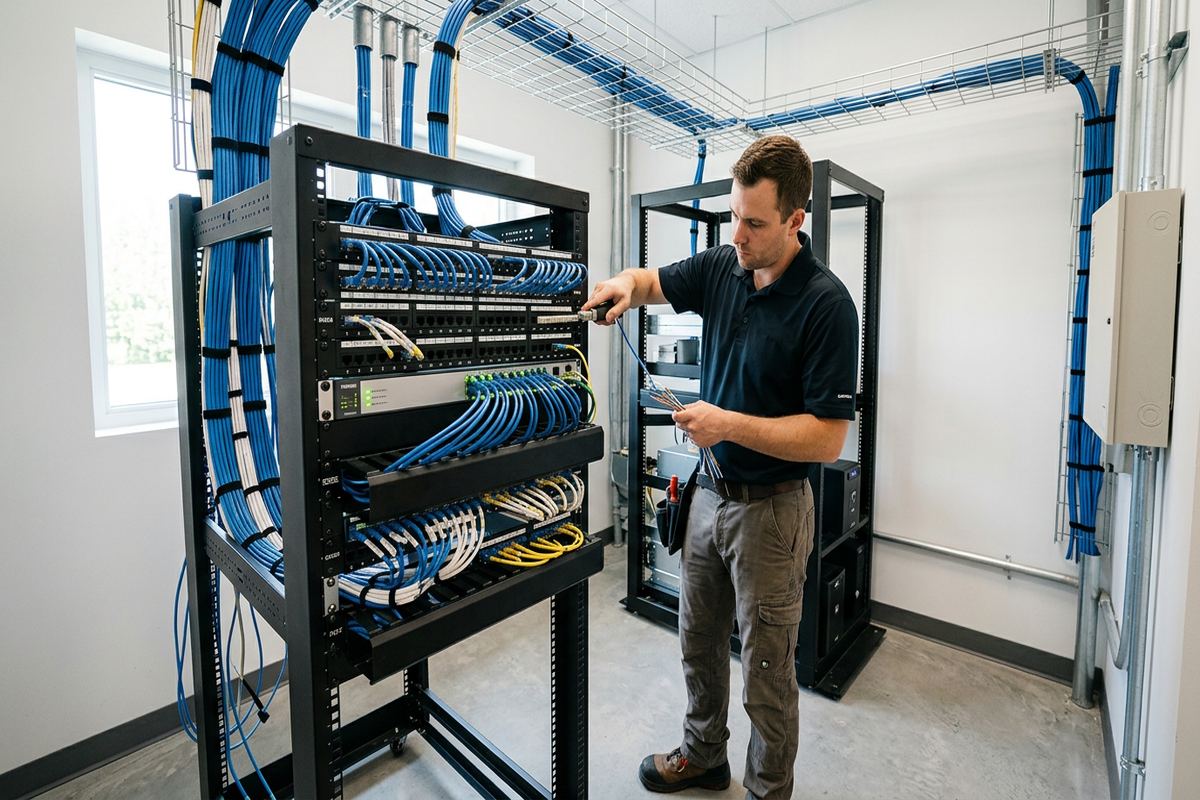
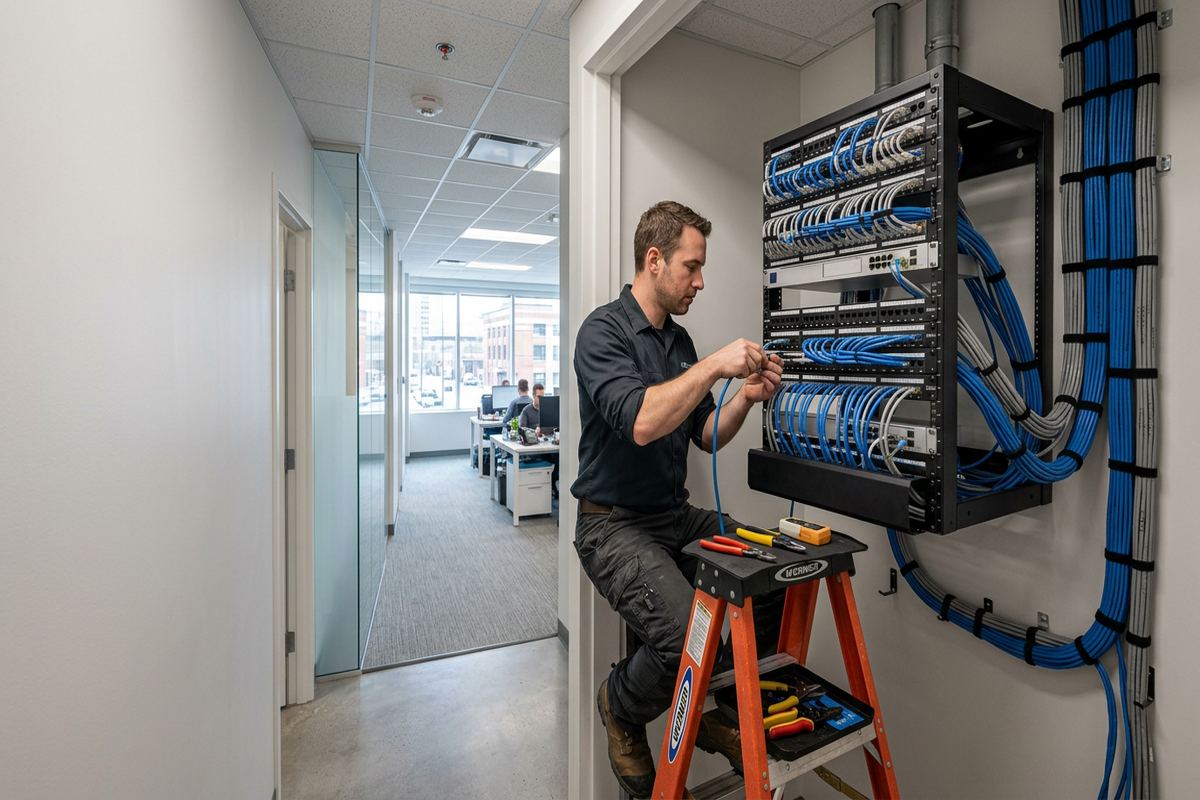
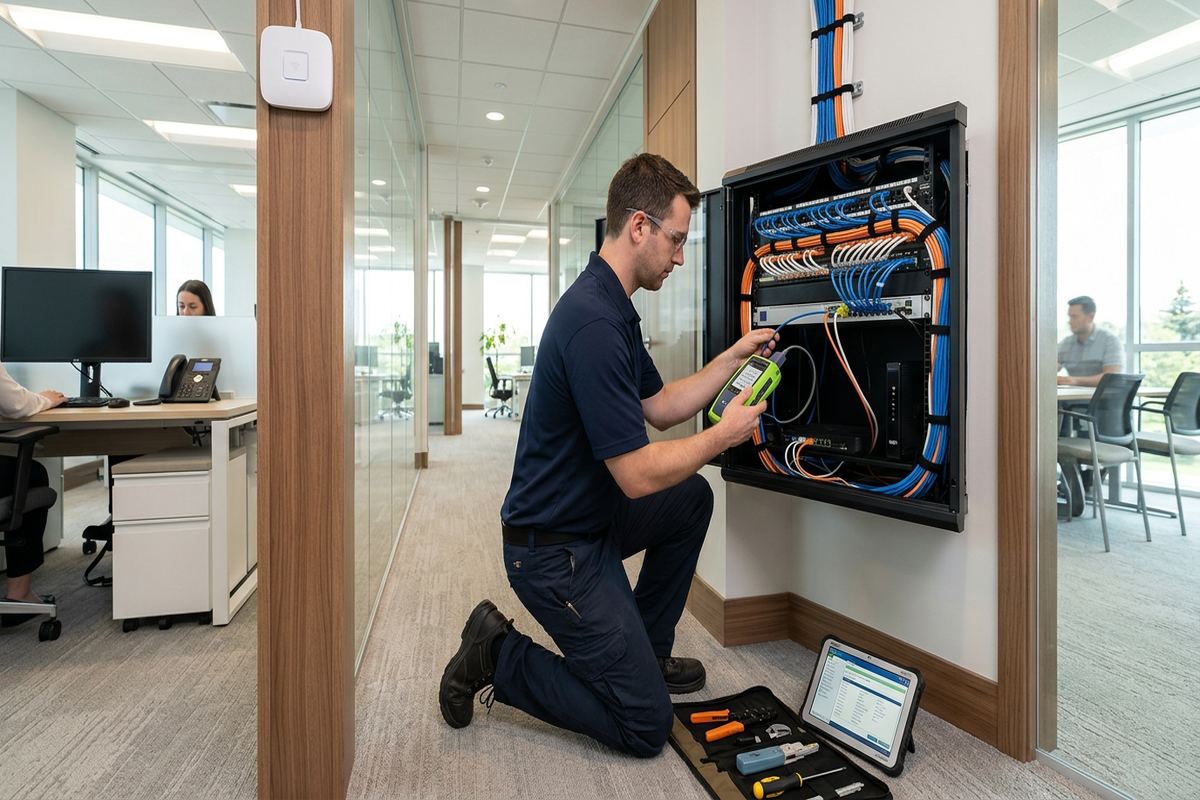
At the central location, cables terminate in an organized panel, enclosure, or rack suited to the number of connections and available space. Labels correspond with outlet identifiers and the as-built record, allowing a future owner or technician to understand where each run leads. We test installed links for continuity and correct wire mapping, then confirm connected equipment can communicate as intended. Spare capacity, patch-cord management, ventilation, and electrical access are considered during planning. A tidy central point makes internet-provider changes, equipment replacement, troubleshooting, and later network expansion substantially less disruptive.
- Continuous cable runs without concealed joins
- Labelled outlets and central terminations
- Routes for frame or masonry construction
- Sealed and protected exterior penetrations
- Testing and as-built cable records
Belleville, Ontario
Home network installation in Belleville, scoped in writing first
Book a site assessment and get equipment, routes, exclusions, and warranty on paper before anything is installed.
Network Equipment and Secure Configuration
Routers, switches, access points, and controllers must work as a system rather than as unrelated boxes. Equipment selection is based on the internet connection, wired port count, wireless coverage plan, device load, available mounting space, and expected expansion. We also review whether provider equipment can remain in place, should operate in a different mode, or needs to hand off service to a separate router. The written scope identifies who owns supplied equipment and notes exclusions, helping Belleville customers distinguish installed network infrastructure from hardware rented or managed by their internet provider.
On-site configuration includes changing default administrative access, applying current firmware where appropriate, setting network names and security, and connecting agreed wired devices. Guest access and separate networks for smart-home equipment can be configured when the selected hardware supports them. We do not retain control through private installer credentials. Administrative details are handed to the customer using credentials they own, along with practical information needed to reconnect devices or reach the management interface. Provider account passwords and personal service logins remain with the customer rather than becoming part of general project documentation.
Configuration is followed by functional testing, not assumptions based on indicator lights. We verify internet access, local connections, switch ports, access-point operation, and agreed coverage locations. Where performance differs from expectations, we check client capability, provider speed, cabling, channel conditions, and equipment placement before recommending changes. No installer can guarantee identical wireless speed in every corner because building materials, neighbouring networks, and end devices affect results. Belleville customers receive a clear explanation of tested conditions, any remaining limitations, and options that could address areas outside the agreed scope.
- Router, switch, and access-point setup
- Default credential replacement
- Guest and smart-device segmentation
- Firmware and network security configuration
- Functional testing before handover
Older, Waterfront, and Renovated Belleville Buildings
Different Belleville properties require different installation methods. Older downtown buildings may combine masonry exterior walls, plaster finishes, narrow cavities, former additions, and wiring from several renovation periods. Waterfront homes may have long layouts, large glazed areas, detached spaces, or exterior equipment exposed to wind-driven precipitation. Newer frame construction can provide easier pathways, but insulation, fire blocking, finished basements, and mechanical systems still affect routing. We inspect accessible conditions before proposing cable paths, because drawings and room dimensions cannot show every obstruction hidden inside an existing wall or ceiling.
For finished spaces, the least visible route is not always the least disruptive or most serviceable. Fishing cable may require access openings, while a neat surface raceway can avoid broad finish repairs in masonry or inaccessible ceilings. Any expected openings, surface pathways, customer-provided repairs, or excluded restoration work belong in the written scope. In condos, shared walls, corridors, risers, balconies, and exterior surfaces may be controlled by the corporation. Tenants and commercial occupants should also obtain landlord approval before drilling, attaching equipment, or using shared building pathways for network cabling.
Belleville winters add practical concerns to exterior work. Sealants and installation methods must suit the material and expected exposure, while cable loops and supports should not collect water or invite damage from moving snow and ice. Freeze-thaw movement can open poorly prepared penetrations, particularly where masonry, siding, trim, and dissimilar materials meet. We plan entries with drainage and serviceability in mind rather than filling an arbitrary hole with sealant. Exterior-mounted access points or bridge equipment also need secure attachment, suitable cable entry, and a location that remains reasonably accessible for inspection.
- Plans for masonry and frame structures
- Options for finished or inaccessible spaces
- Exterior mounting and penetration sealing
- Freeze-thaw and winter exposure review
- Condo and landlord approval considerations
Home Offices, Streaming, and Connected Devices
Remote work places different demands on a network than casual browsing. Video calls, cloud applications, file transfers, and secure employer connections benefit from a wired desk connection or strong nearby access point. We review the complete path from the work area to the router, including docking stations, adapters, switches, and the internet service handoff. A speed issue may originate with Wi-Fi, but it can also involve an older client device, damaged patch cord, limited adapter, provider equipment, or the subscribed service. Testing helps separate those causes before equipment is replaced.
Entertainment systems often gather several networked devices in one cabinet. Televisions, receivers, streaming players, consoles, and media servers can use a wired connection through a local switch, reducing wireless demand and simplifying updates. Cabinet ventilation and power access matter because network and audiovisual equipment can generate heat. In West Park Village or East Hill homes with finished family rooms, a planned cable route can serve the entertainment area without placing the main router behind a television. Wireless access points remain in open, effective locations instead of being hidden among metal equipment and bundled wiring.
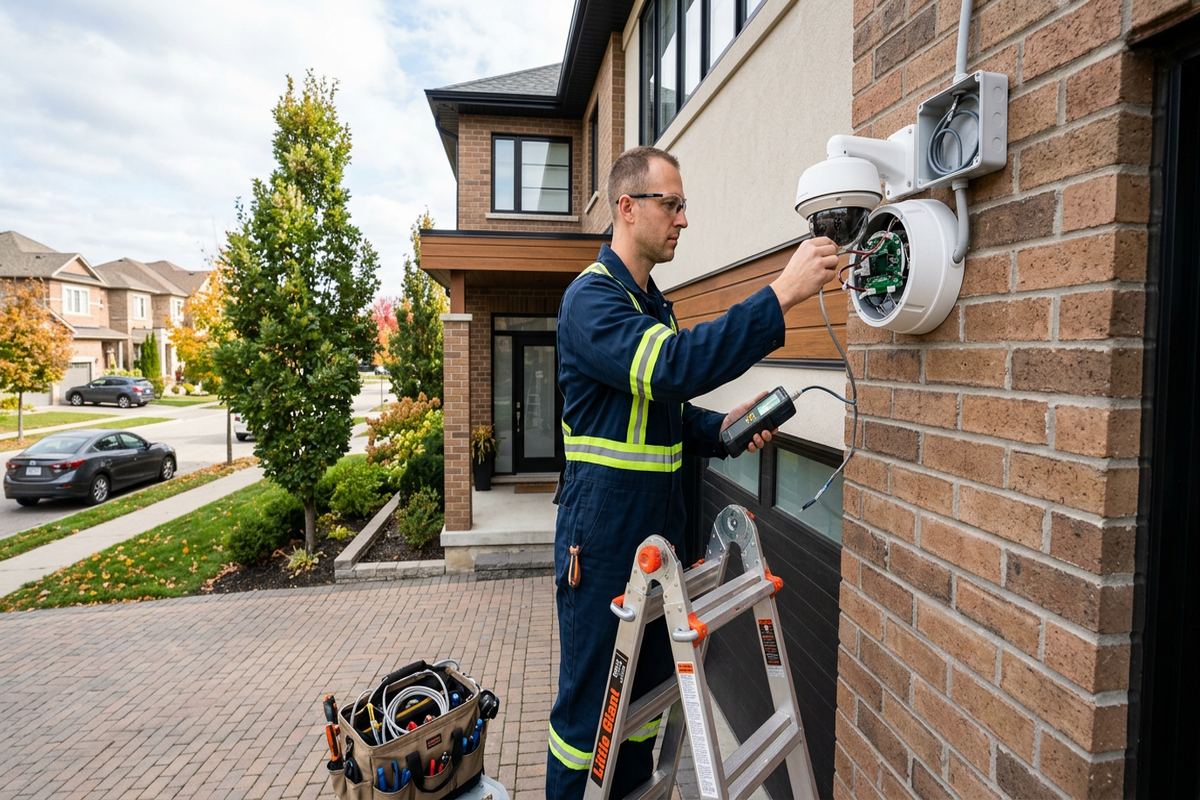
Smart-home products should be connected with realistic expectations about vendor apps, cloud services, and device support. Network segmentation can reduce access between inexpensive connected devices and personal computers, but some products require local discovery or specific internet access to function. We configure agreed networks and explain where customer app setup or manufacturer support remains necessary. Cameras, doorbells, thermostats, speakers, and hubs also need suitable wireless coverage at their installed positions. For outdoor devices in Belleville, exterior wall construction and low winter temperatures may affect connectivity even when indoor coverage appears strong nearby.
- Wired home-office connections
- Stable links for streaming and gaming
- Entertainment cabinet network planning
- Smart-home network separation
- Device-level troubleshooting support
Scalable Networks for Belleville Properties
A network should accommodate reasonable changes without requiring every cable to be replaced. During planning, we ask about future offices, renovated rooms, cameras, access control, audio systems, or additional wireless coverage. Spare cable pathways, unused switch capacity, and an appropriately sized central enclosure can make those changes easier. This does not mean installing unnecessary equipment; it means avoiding preventable constraints where the building allows practical preparation. In Belleville homes undergoing renovation, coordinating before drywall closes usually provides more route choices and a cleaner result than trying to reach every location after finishes are complete.
Mixed-use properties and larger residential sites may resemble small commercial networks. A storefront with an apartment, a home workshop, or an industrial unit with an attached office can require separation between personal, operational, guest, and equipment traffic. Commercial strips and food-processing plants need a different plan from a waterfront residence, particularly where machinery, sanitation practices, restricted areas, or business systems affect pathways and access. For those environments, we define the applicable scope rather than assuming a residential layout. One accountable contractor can coordinate cabling, network hardware, configuration, testing, and documentation for the agreed work.
Expansion planning also considers who will support the network later. Standard labels, accessible terminations, recorded port locations, and customer-controlled credentials make it easier to replace hardware or engage another qualified technician. Proprietary cloud platforms may still depend on their manufacturer, so equipment ownership and account control should be understood before selection. At handover, we provide an as-built record showing installed devices and cable destinations, along with relevant network details. This documentation gives Belleville owners a usable baseline for troubleshooting, renovations, internet-provider changes, and additions that may occur after the original installation.
- Capacity planning for later devices
- Network design for renovations
- Separation for mixed-use properties
- Accessible and documented terminations
- Customer-owned accounts and equipment clarity
Belleville Installation Process and Handover
The process starts with a request describing the property, current problems, and intended use. Requests sent during business hours are answered the same day; after-hours requests are answered the next business day. Site assessment timing depends on the service and travel distance. At the assessment, we inspect accessible pathways, note construction conditions, review internet-provider equipment, and identify testing locations. Photographs or plans can help with preparation, but they do not replace an on-site review when concealed routes, exterior work, masonry, or multiple floors materially affect the installation approach.
After assessment, the written scope sets out equipment, cable routes, device placement, exclusions, equipment ownership, and warranty. It can also identify customer responsibilities such as internet-provider coordination, electrical receptacles, furniture access, finish repairs, or approvals. Installation proceeds against that scope, with changes documented if hidden conditions require a different route. Continuous labelled cable runs are installed, equipment is mounted, and configuration is completed on site. Keeping cabling and network setup under one accountable contractor reduces gaps between pathway work, hardware placement, testing, and the final explanation provided to the customer.
Handover confirms that the installed system matches the agreed scope and that the customer can control it. We review outlet labels, equipment locations, wireless network access, administrative credentials, and any known limitations. The as-built record identifies cable destinations and installed network components, supporting later maintenance or renovation work. Customers should keep this material with property records and protect administrator details from unnecessary sharing. A Belleville home network is complete only when the physical links, active equipment, configuration, testing, account ownership, and documentation form a system the property owner can understand and manage.
- Assessment before pricing
- Detailed written project scope
- One accountable installation contractor
- On-site setup and testing
- Credentials and as-built record at handover
Belleville neighbourhoods we cover
- Downtown Belleville
- East Hill
- West Park Village
- Thurlow
- Bayside
- Point Anne
Home network installation in Belleville — common questions
Can you improve Wi-Fi in an older Belleville home?
Yes. Older Belleville homes may contain masonry, plaster, additions, metal ductwork, and limited cable pathways that weaken or block wireless signals. We assess room use and construction before recommending access-point locations or Ethernet routes. Depending on the property, the plan may use wall fishing, accessible basement or attic routes, surface raceway, or carefully placed access points rather than relying on a single stronger router.
Do you install Ethernet in finished rooms?
Ethernet can often be added to finished rooms, but the route depends on framing, masonry, floor access, insulation, and existing services. Belleville properties with accessible basements or attics may offer concealed pathways, while older masonry buildings may require surface raceway or small access openings. The proposed route, visible components, exclusions, and any customer-provided finish repair are documented in the written scope before installation.
Can the network cover a garage or waterfront outbuilding?
Coverage can be extended to a detached garage, workshop, or other outbuilding after distance, power, pathways, and line of sight are assessed. Options may include protected copper cabling, fibre, or a dedicated wireless bridge. For Belleville waterfront properties, mounting and entry details must account for exterior exposure, snow, ice, moisture, and freeze-thaw movement. The appropriate method depends on site conditions rather than distance alone.
Will I control the router and Wi-Fi accounts?
Yes. UnifiedLink completes on-site configuration and hands over the network using credentials owned by the customer. We do not make ongoing installer control a condition of using the system. The handover includes relevant administrator access and an as-built record of installed devices and cable destinations. Manufacturer cloud services may have their own terms, so account ownership and equipment dependencies are reviewed when products are selected.
Do I need condo or landlord approval?
Approval may be required before drilling, attaching equipment, entering common areas, or using shared risers, corridors, balconies, and exterior surfaces. Belleville condo owners should check corporation rules, while tenants and commercial occupants should obtain landlord authorization for permanent cabling or mounted hardware. We can document the proposed routes and device locations for review, but the customer is responsible for securing required property permissions before work proceeds.
How quickly will you respond and schedule an assessment?
Requests sent during business hours are answered the same day, and after-hours requests are answered the next business day. Site assessment timing depends on the service and travel distance. For a Belleville home network project, the initial conversation covers the property, current internet equipment, coverage problems, wired-device needs, and any planned renovations. Pricing follows an assessment and written scope rather than an unsupported estimate based only on floor area.
Coverage in Belleville is confirmed against the address before we quote. See everything we install in Belleville or the province-wide home network installation page.