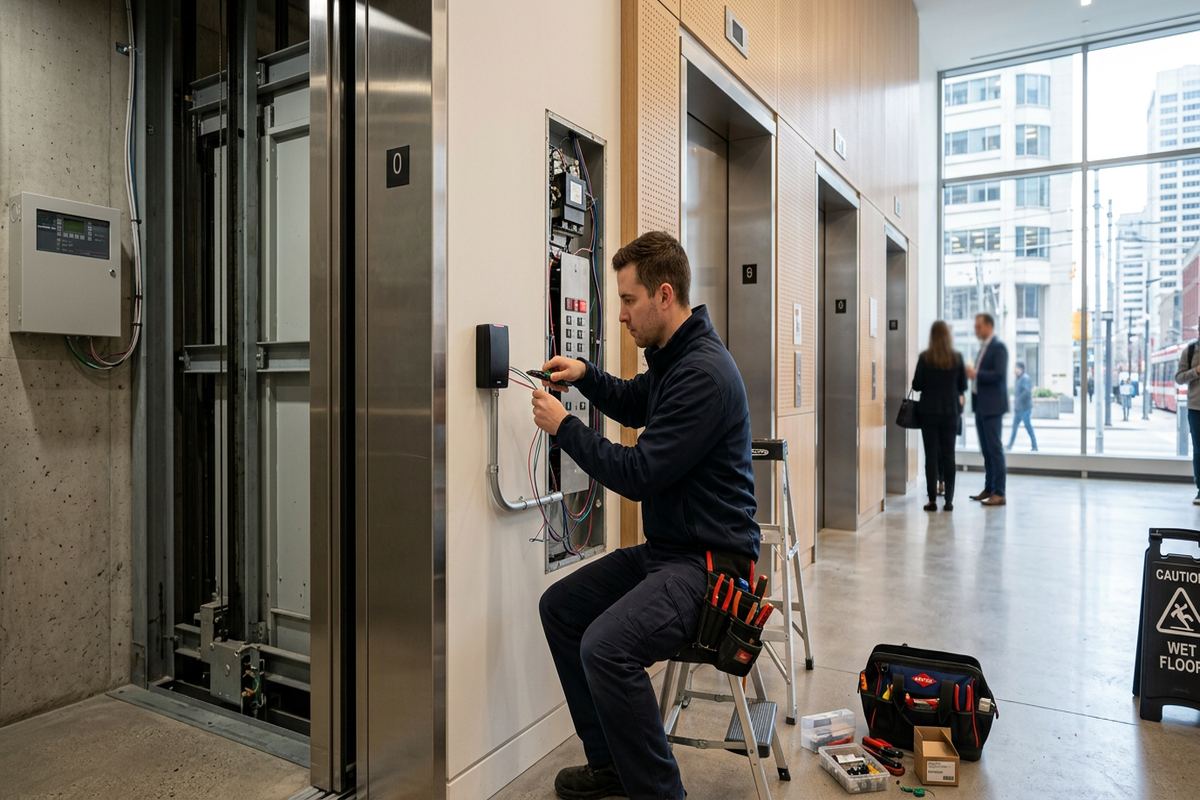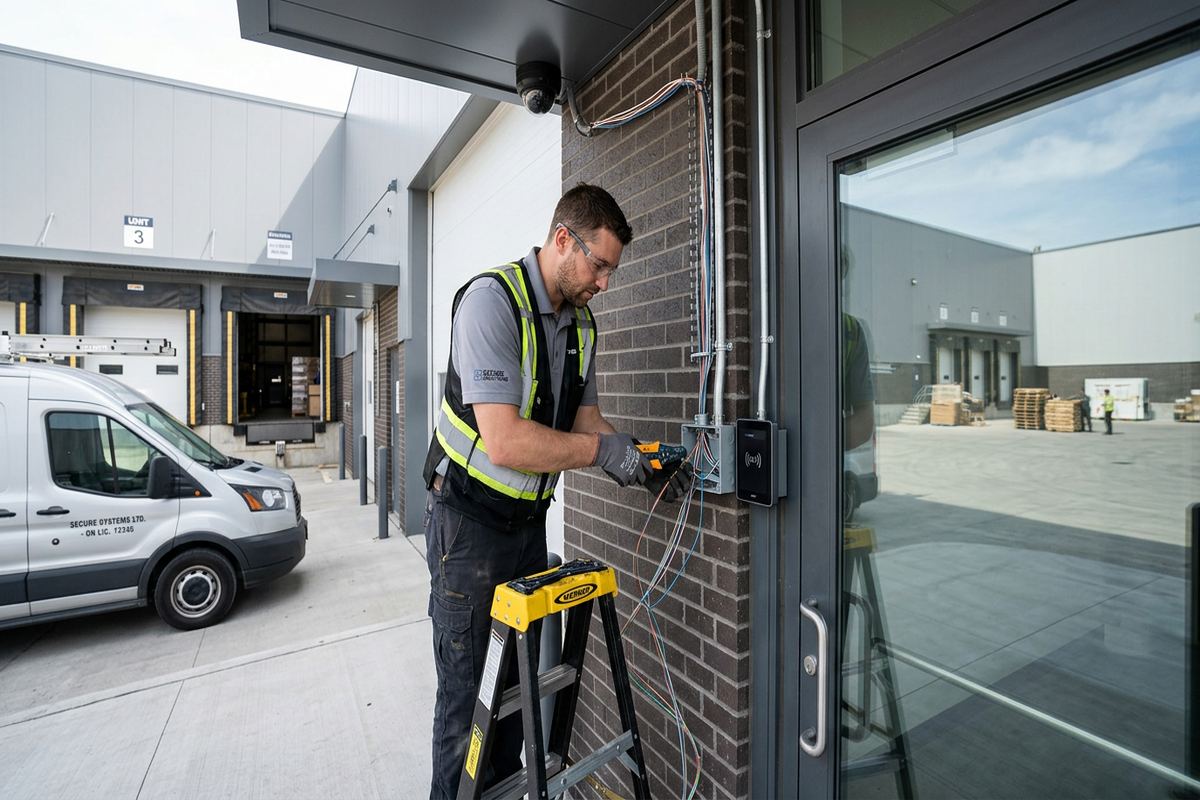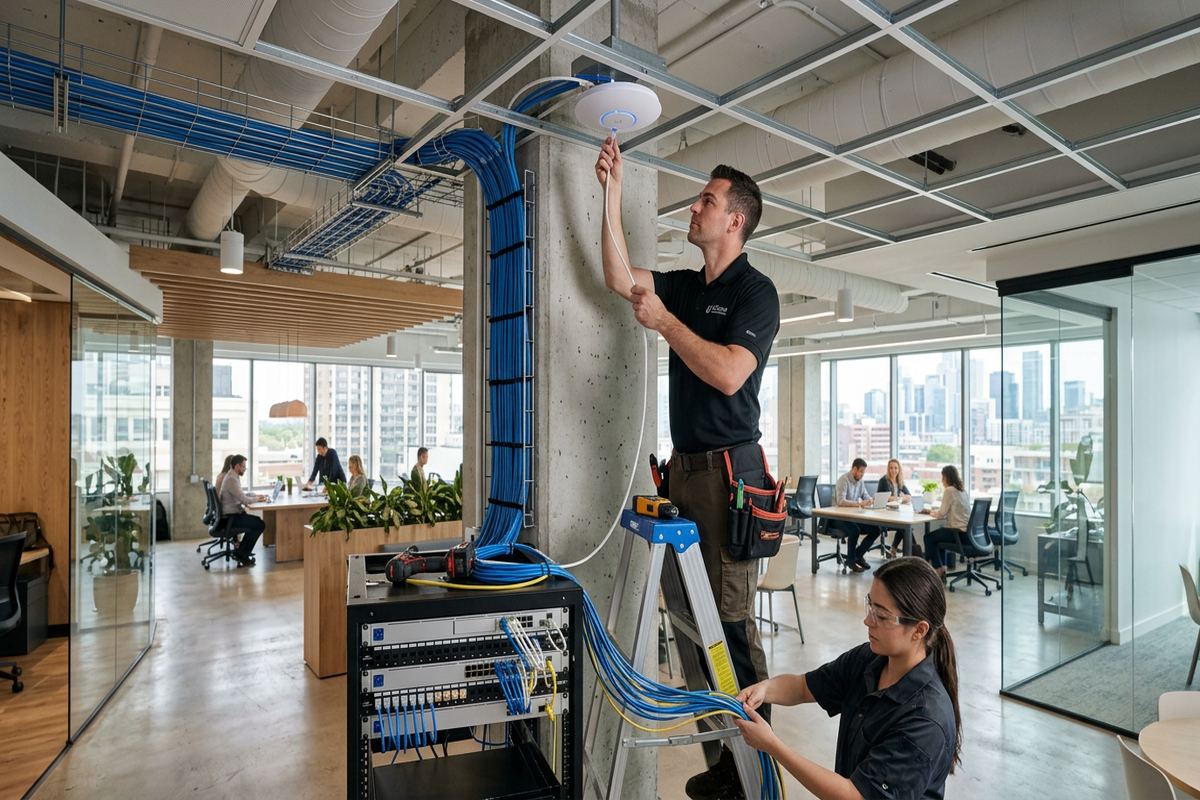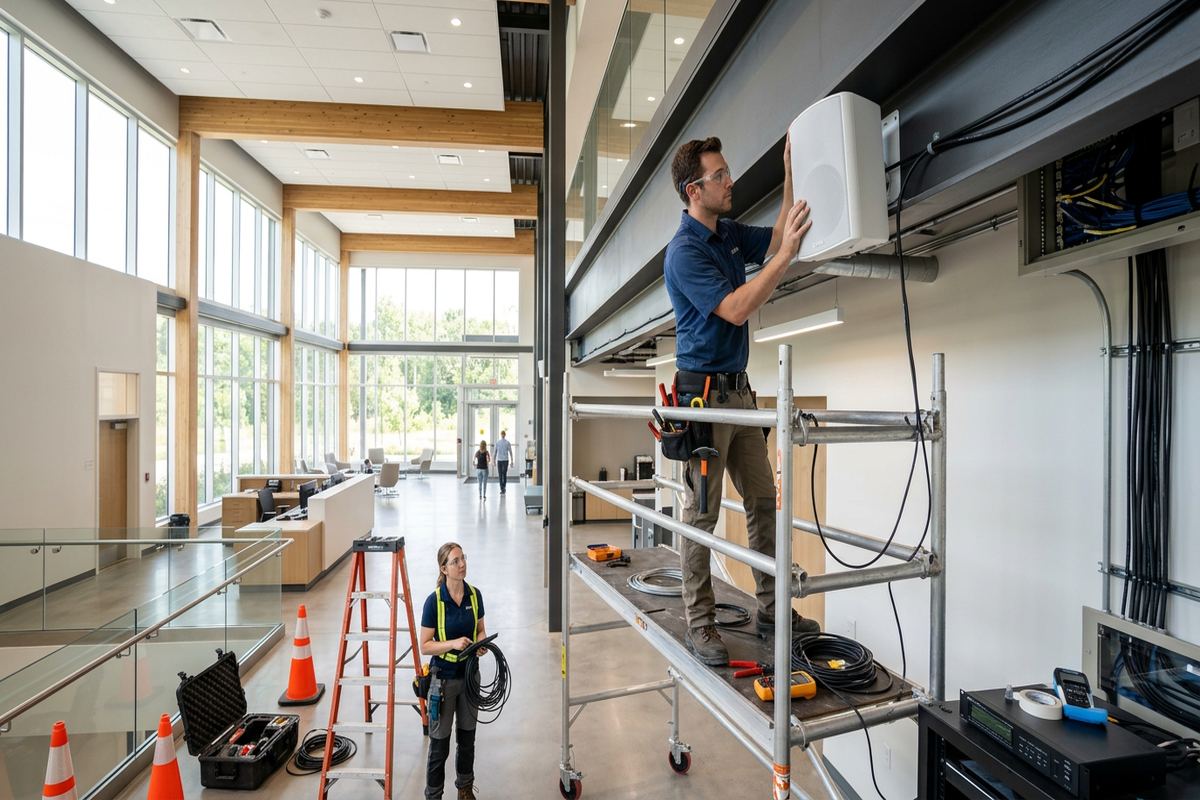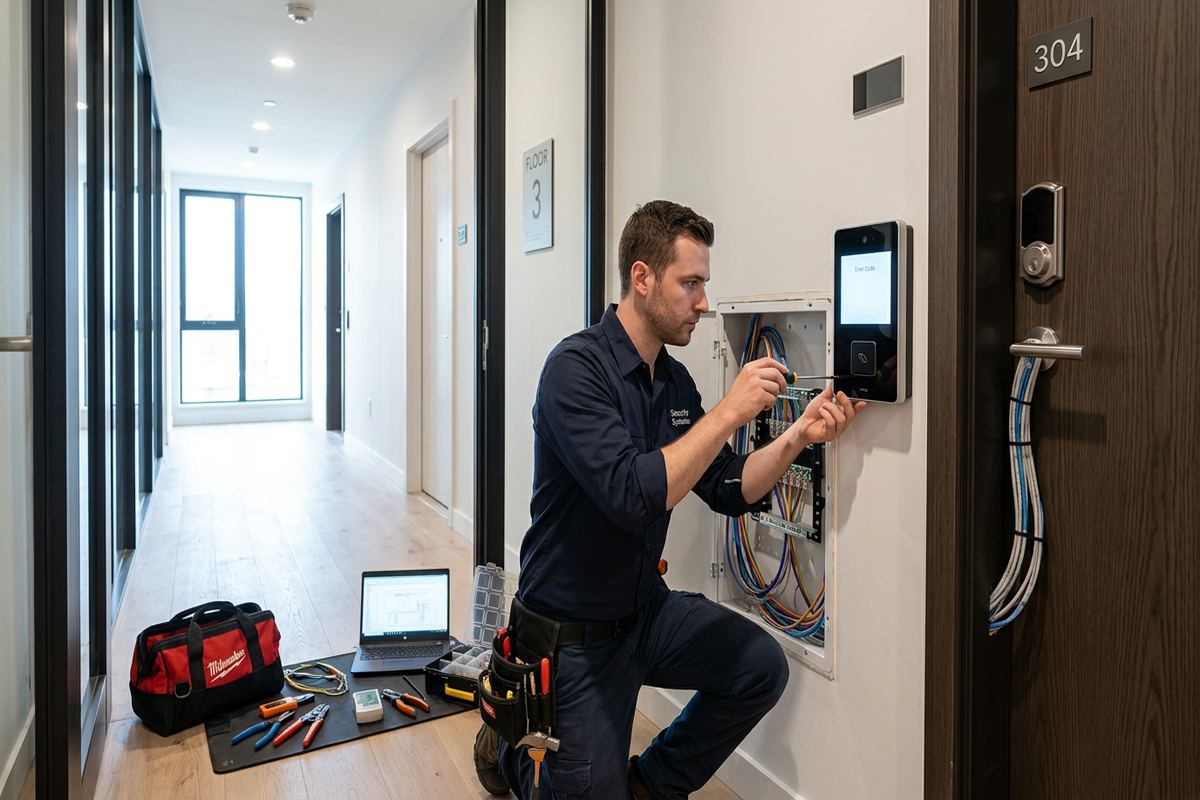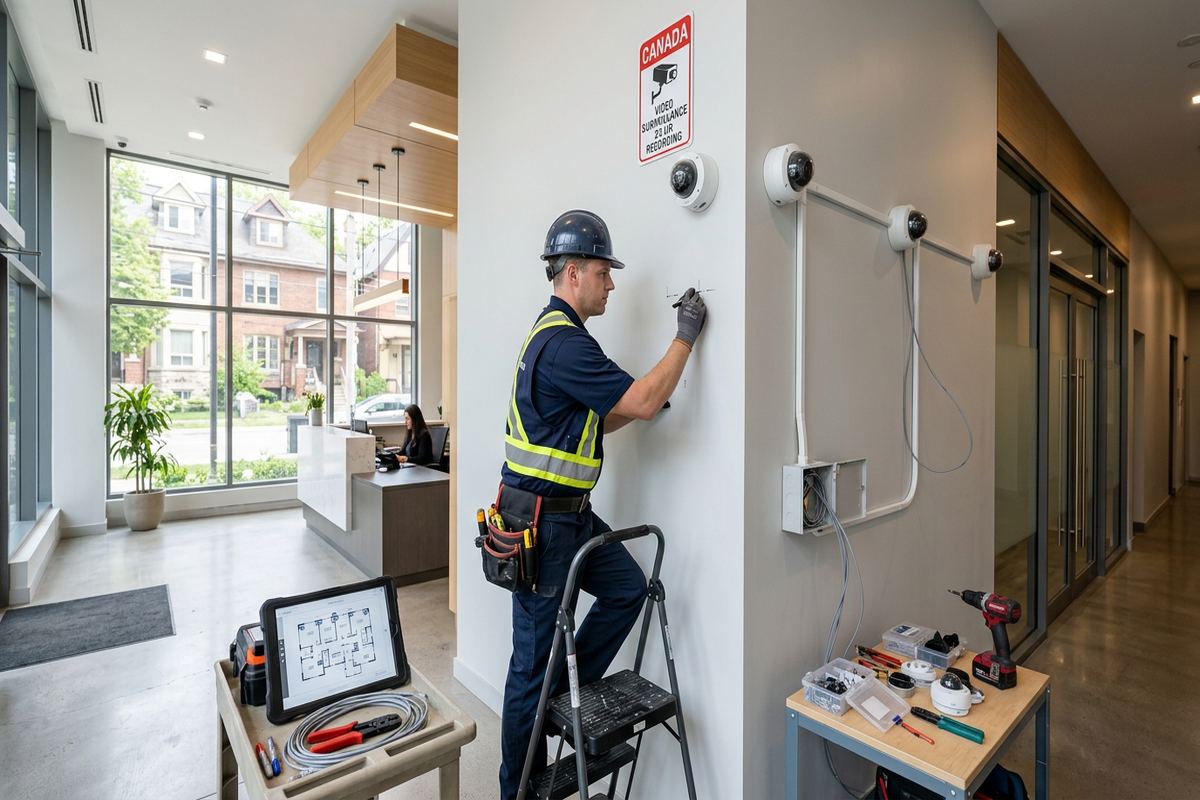
UnifiedLink installs commercial security camera systems for Belleville offices, shops, multi-unit properties, warehouses and industrial facilities. Each project starts with a site assessment covering risks, sightlines, lighting, construction and network capacity. The resulting plan defines camera locations, recording requirements, cable routes, access permissions and handover details before installation begins.
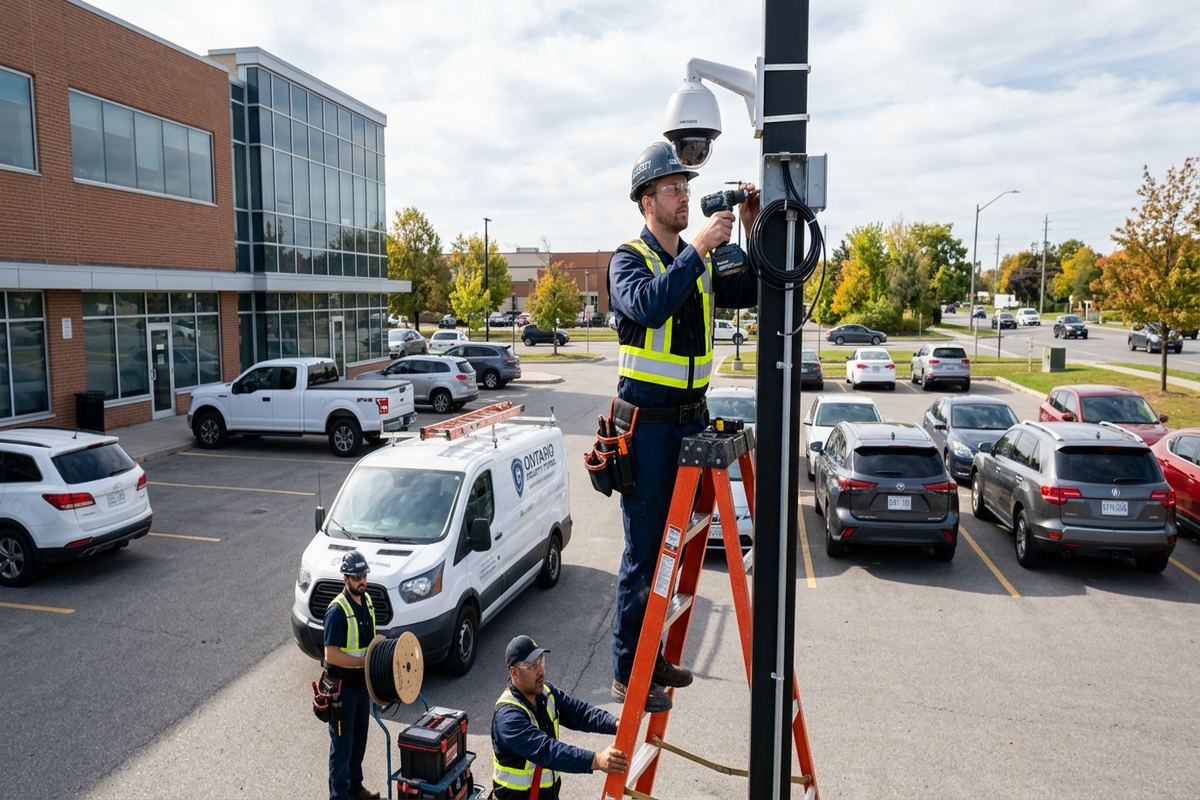
Commercial Camera Planning for Belleville Properties
Useful video begins with the purpose of each view, not with a camera count. During a Belleville site assessment, UnifiedLink reviews entrances, transaction areas, loading points, parking approaches, restricted rooms and exterior boundaries. We identify whether each location needs general awareness, reliable identification or detailed evidence of an activity. Mounting height, lens selection, lighting direction and expected subject distance are considered together. This approach prevents a wide overview camera from being treated as an identification camera and helps keep the proposed system focused on defined operational and security needs.
Belleville properties vary enough that a standard layout rarely works. Older downtown buildings may have thick masonry, finished ceilings, shared walls and limited pathways between floors. Commercial strips often provide accessible service spaces but require careful exterior coverage around neighbouring units and common parking. Industrial units and food-processing plants can introduce washdown areas, temperature changes, stainless surfaces or controlled production zones. The assessment records these conditions so cable types, enclosures, mounting methods and routes can be selected without assuming that every wall or ceiling can be opened or penetrated.
Before pricing, UnifiedLink prepares a written scope based on the assessment. It covers proposed equipment, camera placement, recording components, cable routes, exclusions, equipment ownership and warranty. Any work requiring landlord, condominium, property manager or neighbouring-unit approval is identified before installation. The scope also distinguishes customer-supplied network services from contractor work and notes where lifts, shutdowns or access coordination may be required. This gives Belleville owners and managers a practical basis for reviewing coverage, responsibilities and limitations before authorizing equipment purchases or physical work.
- Site assessment completed before pricing
- Views assigned an awareness, recognition or identification purpose
- Lighting, distance and mounting height reviewed together
- Construction constraints documented before cable routing
- Ownership, exclusions and warranty stated in writing
Camera Placement and Coverage in Belleville
Camera placement should produce usable images at the locations where incidents are likely to be understood or verified. At a storefront, that may mean separating a wide sales-floor view from a tighter entrance view. At an industrial unit, it may require distinct coverage for the loading apron, overhead doors and interior shipping area. Belleville sites near busy roads or open waterfront areas can also experience strong backlighting and changing weather. UnifiedLink checks likely movement paths and test views so important subjects are not consistently too small, silhouetted or blocked by signs, shelving and vehicles.
Exterior layouts require more than pointing cameras toward a property line. The plan considers legal property boundaries, adjacent doors and windows, public areas, expected vehicle direction and objects that could obstruct the image seasonally. Cameras are positioned to reduce unnecessary views into neighbouring premises while still covering the customer’s entrances and activity areas. Infrared reflection from soffits, light-coloured walls, spider webs and nearby surfaces is also considered. Where licence plate detail or another specialized outcome is requested, it is treated as a separate view with controlled distance and angle rather than promised from a general overview.
Inside the building, the most effective locations usually correspond to decisions the business may need to make later. A manager might need to confirm who entered a stock room, how a delivery was received or when a corridor became obstructed. Each question calls for a suitable field of view and sufficient image detail. UnifiedLink also reviews employee work areas, customer privacy and any internal policies governing surveillance. In Downtown Belleville or multi-tenant properties, shared lobbies and common corridors may require written approval and coordination before devices or cabling are installed.
- Separate overview and identification views where needed
- Check daytime, night-time and backlit conditions
- Limit unnecessary views beyond the property
- Account for signs, shelving, vehicles and seasonal obstructions
- Coordinate approval for shared or common areas
Cabling Through Older and Mixed Construction
Cable routing is often the largest physical constraint in an existing camera project. Older Downtown Belleville buildings can combine brick, stone, plaster, wood framing and later renovations within one property. A route that appears open from one room may stop at a solid masonry wall, concealed beam or inaccessible ceiling. UnifiedLink traces practical pathways before finalizing the scope, using existing service spaces where suitable and planning visible containment where concealment is not realistic. Penetrations, fire separations and finished surfaces are reviewed so the installation method matches the building rather than relying on avoidable surface damage.
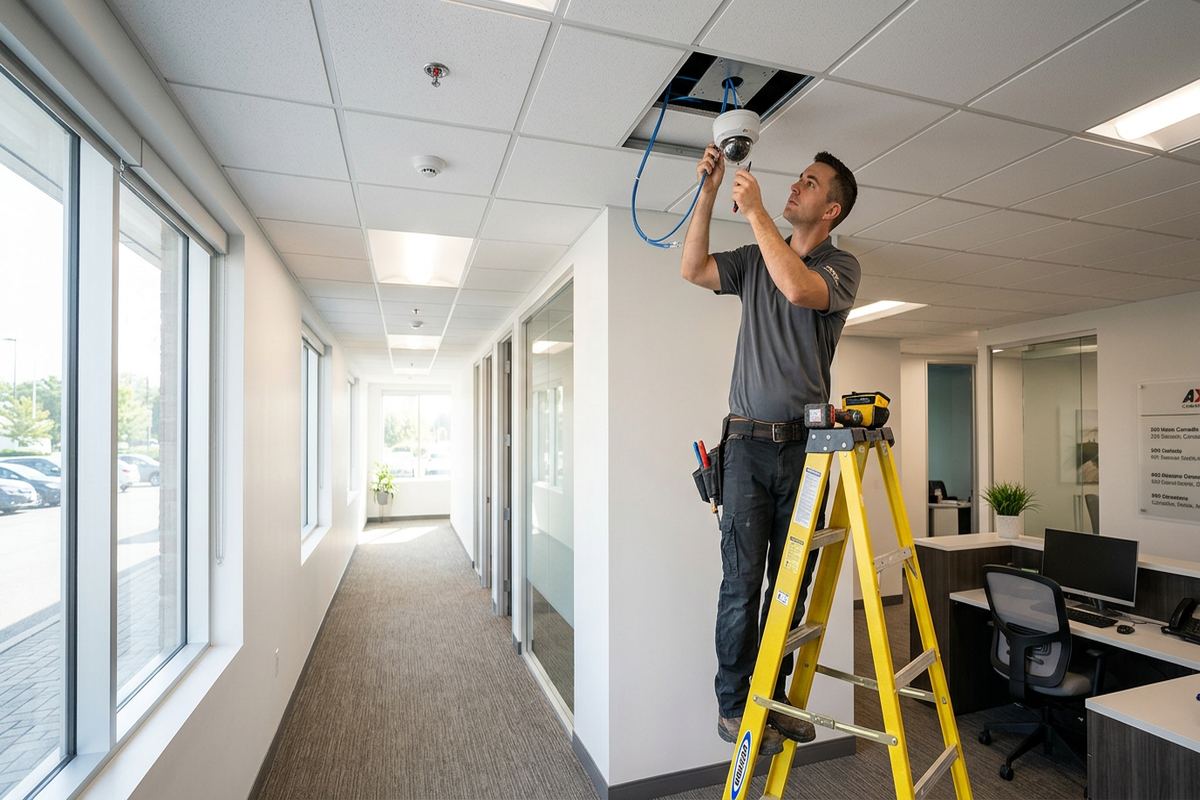
Newer frame construction presents different choices. In offices, commercial strips and units around West Park Village or Thurlow, suspended ceilings and framed partitions may simplify horizontal runs, but exterior walls, insulation and vapour-control layers still require care. Camera cable should not be loosely draped across ceilings, routed beside interference sources or joined through undocumented couplers. UnifiedLink installs continuous labelled cable runs between defined endpoints, supports the cable along the route and terminates it for the selected network equipment. Labels correspond with documentation so future testing does not depend on tracing an unmarked bundle.
Masonry and exterior transitions need planned hardware. Fasteners must suit the substrate, while cable entries should avoid creating paths for water to reach the building or connector. Where surface conduit is appropriate, its route and attachment points are agreed in advance. Any required landlord or condominium consent remains part of pre-installation coordination, particularly when work affects cladding, common walls, roofs or shared telecommunications rooms. The completed installation includes an as-built record showing device names and cable endpoints, allowing a Belleville property manager or future technician to understand what was installed and where it leads.
- Routes assessed for masonry, framing and finished ceilings
- Continuous cables installed without hidden intermediate joins
- Every permanent run labelled at documented endpoints
- Suitable containment planned where concealed routing is impractical
- Exterior and common-area penetrations approved before work
Belleville, Ontario
Commercial security camera installation in Belleville, scoped in writing first
Book a site assessment and get equipment, routes, exclusions, and warranty on paper before anything is installed.
Belleville Winters, Exterior Mounting and Sealing
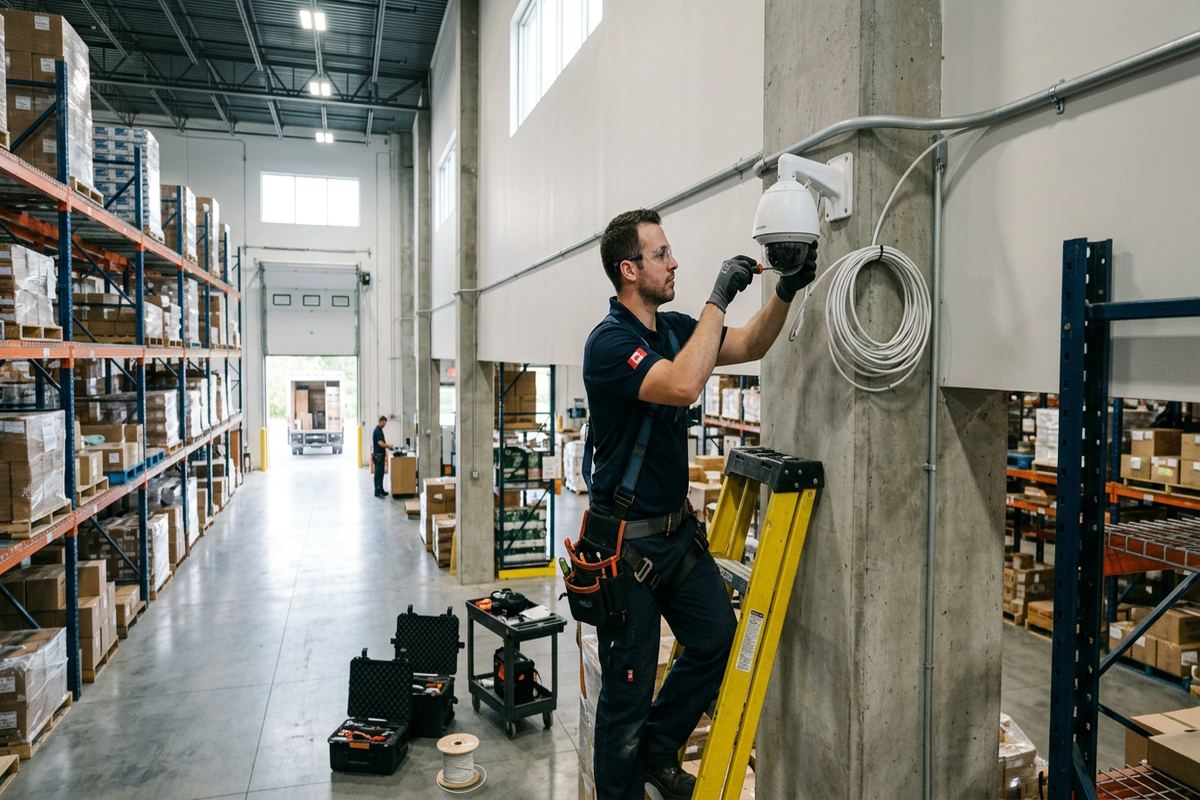
Winter exposure around the Bay of Quinte affects mounting surfaces, cable entries and camera performance. Repeated freeze-thaw cycles can exploit poorly sealed penetrations, while wind-driven rain and snow may reach connectors under shallow overhangs. UnifiedLink selects exterior locations with drainage and shelter in mind, forms cable entries to resist water travel and uses mounting arrangements suited to the surface. The goal is not merely to install an outdoor-rated camera, but to protect the complete transition between device, connector, cable and building envelope throughout changing Belleville conditions.
Temperature differences also matter where cameras cover loading docks, cold storage approaches or production spaces. Moving between warm, humid interiors and cold exterior areas can contribute to condensation if equipment and entries are poorly located. Food-processing plants may have cleaning procedures, controlled zones and surfaces that cannot be penetrated casually. UnifiedLink reviews those restrictions with the facility before selecting mounts or routes. Cameras are kept away from direct spray or process interference unless the specified equipment and installation method are appropriate for that exposure and have been accepted within the written project scope.
Exterior image quality changes through the year. Snow can brighten a scene, bare branches can alter glare, and summer foliage may block a view that appeared clear during winter. Waterfront homes used for business purposes and properties near Point Anne or Bayside can also face open exposure and limited mounting shelter. During planning, likely seasonal effects are considered alongside artificial lighting and infrared operation. Final positioning is checked on site, and the customer is shown how to review live and recorded images so changing conditions can be identified after handover.
- Seal complete cable and connector transitions
- Choose fasteners for the actual mounting substrate
- Consider snow glare, foliage and seasonal lighting
- Review condensation risks at temperature transitions
- Coordinate mounts around washdown or controlled areas
Recording, Networks and Remote Viewing
A commercial camera system depends on recording and network design as much as camera placement. UnifiedLink reviews the number of streams, selected resolutions, frame-rate needs, retention objective and recording schedule before specifying storage. Retention is estimated from configuration assumptions rather than presented as an unconditional number, because motion levels and image settings affect actual results. The recorder should also be placed in a controlled, serviceable location with suitable ventilation and power. If the business requires longer retention for selected cameras, those views can be treated differently within the documented design.
Internet access is not the same as local camera capacity. Many systems record on the premises and use the internet primarily for remote viewing, alerts or administration. UnifiedLink checks available switches, Power over Ethernet capacity, uplinks, address planning and separation from other business devices. Where a new camera network or rack equipment is required, it is included in the scope rather than assumed. For Belleville businesses with several units or separate buildings, link capacity and pathway availability must be verified before promising that every camera can be carried over the existing network.
Remote access is configured on site using the customer’s own credentials. Account ownership, authorized users and recovery information should remain under the customer’s control rather than an installer’s personal account. UnifiedLink can help establish roles for owners, managers or designated staff and demonstrate live viewing, playback and export functions. App notifications are configured according to supported camera and recorder capabilities, but alerts still require realistic expectations because weather, headlights, insects and routine movement can trigger events. Handover records identify the system components without publishing passwords in general project documentation.
- Storage based on documented recording assumptions
- PoE capacity and network links verified
- Recorder located in a controlled, serviceable area
- Remote access uses customer-owned accounts
- Playback and evidence export demonstrated on site
Installation in Active Belleville Workplaces
Commercial installations often take place while staff, customers, tenants or production teams remain on site. UnifiedLink plans access to work areas, ceiling spaces, network rooms and exterior elevations before work starts. The customer identifies restricted periods, hygiene rules, delivery windows and any escort requirements. In a Belleville retail or office setting, noisy drilling may be scheduled away from sensitive operations. In an industrial or food-processing facility, routes and work methods may need review by maintenance, sanitation or safety personnel before tools and materials enter controlled areas.
Device names and physical labels follow a consistent scheme during installation. This reduces confusion when a manager reports a problem with a particular entrance or when recorded footage must be located quickly. Cameras are aimed and focused against the approved purpose for each view rather than simply centred on the room. On-site configuration includes date and time settings, recording rules, user access and supported image adjustments. UnifiedLink checks playback from recorded footage, because a clear live image alone does not confirm that storage, timestamps and retrieval are operating as intended.
One accountable contractor coordinates the camera work, associated low-voltage cabling and system configuration included in the scope. If electrical work, internet service changes, construction repairs or another trade falls outside that scope, the dependency is identified rather than concealed. At completion, unfinished items and agreed exclusions are recorded. The customer receives an as-built record along with an explanation of normal operation and basic checks. This structured closeout is particularly useful for landlords and property managers overseeing several Belleville units, where undocumented additions can otherwise become difficult to maintain.
- Work coordinated around occupied business areas
- Restricted and controlled zones reviewed beforehand
- Consistent names applied to devices and cables
- Live view, recording and playback tested
- Dependencies on other trades documented clearly
Security Camera Handover and System Ownership
Handover determines whether the customer can operate the system without depending on undocumented installer access. UnifiedLink configures the equipment on site and transfers administration to accounts controlled by the customer. Authorized users are reviewed, unnecessary default access is removed where supported and password recovery details are confirmed. The customer is shown how to select cameras, search a time range, play synchronized views and export relevant footage. Where an export player or special file format is involved, that process is demonstrated so evidence can be checked before an urgent request occurs.
The as-built record provides a practical map of the completed Belleville installation. It identifies camera names, general locations, cable endpoints and principal recording or network components. It also records approved changes made during installation when site conditions require a different route or mounting point from the original plan. This document is not a substitute for credentials, and passwords are not placed in broadly shared drawings. Instead, it helps the owner, manager or future service technician understand the physical system while account information remains controlled through an appropriate secure process.
Ongoing checks should be based on business risk and site conditions. Staff can periodically confirm that views remain unobstructed, camera clocks are correct, recordings can be retrieved and exterior devices have not shifted. Renovations, new shelving, signs, landscaping and lighting changes can all reduce useful coverage without causing a technical failure. Belleville winter weather may also reveal sealing or image issues that were not apparent in another season. When changes are needed, the existing documentation provides a reference for assessing the affected camera, cable route, recorder and network port.
- Administration transferred to customer-controlled accounts
- Playback, search and export procedures demonstrated
- As-built record identifies cameras and cable endpoints
- Approved field changes added to documentation
- Routine operational checks explained at handover
Requesting a Belleville Site Assessment
A useful request starts with the property type, operating hours and the events the system should help verify. Owners can identify entrances, parking areas, transaction points, stock rooms, loading areas or production boundaries of concern. Existing camera equipment, network racks and available drawings are also helpful, even when their condition is uncertain. For sites in East Hill, Bayside, Downtown Belleville or other communities around the city, the initial discussion can establish whether landlord consent, tenant coordination or access to shared service spaces should be arranged before an assessment.
During the assessment, UnifiedLink examines sightlines, lighting, construction, cable pathways, recorder location, network capacity and safe access requirements. Existing cameras can be reviewed for position and compatibility, but reuse is not assumed until model information, condition and system support are understood. The assessment also identifies likely exclusions and dependencies, such as electrical outlets, internet changes, lift access or repairs by another trade. Timing for a Belleville assessment depends on the service and travel distance, as well as access to the areas needed for a complete review.
Requests sent during business hours are answered the same day; after-hours requests are answered the next business day. Following the assessment, the written scope defines equipment, cable routes, device placement, exclusions, ownership and warranty before pricing is finalized. This allows the customer to compare the proposed work against actual operational needs rather than relying on an unexplained camera quantity. Once approved, installation access and coordination can be planned around tenants, staff, deliveries or production. The result is a documented Belleville camera project with clear responsibilities from assessment through handover.
- Provide property type and priority coverage areas
- Share existing equipment details when available
- Arrange landlord or condominium approvals early
- Identify restricted access and operating schedules
- Receive a written scope before project pricing
Belleville neighbourhoods we cover
- Downtown Belleville
- East Hill
- West Park Village
- Thurlow
- Bayside
- Point Anne
Commercial security camera installation in Belleville — common questions
How many cameras does my Belleville business need?
The number depends on the purpose and required detail at each location. A site assessment reviews entrances, transaction areas, parking, loading points, restricted rooms and movement paths. Some areas need a broad overview, while others need a separate identification view. UnifiedLink defines those purposes, checks sightlines and lighting, and then documents proposed placements before pricing.
Can cameras be installed on an older downtown building?
Yes, but older Downtown Belleville properties often require careful routing through masonry, plaster, wood framing and previous renovations. UnifiedLink assesses available pathways and identifies where concealed cabling is practical or where agreed surface containment may be needed. Exterior penetrations, shared walls and finished areas are addressed in the written scope, along with any landlord or property manager approvals.
Will exterior cameras handle Belleville winters?
Exterior equipment must be selected and installed for the actual exposure. Around Belleville and the Bay of Quinte, freeze-thaw cycles, snow, wind-driven moisture and seasonal glare affect both mounting and image quality. UnifiedLink plans suitable attachment, cable entry, connector protection and drainage while considering lighting, foliage and condensation. No outdoor installation should rely only on the camera’s enclosure rating.
Can I view the cameras from my phone?
Remote viewing can be configured when the selected system and the site’s internet connection support it. UnifiedLink sets up access on site using customer-owned credentials and can assign roles to authorized users. Belleville customers are shown how to view live video, search recordings and export footage. Internet outages may interrupt remote access even when local recording continues normally.
Can you reuse my existing cameras or cabling?
Existing equipment may be reusable, but compatibility and condition must be checked first. UnifiedLink reviews camera models, cable type, terminations, recorder support, network capacity and available credentials. At a Belleville site with undocumented wiring, testing may be required to identify endpoints and faults. Reuse is included only when it provides a supportable result and is clearly stated in the written scope.
Do I need landlord or condominium approval?
Approval may be required when cameras, conduit or cable routes affect exterior walls, roofs, common corridors, shared telecommunications rooms or other common elements. Belleville tenants and condominium owners should confirm the applicable rules before installation. UnifiedLink can document proposed locations and routes for review, but the customer remains responsible for obtaining required property, landlord or condominium authorization before work proceeds.
Coverage in Belleville is confirmed against the address before we quote. See everything we install in Belleville or the province-wide commercial security camera installation page.