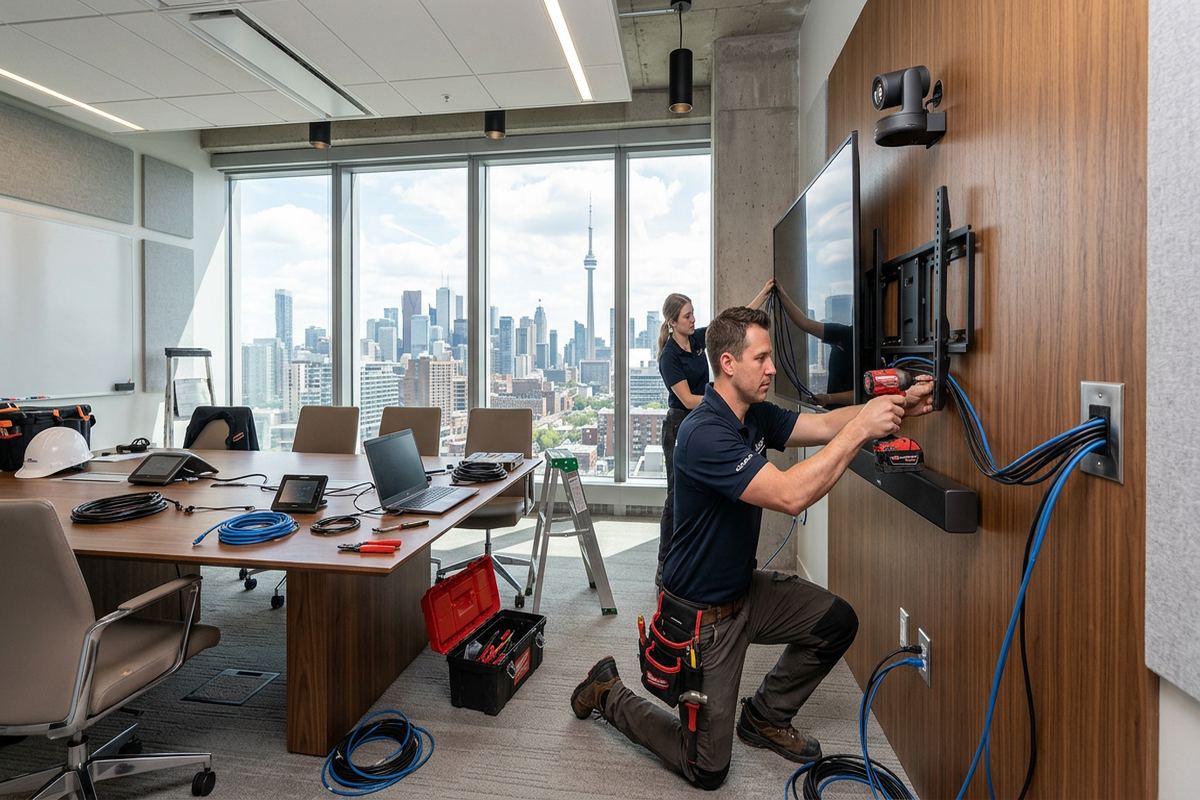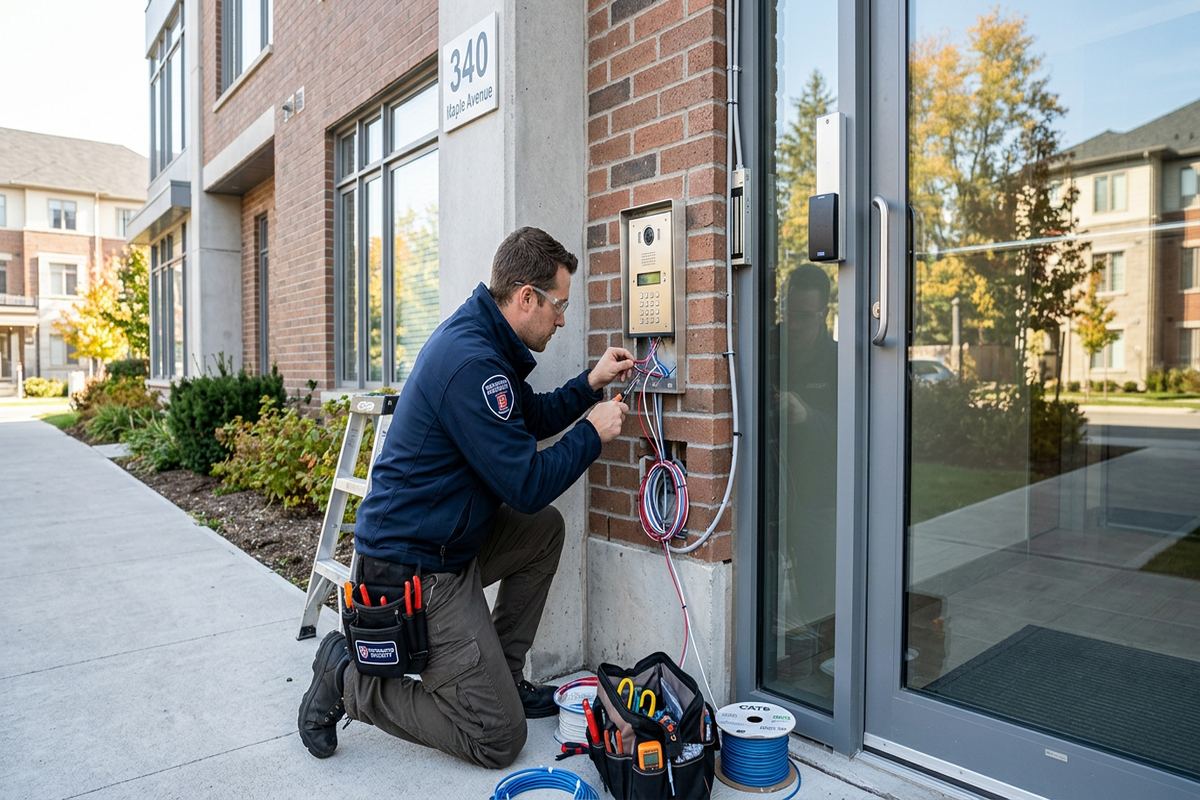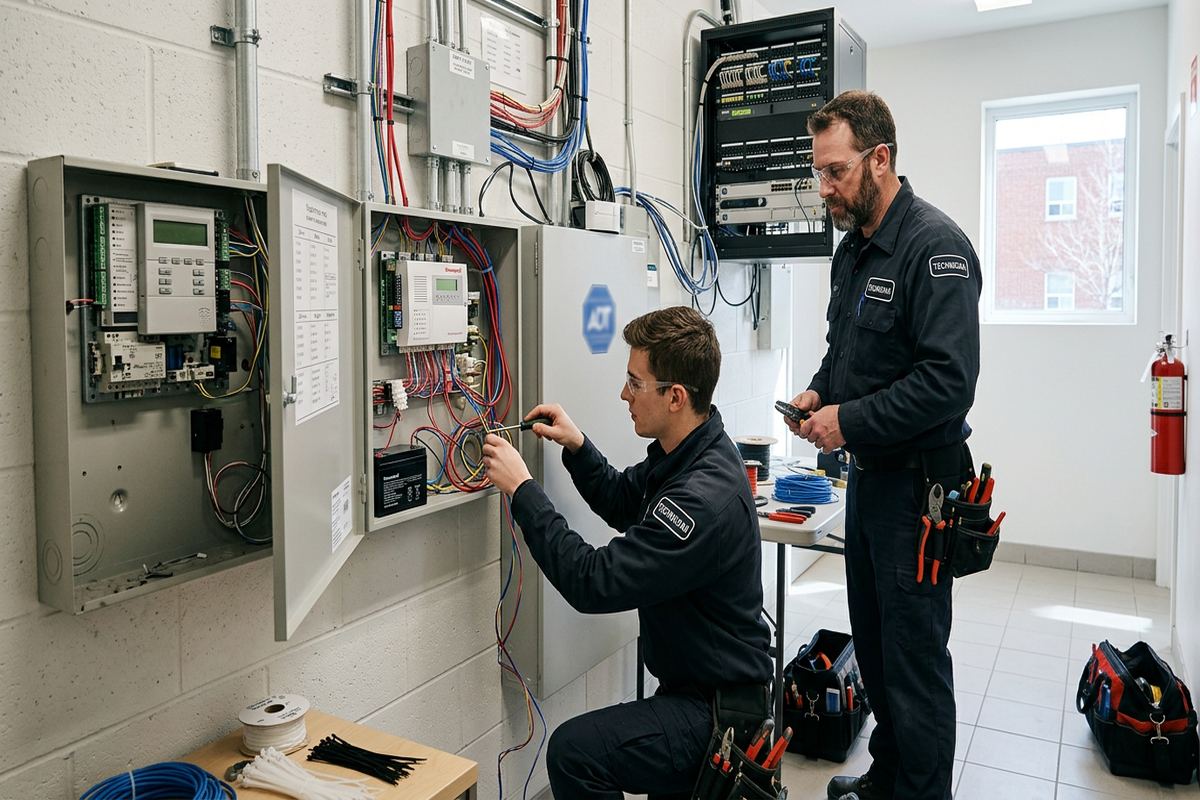
UnifiedLink installs wireless alarm systems for homes, commercial spaces and industrial units across Aurora. Each project starts with a site assessment to review entry points, construction, wireless coverage and operating needs. We then provide a written scope, install and configure the selected equipment, test every device and hand over the system using credentials owned by the customer.
Wireless Alarm Planning for Aurora Properties
A wireless alarm installation should begin with the building, not a standard equipment package. In Aurora, heritage homes near Yonge Street may have additions, finished plaster, older window assemblies and several generations of renovation. Larger estate properties east of town can have detached garages, long approaches and outbuildings beyond the practical range of a single control panel. During the site assessment, we review entrances, accessible windows, circulation paths, utility areas and likely wireless obstructions before recommending device types or locations. Assessment timing depends on the service requirements and travel distance.
Wireless does not mean every component operates without wiring. Door contacts, motion detectors and glass-break sensors may communicate by radio, while the main panel, keypads, sirens or network equipment can still require dependable power and communications. We identify these requirements before installation so outlets, power supplies, cellular connections and internet dependencies are understood. Where a cable is necessary, UnifiedLink uses continuous labelled cable runs rather than concealed joins. The written scope describes equipment, cable routes, device placement, exclusions, equipment ownership and warranty, helping Aurora owners compare the proposed system with their actual operating needs.
Radio performance varies with construction. Timber framing and drywall generally allow signals to travel differently than stone, concrete, brick masonry, foil-backed insulation or metal-clad utility spaces. A sensor that works beside a panel during setup may become unreliable when mounted on a distant masonry wall or inside a detached structure. We assess the intended mounting point, test communication and consider repeaters or alternate panel locations when needed. This is particularly relevant in expanded homes where an original masonry section connects to a newer frame addition, creating an uneven wireless environment that cannot be judged from floor plans alone.
- Entry, window and circulation-path review
- Wireless signal checks at intended locations
- Power, internet and cellular dependency review
- Written equipment and placement scope
- Detached-building coverage assessment
Choosing Sensors for Aurora Homes
Sensor selection depends on how a household uses its rooms. A door contact reports an opening, while a motion detector watches activity within a defined area. Glass-break detectors listen for specific acoustic patterns and require suitable room geometry. Other options can monitor smoke alarm interfaces, low temperature or water where compatible with the chosen platform. In Aurora Village, an older home may need different coverage on original sash windows than on a modern rear addition. We explain the purpose and limitations of each device instead of placing multiple sensors without a clear protection plan.
Pets, fireplaces, heating vents and direct sunlight can affect motion detector placement. During an assessment, we look at normal walking routes, furniture height, stair openings and rooms that may change use. A detector should support the intended arming mode without creating avoidable nuisance alarms when occupants remain on another floor or move through a designated area. For houses in Aurora Highlands or Hills of St. Andrew, zoning can separate sleeping areas, garages and lower levels. Clear zone names also make alerts easier to interpret than generic labels such as “Sensor 4” or “Back Area.”
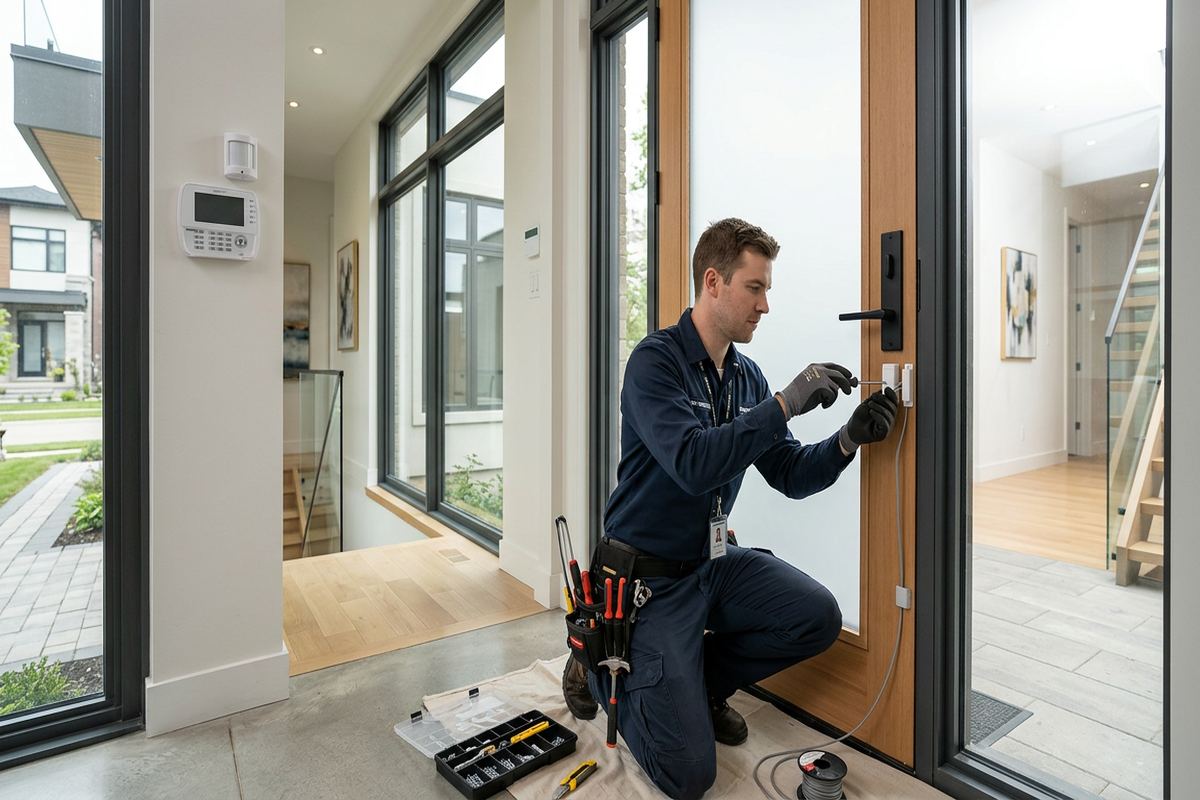
Entry delays and arming routines should reflect daily behaviour. The most technically capable alarm will still be frustrating if the keypad is difficult to reach, a frequently used side door has the wrong delay, or family members cannot tell which areas are armed. We configure practical entry and exit routes, user permissions and notification settings on site. Before handover, each opening, motion zone and audible device is tested. The customer receives access through their own credentials, along with an as-built record identifying installed devices and locations rather than an account controlled solely by the installer.
- Door and window contacts
- Interior motion detection
- Compatible glass-break detection
- Clearly named alarm zones
- Practical entry and exit delays
Wireless Coverage in Larger Aurora Properties
Estate properties and homes with multiple wings require deliberate radio planning. Distance alone is not the only concern; masonry fireplaces, mechanical rooms, metal garage doors and dense building materials can interrupt the path between a sensor and its receiver. Rural Aurora properties may also include workshops, gates or detached garages separated by open space and exterior walls. We test from the proposed device position rather than assuming the manufacturer’s unobstructed range applies. If reliable communication is not available, the scope can address a repeater, another receiver location or a wired alternative where the system supports it.
Outbuildings bring separate power, temperature and environmental questions. An unheated garage can experience conditions that differ substantially from the main house, and a device intended for a controlled interior may not suit that location. Exterior-facing hardware must be selected and mounted for its listed environment. Aurora winters, freeze-thaw cycles and wind-driven moisture also make penetrations important. Where mounting requires a hole through an exterior surface, the route and sealing method must protect the envelope. Devices are not simply fastened to siding, masonry or trim without considering drainage and seasonal movement.
Coverage planning also includes communications beyond the property. App alerts and remote control may rely on internet service, cellular service or both, depending on the selected alarm platform and service arrangement. We identify what happens if local Wi-Fi, broadband or electrical power is unavailable, including any backup functions supported by the equipment. Owners should understand the difference between local siren operation, app notifications and third-party monitoring. Those functions are related but not interchangeable. The written scope records the selected approach, required subscriptions if applicable, and exclusions so expectations are established before equipment is mounted.
- Signal testing beyond the main house
- Repeater and receiver location review
- Environmental suitability checks
- Exterior penetration planning
- Communication-path documentation
Aurora, Ontario
Wireless alarm installation in Aurora, scoped in writing first
Book a site assessment and get equipment, routes, exclusions, and warranty on paper before anything is installed.
Aurora Commercial Alarm Installation
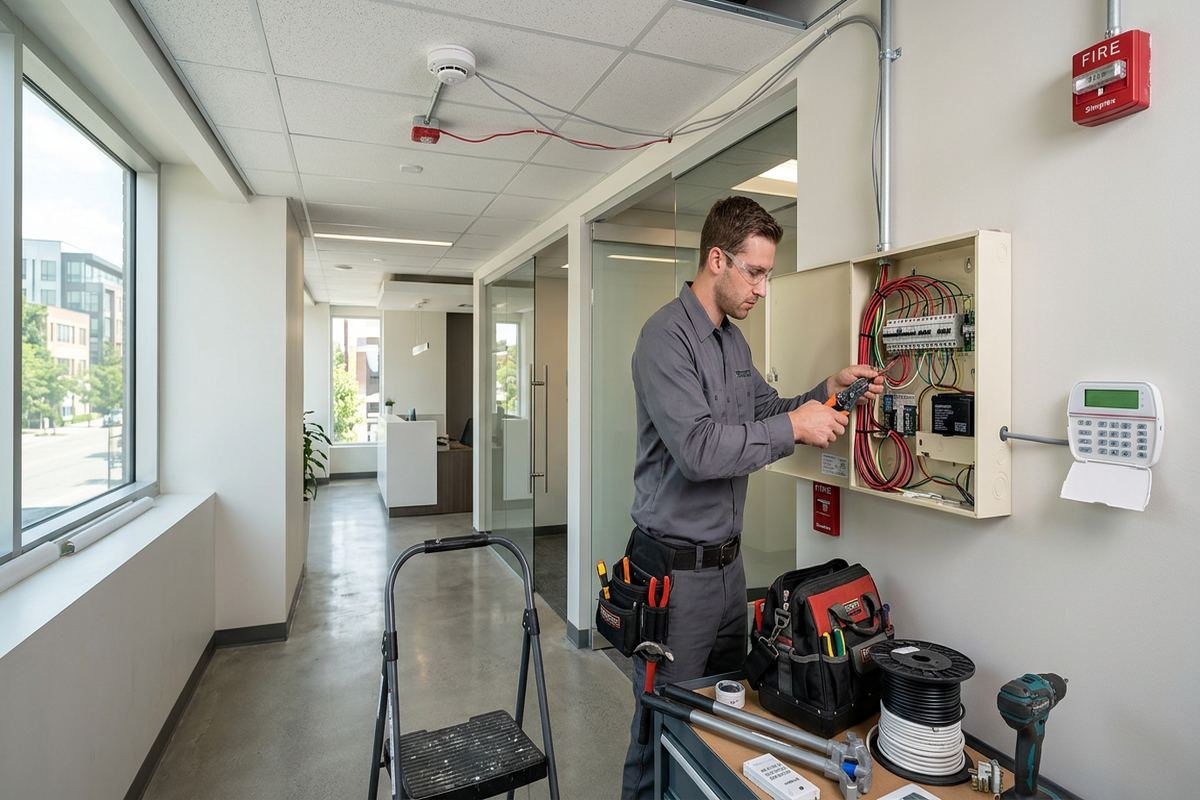
Commercial spaces need alarm zones that follow opening procedures, staff access and the physical layout. Along Aurora’s commercial strips, a storefront may have a public entrance, rear service door, stockroom and shared service corridor, each presenting a different risk and operating pattern. We review who opens and closes, which areas require separate control and how alerts should be assigned. Device placement must also account for display fixtures, changing inventory and public movement. The resulting design should be manageable for employees without giving every user unrestricted authority to alter system settings or access records.
Industrial units can combine offices, warehouse bays, loading doors and high ceilings. Metal racking, insulated overhead doors and demising walls may affect wireless communication or motion coverage. A detector selected for a small office is not automatically suitable for a warehouse aisle or open production area. We examine mounting height, obstructions, door use and after-hours activity before establishing zones. Where tenants share a building, the alarm boundary must match the leased premises and approved mounting areas. Coordination with access control, cameras or existing cabling can reduce conflicting device locations while keeping each system’s purpose clear.
User management is especially important when staff roles change. The system should support individual codes or accounts where the platform allows them, rather than one code shared indefinitely by everyone. We configure agreed permissions and show the designated administrator how to add, suspend or remove users. Reports and notifications are set around operational needs, with attention to who should receive which events. UnifiedLink remains one accountable contractor for the defined installation, including equipment mounting, necessary cabling, on-site configuration, testing and handover. Any monitoring relationship or work by another provider is identified as an exclusion where applicable.
- Separate public and staff zones
- Warehouse and loading-door assessment
- Role-based user configuration
- Coordination with cameras and access control
- Documented monitoring responsibilities
Installation in Older Aurora Buildings
Older buildings often reward a less invasive approach, but wireless equipment still requires careful mounting. Heritage homes near Yonge Street may contain plaster walls, substantial wood trim, masonry sections and windows that are not perfectly square. Adhesive mounting alone may be unsuitable on fragile, dusty or uneven surfaces, while unnecessary drilling can damage finishes. We review mounting options with the owner and document visible or disruptive work in the scope. Sensor alignment is checked through the full movement of each door or window so normal seasonal shifting does not leave a contact poorly positioned.
Masonry and frame construction call for different methods. Fasteners and drill locations must suit the substrate, and concealed electrical, plumbing or structural elements must be considered before penetration. Frame additions may provide easier routes for required power or keypad cable, while an original brick section can require another approach. Wireless devices reduce some cable routing, but they do not remove the need for sound installation practice. If cabling is included, runs are continuous and labelled. Surface routes, exposed conduit or other visible pathways are discussed before work begins rather than introduced as an unplanned decision during installation.
Renovation history can be as important as building age. A house may appear traditional from outside but include modern foil-backed insulation, steel beams or extensive mechanical upgrades that change radio performance. Conversely, a newer addition may have reliable wireless coverage but limited suitable mounting surfaces around oversized doors and windows. We verify conditions in person and avoid promising final equipment quantities before assessment. For occupied Aurora properties, work sequencing can also be planned around access to bedrooms, offices or sensitive rooms. The written scope identifies exclusions and any owner preparations needed before the installation date.
- Finish-sensitive mounting review
- Plaster, brick and frame assessment
- Continuous labelled cable where required
- Sensor alignment through full operation
- Documented visible cable routes
Exterior Devices and Aurora Winters
Exterior alarm components face conditions that indoor devices do not. Temperature swings, precipitation, condensation and direct sunlight can affect batteries, housings and communication. A product must be suitable for its intended environment rather than merely convenient to mount outside. In Aurora, repeated freeze-thaw cycles can open poorly sealed penetrations and place stress on hardware attached to masonry or trim. We review exposure, mounting height, drainage and service access. The goal is to protect the building envelope while keeping the device reachable for testing and battery replacement when maintenance is required.
Gates, sheds and detached garages require particular attention. Wireless contact alignment can change as wood or metal moves through the seasons, and a gate exposed to snow accumulation may not close to the same position year-round. Long distances and intervening exterior walls can also weaken radio communication. During assessment, we determine whether the requested point can be covered reliably and whether the equipment is listed for that use. If conditions do not support a dependable wireless device, we explain the limitation and discuss another location, a protected contact arrangement or an appropriate wired path.
Exterior sealing is part of the installation, not a cosmetic afterthought. Penetrations should be positioned to limit water entry and sealed with materials compatible with the surrounding surface. Brick, mortar, siding and painted wood each require different consideration, especially where movement or drainage planes are involved. We avoid creating cable paths that trap water against a wall or direct it into a structure. For estate and Rural Aurora properties, trenching, underground conduit or work on remote structures may involve separate trades or approvals. Those boundaries are identified clearly in the written scope.
- Environment-rated device selection
- Freeze-thaw mounting considerations
- Compatible exterior penetration sealing
- Seasonal contact alignment checks
- Remote structure feasibility review
Approvals for Condos and Rentals
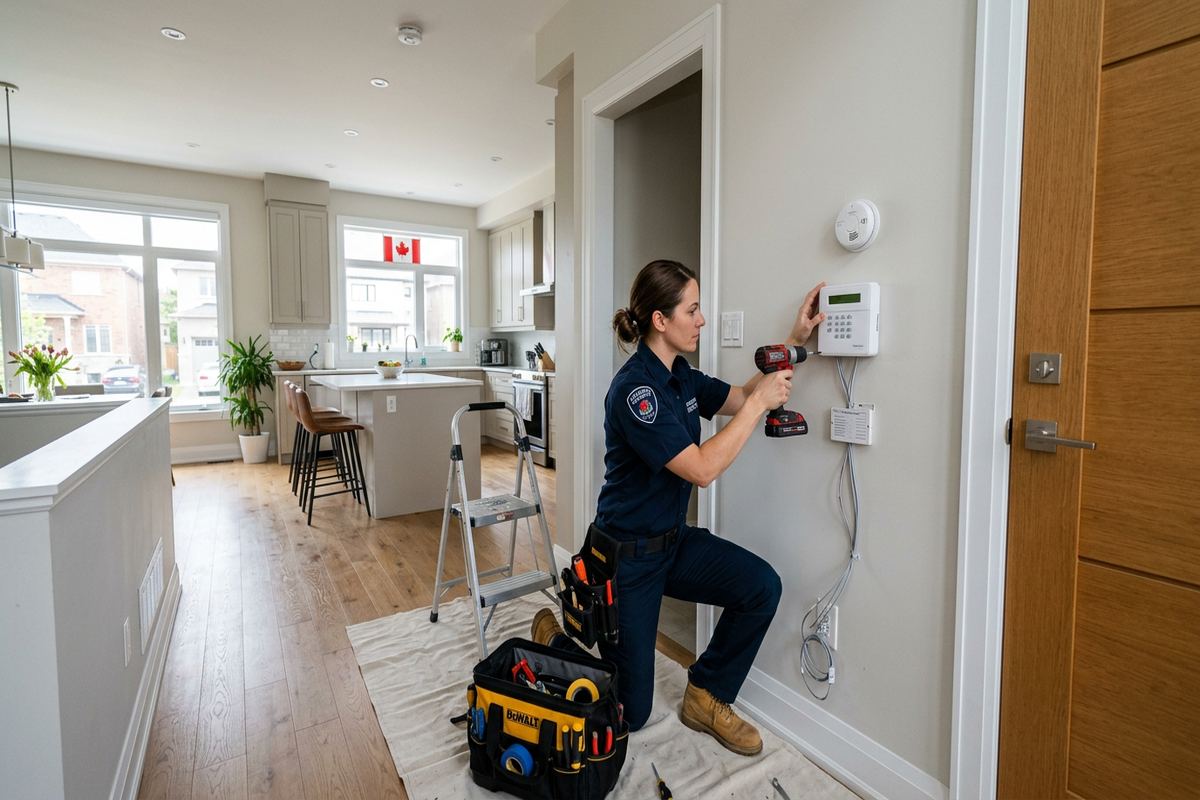
Condo and rental installations begin with authority to make changes. A resident may control the interior of a unit but still need approval before drilling exterior doors, window frames, corridor-facing surfaces or common walls. Building rules may also restrict audible devices, communications equipment or contractor access. We ask customers to confirm applicable permissions before installation. If a condominium corporation, landlord or property manager requires drawings, equipment details or proof of the proposed mounting method, that requirement should be raised during scoping so the installation does not conflict with building policies.
Wireless systems can reduce intrusive cabling in a finished unit, although they do not automatically eliminate approval requirements. Entry doors and windows may form part of a common element, and even a small contact can affect finishes or hardware covered by building rules. We can plan alternate mounting positions where technically appropriate, but cannot override property restrictions. In mixed-use Aurora buildings, shared corridors and commercial entrances can further complicate system boundaries. The assessment establishes which openings belong to the customer’s premises and whether any device would monitor an area outside their control.
For landlords and business tenants, equipment ownership should be explicit. The written scope states who owns installed devices and identifies exclusions, warranty information and any services tied to an account. It also records agreed cable routes and device locations, which is useful when a lease ends or a unit is altered. Handover uses the customer’s own credentials, not a permanent installer-owned login. Where both a property owner and tenant need administrative access, permissions are configured according to their agreed arrangement. UnifiedLink does not assume that either party has authorization from the other.
- Condo corporation approval review
- Landlord and tenant authorization
- Common-element mounting checks
- Clearly recorded equipment ownership
- Customer-controlled administrator credentials
Testing and Handover in Aurora
Installation is complete only after every device has been checked in its final position. We test opening contacts, motion zones, keypads, sirens and configured communications according to the agreed system design. Zone names are confirmed with the customer so an alert identifies a meaningful location. We also check entry and exit timing, user permissions and available battery or communication status indicators. For Aurora homes with detached spaces or mixed masonry and frame construction, final radio testing is particularly important because performance can differ once doors are closed and the building is operating normally.
Handover focuses on the tasks owners and staff will actually perform. We demonstrate arming, disarming, bypassing an agreed zone, responding to a fault and reviewing available event information. The customer receives their own credentials and an as-built record of device locations. We explain routine battery needs, relevant app dependencies and how to identify a low-battery or lost-communication condition. If monitoring is included through another service, its procedures and contacts remain distinct from installation support. Clear documentation reduces dependence on memory when users change or a device needs service later.
Changes should be controlled after handover. Moving a panel, adding metal shelving, renovating a wall or replacing a door can alter wireless paths and sensor alignment. Aurora owners planning an addition or major interior work should have affected zones reassessed instead of remounting devices without testing. Requests sent during business hours are answered the same day, while after-hours requests are answered the next business day. Site assessment timing depends on the requested service and travel distance. Any follow-up work is scoped before proceeding so equipment, responsibilities and exclusions remain clear.
- Final testing from installed positions
- Meaningful zone names
- Customer credential handover
- As-built device record
- Operating and maintenance walkthrough
Aurora neighbourhoods we cover
- Aurora Village
- Bayview Wellington
- Aurora Highlands
- Hills of St. Andrew
- Rural Aurora
Wireless alarm installation in Aurora — common questions
Will a wireless alarm work in an older Aurora home?
Usually, but the building should be assessed first. Plaster, brick, stone, metal elements and later additions can change radio performance. In heritage homes near Yonge Street, we test proposed sensor locations and review mounting surfaces before confirming the design. Repeaters, a different panel location or limited wired connections may be appropriate where wireless communication is weak or inconsistent.
Can you protect a detached garage or workshop?
Coverage depends on distance, intervening walls, power, temperature and the equipment’s environmental rating. This is common on larger estate and Rural Aurora properties. We test communication at the intended location and review whether the device will remain suitable through winter conditions. Where direct wireless coverage is unreliable, the written scope can address another receiver arrangement or an appropriate wired alternative.
Do wireless alarm systems still need internet service?
Not every local alarm function requires internet, but app access and some notifications may depend on broadband, Wi-Fi, cellular service or a combination. The exact behaviour varies by platform. During an Aurora site assessment, we document the intended communication path, available backup functions and what occurs during an outage, distinguishing local siren operation from remote notifications and third-party monitoring.
Do I need condo or landlord approval?
Possibly. Approval may be required for drilling, mounting devices on entry doors or windows, accessing common walls, or changing corridor-facing surfaces. Aurora condo residents and tenants should confirm their building or lease requirements before work begins. We can provide the proposed equipment and mounting details for review, but authorization remains the customer’s responsibility and must be in place before restricted work proceeds.
How are exterior alarm devices handled in winter?
We first confirm that the device is suitable for exterior temperatures and moisture exposure. Mounting and sealing must account for Aurora’s freeze-thaw cycles, snow, drainage and movement in gates or doors. Radio communication is tested from the final position. If the location cannot support a reliable, serviceable installation, we will identify the limitation and discuss a protected or wired alternative.
What do I receive after the alarm is installed?
After testing, we provide a practical operating walkthrough, customer-controlled credentials and an as-built record identifying device locations. The written scope also covers equipment, cable routes, placement, exclusions, equipment ownership and warranty. Aurora homeowners or business administrators are shown how to arm and disarm, interpret zone information, manage permitted users and recognize common battery or communication warnings.
Coverage in Aurora is confirmed against the address before we quote. See everything we install in Aurora or the province-wide wireless alarm installation page.