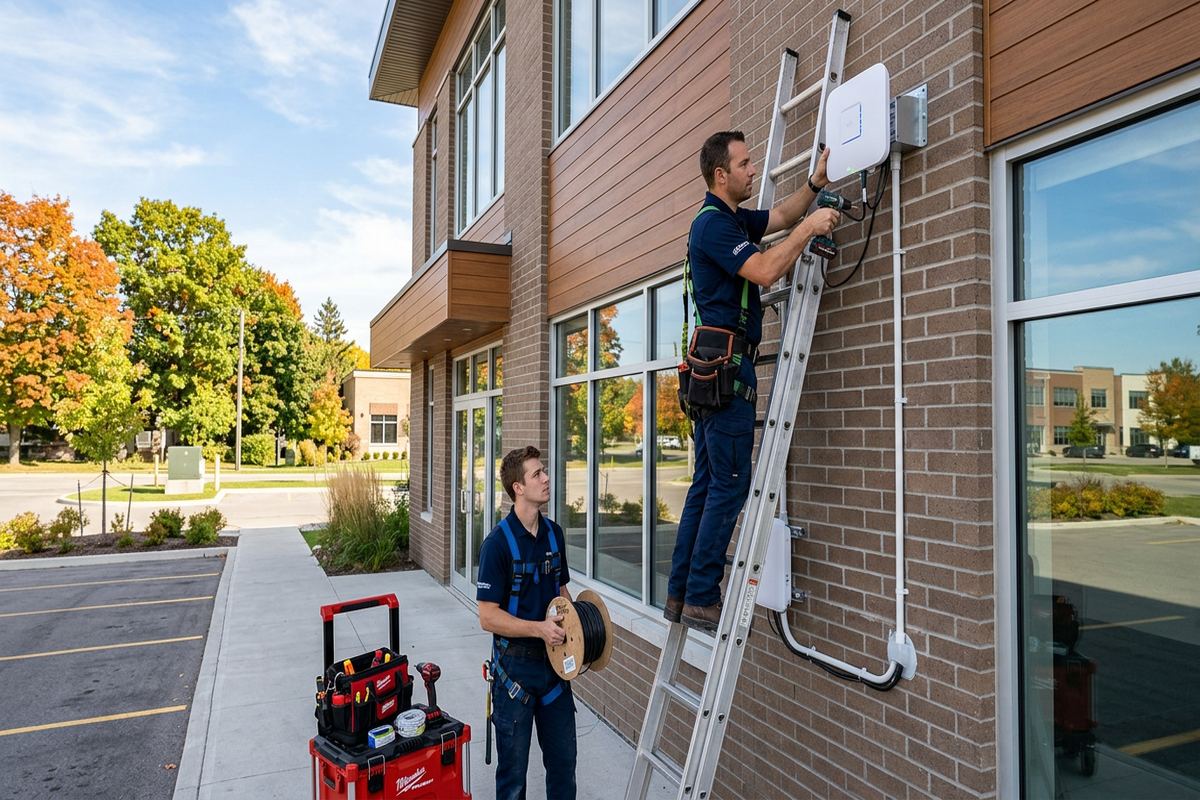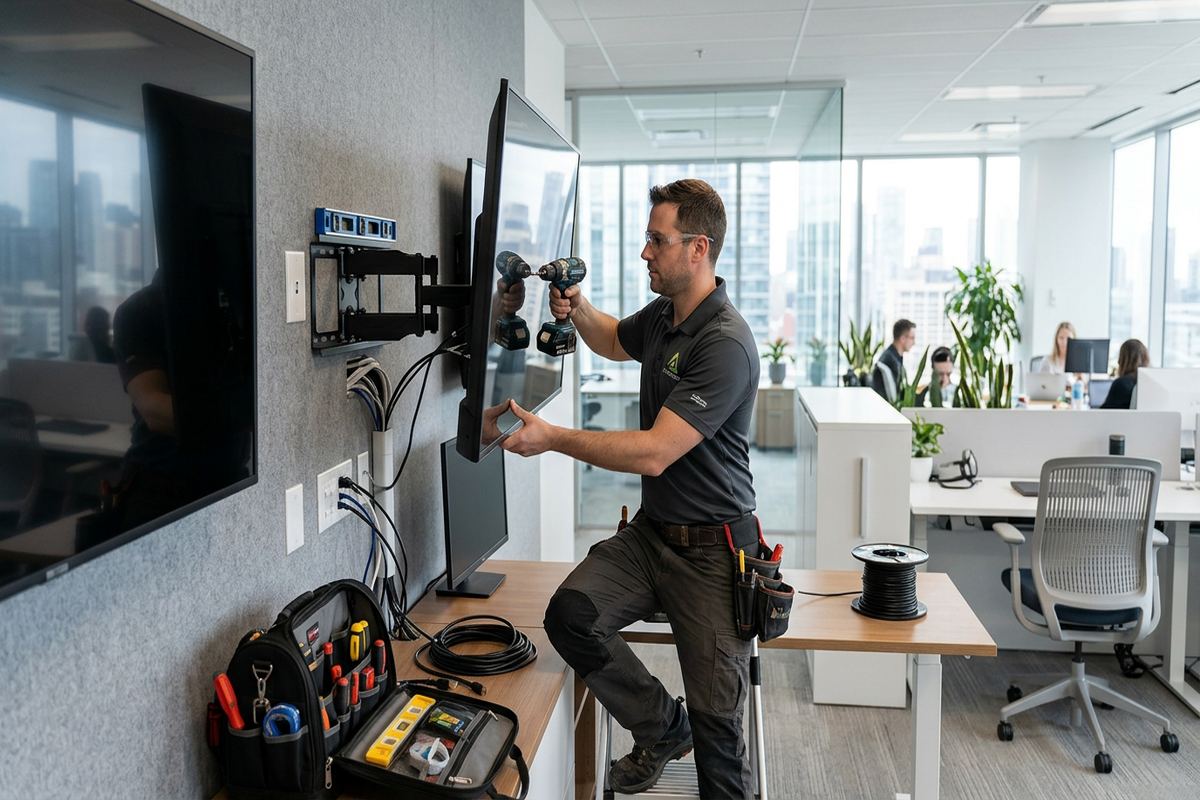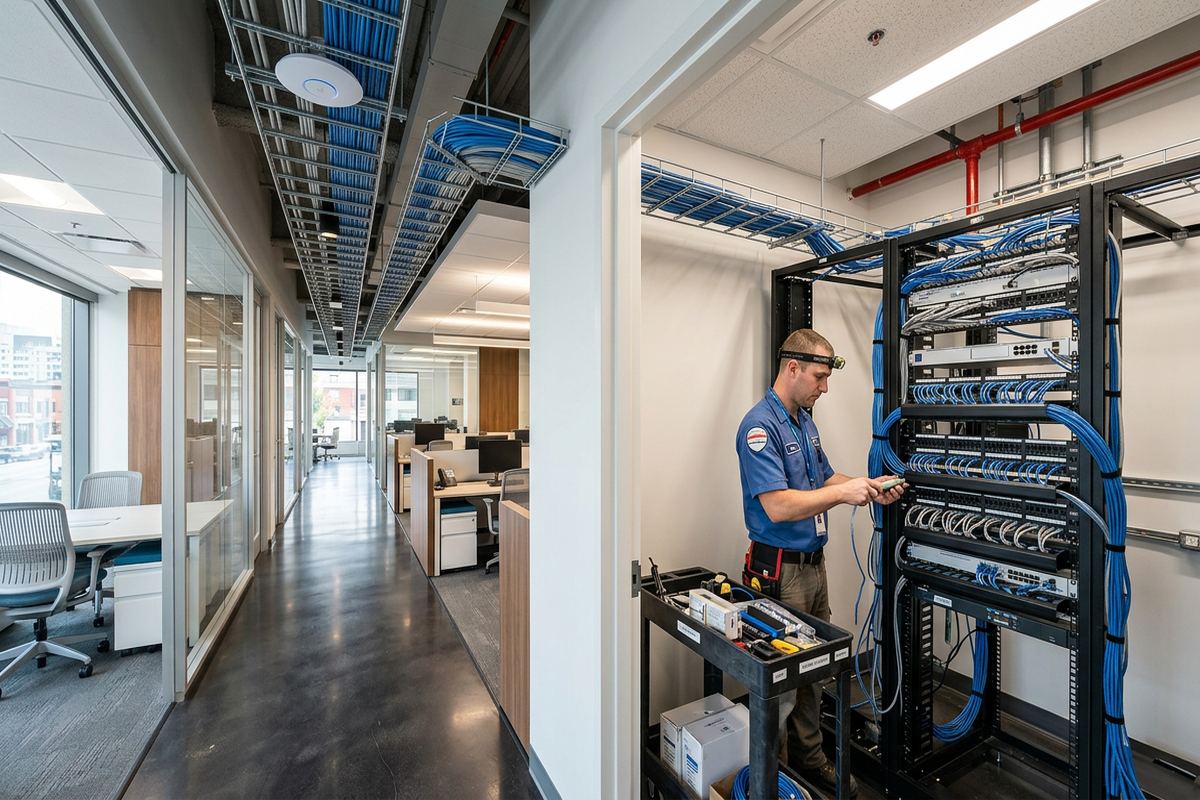
UnifiedLink installs wired and wireless home networks across Aurora and York Region. We assess the property, plan cable routes and access-point locations, then configure and document the system on site. Installations account for older construction near Yonge Street, larger estate properties east of town, exterior exposure and the devices your household or business actually uses.
Home Network Installation for Aurora Properties
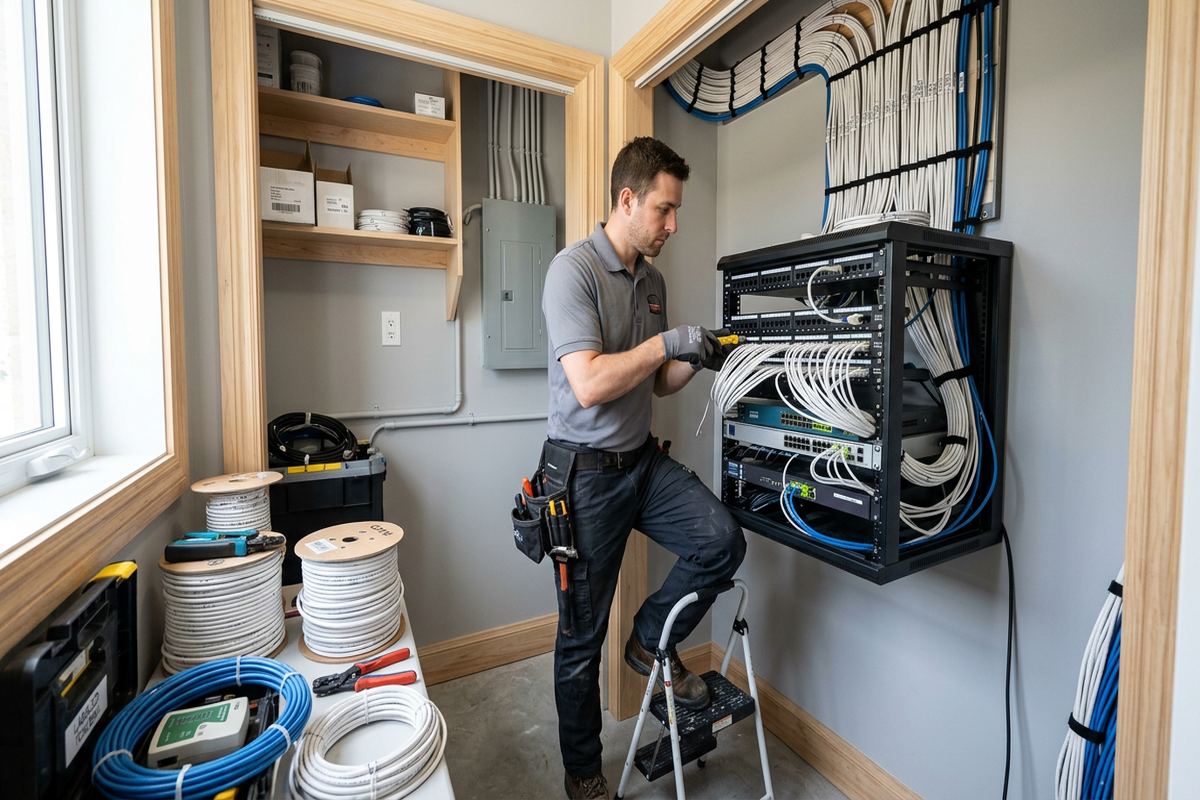
A reliable network begins with the building, not a box selected from a retail shelf. During an Aurora site assessment, UnifiedLink reviews incoming internet service, construction materials, floor layout, utility spaces and the locations where people work, stream or use connected equipment. We also identify fixed devices that benefit from Ethernet, including televisions, computers, cameras, gaming systems and home automation controllers. This information supports a practical design covering the router, network switch, wireless access points, cabling and any enclosure or rack required to keep equipment protected and accessible.
Property conditions vary considerably across Aurora. Heritage homes near Yonge Street may have finished plaster, narrow framing cavities, additions from different periods and limited routes between floors. Larger estate properties east of town can require longer cable runs, several access points and coverage for detached garages, gates or outdoor living areas. Rather than assuming one wireless device will cover everything, we examine attenuation, distances and likely interference. The resulting plan balances reliable coverage with restrained device placement, serviceable cable routes and minimal disruption to finished rooms or architecturally sensitive areas.
Each project receives a written scope before work proceeds. It identifies proposed equipment, cable routes, device placement, exclusions, equipment ownership and applicable warranty details. Continuous, labelled cable runs are installed where wired connections are specified, avoiding concealed couplers that complicate later troubleshooting. UnifiedLink configures the system on site and hands it over using the customer’s own administrative credentials. An as-built record documents installed outlets, access points and central equipment, giving the homeowner or property manager useful information for maintenance, renovations and future network expansion.
- Property and coverage assessment
- Router and switch planning
- Ethernet outlet installation
- Wireless access-point placement
- Labelled cabling and as-built records
Planning Wi-Fi Coverage Across Aurora Homes
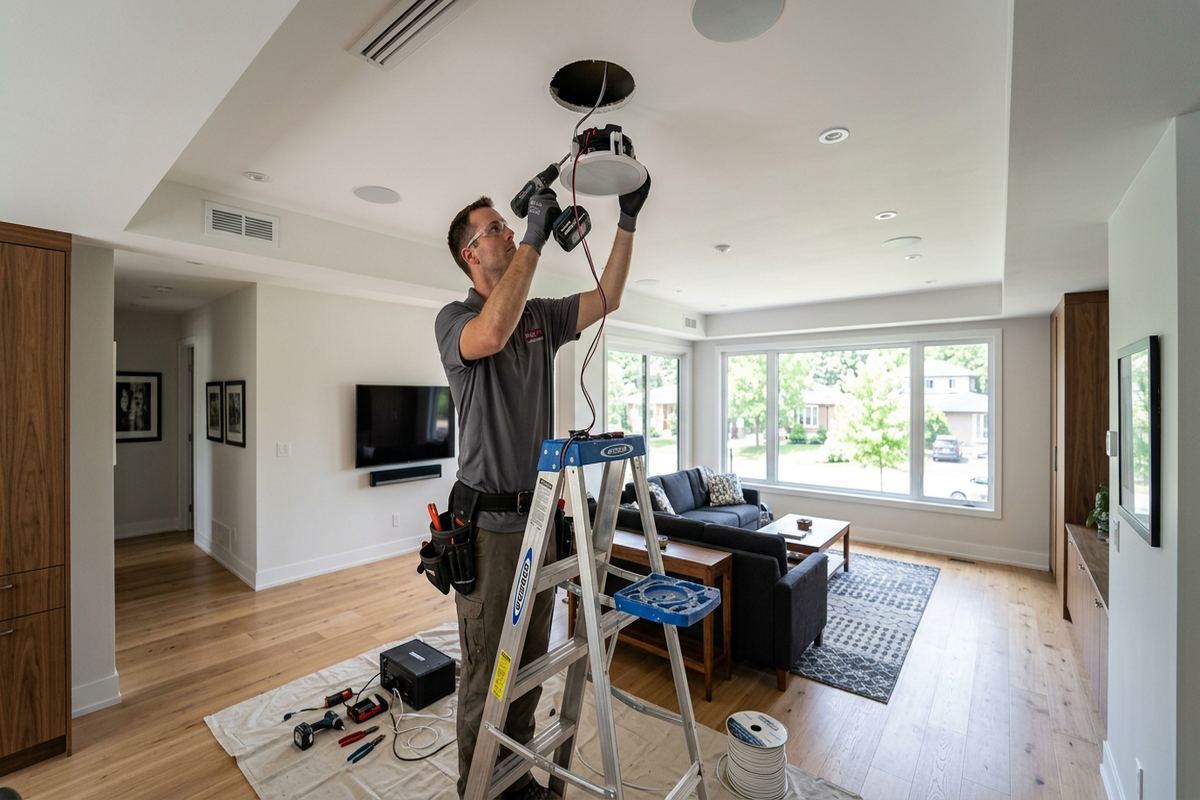
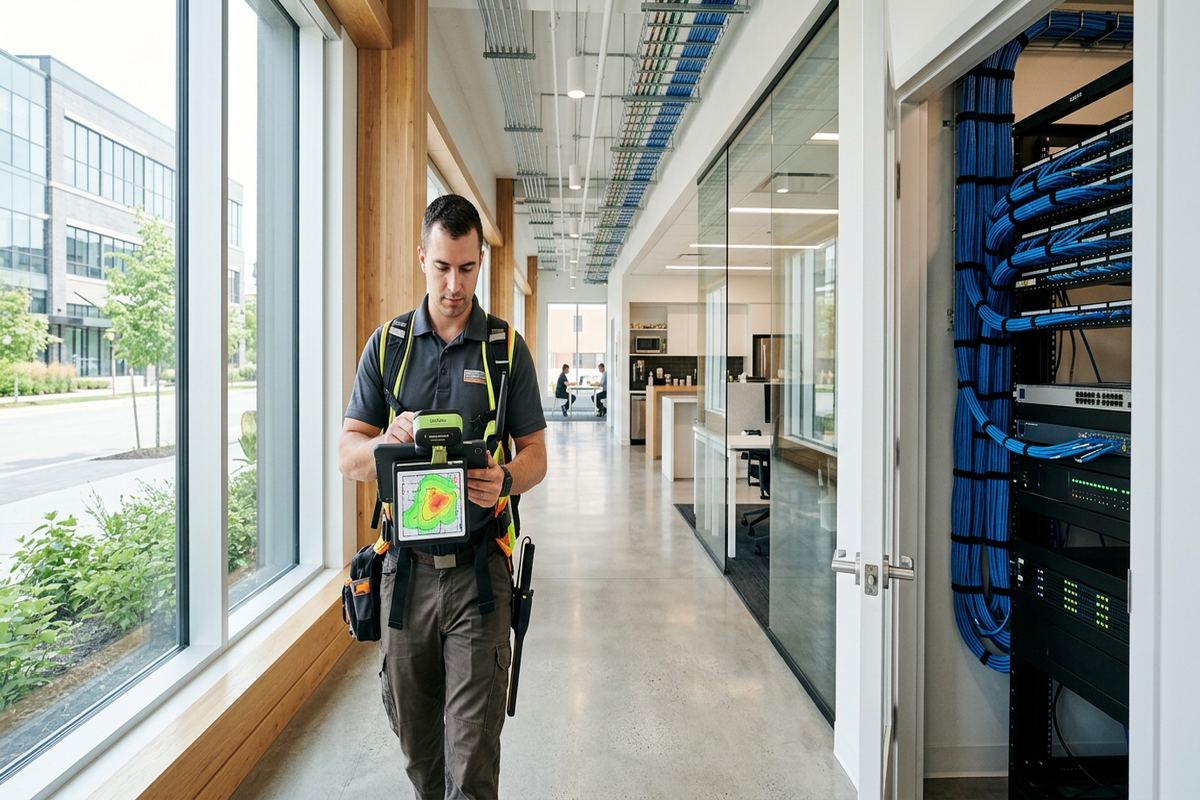
Wireless coverage depends on more than square footage. Walls, floors, mechanical systems, mirrors, masonry fireplaces and metal ductwork all affect signal strength. In Aurora Village, an older frame house may have several layers of renovation materials between rooms, while a masonry section can weaken signals more sharply. UnifiedLink plans access-point locations around these barriers and the ways each space is used. Ceiling or wall-mounted access points can provide more predictable coverage than range extenders, particularly when they are connected to the network switch by dedicated data cabling rather than relying on another wireless hop.
Bayview Wellington and Aurora Highlands include homes with finished basements, open main floors and upper-level bedrooms that create distinct coverage requirements. A single router in a basement utility room often cannot serve all three levels consistently. We assess practical pathways through unfinished ceilings, closets, bulkheads, attics and existing service chases before proposing access points. Placement also considers appearance, electrical availability and future access for service. Where cabling cannot be installed without disproportionate damage, we explain the constraint and discuss alternatives rather than representing a compromised route as equivalent to a properly wired connection.
Coverage planning includes capacity as well as signal. Video calls, cloud backups, streaming, gaming, security cameras and smart-home devices can operate simultaneously, even when nobody is actively managing the network. We separate fixed and mobile device needs, connect suitable equipment by Ethernet and configure wireless settings for stable roaming between access points. Network names, passwords and administrative access remain under the customer’s control. Where supported by the selected equipment, guest or device-specific networks can help keep visitors and less secure connected products apart from computers, storage devices and other important household systems.
- Multi-level signal planning
- Wired access-point connections
- Guest and device network options
- Roaming configuration
- Coverage checks after installation
Wired Network Cabling and Equipment
Ethernet remains the dependable foundation for access points and devices that stay in one place. UnifiedLink installs continuous cable runs from a central network location to selected outlets, cameras, televisions, offices and other endpoints. Routes are planned to respect framing, insulation, plumbing, electrical wiring and finished surfaces. In a frame house, cables may pass through accessible joist or stud spaces; masonry construction can require surface pathways, carefully selected penetrations or routes through adjacent framed areas. We describe visible components and anticipated patching responsibilities in the scope so that the finished result and project boundaries are understood beforehand.
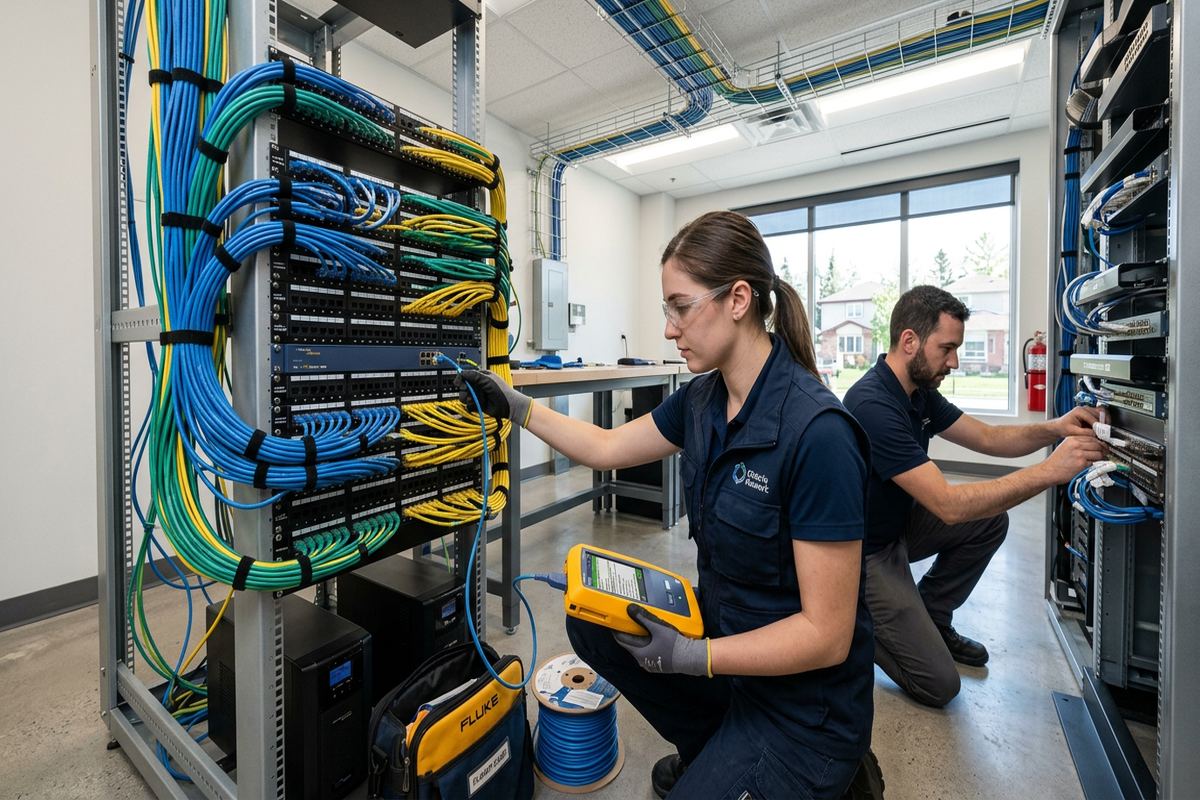
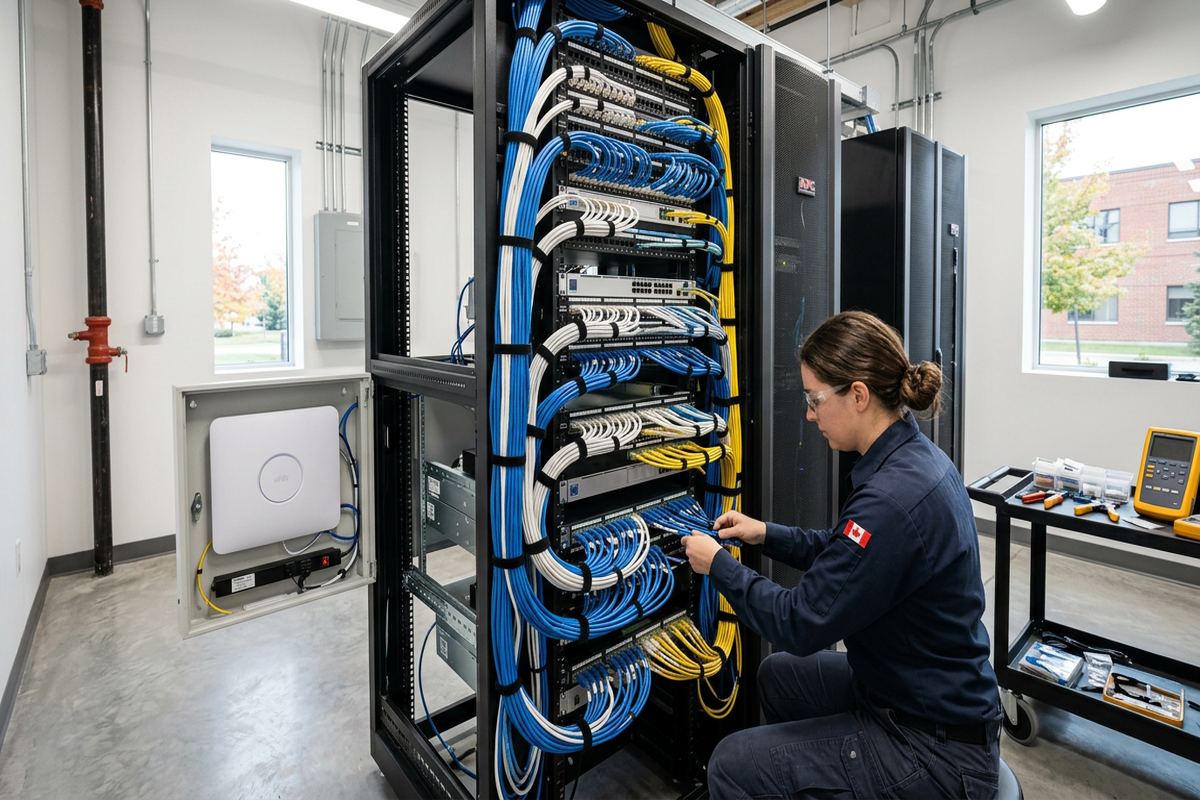
The central equipment location should be dry, ventilated, accessible and reasonably close to both the internet service entry and planned cable routes. Depending on the project, it may contain the service provider’s modem or terminal, a router, network switch, patch panel and power equipment. We avoid placing active components where heat, moisture, dust or restricted access is likely to create problems. Cables are terminated, tested and labelled at both ends. Clear identification helps anyone servicing the system locate a room outlet or access point without tracing an undocumented bundle through the house.
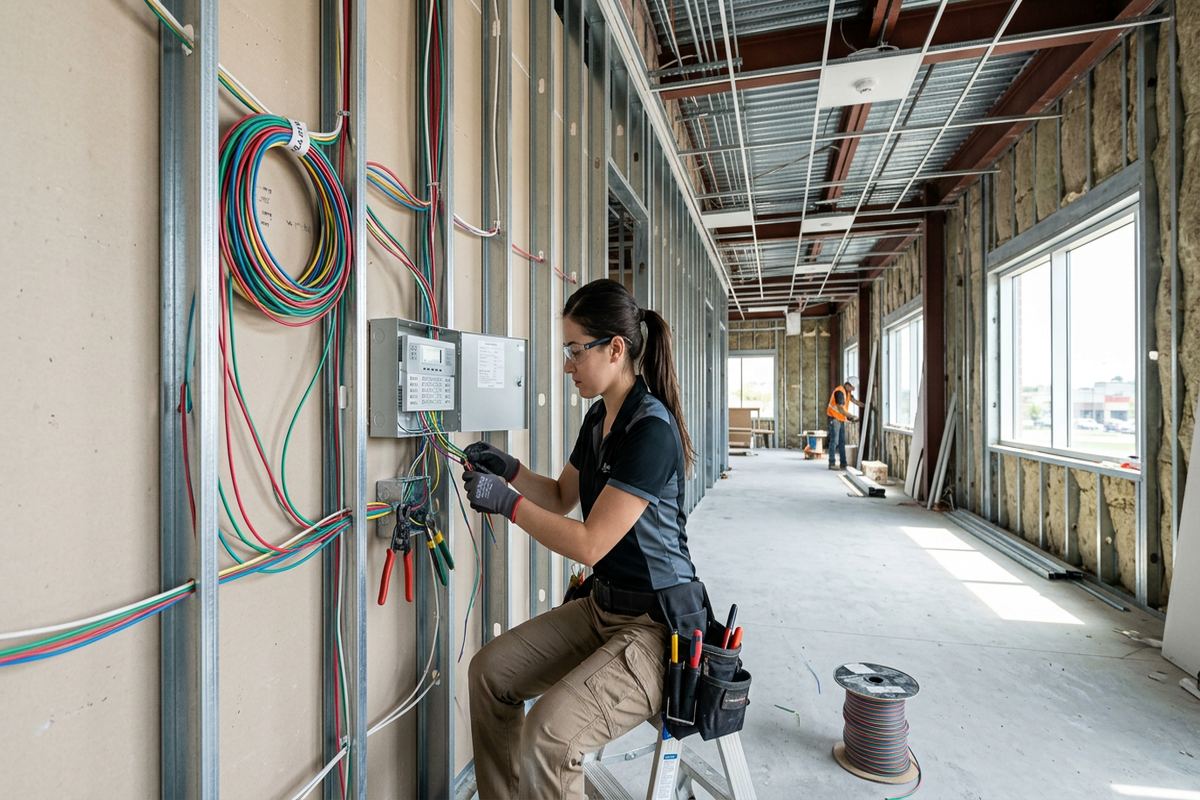
Renovations and additions provide useful opportunities to install network infrastructure before walls close. For Aurora projects at that stage, coordination with the homeowner, general contractor or electrician can establish suitable pathways and equipment space while access is straightforward. Low-voltage cabling still requires deliberate separation from electrical conductors and protection from fasteners or construction damage. We can also plan spare pathways or selected additional runs when future needs are reasonably foreseeable. The written scope distinguishes installed active equipment from customer-supplied or internet-provider hardware, clarifying ownership and responsibility when service changes or later upgrades occur.
- Continuous data cable runs
- Tested and labelled terminations
- Patch panels and network enclosures
- Office and media outlets
- Renovation-stage cabling coordination
Aurora, Ontario
Home network installation in Aurora, scoped in writing first
Book a site assessment and get equipment, routes, exclusions, and warranty on paper before anything is installed.
Aurora Estate, Heritage and Outdoor Networks
Large properties in Rural Aurora and the Hills of St. Andrew may extend networking beyond the main residence. Detached garages, workshops, gate equipment, pool areas and landscaped spaces can require separate coverage planning. Distance, elevation, trees, building materials and available pathways determine whether a buried cable, fibre link, point-to-point wireless bridge or independent access point is appropriate. Copper data cabling has distance and electrical-environment limitations, so it is not automatically suitable between buildings. We assess the route and connected equipment before selecting a method, including how each remote device will receive safe, serviceable power.
Exterior installations must withstand Aurora winters, moisture and repeated freeze-thaw cycles. Outdoor-rated equipment and cable are selected where exposure requires them, while penetrations are positioned and sealed to reduce water entry. Cable routes account for drip loops, sunlight, snow accumulation and the risk of physical damage from maintenance or landscaping. Masonry penetrations need suitable drilling and sealing methods; siding and frame walls require attention to drainage planes and concealed services. Whenever possible, active network equipment remains in a conditioned, accessible location, with only properly rated devices and pathways exposed outside.
Heritage properties call for a route-first approach because network performance is only one part of a responsible installation. Original trim, plaster, masonry and visible architectural details can limit conventional cable access. We inspect basement and attic conditions, previous additions and existing penetrations before recommending new openings. Some routes may need discreet surface raceway or placement in less prominent service areas. If a proposed method creates unacceptable risk to finishes, that limitation is documented. Homeowners can then compare performance, appearance and repair implications before approving work rather than encountering unexpected holes or visible cabling during installation.
- Detached-building connectivity options
- Outdoor-rated network components
- Weather-sealed exterior penetrations
- Heritage-sensitive cable routes
- Garage, gate and landscape coverage
Network Security and On-Site Configuration
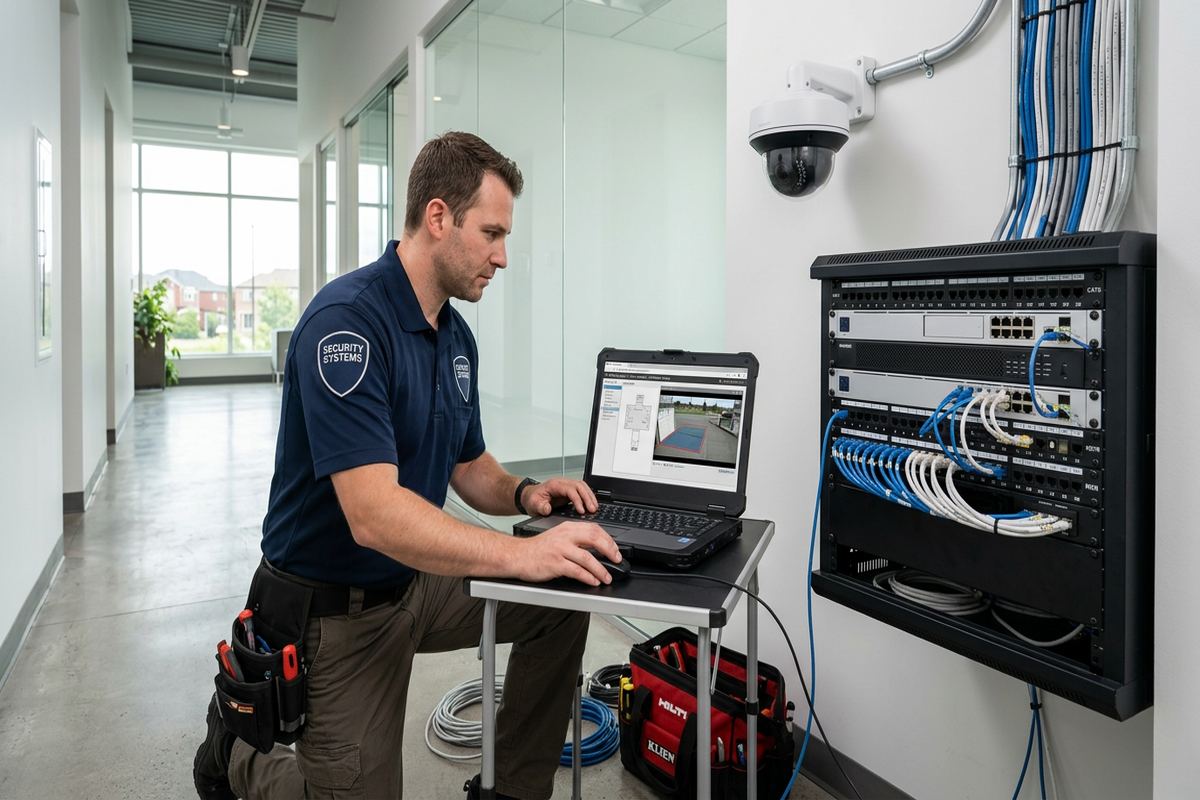
Installation is not complete when devices merely show an internet connection. UnifiedLink configures the router, switches and access points on site, updates supported equipment and changes default administrative access. Wireless security settings are applied according to device compatibility, and network names are set with the customer rather than retained under an installer-controlled account. Where the equipment permits, guest access and separate networks for cameras, automation or other connected devices can reduce unnecessary access between systems. Configuration choices are documented so the owner understands what was implemented and where future changes should be made.
Internet-provider equipment can affect the design. Some Aurora customers use a provider gateway as the router, while others place it in an available pass-through or bridge mode and use separate network equipment. Available options depend on the provider, service type and hardware supplied at the property. We review the existing arrangement before proposing replacements or additions, because two active routers can create addressing, remote-access or device-discovery problems. The scope identifies which equipment remains provider-owned and which components belong to the customer, helping avoid confusion when the internet plan, provider or supplied gateway changes later.
Handover is completed with the customer’s own credentials and an as-built record. We identify the main equipment, demonstrate normal status indicators and explain how to access the installed system at an appropriate level. Passwords should be stored securely by the owner or authorised property manager, not left only in an installer’s account. Documentation includes relevant cable labels, outlet locations and installed device positions. For households with remote workers or important connected systems, we can also discuss backup-power and secondary-internet considerations, while clearly separating local network performance from an internet provider’s service availability.
- Customer-controlled administrator accounts
- Secure wireless configuration
- Guest network setup
- Connected-device separation options
- Documented system handover
Home Offices, Condos and Small Businesses in Aurora
Remote and hybrid work makes network design part of the working environment. A home office needs stable connectivity for calls, large transfers, cloud applications and secure employer systems, often while the rest of the household is streaming or gaming. Whenever practical, we provide a wired outlet for the primary workstation or docking station and position wireless coverage for mobile devices. UnifiedLink can identify whether an apparent Wi-Fi problem is actually caused by the internet service, a congested local network, poor router placement or limitations in the computer’s own adapter before recommending installation work.
Condo work in Aurora requires confirmation of ownership boundaries and building rules. Drilling, common-area pathways, exterior mounting and work affecting shared telecom spaces may need approval from the condominium corporation or property manager. Rental properties can similarly require written landlord consent before permanent cabling or device mounting proceeds. We ask customers to secure relevant permissions and access arrangements before installation. Within the unit, a compact wired and wireless design may improve coverage without altering common property. Any assumptions about approved routes, patching, access or responsibility are recorded in the written scope.
Commercial strips and industrial units have different priorities from houses, but many still need straightforward internet and networking work. Small offices, service counters, studios and warehouse units may require data outlets, staff Wi-Fi, guest access, displays, printers or connections for security equipment. Building construction can include concrete block, steel framing, high ceilings and divided tenant spaces that alter cable routing and radio coverage. We assess ceiling access, utility areas, landlord requirements and operational constraints, then define work that one accountable contractor can install, configure, test and document without mixing ownership or support responsibilities.
- Wired home-office connections
- Condo approval coordination
- Landlord permission requirements
- Staff and guest Wi-Fi separation
- Small commercial network cabling
Troubleshooting and Upgrading Aurora Networks
Not every weak connection requires a complete replacement. Troubleshooting begins by separating internet-service issues from local cabling, wireless coverage and device problems. We review where failures occur, which devices are affected and whether performance changes by time or location. Testing may identify damaged terminations, unsuitable router placement, interference, overloaded wireless links or equipment that cannot support current requirements. In Aurora homes with several renovations, undocumented splitters, old telephone cabling and abandoned provider lines can complicate tracing. Findings are explained before upgrade work is proposed, allowing useful existing components to remain where appropriate.
A network upgrade can be staged when the cabling foundation is sound. Replacing the router or adding properly wired access points may resolve coverage and capacity issues without changing every outlet. Conversely, new wireless equipment cannot correct damaged cable, poor equipment ventilation or an unsuitable central location. We evaluate compatibility among the modem or terminal, router, switches, access points and powered devices before defining the scope. If customer-supplied hardware is used, responsibilities and support limits are stated clearly. This avoids assumptions that any device carrying the same wireless standard will provide identical management, roaming or security features.
Changes should preserve a serviceable system rather than add another undocumented layer. New Aurora network work is labelled and reflected in the as-built record, including reused outlets or cables that have been tested and accepted. Obsolete components can be identified for removal or isolation, subject to the agreed scope and property permissions. After configuration, we check the intended wired links and wireless areas under practical conditions. Performance still depends on the subscribed internet service, remote servers and client devices, so handover distinguishes the installed local network from factors outside the contractor’s control.
- Internet and local network isolation
- Cable and termination testing
- Access-point upgrade planning
- Existing equipment compatibility review
- Updated labels and records
Arranging a Home Network Installation in Aurora
The process starts with a discussion of the property, current internet service and specific connection problems or planned uses. Photos, drawings and equipment details can help establish context, but an on-site assessment is completed before pricing. Assessment timing depends on the service and travel distance. Requests sent during business hours are answered the same day, while after-hours requests are answered the next business day. This response wording concerns the initial request, not a guaranteed installation or repair time. Access to relevant utility rooms, basements, attics and tenant areas should be arranged for the assessment where possible.
Following the assessment, UnifiedLink prepares a written scope covering equipment, cable routes, device placement, exclusions, equipment ownership and warranty. Aurora homeowners can review proposed visible devices, penetrations and central equipment locations before authorising the work. For renovations, condos, rentals or commercial units, required approvals and coordination responsibilities are also identified. Pricing follows the assessed scope rather than a generic package, because cable access, construction type and coverage requirements vary widely. Requested changes can be incorporated into a revised scope so both parties are working from the same installation plan.
During installation, cable is routed and labelled, devices are mounted, and approved equipment is configured on site. Testing verifies terminations and intended network connections, while wireless checks confirm that access points operate in the planned areas. At handover, the customer receives control through their own credentials and an as-built record of the completed work. One accountable contractor manages the defined low-voltage scope, reducing gaps between cabling, mounting and configuration. Future additions are easier to plan when the original routes, labels and ownership boundaries are recorded instead of relying on memory or inaccessible installer accounts.
- On-site assessment before pricing
- Detailed written installation scope
- Clear exclusions and ownership terms
- On-site setup and testing
- Customer credentials and as-built record
Aurora neighbourhoods we cover
- Aurora Village
- Bayview Wellington
- Aurora Highlands
- Hills of St. Andrew
- Rural Aurora
Home network installation in Aurora — common questions
How many Wi-Fi access points will my Aurora home need?
The number depends on layout, construction, floor count and where reliable service is required. Masonry, plaster, ductwork and large distances can reduce coverage. During an Aurora assessment, we review these conditions and identify practical wired access-point locations. A larger house does not always need many devices, but one router in a basement utility room is rarely an adequate design assumption.
Can you install network cabling in an older Aurora house?
Yes, where a safe and reasonable route is available. Older Aurora homes near Yonge Street may contain plaster, masonry, narrow framing cavities or several generations of additions. We examine attic, basement and service-space access before proposing routes. The written scope identifies visible raceway, penetrations, exclusions and likely patching responsibilities so the impact on original finishes is understood before work starts.
Will you use my internet provider’s modem or gateway?
Existing provider equipment can often remain, depending on its available settings and the intended network design. We assess whether it should continue routing traffic or operate in an available pass-through or bridge arrangement with separate equipment. The options vary by provider and hardware. The Aurora project scope distinguishes provider-owned devices from customer-owned network components and explains relevant configuration responsibilities.
Do I need condo or landlord approval?
Approval may be required for permanent cabling, exterior mounting, penetrations, shared telecom rooms or any work affecting common property. Aurora condo owners should confirm rules with their corporation or property manager, while tenants should obtain landlord consent. UnifiedLink can document proposed device locations and routes, but the customer is responsible for securing permissions and arranging access before installation proceeds.
Can you connect a detached garage or gate?
Yes, subject to distance, available pathways, power and site conditions. On larger Aurora and Rural Aurora properties, possible methods include fibre, suitable buried cabling or a point-to-point wireless link. Copper is not automatically appropriate between buildings because of distance and electrical-environment concerns. We assess the route, exterior exposure and connected equipment before recommending a method.
What documentation do I receive after installation?
At handover, you receive an as-built record covering installed cable endpoints, device locations and central network equipment within the completed scope. Cables are labelled, and the system is handed over using your own credentials. For Aurora homes or businesses with reused provider or customer-supplied hardware, ownership and relevant support boundaries are also identified so later upgrades and troubleshooting are easier to manage.
Coverage in Aurora is confirmed against the address before we quote. See everything we install in Aurora or the province-wide home network installation page.