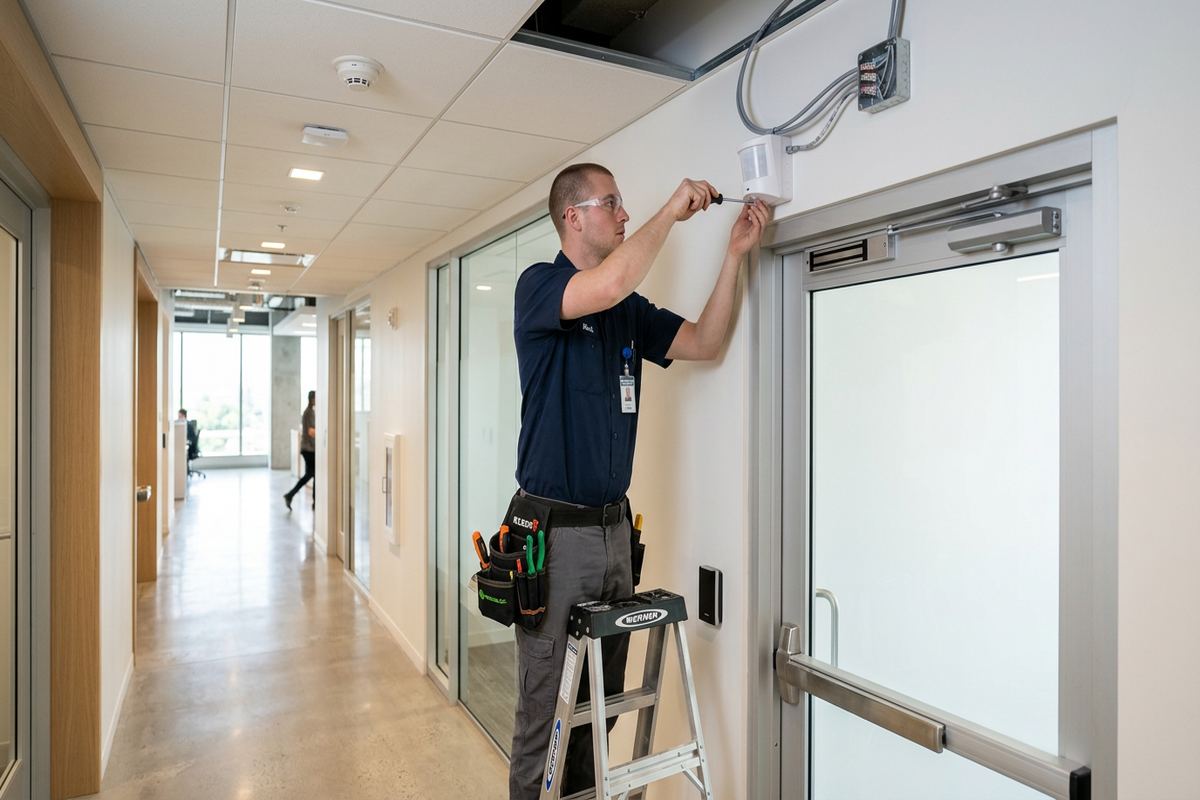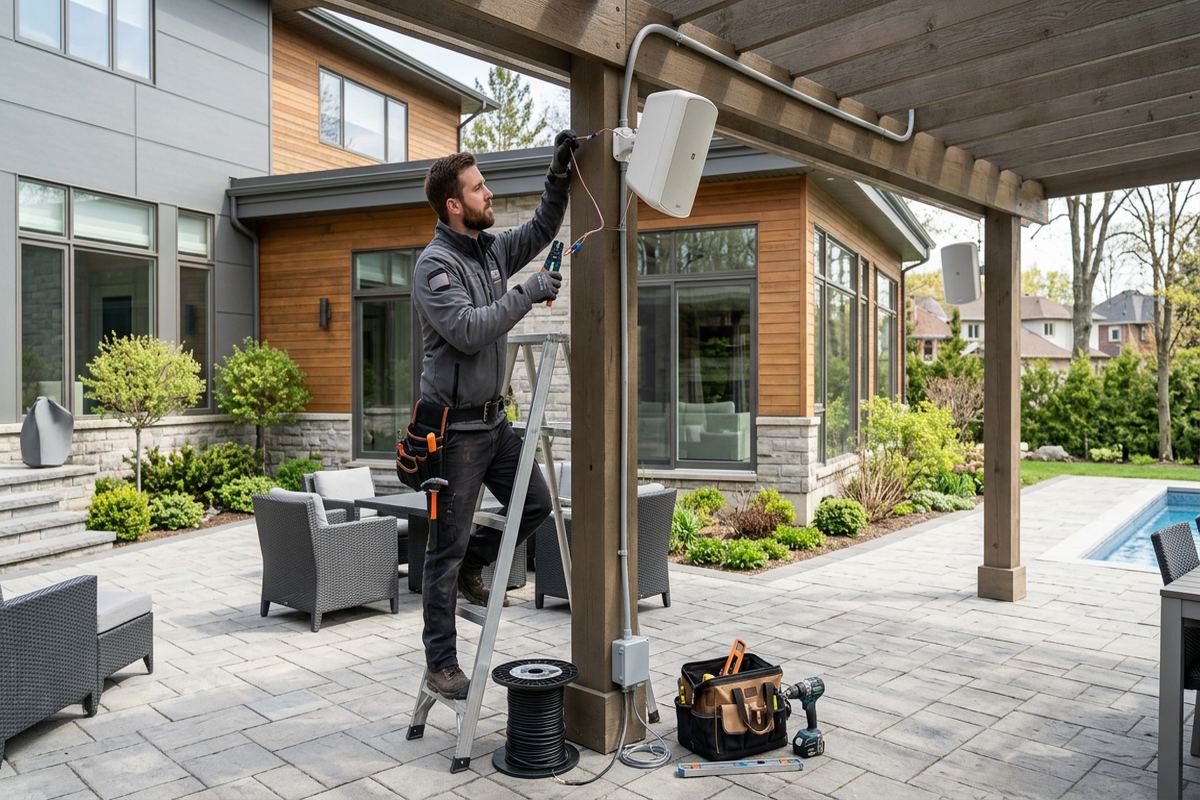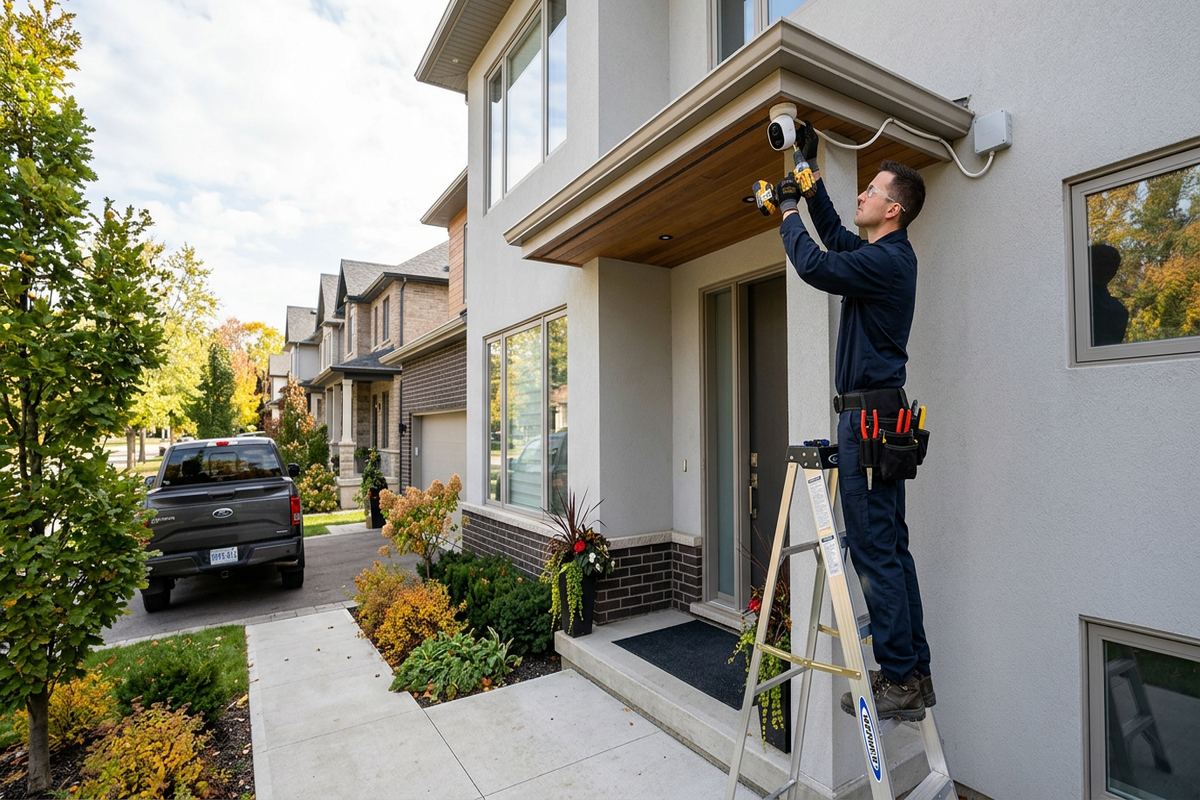
UnifiedLink installs commercial security camera systems for businesses, offices, retail spaces, industrial units and managed properties in Aurora. Each project starts with a site assessment to determine useful camera positions, cable routes, recording needs and site constraints. The finished system is configured on site and handed over using the customer’s own credentials.
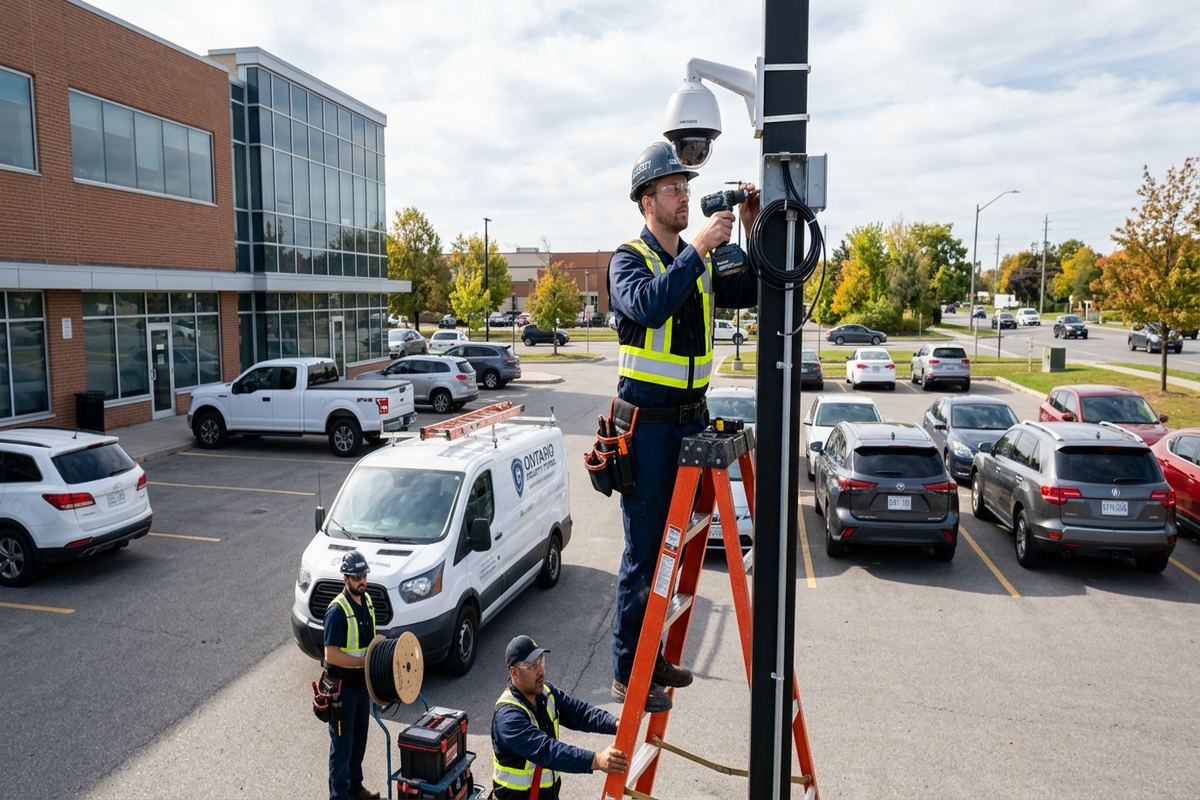
Commercial Camera Planning for Aurora Properties
A commercial camera system should be planned around the activity that needs to be recorded, not around the largest possible camera count. During an Aurora site assessment, UnifiedLink reviews entrances, cash or service points, receiving areas, parking spaces, equipment rooms and exterior approaches. The assessment also considers lighting changes, likely subject distance and places where walls, signs, shelving or landscaping could block the view. This produces a practical coverage plan before equipment, labour and cable routes are included in a written scope for the property.
Aurora has a varied building stock, so installation methods cannot be standardized across every address. Older properties near Yonge Street may have finished interiors, additions, masonry sections and limited concealed pathways. Newer commercial spaces may provide suspended ceilings and accessible telecom rooms, while converted buildings can contain several construction types within one unit. Larger estate properties east of town often require longer exterior approaches and detached structures to be considered. Camera selection, mounting hardware and cable pathways are adjusted to suit these physical conditions rather than forcing one layout onto every site.
The planning stage also defines what each image must accomplish. A broad overview camera can show movement through a parking area, but it may not provide useful detail at a distant doorway. Conversely, a tightly framed entrance view may identify people clearly while leaving nearby activity outside the scene. UnifiedLink separates overview, identification and operational monitoring objectives, then positions cameras accordingly. The written scope covers equipment, cable routes, device placement, exclusions, equipment ownership and warranty so decision-makers can review what will be installed before approving the work.
- Entrance, exit and reception coverage
- Parking, loading and service-area views
- Camera purpose documented by location
- Written scope before installation
- Lighting and obstruction review
Camera Selection and Recording in Aurora
Choosing cameras involves more than comparing resolution figures. Lens angle, mounting height, available light, movement, weather exposure and the distance to the subject all affect recorded detail. For Aurora retail units, offices and service businesses, a mix of fixed dome, turret or bullet-style cameras may be appropriate. UnifiedLink selects devices by location and purpose, including whether a camera must handle backlighting at a glazed entrance, low-light activity beside a building or a narrow view along a corridor. Equipment choices are identified clearly in the proposed scope.
Recording design starts with the number of cameras, expected image quality, frame rate, retention objective and amount of activity in each scene. These factors influence recorder capacity and network load. UnifiedLink discusses practical retention requirements with the customer without promising a fixed duration before the final settings and storage design are known. The recorder is placed in an appropriate secured location with ventilation, power and network access. Where remote viewing is required, it is configured deliberately rather than relying on shared default accounts or undocumented access established during installation.
Existing cameras and recorders can sometimes be retained, but compatibility must be checked rather than assumed. Proprietary protocols, unsupported firmware, password restrictions, ageing storage drives and limited recorder channels can prevent a straightforward expansion. During the assessment, UnifiedLink identifies accessible model information, tests available functions where practical and explains which components can remain. If existing equipment creates a material limitation, that limitation is included in the scope. This approach helps Aurora property managers compare an upgrade with replacement based on coverage, supportability and ownership, not appearance alone.
- Fixed-lens and varifocal camera options
- Low-light and backlight evaluation
- Recorder capacity matched to requirements
- Existing equipment compatibility checks
- Secure recorder location planning
Exterior Cameras for Aurora Winters
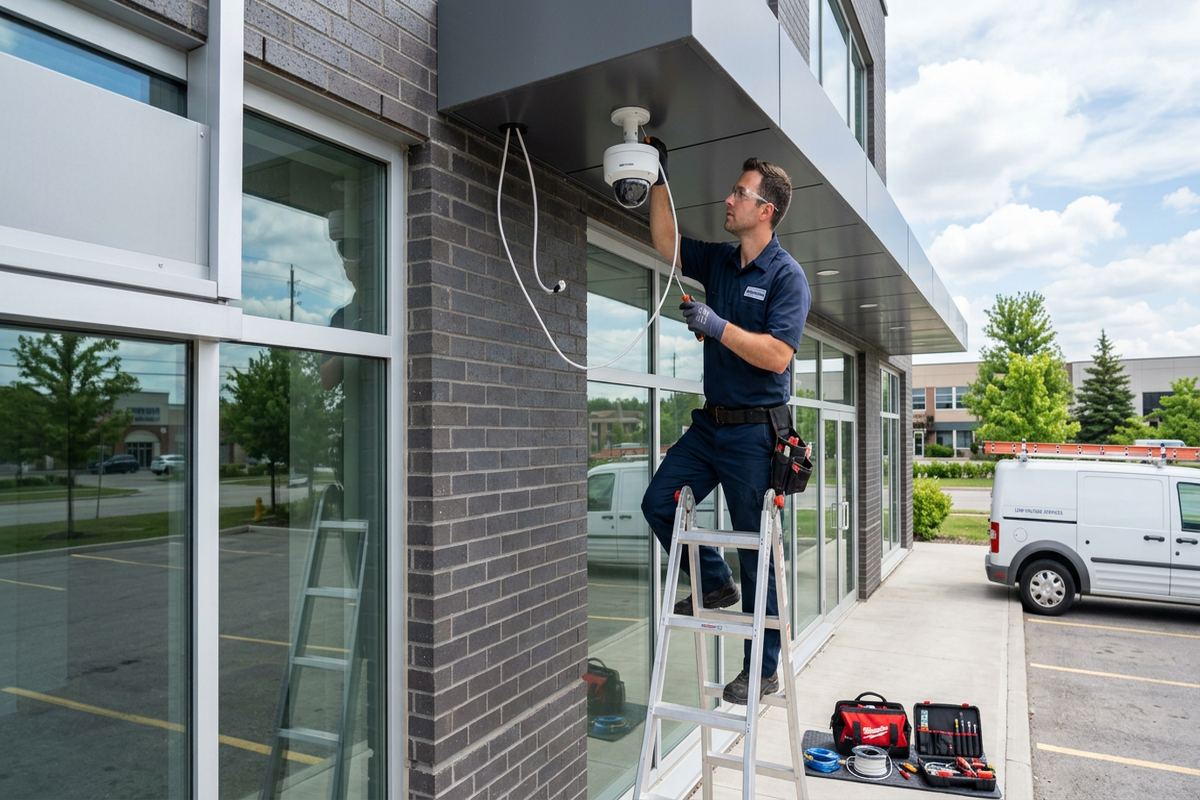
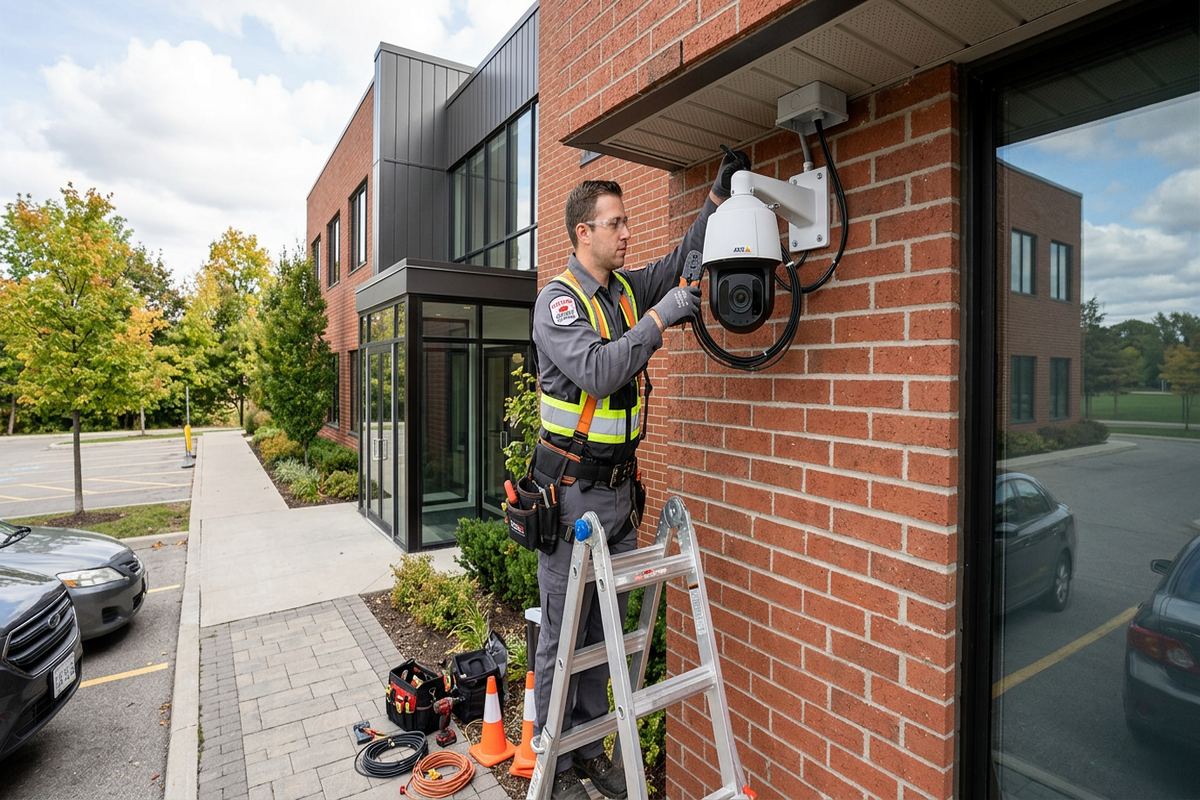
Exterior installations in Aurora must account for snow, wind-driven moisture, temperature changes and repeated freeze-thaw cycles. A suitable weather rating is only one part of the installation. Mounting surfaces, junction boxes, cable entries and fasteners must also be appropriate for the location. UnifiedLink avoids leaving exposed cable connections or relying on a camera base alone to protect terminations. Drip paths, downward-facing entries where possible and properly selected sealing methods help reduce water intrusion while keeping service access practical when a camera later needs adjustment or replacement.
Masonry and frame construction require different attachment and routing methods. Brick veneer should not be treated like solid structural masonry, and drilling near edges or deteriorated mortar can produce weak mounting points. Frame walls require attention to cladding, backing and concealed services. Around heritage properties near Yonge Street, visible cable and unnecessary penetrations can also affect the building’s appearance. UnifiedLink reviews the surface before selecting anchors, brackets and entry points, then documents routes so exterior cameras are supported without careless drilling or avoidable damage to finishes.
Cold weather can alter the scene as well as the hardware. Snowbanks may block low-mounted views, reflective snow can change exposure, and winter darkness can increase reliance on integrated infrared illumination or nearby lighting. Cobwebs, precipitation and reflective walls can also create glare close to a lens. Camera positions in Aurora are therefore checked for seasonal risks, not only for conditions present during the assessment. Where landscaping, stored materials or plowed snow could obstruct coverage, the mounting height and viewing angle are selected with reasonable future clearance in mind.
- Weather-protected cable terminations
- Surface-specific anchors and brackets
- Sealed exterior wall penetrations
- Freeze-thaw exposure considered
- Seasonal obstruction and glare review
Aurora, Ontario
Commercial security camera installation in Aurora, scoped in writing first
Book a site assessment and get equipment, routes, exclusions, and warranty on paper before anything is installed.
Commercial Coverage Across Aurora
Different commercial settings create different surveillance priorities. Shops and offices in Aurora Village may need clear views at public entrances, counters and rear service doors while preserving an orderly interior appearance. Commercial strips often add shared parking, neighbouring doors, illuminated signs and delivery traffic that complicate camera angles. UnifiedLink plans scenes to cover the customer’s premises without treating every adjacent area as a target. Interior routes can follow accessible ceiling space, but fire separations, finished walls and landlord requirements must be considered before cabling crosses common or base-building areas.
Industrial units and service bays usually need wider operational coverage. Overhead doors, loading areas, fenced storage, tool locations and vehicle approaches may each require a different lens and mounting height. High ceilings can offer a broad view but may place the camera too far away for useful subject detail. Dust, vibration, moving doors and changing inventory can create further limitations. For Aurora industrial properties, UnifiedLink reviews both daytime operations and closed-site risks, then separates general overview cameras from focused views at gates, personnel doors, shipping points or sensitive equipment areas.
Managed properties in Bayview Wellington, Aurora Highlands and the Hills of St. Andrew may combine commercial, residential or shared facilities. Installation cannot begin solely on a tenant’s preference when walls, corridors, exterior cladding or network rooms are controlled by another party. Condo boards, landlords or property managers may need to approve mounting positions, penetrations, cable pathways and access times. UnifiedLink can provide a defined scope and device plan for that review. The customer remains responsible for obtaining required approvals before work proceeds in controlled or shared building areas.
- Retail entrance and counter views
- Office reception and corridor coverage
- Industrial bay and loading-area cameras
- Shared-property approval planning
- Operational and after-hours scene review
Structured Cabling for Reliable Camera Systems
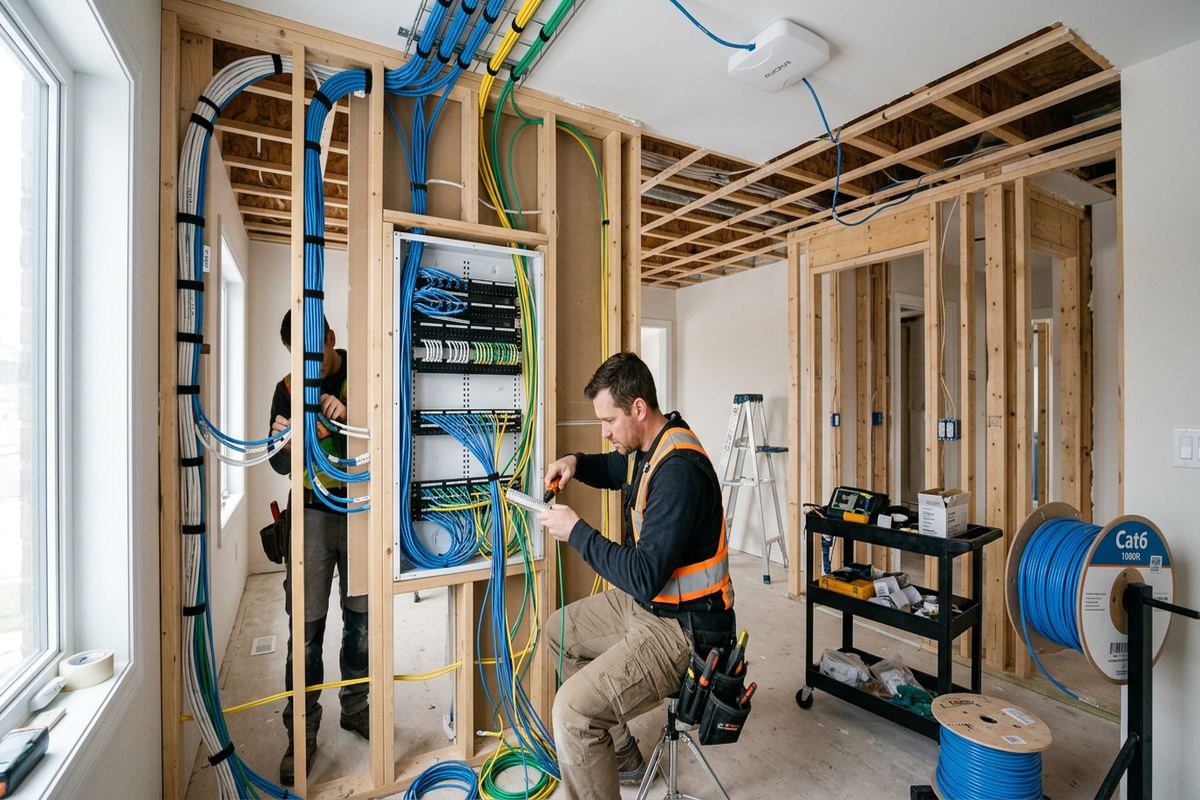
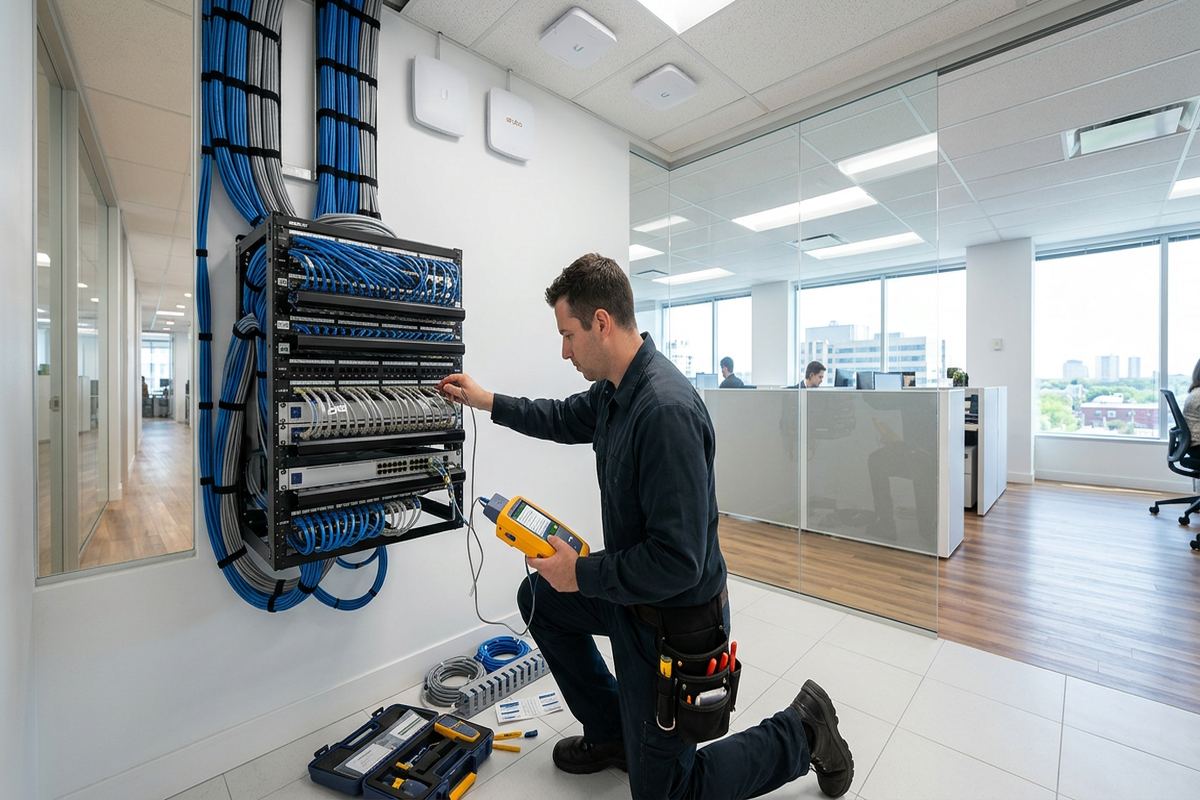
Network cameras depend on the cabling behind them. UnifiedLink installs continuous labelled cable runs from the camera location to the designated recorder, switch or patching point, avoiding hidden intermediate joins that complicate testing and service. Cable type and pathway are selected for the environment, including indoor, exterior or conduit-protected routes where appropriate. Separation from electrical hazards, bend limits and physical support all matter. At each end, labels allow the customer or a future technician to identify the run without tracing every cable through ceilings and telecom spaces.
Cable routing can be straightforward in a modern suspended ceiling but more involved in older Aurora buildings. Finished plaster, masonry partitions, inaccessible additions and mixed ceiling heights may require alternate pathways or visible containment. Surface raceway or conduit can sometimes provide a cleaner and more serviceable result than repeated wall openings. UnifiedLink discusses these choices during the assessment and records the intended routes in the written scope. If concealed conditions prevent the planned pathway after work begins, the issue is reviewed rather than covered by an undocumented change to the installation.
Power over Ethernet can carry network data and power over the same cable, but the switch and power budget must support the connected cameras. Longer routes, exterior links and separate buildings require additional review. Rural Aurora and larger estate properties east of town may include gates, workshops or detached structures beyond a normal copper pathway. In those situations, fibre, a point-to-point network link or local recording may be considered after distances, power availability and line of sight are checked. The proposed design identifies the chosen connection method and its dependencies.
- Continuous labelled cable runs
- Tested terminations at both ends
- Supported pathways and bend control
- PoE capacity reviewed
- Detached-building links assessed separately
Secure Configuration and Aurora System Handover
Installation is not complete when cameras first display an image. UnifiedLink configures the recorder, cameras, date and time, recording schedules, image settings and user access on site. Camera names are assigned by meaningful locations so exported video and live views are easier to understand. Motion or event settings are adjusted to the scene where supported, although changing light, weather, trees and vehicle movement can still affect alerts. Final views are checked with the customer’s operating objectives in mind, and obvious privacy masks or scene restrictions are applied where required by the approved plan.
Remote viewing should remain under the customer’s control. UnifiedLink completes handover using the customer’s own credentials rather than retaining a shared installer account as the normal means of access. Authorized users can be assigned appropriate permissions for live viewing, playback, export or administration, depending on system capabilities. The customer should also control the email address, authentication method and recovery information associated with the system. Where network or firewall changes depend on an outside IT provider, those responsibilities and prerequisites are identified so camera access does not rely on unknown settings or informal password sharing.
At handover, the customer receives an as-built record reflecting installed camera locations and labelled cable runs, along with relevant equipment and access information. Basic operation is reviewed, including live viewing, playback and exporting footage where the platform supports those functions. Equipment ownership and warranty are stated in the written scope rather than left uncertain after installation. Aurora customers have one accountable contractor for the camera installation, cabling, on-site configuration and handover, while third-party internet, electrical, IT or monitoring responsibilities remain clearly separated when they fall outside the project.
- On-site recorder and camera configuration
- Location-based camera naming
- Customer-owned administrator credentials
- Playback and export review
- As-built installation record
Approvals, Privacy and Installation Limits
Commercial camera placement should respect the purpose of surveillance and avoid unnecessary views into neighbouring premises, private yards or areas where people reasonably expect privacy. UnifiedLink can adjust camera position, lens selection and privacy masking based on the customer’s approved coverage plan, but the property owner or operator remains responsible for determining lawful use, signage, retention and access policies. In dense parts of Aurora, a small angle change may significantly alter what is captured beyond a property line. Those boundaries should be discussed before mounts and cable entries become permanent.
Tenants should confirm landlord permission before authorizing exterior drilling, common-area cabling or use of a shared network room. The same principle applies to condominium commercial units, where the corporation may control exterior walls, corridors, ceilings and risers. Heritage-related restrictions or property-specific design rules may also affect work near Yonge Street. UnifiedLink documents proposed device positions and routes so the customer can submit clear information for approval. Installation timing is coordinated only after necessary access, permissions and any building-specific procedures have been confirmed by the responsible party.
Security cameras do not replace locks, lighting, alarm systems or operating procedures. They record selected scenes within the limits of their angle, lighting, storage and network availability. Internet loss may interrupt remote access without stopping local recording, while a power interruption can affect the entire system unless suitable backup power is included. UnifiedLink explains these dependencies during planning and lists material exclusions in the scope. This allows an Aurora business to understand what the camera system will cover, what infrastructure it relies upon and which risks require separate controls.
- Property-line views considered
- Privacy masking where supported
- Landlord or condo approval required
- Heritage restrictions reviewed by owner
- System dependencies documented
Arranging Commercial Camera Installation in Aurora
The process begins with a request describing the Aurora property, business type, current system and main coverage concerns. Helpful details include the number of entrances, approximate building size, exterior areas, ceiling access, network location and whether the site is occupied during installation. Photographs can support an initial discussion but do not replace an assessment where routes and mounting surfaces must be verified. Requests sent during business hours are answered the same day, while after-hours requests are answered the next business day. Assessment timing depends on the service and travel distance.
During the site assessment, UnifiedLink walks the relevant interior and exterior areas, reviews existing infrastructure and discusses how footage will be used. Potential camera views are considered alongside cable routes, recorder placement, electrical availability, network access and approval requirements. Access above ceilings or into secured rooms may require the owner, manager or IT contact to attend. For operating businesses, installation sequencing can also be discussed to reduce conflict with customers, staff, deliveries or production. Any assumptions that cannot be verified during the visit are identified before the scope is finalized.
After the assessment, the customer receives a written scope covering equipment, cable routes, device placement, exclusions, equipment ownership and warranty. The scope provides a common reference for approval, scheduling, installation and handover. If the property includes several units, detached buildings or shared areas, work can be separated into clearly defined sections rather than treated as one uncertain allowance. From Aurora Village to Rural Aurora, the goal is a system that matches the site, records the intended activity and can be understood and maintained after the installation team leaves.
- Site assessment before pricing
- Written equipment and route scope
- Access requirements identified early
- Installation sequencing discussed
- One accountable installation contractor
Aurora neighbourhoods we cover
- Aurora Village
- Bayview Wellington
- Aurora Highlands
- Hills of St. Andrew
- Rural Aurora
Commercial security camera installation in Aurora — common questions
Do you assess the Aurora property before providing pricing?
Yes. UnifiedLink completes a site assessment before pricing because camera positions, cable routes, mounting surfaces and recording requirements affect the scope. The visit also identifies ceiling access, masonry or frame construction, network availability and approval requirements. Site assessment timing depends on the service and travel distance. Requests received during business hours are answered the same day; after-hours requests are answered the next business day.
Can cameras be installed outside through an Aurora winter?
Exterior cameras can be installed for Aurora conditions when the equipment, mounting hardware, cable pathway and sealing method suit the location. Planning accounts for moisture, snow, freeze-thaw cycles and seasonal obstructions. Weather resistance does not make every mounting method acceptable, so UnifiedLink reviews the wall surface and protects cable terminations. Severe site or weather conditions may affect when exterior work can be completed safely.
Can you add cameras to my existing system?
Possibly. UnifiedLink first checks the existing recorder, available channels, supported camera protocols, firmware, passwords, storage and network capacity. Some platforms accept compatible additions, while proprietary or unsupported equipment may restrict expansion. For an Aurora business, the assessment will identify components that can reasonably remain and any limitations they create. The written scope then distinguishes retained customer equipment from newly supplied equipment.
Do I need landlord or condo approval?
Approval is commonly required when an installation affects exterior walls, common ceilings, corridors, risers, shared network rooms or other controlled building elements. Aurora commercial tenants and condominium owners should confirm the applicable rules with their landlord, property manager or corporation. UnifiedLink can provide planned camera positions and cable routes for review, but the customer is responsible for obtaining permission before work proceeds in shared or controlled areas.
Will I control the camera system passwords?
Yes. The system is handed over using the customer’s own credentials, with access assigned according to the platform’s available roles. The customer should control administrator recovery details, authentication and authorized users. UnifiedLink reviews basic live view, playback and export functions during handover and provides an as-built record. Outside IT support may still be needed where an Aurora site has managed firewalls, segmented networks or corporate account policies.
How much footage will the recorder keep?
Retention depends on camera count, resolution, frame rate, compression, recording schedule, scene activity and installed storage. For that reason, a reliable duration should not be stated before the Aurora system is designed and configured. UnifiedLink discusses the customer’s retention objective, sizes the recorder accordingly and documents the selected equipment. Actual usage can vary when image settings, motion levels or recording schedules change after handover.
Coverage in Aurora is confirmed against the address before we quote. See everything we install in Aurora or the province-wide commercial security camera installation page.