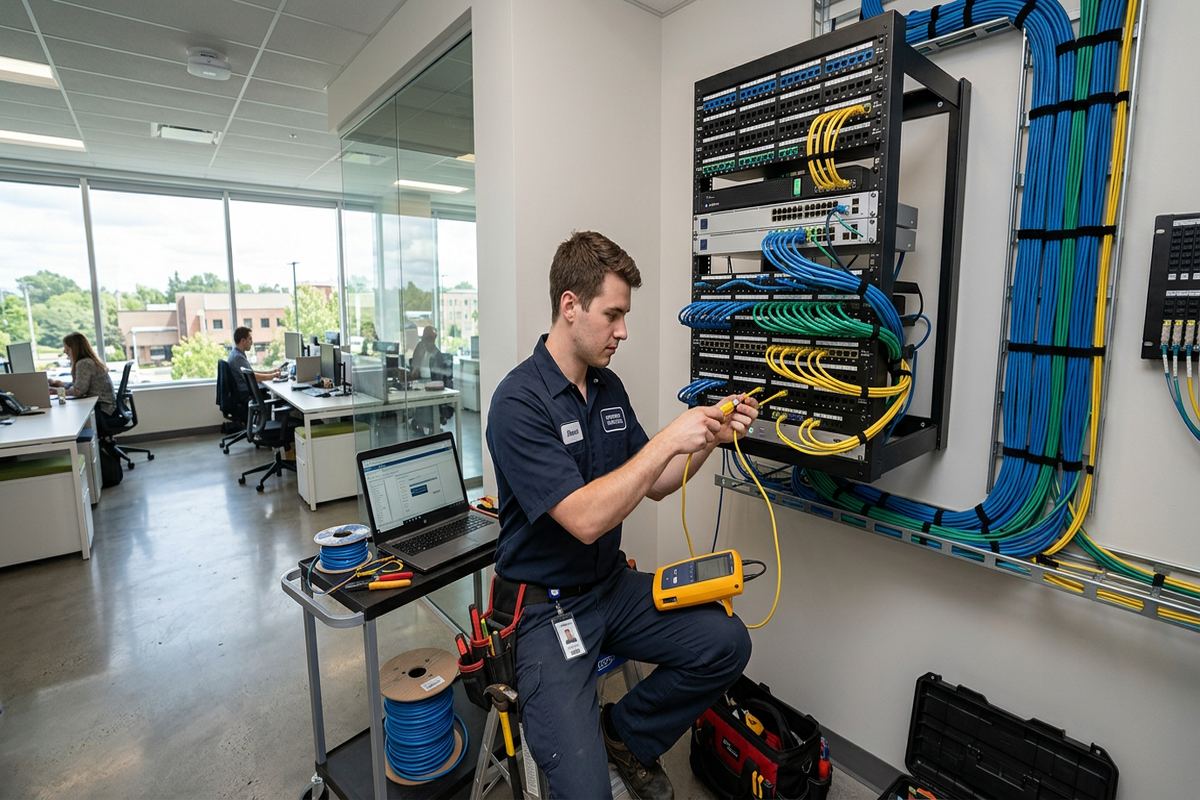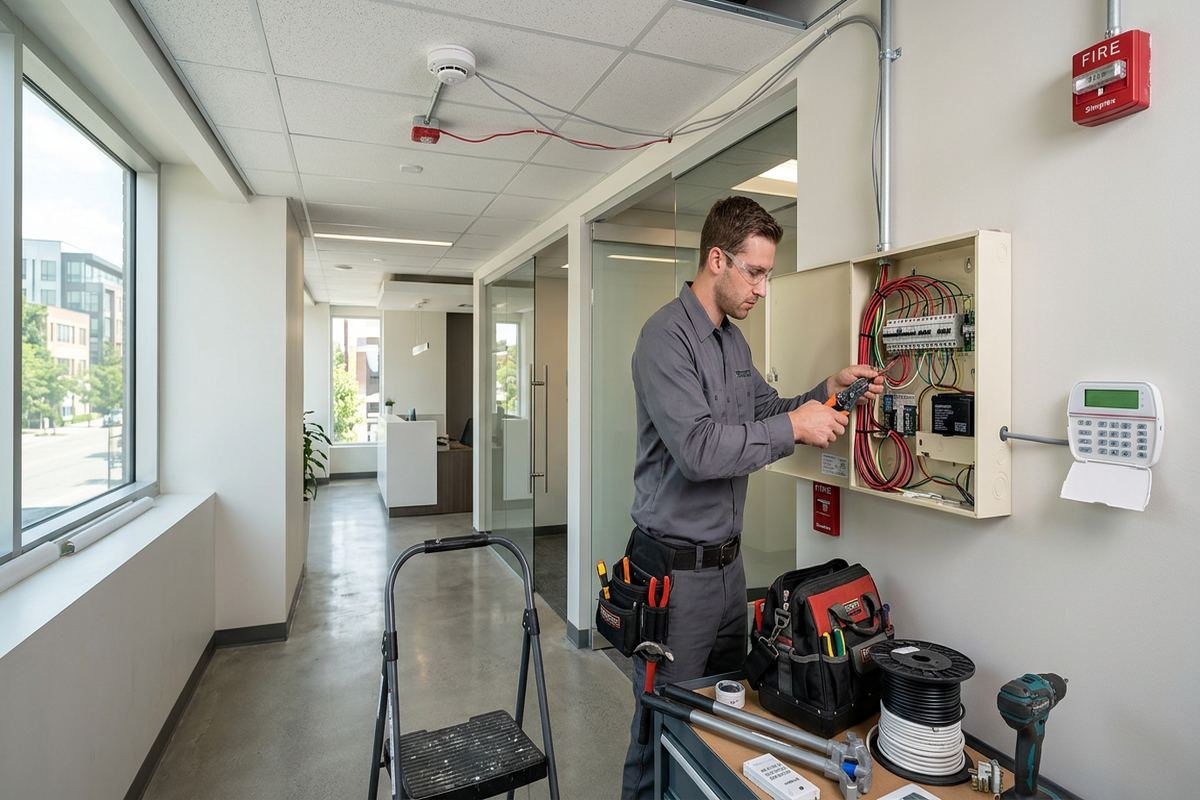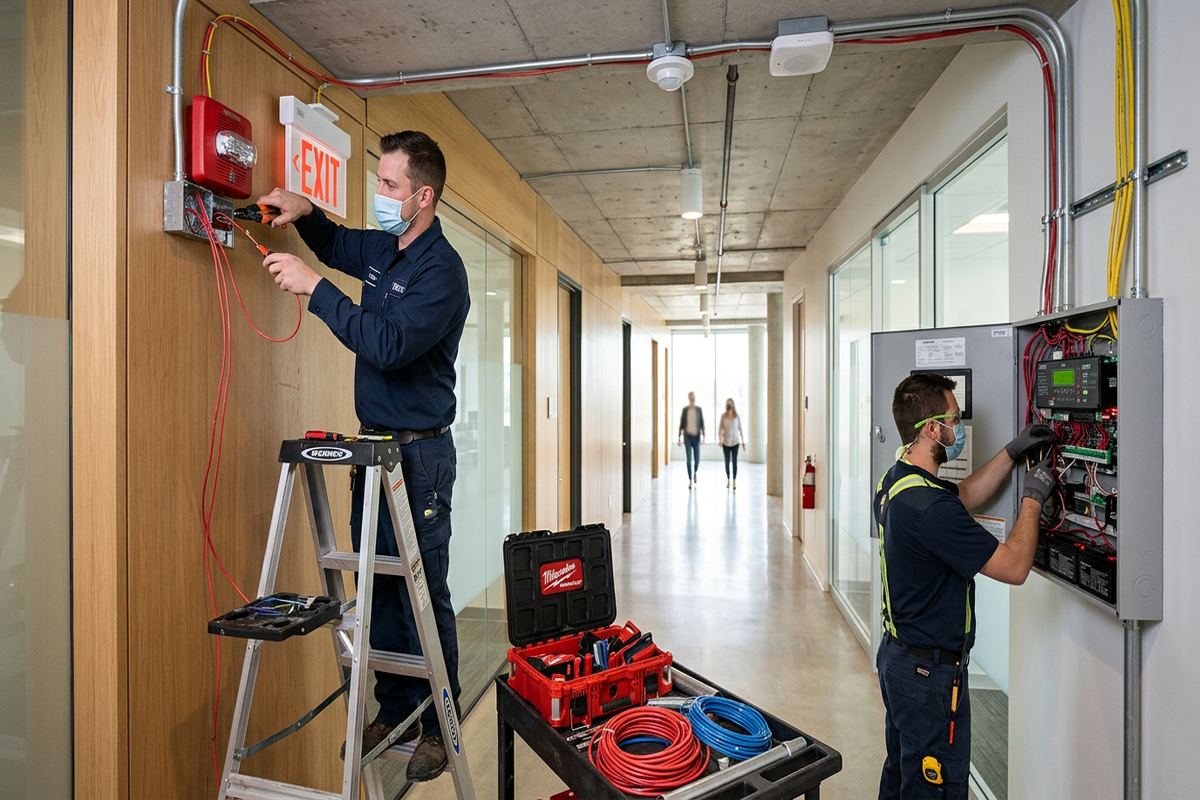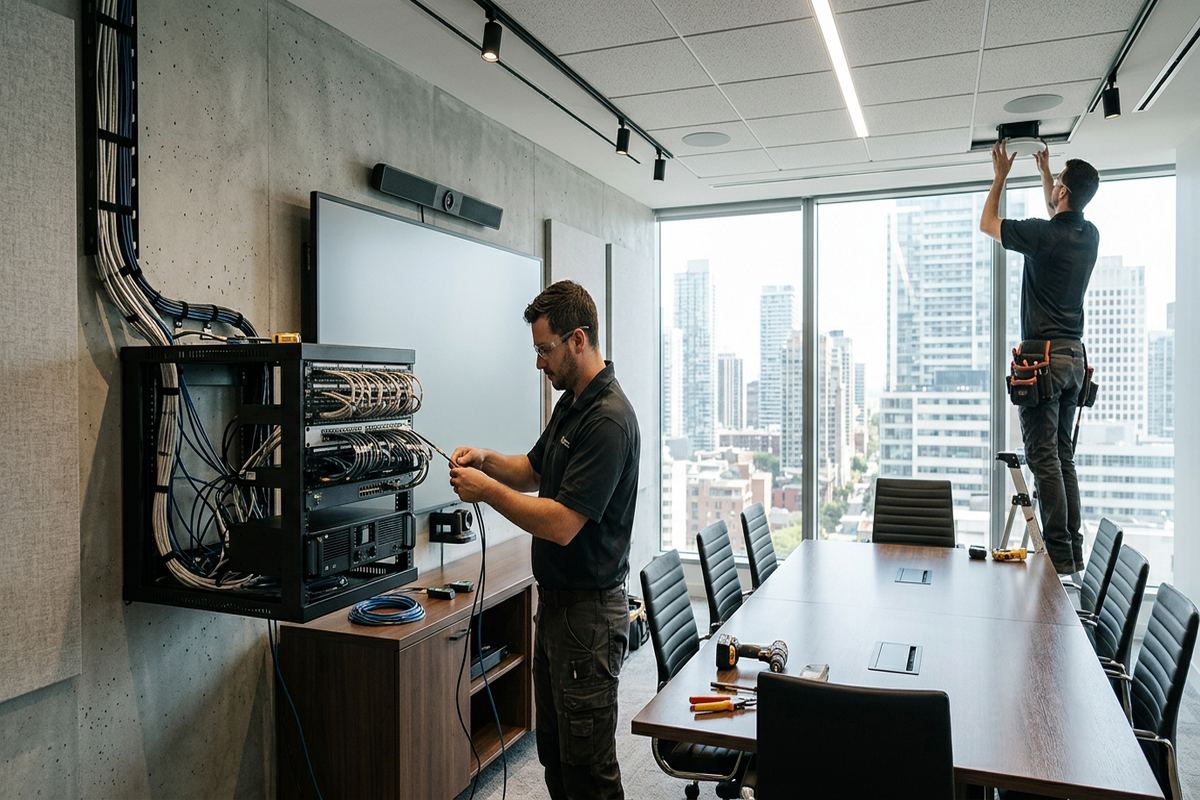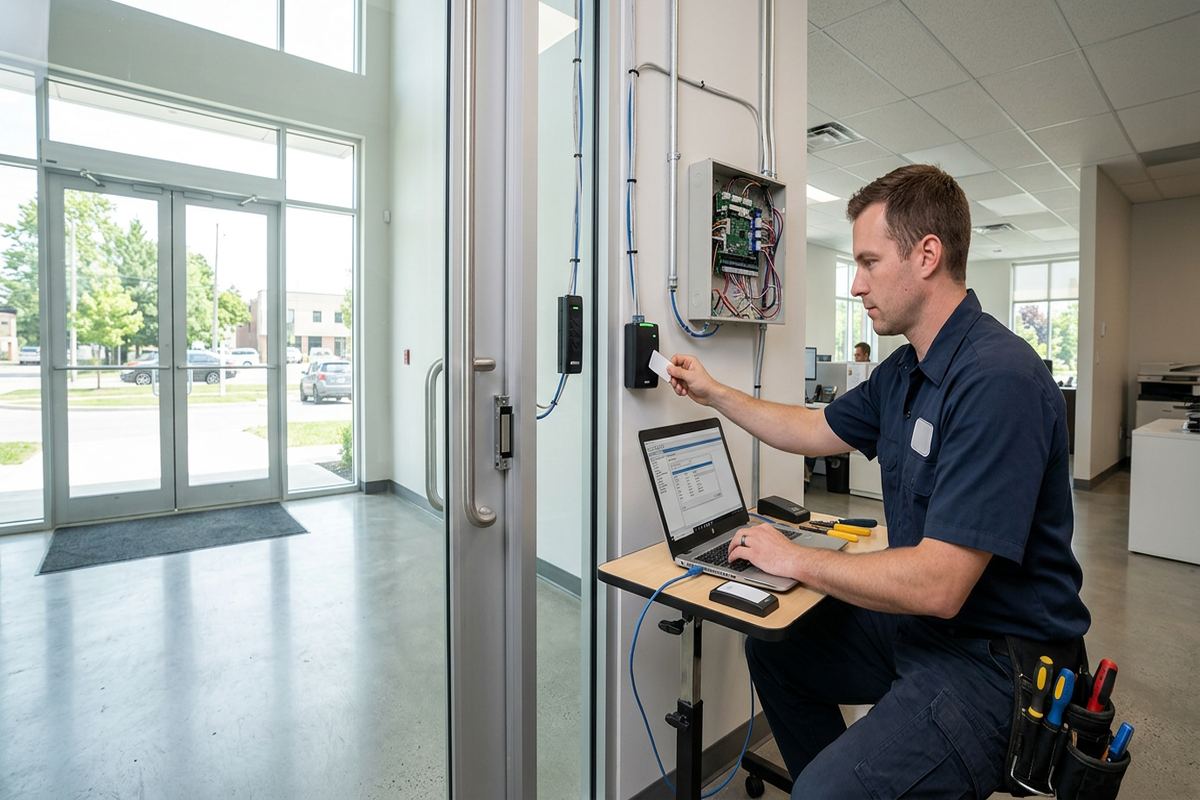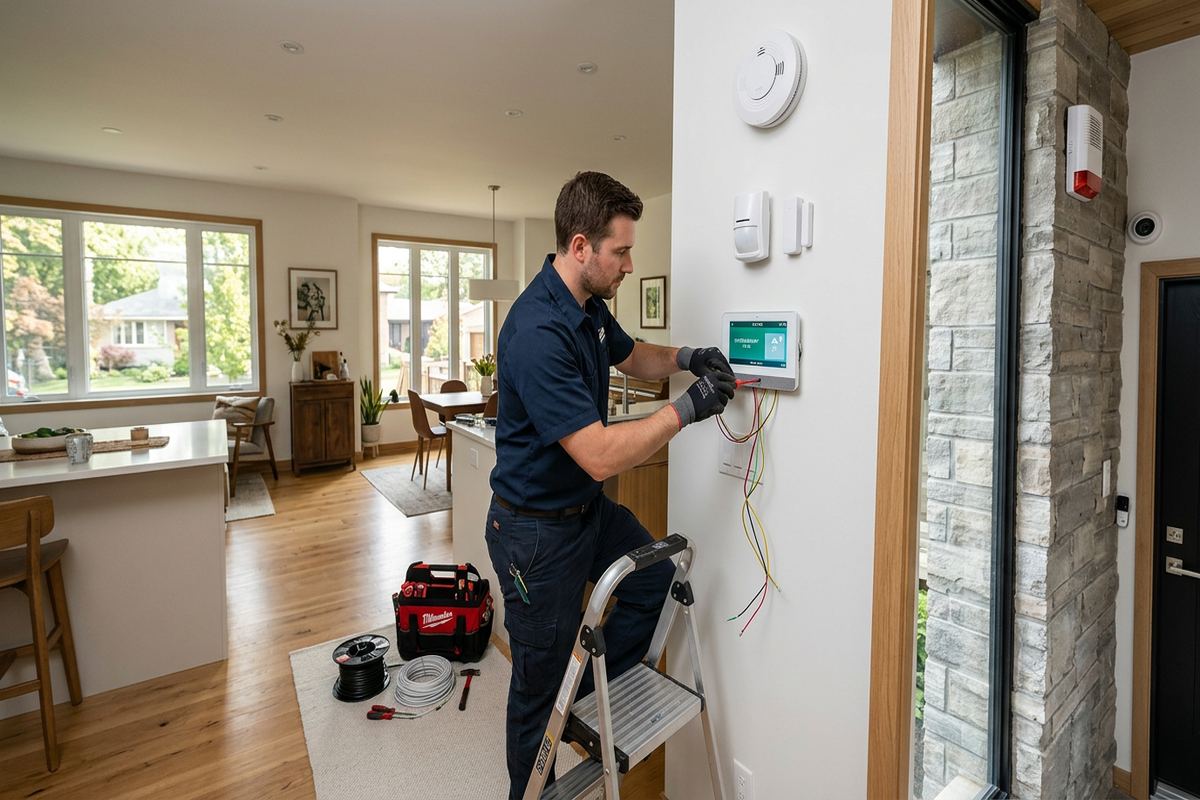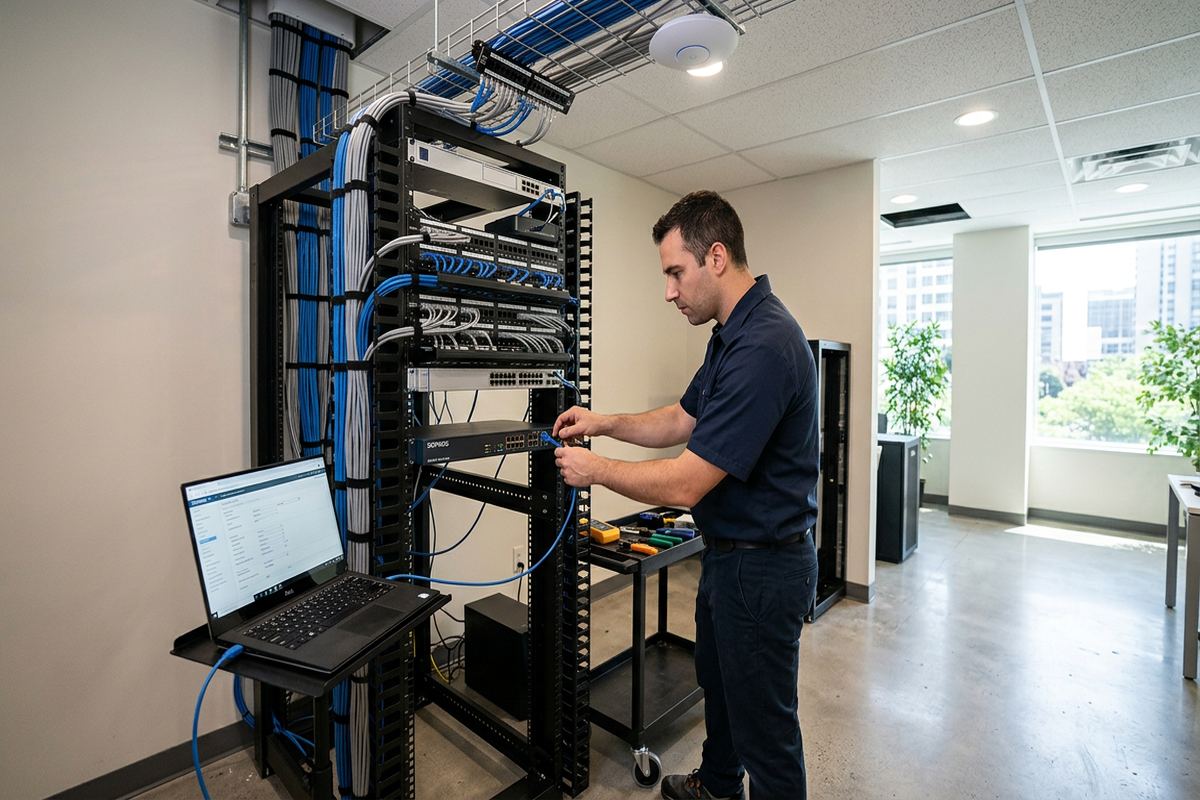
UnifiedLink installs commercial networks for offices, retail spaces, professional practices, industrial units and mixed-use properties in Aurora. Work can include structured cabling, network racks, switches, Wi-Fi access points and connections for phones, cameras and access control. Every project begins with a site assessment and a written scope based on the building, operations and required coverage.
Commercial Network Installation for Aurora Properties
A commercial network should support daily operations without leaving staff to work around weak Wi-Fi, unidentified cables or poorly placed equipment. In Aurora, network requirements vary between professional offices, storefronts, medical spaces, warehouses and converted residential buildings. UnifiedLink assesses how the property is used, where connected devices are located and which services must remain dependable. The resulting plan can cover internet handoff locations, network racks, copper or fibre cabling, switches, wireless access points, phones, cameras, access control equipment and other IP devices sharing the infrastructure.
Building construction has a direct effect on cable routing and wireless coverage. Heritage homes near Yonge Street are sometimes adapted for offices or professional services, bringing finished plaster, older framing and limited service spaces into the project. Larger estate properties east of town can involve long cable distances, detached structures and broad indoor or outdoor coverage areas. Rather than applying one standard layout, the assessment considers wall materials, floor separations, utility spaces, ceiling access, pathway capacity and the practical limits of opening or altering finished surfaces.
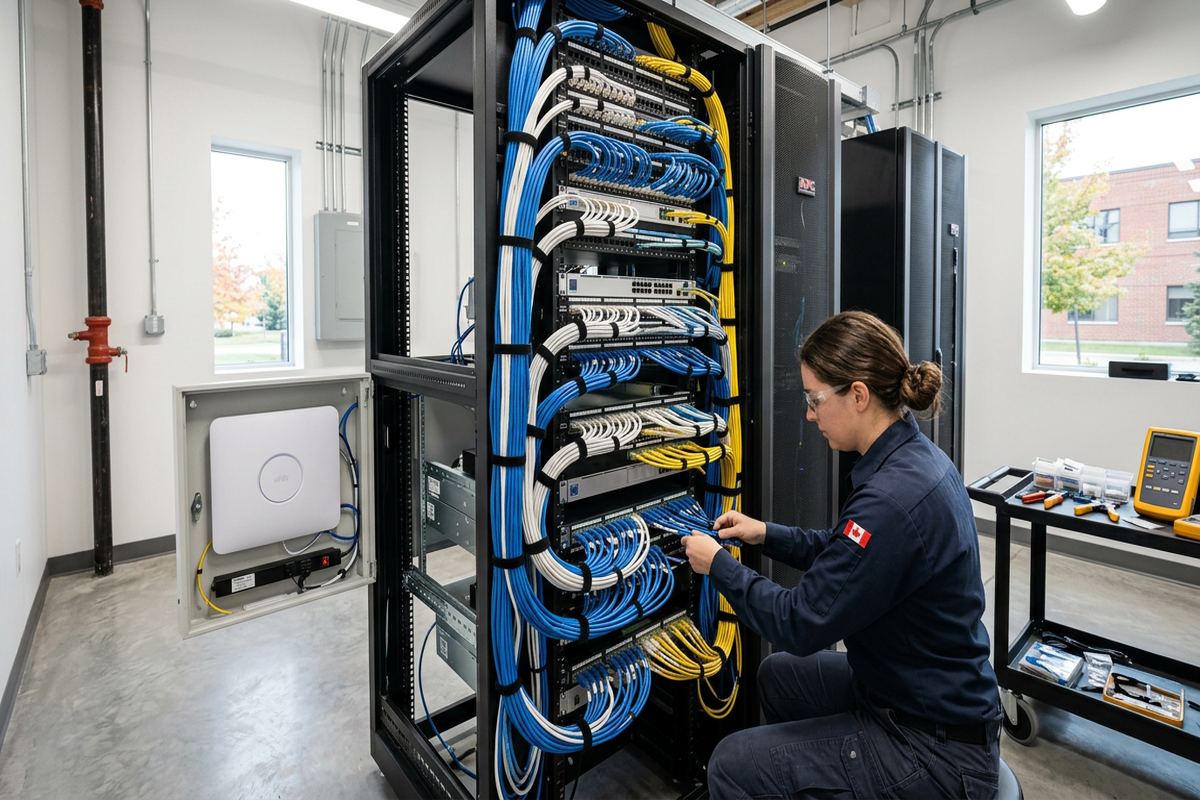
Aurora businesses also need installations that can be maintained after the contractor leaves. Continuous labelled cable runs make individual outlets easier to trace, test and change. Central equipment is organized so patching, power and internet services remain understandable instead of becoming a collection of loose adapters and unmarked cords. UnifiedLink completes on-site configuration for the agreed equipment, then hands over the system using the customer’s own administrative credentials. An as-built record identifies installed devices, cable destinations and relevant network details for future service or expansion.
- Commercial data and voice cabling
- Network racks and patch panels
- Managed switches and router connections
- Indoor and outdoor Wi-Fi access points
- Connections for cameras and access control
Planning an Aurora Business Network
Good network design starts with the applications that the business actually uses. A small office may depend on cloud software, video meetings, printers and internet-based phones, while a retail or hospitality space may separate staff, payment, guest and building-system traffic. Industrial units can require links to workstations, shipping stations, cameras, door controllers and equipment interfaces. During the Aurora site assessment, UnifiedLink reviews device counts, physical locations, bandwidth-sensitive activities, network separation needs and likely growth so that cabling and equipment are selected for defined operational requirements.
The internet service entrance is only one part of the layout. Router, firewall, switch and patch-panel locations need suitable power, ventilation, access and protection from accidental disturbance. Placing the rack wherever the provider happened to terminate service can create excessive cable lengths or poor wireless positioning. For larger Aurora premises, an intermediate distribution point or fibre backbone may be appropriate between floors, units or buildings. These choices are documented before installation, including equipment ownership, cable routes, device placement, exclusions and warranty terms, so responsibilities are clear before work begins.
Planning also accounts for working hours and occupied areas. Cable installation above desks, reception spaces, treatment rooms or sales floors may need to be sequenced to limit disruption and maintain safe access. In leased commercial spaces, landlord approval may be required before drilling, using common pathways, mounting exterior equipment or entering shared telecommunications rooms. Condominium boards or property managers may impose similar conditions. UnifiedLink identifies these dependencies during scoping, but the customer remains responsible for obtaining any required building, landlord or condominium authorization unless the written scope assigns another arrangement.
- Application and device inventory
- Cable-path and rack planning
- Bandwidth and port requirements
- Tenant and landlord coordination points
- Documented exclusions and ownership
Structured Cabling in Aurora Offices and Units
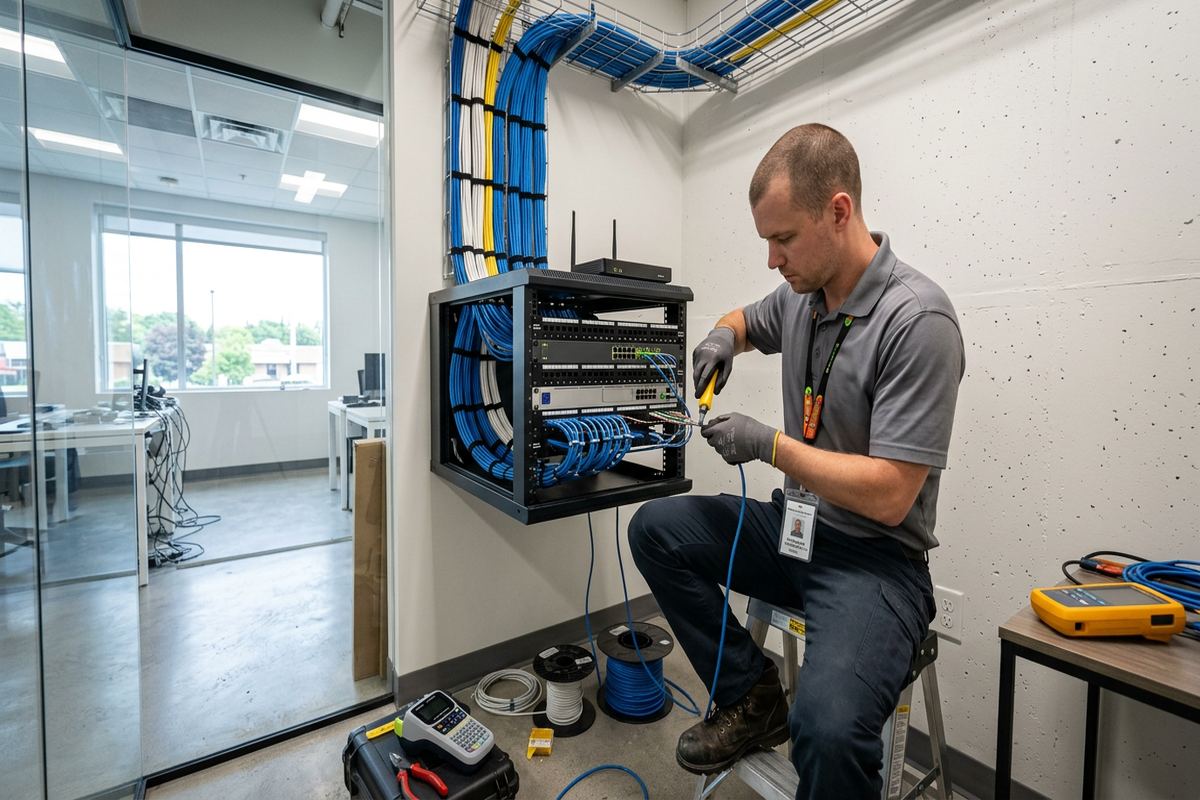
Structured cabling provides the permanent physical layer for a commercial network. Each data outlet is installed as a continuous labelled run from the work area or device location back to the designated patch panel. This avoids hidden joins that complicate testing and future troubleshooting. Cable category, jacket rating and pathway are selected for the environment rather than assumed from a generic office standard. Runs near electrical equipment, fluorescent lighting, motors or other interference sources require particular attention to separation, support and routing, especially in Aurora industrial units and mixed commercial buildings.
Masonry and frame construction call for different installation methods. In a frame building, cables may pass through accessible wall cavities, basements, attics or suspended ceilings, provided fire separations and finished surfaces are respected. Masonry walls may require surface raceway, carefully selected penetrations or routing through adjacent service areas. Older properties around Aurora Village can combine several construction types after renovations and additions. A site assessment helps establish what is concealed, what can be accessed and where a visible but orderly pathway is preferable to unnecessary damage to finished walls or heritage details.
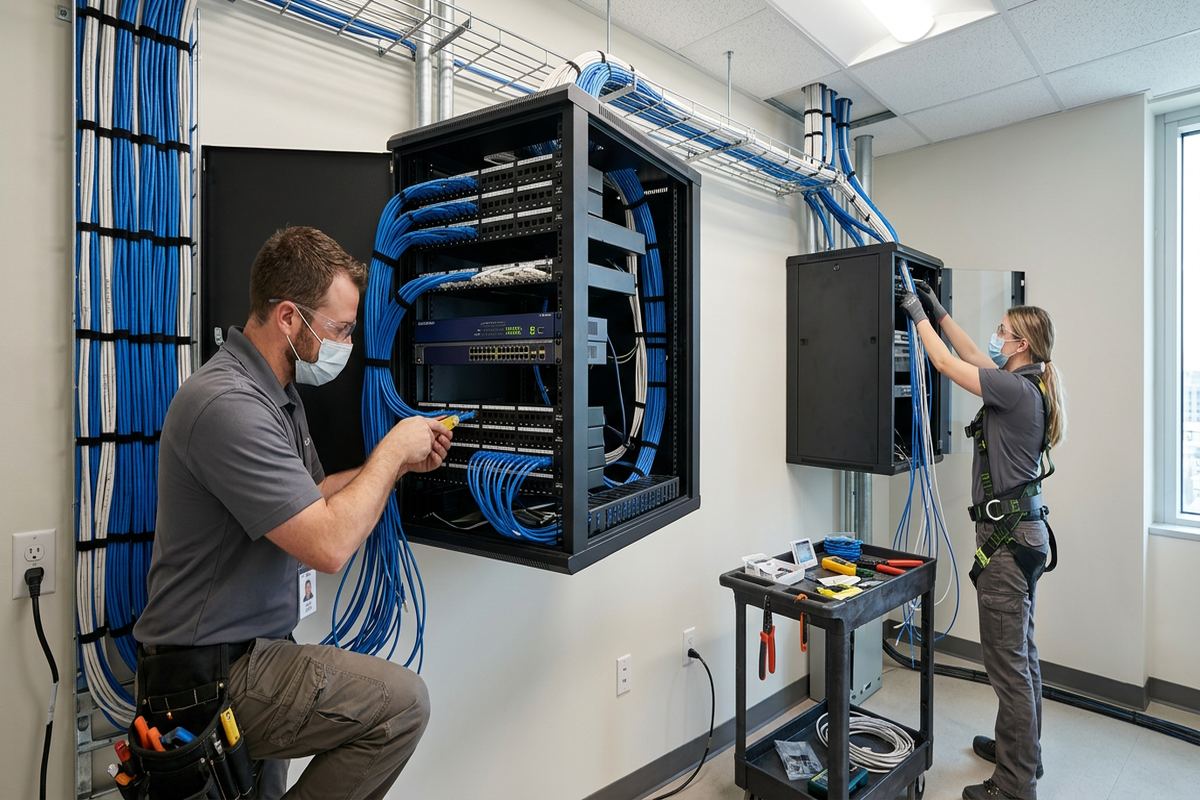
Every completed copper run is terminated, labelled and tested for the agreed cabling standard. Labels should correspond at the outlet and patch panel, using a scheme that remains readable when staff, furniture or tenants change. Patch panels and horizontal managers keep rack connections supported and easier to follow. Where fibre is used between network locations, suitable enclosures and protected pathways are included in the design. The as-built record then links room or device locations to their cable identifiers, giving the Aurora property owner a practical reference for moves, additions and later fault isolation.
- Continuous home-run data cables
- Patch-panel and outlet termination
- Cable testing and identification
- Surface raceway where appropriate
- Copper and fibre backbone options
Aurora, Ontario
Commercial network installation in Aurora, scoped in writing first
Book a site assessment and get equipment, routes, exclusions, and warranty on paper before anything is installed.
Commercial Wi-Fi Design for Aurora Buildings
Reliable business Wi-Fi depends on access-point placement, radio conditions and wired backhaul, not simply a stronger router. UnifiedLink reviews the areas requiring coverage, the expected number and type of clients, wall and floor construction, and sources of interference. Aurora offices with open layouts may need fewer access points than divided professional suites with dense walls. Warehouses, retail spaces and estate-based businesses present different ceiling heights and coverage patterns. The design aims to place access points where they can serve users effectively while remaining accessible for maintenance and securely connected to the network.
Wireless signals weaken through masonry, metal shelving, mechanical rooms, foil-backed insulation and some older plaster assemblies. That matters in converted buildings near Yonge Street and in commercial units that have been subdivided repeatedly. Adding access points without planning can create channel overlap or clients that remain connected to a distant radio. Wired connections are generally preferred for fixed devices such as workstations, printers, cameras and controllers, preserving wireless capacity for mobile equipment. Access-point quantities and locations are therefore based on observed conditions, floor plans and operational use rather than advertised indoor range alone.
Business networks often benefit from separating staff, guest, payment, camera and building-system traffic. The exact arrangement depends on the capabilities of the selected router, firewall, switches and access points. UnifiedLink can configure agreed wireless names, security settings, network segments and administrative access on site. Credentials are created for or transferred to the customer rather than retained as installer-only information. If cloud management requires a subscription or customer account, ownership and ongoing obligations are identified in the written scope. This keeps control of the Aurora network with the organization operating it.
- Access-point placement by building layout
- Wired backhaul for each access point
- Staff and guest network separation
- On-site wireless configuration
- Customer-controlled administration
Exterior Links and Aurora Weather Conditions
Outdoor network equipment must be chosen and mounted for the location. Aurora winters, temperature changes and freeze-thaw cycles can expose weak penetrations, unsuitable cable jackets and poorly sealed connections. Exterior access points, cameras and point-to-point links require compatible enclosures, drip management and mounting hardware. Penetrations are positioned and sealed to reduce water entry while respecting the wall assembly. Cable should not be left to rub against sharp masonry, hang unsupported or route through areas where snow, ice, vehicles or routine property maintenance can damage it.
Detached buildings on larger estate properties east of town may need a network connection for an office, workshop, gate, camera system or access point. The correct method depends on distance, available pathways, electrical conditions, line of sight and required capacity. Fibre can provide a suitable backbone where copper distance or electrical isolation is a concern. A point-to-point wireless bridge may work where trenching is impractical and a stable clear path exists. UnifiedLink reviews these conditions on site rather than assuming that an outdoor cable or consumer wireless extender will remain dependable.
Exterior mounting also requires attention to ownership and approvals. A business tenant may control the interior suite but not the roof, cladding, exterior wall or landscaped area needed for a pathway. Commercial plazas, condominium properties and shared industrial buildings can require written consent from the landlord, board or property manager. Heritage considerations may further limit visible equipment or penetrations around Aurora Village. The scope identifies proposed mounting points and cable routes, allowing the customer to secure approvals before installation and helping avoid relocation after equipment has already been fitted.
- Weather-rated exterior equipment
- Sealed wall penetrations
- Protected outdoor cable routes
- Fibre or wireless building links
- Approval-ready mounting plans
Network Racks, Switching and Power
Central network equipment needs an orderly, suitable location. A wall-mounted cabinet may fit a small office, while a larger floor rack can support more patch panels, switches and related systems. Available depth, ventilation, service clearance and wall structure all affect the choice. UnifiedLink plans rack elevations so cabling can be managed without blocking equipment or creating tight bends. Internet-provider devices, customer firewalls, switches, phone equipment, camera recorders and access-control components can be positioned according to the written scope, with clear boundaries between installer-supplied and customer-supplied items.
Switch selection is based on port count, link speed, power requirements and management features. Devices such as wireless access points, IP phones, cameras and door controllers may use Power over Ethernet, but their combined demand must be checked against the switch’s available power capacity. Spare ports can accommodate foreseeable changes without filling every connection on day one. For Aurora operations using network separation, compatible managed switches may be required. UnifiedLink configures the agreed port and network settings on site and records information needed for ongoing administration by the customer or its IT provider.
Power and environmental conditions can undermine an otherwise sound installation. Network racks should not be placed beneath plumbing, in damp corners, beside heat-producing equipment or where stored goods block ventilation and service access. A suitable electrical supply is required, and backup power may be considered for equipment that must continue through brief interruptions. Any electrical work outside low-voltage scope must be completed by an appropriate electrical contractor. In Aurora industrial and commercial units, coordination may also be needed where rack placement intersects with fire systems, mechanical services, shared utility areas or landlord-controlled rooms.
- Wall cabinets and floor racks
- Patch and cable management
- PoE capacity planning
- Managed switch configuration
- Power and ventilation review
Installation, Testing and Aurora Handover
Installation follows the agreed routes and device locations established during assessment. Work areas are protected as appropriate, cables are supported, and penetrations are kept limited to what the scope requires. Where unexpected obstructions appear behind finishes or above ceilings, the route is reviewed before making a material change. This is particularly relevant in older Aurora properties where renovations may have concealed masonry, abandoned services or blocked wall cavities. Any change affecting appearance, equipment, timing or responsibility should be documented instead of being improvised without the customer’s knowledge.
Testing is performed after termination so faults can be corrected before handover. Copper cable results are checked against the agreed requirement, fibre links are verified using suitable methods, and installed network devices are confirmed at their intended connection points. Wireless access points, switches and other included equipment are configured on site according to the scope. Functional checks may include internet connectivity, network separation, access-point operation and communication with connected systems. Testing does not replace application support from software vendors or the customer’s IT provider, and those boundaries are stated clearly.
At handover, the customer receives its own credentials for installed managed equipment and an as-built record of the completed work. Documentation can identify outlet labels, patch-panel positions, rack equipment, access-point locations and backbone links. Equipment ownership is also confirmed, including any items supplied by the customer, UnifiedLink or an internet provider. One accountable contractor coordinates the low-voltage installation covered by the scope, reducing gaps between cabling, mounting and configuration. Future additions in Aurora can then be planned from documented infrastructure rather than requiring technicians to rediscover the network from the beginning.
- Protected and supported cable routes
- Termination and link testing
- Agreed functional checks
- Customer-owned administrative credentials
- As-built installation record
Arranging Commercial Network Work in Aurora
The process begins with a discussion of the Aurora property, current problems and intended outcome. Useful information includes floor plans, device counts, internet service details, lease restrictions, operating hours and photographs of existing racks or telecommunications spaces. A site assessment takes place before pricing because cable access, construction and equipment locations cannot be confirmed reliably from a device list alone. Assessment timing depends on the service and travel distance. Requests sent during business hours are answered the same day, while after-hours requests are answered the next business day.
Following assessment, UnifiedLink prepares a written scope covering equipment, cable routes, device placement, exclusions, equipment ownership and warranty. The document can also note work that must be completed by others, such as electrical changes, internet-provider relocation, ceiling access, hazardous-material review or landlord authorization. This allows an Aurora business to compare the proposed installation with its operational requirements before approving work. If the project must be phased around occupancy, renovations or tenant turnover, the sequence and dependencies can be identified rather than left for decisions during installation.
Commercial network installation can support a new tenant fit-out, renovation, office move, Wi-Fi correction or replacement of disorganized legacy cabling. Conditions differ across Bayview Wellington, Aurora Highlands, Hills of St. Andrew, Rural Aurora and Aurora Village, from newer commercial spaces to converted properties and larger sites with detached structures. The right design is based on the actual building and business use. Starting with documented requirements gives the owner, tenant, contractor and IT provider a common reference for installation, configuration, testing and future changes.
- Site assessment before pricing
- Written equipment and pathway scope
- Phased work planning where needed
- Coordination with IT and other trades
- Single contractor for scoped low-voltage work
Aurora neighbourhoods we cover
- Aurora Village
- Bayview Wellington
- Aurora Highlands
- Hills of St. Andrew
- Rural Aurora
Commercial network installation in Aurora — common questions
Do you assess the Aurora property before quoting?
Yes. A site assessment is completed before pricing because commercial network work depends on cable access, wall construction, equipment locations, distances and operational requirements. In Aurora, the difference between an older converted property, a commercial plaza unit and a larger estate-based business can materially change the installation method. Assessment timing depends on the service and travel distance.
Can you install networking in an occupied business?
Yes, provided the work can be completed safely and access is available. For occupied Aurora offices, shops and professional spaces, the scope can identify work areas, operating-hour restrictions and a practical sequence. Some drilling, ceiling access or temporary movement of furniture may still be required. Disruption limits and customer responsibilities are documented before installation rather than assumed.
Will I need landlord or condominium approval?
Possibly. Aurora tenants commonly need approval for work involving shared telecommunications rooms, exterior walls, roofs, common pathways or permanent alterations. Condominium properties may have additional requirements for contractor access and mounting. UnifiedLink can document proposed routes and equipment locations in the scope, but the customer is responsible for obtaining required landlord, board or property-manager permission unless another arrangement is expressly included.
Can you connect a detached office or outbuilding?
Yes, after reviewing distance, pathway availability, line of sight, electrical conditions and required network capacity. For larger Aurora properties, options may include fibre in a suitable pathway or a point-to-point wireless bridge. Exterior cable and equipment must be selected, mounted and sealed for local winters and freeze-thaw conditions. The site assessment determines which approach is practical.
Do you configure the network equipment?
UnifiedLink provides on-site configuration for the equipment and functions listed in the written scope. This can include switches, wireless access points, wireless names, network separation and administrative access. The Aurora customer receives its own credentials at handover. Advanced firewall policy, software support or ongoing IT administration is included only when expressly stated, avoiding uncertainty about responsibilities.
What documentation is provided after installation?
Handover includes an as-built record for the completed scope and the customer’s own credentials for installed managed equipment. Documentation may list Aurora site outlet labels, patch-panel positions, rack equipment, access-point locations and backbone links. Equipment ownership and relevant warranty terms are also recorded. This information makes later troubleshooting, additions and coordination with an internal or third-party IT provider more straightforward.
Coverage in Aurora is confirmed against the address before we quote. See everything we install in Aurora or the province-wide commercial network installation page.