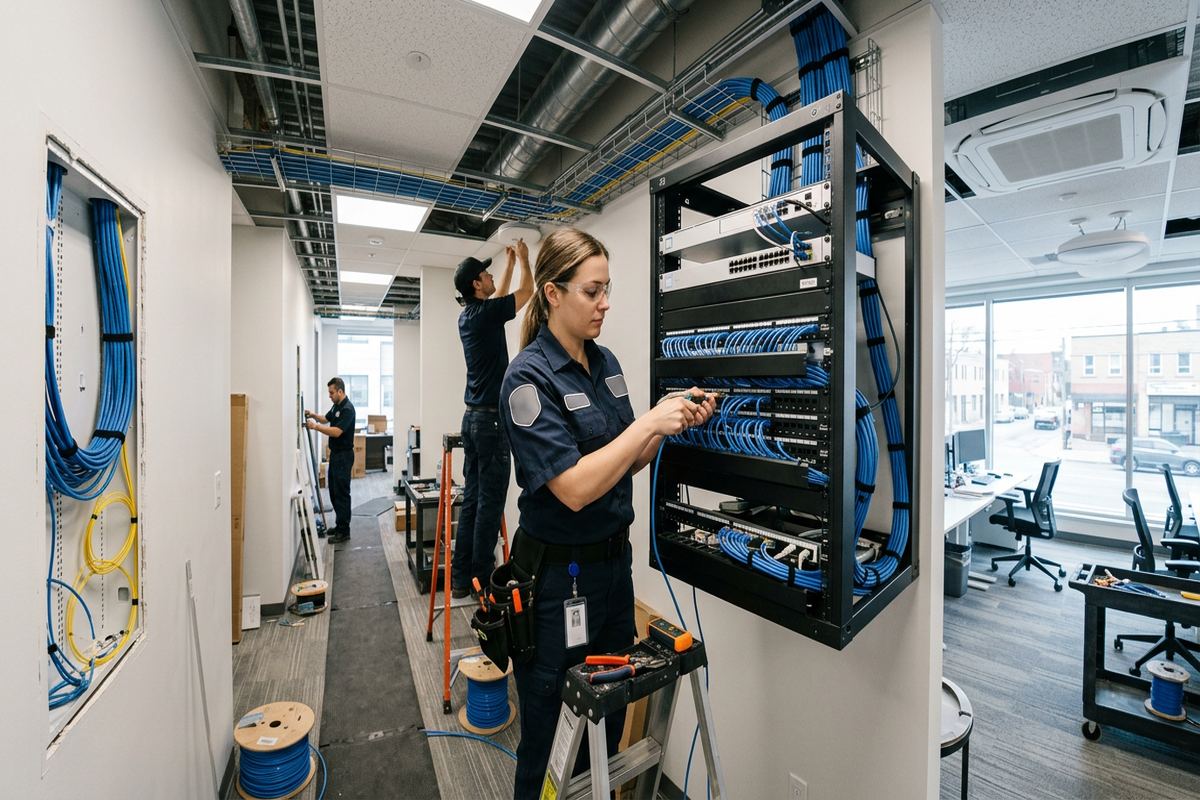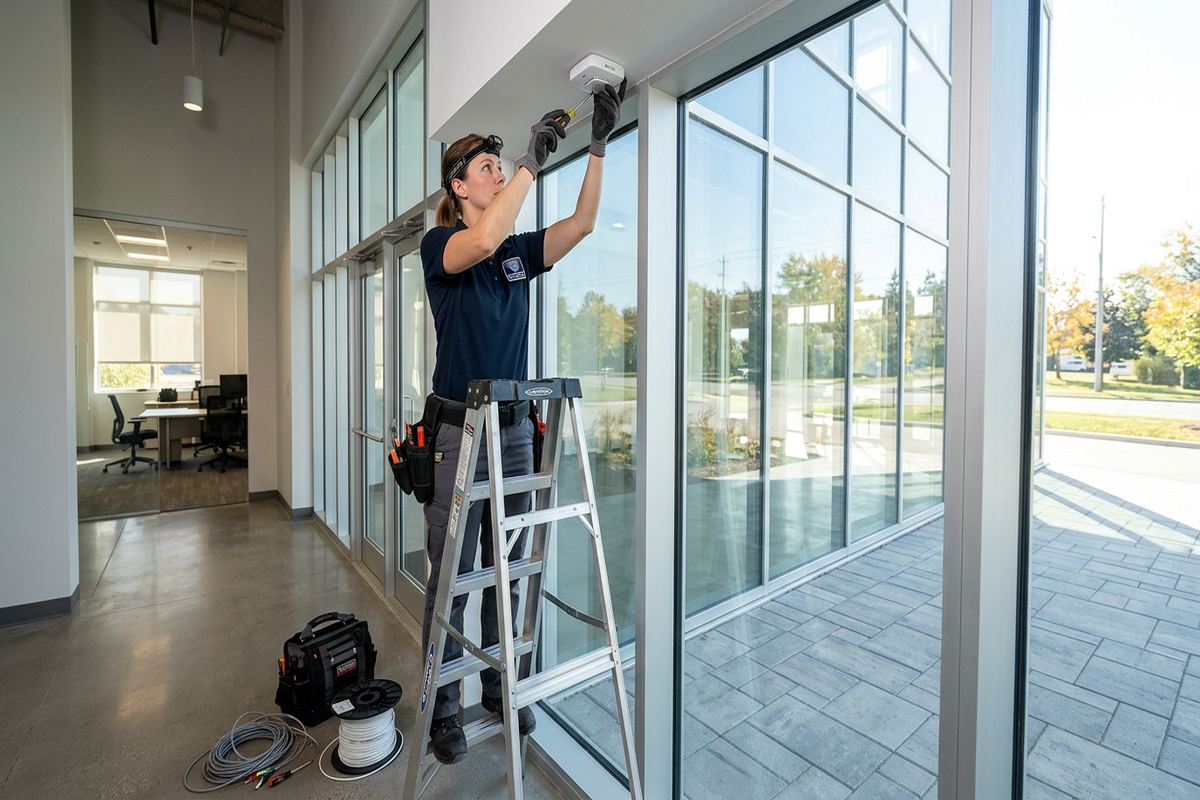
UnifiedLink installs wireless alarm systems for homes, commercial units and small facilities across Ajax and Durham Region. We assess the property before pricing, plan sensors around actual entry points and daily routines, configure the system on site, and provide a documented handover using the customer’s own credentials.

Wireless Alarm Planning for Ajax Properties
Every installation starts with the building rather than a standard equipment package. During an Ajax site assessment, we review exterior doors, accessible windows, attached garages, basement entrances, interior circulation and likely equipment locations. We also discuss who uses the property, when it is normally occupied and whether pets, children, tenants or staff affect sensor selection. This process identifies where wireless devices make sense, where a cable may still be preferable and what must be included in the written scope before equipment is ordered or installation dates are confirmed.
Newer subdivisions in Ajax often provide predictable framing and accessible utility spaces, but finished basements make retrofits detail-heavy. A sensor may be simple to mount while its position, wireless path and relationship to trim, blinds or furniture require careful thought. Lakefront homes can add detached structures, walkout levels and exposed exterior doors. We account for these conditions during design instead of assuming that every opening needs the same device. The resulting plan balances practical detection, clean placement, reliable communication and straightforward use without covering the property in unnecessary hardware.
The written scope sets expectations for both installation and handover. It identifies the alarm panel or hub, keypads, contacts, motion sensors, sirens and other agreed devices, along with proposed placement and any cable routes. It also records exclusions, equipment ownership and applicable warranty details. If access, landlord consent, condominium rules or other work could affect the installation, those items are documented before pricing. Ajax customers can therefore review what is included, ask questions and approve a defined system rather than relying on a verbal list of components.
- Property assessment before pricing
- Opening and sensor location review
- Written equipment and installation scope
- Ownership and warranty details documented
- Exclusions identified before work begins
Choosing Wireless Alarm Equipment in Ajax
Wireless does not mean that every component is identical or completely free of wiring. The main control equipment requires a suitable power location, and some sirens, communicators or integrated devices may need permanent connections. Door and window contacts typically use batteries, while motion, glass break, smoke related or environmental devices have distinct placement requirements. We select equipment according to the agreed detection goals and building conditions. The proposal explains which parts are wireless, which connections remain wired and how the system communicates, so the Ajax owner understands the design before approving it.
Door contacts protect defined openings and report their status, while motion detectors supervise an interior area after entry. Their functions overlap only partly, so device choice depends on how the space is used. A family may want perimeter protection while moving inside at night, whereas a vacant commercial unit may benefit from broader interior detection. Pets, ceiling height, heating outlets, direct sunlight and moving decorations can influence motion performance. In Ajax homes with open main floors or finished lower levels, we position detectors to cover useful paths while reducing avoidable triggers during normal occupancy.
System communication also needs deliberate planning. Wireless sensors must reach the control equipment reliably through framing, masonry, mechanical rooms and finished floors. Internet service may support application features, but alarm operation and communication options depend on the selected platform and configuration. We check signal conditions at proposed device locations and test enrolled zones on site. Where construction limits communication, the design may require a different hub position, a compatible repeater or another device strategy. Those adjustments are addressed as installation decisions, not hidden behind a general promise that wireless equipment works everywhere.
- Door and window contact selection
- Pet and occupancy considerations
- Wireless signal checks at device locations
- Clear explanation of communication options
- Compatible expansion planned where required
Installation in Finished Ajax Homes
Finished interiors call for controlled work and careful placement. In neighbourhoods such as Nottingham and Applecroft, newer homes may have completed basements, upgraded trim, built-in cabinetry and painted feature walls that owners do not want disturbed. Wireless alarm devices reduce the need to open walls, but installers still need suitable mounting surfaces and access to power for central equipment. We confirm drilling points, protect nearby finishes and avoid casual routing across visible areas. When a continuous cable run is part of the design, it is labelled and installed along an agreed route wherever site access allows.
Masonry and frame construction require different fastening and signal considerations. Most interior contacts are attached to frames or trim, but some Ajax properties include brick around entry areas, concrete foundation walls or masonry separating attached units. Exterior devices may also require anchors selected for the substrate rather than generic screws. Before mounting, we check the surface, nearby electrical paths and alignment between the sensor and magnet. This avoids loose devices, cracked trim and unreliable contact gaps. Any proposed penetration through masonry or a finished assembly is discussed before work proceeds and reflected in the scope.
Basements deserve more attention than simply adding a motion detector near the stairs. Walkout doors, window wells, utility rooms and secondary living areas can create separate entry paths. Finished ceilings may also limit access between the control equipment and other systems. We review each accessible opening, consider how occupants move between floors and set arming modes accordingly. In lakefront and lower lying parts of Ajax, environmental monitoring may also be discussed where compatible devices fit the customer’s needs. Such devices are included only when selected and documented, rather than assumed as part of every alarm package.
- Finish-conscious device mounting
- Basement entry path assessment
- Appropriate anchors for each substrate
- Labelled continuous runs where specified
- Agreed drilling and penetration locations
Ajax, Ontario
Wireless alarm installation in Ajax, scoped in writing first
Book a site assessment and get equipment, routes, exclusions, and warranty on paper before anything is installed.
Exterior Devices and Ajax Weather
Ajax winters, summer humidity and repeated freeze-thaw cycles affect exterior alarm components and mounting points. Any device installed outside must be intended for that environment and positioned within its operating requirements. We consider precipitation, direct sun, wind exposure and the likelihood of ice accumulating near doors or gates. A protected location is often better than the most obvious location. Device housings alone are not enough; fasteners, cable entries and wall penetrations also need suitable treatment to prevent movement and water entry as materials expand and contract through seasonal changes.
Exterior sealing depends on the wall assembly. Brick veneer, poured concrete, siding and wood framing each require a different approach to drilling and fastening. We avoid treating surface caulking as a substitute for correct placement, a proper cable entry and compatible exterior sealant. Where a wired outdoor siren, keypad or related device is included, the cable route is planned to limit exposure and provide a continuous labelled run. For wireless components, battery access and radio conditions remain important. The written scope identifies exterior work and any areas where access or existing construction limits the proposed installation.
Lakefront properties around Duffin's Bay and Pickering Beach can have more exposed elevations than homes farther inland. Wind driven rain, detached garages, rear walkouts and landscaped side entrances may influence device locations. We assess these features without assuming that an indoor contact can be repurposed outdoors. Gates and detached structures also require a check of distance, construction and reliable communication with the main system. If a location is unsuitable, we explain the constraint and recommend another arrangement. The objective is dependable detection with mounting details that suit Ajax weather and the actual building envelope.
- Weather-rated devices where required
- Exterior penetrations sealed appropriately
- Freeze-thaw movement considered
- Brick, concrete and siding assessed
- Detached structure signal testing
Alarm Setup, Testing and Handover
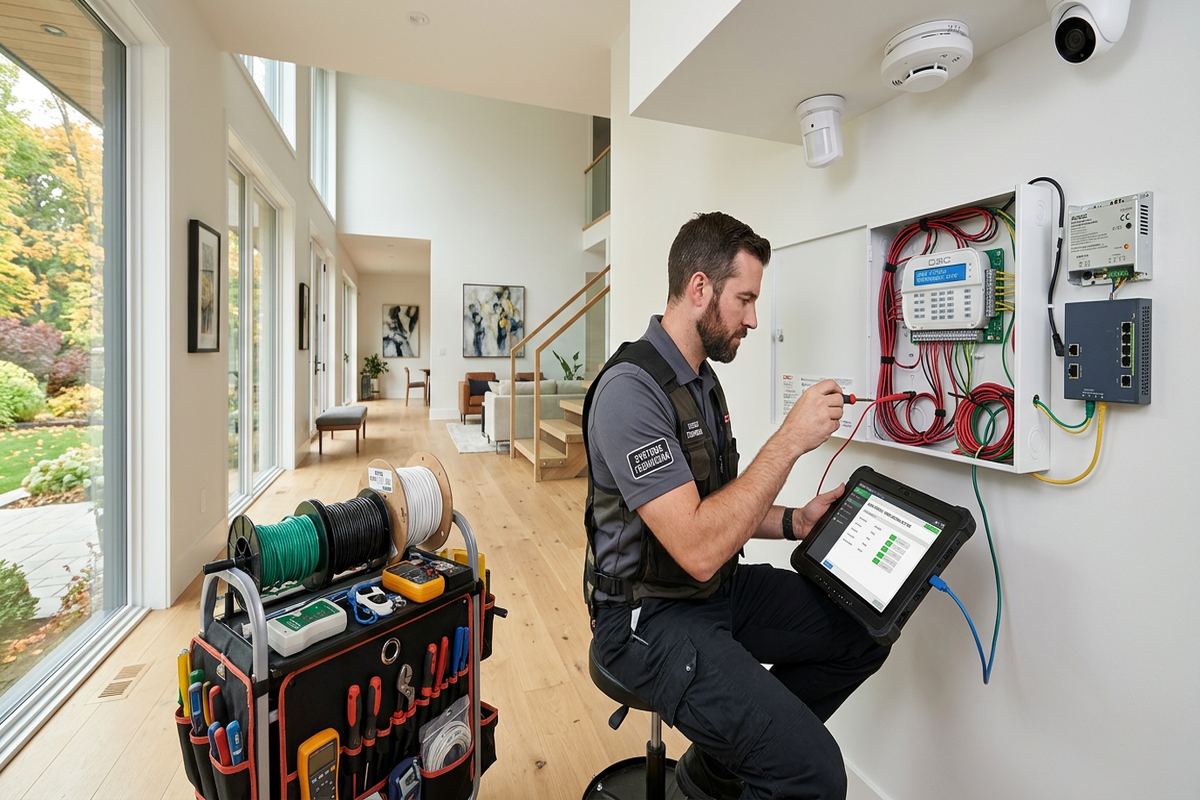
Physical mounting is only one part of a complete alarm installation. After devices are enrolled, we name zones in plain language, establish entry and exit behaviour, configure agreed user functions and verify that each detector reports correctly. Doors and windows are opened individually, motion areas are walked, tamper conditions are checked and audible devices are tested as appropriate for the site. If application access or notifications are included, they are configured on site using the customer’s own account. We do not leave generic installer credentials as the customer’s everyday access.
Handover focuses on practical operation rather than a quick demonstration. We show Ajax owners how to arm and disarm the system, recognize an open zone, bypass a device when appropriate and respond to common status messages. Authorized users can be added according to the platform’s capabilities, with access arranged around household or business needs. We also explain routine battery indications and which changes should prompt service. The customer receives an as-built record showing installed device locations and relevant system details, providing a useful reference for maintenance, renovations or future expansion.
Final testing is performed against the agreed scope. We confirm device names, placement, basic communication and user access before closing the work. If site conditions required an approved change, the record is updated instead of leaving the original plan inaccurate. Equipment ownership and warranty information are included in the documentation, along with noted exclusions. One accountable contractor manages the assessment, installation, configuration and handover, reducing gaps between hardware supply and system setup. Monitoring arrangements, where selected, are explained separately because available features and third-party requirements vary by platform and service choice.
- Every alarm zone tested on site
- Plain-language zone names
- Customer controls their own credentials
- As-built device record supplied
- Approved changes added to documentation
Wireless Alarms for Ajax Businesses
Commercial alarm planning starts with access patterns and operational risk, not only floor area. Central Ajax storefronts, professional offices and service businesses may have public entrances, rear delivery doors, stock rooms and shared corridors requiring different treatment. We review opening hours, keyholder responsibilities, cleaning access and after-hours movement before selecting devices. The system can then be divided into practical areas where the chosen platform supports partitions. Placement also accounts for displays, shelving and future layout changes that could block motion coverage or make a contact vulnerable to accidental damage.
Industrial units and commercial strips introduce additional construction issues. Concrete block walls, steel framing, overhead doors and neighbouring wireless equipment can affect device communication and mounting. Large open areas may require a different detection approach than enclosed offices, while grade-level shipping doors need careful alignment because panels and tracks move during use. We test proposed wireless locations rather than relying on distance specifications alone. If cabling is required for central equipment or selected devices, routes are agreed in advance and continuous runs are labelled. Work around active operations is coordinated within the approved scope.
Business handover should reflect staff roles without sharing a single code unnecessarily. Depending on system capabilities, designated users can receive individual access, while managers retain control over changes and application settings. We document zone names and device locations so a future service call does not begin with guesswork. Ajax tenants should obtain landlord approval for drilling, exterior devices or alterations to common areas before installation. Property management rules, fire system boundaries and existing building contracts may also affect what can be installed. These dependencies are reviewed, but approvals remain the customer’s responsibility unless specifically included in writing.
- Storefront and rear-door coverage
- Stock room and office zoning
- Overhead door alignment checks
- Role-based user setup where supported
- Landlord requirements identified early

Approvals, Integration and System Boundaries
A wireless alarm may interact with other technology, but integration should never be assumed. Cameras, access control, smart locks, lighting and automation platforms use different protocols and account structures. During the assessment, we identify requested connections and verify whether the selected products support them. The written scope states which integrations are included and which systems remain independent. This is especially important when existing equipment belongs to a monitoring provider, landlord or previous occupant. UnifiedLink will not represent an unverified feature as compatible simply because both products offer an application or wireless connection.
Condominium and rental properties can limit mounting locations, exterior changes and connections to common systems. Before work in an Ajax condo or leased unit, the owner or tenant should confirm applicable board, property manager or landlord requirements. Approval may be needed for door contacts on common entry assemblies, exterior sirens, hallway facing devices or penetrations through shared walls. We can provide the proposed device list and mounting plan for review. Installation proceeds according to documented authorization and site rules, helping avoid equipment removal or disputes after devices have already been attached.
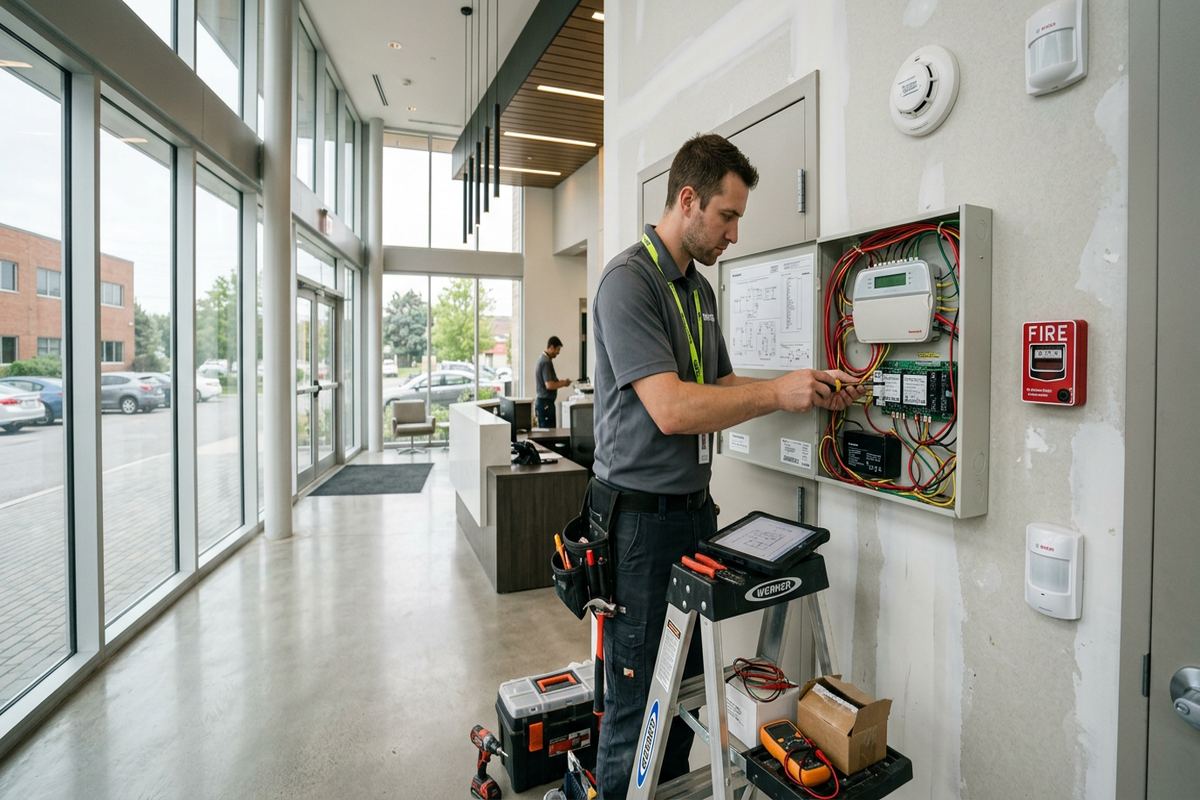
Alarm equipment is not a substitute for code-required fire protection, safe locks or sound operating procedures. If smoke, carbon monoxide, flood or temperature devices are considered, their role and compatibility must be clearly defined. Existing life-safety systems in commercial or multi-unit buildings may be regulated, centrally managed or outside the alarm scope. We identify these boundaries during planning and avoid making unsupported connections. For Southwood homes, Central Ajax businesses and other Durham Region properties, this distinction keeps the intrusion alarm focused while allowing separately approved systems to remain under the control of the responsible parties.
- Compatibility checked before integration
- Existing equipment ownership confirmed
- Condo and landlord approvals documented
- Life-safety boundaries kept clear
- Included connections listed in writing
Arranging Wireless Alarm Installation in Ajax
The first step is a conversation about the property, current concerns and expected use. Useful details include the building type, number of levels, finished areas, exterior structures, existing alarm equipment and whether the site is occupied during installation. Photographs or plans may help with initial review, but pricing follows a site assessment because mounting surfaces, wireless conditions and cable access must be verified. Assessment timing depends on the service and travel distance. Requests sent during business hours are answered the same day; after-hours requests are answered the next business day.
Following the assessment, UnifiedLink prepares a written scope rather than an unexplained equipment list. It covers selected hardware, proposed cable routes, device placement, exclusions, equipment ownership and warranty. The customer can review optional items and clarify responsibilities for internet service, electrical work, approvals or monitoring before accepting the project. This stage is particularly useful for Ajax homes with finished basements or detailed interior finishes, where a minor placement decision can affect appearance and performance. Changes are resolved on paper before installers begin drilling, fastening or configuring the alarm platform.
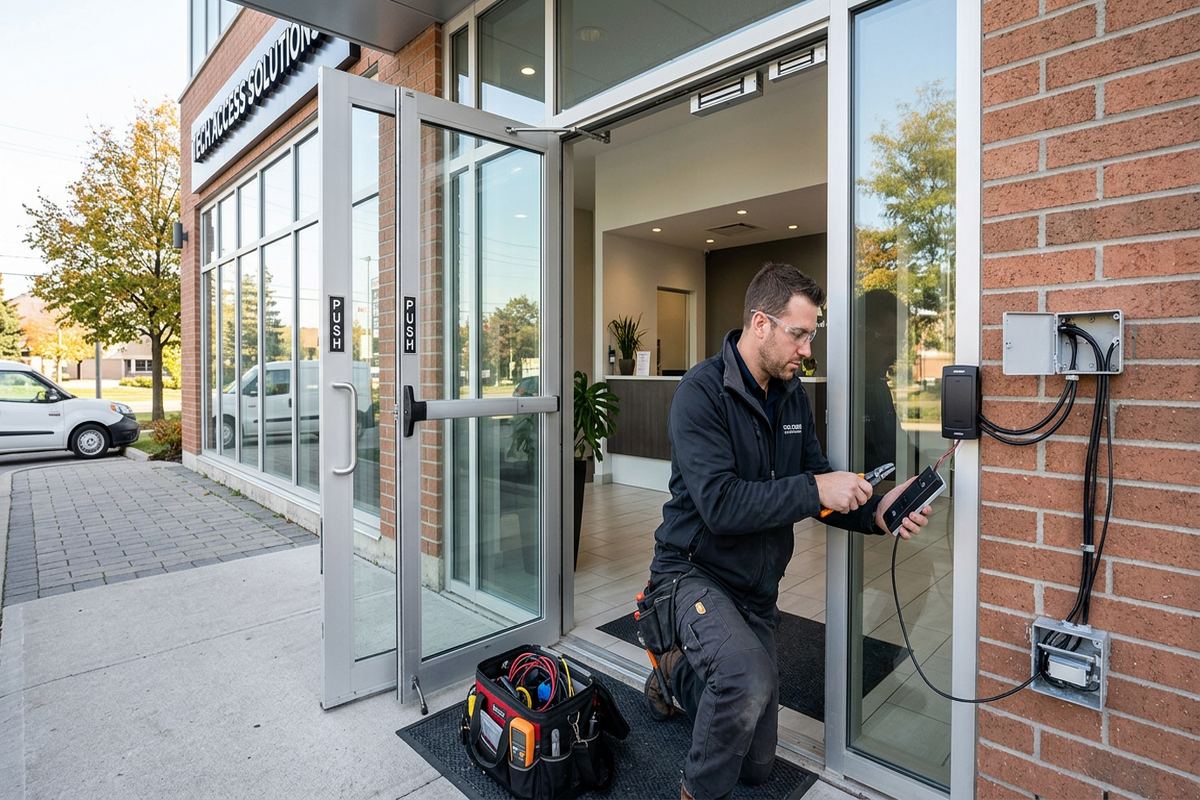
Installation is scheduled after the scope is accepted and required access is available. On site, we confirm locations, protect work areas, mount and enrol devices, configure agreed functions and test the completed system. Any unexpected condition is discussed before changing the approved approach. Handover includes operation guidance, customer-controlled credentials and an as-built record. Whether the property is in Applecroft, Duffin's Bay, Pickering Beach or another Ajax community, the process remains consistent: assess the building, define the work, install carefully, test each zone and document the finished alarm system.
- Same-day reply during business hours
- Next-business-day reply after hours
- Assessment completed before pricing
- Written scope reviewed before installation
- Configuration and handover completed on site
Ajax neighbourhoods we cover
- Southwood
- Nottingham
- Duffin's Bay
- Applecroft
- Pickering Beach
- Central Ajax
Wireless alarm installation in Ajax — common questions
Can a wireless alarm be installed without opening finished walls?
Usually, many sensors can be mounted without opening walls, which suits Ajax homes with finished basements and upgraded interiors. Central equipment still needs power, and certain sirens, communicators or integrated devices may require cabling. We assess mounting surfaces, signal paths and cable access before pricing, then identify any drilling, penetrations or visible routes in the written scope.
Will wireless sensors work through brick and concrete?
They may, but masonry, concrete foundations, steel and mechanical equipment can reduce wireless performance. Ajax properties often combine frame construction with brick veneer or concrete basement walls, so signal conditions are checked at proposed locations. If communication is unreliable, the plan may require a different hub location, compatible repeater, alternate sensor position or a wired connection.
Are wireless alarm devices suitable for Ajax winters?
Only devices rated for the intended environment should be installed outdoors. Ajax freeze-thaw cycles, wind driven rain, humidity and direct sun affect housings, batteries, fasteners and penetrations. We review exposure, mounting material and access for maintenance. Exterior cable entries are sealed appropriately, and indoor-only contacts are not treated as outdoor devices simply because they fit the opening.
Do I need permission for a condo or rental installation?
Possibly. Ajax condominium boards, property managers and landlords may restrict drilling, changes to common entry doors, exterior sirens or work on shared walls. Customers should obtain required approval before installation. UnifiedLink can provide a proposed device list and mounting plan for review, while the written scope records known restrictions, exclusions and responsibilities related to access or authorization.
Can you use my existing alarm sensors?
Existing devices can be assessed, but reuse depends on their condition, protocol, ownership and compatibility with the selected platform. Equipment tied to a previous provider or landlord may not belong to the current Ajax occupant. We verify what can reasonably remain, identify unsupported components and document included reuse in the scope rather than promising compatibility before inspecting the system.
What do I receive when the installation is finished?
Ajax customers receive on-site configuration, testing of installed alarm zones and guidance on routine operation. The system is handed over using the customer’s own credentials rather than shared everyday installer access. We also provide an as-built record of device locations and relevant system details, along with documented equipment ownership, warranty information and any approved changes to the original scope.
Coverage in Ajax is confirmed against the address before we quote. See everything we install in Ajax or the province-wide wireless alarm installation page.