UnifiedLink provides TV wall mounting for Ajax homes and businesses. We assess the wall, viewing position, bracket, power and signal routes before preparing a written scope. Installation can include concealed low-voltage cabling, soundbars, streaming devices and on-site configuration, followed by a practical handover using your own credentials.
TV Wall Mounting for Ajax Properties
Mounting a television securely involves more than choosing a height and drilling into a wall. In Ajax, newer subdivisions commonly use wood-frame construction, drywall, engineered framing components and finished basement walls with limited access behind them. Lakefront homes may add masonry features, fireplaces or exterior entertainment areas. We assess the wall assembly, stud positions, television size, bracket type, seating distance and cable requirements before installation. This avoids unsupported fasteners, blocked ventilation, awkward viewing angles and visible wiring that could have been planned into a cleaner route.
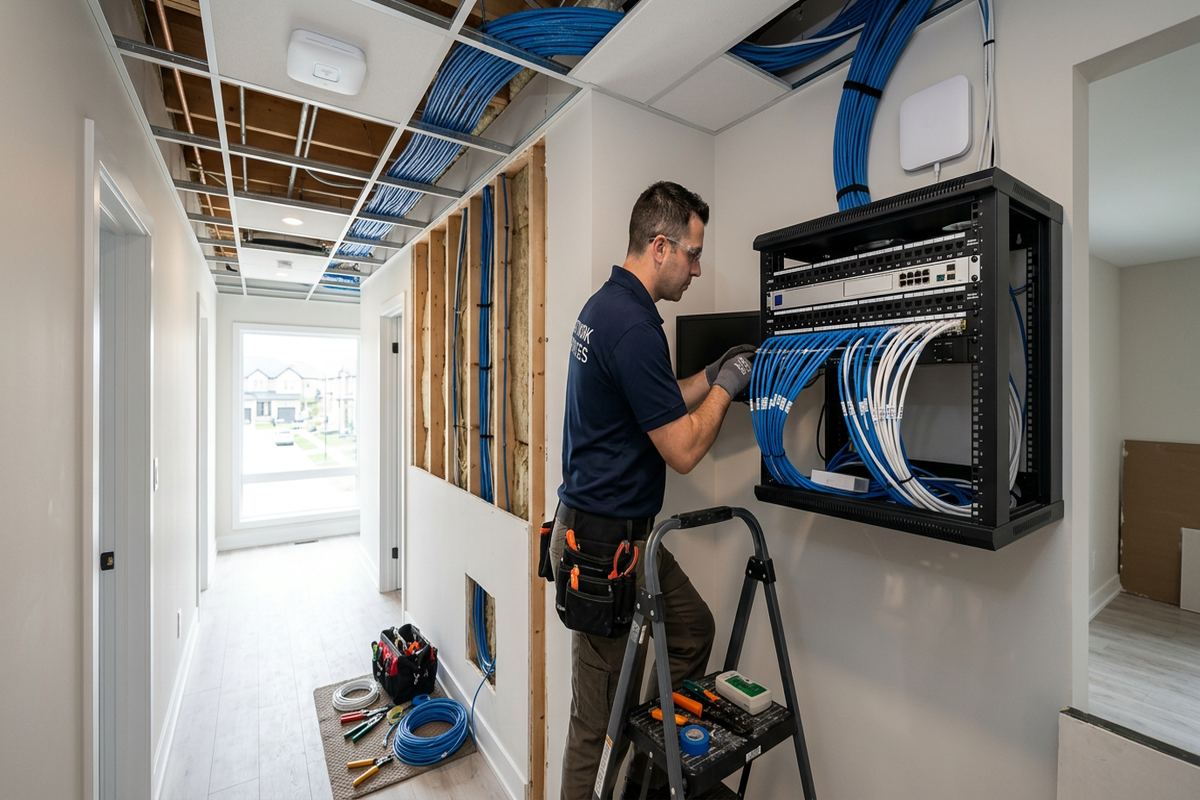
Homes in Southwood, Nottingham and Applecroft often have finished living spaces where cable access is possible but detail-heavy. A retrofit may need to work around insulation, vapour barriers, fire blocking, plumbing, electrical wiring or built-in cabinetry. We use appropriate detection and inspection methods before opening walls or creating cable paths. Where full concealment is impractical, we explain surface raceway, furniture or cabinet routing options. The objective is a stable installation with sensible service access, rather than hiding every component in a location that becomes difficult to maintain.
The site assessment establishes what can be mounted, where supporting structure is available and whether power or low-voltage work needs separate treatment. Before pricing, UnifiedLink provides a written scope covering equipment, cable routes, device placement, exclusions, equipment ownership and warranty. That scope can include the television bracket, soundbar, streaming device, network connection and related display components. Customers know which items they are supplying and which are included by UnifiedLink, reducing uncertainty when television models, wall materials or room layouts change before the scheduled installation.
- Fixed, tilting and full-motion bracket planning
- Stud, masonry and wall-condition assessment
- Viewing height and glare review
- Cable route and equipment-location planning
- Written scope before installation
Planning the Right Mounting Position in Ajax
Comfortable placement starts with the room, not a standard measurement copied from another installation. We consider the primary seats, typical viewing posture, television dimensions, furniture height and how the screen will be used. A family room display may need a different position from a basement gaming screen, bedroom television or commercial information display. In Ajax homes with open-concept layouts, sightlines from kitchens and adjacent seating areas can also influence bracket choice. We balance those preferences against structural support, cable access, window glare and safe clearance around fireplaces or cabinets.
Fireplace installations require particular care because wall construction, mantel depth and heat exposure vary. We do not assume that the area above every fireplace is suitable for a television. The assessment considers surface temperature concerns, manufacturer clearances, chimney or vent paths, masonry thickness and whether cables can be routed without entering unsafe spaces. A tilting bracket may improve the viewing angle when the screen must sit higher, but it does not correct excessive heat or an uncomfortable position. If the proposed location is unsuitable, we explain practical alternatives within the room.
Full-motion brackets can help when a screen must serve multiple seating areas, but their extension places greater leverage on the wall. Supporting structure, fastener type, bracket pattern and television weight must all be considered together. Fixed brackets sit closer to the wall and suit straightforward viewing positions, while tilting models provide access and modest vertical adjustment. We confirm that ports, cables and power connections remain accessible after mounting. The selected bracket should also allow enough clearance for plugs without forcing connectors sharply against the television or damaging cable ends.
- Seating and eye-line assessment
- Window glare and room-light review
- Fireplace clearance considerations
- Bracket movement and service access
- Port and connector clearance checks
Concealed Cabling and Power Coordination
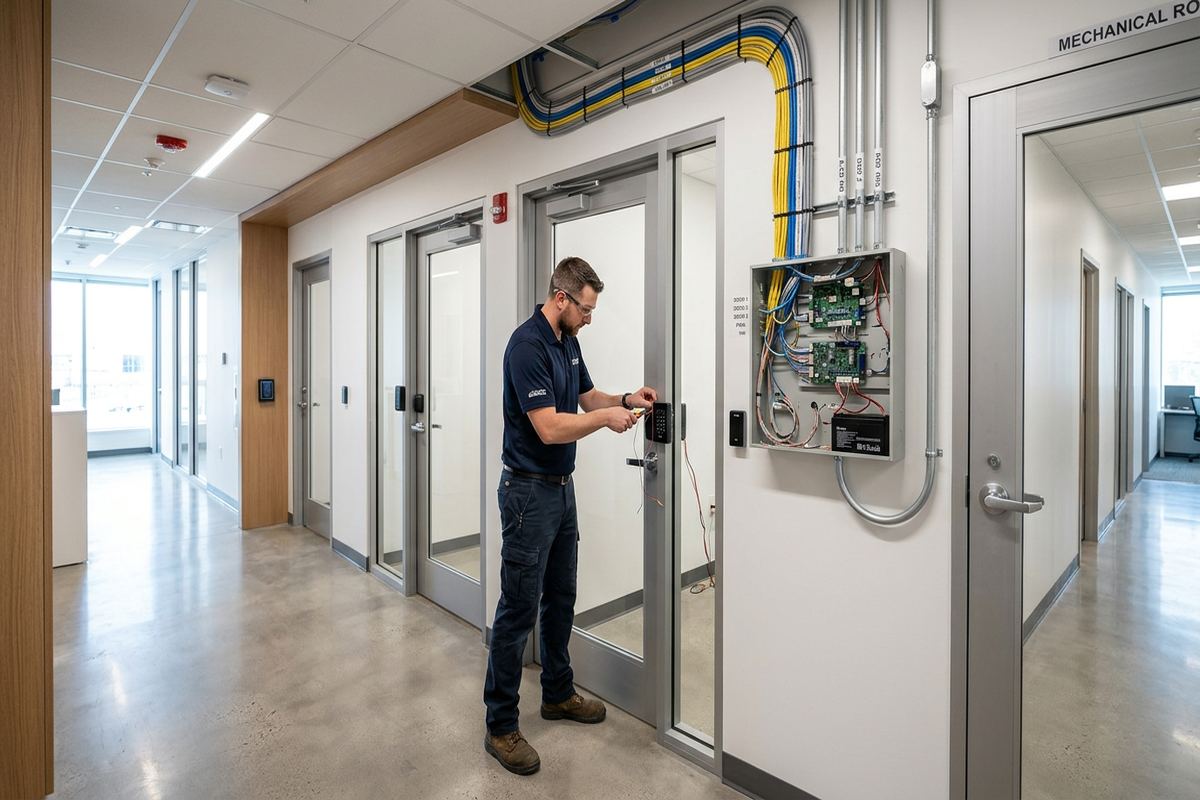
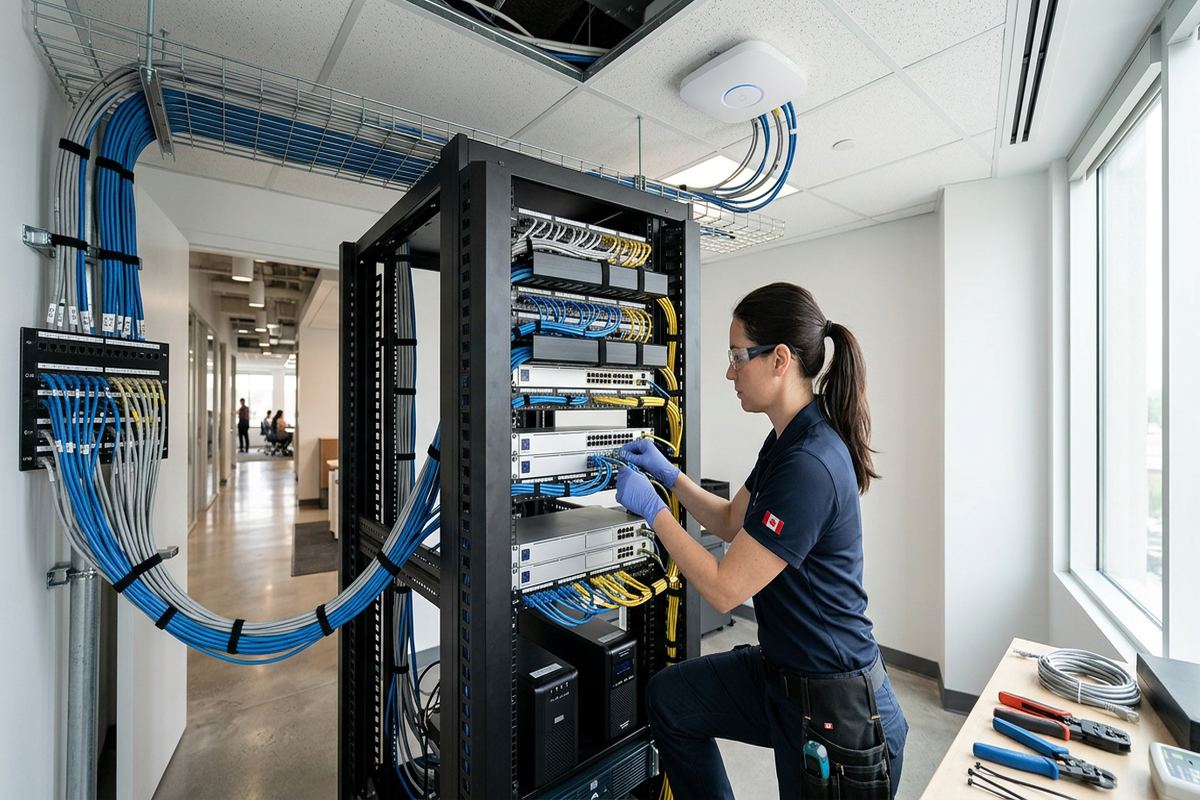
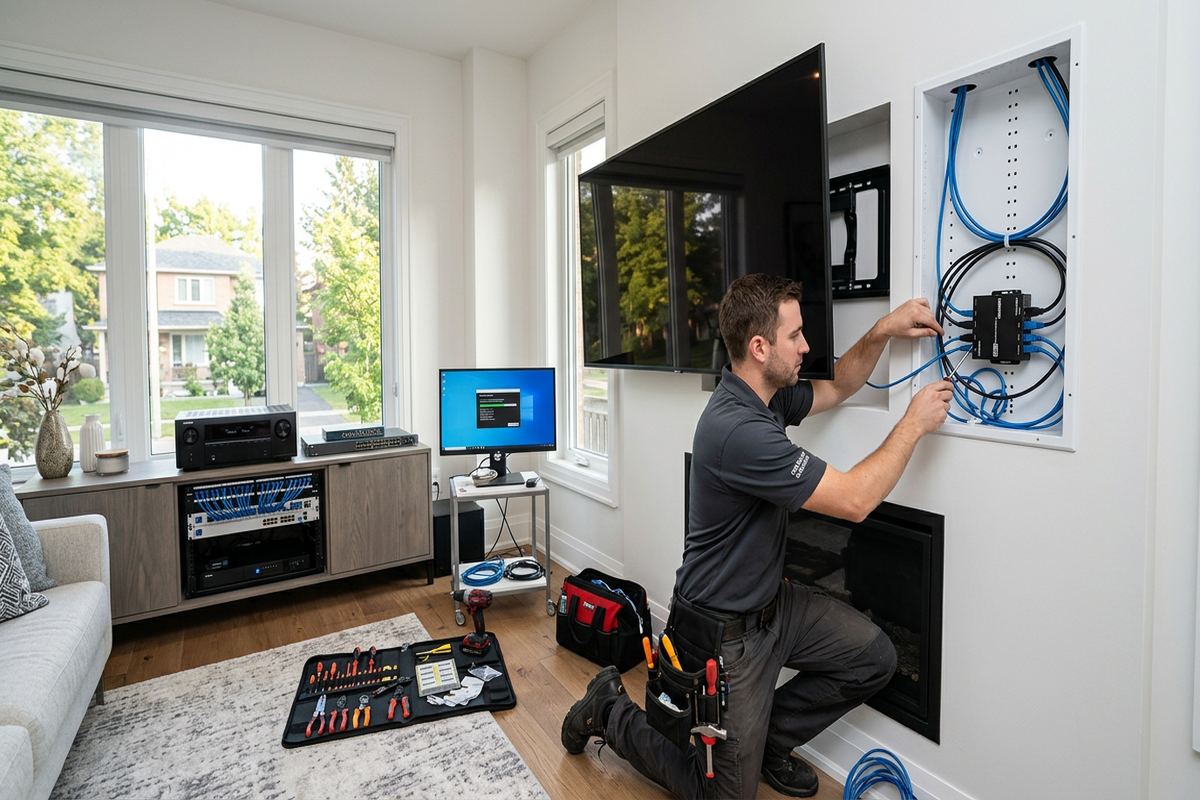
A clean installation depends on planning power, video, network and audio connections before the screen covers the work area. Low-voltage cables can often be concealed within an interior frame wall, provided the route is clear and does not compromise insulation, vapour control or required fire separation. UnifiedLink installs continuous labelled cable runs rather than burying unnecessary joins behind finished surfaces. HDMI, data, optical audio and control cables are selected for the required distance and equipment. We also leave practical access where devices or cables may need replacement as display technology changes.
Power cords and low-voltage signal cables are not treated as interchangeable. A television needs a compliant power source in an appropriate location; an ordinary extension cord should not simply be placed inside a wall. If electrical work is required, it must be handled within the applicable trade requirements and identified in the scope. Our display work focuses on planned low-voltage pathways, equipment placement and coordination around the power location. This distinction is especially important in finished Ajax basements, where existing outlets may be low on the wall and access above ceilings can be limited.
Equipment does not always belong behind the television. Streaming boxes, game consoles, receivers and cable-provider hardware may need ventilation, infrared control, network access and occasional hands-on service. We can route connections to a nearby console, cabinet or structured wiring location while avoiding unsupported cable couplers behind inaccessible surfaces. For wireless devices, we assess whether the mounting position could weaken connectivity or make resets inconvenient. Each installed low-voltage run is labelled at its termination, helping the customer identify connections later without pulling the television away from the wall unnecessarily.
- Continuous labelled low-voltage runs
- HDMI, data and audio routing
- No hidden extension cords
- Accessible device and cable locations
- Coordination with compliant power placement
Ajax, Ontario
TV wall mounting in Ajax, scoped in writing first
Book a site assessment and get equipment, routes, exclusions, and warranty on paper before anything is installed.
Ajax Retrofits in Finished Basements
Finished basements in newer Ajax subdivisions often provide excellent media rooms, but completed walls and ceilings limit direct access. Framing may sit in front of concrete foundation walls, with insulation and vapour-control layers occupying the cavity. We determine whether the proposed location is a standard partition, a framed foundation wall or a surface with shallow service space. Cable fishing must avoid puncturing concealed barriers or assuming that every stud cavity runs unobstructed. Small, planned access points may produce a better result than repeated drilling based on uncertain wall conditions.
Basement television installations also need to account for bulkheads, steel beams, ducts, plumbing and fire blocking. These features can interrupt a route from the screen to a cabinet or network connection. In Duffin's Bay and Central Ajax homes, renovations completed at different times may use materials or framing methods that differ from the visible main-floor construction. We review likely obstacles and explain when a route cannot be confirmed without limited exploratory access. Any expected patching, painting or third-party finishing is identified as an exclusion rather than assumed to be included.
Concrete and masonry require different anchors, tools and dust control than frame walls. A television can be mounted to suitable masonry when the substrate, bracket and fasteners are compatible, but decorative brick veneer, cultured stone and thin finishes must not be mistaken for structural support. Where framing has been added over concrete, we assess its depth and attachment instead of relying only on a stud finder reading. The final mounting method reflects the actual supporting material. This is particularly relevant around basement fireplaces, feature walls and converted recreation rooms.
- Finished-wall route assessment
- Foundation and partition identification
- Bulkhead and obstruction planning
- Masonry-compatible mounting methods
- Clear patching and finishing exclusions
Soundbars and Connected Devices
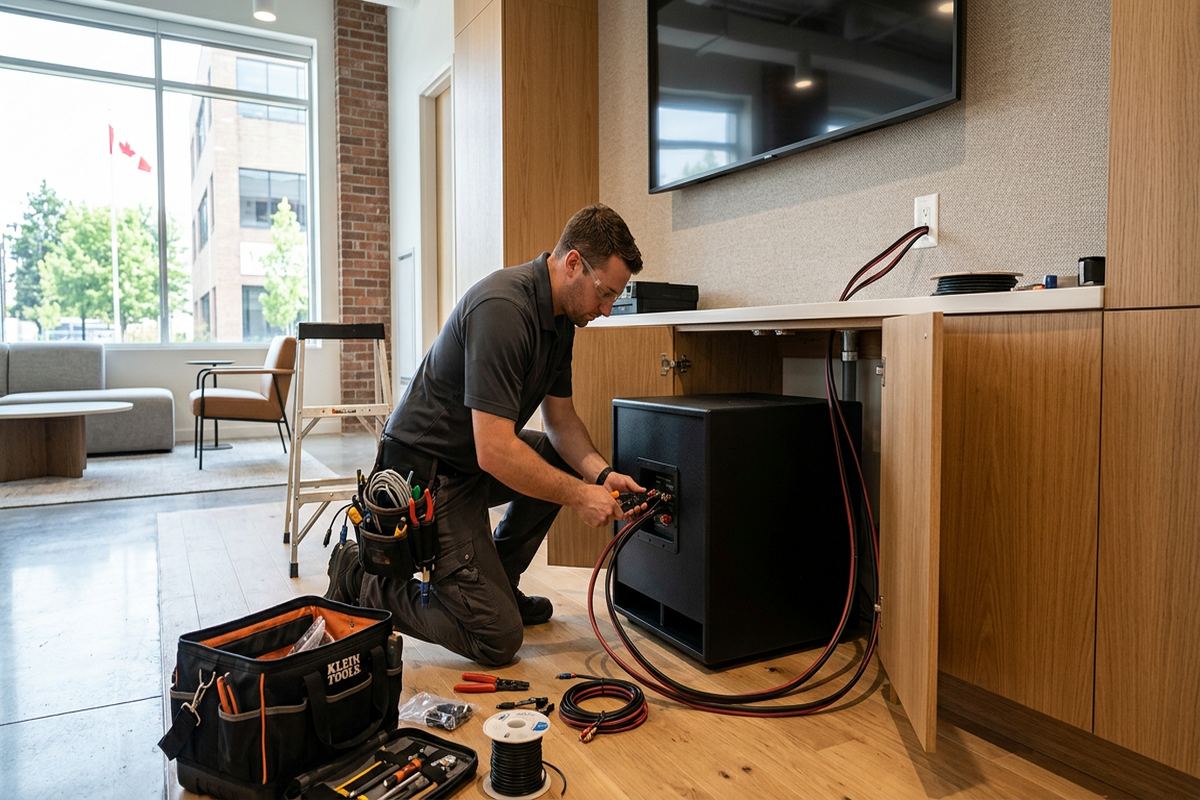
A wall-mounted television often works best when the soundbar, receiver and source devices are planned at the same time. Soundbars can attach to the wall or, where suitable hardware permits, move with the television on a full-motion bracket. The choice affects alignment, cable slack, bracket loading and access to controls. We confirm that the television's audio output and the soundbar's input are compatible, then route the appropriate cable. Mounting hardware is positioned so ventilation, upward-firing speakers and manufacturer clearances are not unintentionally blocked.
Streaming devices and game systems need more than an available HDMI port. They may require wired data, reliable Wi-Fi, power, ventilation and a reachable location for pairing or troubleshooting. Placing every device behind the display can create heat, signal and maintenance problems, especially when a fixed bracket leaves little clearance. We assess whether a recessed enclosure, nearby cabinet or shelf is more practical. Where a wired network connection is part of the scope, it is installed as a continuous labelled run and tested before the television is returned to its final position.
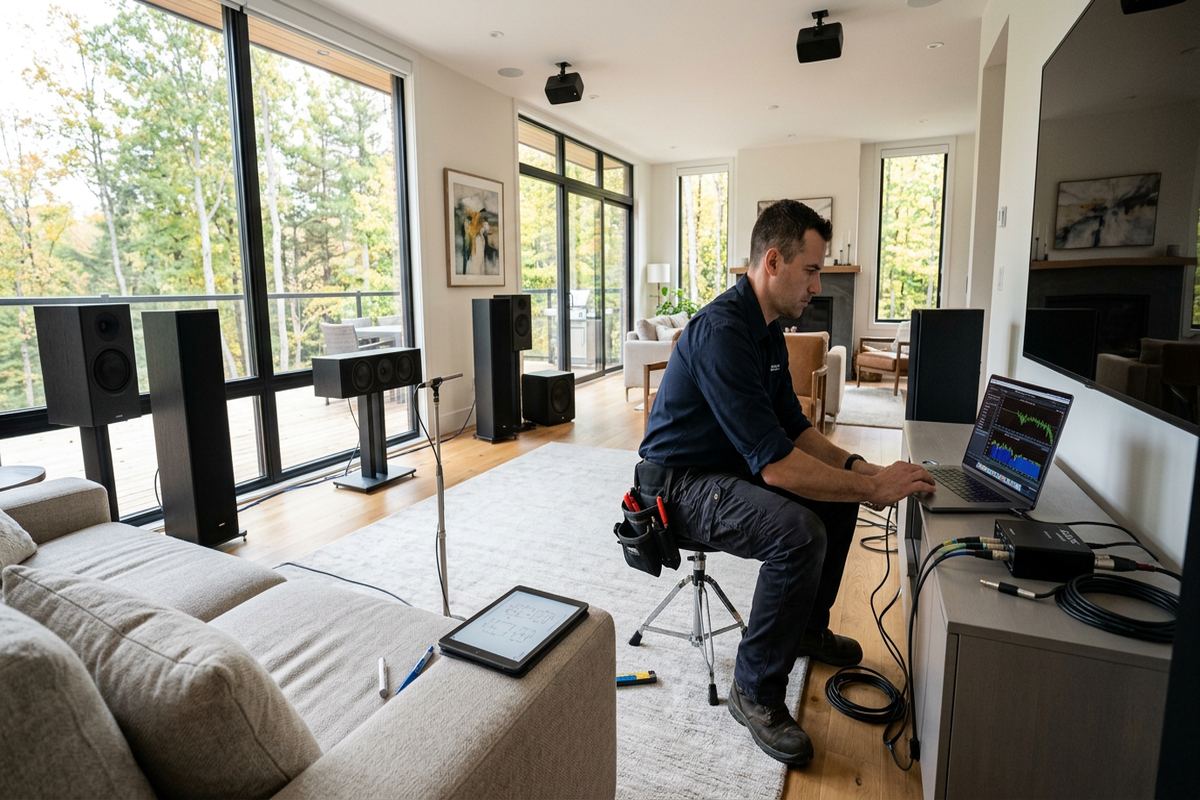
On-site configuration can include input selection, basic picture settings, sound output, network connection and confirmation that connected equipment communicates correctly. Customer accounts are entered using the customer's own credentials; UnifiedLink does not retain shared streaming or network passwords as part of handover. We can demonstrate source switching, bracket movement and safe access to devices. The as-built record identifies installed cable routes and terminations, helping with later service or upgrades. Settings that depend on subscriptions, provider activation or third-party equipment remain subject to those services and are noted accordingly.
- Soundbar alignment and secure mounting
- Streaming-device placement planning
- Wired or wireless connectivity review
- Input and audio-output configuration
- Customer-controlled account credentials
Exterior and Seasonal TV Mounting in Ajax
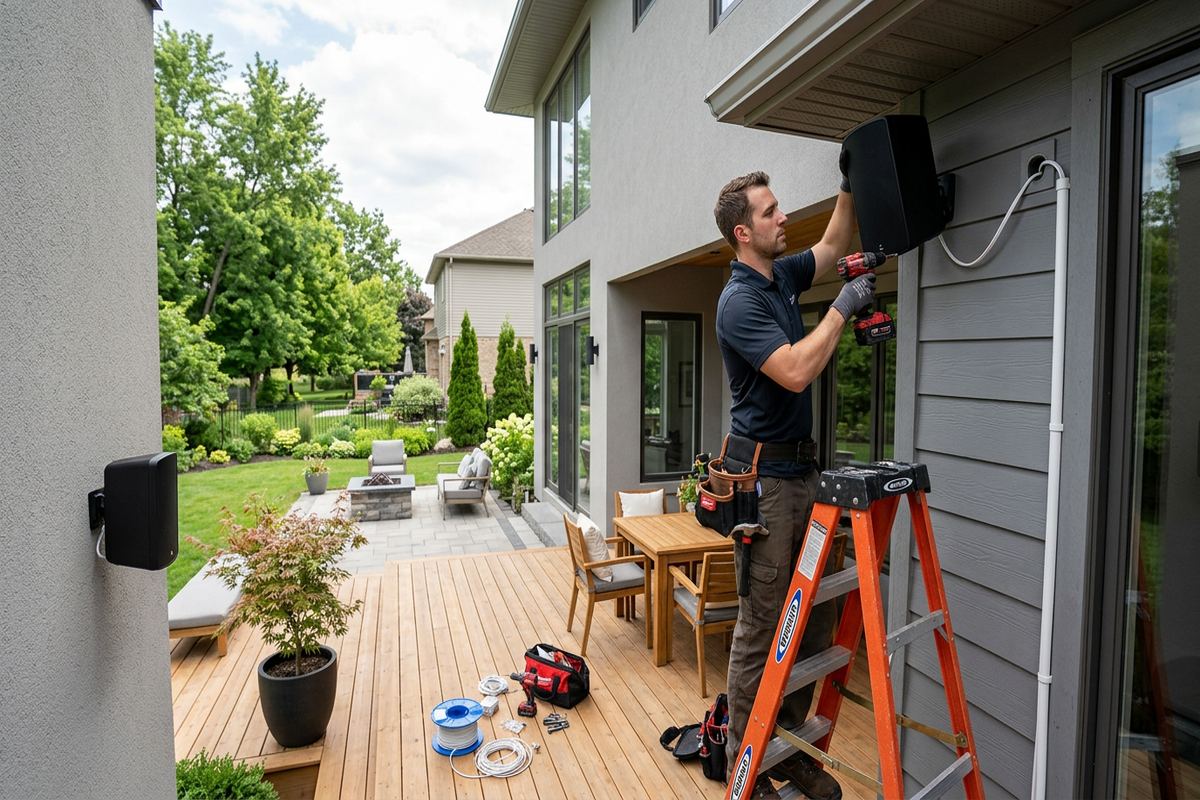
Outdoor displays face conditions that an indoor television and bracket are not designed to manage. Ajax winters bring freezing temperatures and repeated freeze-thaw exposure, while lakefront settings can add wind-driven moisture. An exterior installation therefore requires equipment rated for the intended environment, suitable corrosion-resistant hardware and a wall assembly that can be penetrated and sealed correctly. We review exposure, overhang protection, viewing conditions and the manufacturer's operating limits. Moving an ordinary indoor television outside can create reliability, safety and warranty issues even when it appears sheltered from direct rain.
Exterior cable penetrations need a route that sheds water rather than directing it into the building. The opening, sleeve, sealant and drip arrangement must suit the cladding and substrate, whether the wall uses brick, siding or another finish. Masonry joints and frame walls require different approaches, and drilling should not damage drainage planes or trap moisture. Freeze-thaw cycles can enlarge poorly sealed openings over time. In Pickering Beach and other areas near the lake, we pay particular attention to exposure and explain any maintenance needed for seals, covers or accessible connection points.
Screen brightness, reflections and viewing distance affect outdoor usability as much as mounting strength. A location that looks suitable during an indoor assessment may receive direct seasonal sun, making the display difficult to see and increasing heat load. We discuss orientation, shade, bracket movement and cable access before fixing the position. Power provision and weather protection must be appropriate for exterior use and coordinated where required. If the wall or equipment is unsuitable, the written scope will identify alternatives instead of relying on sealant alone to compensate for an incompatible installation.
- Outdoor-rated equipment review
- Freeze-thaw sealing considerations
- Brick and siding penetration planning
- Corrosion-resistant mounting hardware
- Sun, glare and exposure assessment
Commercial Display Mounting
Ajax businesses use wall-mounted displays for menus, presentations, monitoring, wayfinding and customer information. Commercial strips may have leased units with steel studs, demising walls, suspended ceilings and landlord rules governing penetrations. Industrial units can combine concrete block, precast concrete, offices and open warehouse areas within one property. We assess the actual mounting surface, display purpose, viewing distance and available cable route before proposing hardware. Landlord, condominium or property-management approval remains the customer's responsibility unless the written scope specifically assigns coordination to another party.
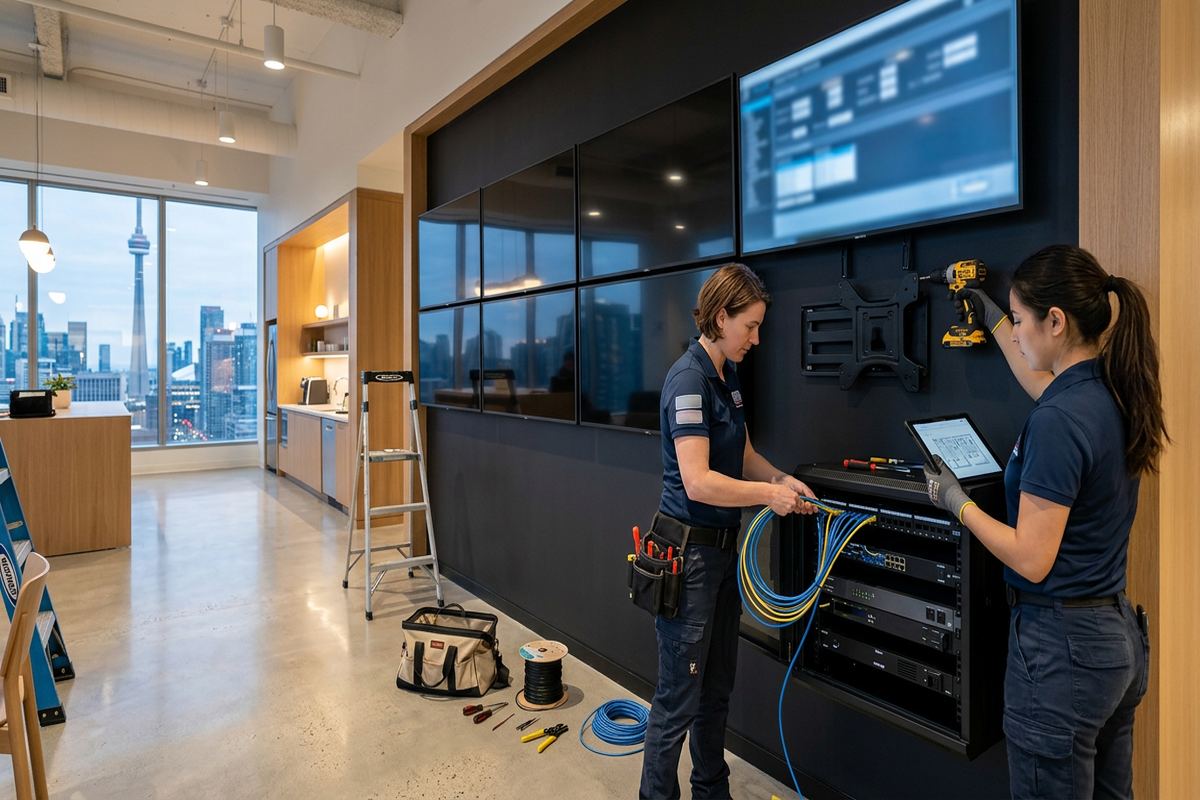
Commercial mounting also requires attention to public access and daily operations. Displays should not obstruct exits, controls, shelving or circulation paths, and brackets must suit the expected adjustment and service frequency. Cable routes may need to remain in surface raceway where walls cannot be opened or where future tenant changes are likely. We can coordinate display mounting with data cabling, audio or content-source locations under one defined scope. Work areas, access hours, lift requirements and any site-specific induction or documentation needs are reviewed before scheduling the installation.
For meeting rooms and offices, we consider camera position, table sightlines, screen sharing and connection access rather than treating the television as a standalone object. A display mounted too high or offset from the room can make long meetings uncomfortable and video calls poorly framed. Source devices may be located at the table, in a cabinet or behind the display depending on service needs. On-site configuration confirms the selected inputs, network connection and basic operation. Handover records the installed routes, labels and equipment ownership for the Ajax business.
- Steel-stud and masonry assessment
- Landlord approval requirements identified
- Public-area placement considerations
- Meeting-room sightline planning
- Documented cables and equipment ownership
Ajax Installation, Testing and Handover
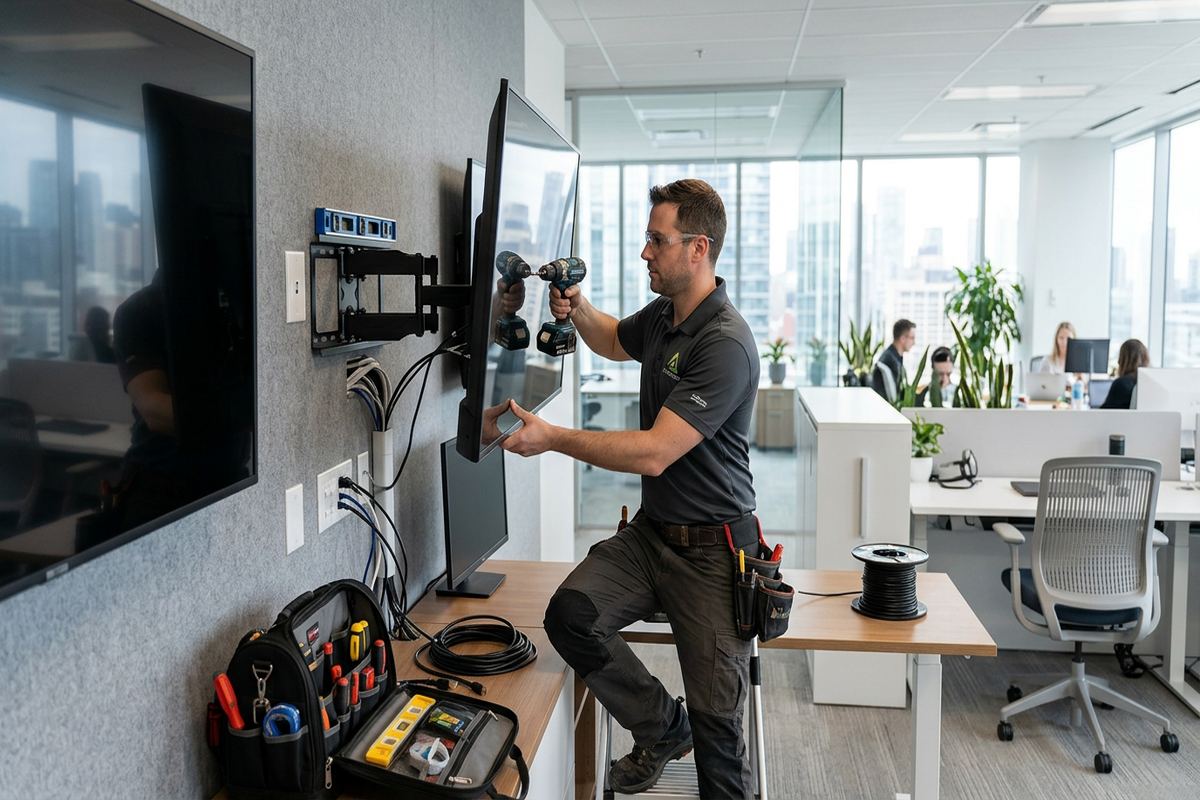
Once the written scope is accepted and site conditions are ready, installation begins with confirmation of the agreed position and equipment. We protect the immediate work area, locate supporting structure and check for likely concealed services before drilling. The bracket is assembled and secured using methods appropriate to the substrate, then levelled and checked through its intended movement. Cables are installed along the scoped routes, labelled and terminated before the television is lifted into place. Any unexpected condition is discussed rather than concealed behind the completed display.
Testing covers more than whether the television turns on. We confirm bracket movement, screen stability, cable clearance, active inputs, sound output and the operation of scoped source devices. Full-motion installations are checked with enough cable slack for movement without allowing loops to snag or become visible unnecessarily. Network connections installed by UnifiedLink are tested, and basic on-site configuration is completed using the customer's own accounts and credentials. The customer is shown how to move the bracket safely, select sources and reach equipment that may need resetting or replacement.
Handover includes an as-built record showing the completed low-voltage routes and relevant terminations, along with the agreed equipment and ownership details. One accountable contractor manages the scoped display, cabling and configuration work, reducing gaps between separate installers. Requests sent during business hours are answered the same day; after-hours requests are answered the next business day. Site assessment timing depends on the service and travel distance within Ajax and Durham Region. Future additions can then be planned from documented information instead of assumptions about concealed cables or mounting support.
- Work area and wall rechecked
- Bracket movement and stability tested
- Inputs, audio and network confirmed
- Customer credentials used at handover
- As-built record supplied
Ajax neighbourhoods we cover
- Southwood
- Nottingham
- Duffin's Bay
- Applecroft
- Pickering Beach
- Central Ajax
TV wall mounting in Ajax — common questions
Can you hide the TV cables in my Ajax home?
Often, yes. The result depends on whether the wall is framed, masonry, insulated or blocked by plumbing, ducts, fire stops or cabinetry. Finished basements can require limited exploratory access. We assess the route before pricing and explain concealed-cable, surface-raceway or cabinet-routing options. Power cords are not treated like low-voltage cable, and ordinary extension cords are not placed inside walls.
Can you mount a TV above my fireplace?
Possibly, but the fireplace, wall assembly and viewing position must be assessed first. In Ajax homes, fireplaces may use masonry, framed chases, vents, mantels or decorative veneers that affect support and cable routing. We consider heat exposure, manufacturer clearances, mounting height and structural backing. If the location is unsafe, excessively high or unsuitable for concealed cabling, we recommend another position.
Do I need permission in a condo or rental?
Condominium corporations, landlords and property managers may restrict wall penetrations, exterior work or changes to common elements. Ajax condo owners and tenants should obtain written approval where required before installation. The approval may specify mounting hours, insurance documents, acceptable cable routes or restoration duties. Unless the written scope states otherwise, securing landlord, condominium or property-management approval remains the customer's responsibility.
Can you mount a television on brick or concrete?
Yes, when the brick, block or concrete is structurally suitable and compatible fasteners can be used. Decorative veneer, thin stone and mortar joints are not automatically suitable support points. We identify the substrate and account for bracket loading before drilling. Ajax basements, fireplaces, commercial strips and industrial units can contain several wall types, so the visible finish alone does not determine the mounting method.
Do you install soundbars and streaming devices too?
Yes. The scope can include soundbar mounting, HDMI or optical audio cabling, streaming-device placement, wired network connections and basic on-site configuration. We consider ventilation, wireless reception, port access and future servicing before hiding equipment. During handover, accounts are configured with the customer's own credentials, and the installed low-voltage cable routes and terminations are included in the as-built record.
How quickly will you respond to an Ajax request?
Requests sent during business hours are answered the same day, while after-hours requests are answered the next business day. The timing of an Ajax site assessment depends on the required service and travel distance. Assessment comes before pricing so we can review the wall, bracket, television, cable route and connected devices, then provide a written scope with equipment, placement, exclusions, ownership and warranty details.
Coverage in Ajax is confirmed against the address before we quote. See everything we install in Ajax or the province-wide tv wall mounting page.