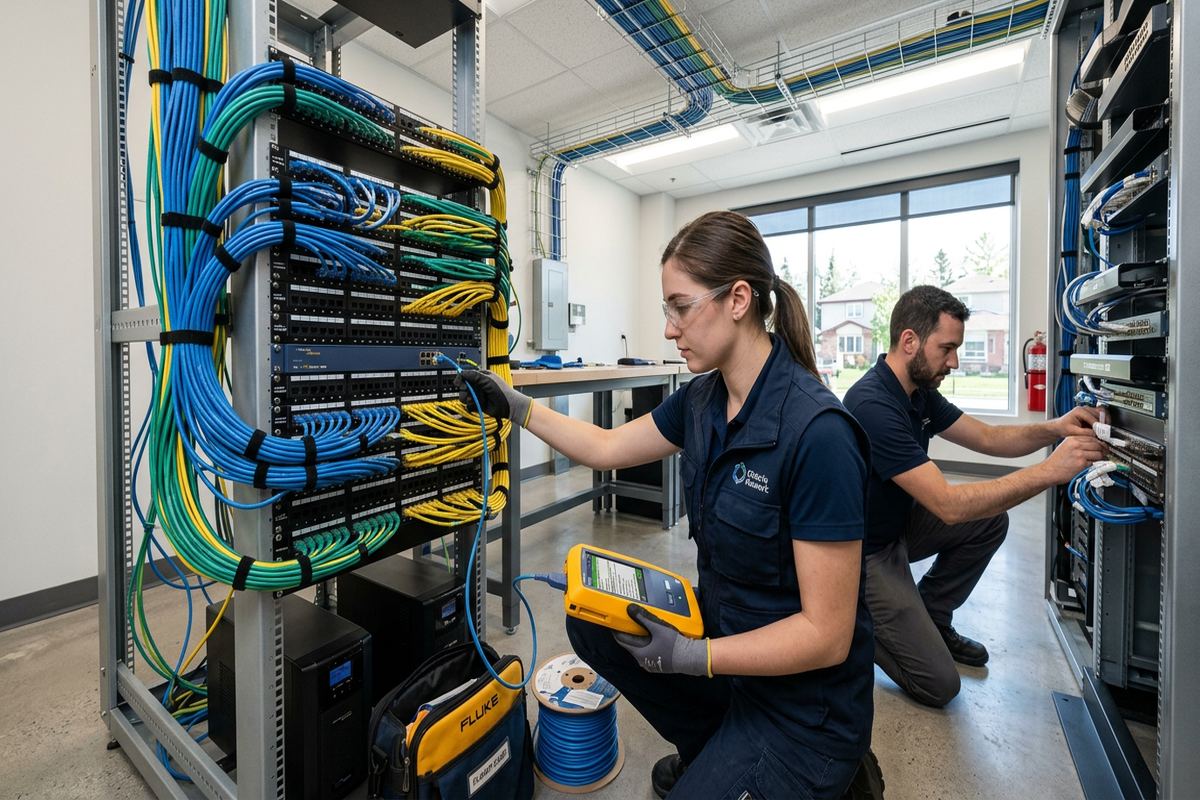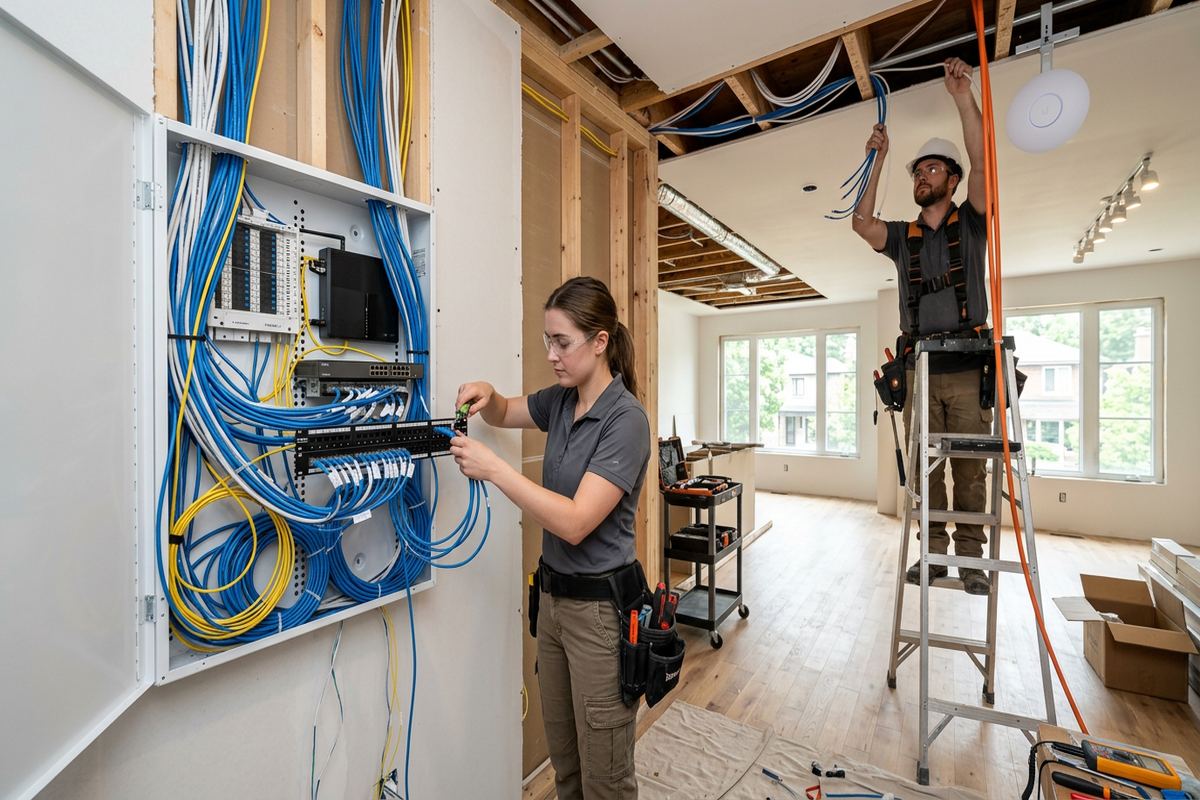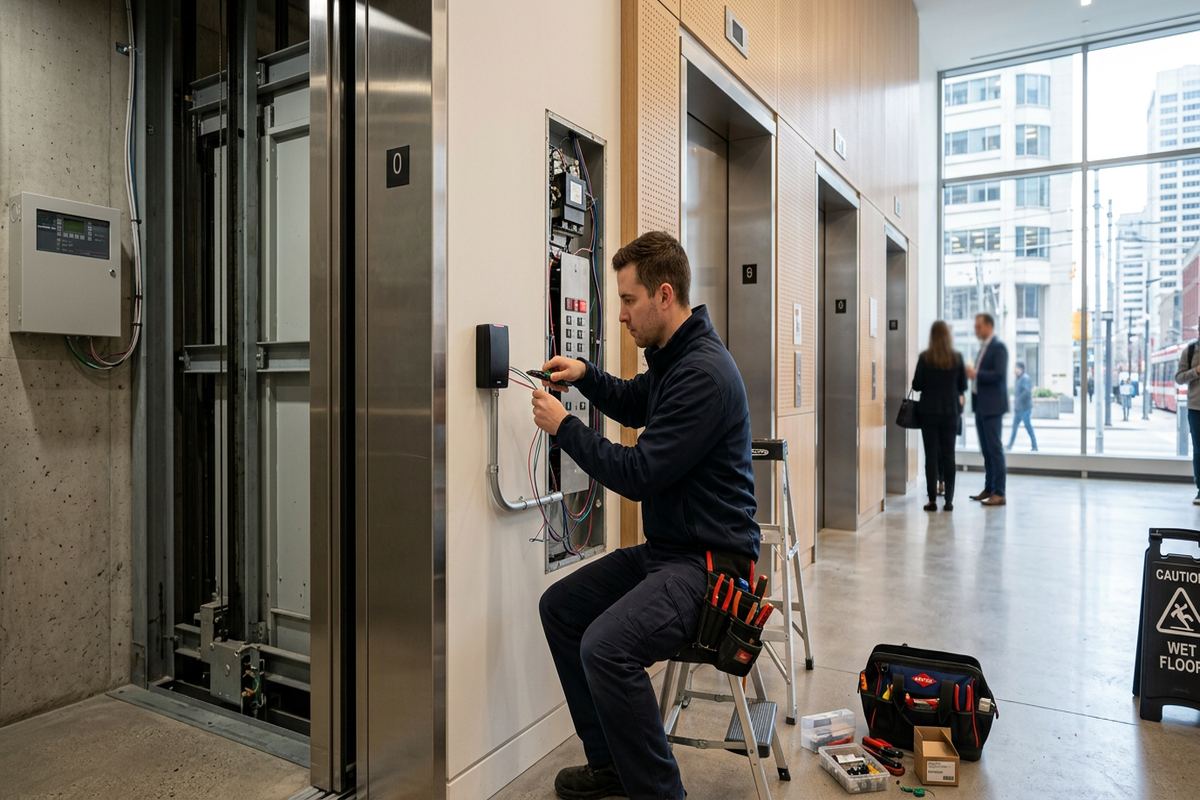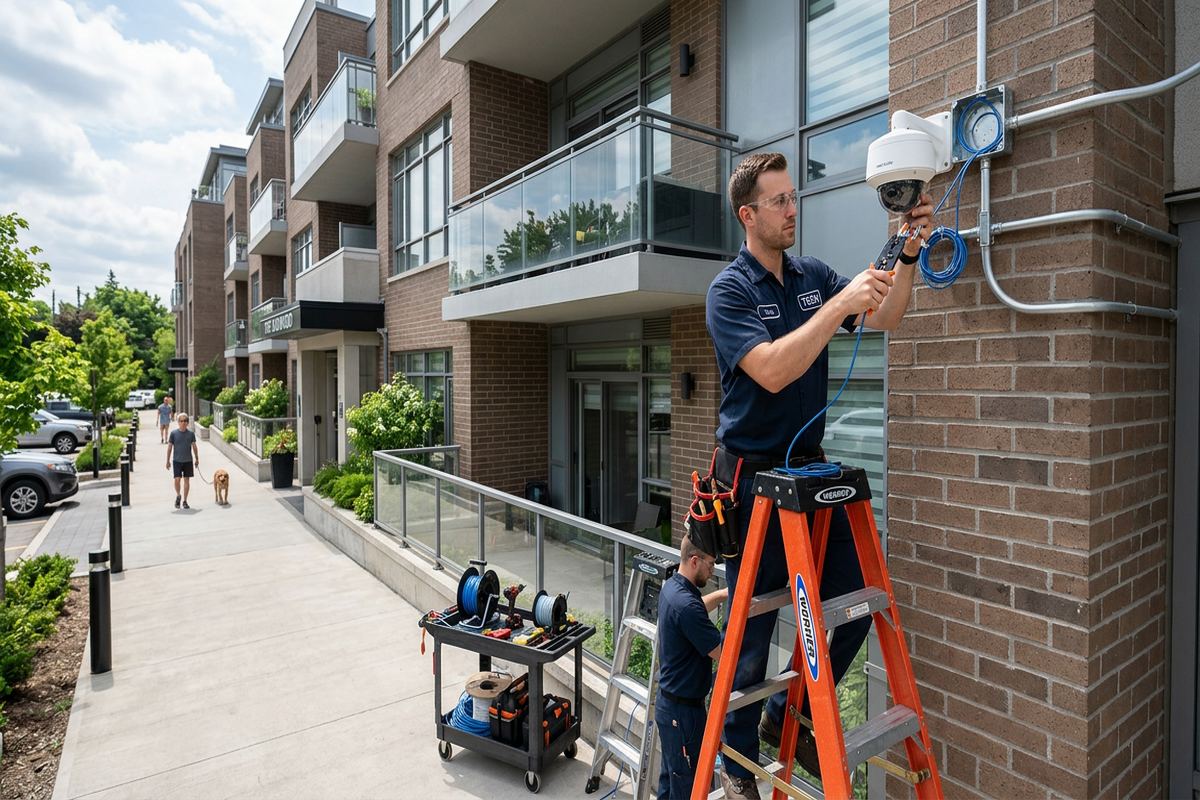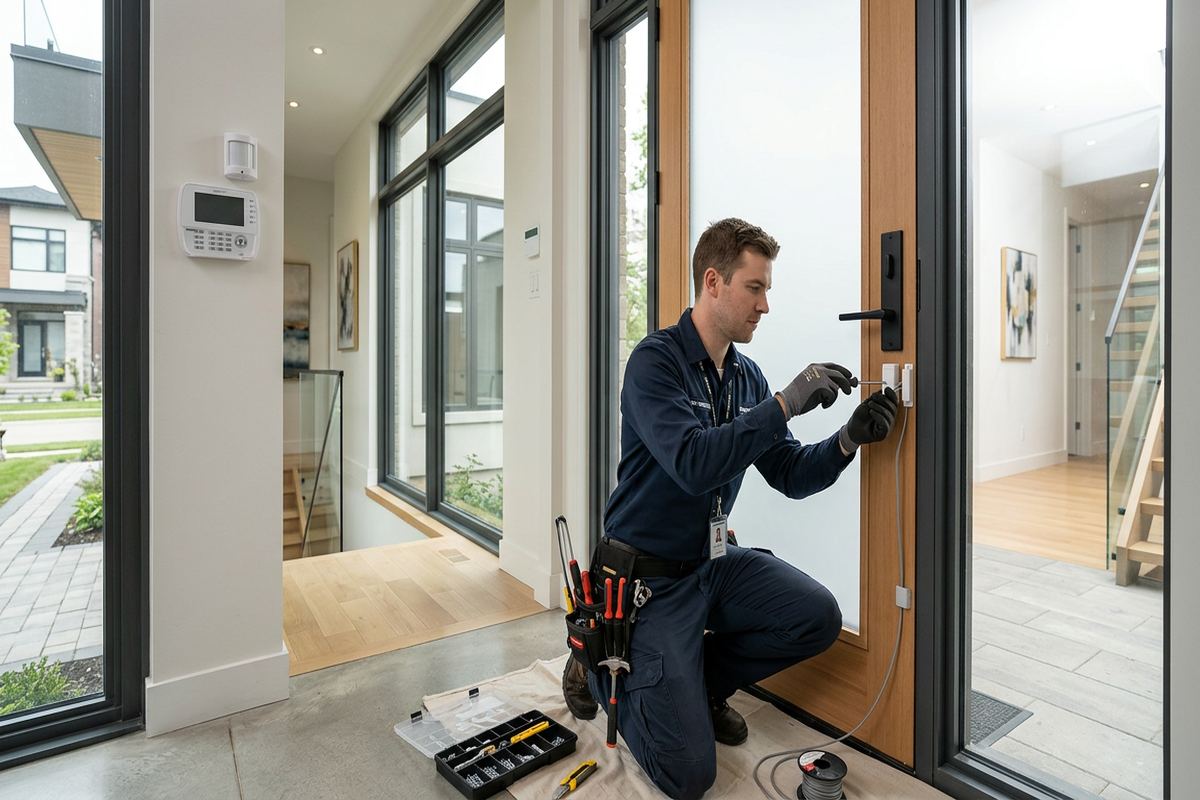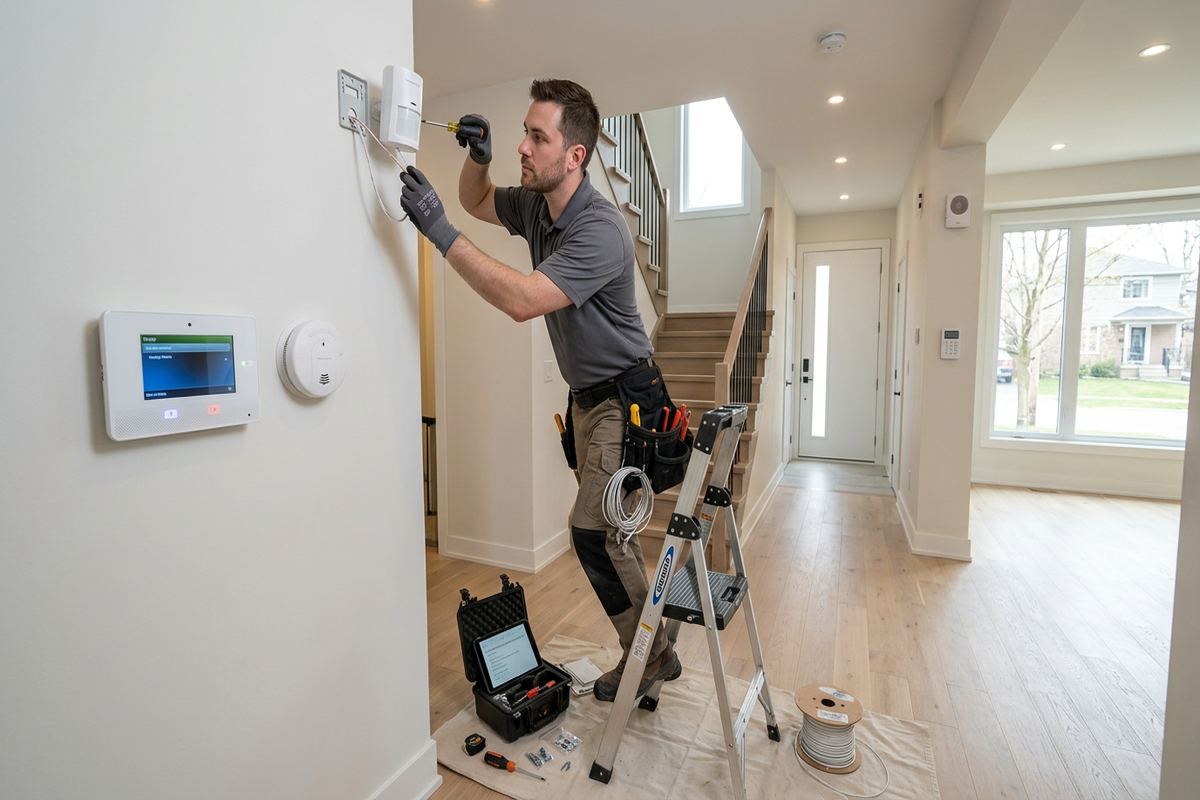
UnifiedLink installs home alarm systems for houses, condos and mixed-use properties across Ajax and Durham Region. We assess the site, plan sensor and keypad locations, identify practical cable routes, configure the system on site and document the finished installation. The result is an alarm system suited to the building, its occupants and the way each entrance and interior space is used.
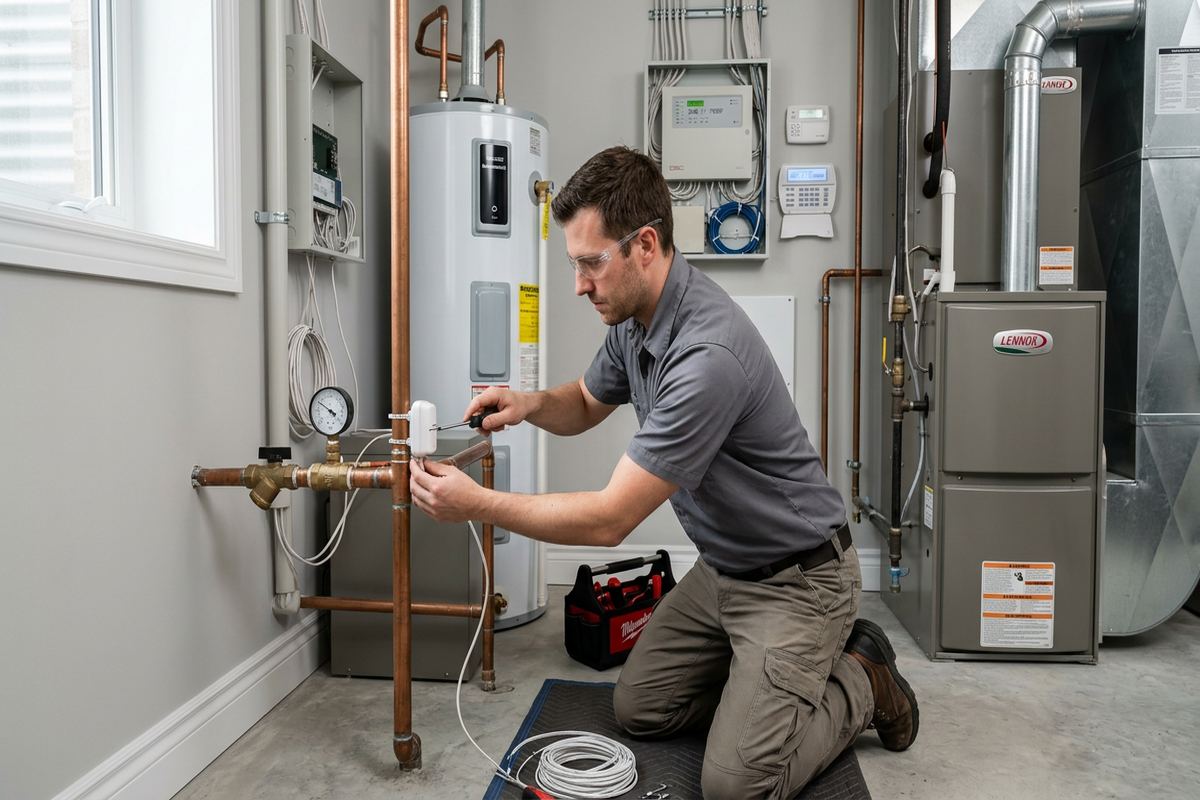
Planning a Home Alarm System in Ajax
A home alarm system should be planned around the property rather than assembled from a generic equipment list. During an Ajax site assessment, we review doors, accessible windows, attached garages, basement entrances, shared walls and likely movement paths. We also discuss who uses the building, when it is normally occupied and whether pets, children, tenants or regular visitors affect sensor placement. This establishes the number and type of alarm zones required. It also helps separate useful protection from unnecessary devices that could complicate daily operation or produce avoidable false alarms.
Ajax includes newer subdivisions, lakefront homes and properties with finished basements. These buildings can make alarm retrofits straightforward because framing routes and utility spaces are often predictable, but finished surfaces make the details important. Cable paths must avoid damaging trim, cabinetry, vapour barriers and completed ceilings. Wireless devices may reduce disruption, although signal conditions, battery access and device location still need assessment. We compare wired, wireless and hybrid options before setting the scope, then explain where concealed routing is practical and where a small visible transition or surface pathway may be required.
Before pricing, UnifiedLink completes a site assessment suited to the service and travel distance. The resulting written scope identifies equipment, device placement, proposed cable routes, exclusions, equipment ownership and warranty terms. This is especially useful when an alarm installation overlaps with renovation work, electrical upgrades, new doors or internet changes. It gives the homeowner, property manager and other trades a common reference before work starts. Requests received during business hours are answered the same day, while after-hours requests are answered the next business day. Assessment timing depends on the project and travel requirements.
- Door, window and basement entry review
- Wired, wireless or hybrid system planning
- Pet and occupancy considerations
- Written scope before installation
- Equipment ownership clearly documented
Alarm Devices for Ajax Houses
An effective alarm layout uses layers rather than relying on a single sensor type. Door contacts provide clear reporting at common entry points, while window contacts can cover accessible openings that warrant individual monitoring. Motion detectors add interior protection when the building is unoccupied, and glass-break detection may be appropriate for rooms with larger glazed areas. Keypads, sirens and panic functions must also be positioned for practical use. For Ajax homeowners, the aim is not to fill every room with hardware; it is to create understandable coverage around realistic entry routes and interior movement.
Entry doors deserve particular attention because frame material, alignment and daily use affect contact selection. A recessed contact can provide a discreet finish where the door and frame permit drilling, while a surface contact may be safer for some steel, composite or finished assemblies. Sliding patio doors, overhead garage doors and basement walkouts require different hardware and mounting methods. In lakefront areas such as Duffin's Bay and Pickering Beach, exterior exposure and changing seasonal conditions can also affect nearby door assemblies. We select locations that remain serviceable and test each opening through its complete operating range.
Motion sensor placement depends on room geometry, heating sources, stairways, curtains, pets and expected movement. A detector aimed toward a sunny window or supply register can behave differently from one placed across a stable interior path. Finished basements add further considerations because bulkheads, low ceilings and open recreation areas may interrupt detection patterns. We review these details in Ajax homes before mounting hardware. Where a household needs stay, away or night modes, zones can be grouped so occupants can move through selected areas while perimeter points remain armed, subject to the capabilities of the chosen system.
- Door and accessible-window contacts
- Interior motion detection
- Glass-break detection where appropriate
- Keypads, sirens and panic functions
- Stay, away and night mode configuration
Wired, Wireless and Hybrid Options
Wired alarm devices provide continuous physical connections and can be a strong choice during construction, renovation or an accessible retrofit. Where new cable is installed, UnifiedLink uses continuous labelled runs between the field device and the designated control location. Splices and hidden junctions are avoided unless the approved design requires a serviceable connection. Cable selection, support and separation are planned for the route and surrounding systems. In Ajax houses with unfinished utility rooms or accessible basement ceilings, wired contacts and keypads may be routed discreetly even when the main living areas are already complete.
Wireless alarm devices can limit cutting in finished walls, but they still require deliberate placement. Device range is influenced by floor assemblies, masonry, metal ductwork, appliances, mirrors and the distance to the control panel or receiver. Batteries also need an accessible replacement path, so a hidden device should not become an impractical service point. Homes in Nottingham, Applecroft and other newer subdivisions may combine open frame construction with dense mechanical areas and finished basements. We test communication from proposed locations and avoid assuming that a device will remain reliable simply because it is physically close to the panel.
A hybrid alarm system combines wired and wireless zones, often preserving existing serviceable cabling while adding coverage where new routes would cause unnecessary disturbance. This can be useful when an Ajax homeowner replaces an older panel, finishes a basement or adds a door after the original installation. Existing wires are inspected and tested rather than accepted without verification. Device compatibility, zone capacity and future expansion are considered before reuse. The written scope identifies which parts remain, which are replaced and who owns the installed equipment, helping the customer understand the final system without relying on undocumented legacy components.
- Continuous labelled wired runs
- Wireless signal checks at device locations
- Existing cable testing before reuse
- Hybrid expansion for finished spaces
- Accessible battery replacement planning

Ajax, Ontario
Home alarm system installation in Ajax, scoped in writing first
Book a site assessment and get equipment, routes, exclusions, and warranty on paper before anything is installed.
Retrofit Details in Ajax Homes
Retrofit work begins with route investigation, not drilling. We inspect mechanical rooms, unfinished storage areas, attic access, closets, risers and existing low-voltage pathways to find the least disruptive route. Finished basements common in Ajax can hide useful framing paths, but they can also conceal plumbing, electrical wiring and structural obstacles. Small exploratory steps may be necessary where drawings are unavailable, and any limits are discussed before work proceeds. The objective is to protect finished surfaces while keeping cables supported, labelled and serviceable. Decorative assumptions never take priority over a safe, technically workable installation path.
Frame construction usually allows more routing flexibility than masonry, although insulation, fire blocking and vapour barriers still constrain access. Brick veneer must not be treated as an open cable cavity, and penetrations through exterior assemblies require suitable sleeves or sealing methods. Solid masonry, concrete walls and tiled finishes may call for surface raceway or an alternate device position. Ajax properties can contain several construction types within one building, particularly around additions, garages and basement alterations. We explain these differences during planning so the chosen route reflects the actual structure rather than an idealized path shown on a simple floor plan.
Exterior alarm components and door contacts near exposed openings need careful mounting and sealing. Ajax winters, moisture and repeated freeze-thaw cycles can stress fasteners, sealants and cable entry points, especially where hardware crosses masonry or exterior trim. We use mounting methods appropriate to the substrate and avoid creating paths that direct water into the wall assembly. Equipment intended only for indoor use is not placed outside as a shortcut. Where an external siren or protected contact is included, its environmental rating, cable transition, service access and relationship to snow or drainage are reviewed before installation.
- Routes checked before drilling
- Finished surfaces considered in the scope
- Masonry-specific anchors and pathways
- Exterior penetrations sealed appropriately
- Cables supported and labelled
Alarm Installation and Ajax Site Work
Installation follows the approved written scope, beginning with confirmation of device locations and the panel area. Technicians protect the immediate work area, establish cable routes and mount devices to suit the substrate. Continuous labelled cable runs are used for new wired connections, and each label corresponds to a defined alarm zone. If hidden conditions prevent an agreed route, work is paused long enough to discuss a practical alternative rather than making an undocumented change. This process matters in occupied Ajax homes, where furniture, finished walls and normal household access must be managed throughout the visit.
The control panel requires a suitable indoor location with appropriate power, communication access and space for servicing. It should not be placed where routine household activity could damage it, nor hidden so completely that future maintenance becomes difficult. Keypads are positioned for convenient entry and exit while considering visibility from windows and reach requirements. Sirens need clear sound distribution without becoming vulnerable to casual tampering. We coordinate these components with the homeowner and, when necessary, with electricians, internet providers, renovators or door contractors so responsibilities remain clear and duplicated work is avoided.
Every installed zone is checked at the device and confirmed at the alarm panel. Doors and windows are opened individually, motion areas are walked, audible devices are tested and user functions are reviewed. Wireless devices are checked for communication, while wired loops are verified for correct reporting and tamper behaviour where supported. The Ajax customer receives on-site configuration based on the agreed operating plan, not an untouched factory default. Any monitoring connection or app function included in the project is also tested within its available service conditions, with external account requirements identified before handover.
- Device locations confirmed before mounting
- New wired zones labelled consistently
- Control panel configured on site
- Every zone function-tested
- Changes documented before proceeding
Configuration, Handover and Records
Alarm configuration translates the physical installation into understandable operating modes. Zones receive clear names such as front door, basement window or garage entry instead of vague numbers that are difficult to interpret during an event. Entry and exit delays, arming modes, chimes and user permissions are set according to the agreed plan and available system features. We avoid creating a complicated arrangement that occupants cannot use consistently. For households with several users, separate codes or permissions may help manage access without sharing one credential, particularly when cleaners, relatives or contractors require limited entry.
At handover, the customer receives control of the system using their own credentials. We demonstrate normal arming and disarming, bypassing a zone, recognizing common alerts and responding to a low-battery or communication message. The exact process depends on the selected equipment and whether monitoring or remote access is included. Ajax homeowners are encouraged to practise the main functions before the installation is closed out. Equipment ownership and warranty details are identified in the written scope, preventing uncertainty about whether a panel, communicator or app account belongs to the customer or another service provider.
An as-built record documents the completed installation rather than only the original proposal. It identifies alarm zones, device locations, panel placement and relevant cable or equipment notes. This record is useful when a door is replaced, a basement is renovated or another contractor needs to understand the low-voltage system. Passwords are handled separately and remain under customer control. UnifiedLink acts as one accountable contractor for the scoped installation, configuration and handover, reducing gaps between cabling, device mounting and programming. Any excluded monitoring, electrical or building work remains clearly stated instead of being implied.
- Clear names for every alarm zone
- Customer-controlled codes and credentials
- Operating modes demonstrated on site
- As-built alarm system record
- Ownership and warranty terms reviewed
Ajax Condos, Rentals and Mixed-Use Properties
Condo alarm work may require approval before cables, sirens or communication equipment are installed. Unit boundaries, shared walls, common corridors and building fire systems can limit where devices and pathways may be placed. We ask Ajax condo owners to confirm applicable corporation rules and provide any required documentation before site work. An intrusion alarm must remain separate from life-safety systems unless a specifically designed and authorized interface is included. Wireless equipment can reduce penetrations, but it does not remove the need to respect common elements, noise restrictions, mounting rules or communication conditions inside the building.
Landlords and tenants should establish who can authorize the installation, who owns the equipment and who controls user accounts. Written permission is important when drilling, routing cable or attaching devices to a rental property. The scope can identify owner and occupant responsibilities, including access for installation and future battery replacement. In Central Ajax or Southwood, a rental may be a detached house, basement suite, townhouse or unit above another use, and each arrangement creates different access considerations. We do not assume that an occupant's request automatically permits changes to the building or shared service areas.
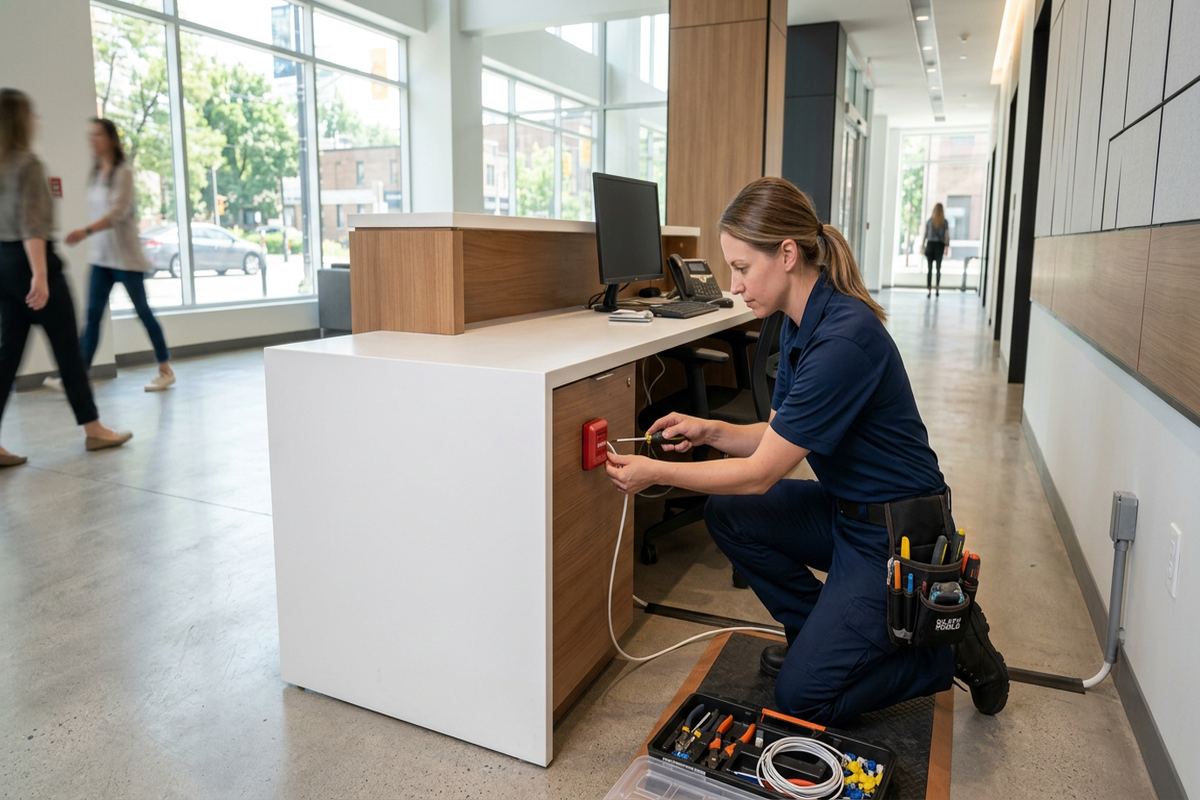
Alarm systems are also relevant to small businesses in commercial strips and industrial units around Ajax. These sites may need separate protection for customer entrances, offices, stock areas, grade-level doors or internal storage rooms. Construction can shift quickly between steel framing, concrete block, glazed storefronts and demising walls, so residential mounting assumptions may not apply. Landlord approval may be necessary for penetrations, exterior sirens or changes near shared ceilings. We can plan a scoped intrusion system for these properties while keeping fire alarms, access control, video surveillance and network work clearly separated unless those services are expressly included.
- Condo rules reviewed before site work
- Landlord authorization confirmed
- Equipment ownership defined in writing
- Mixed-use boundaries considered
- Commercial and industrial substrates assessed
Maintaining an Alarm System in Ajax
Routine attention helps an alarm system remain understandable and ready for use. Homeowners should operate less frequently used doors and windows, confirm that contacts report correctly and keep motion detector views free from furniture, decorations or stored items. Wireless device batteries should be replaced in response to system indications and according to manufacturer guidance, not ignored until a device stops communicating. After substantial interior changes, the layout should be reviewed. A newly installed partition, tall cabinet or finished room can alter movement paths and make an originally suitable detector location less effective.
Seasonal conditions can reveal issues around exterior openings. In Ajax, winter movement, condensation and freeze-thaw cycles may affect door alignment, weather stripping or hardware near a contact even when the alarm device itself remains functional. A contact that reports intermittently should be investigated rather than bypassed indefinitely. Exterior sirens, protected cable entries and exposed mounting points can also be visually checked for cracked sealant, loose hardware or water paths. Homeowners should not apply random sealants over drainage details or equipment openings; the substrate and original mounting method need to be understood first.
Changes to internet service, telephone service, routers or mobile accounts can affect alarm communication and app access even though local sensors still operate. Before changing providers or network equipment, note how the alarm communicates and preserve the necessary account information. Following a renovation, door replacement or change of occupants, user codes and the as-built record should also be reviewed. UnifiedLink can assess modification requirements and provide a written scope before additional work. Ajax service requests sent during business hours are answered the same day, and after-hours requests are answered the next business day.
- Contacts checked after door adjustments
- Motion detector views kept clear
- Wireless battery alerts addressed
- Communication reviewed after network changes
- Records updated after renovations
Ajax neighbourhoods we cover
- Southwood
- Nottingham
- Duffin's Bay
- Applecroft
- Pickering Beach
- Central Ajax
Home alarm system installation in Ajax — common questions
Should I choose a wired or wireless alarm system for my Ajax home?
The right approach depends on cable access, finishes, construction and future plans. Wired devices suit accessible framing and renovation work, while wireless devices can reduce disruption in finished Ajax homes. A hybrid system can preserve serviceable existing wiring and add wireless coverage elsewhere. We assess routes, masonry, mechanical obstructions, signal conditions and battery access before recommending an arrangement.
Can you install an alarm without damaging my finished basement?
Many Ajax homes have finished basements, so route planning is a major part of the assessment. We first look for utility rooms, closets, attic paths and existing low-voltage routes. Some installations can be completed with concealed wiring or wireless devices, while others need a short surface pathway or limited access point. Proposed routes and known finish impacts are documented before installation.
Do I need condo or landlord approval?
Often, yes. Ajax condo corporations may control shared walls, common ceilings, exterior devices and penetrations, while landlords must authorize physical changes to rental property. Approval requirements vary by building and lease. The owner or tenant should confirm permission before work begins. Our written scope can identify equipment, locations, cable routes and ownership details for the approval process.
Does the alarm system include monitoring and an app?
Monitoring and remote app functions depend on the selected equipment, communication method and written scope. They should not be assumed from the presence of an alarm panel. For an Ajax installation, we identify any included communicator, external account requirement, customer credential and testing responsibility. Local alarm operation, remote access and third-party monitoring are reviewed separately so the customer understands each component.
How are exterior devices protected from Ajax weather?
Exterior-rated equipment, suitable fasteners and properly sealed cable transitions are important in Ajax because moisture, winter temperatures and freeze-thaw cycles can stress mounting points. We assess the substrate, including masonry, siding or trim, and avoid directing water into the wall assembly. Indoor-only equipment is not installed outside as a shortcut. Service access, drainage and snow exposure are also considered.
What do I receive when installation is complete?
You receive on-site configuration, testing of the installed alarm zones, a practical operating demonstration and control of the system through your own credentials. UnifiedLink also provides an as-built record covering device and zone information. The written scope identifies equipment ownership, warranty terms and exclusions. This gives an Ajax property owner a usable reference for maintenance, renovations or future system changes.
Coverage in Ajax is confirmed against the address before we quote. See everything we install in Ajax or the province-wide home alarm system installation page.