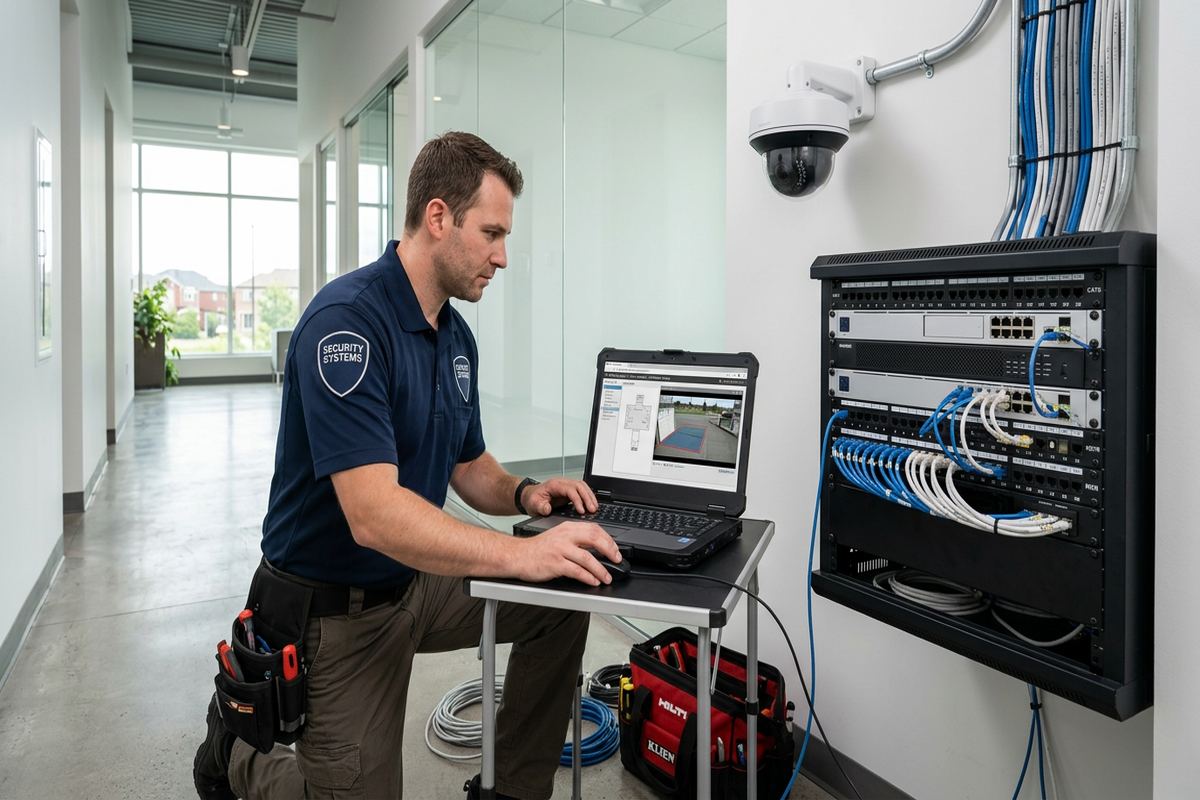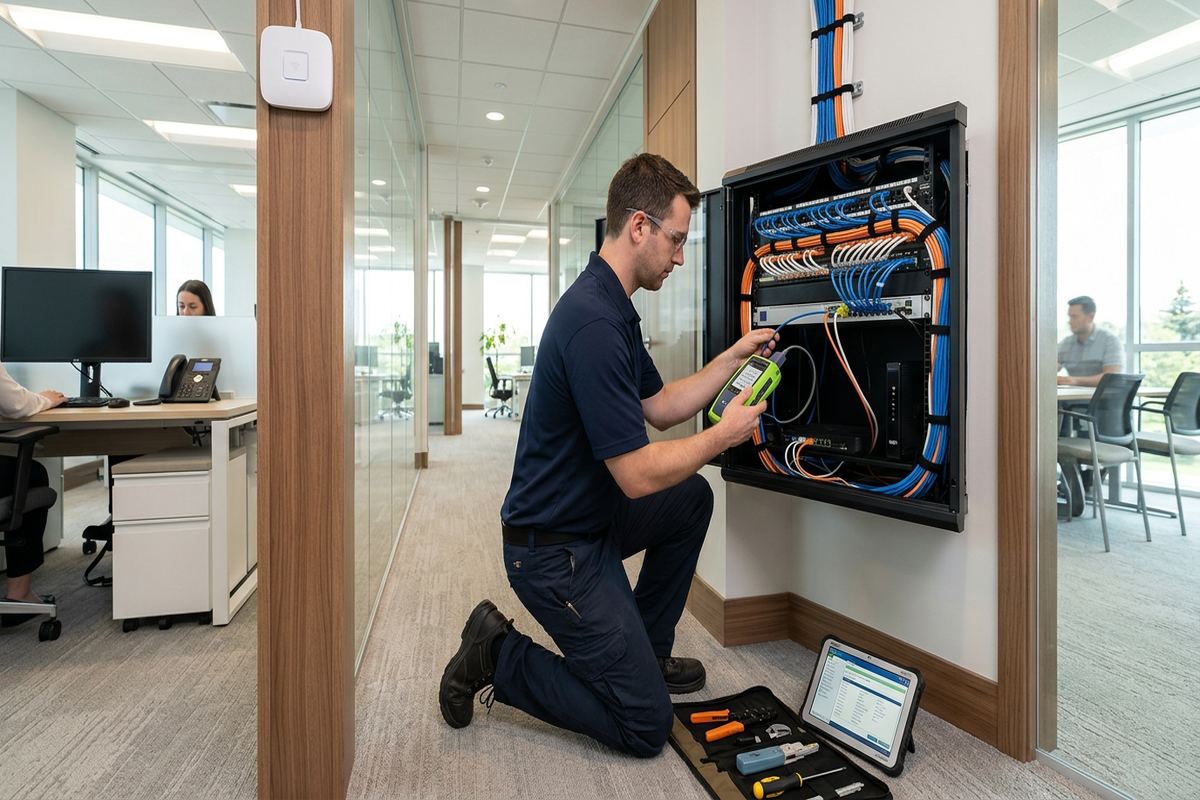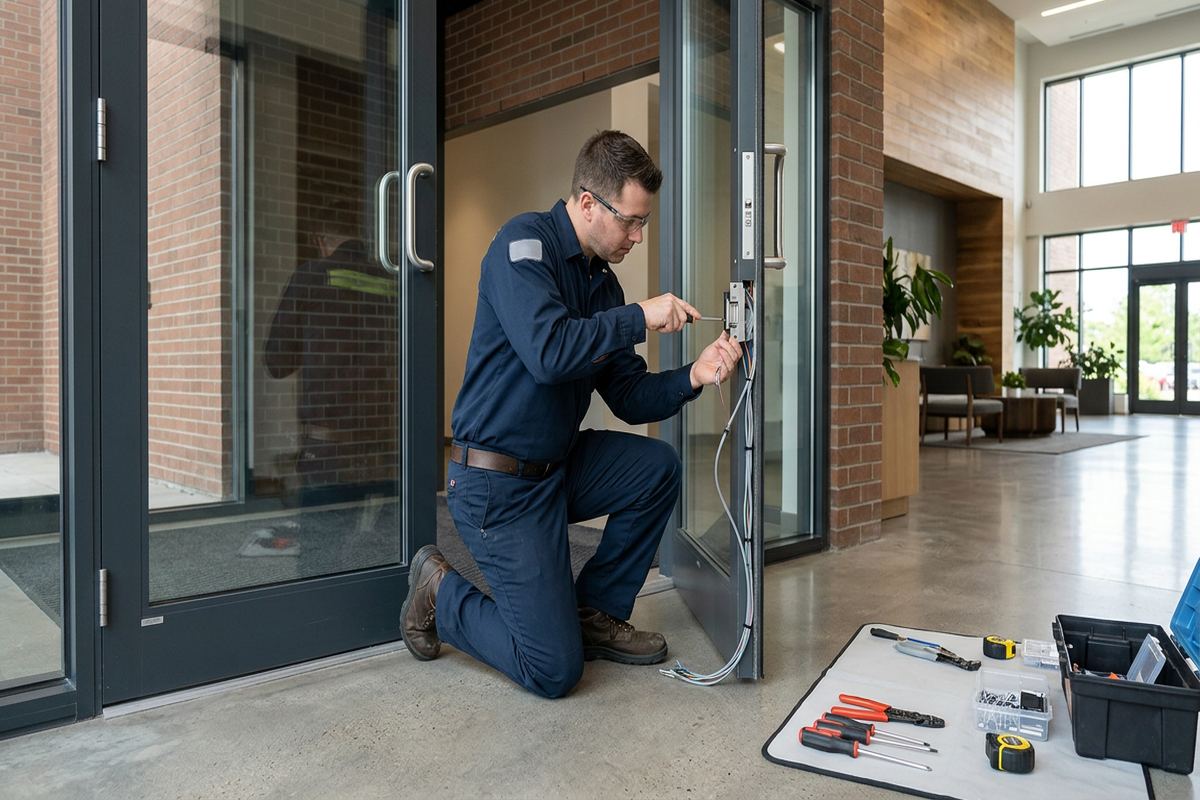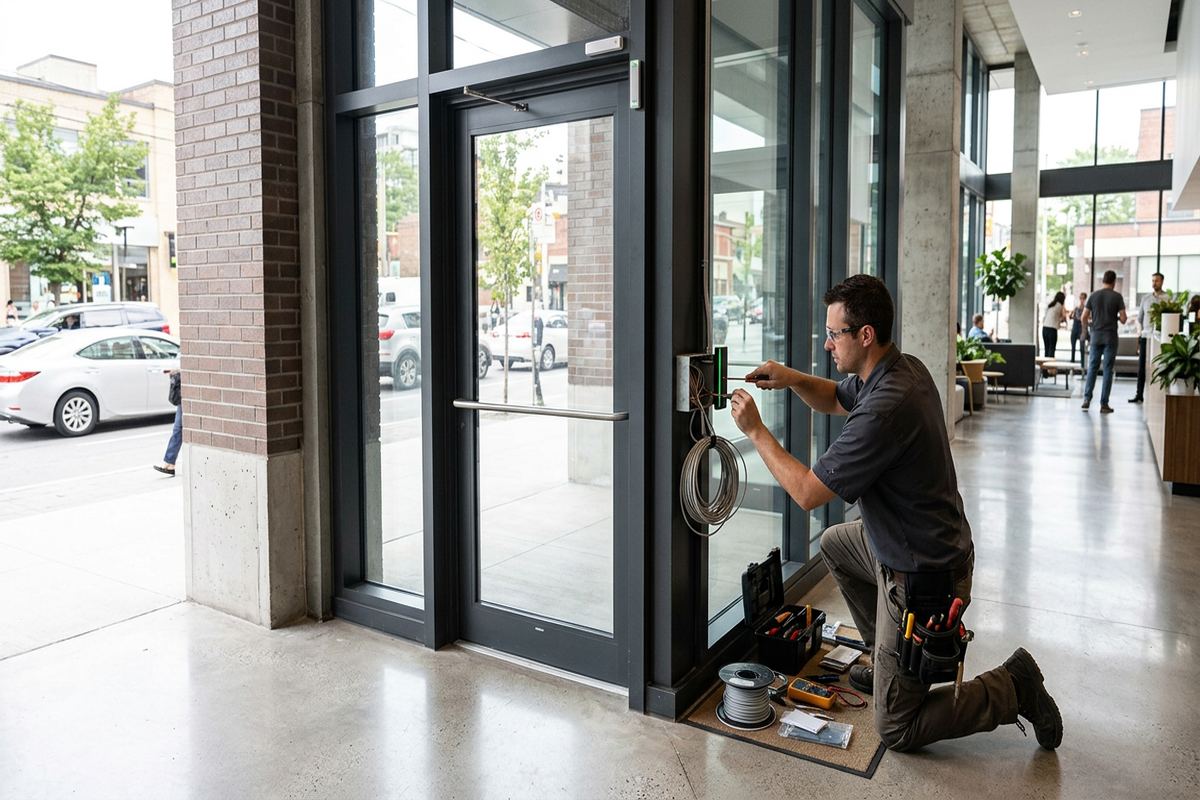
UnifiedLink installs commercial networks for offices, shops, industrial units and managed properties across Ajax and Durham Region. We plan cable routes, install labelled data runs, configure network hardware on site and provide clear handover records. Each project starts with a site assessment so the written scope reflects the building, business requirements and practical installation conditions.
Commercial Network Installation Planning in Ajax
A reliable commercial network begins with an accurate understanding of the site, not a list of equipment selected in advance. During an Ajax site assessment, we review the internet service location, communications rooms, workstation counts, wireless coverage needs, connected devices and possible cable pathways. We also discuss expected changes, such as additional staff, tenant improvements, cameras, access control or voice systems. This information determines the number and category of cable runs, switch capacity, rack requirements and access-point positions. Assessment timing depends on the service involved and travel distance.
Ajax properties require different approaches depending on their construction and use. Newer subdivisions and lakefront homes with finished basements can support business networks and home offices, but retrofits are detail-heavy because walls, ceilings and trim are already complete. Commercial strips may have accessible ceiling spaces, while offices and industrial units can involve masonry walls, high ceilings or separated tenant areas. We identify these constraints before proposing routes. The objective is to limit unnecessary openings while preserving safe separation from electrical wiring, mechanical equipment and other building services.
Following the assessment, UnifiedLink provides a written scope covering equipment, cable routes, device placement, exclusions, equipment ownership and warranty. This document gives property owners, managers and tenants a practical basis for approving the work. It can also identify responsibilities for internet service activation, electrical outlets, ceiling access, patching or landlord coordination. If the building is leased or part of a condominium property, required approvals should be confirmed before installation. Clear scope decisions reduce changes during the project and help keep every network component accountable from installation through handover.
- Site conditions and network requirements reviewed
- Cable pathways identified before installation
- Capacity planned for current and expected devices
- Written scope defines responsibilities and exclusions
Structured Cabling for Ajax Workplaces
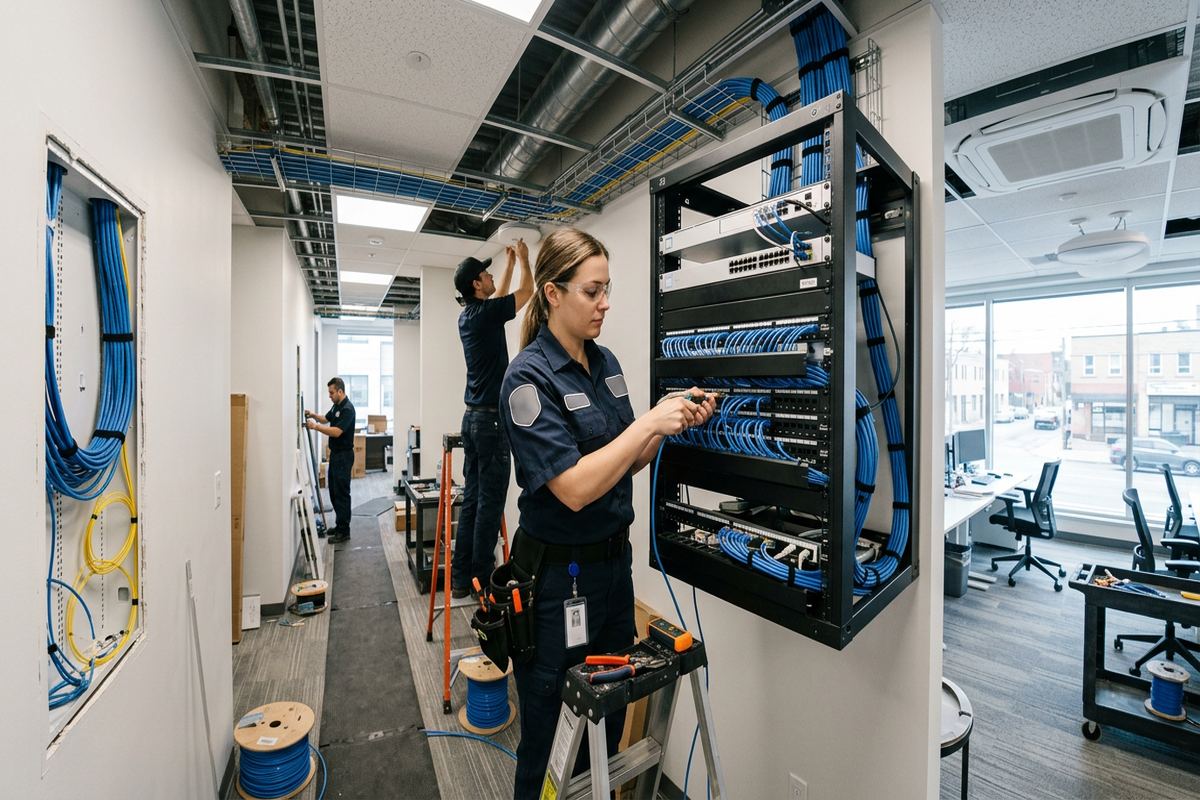
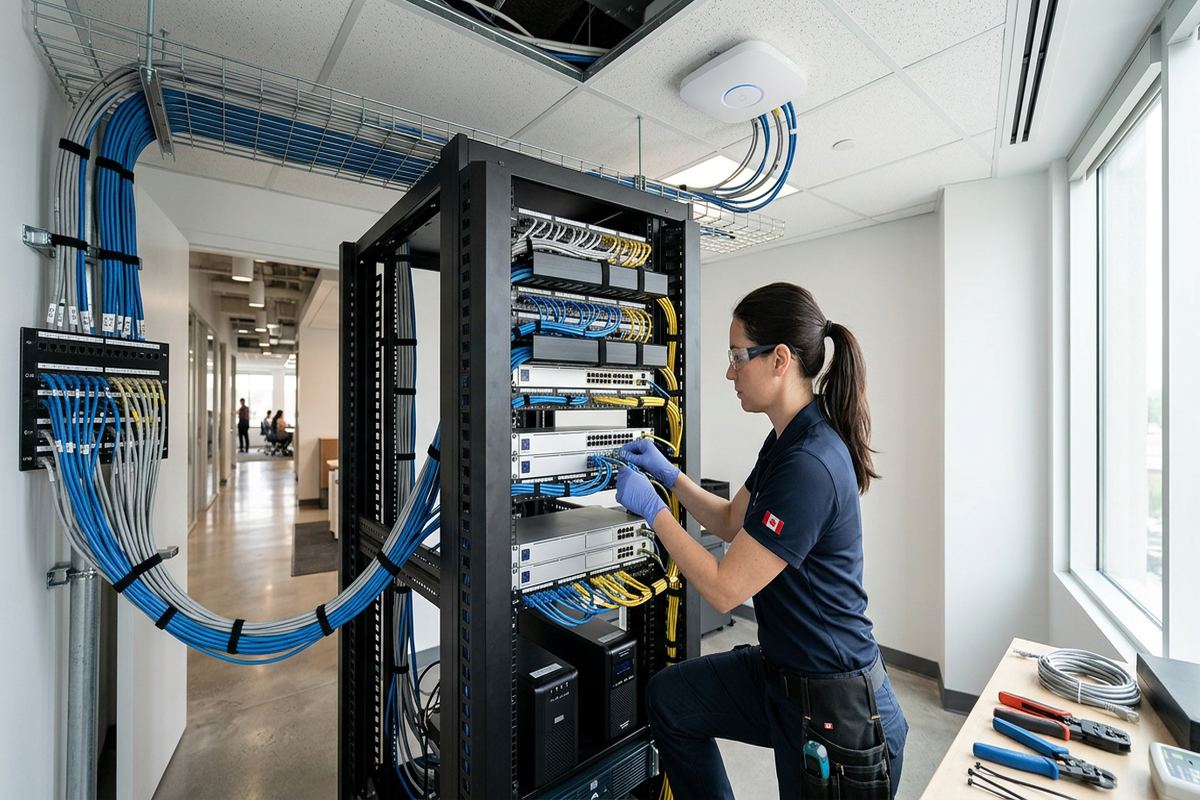
Structured cabling provides the fixed infrastructure connecting workstations, printers, phones, wireless access points, cameras and other networked equipment. We install continuous labelled cable runs between each outlet or device location and the designated rack, cabinet or termination point. Cable selection depends on distance, network performance, connected hardware and the building environment. Each run is routed and supported as site conditions allow, rather than left loose above ceilings or mixed without consideration for other services. Labels correspond with patch-panel and outlet locations, making later troubleshooting, moves and equipment replacement easier.
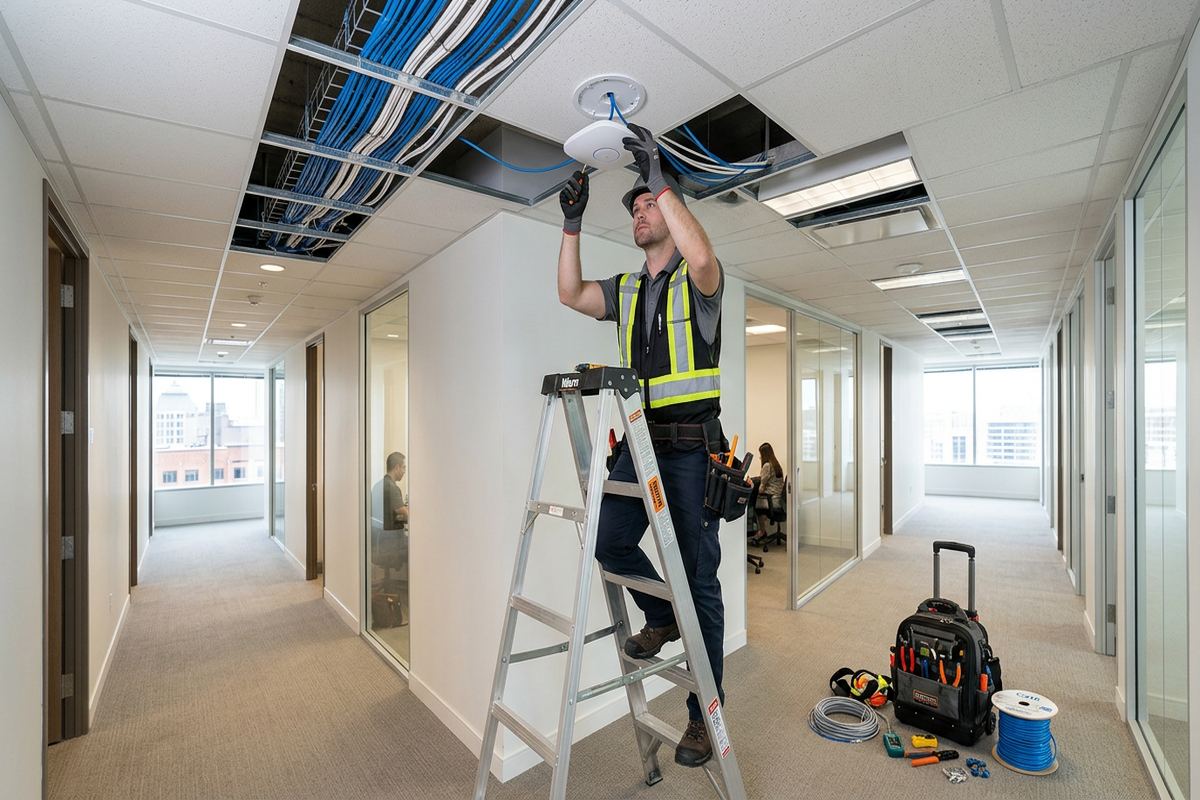
In Central Ajax offices and commercial strips, an existing ceiling space may offer practical routes, although previous tenant work can leave abandoned or unidentified cabling. We inspect what is present before deciding whether any infrastructure should remain. Reusing a cable only makes sense when its type, route, condition and termination can be verified for the intended application. Otherwise, a new continuous run provides a clearer result. Masonry demising walls may require surface pathways or carefully selected penetrations, while frame construction often allows concealed routes where access and finishes permit.
Cable installation also has to account for business operations. Routes through reception areas, treatment rooms, retail floors or occupied offices may need staged access to avoid obstructing staff and customers. In industrial units, cable supports and device positions must suit ceiling height, equipment areas and the risk of physical contact. We coordinate the practical sequence during scoping and identify areas that must be cleared. Once installed, the cabling is terminated, labelled and checked before network devices are connected, providing an organized base for configuration and future service work.
- Data outlets placed for actual work areas
- Patch panels and outlets labelled consistently
- Routes planned around occupied business spaces
- Old cabling assessed before possible reuse
Network Racks, Switches and Patch Panels
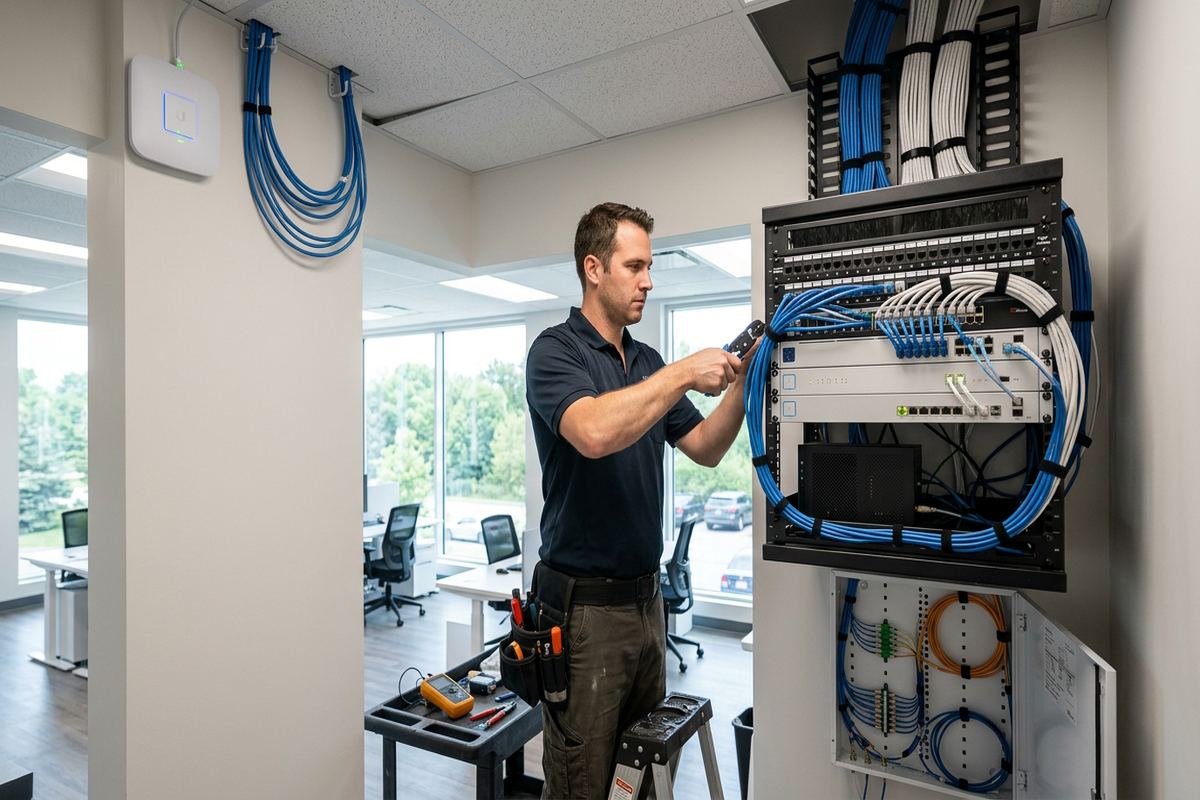
The network rack or cabinet is the central point for commercial cabling and active equipment. Its location should provide suitable access, ventilation, power and protection from routine traffic. We review whether an existing communications area can support the proposed patch panels, switches, router, fibre equipment and cable management. A crowded utility room or unsecured storage area may create maintenance problems even when it appears convenient initially. In smaller Ajax premises, a wall-mounted cabinet may be appropriate; larger layouts can require more capacity. Final selection remains tied to the written scope and site conditions.
Switch design is based on the number and type of connected devices rather than workstation count alone. Computers, printers, phones, cameras, access points, controllers and building systems can each require a network port. Some devices may also use Power over Ethernet, so available power capacity must be considered alongside port capacity and network speed. We map proposed connections to the patch panel and switch, leaving an understandable arrangement for service. Where network separation is required, configuration can distinguish staff, guest, voice, security or operational devices according to the approved design and supported hardware.
Poorly organized cabinets make even simple changes difficult. Patch leads can conceal labels, block equipment or connect devices without a useful record. During installation, we arrange terminations and patching so individual circuits can be followed without dismantling the cabinet. Existing equipment is documented where it forms part of the project, and unclear connections are addressed within the agreed scope. At handover, the customer receives their own credentials and an as-built record. This avoids making the installer’s private account the permanent key to equipment that the customer owns and operates.
- Rack capacity matched to installed equipment
- Power over Ethernet demand considered
- Patch-panel ports mapped and labelled
- Customer retains network administration credentials
Ajax, Ontario
Commercial network installation in Ajax, scoped in writing first
Book a site assessment and get equipment, routes, exclusions, and warranty on paper before anything is installed.
Business Wi-Fi Installation Across Ajax
Commercial Wi-Fi requires more than placing a router near the internet connection. Walls, shelving, equipment, room layout and user density affect how radio signals travel. During planning, we identify where staff, customers and wireless devices actually operate, then select practical access-point locations with wired connections back to the network. Ceiling mounting can improve placement in many offices or retail spaces, but construction and access still determine what is possible. Masonry walls reduce signal differently from frame partitions, making assumptions based only on floor area unreliable for Ajax businesses.
In finished properties around Southwood, Nottingham and Applecroft, concealed access-point cabling may require careful routing through completed ceilings or basement areas. These buildings can make retrofits straightforward in principle while still demanding attention to trim, insulation, existing services and visible finishes. We establish the route before opening any limited access point and discuss where surface pathway may be preferable to disruptive work. For leased offices or condominium units, access-point mounting and cable penetration may need written landlord, condominium or property-management approval before the installation date.
On-site configuration can include access-point adoption, wireless network names, security settings and separation between business and guest use where the selected equipment supports it. The goal is a documented arrangement that the customer can administer, not an inaccessible configuration tied indefinitely to an installer account. We verify operation from relevant work areas and connect agreed devices for confirmation. Wireless performance still depends on client hardware, interference and internet service, so the scope distinguishes the local network installation from issues controlled by the internet provider or third-party cloud platforms.
- Wired connections serve each access point
- Staff and guest networks can be separated
- Mounting accounts for masonry and frame walls
- Coverage checked in relevant work areas
Ajax Retrofit and Exterior Installation Details
Retrofit work in Ajax often involves established finishes rather than open construction. Finished basements, renovated commercial units and occupied offices provide useful network locations, but cable routes must be chosen with care. We examine utility rooms, ceiling spaces, closets, wall cavities and existing pathways before recommending concealed or surface-mounted installation. Not every desired outlet can be reached without opening finishes, and that limitation belongs in the scope. Where access is possible, planning the complete route first helps avoid unnecessary cuts and keeps visible pathway choices consistent with the room’s use.
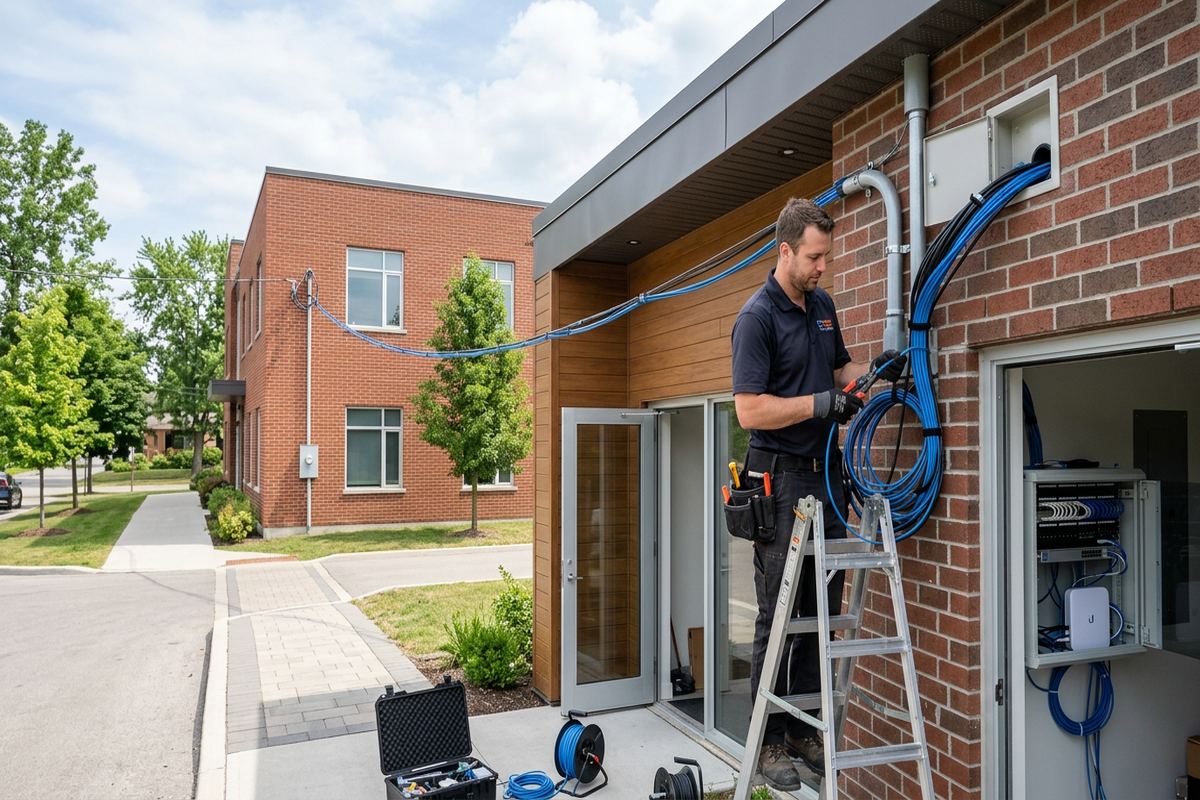
Exterior network devices or cable transitions need protection from local seasonal conditions. Ajax winters and repeated freeze-thaw cycles can stress poorly sealed penetrations, loose fasteners and exposed cable entries. When a route passes through an exterior wall, the mounting surface, cable type, entry direction and sealing method must suit the location. Masonry and frame walls require different anchors and drilling approaches. Penetrations should be positioned to reduce water entry, sealed appropriately and arranged with cable management that prevents moisture from following the cable toward the interior.
Outdoor work can support wireless links, exterior access points or network connections to security equipment, but each device must be suitable for its installed environment. A sheltered location is not automatically equivalent to an indoor space, particularly where condensation, wind-driven rain or temperature changes are possible. We review mounting height, service access and the route back to the network. If exterior work affects common elements, a façade or a leased premises, the owner, landlord or condominium corporation may need to authorize drilling and equipment placement before work begins.
- Finished spaces assessed before routes are selected
- Exterior penetrations sealed for local conditions
- Mounting methods match wall construction
- Approval needs identified before exterior drilling
Installation, Testing and Documentation
Once the scope is approved and site access is arranged, installation follows the agreed cable routes and device positions. Each cable is installed as a continuous labelled run, terminated at the specified outlet and patch panel, then checked before service. Network equipment included in the project is mounted and configured on site. If unexpected obstructions, inaccessible spaces or undocumented building services affect the planned route, we explain the condition before changing the work. This keeps route decisions visible to the customer instead of allowing unrecorded substitutions to become permanent parts of the network.
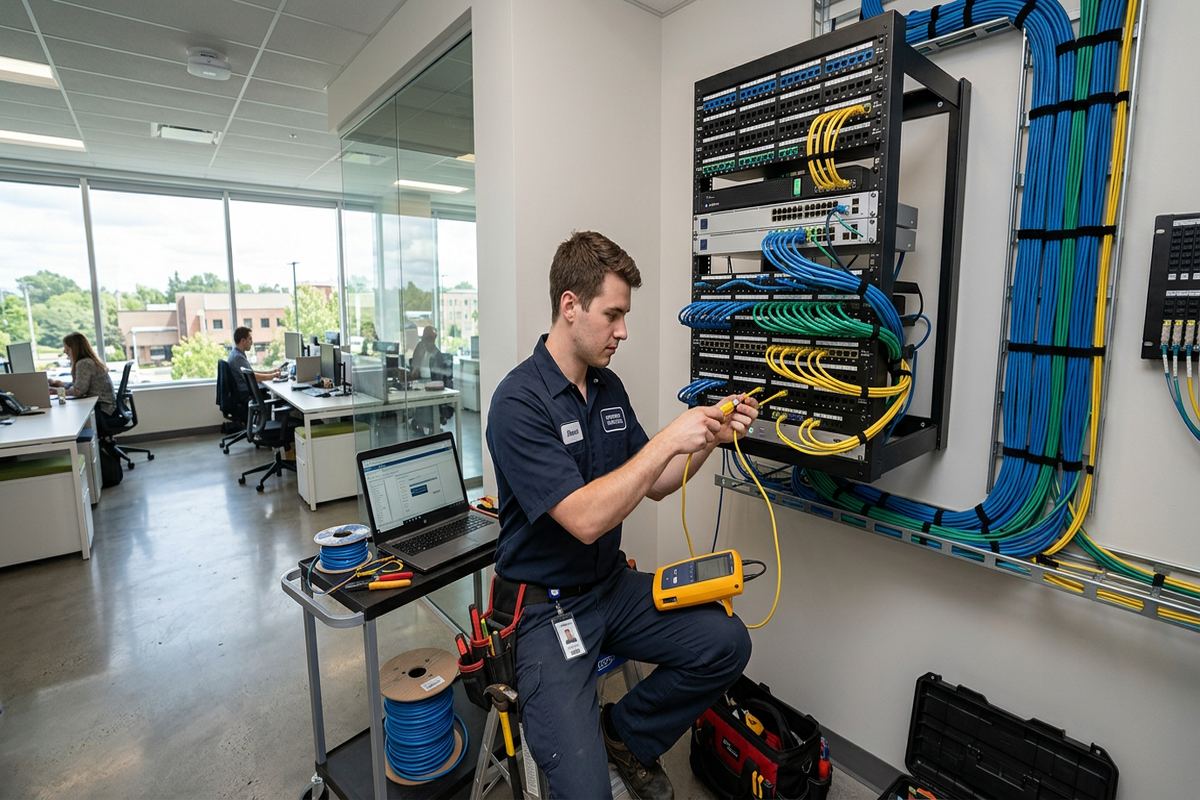
Testing is used to identify termination faults, damaged runs or connection errors before the network is handed over. The exact checks depend on the cable system, equipment and approved scope. We also confirm that labelled outlets correspond with the correct patch-panel positions and that agreed active devices receive network connectivity. Internet speed alone is not a complete cabling test because provider service, router capacity, server limits and client hardware can affect a result. Our work separates physical installation checks from performance factors controlled by other equipment or external services.
Handover is designed to leave the Ajax customer in control of the installed system. UnifiedLink provides the customer’s own credentials for equipment configured within the project, along with an as-built record showing relevant device and cabling information. We review the installed arrangement and note exclusions or third-party dependencies that remain. Equipment ownership and warranty terms are documented in the written scope rather than assumed afterward. With one accountable contractor handling the defined cabling, hardware configuration and records, questions can be traced to a clear project scope instead of divided among unrelated installers.
- Every installed run receives a matching label
- Terminations checked before handover
- As-built record reflects completed work
- Credentials belong to the customer
Network Upgrades for Ajax Commercial Properties
An upgrade does not always require replacing every part of an existing network. We first identify which components are limiting operations or creating service difficulty. Common concerns include too few data outlets, unmanaged desktop switches, crowded cabinets, inconsistent Wi-Fi, damaged patch leads and cabling that cannot be identified. Existing infrastructure can remain when its condition and capability suit the proposed use. When it cannot be verified, the written scope explains what will be replaced, what stays in place and which legacy connections remain outside the installation.
Commercial strips and industrial units in Ajax often change layout or occupancy over time. A network inherited from a previous tenant may not match current counters, offices, production areas, warehouse positions or security devices. Renovation can also leave outlets concealed behind fixtures or cables ending at equipment that no longer exists. We trace and document relevant connections within the approved scope, then design additions around the new use of the premises. This approach avoids treating every visible jack as usable and helps the business understand which parts of the old installation still matter.
For expanding businesses, capacity planning should consider both physical ports and the supporting pathway. Adding staff can mean more wired outlets, additional access points, phones, printers or security devices, while a new tenant area may require network separation. We assess rack space, switch ports, Power over Ethernet demand and available cable routes before specifying additions. In multi-tenant buildings, changes to shared rooms or riser spaces may require landlord involvement. The resulting scope can stage improvements where practical, while still documenting how each completed phase connects to the overall network.
- Existing cabling evaluated before replacement
- Legacy connections documented within scope
- Expansion considers ports, power and pathways
- Tenant changes planned around current layouts
Arranging Commercial Network Work in Ajax
Preparing for a network assessment helps turn general connectivity concerns into an installable plan. Before the visit, gather any floor plans, internet service details, existing network records and landlord requirements that are available. Note where staff work, where wireless use is important and which devices need wired connections or Power over Ethernet. For occupied premises, identify restricted areas and suitable work periods. These details do not replace an on-site review, but they help focus decisions and reveal approvals or third-party coordination that could affect the project schedule.
Ajax service requests sent during business hours are answered the same day, while after-hours requests are answered the next business day. Site assessment timing depends on the service and travel distance. During the assessment, we confirm the practical conditions needed to prepare the written scope; pricing is not provided before that review. Property access may need to include electrical rooms, communications spaces, ceiling areas or exterior walls. Where a landlord, condominium manager or building representative controls those areas, the customer should arrange permission and access before installation is scheduled.
UnifiedLink serves commercial network projects across Ajax, including Duffin's Bay, Pickering Beach, Central Ajax and surrounding Durham Region communities. The same process applies whether the site is a small office, retail unit, industrial space, managed property or a finished home supporting commercial work. Conditions vary, so equipment and routes are selected after assessment rather than assumed from the address. The completed scope defines what UnifiedLink will install, how it will be documented and what remains the responsibility of the customer, internet provider, landlord or another contractor.
- Requests receive a defined business-hours response
- Assessment occurs before pricing
- Property documents and approvals can be reviewed
- One contractor manages the defined installation scope
Ajax neighbourhoods we cover
- Southwood
- Nottingham
- Duffin's Bay
- Applecroft
- Pickering Beach
- Central Ajax
Commercial network installation in Ajax — common questions
Do you assess my Ajax property before providing pricing?
Yes. UnifiedLink completes a site assessment before pricing commercial network installation. We review the building, cable pathways, device locations, current equipment and operational requirements. Assessment timing depends on the service and travel distance. The resulting written scope covers equipment, routes, placement, exclusions, ownership and warranty so the proposed work reflects the actual Ajax property.
Can you install network cabling in a finished basement or office?
Yes, where practical routes are available. Newer Ajax subdivisions and lakefront homes often have finished basements that make retrofits possible but detail-heavy. We inspect ceiling spaces, utility areas, wall construction and existing pathways before recommending concealed cabling or surface pathway. The scope identifies access limitations and any finish work that is excluded, rather than assuming every requested location can be reached invisibly.
Will I need landlord or condominium approval?
Possibly. Ajax tenants and condominium owners may need approval for work involving common areas, communications rooms, exterior walls, risers or visible equipment. Landlords may also control ceiling access and permitted work periods. We can identify likely approval points during assessment, but the customer is responsible for obtaining authorization unless the written scope states otherwise. Approval should be secured before installation is scheduled.
Can you reuse the network cabling already installed?
Existing Ajax cabling can sometimes be reused when its type, route, condition and termination are suitable for the intended network. We do not assume that an outlet is usable simply because it is present. Previous tenant installations may be unidentified or incomplete. The assessment determines what can reasonably remain, while the written scope identifies new runs, replacements and any legacy connections excluded from the work.
Do you configure switches and business Wi-Fi?
Yes, when configuration is included in the approved scope. UnifiedLink can configure supported switches, wireless access points, network names, security settings and network separation on site. Requirements depend on the selected hardware and business use. At handover, the Ajax customer receives their own credentials and an as-built record, rather than relying on an installer-controlled account for routine administration.
How do you protect exterior network cable in Ajax winters?
Exterior routes are planned for the mounting surface, exposure and equipment involved. Ajax freeze-thaw conditions make cable selection, fastening, entry direction and sealing important. Masonry and frame walls require different drilling and anchoring methods. We use suitable exterior components within the defined scope, seal penetrations appropriately and position cable entries to reduce water movement toward the building interior.
Coverage in Ajax is confirmed against the address before we quote. See everything we install in Ajax or the province-wide commercial network installation page.