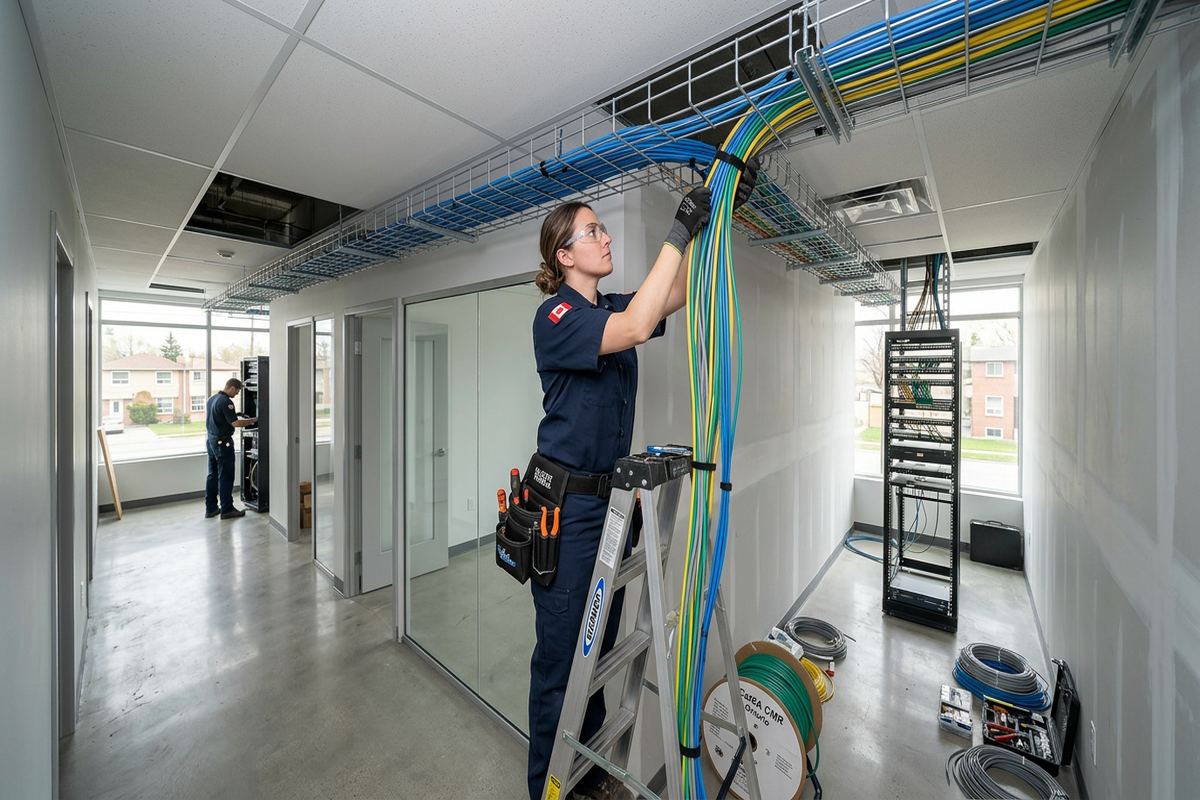
UnifiedLink installs commercial alarm systems for offices, shops, warehouses, industrial units and mixed-use properties in Ajax. We assess the site before pricing, plan sensor and keypad locations, install labelled cabling, configure the system on site and provide a documented handover using the customer’s own credentials.
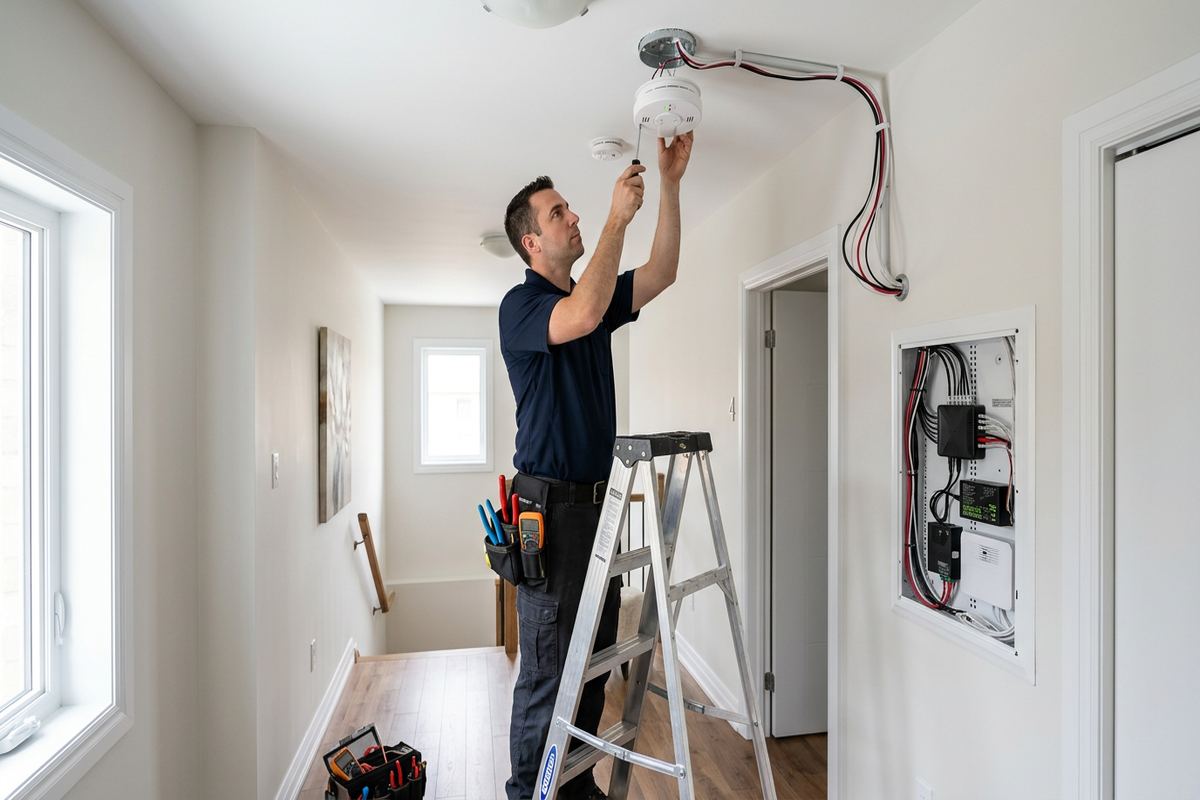
Commercial Alarm Planning for Ajax Properties
A commercial alarm installation begins with the building, not a generic equipment list. In Ajax, sites range from newer commercial units near residential subdivisions to older storefronts, offices and industrial bays. We review entrances, accessible windows, loading doors, shared corridors, interior rooms and likely movement paths before recommending devices. The assessment also considers daily opening procedures, staff access, deliveries, cleaning schedules and after-hours contractors. These details determine where contacts, motion detectors, glass-break sensors, keypads and notification devices belong, while reducing unnecessary alerts caused by normal business activity.
Ajax properties often combine different construction methods within one premises. A retail frontage may use glass and aluminum framing, while demising walls are steel stud and rear service areas are concrete block. Each surface affects fastening, cable routing and sensor choice. Masonry may require surface raceway or carefully planned drilling, while frame construction can permit concealed runs where cavities remain accessible. Finished ceilings, tenant improvements and fire separations can restrict routes. Our written scope identifies proposed equipment, cable paths, device placement, exclusions, equipment ownership and warranty before installation work proceeds.
Risk is also shaped by how the premises is used. An office storing records has different priorities from a restaurant with rear deliveries, a contractor’s industrial unit with tools, or a shop with street-facing glazing. Rather than covering every room identically, we divide the system into practical zones and identify high-value or vulnerable areas. Staff should be able to arm the property without crossing protected spaces unexpectedly. Managers may also need separate authority from general users. Planning these operating details early produces a system that fits the business instead of complicating routine work.
- Perimeter opening and glazing review
- Practical alarm zone design
- Assessment of staff and delivery patterns
- Construction-specific cable route planning
- Written scope before installation
Ajax Site Assessment and Written Scope
Before pricing, UnifiedLink completes a site assessment appropriate to the service and property. We examine accessible entry points, ceiling spaces, electrical and network locations, existing alarm components and potential control-panel positions. In occupied Ajax businesses, we also discuss when drilling, ladder work or brief access restrictions can occur with the least disruption. Existing wiring is not assumed to be usable merely because it is present. Its route, condition, labelling and suitability must be checked so the proposal reflects what can reasonably be retained and what should be replaced.
The resulting written scope provides a common reference for the owner, property manager and installer. It covers equipment, device quantities, proposed cable routes, sensor placement, exclusions, ownership of supplied equipment and applicable warranty information. If monitoring, cellular communication or another recurring service is being considered, its relationship to the installed hardware should be clear before approval. This prevents uncertainty about which party owns the panel, who controls administrative access and whether a future provider change would require replacing otherwise serviceable equipment. Assumptions requiring landlord approval are also recorded.
Assessment timing depends on the service and travel distance. Requests sent during business hours are answered the same day, while after-hours requests are answered the next business day. For leased premises in Central Ajax or commercial strips elsewhere in the town, access may need coordination with a landlord, superintendent or neighbouring tenant. Condominium commercial units can also have rules governing common walls, exterior devices and work above shared ceilings. We identify those dependencies before work is scheduled, but the customer remains responsible for obtaining required building, condominium or landlord approvals.
- Existing wiring condition checked
- Panel and communicator locations reviewed
- Equipment ownership stated in writing
- Exclusions and approvals identified
- Scheduling dependencies documented
Devices and Detection for Ajax Businesses
Door and window contacts provide direct perimeter detection when installed on suitable openings. Device selection depends on frame material, gap, door movement and exposure to carts or deliveries. Ajax commercial units may have aluminum storefront doors at the front and heavier steel service doors at the rear, so one contact style does not fit every opening. Overhead doors require particular attention to alignment, vibration and cable protection. Where a landlord limits drilling into storefront systems, surface-mounted options may be considered. Contacts are positioned to remain serviceable without interfering with locks, closers or weather seals.
Motion detection adds interior coverage but must reflect room geometry and operating conditions. Shelving, partitions, hanging signs and stock can block a detector’s field of view. Heating outlets, direct sunlight and moving equipment can also affect placement. In warehouses or industrial units, ceiling height and racking layout matter, while offices may need detectors arranged around enclosed rooms and reception areas. We use the assessment to identify appropriate locations and explain what each zone covers. Motion devices are not treated as substitutes for sound door hardware, controlled keys or basic closing procedures.
Glass-break detection can support perimeter coverage where storefront glazing or large windows make contact-only protection incomplete. Placement depends on the detector’s listed coverage, room acoustics, obstructions and the type of protected glass. Panic or hold-up devices may also be considered for specific business risks, but their purpose, placement and response process must be clearly defined with the customer. Sirens and strobes are located for practical notification without assuming that one device will be equally effective throughout divided offices, back rooms, mechanical spaces or noisy work areas.
- Door and overhead contact options
- Motion coverage matched to layout
- Glass-break placement assessment
- Defined panic-device purpose
- Audible notification planning
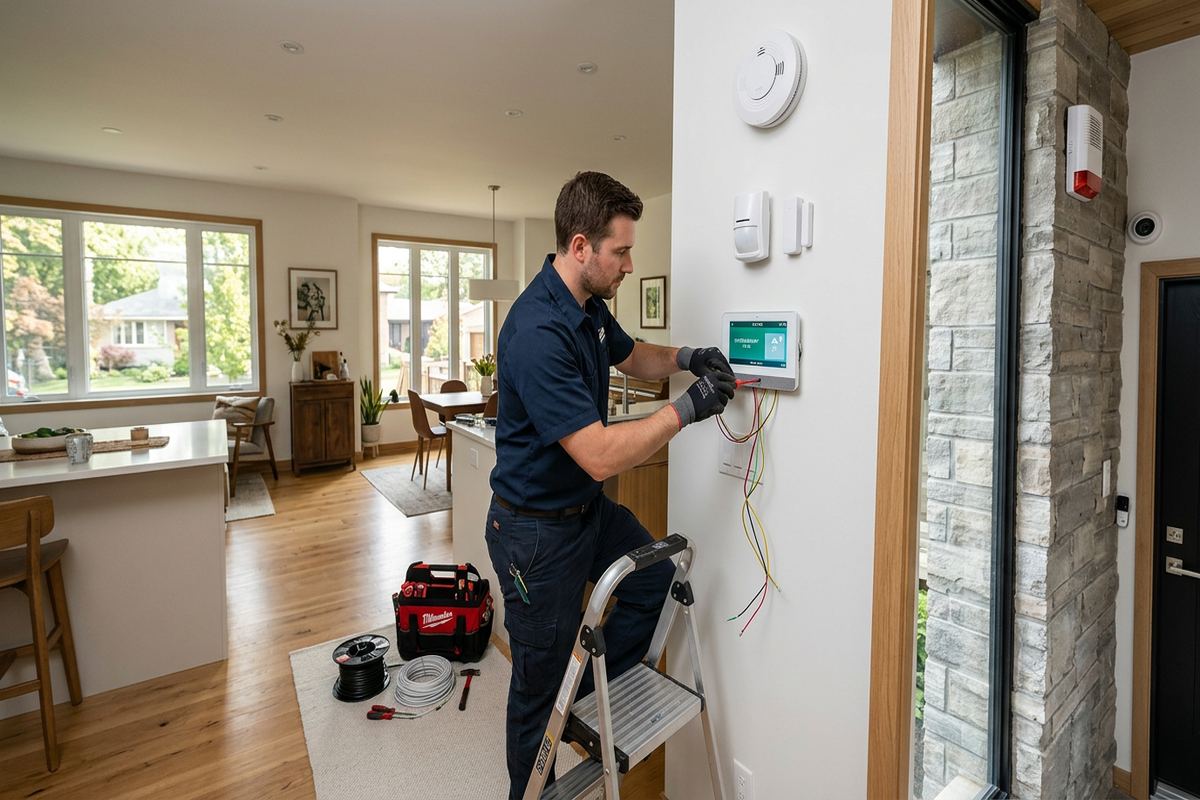
Ajax, Ontario
Commercial alarm system installation in Ajax, scoped in writing first
Book a site assessment and get equipment, routes, exclusions, and warranty on paper before anything is installed.
Cabling and Retrofit Work in Ajax
Ajax has newer subdivisions and lakefront homes with finished basements, conditions that can make retrofits straightforward in layout but detail-heavy in execution. That local pattern also affects home-based offices, professional spaces and mixed residential-commercial properties. Finished ceilings, insulated exterior walls and carefully completed interiors leave fewer casual cable routes. We plan access points before opening surfaces and use existing chases where they are suitable. The objective is a clean route that can be inspected and serviced, not the shortest path achieved by concealing unsupported or unlabelled wire wherever space happens to be available.
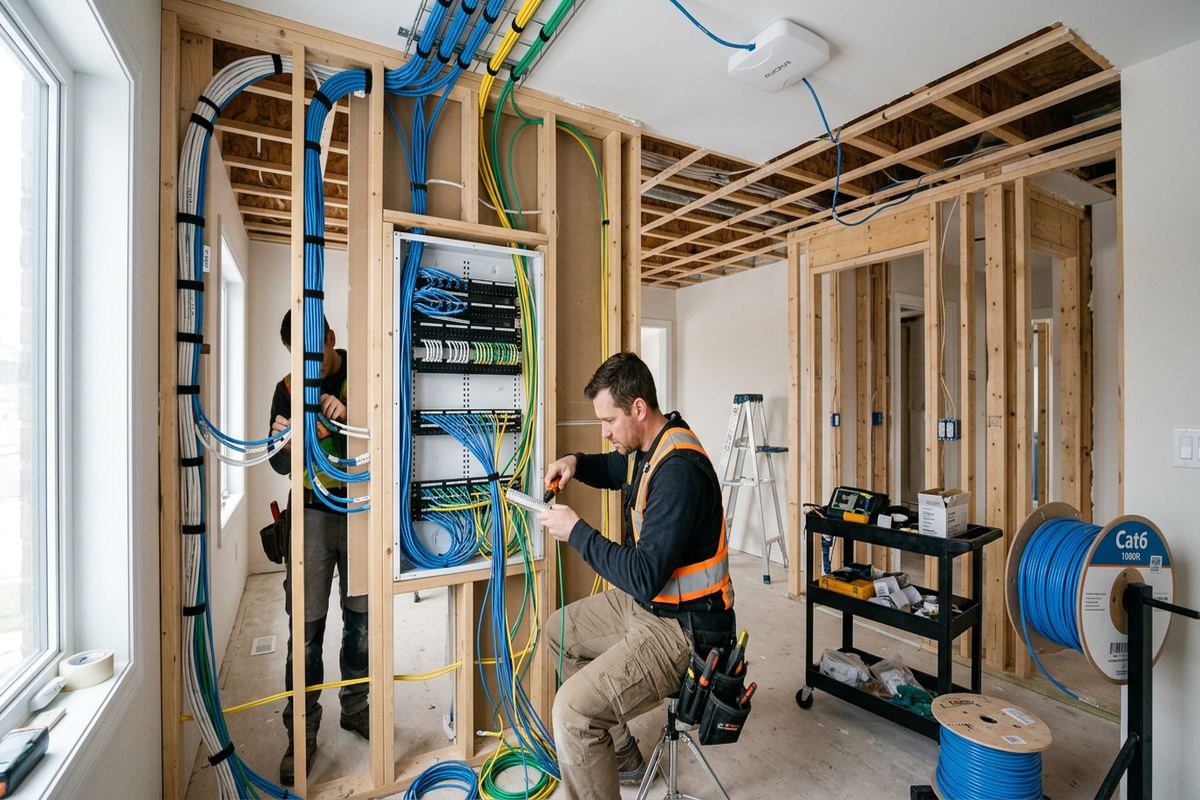
Commercial retrofits present their own constraints. Suspended ceilings may provide access, but partitions can stop at the deck, contain insulation or form rated assemblies that should not be treated as unrestricted pathways. Concrete block walls in industrial units often favour protected surface routes, whereas frame walls may allow concealed vertical drops. Around Applecroft and Nottingham, newer construction can offer organized utility areas, yet finished interiors still demand careful drilling and device alignment. In older commercial spaces, previous tenant wiring may be abandoned, spliced unpredictably or routed through areas no longer accessible.
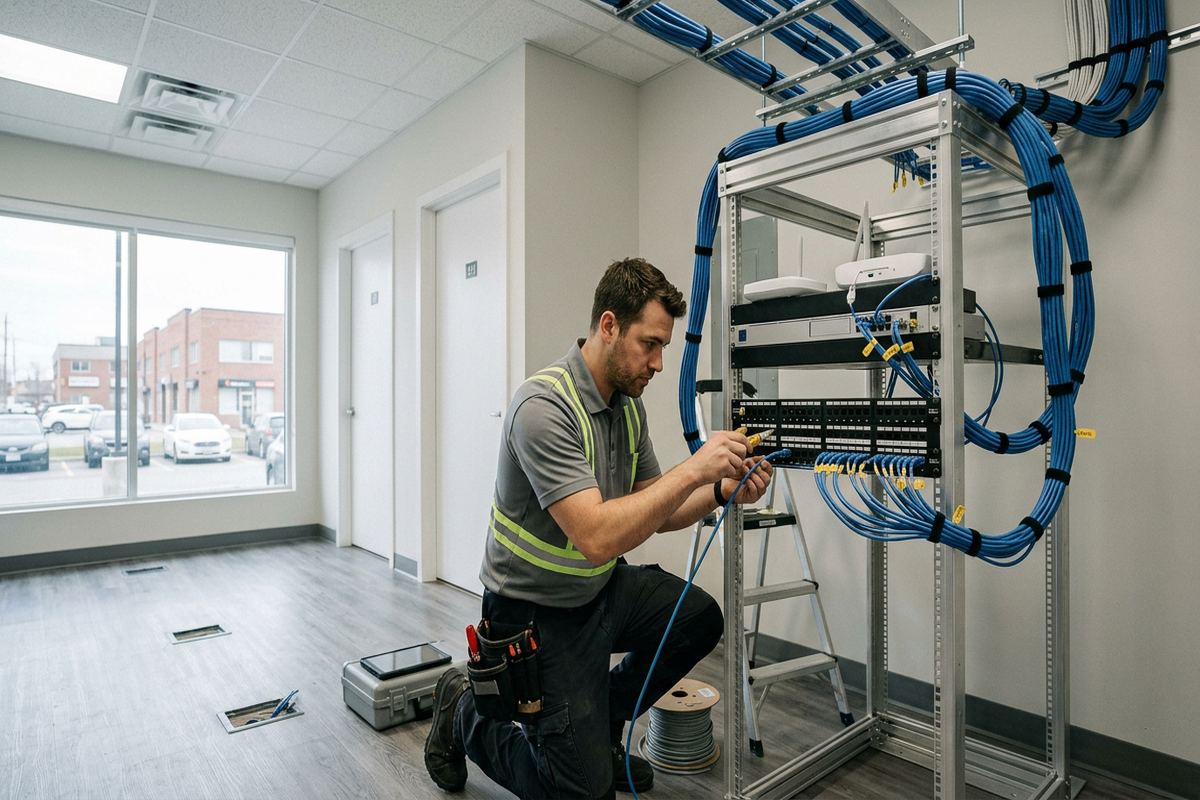
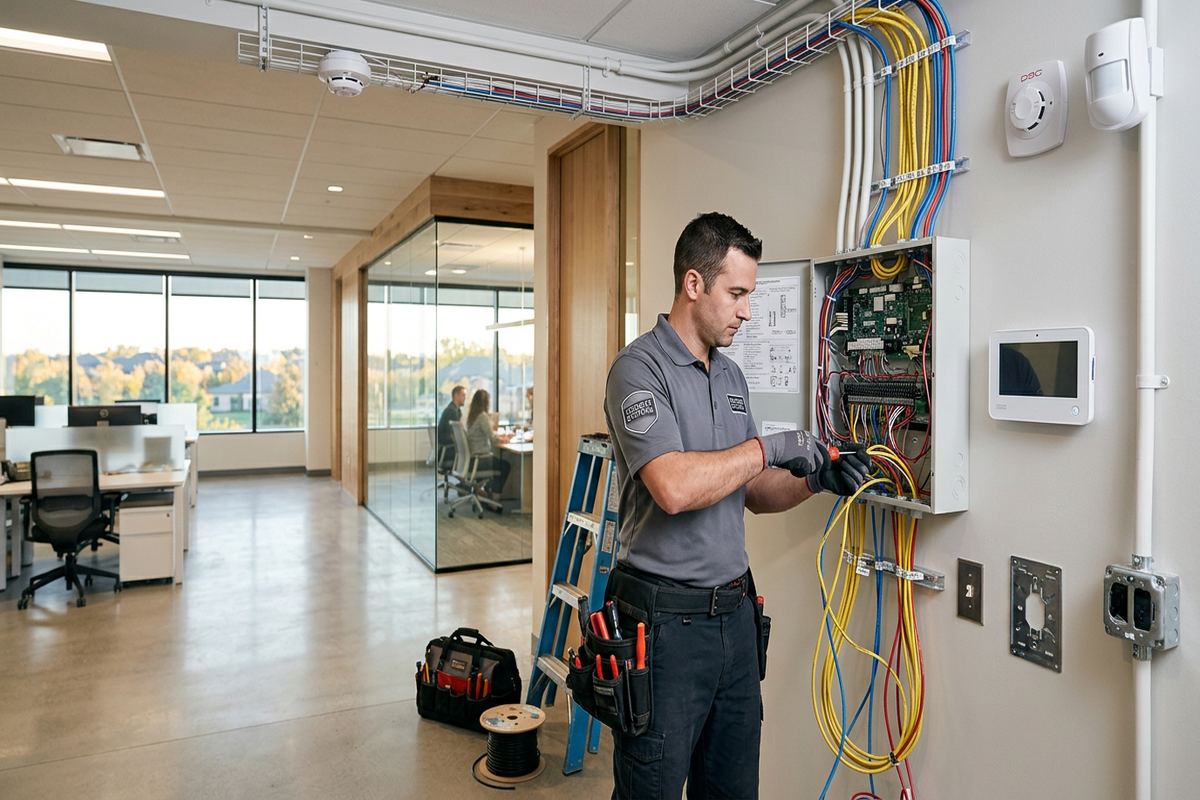
UnifiedLink installs continuous labelled cable runs rather than building a system around undocumented intermediate splices. Labels correspond to panel zones and the as-built record, helping future testing or changes proceed without tracing every conductor again. Cable is supported and protected according to its location, with separation from sources of interference considered during routing. Penetrations are planned to avoid unnecessary damage, and visible raceway is discussed before installation where concealment is impractical. Any patching, painting, ceiling replacement or specialty restoration outside the alarm work is identified as an exclusion in the written scope.
- Continuous labelled cable runs
- Concealed routes where practical
- Protected raceway for exposed areas
- Existing cable tested before reuse
- As-built cable and zone references
Exterior Alarm Devices and Ajax Weather
Exterior equipment in Ajax must contend with winter cold, wind-driven precipitation and repeated freeze-thaw cycles. A device suitable for a conditioned interior should not be placed outside simply because it fits the desired location. We consider environmental rating, direct exposure, mounting height, drainage and service access when planning exterior contacts, sirens or related devices. Cable entries are oriented and sealed to limit water migration, while fasteners and mounting methods are selected for the substrate. Sealing must protect the penetration without blocking intended drainage paths or making future service needlessly destructive.
Lakefront conditions near Duffin’s Bay and Pickering Beach can increase exposure to wind and moisture compared with a sheltered interior location. Exterior mounting on brick, concrete block, siding or metal panels requires different anchors and preparation. Masonry joints are not automatically the right drilling location, and cladding should not be compressed or punctured without considering what lies behind it. Where a service door moves with seasonal temperature changes, contact spacing and alignment need enough tolerance for normal operation without creating an avoidable gap in detection.
Weather protection extends beyond the visible device. Outdoor-to-indoor cable transitions should avoid low points where water can collect, and penetrations need a route that does not direct moisture toward the building interior. Equipment mounted near snow storage, roof runoff or vehicle activity may require relocation or added mechanical protection. We discuss these site-specific risks during assessment rather than relying on sealant as the sole defence. Periodic inspection remains important because building movement, impact, door adjustment and aging seals can change conditions after the initial installation, especially through successive Ajax winters.
- Weather-suitable exterior equipment
- Sealed and oriented cable entries
- Substrate-specific anchors and fasteners
- Freeze-thaw movement considered
- Drainage and snow exposure reviewed
Configuration, Users and Alarm Response
Once devices and cabling are installed, the panel is configured on site around the customer’s operating plan. Zones receive clear names so users can distinguish a rear service door from a stockroom motion detector or front-office window. Entry and exit paths are tested against normal opening and closing routines. We also review which areas should arm together and whether selected zones require separate control. Configuration is documented rather than left as unexplained installer defaults. Any monitoring connection or communication path included in scope is tested within the limits of the selected service.
User permissions should match real responsibilities. An owner or designated administrator may need authority to add and remove users, while general staff only require normal arming and disarming functions. Shared codes make it difficult to manage departures or determine who used the system, so individual credentials are preferable where the equipment supports them. Ajax businesses with cleaners, delivery staff or temporary contractors may benefit from restricted permissions or schedules. The exact features depend on the selected panel, and they should be chosen for operational value rather than enabled simply because they appear in an application menu.
Alarm response procedures remain a management responsibility even when the technical system is working correctly. Staff should know who receives notifications, when to contact emergency services, who may attend the property and how to avoid entering an unsafe site. Contact lists must be kept current, particularly after staffing or tenancy changes. False alarms can result from unsecured doors, rushed closing routines, changed furniture layouts or users misunderstanding entry delays. During handover, we demonstrate normal operation and explain common trouble indications, but the business should maintain its own written response and escalation process.
- Clearly named alarm zones
- Role-based user permissions
- Opening and closing workflow testing
- Communication path verification
- Operational handover for designated staff
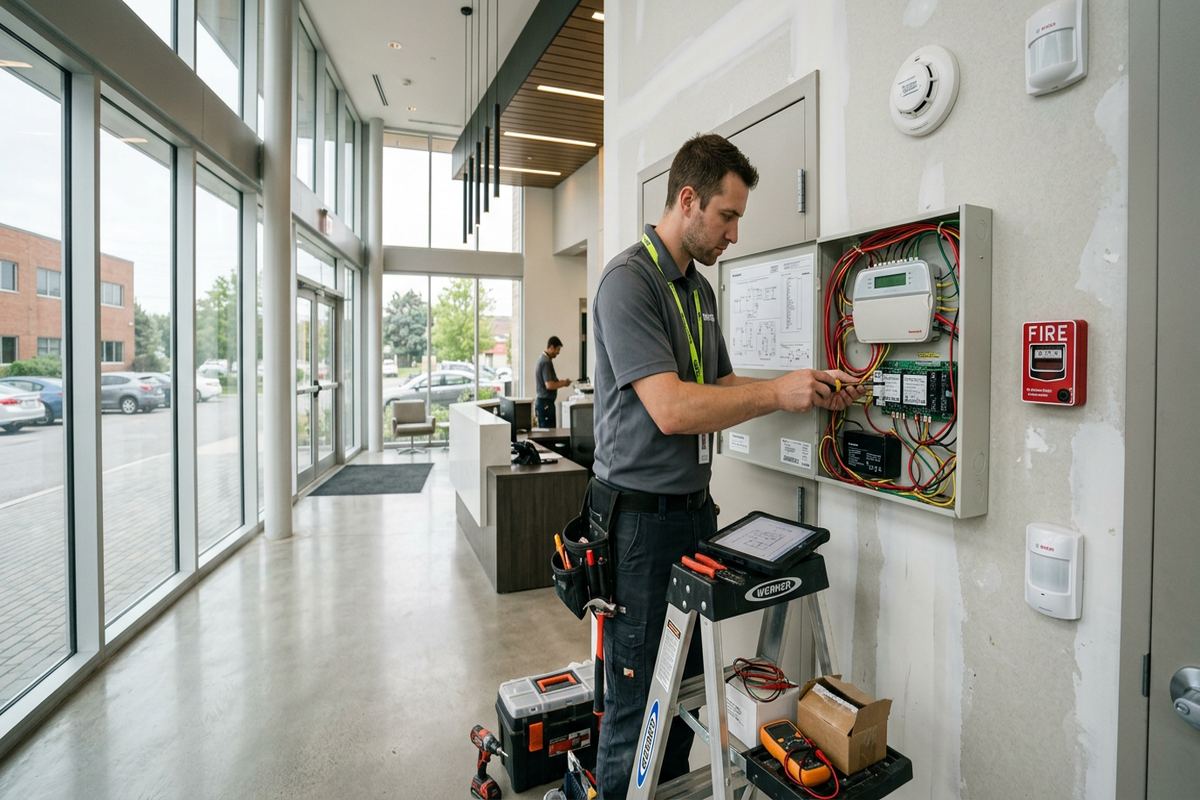
Alarm Integration for Ajax Commercial Sites
A commercial alarm system may need to coexist with video surveillance, access control, network equipment or building management systems. Integration should be deliberate and supported by the selected products, not improvised through undocumented connections. For example, an access-controlled door and an alarm contact can share operational context while still serving different purposes. The alarm detects status according to its programming; access control manages authorized entry. We define system boundaries so a future service technician can understand which platform owns each device, event and credential without relying on a single employee’s memory.
For Ajax industrial units, communication equipment may be located in an office, electrical room or shared service area rather than beside the protected doors. Network availability, cellular conditions and backup power arrangements should therefore be reviewed during planning. An internet connection alone does not guarantee that every alarm function continues during an outage. If app access or remote notifications are included, customer-controlled accounts and administrative credentials are established at handover. We do not retain the customer’s system as an unexplained installer-owned account that prevents ordinary administration or a future contractor transition.
Video verification and alarm event linkage can be useful when compatible systems are properly designed, but cameras do not replace intrusion sensors and alarm sensors do not provide recorded visual evidence. Each system requires its own placement, retention and access decisions. In a commercial strip, cameras may also capture shared areas, neighbouring entrances or public space, raising privacy and property-management considerations beyond the alarm installation itself. Any integration included in the Ajax scope is tested on site, documented and explained, while unsupported assumptions or work belonging to another contractor are listed as exclusions.
- Defined access-control boundaries
- Compatible video event integration
- Customer-controlled administrative accounts
- Network and cellular path review
- Integration details recorded in scope
Testing and Handover in Ajax
Completion involves more than confirming that the keypad turns on. Each installed opening and detection zone is tested from the device through to the control panel. Door contacts are checked through normal movement, motion areas are walked, audible devices are activated where conditions permit and communication functions included in scope are verified. We also inspect labels, visible cable support and equipment mounting. Deficiencies identified during testing are addressed before handover or clearly recorded if they depend on third-party work, unavailable services or a customer decision outside the agreed installation scope.
The customer receives control using their own credentials, along with an as-built record describing installed devices, zone names and relevant cable information. Designated users are shown routine arming, disarming, bypass and acknowledgement functions supported by the system. Administrative procedures, such as changing a user or updating a contact, are reviewed with the authorized person rather than distributed broadly. Equipment ownership and warranty information follow the written scope. This documentation gives an Ajax property owner or manager a practical reference for future staff changes, renovations, troubleshooting or expansion without depending on undocumented installer knowledge.
Ongoing reliability depends on changes made after installation. New shelving can obstruct motion coverage, a replaced door can alter contact alignment, and renovations can disconnect cabling that appears inactive. Businesses should arrange testing after construction, attempted entry, water exposure or significant layout changes, and should follow the equipment manufacturer’s maintenance guidance. UnifiedLink provides one accountable contractor for the agreed alarm work, including assessment, installation, configuration and handover. Where another party controls monitoring, internet service, doors, glazing or electrical work, responsibilities are identified so faults can be directed to the appropriate provider.
- Device-by-device functional testing
- Zone list and as-built record
- Customer-owned credentials supplied
- Authorized-user operating review
- Post-renovation testing recommended
Ajax neighbourhoods we cover
- Southwood
- Nottingham
- Duffin's Bay
- Applecroft
- Pickering Beach
- Central Ajax
Commercial alarm system installation in Ajax — common questions
Can you reuse an existing alarm system in my Ajax unit?
Possibly, but reuse depends on the panel, device compatibility, cable condition, account control and whether programming access is available. During the Ajax site assessment, we inspect what can reasonably be tested and retained. Existing equipment is not assumed serviceable from appearance alone. The written scope identifies reused components, replacements, exclusions and who owns the resulting system.
Do I need landlord or condominium approval?
If your Ajax premises is leased or part of a condominium, approval may be required for drilling, shared ceilings, common walls, exterior devices or changes visible from outside. Requirements vary by property. We can document proposed mounting locations and cable routes for your approval request, but the tenant or owner is responsible for securing landlord, condominium and property-management authorization before work begins.
How do Ajax winters affect exterior alarm devices?
Cold, moisture and freeze-thaw movement can affect mounting surfaces, door alignment, seals and exposed cable transitions. Exterior devices must suit the environment and be installed with appropriate fasteners, drainage and sealed entries. Locations near roof runoff, snow storage or lakefront exposure around Duffin’s Bay and Pickering Beach need particular care. Seasonal inspection helps identify movement or damaged seals.
Can staff have separate alarm codes?
Yes, when supported by the selected alarm panel. Separate user credentials make it easier to add or remove staff access without changing one shared code. Ajax businesses may also need different permissions for managers, cleaners or temporary contractors. During configuration, we establish the agreed user structure and hand administrative control to the customer using the customer’s own credentials.
Will installation disrupt my Ajax business?
Some drilling, ladder access, testing noise and temporary restrictions around doors or work areas may be necessary. We discuss occupied areas, customer traffic, deliveries and suitable work periods during the assessment. The written scope identifies expected routes and access requirements. Timing depends on the service, travel distance, site conditions and any coordination required with an Ajax landlord or property manager.
What documentation do I receive after installation?
At handover, you receive an as-built record covering installed devices, alarm zones and relevant cable information, along with customer-controlled credentials. The written scope also addresses equipment ownership, warranty and exclusions. Designated users are shown normal operation and administrative functions appropriate to their roles. This documentation supports future maintenance, staffing changes or renovations at the Ajax property.
Coverage in Ajax is confirmed against the address before we quote. See everything we install in Ajax or the province-wide commercial alarm system installation page.