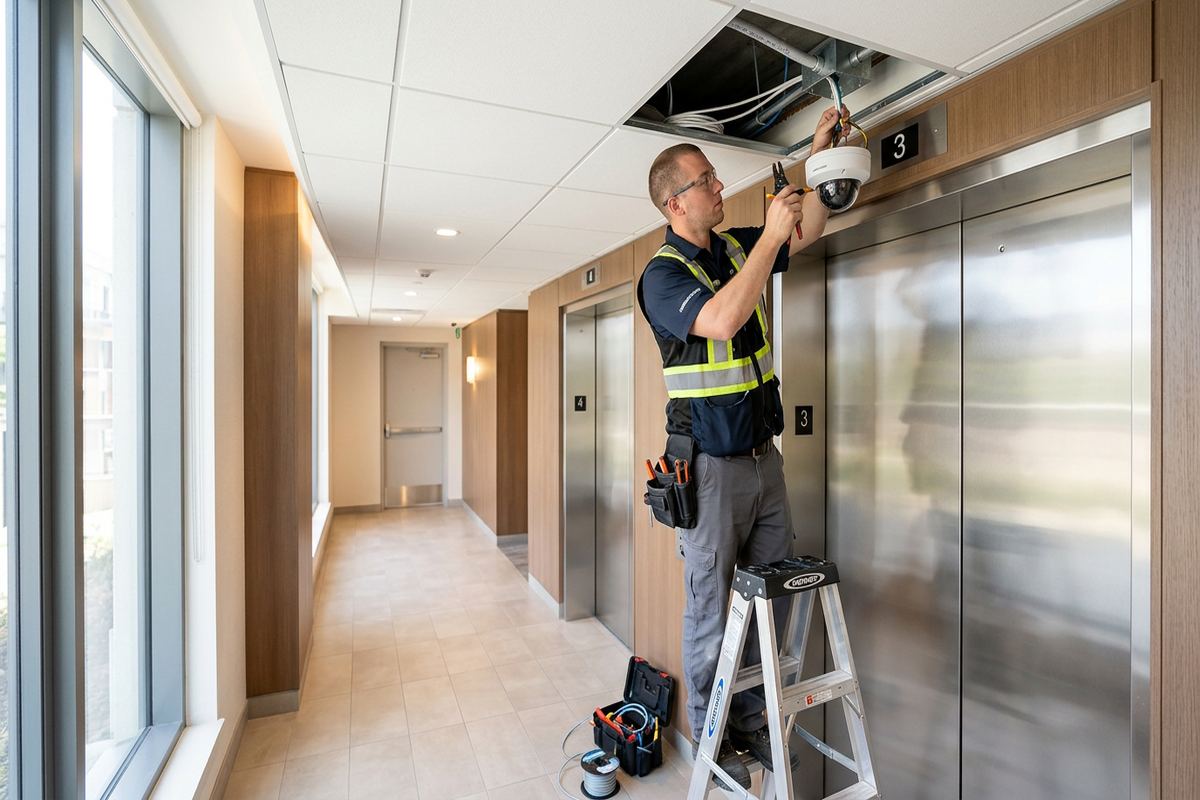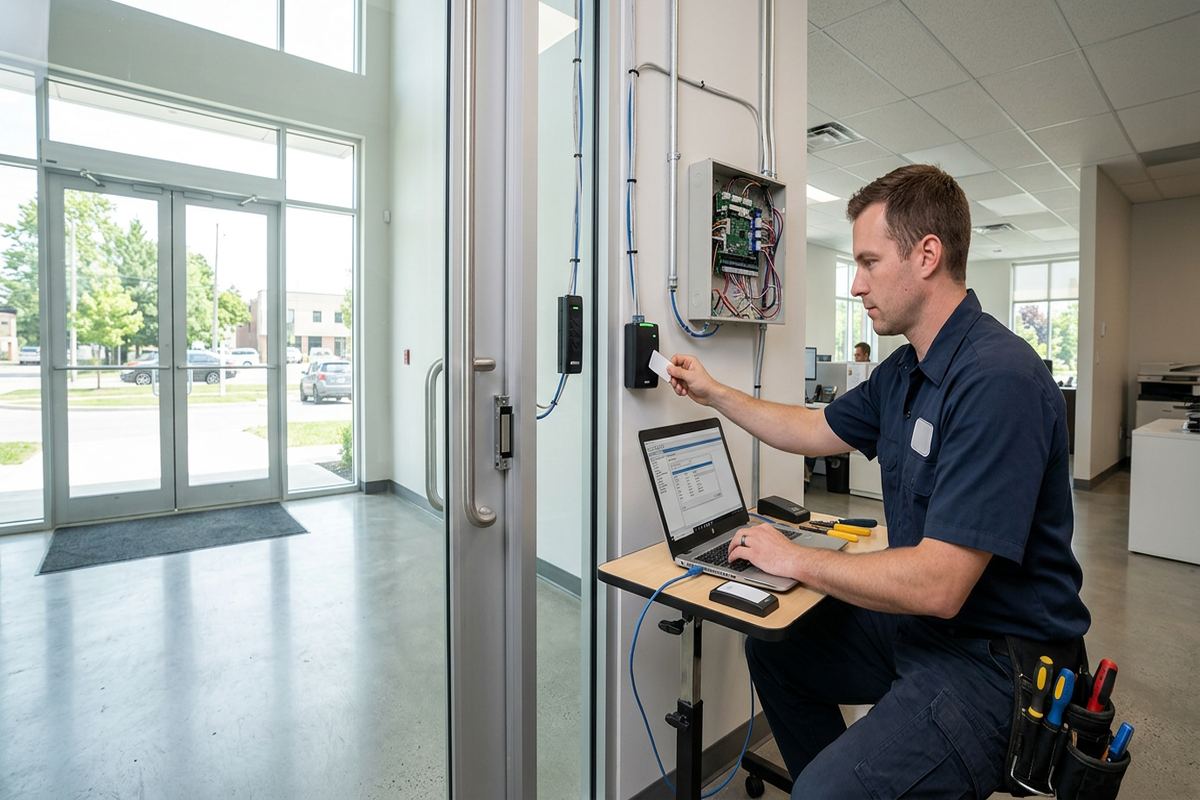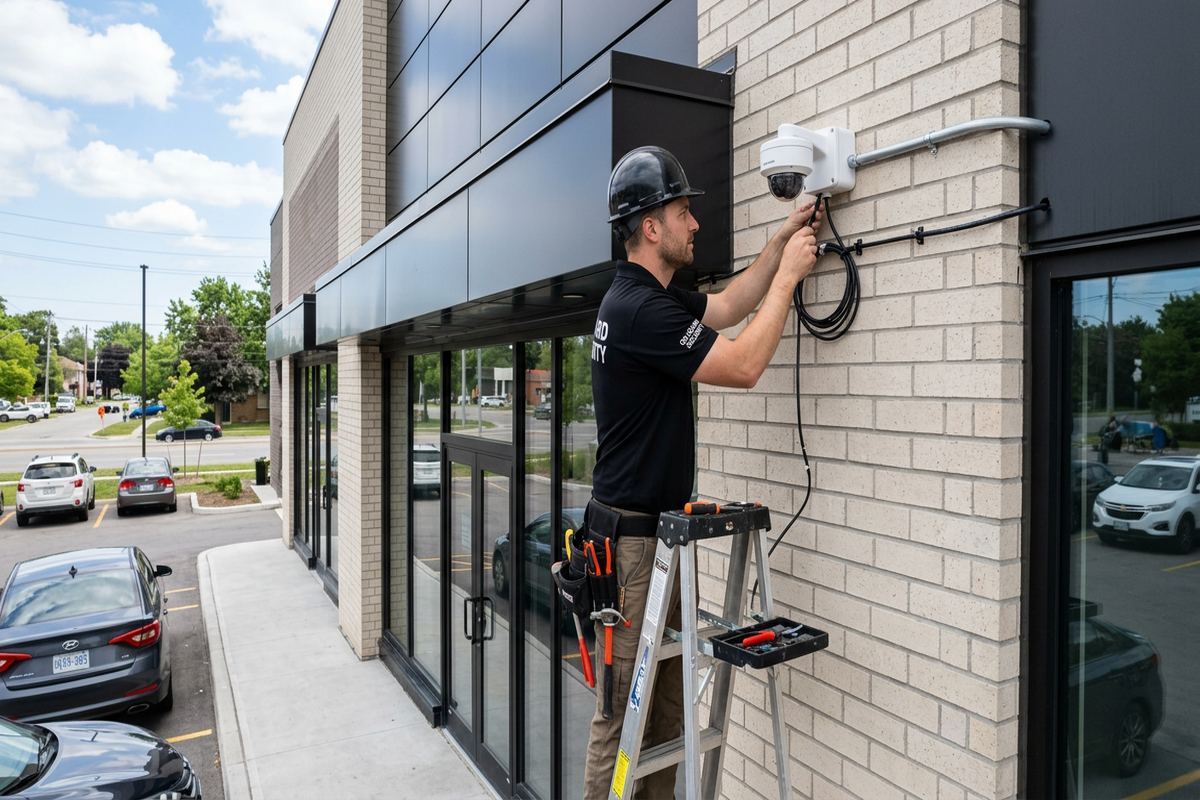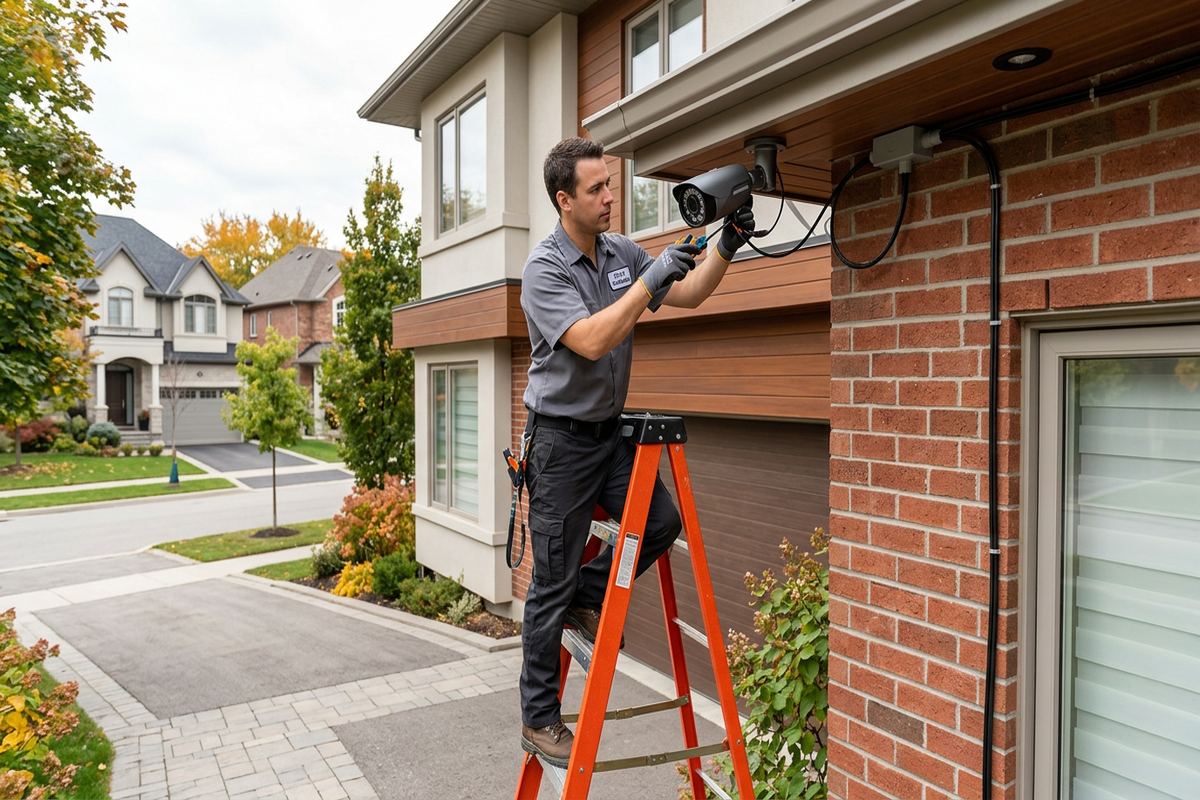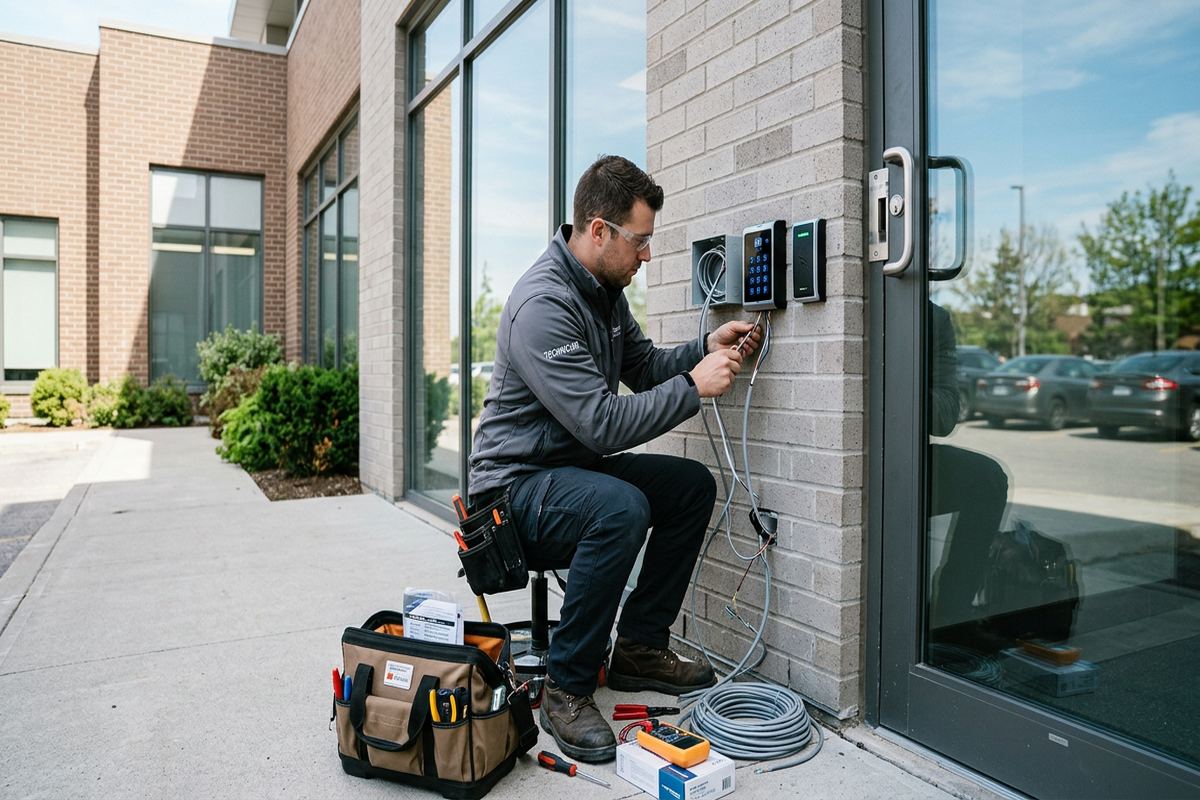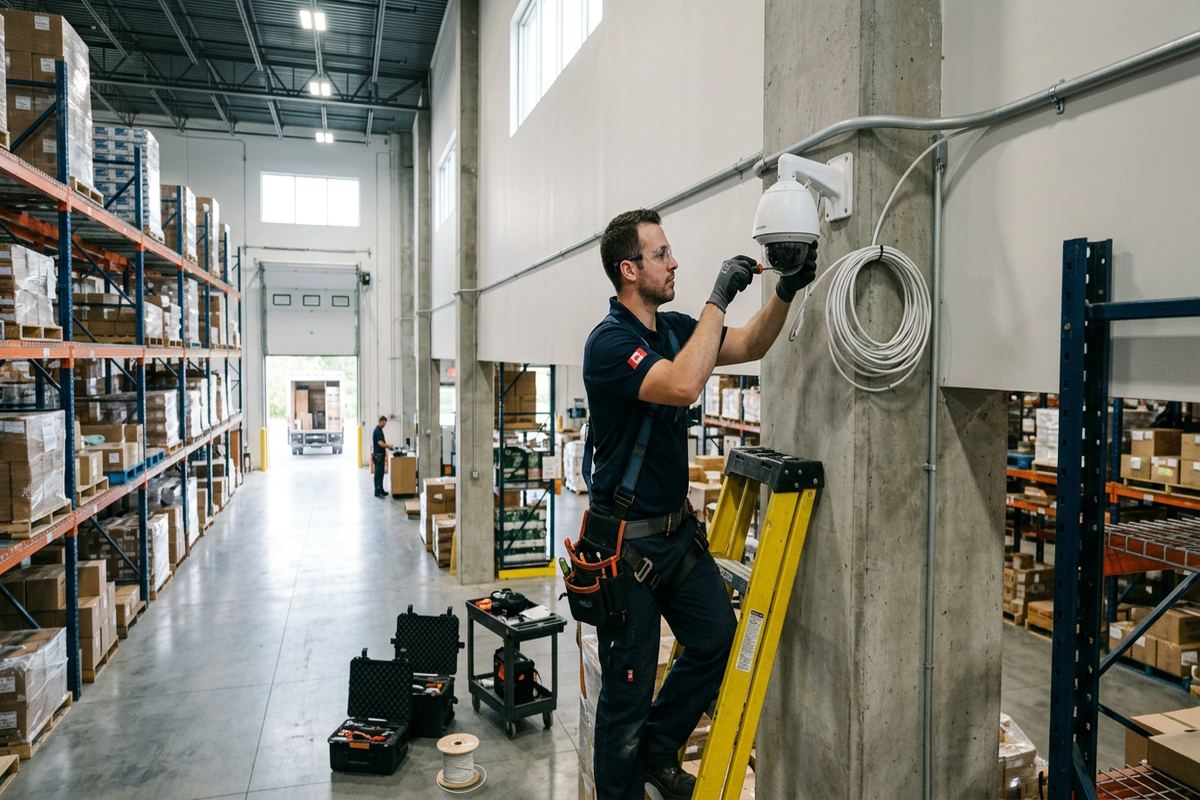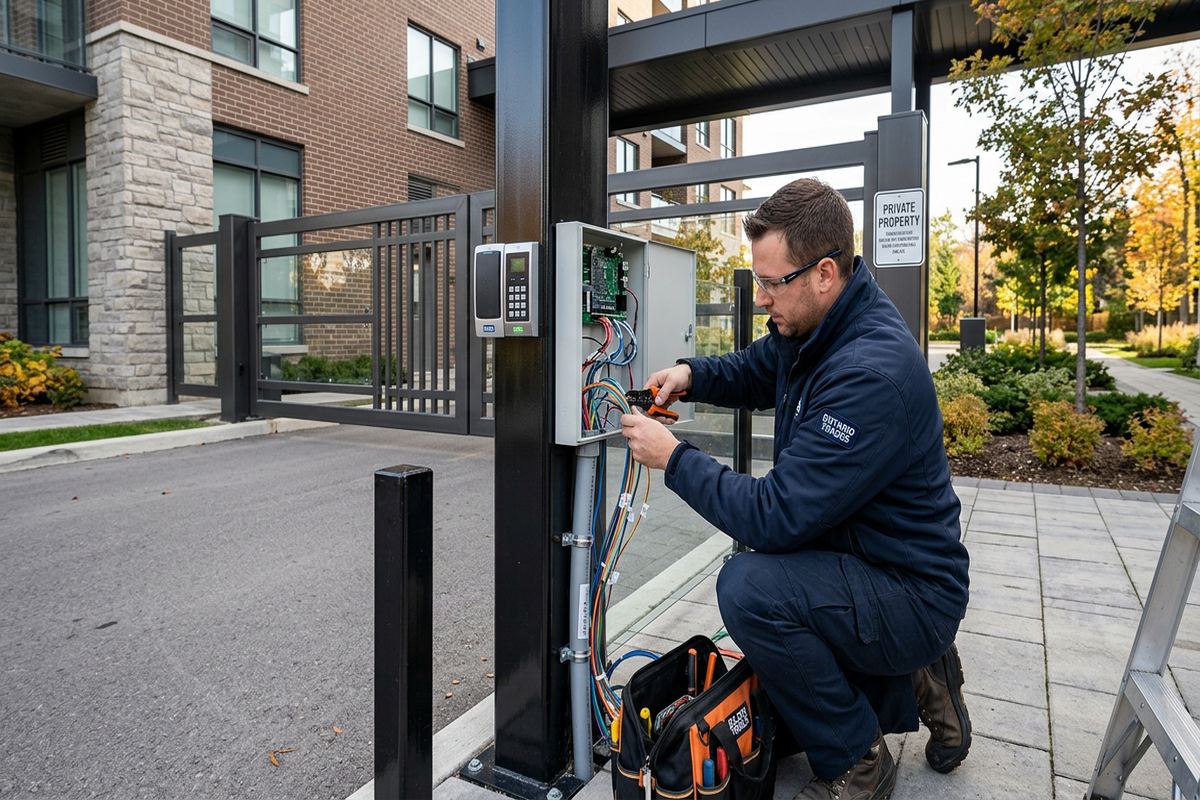
UnifiedLink installs commercial access control systems for offices, retail spaces, industrial units, mixed-use properties and managed buildings in Ajax. We assess doors, locking hardware, cable routes, network needs and operating policies before pricing. Each installation includes a written scope, on-site configuration, customer-owned credentials and practical handover documentation.
Commercial Access Control Planning in Ajax
A reliable access control project starts with the door, not the card reader. At an Ajax site assessment, we review the door and frame construction, existing lock, required egress, nearby power, network availability and practical cable routes. We also discuss who needs access, when access should apply and how credentials will be issued or cancelled. These details determine whether a door needs an electric strike, electrified lock, magnetic lock or another suitable arrangement. Pricing follows the assessment so the proposed equipment reflects actual site conditions rather than assumptions made from floor plans or photographs alone.
Commercial properties in Ajax range from newer retail and office spaces to industrial units with masonry walls, steel frames and long cable paths. A system that works for one entrance may not suit a loading door, shared vestibule or interior records room. We identify fire-rated assemblies, exit hardware, door closers and landlord-controlled components that may affect the work. Where another trade must modify a door, supply power or approve a penetration, that dependency is recorded. This approach helps avoid ordering incompatible hardware and makes responsibilities clear before installation begins.
The written scope covers equipment, cable routes, device placement, exclusions, equipment ownership and warranty. It can also identify controller locations, network connections, door schedules and work assigned to electricians, locksmiths, property managers or IT providers. For leased spaces in Central Ajax or commercial strips near residential communities, landlord approval may be required before drilling, changing hardware or placing exterior devices. Condo boards and shared-property managers may have similar requirements. Documenting those conditions early gives the owner a practical basis for approvals and prevents access-control decisions from being separated from building requirements.
- Door, frame and lock compatibility review
- Power and network requirements identified
- User roles and access schedules discussed
- Landlord or condo approvals noted
- Written scope prepared before installation
Access Control Systems for Ajax Workplaces
Different workplaces need different levels of control. A small office may only require managed entry at one exterior door, while a multi-tenant property may need separate permissions for common entrances, suites, storage rooms and service areas. Retail operators may want staff access separated from customer-facing hours. Industrial occupants often need controlled loading, warehouse and office zones. UnifiedLink plans the system around those operational differences, including how visitors, contractors and former employees are handled. The objective is to make daily administration understandable without giving every person unrestricted access to the entire Ajax property.
Credential selection affects both convenience and long-term administration. Depending on the selected platform, users may enter with cards, fobs, mobile credentials, PINs or a combination of methods. We review how credentials are enrolled, replaced and revoked, along with the permissions available to supervisors and administrators. Shared PINs are generally harder to manage because they do not clearly identify an individual user. Named credentials provide a more useful activity record when the platform and privacy policy are configured appropriately. The customer retains its own administrative credentials rather than depending on installer-owned accounts for routine changes.
Access schedules can reduce the need for manual locking while still allowing exceptions for managers, cleaners or delivery personnel. Configuration may include normal business hours, holiday closures, temporary permissions and door-held-open notifications when supported by the chosen system. These settings should match real operations rather than an idealized schedule that staff routinely bypass. During planning, we ask who is responsible for approving changes and responding to alerts. Clear internal ownership matters because even correctly installed equipment becomes less effective when old credentials remain active or door events are ignored without a defined process.
- Cards, fobs, mobile credentials or PINs
- Permissions organized by doors and roles
- Business-hour and holiday schedules
- Temporary contractor access where supported
- Customer-controlled administrator accounts
Door Hardware and Ajax Building Conditions
Door construction determines what can be installed safely and neatly. Newer frame buildings may provide accessible wall cavities, but finished interiors still require careful routing around insulation, vapour barriers, millwork and occupied rooms. Masonry commercial units present different challenges, including surface pathways, core drilling and suitable anchors. Ajax also has newer subdivisions and lakefront homes with finished basements, a local pattern relevant to home-based offices and managed residential properties. These retrofits can be straightforward, yet detail-heavy because finished ceilings, concealed utilities and completed trim leave little tolerance for poorly planned cable routes or unnecessary openings.
Exterior hardware in Ajax must account for winter moisture, freeze-thaw cycles and wind-driven precipitation. Readers, request-to-exit devices and junction points need suitable locations, mounting methods and sealing. A device can be exterior-rated and still fail prematurely if water follows a cable into the enclosure or collects behind an uneven mounting surface. Masonry joints, metal cladding and insulated frame walls each require different treatment. We plan penetrations to limit water entry, protect the cable and preserve the surrounding finish. Any opening through the building envelope is sealed with materials appropriate to the surface and installation conditions.
Mechanical condition remains important because access control does not correct a dragging door, misaligned frame or weak closer. If a door does not latch consistently before electrification, electronic release can make the underlying problem more noticeable. During assessment, we check basic alignment, latch engagement and closing behaviour, then identify where a locksmith, door technician or other trade may be needed. Exterior doors around Duffin's Bay or Pickering Beach may experience seasonal movement and exposure that affect alignment. The scope distinguishes access-control work from structural or hardware repairs, allowing those issues to be addressed in the correct sequence.
- Frame, masonry and finished-wall routing options
- Weather-aware exterior reader placement
- Penetrations sealed for the mounting surface
- Door alignment and latching reviewed
- Trade dependencies recorded in the scope
Ajax, Ontario
Commercial access control installation in Ajax, scoped in writing first
Book a site assessment and get equipment, routes, exclusions, and warranty on paper before anything is installed.
Structured Cabling for Ajax Access Control
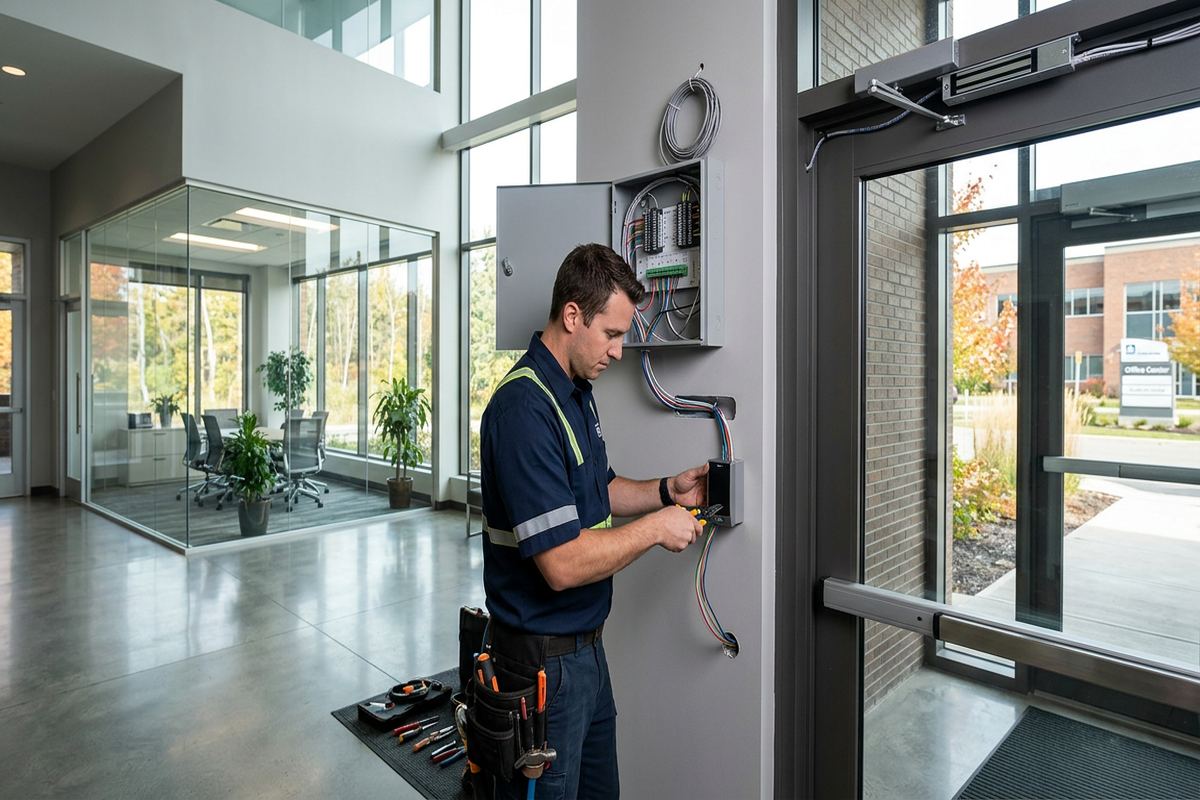
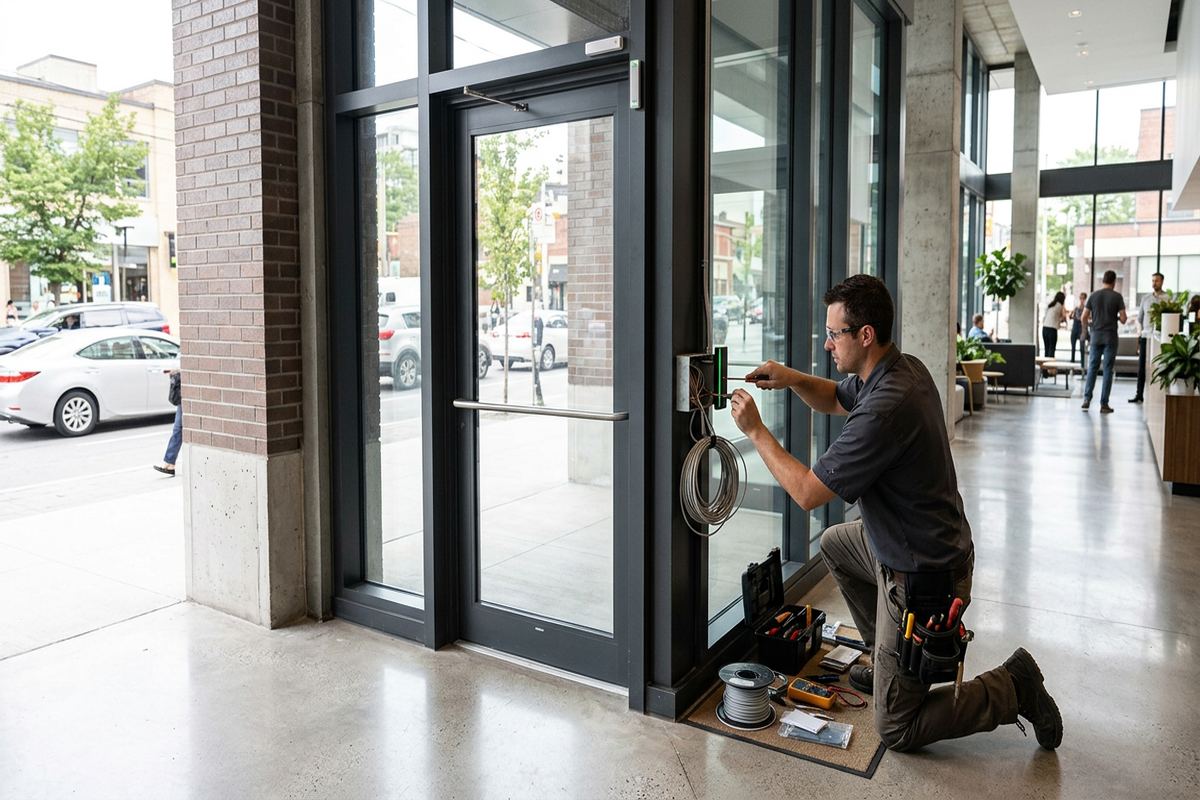
Access control depends on cabling that remains traceable after walls and ceilings are closed. UnifiedLink installs continuous labelled cable runs between field devices and their designated termination points, avoiding undocumented joins hidden above ceilings or inside walls. Cable type is selected for the device, distance, environment and applicable pathway. Readers, locks, door contacts, request-to-exit devices and network-connected controllers may have different conductor requirements. At Ajax commercial sites, routes are planned around lighting, electrical equipment, HVAC systems and tenant improvements so that low-voltage cabling is supported, protected and accessible for future service.
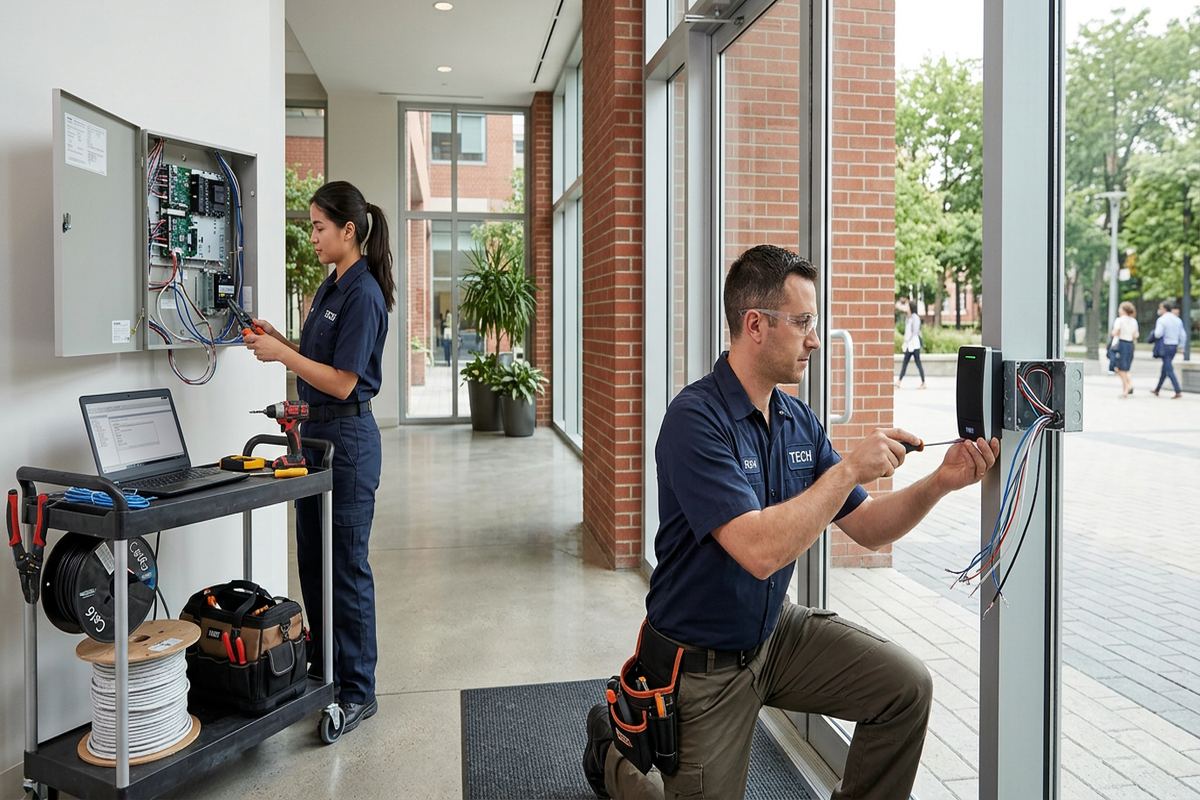
Controller and power-supply locations require more thought than simply choosing the nearest closet. Equipment should be placed in a controlled area with suitable space, power, ventilation and service access. Network-connected systems also need coordination with the customer's IT provider for switch ports, addressing, firewall policies or remote-management requirements. We document these dependencies rather than changing a business network without authorization. In industrial units, long routes and separated warehouse areas can influence controller layout. In smaller Southwood or Applecroft premises, finished offices may make a discreet central location preferable to visible surface-mounted equipment near a public entrance.
Labelling provides value when a door fault must be traced or the system is expanded. Each run should correspond to the door and device shown in the project record, with terminations organized so another qualified technician can understand the layout. At handover, the customer receives an as-built record reflecting the installed system, not only the original proposal. If site conditions require a route or device location to change, that change is captured. This reduces reliance on memory and helps building owners, property managers and IT staff coordinate later renovations without guessing where access-control cables travel.
- Continuous labelled low-voltage cable runs
- Separate conductors matched to each device
- Controller locations planned for service access
- IT requirements coordinated before connection
- As-built cabling record supplied at handover
Installing and Configuring Ajax Door Systems
Installation is coordinated around occupancy, door use and the work described in the approved scope. Before taking a controlled opening out of normal operation, we confirm access arrangements with the site contact and identify any sensitive periods for staff, customers or deliveries. Hardware is mounted to suit the assessed door and frame, while readers and door devices are positioned for practical use. Cable routes are completed and labelled before final termination where possible. If concealed conditions differ from the assessment, the issue is reviewed rather than covered with an unapproved substitution that changes system performance or building finishes.
On-site configuration connects the physical door to the customer's operating rules. We enrol authorized administrators, establish doors and user groups, apply agreed schedules and test supported event functions. Testing includes credential acceptance, denied access, lock release, door position reporting and request-to-exit operation where those features are installed. We also observe whether the door closes and relatches after release. For an Ajax business with several entrances, each opening is checked individually because similar-looking doors can behave differently. Configuration results are compared with the agreed door schedule before the system is placed into routine use.
Handover focuses on tasks the customer will actually perform. Authorized personnel are shown how to add and remove users, assign permissions, review relevant activity and respond to common status messages within the selected platform. Accounts are delivered using the customer's own credentials, and equipment ownership is identified in the scope. We provide the as-built record and review any exclusions, third-party services or ongoing subscription requirements associated with the chosen equipment. One accountable contractor coordinates the access-control installation, cabling and configuration, reducing gaps between separate installers while still working with approved locksmith, electrical or IT contacts when required.
- Work coordinated around occupied-door requirements
- Every controlled opening function-tested
- Schedules and permissions configured on site
- Customer administrators shown routine tasks
- Credentials and as-built records handed over
Access Control for Ajax Retail and Industrial Units
Retail and professional spaces often combine public access with restricted staff areas. A storefront may need free entry during operating hours, credential access before opening, and controlled doors for stockrooms or offices. The plan must account for how staff arrive, where deliveries occur and who locks up. In Central Ajax commercial strips, leased units may share exterior walls, utility rooms or rear service corridors with other occupants. Landlord consent can affect cabling pathways and exterior reader placement. We identify these shared-property issues before work begins and keep tenant-controlled equipment separate where the building arrangement requires it.
Industrial units place different demands on access control. Warehouse doors may be farther from the network room, exposed to dust or temperature changes, and used by employees wearing gloves or carrying materials. Loading activity can also keep doors open longer than an office entrance. Device choice and placement should reflect those conditions rather than copying an office specification. Masonry demising walls may require protected surface pathways, while steel door frames can affect hardware preparation. The assessment maps practical routes and notes whether overhead doors, gates or vehicle access require separate specialist equipment beyond the building-door scope.
Multi-tenant and managed properties need clear boundaries between building administration and occupant administration. A property manager may control common entrances while each tenant manages suite credentials, or the owner may prefer centralized control with defined permission groups. Either model requires decisions about account ownership, user removal, event access and responsibility for after-hours changes. For Ajax condo-commercial properties, board or management approval may also be needed before devices are attached to common elements. The written scope records these boundaries so all parties understand which doors, accounts, networks and recurring services belong to whom.
- Public and staff access zones separated
- Rear entrances and stockrooms included
- Warehouse conditions considered during device selection
- Shared-building responsibilities documented
- Common-element approvals identified before work
Connecting Access Control with Other Systems
Access control can operate independently or exchange information with other building systems when compatible products and approved integrations are available. A common requirement is video verification, allowing authorized staff to compare a door event with footage from a nearby security camera. The camera still needs a useful angle, suitable lighting and an accurate time setting. Integration should be planned rather than assumed from product branding. We confirm what the selected platforms support, what licensing or network access may be required, and which party is responsible for maintaining the connection after the Ajax installation is handed over.
Alarm coordination may support specific workflows, such as presenting a valid credential during approved hours or reporting a forced opening. However, life-safety, intrusion and access functions have distinct requirements and should not be combined casually. Any proposed connection is documented, tested within the supported design and coordinated with the relevant service provider. Door release arrangements must preserve required egress and account for applicable building and fire-safety considerations. Where professional review, electrical work or another authority is required, that dependency is identified rather than represented as part of ordinary low-voltage configuration.
Networked management can help authorized users administer multiple doors or locations, but it also introduces account and connectivity responsibilities. The customer should know whether management is local, cloud-based or dependent on a vendor service. We review account ownership, administrator roles, update responsibilities and available data-retention settings during system selection. Ajax businesses should also involve their IT contact before controllers are connected to corporate networks. Remote access is configured only within the chosen platform and approved network policy. Handover records the relevant controller, account and connection details without embedding installer-owned credentials into normal customer operations.
- Supported video event integration assessed
- Alarm connections defined before configuration
- Required egress remains part of planning
- Local or cloud management clarified
- Customer and IT account ownership documented
Maintaining Commercial Access Control in Ajax
Routine review helps an access control system continue reflecting the people and doors it is meant to manage. Businesses should remove departed users promptly, review temporary credentials and confirm that holiday schedules still match operating plans. Physical checks are equally important: doors should close smoothly, latches should engage, readers should remain secure and exterior sealant should show no gaps. Ajax winters and repeated freeze-thaw conditions can expose marginal exterior sealing or alter door alignment. These observations do not require changing the entire system, but they should be addressed before intermittent operation becomes a persistent access problem.
Changes to a space can affect access control even when no door hardware is moved. New partitions may cover cable pathways, network upgrades can change controller connectivity, and tenant improvements may relocate power or communications equipment. Before renovating an office, shop or industrial unit, the as-built record should be reviewed so contractors understand where low-voltage runs and controllers are located. If another opening is added, the existing platform, power capacity, controller capacity and licensing model should be checked. Expansion is more predictable when the original installation has labelled runs and documented account ownership.
For a new Ajax project, service begins with a request and a discussion of the property, doors and intended use. Requests sent during business hours are answered the same day, while after-hours requests are answered the next business day. Site assessment timing depends on the service and travel distance. After the assessment, UnifiedLink prepares a written scope covering the proposed equipment, cable routes, device placement, exclusions, equipment ownership and warranty. This gives the customer a defined basis for approval and allows landlord, condo, IT or other trade requirements to be resolved before installation is scheduled.
- Credential lists reviewed when staffing changes
- Exterior devices checked after seasonal movement
- Door closing and latching monitored
- As-built records consulted before renovations
- Assessment completed before project pricing
Ajax neighbourhoods we cover
- Southwood
- Nottingham
- Duffin's Bay
- Applecroft
- Pickering Beach
- Central Ajax
Commercial access control installation in Ajax — common questions
What does an Ajax access control assessment include?
The assessment covers each proposed door, its frame and locking hardware, nearby power, network requirements, cable routes and expected users. We also review schedules, credential types, egress, exterior exposure and any landlord or condo approvals. After visiting the Ajax property, UnifiedLink prepares a written scope describing equipment, placement, routes, exclusions, ownership and warranty before providing project pricing.
Can access control be added to an existing commercial door?
Often it can, but the existing door must be assessed first. In Ajax commercial units, doors may have steel frames, masonry surroundings, fire-rated components or landlord-owned hardware. We check alignment, latch operation, exit hardware and available cable routes. A locksmith, door technician or electrician may be required if mechanical repairs, door preparation or line-voltage work falls outside the low-voltage installation scope.
Which credentials should my Ajax business use?
The choice depends on staff turnover, security policy, phones allowed at work and how credentials will be administered. Cards and fobs are familiar and individually revocable, while mobile credentials may reduce physical credential handling on compatible platforms. PINs can suit limited situations, but shared codes provide less individual accountability. We compare supported options during the Ajax site assessment and configure the selected method under customer-owned administrator accounts.
Do I need landlord or condo approval?
Approval may be required when the work affects a leased door, exterior wall, common corridor, shared network room or condo common element. This is particularly relevant in Ajax commercial strips and mixed-use properties. The property owner or manager should confirm its requirements before installation. UnifiedLink can document proposed device positions, cable routes and penetrations in the written scope so the customer has clear information for the approval process.
Will the system work during an internet outage?
That depends on the selected platform and controller design. Many systems can continue making local door decisions when internet service is unavailable, although remote administration, cloud reporting or mobile functions may be interrupted. We explain the expected offline behaviour, power requirements and network dependencies before equipment is selected. Ajax businesses should also decide whether backup power is required and involve their IT provider in network planning.
What do we receive when installation is complete?
After installation at the Ajax property, the system is configured and function-tested on site. Authorized customer personnel receive their own credentials and guidance on routine administration, such as adding or removing users and adjusting permissions. UnifiedLink also provides an as-built record reflecting installed devices and cable routes. The handover reviews equipment ownership, exclusions, warranty information and any third-party subscription or network responsibilities identified in the scope.
Coverage in Ajax is confirmed against the address before we quote. See everything we install in Ajax or the province-wide commercial access control installation page.